
Love Photo Frame - Love photo frames & collages
Transform your moments with exquisite love photo frames & collages, adding stickers & quotes for a romantic touch.

- 1.11 Version
- 1.5 Score
- 144K+ Downloads
- Free License
- 3+ Content Rating

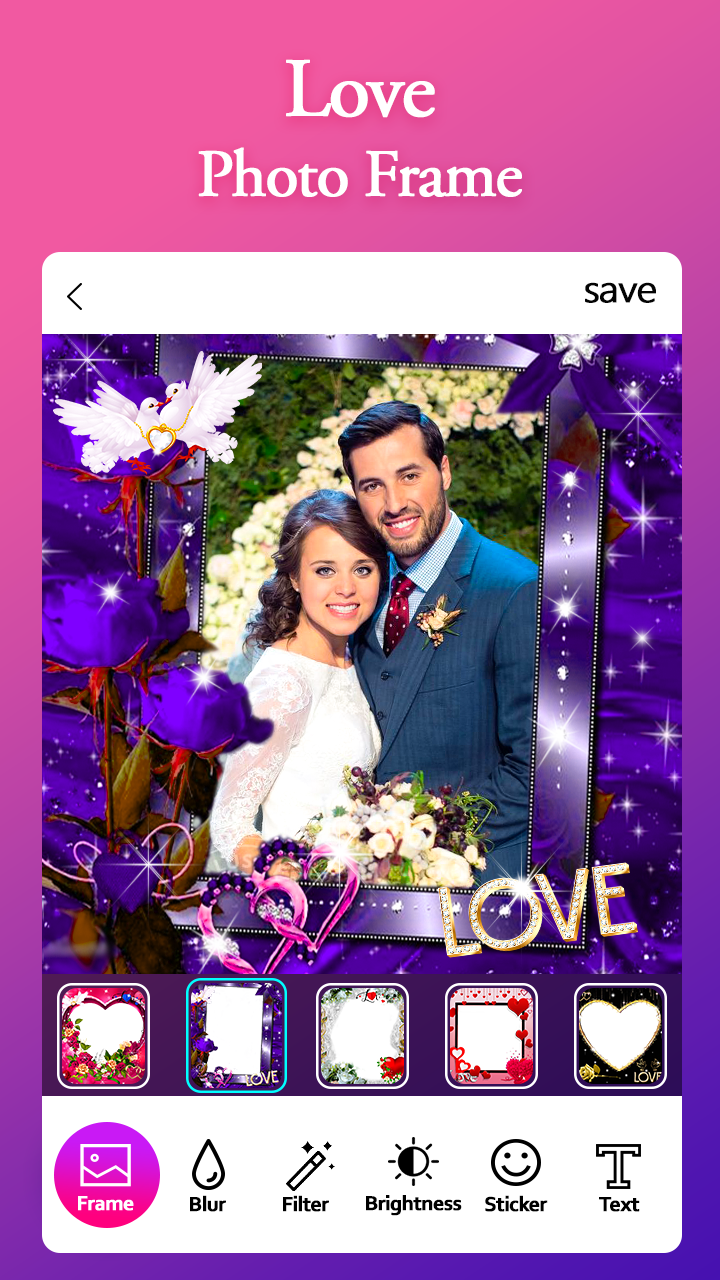
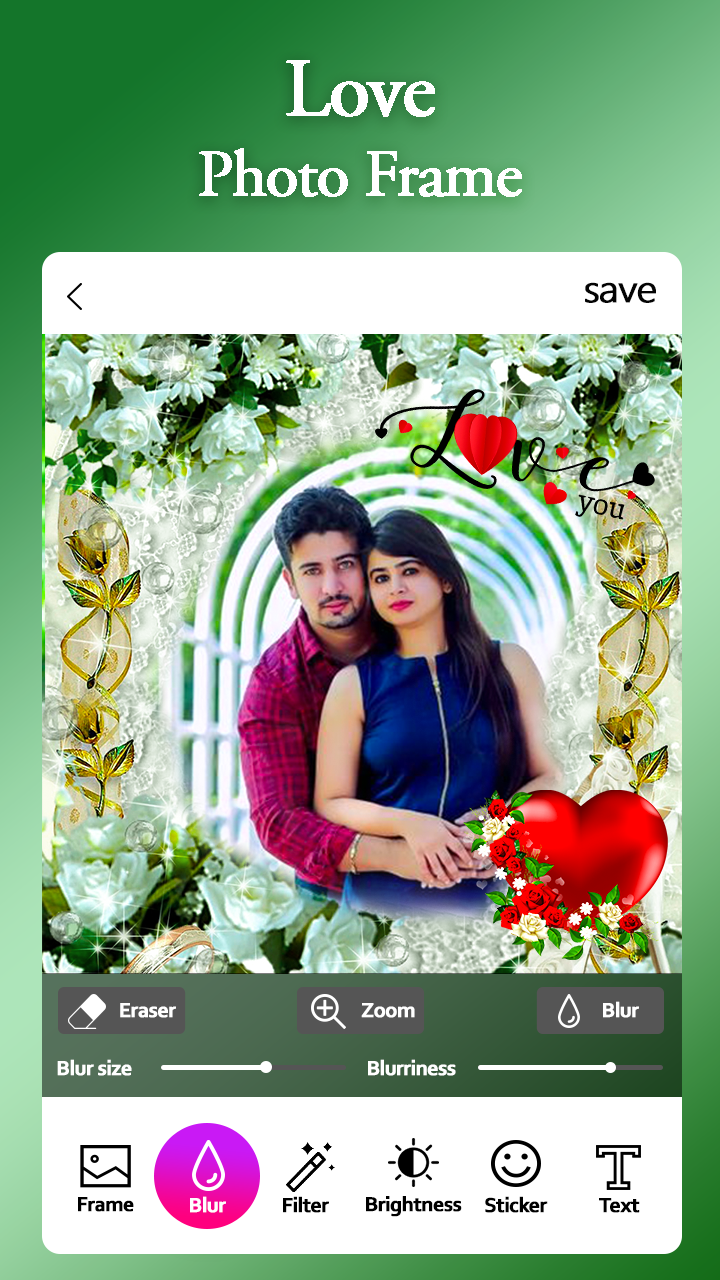
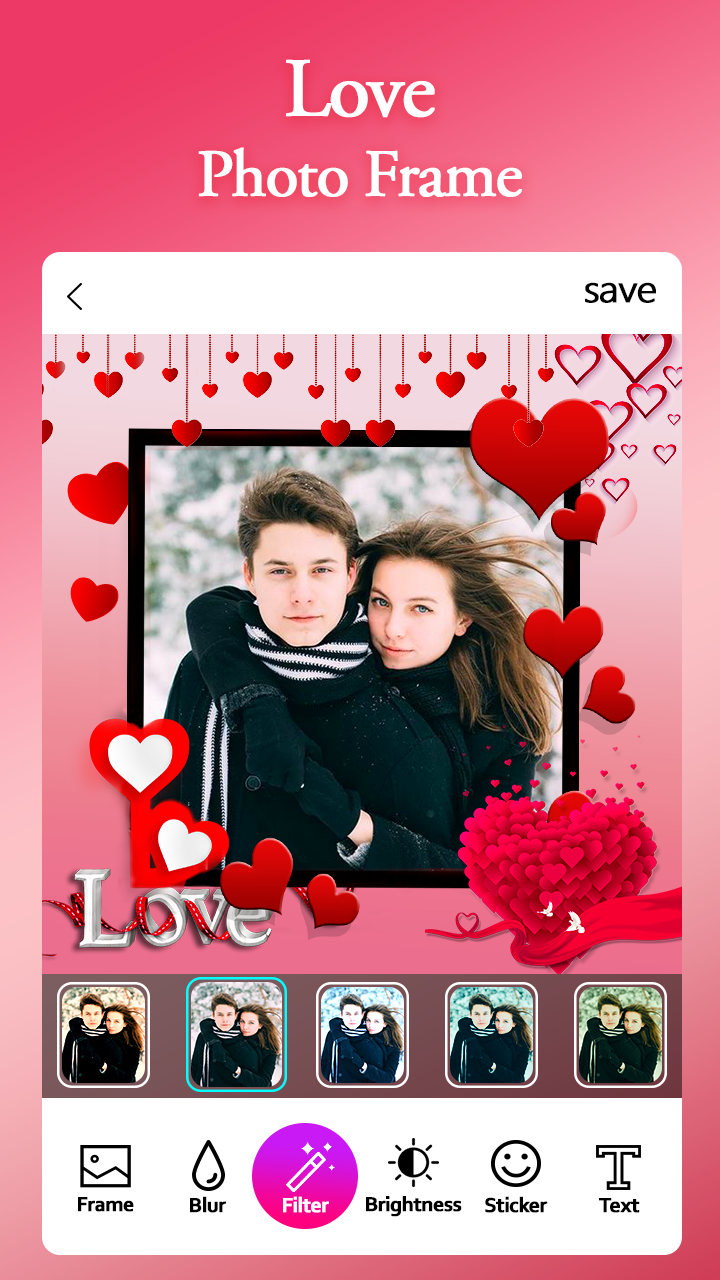
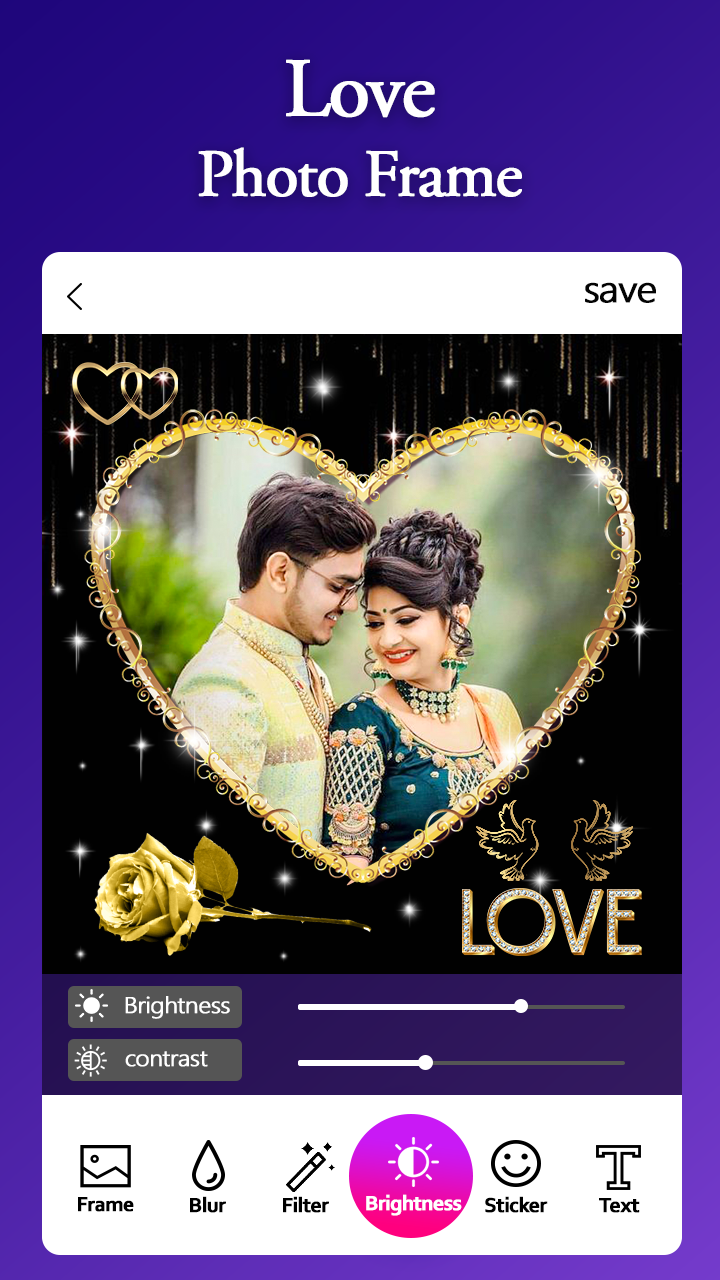
1. App Overview
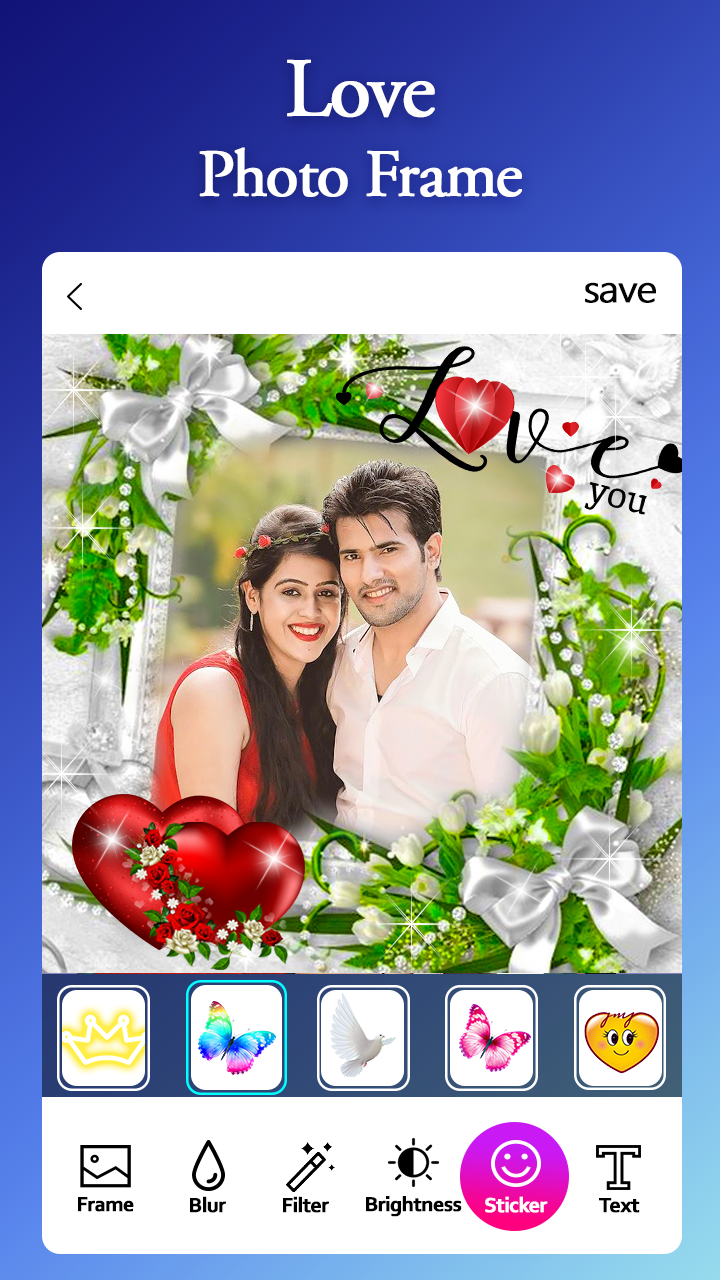
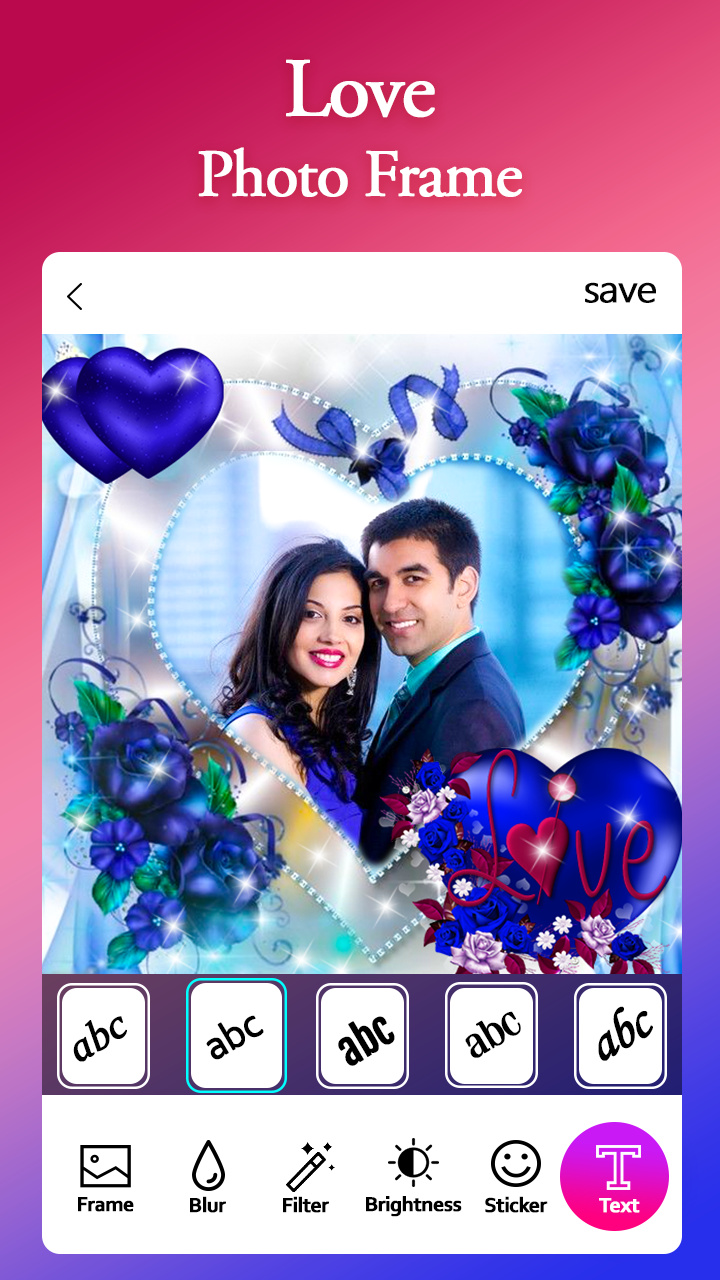
Love Photo Frames is an Android photo editing app designed for creating romantic pictures, personalized collages, and decorative greeting images. It features a collection of HD love-themed frames that can be applied to personal photos, with designs incorporating hearts, flowers, and other romantic elements. Single-photo and double-photo layouts are available, allowing users to create individual photo decorations or combine two pictures into one composition.
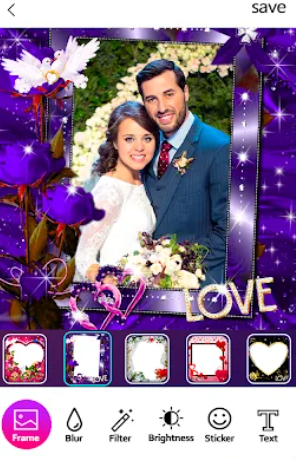
The app includes several customization options for personalizing images. Users can add flower and heart stickers, insert text, change text colors, and arrange their photos within themed backgrounds. Heart-shaped designs provide additional ways to present personal pictures, while the built-in Love Quotes section offers romantic sayings that can be selected and shared separately or used to complement photo creations.
Another feature is the live wallpaper option. Selected photo frames can be applied as wallpapers, where animated stars respond to screen touches and add movement to the display. Completed images can also be saved to the device or shared through supported platforms.
With its combination of photo frames, decorative editing tools, romantic quotes, and interactive wallpapers, Love Photo Frames is suited to creating personalized greetings, anniversary pictures, and other love-themed keepsakes.
2. Key Features
HD Romantic Photo Frames: A collection of love-themed frame designs for decorating personal photographs.
Single and Double Photo Layouts: Frame options for individual pictures and two-photo compositions.
Decorative Stickers: Flower and heart stickers for adding visual details to edited images.
Text Customization: Insert personal messages and customize their colors.
Love Quotes Collection: A dedicated section featuring romantic sayings that can be selected and shared.
Interactive Live Wallpapers: Animated stars respond to touches when selected designs are applied as wallpapers.
Image Saving and Sharing: Save completed pictures or share them through supported platforms.
3. Main Functions
Select Photos: Import personal pictures from the device gallery for editing.
Apply Photo Frames: Place images into single-photo or double-photo romantic layouts.
Decorate Pictures: Add heart and flower stickers to customize photo compositions.

Insert Text: Add personal messages and adjust text colors to suit the design.
Browse Love Quotes: Explore romantic sayings and share selected quotes with others.
Set Wallpapers: Apply selected frame designs as live wallpapers with touch-responsive star animations.
Save and Share Images: Store finished creations on the device or send them through other supported apps.
4. FAQs
Q1: Can I use photos from my device gallery?
Yes. You can select pictures stored on your Android device and place them into the available photo frames and backgrounds.
Q2: Can I create collages with two photos?
Yes. The app includes both single-photo and double-photo frame layouts, allowing you to create different picture arrangements.
Q3: Can I add text and stickers to my photos?
Yes. You can insert personal messages, change text colors, and decorate pictures with flower and heart stickers.
Q4: Does Love Photo Frames include romantic quotes?
Yes. The app has a Love Quotes section containing romantic sayings that you can browse, select, and share.
Q5: Can I set my edited designs as live wallpapers?
Yes. Selected designs can be applied as live wallpapers. Animated stars respond when you touch the screen.
- Version1.11
- UpdateNov 27, 2026
- DeveloperSquare Photo Frame Collection
- CategoryPhotography
- Requires AndroidAndroid 5.0+
- Downloads144K+
- Package Namecom.Square.Photo.Frame.Collection.lovephotoframe
- Signaturecc447d30d42f785d4e886b937a232cc5
- Available on
- ReportFlag as inappropriate
















Unique frame style
Enhancing photo color and detail
Collecting user data
A waste of time