Private Photo Vault - Secure photo storage
Safeguard personal photos with PIN and fingerprint lock
- 5.4.1 Version
- 4.6 Score
- 15M+ Downloads
- In-app purchases License
- 3+ Content Rating


1. App Overview
Private Photo Vault is a photo and video storage app that keeps selected media separate from the device's regular gallery. Users can move personal pictures and recordings into a password-protected vault, where they can browse and manage files without displaying them alongside everyday media.
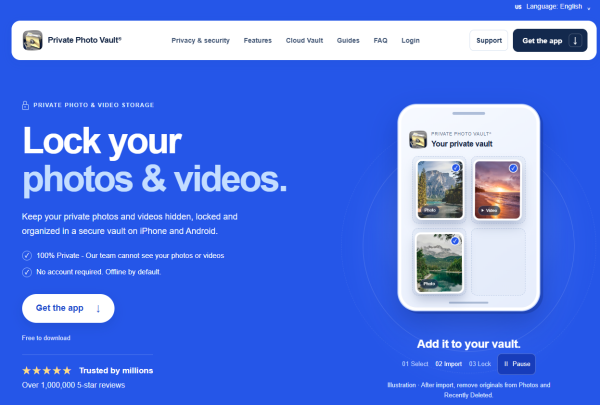
The app includes several access-control features. Individual albums can be protected with separate passwords, while a decoy password opens an alternative vault instead of the main collection. Its break-in report feature can capture a photo and GPS location when an unauthorized access attempt is detected. An app-hiding option is also available to make the app less visible on the device.
For media management, Private Photo Vault supports secret albums, customizable album covers, and photo import and export. Its built-in viewer allows users to zoom in on pictures and swipe between images. Videos are stored in a separate section and can be played directly within the app.
2. Key Features
Individual Album Passwords: Protect selected photo albums with separate passwords.
Break-In Reports: Capture a photo and GPS location when an unauthorized access attempt is detected.
Decoy Password: Open an alternative vault instead of the main collection when entering a secondary password.
Secret Albums: Organize private pictures into separate collections with customizable album covers.
Built-In Photo Viewer: Zoom in on pictures and swipe between images without exporting them.
Video Storage and Playback: Keep private recordings in a dedicated section and play them within the app.
App Hiding: Make the app less noticeable on the device.
Photo Import and Export: Transfer pictures into or out of the vault. The app description states that photo exports have no file limit.
3. How to Use Private Photo Vault
Set an access password to create your vault, then import the photos and videos you want to keep separate from your regular gallery. Organize pictures into secret albums and customize their covers to identify different collections.
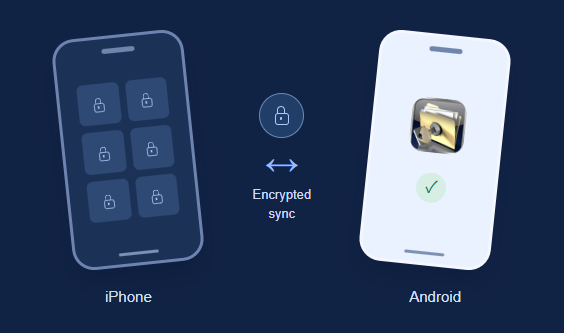
Open the photo or video section to browse stored media. Pictures can be viewed directly in the app, while videos can be played from their dedicated section. To use a stored picture outside the vault, export it to your device.
For additional access control, set up a decoy password, enable the app-hiding option, or activate break-in reports.
4. Frequently Asked Questions
Q1: Can Private Photo Vault hide both photos and videos?
Yes. The app supports both photo and video storage. Videos are kept in a separate section and can be played directly within the app.
Q2: Can I protect individual photo albums with different passwords?
Yes. You can assign separate passwords to individual photo albums in addition to the main vault password.
Q3: Does Private Photo Vault record unauthorized access attempts?
Yes. The break-in report feature can capture a photo and the associated GPS location when an unauthorized access attempt is detected.
Q4: What happens when I enter the decoy password?
The app opens an alternative vault instead of displaying your main collection.
Q5: Can I export photos from Private Photo Vault?
Yes. The export function lets you move stored photos back to your device. According to the app description, photo exports have no file limit.
Q6: Is there a limit to how many photos and videos I can store?
The available storage capacity depends on the free space on your device. Unlimited photo exports do not mean the vault itself offers unlimited storage.
- Version5.4.1
- UpdateNov 23, 2026
- DeveloperLegendary Software Labs LLC
- CategoryPhotography
- Requires AndroidAndroid 7.0+
- Downloads15M+
- Package Namecom.enchantedcloud.photovault
- Signature46f3d03cc09e7073fbcab4f7788e8a70
- Available on
- ReportFlag as inappropriate
-
NameSizeDownload
-
60.15 MB
-
60.20 MB
-
60.41 MB