Background Eraser Photo Editor - Remove backgrounds easily.
Effortlessly remove backgrounds and create stunning photos with precision.
- 2.29.88 Version
- 4.5 Score
- 27M+ Downloads
- In-app purchases License
- 3+ Content Rating


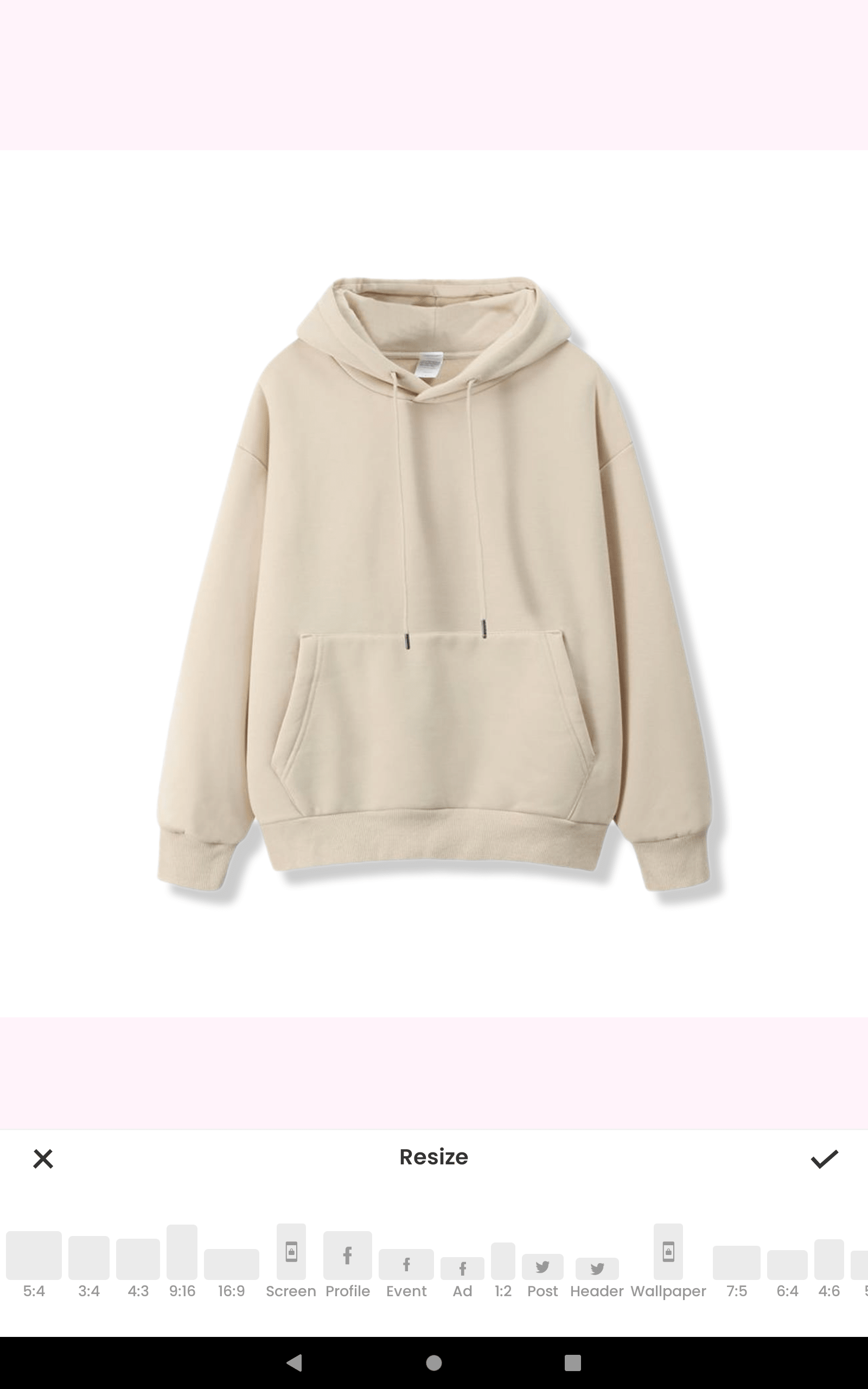
1. App Overview
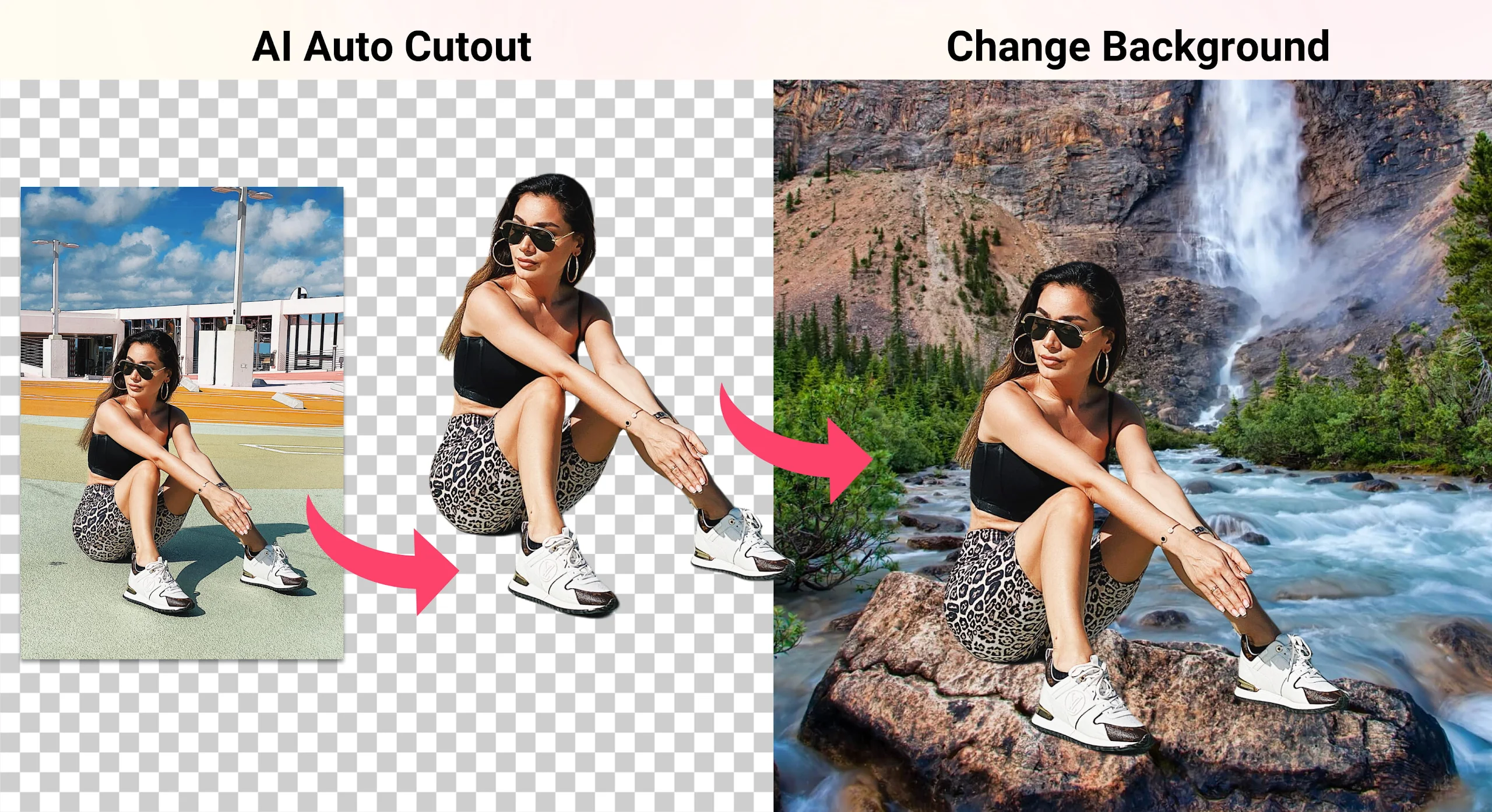
Background Eraser Photo Editor is a photo editing app designed to remove image backgrounds and create isolated subject cutouts. Its AI-powered recognition technology detects subjects such as people, animals, plants, and anime characters, separating them from their original backgrounds. Users can refine the results by adjusting edges, erasing unwanted areas, or restoring parts of the image.
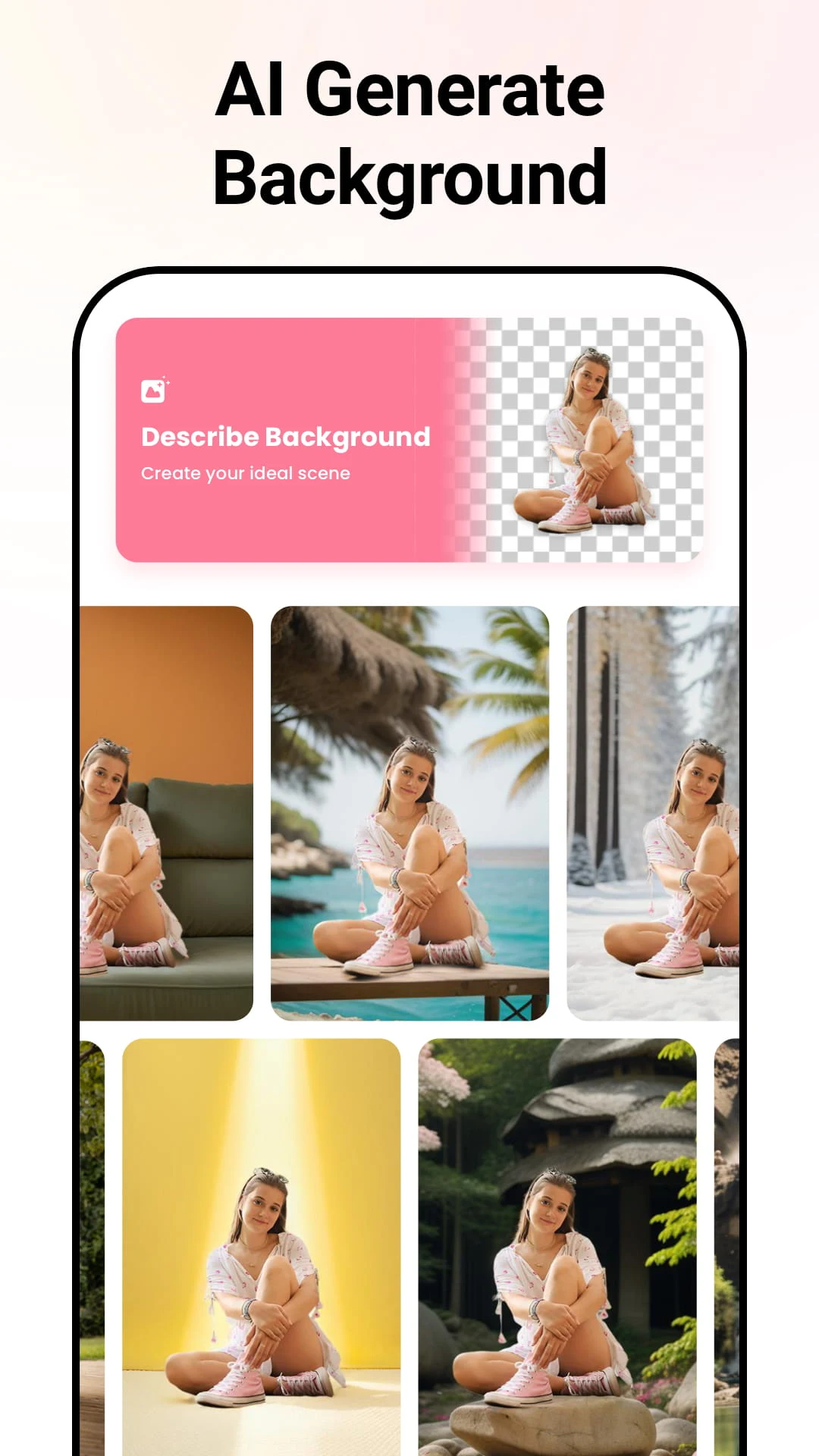
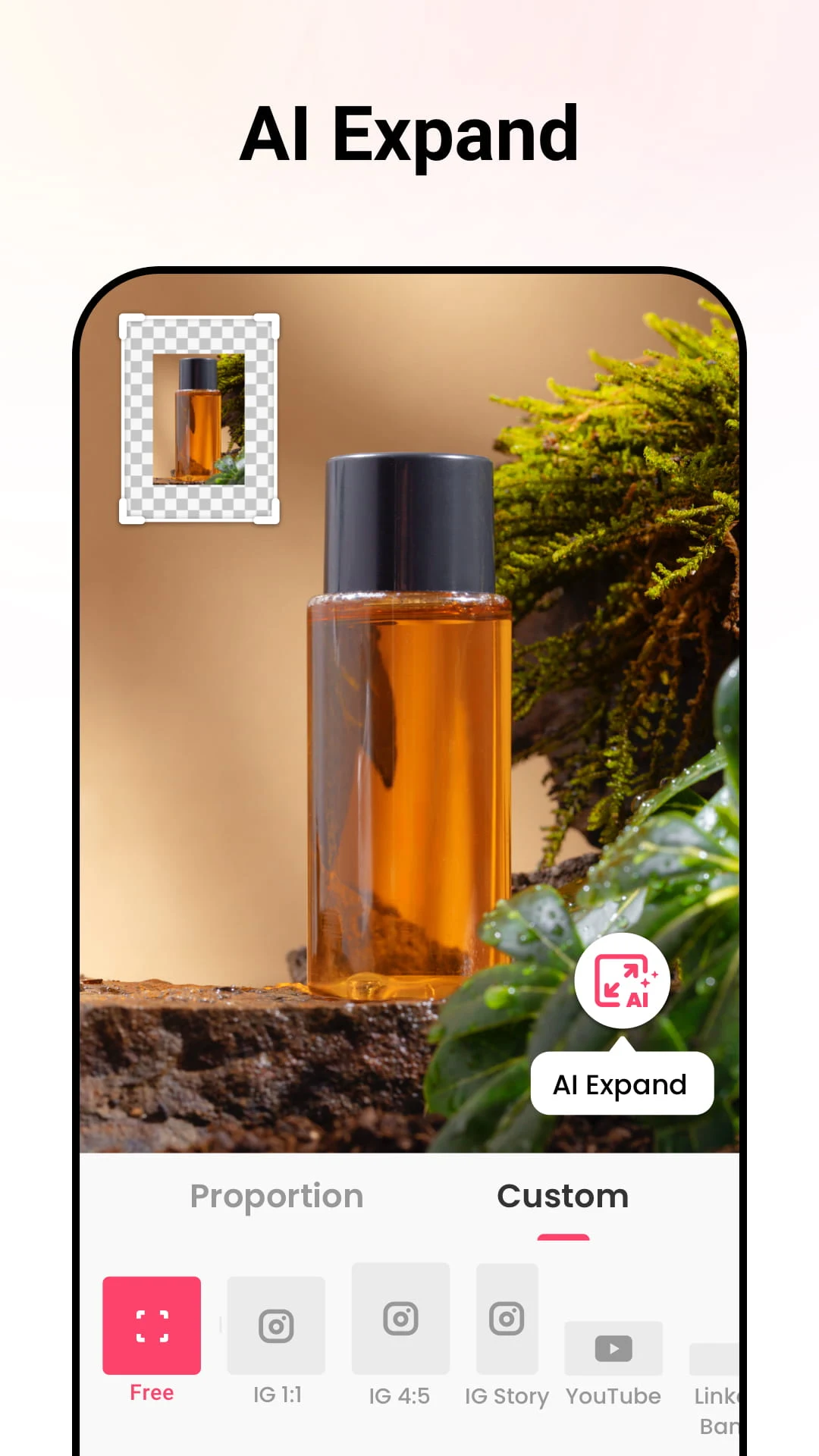
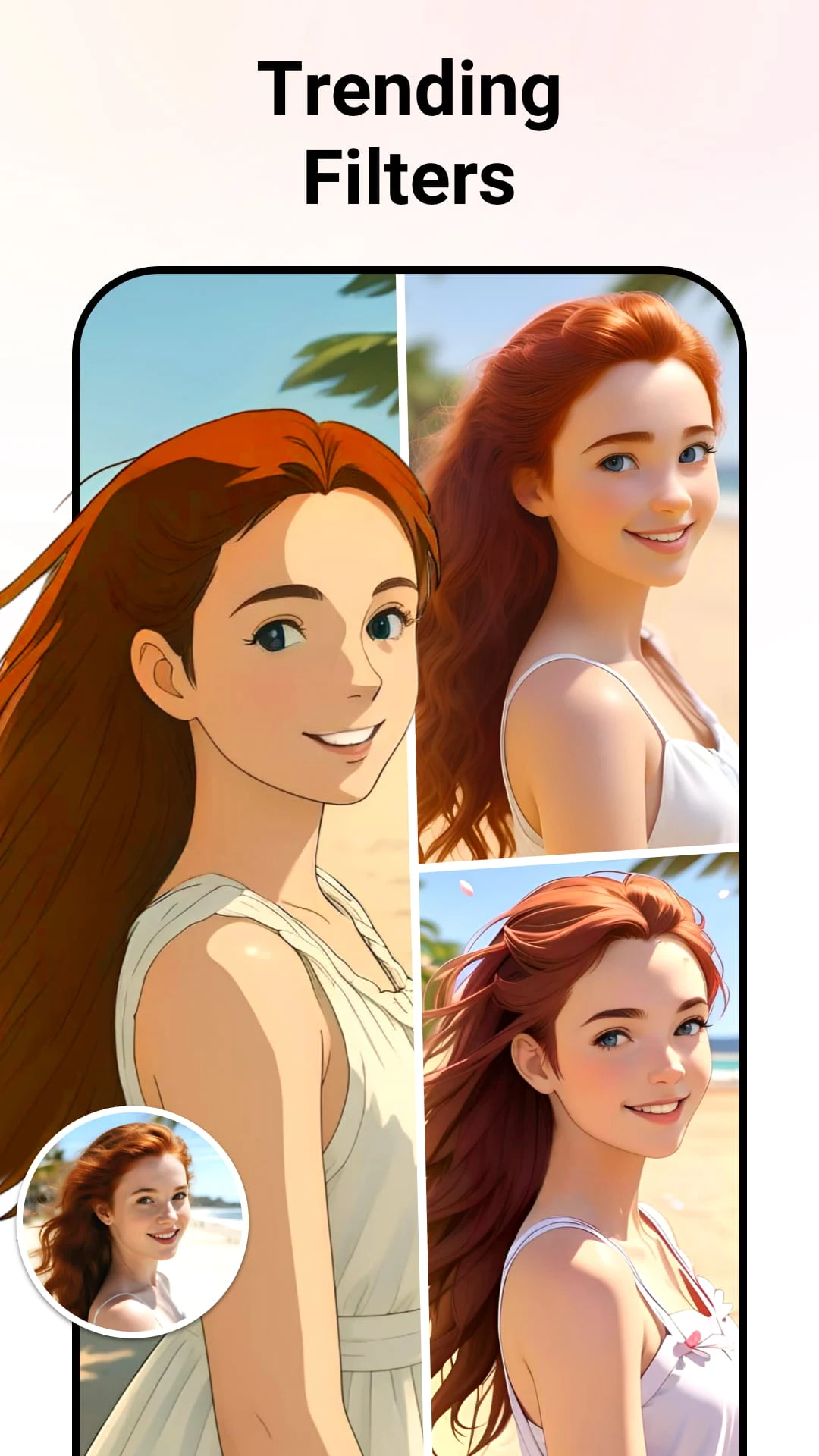
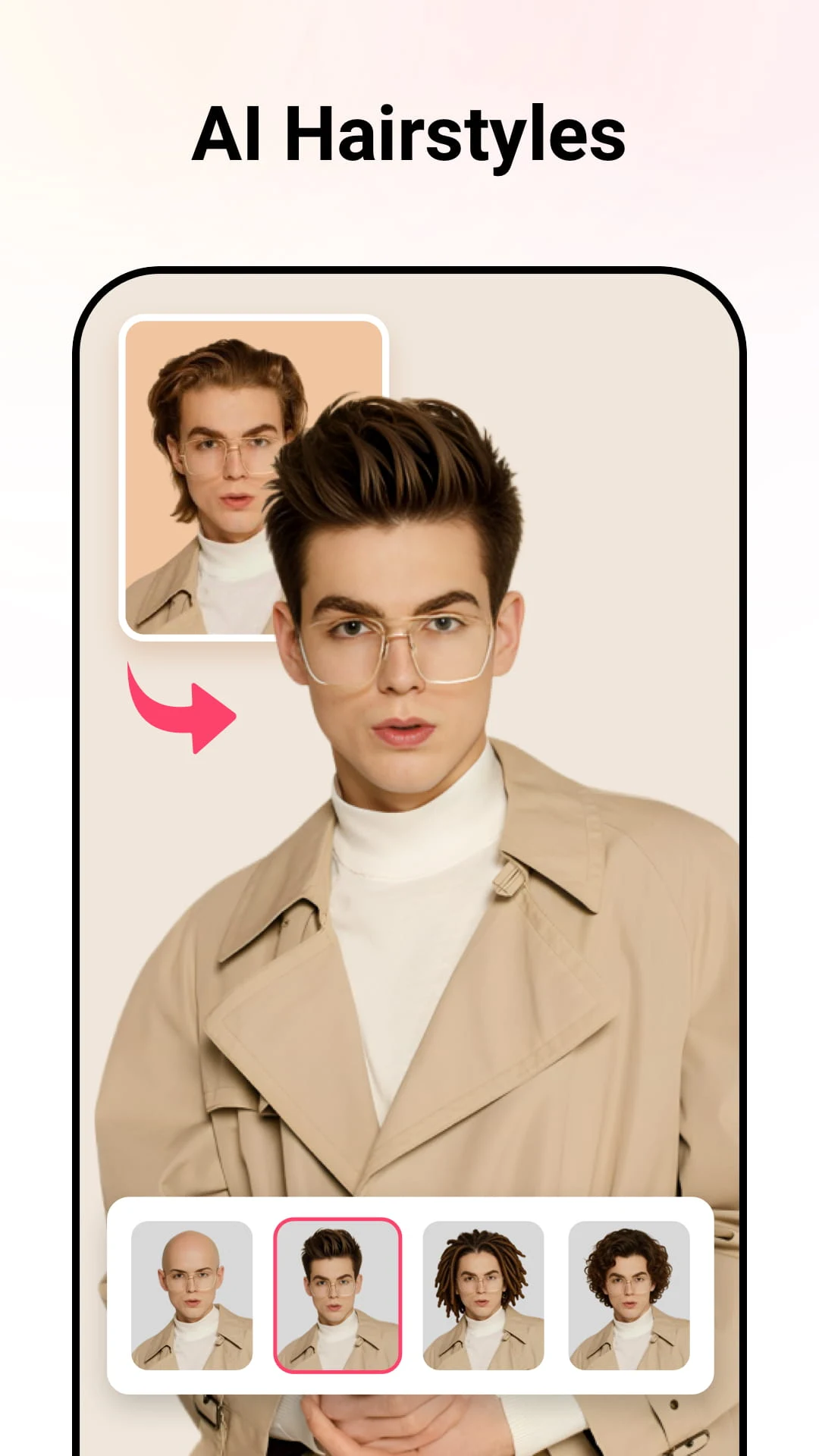
In addition to background removal, the app includes AI-powered tools for creating and modifying images. AI Background Generator creates new scenes from text prompts, while AI Expand extends images beyond their original borders to change the composition. Users can also turn selfies into stylized avatars, apply creative filters, and process multiple photos through batch editing.
Edited images can be exported as transparent PNG files without a watermark. These cutouts are suitable for product photos, profile pictures, stickers, YouTube thumbnails, memes, and ID photos with plain backgrounds.
2. Key Features
AI Background Removal: Automatically detects and separates people, animals, plants, anime characters, and other subjects from image backgrounds.
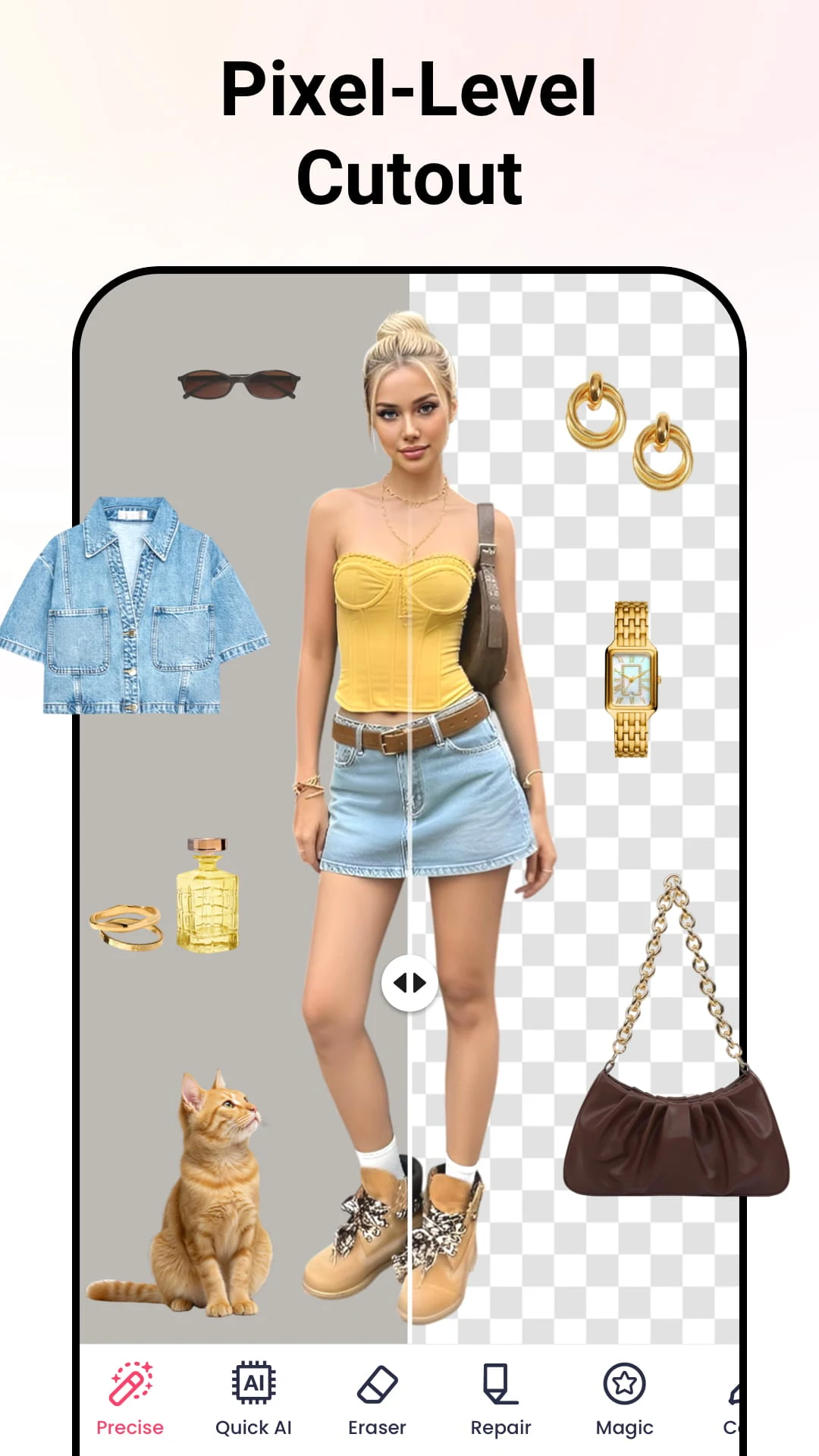
Three Editing Modes: Quick AI Mode removes backgrounds automatically, Precise Mode provides more control over edges, and Manual Mode allows users to edit specific areas.
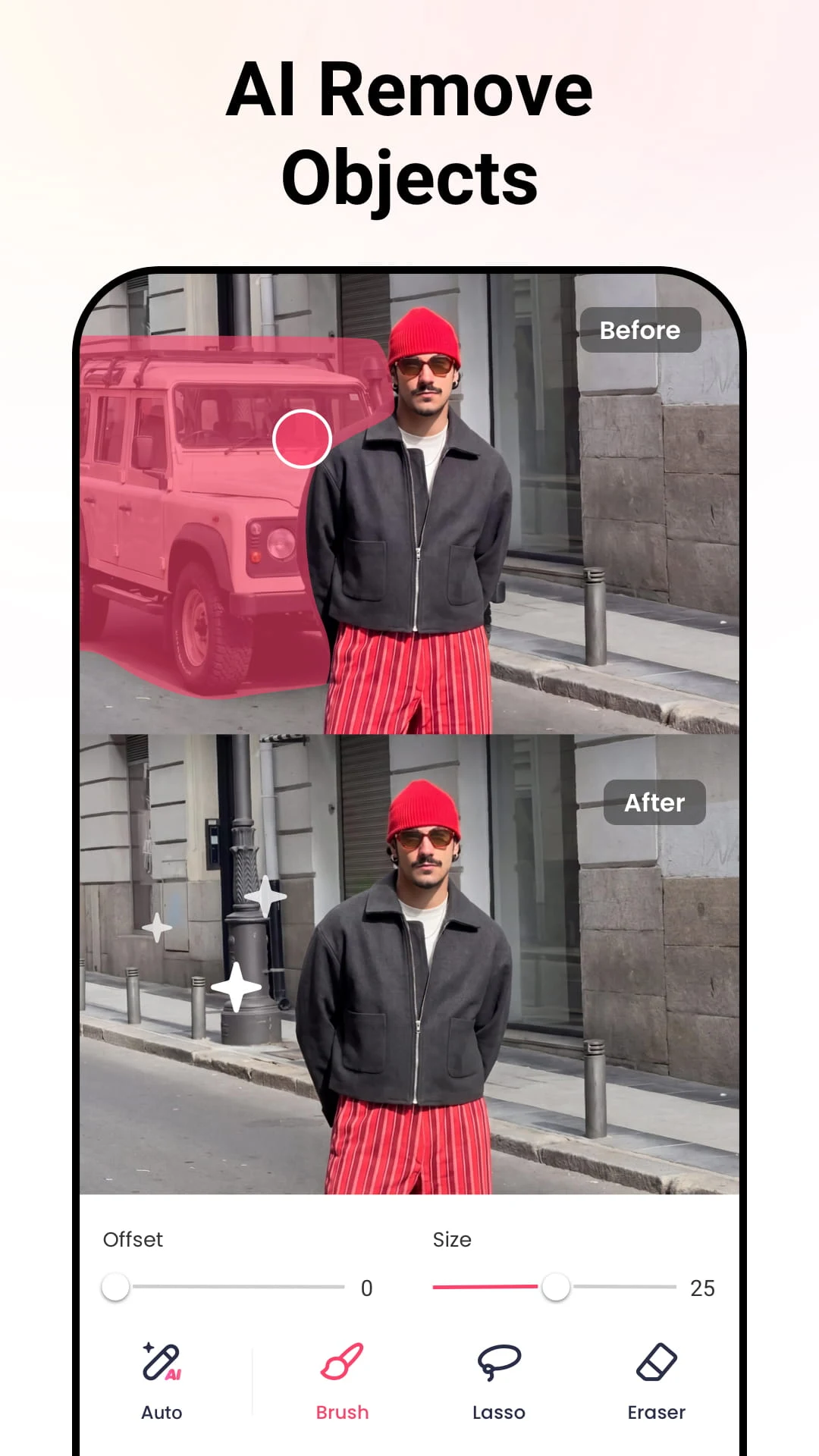
Erase and Restore Tools: Removes unwanted parts of an image or restores details that were accidentally erased.
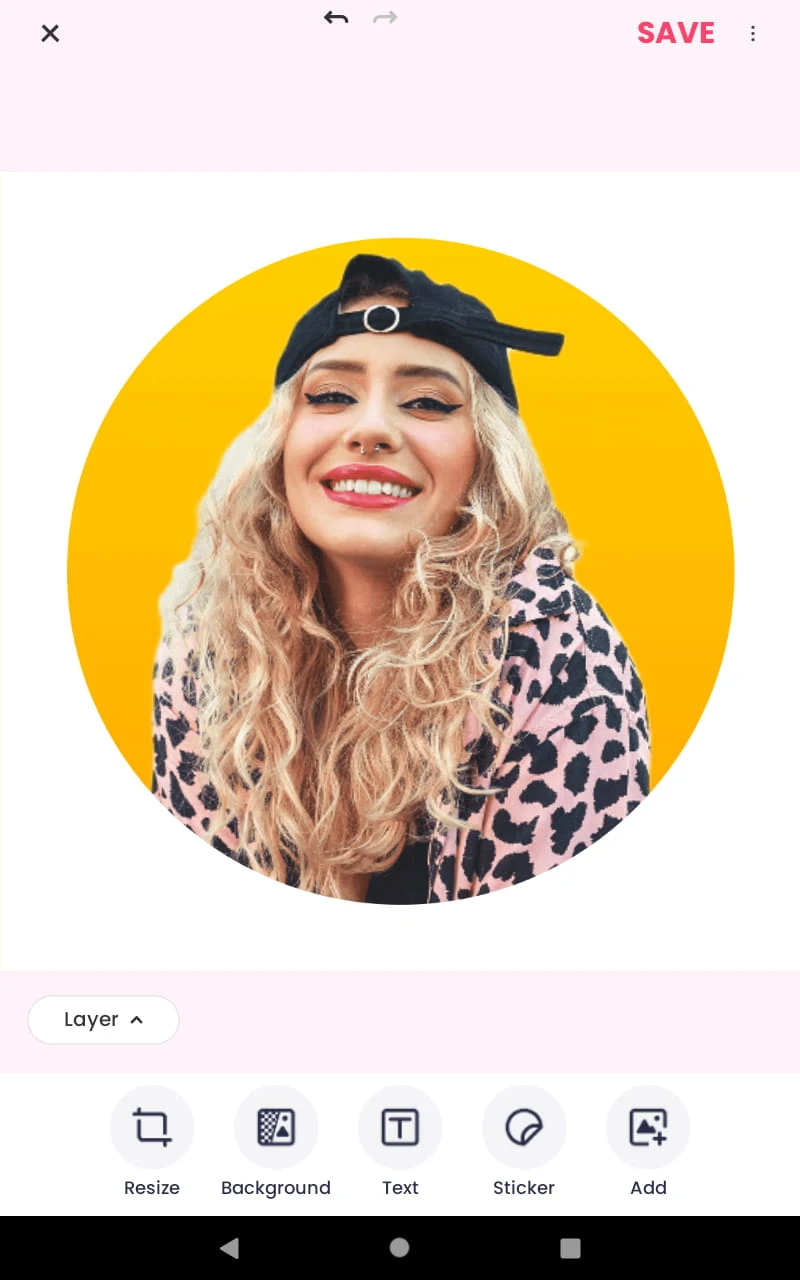
Shape Cropping: Crops cutouts into circles, hearts, squares, rectangles, and other shapes for profile pictures, stickers, and designs.
AI Background Generator: Creates replacement backgrounds based on text descriptions.
AI Expand: Extends an image beyond its original boundaries to add space or change its composition.
Batch Processing: Removes backgrounds from multiple photos in a single operation.
AI Avatars and Creative Filters: Converts selfies into stylized avatars and applies visual effects to photos.
Transparent PNG Export: Saves edited cutouts as PNG files with transparent backgrounds and no watermark.
3. How to Use Background Eraser Photo Editor
Import a picture from your device or take a new photo using the in-app camera. Select Quick AI Mode for automatic background removal, or choose Precise Mode and Manual Mode when the cutout requires more detailed adjustments.
After removing the background, refine the subject using the erase and restore tools. You can leave the background transparent, select another picture from your gallery, or generate a replacement scene with a text prompt. Shape Mode offers additional cropping options, while AI Expand adds space around the original image.
For multiple pictures, use batch processing to remove their backgrounds together. Once editing is complete, export the result as a transparent PNG or save it in JPEG format if you have added a solid background.
4. Frequently Asked Questions (FAQs)
Q1. Can I save images with transparent backgrounds?
Yes. The app supports PNG exports with transparent backgrounds and does not add a watermark to these exported images.
Q2. Can I remove a photo background manually?
Yes. Manual Mode lets you erase or restore specific areas, while Precise Mode provides additional control over cutout edges.
Q3. How can I add a new background to a photo?
You can import an existing image from your gallery or use AI Background Generator to create a new scene by entering a text description.
Q4. Does the app support batch background removal?
Yes. Batch processing allows you to remove backgrounds from multiple photos in one operation.
Q5. Is Background Eraser Photo Editor free to use?
The app is free to download, but its Google Play listing indicates that it contains advertisements and in-app purchases. Some features or content may require payment.
Q6. Why does the app request photo and camera permissions?
Photo and file access is required to import pictures and save edited images. Camera permission is needed if you want to take photos directly within the app.
- Version2.29.88
- UpdateNov 23, 2026
- DeveloperPhoto Editor & Collage Maker
- CategoryPhotography
- Requires AndroidAndroid 8.0+
- Downloads27M+
- Package Namephotoeditor.cutout.backgrounderaser
- Signaturef3a70535dc3f78809032834343dc57b5
- Available on
- ReportFlag as inappropriate
-
NameSizeDownload
-
42.28 MB
-
22.52 MB
-
37.30 MB