
Auto Background Changer - Automatic background changer
Transform your photos effortlessly with AI-powered background removal & stunning HD options for social media sharing!

- 1.5.6 Version
- 1.1 Score
- 141K+ Downloads
- Free License
- 3+ Content Rating


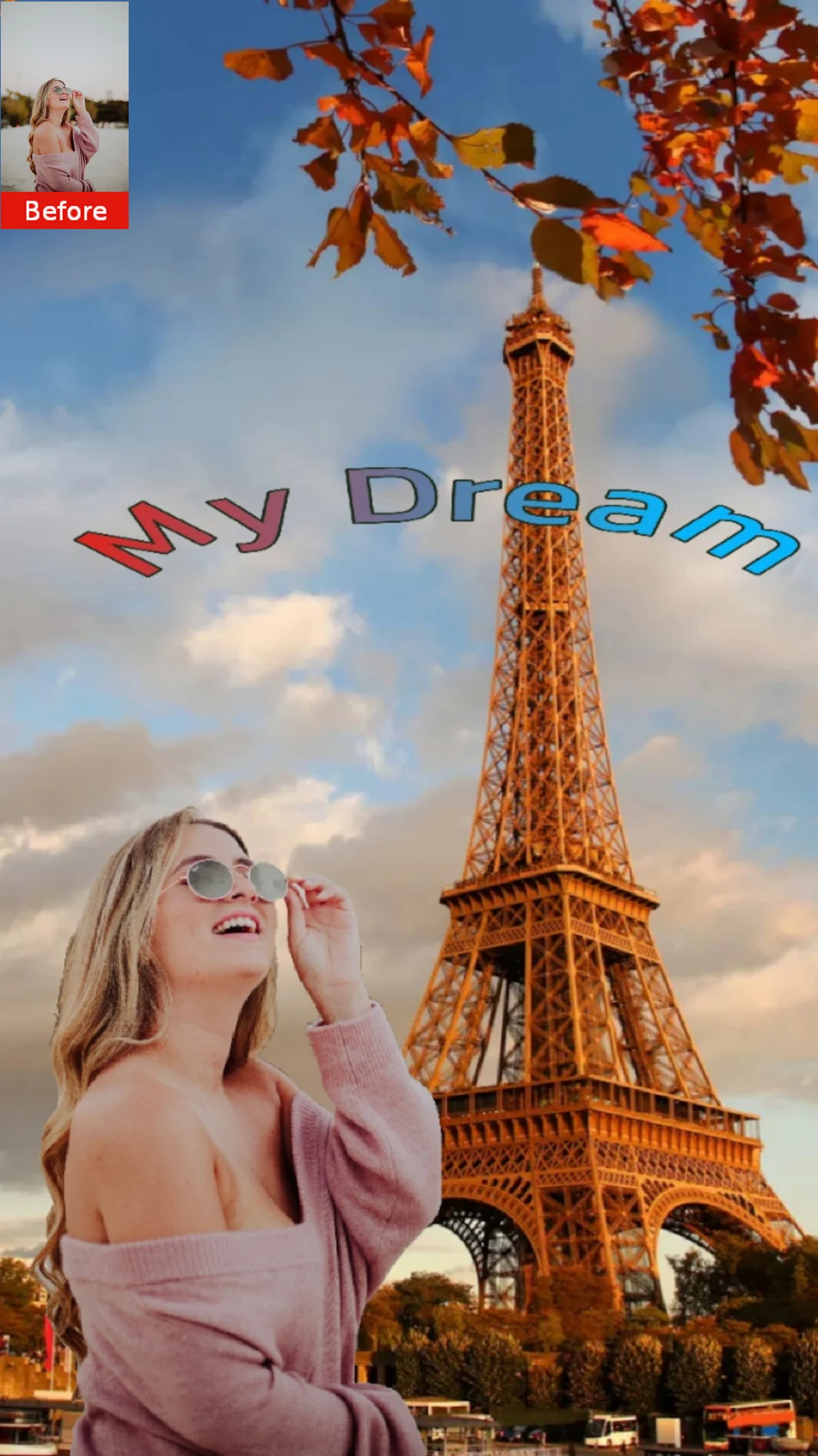

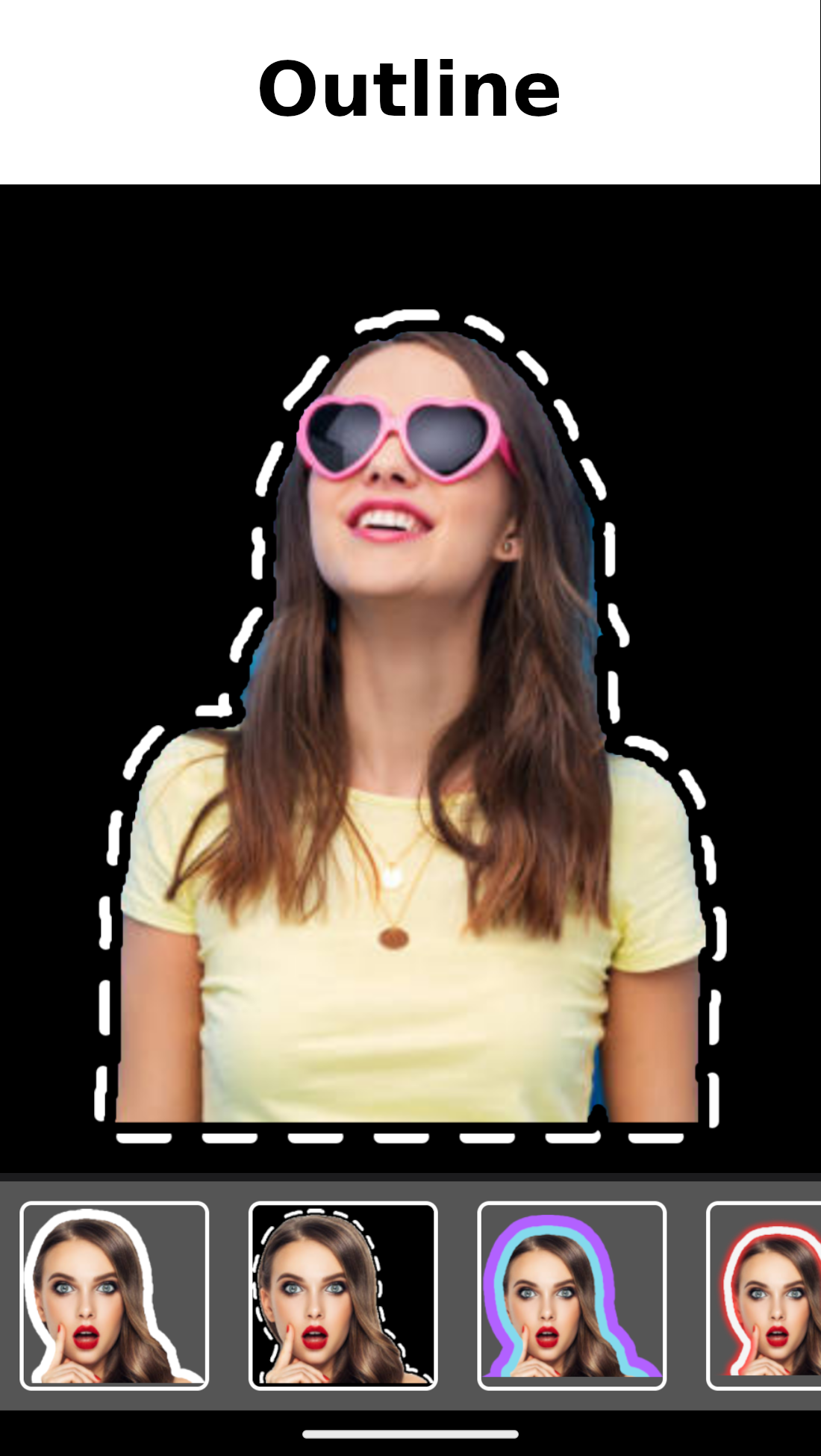
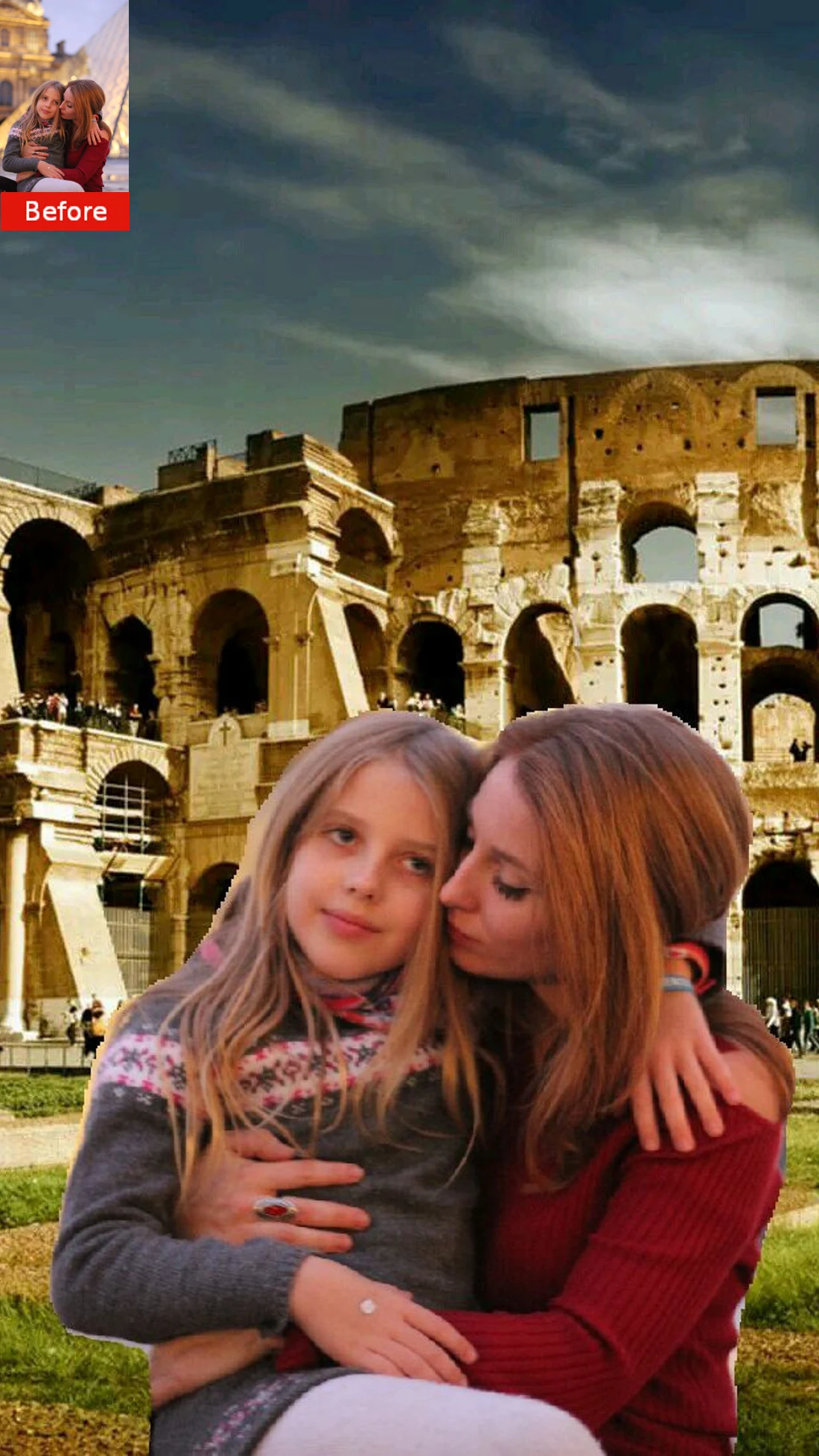
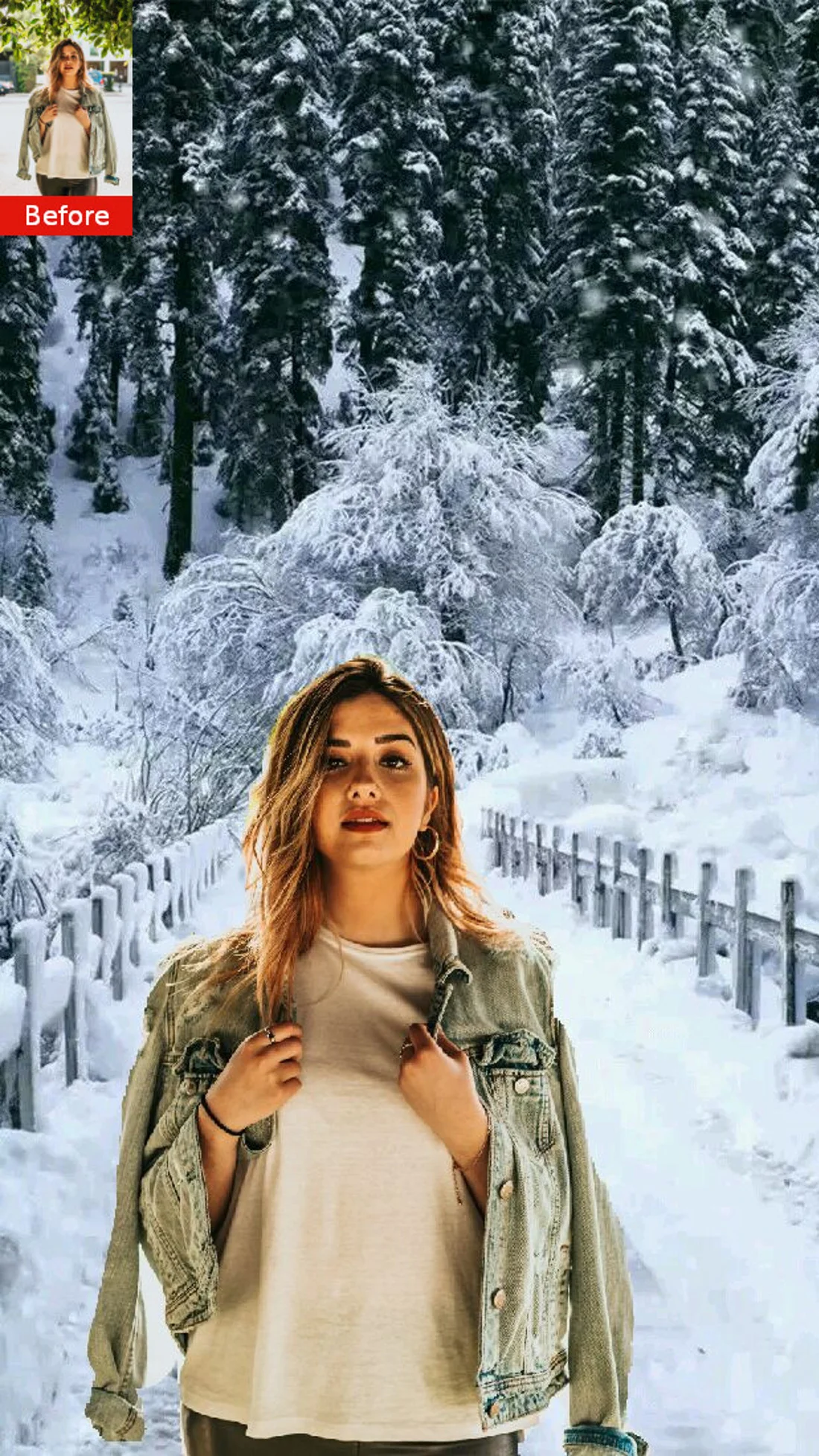
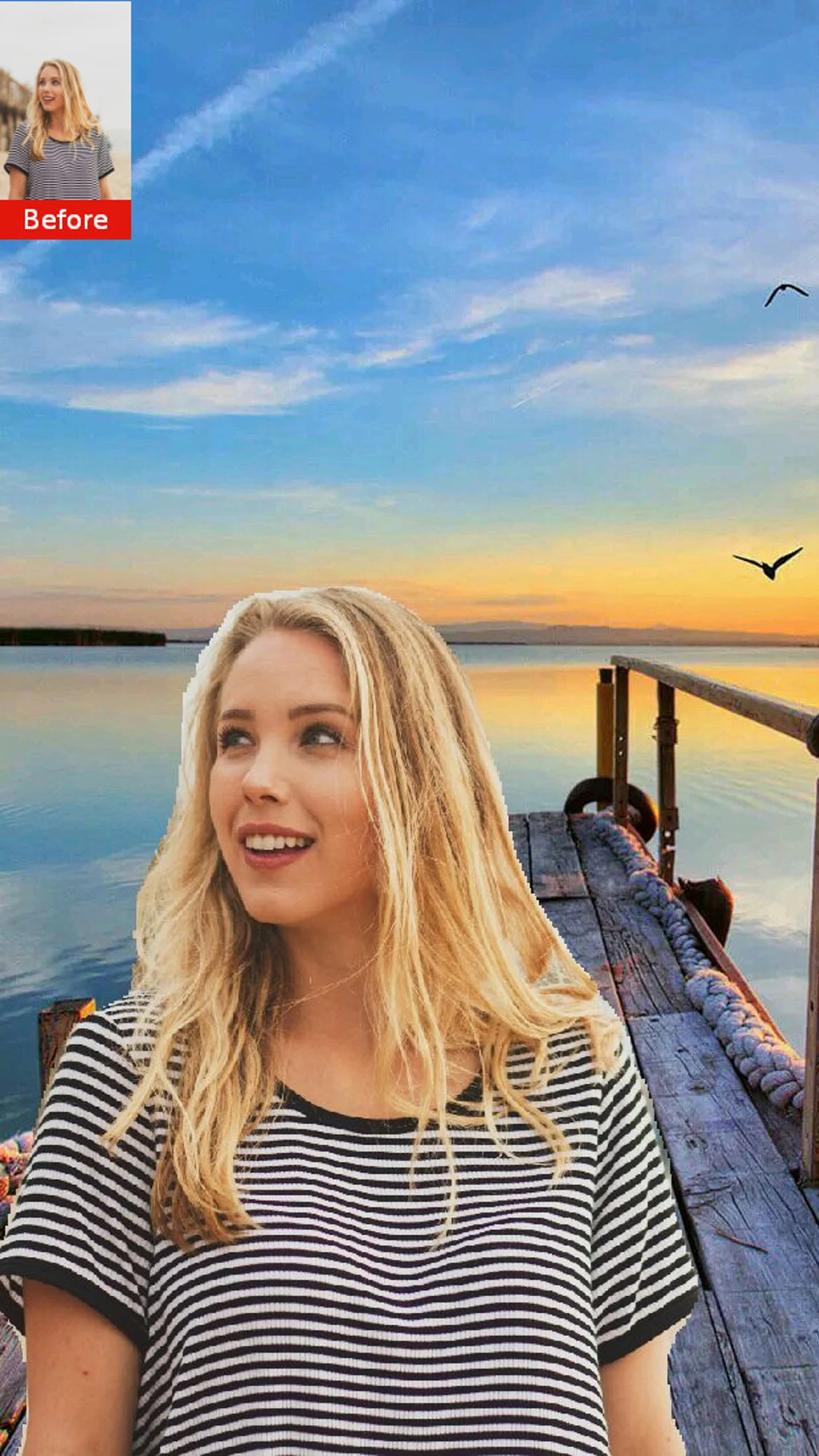
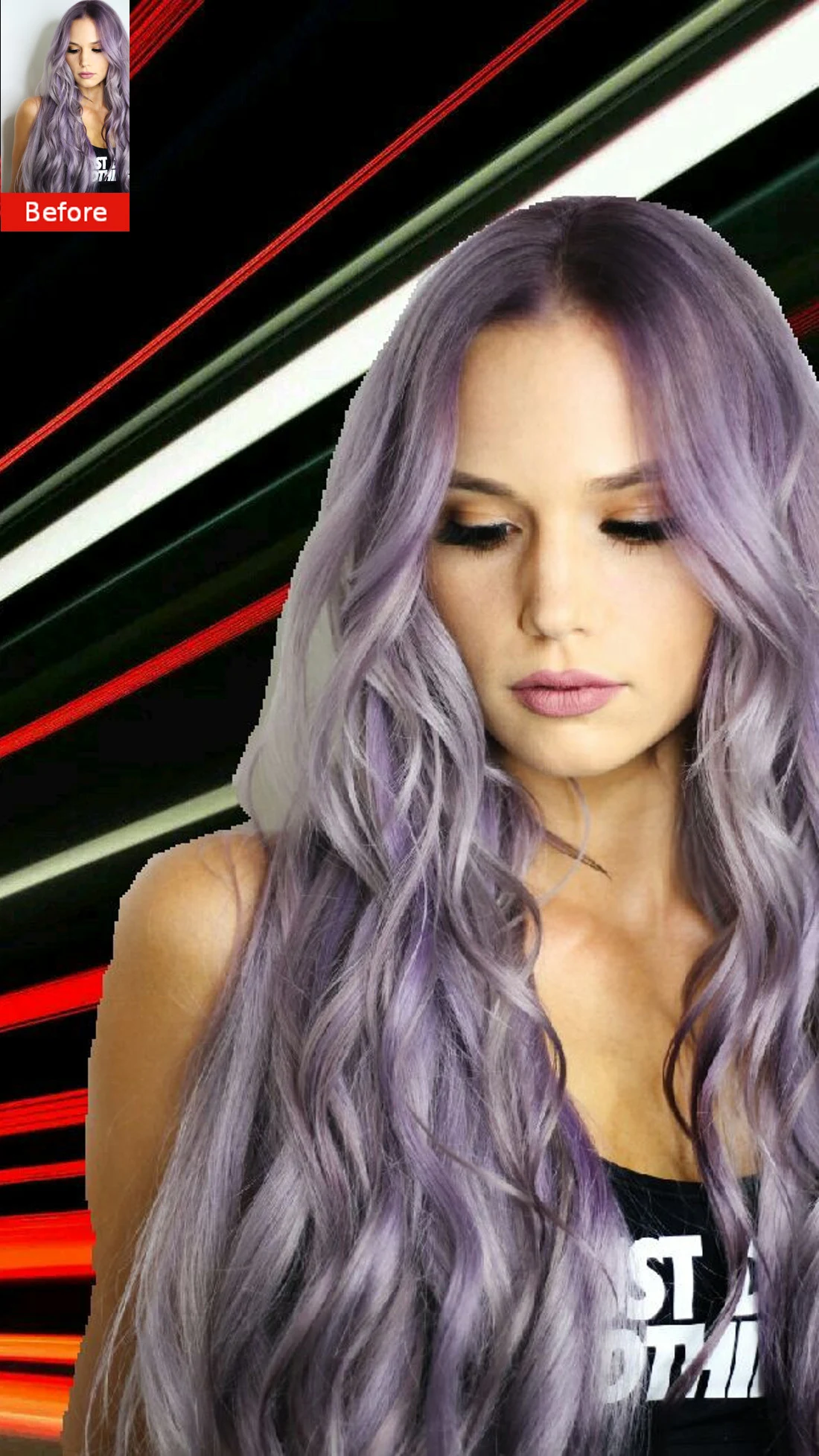
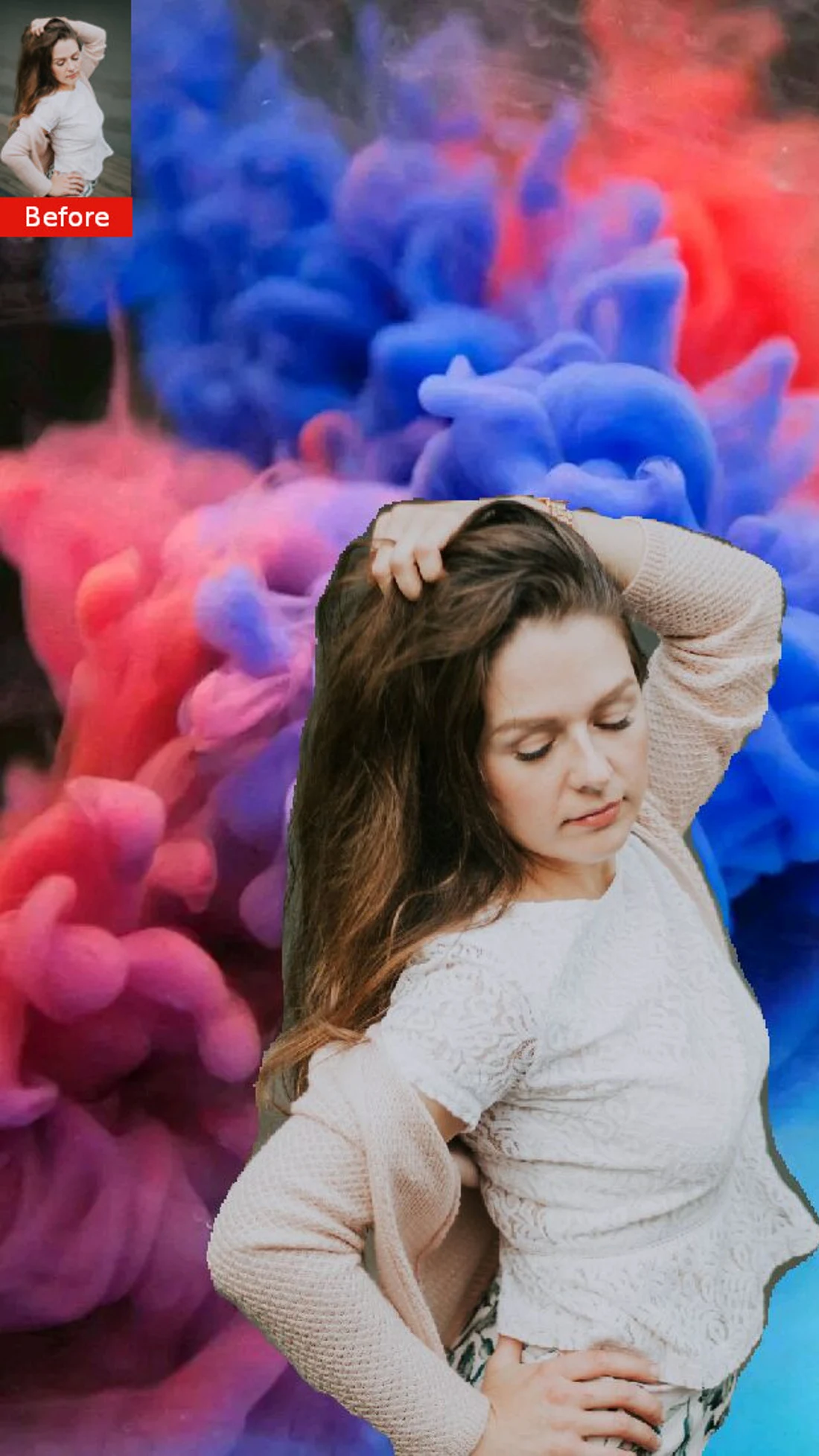
1. App Overview
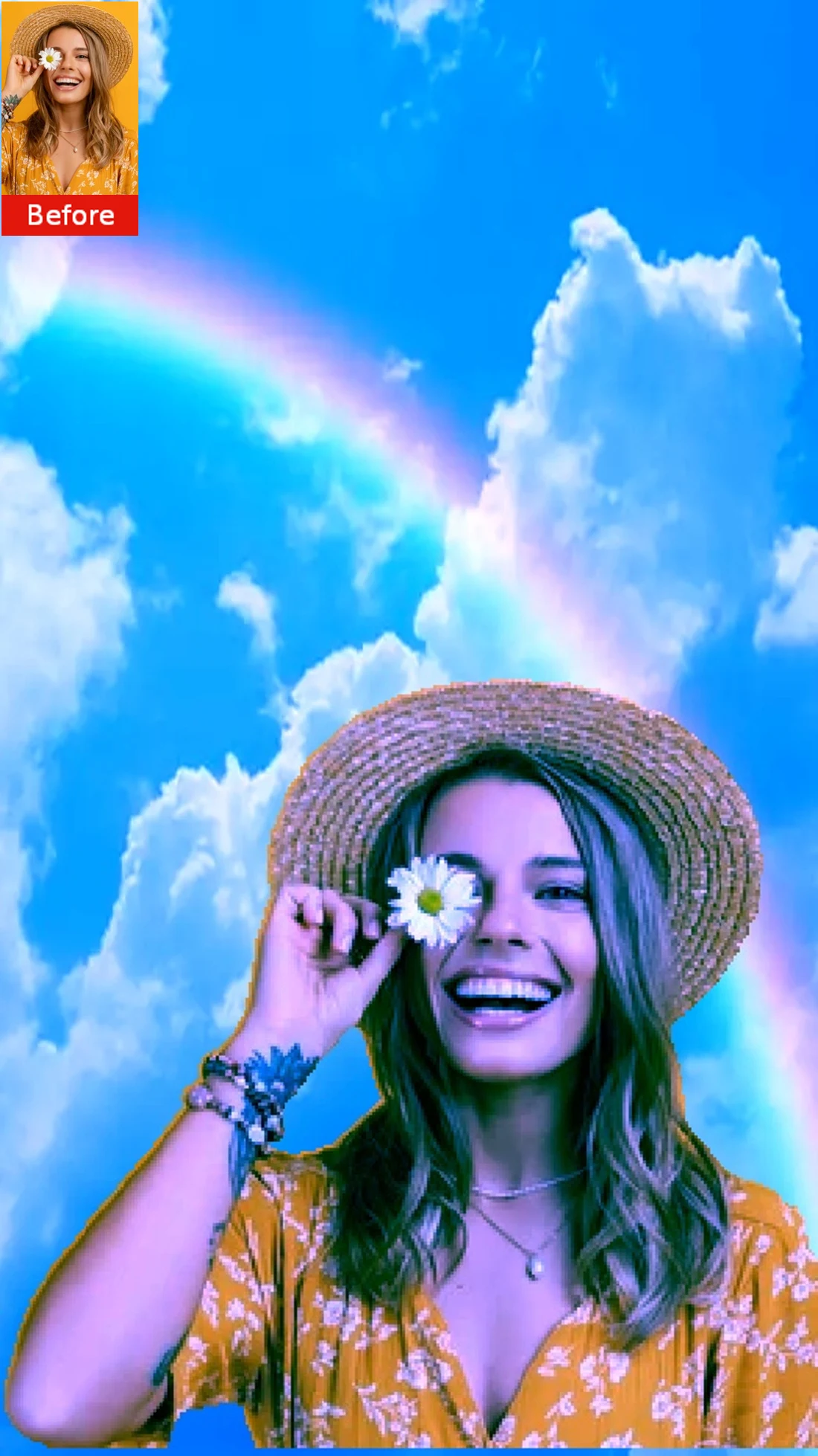
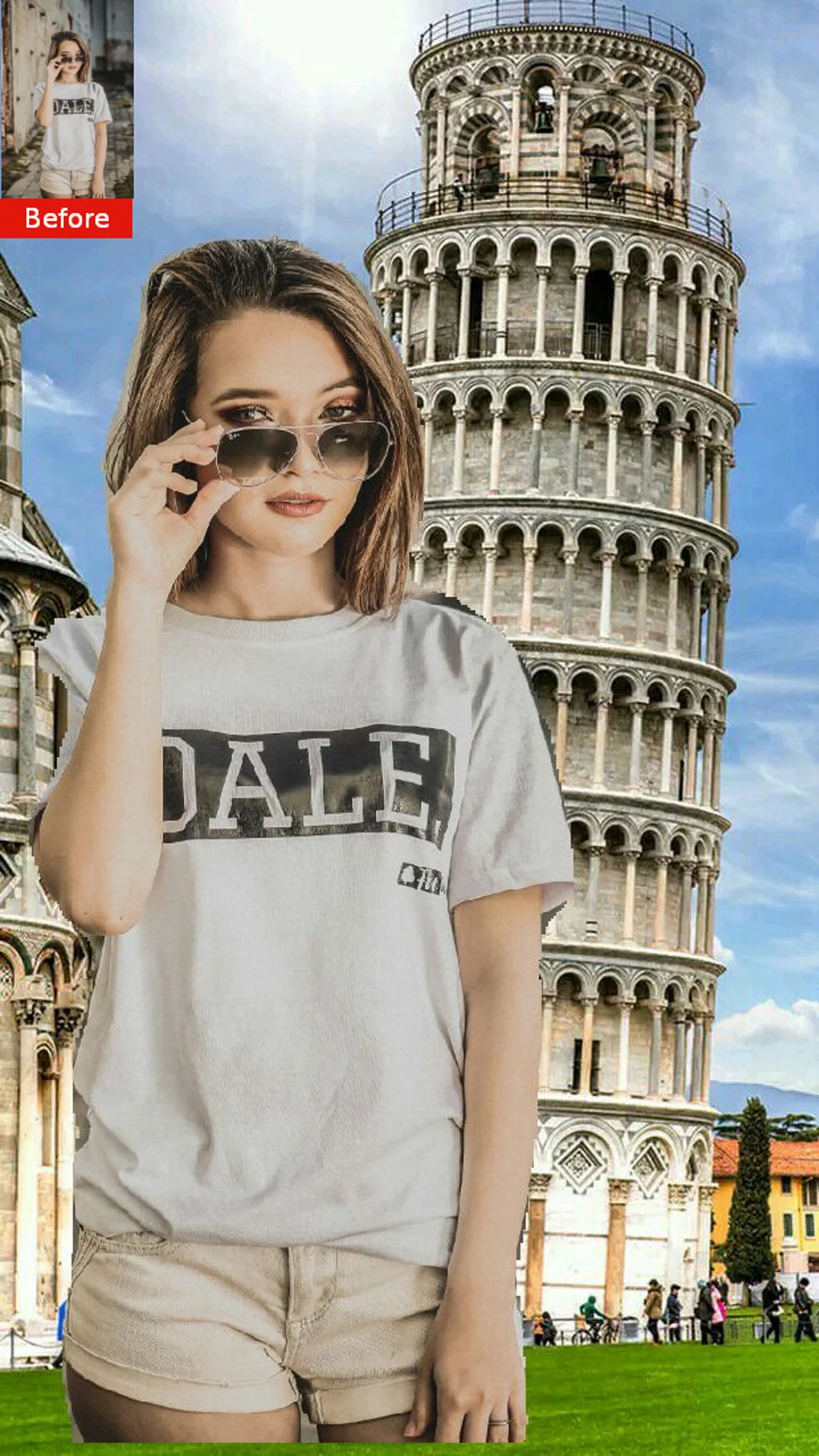
Auto Background Changer is a photo editing app that uses AI to remove backgrounds and replace them with new scenery. You can import a photo from your gallery or take a new picture with the in-app camera. The app automatically detects subjects such as people, cats, and dogs, separating them from the original background without requiring you to outline them manually.
After the subject is isolated, you can choose a replacement from the app's collection of HD backgrounds. If the automatic cutout leaves behind unwanted areas, the built-in eraser lets you clean them up and refine the edges. You can adjust the brush size, zoom in using two fingers, and undo changes when necessary.
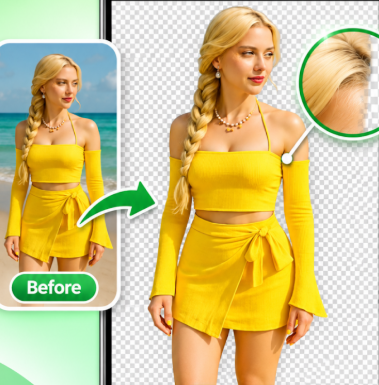
Once you finish editing, you can save the image to your device or share it through Instagram, Facebook, Messenger, and other supported platforms. The app is suitable for changing the scenery in portraits, pet photos, and other pictures featuring recognizable subjects.
Automatic recognition is mainly intended for people, cats, and dogs. Photos without these subjects may not produce satisfactory results, while the manual eraser provides an additional way to correct imperfect cutouts.
2. Key Features
Automatic Background Removal: Uses AI to identify people, cats, and dogs and separate them from the original background.
HD Background Collection: Includes ready-made backgrounds for replacing the original scenery.
Manual Cutout Editing: Provides an eraser to remove leftover background areas and refine subject edges.
Editing Controls: Includes adjustable brush sizes, two-finger zoom, and undo options.
In-App Camera: Lets you take pictures directly instead of importing them from your gallery.
Save and Share: Supports saving edited images locally and sharing them through social media and messaging apps.
3. Main Functions
Select or Take a Photo: Import an image from your gallery or capture a new one with the in-app camera.
Remove the Original Background: Run automatic processing to separate the main subject from its surroundings.
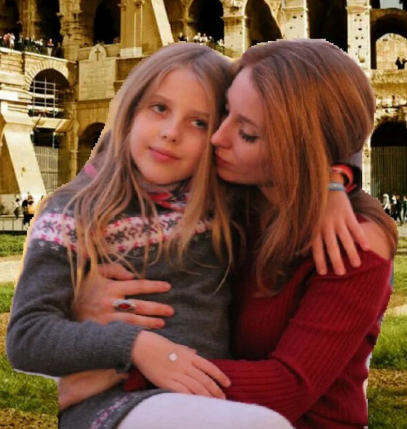
Refine the Cutout: Use the eraser, adjust its size, zoom in on detailed areas, and undo unwanted edits.
Choose a Replacement Background: Apply a new image from the built-in HD background collection.
Save or Share the Result: Export the finished photo to your device or share it through a supported platform.
4. Frequently Asked Questions
Q1: Which subjects can the app recognize automatically?
The automatic background removal feature is primarily designed for people, cats, and dogs. Images without recognizable subjects of these types may not be processed successfully.
Q2: Can I manually fix an imperfect cutout?
Yes. The built-in eraser lets you remove leftover background areas. You can also adjust the brush size, zoom in with two fingers, and undo unwanted changes.
Q3: Can I use my own photo as the replacement background?
The app provides a built-in collection of HD backgrounds. However, importing your own replacement background has not been confirmed.
Q4: Can I save edited photos to my phone?
Yes. You can save completed images directly to your device.
Q5: Why does automatic background removal fail with some photos?
The recognition feature is mainly intended for people, cats, and dogs. Photos without these subjects may not produce a usable cutout.
Q6: Do I need to remove the background manually?
No. The app performs the initial background removal automatically. Manual erasing is optional and can be used to clean up leftover areas or improve the edges.
- Version1.5.6
- UpdateNov 25, 2026
- DeveloperLeapZip
- CategoryPhotography
- Requires AndroidAndroid 7.0+
- Downloads141K+
- Package Namecom.photosolutions.auto.background.changer
- Signature81d28ab29a56a126e3fabc2b35a1d23f
- Available on
- ReportFlag as inappropriate
-
NameSizeDownload
-
27.41 MB
-
29.22 MB
-
41.77 MB









Highly efficient and convenient image cutout function
Practical editing features
Easy to share and save
Limited applicability
Advertising and functional limitations