Circle Photo - Photo Trimming & Customization
Transform your images effortlessly with stunning circular crops & colorful backgrounds that make your photos pop!

- 1.9 Version
- 1.4 Score
- 279K+ Downloads
- In-app purchases License
- 3+ Content Rating

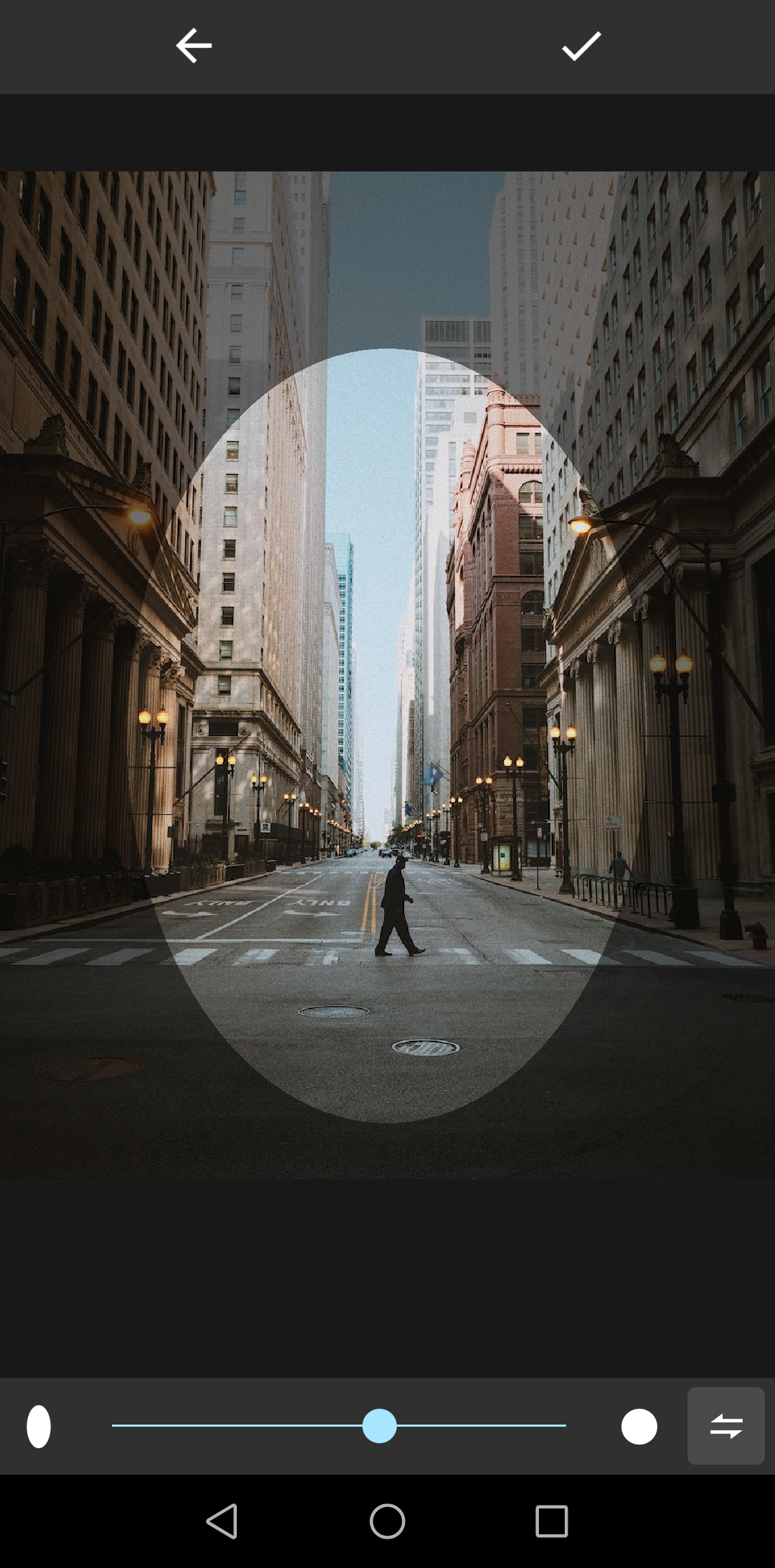
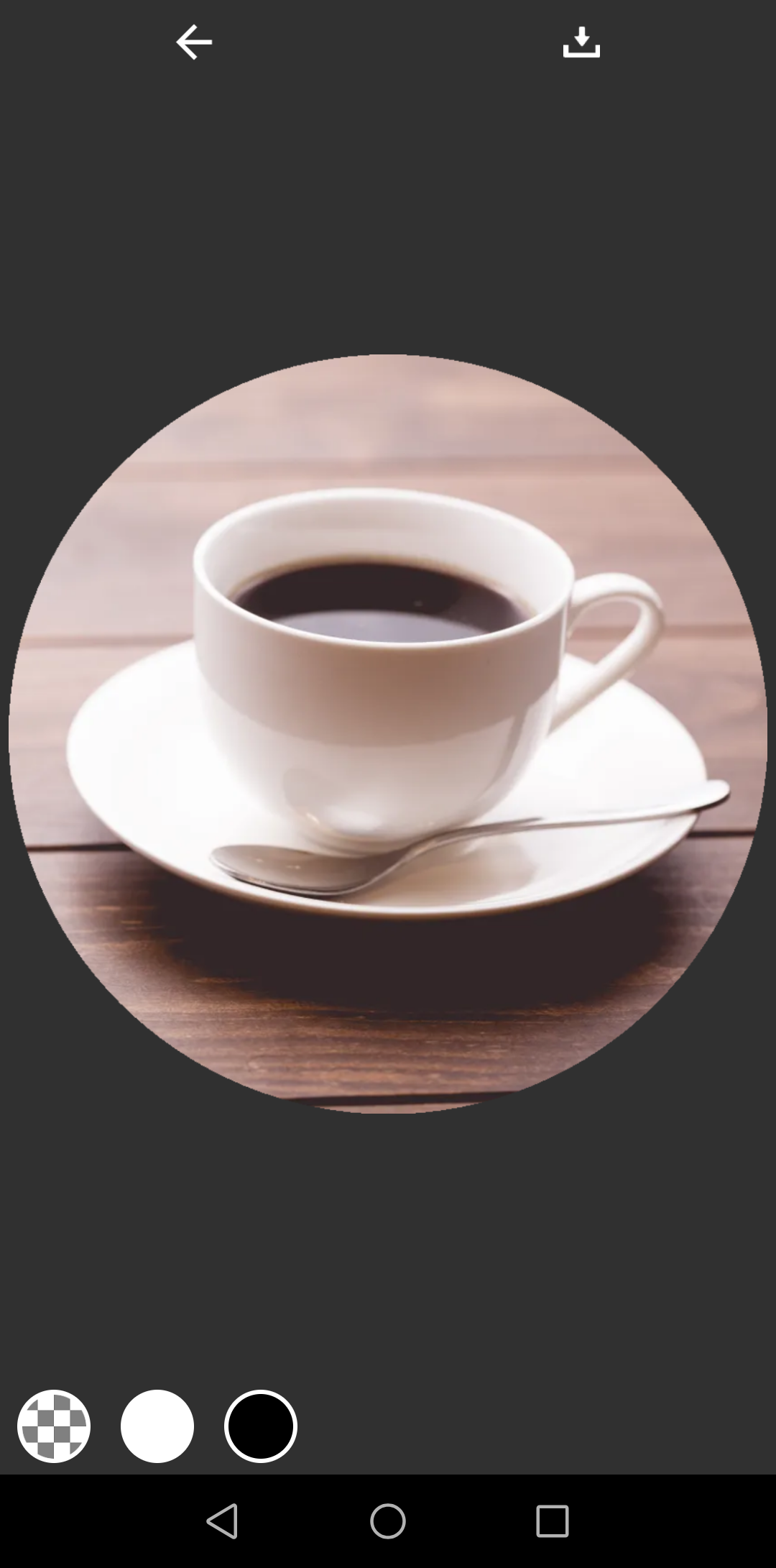
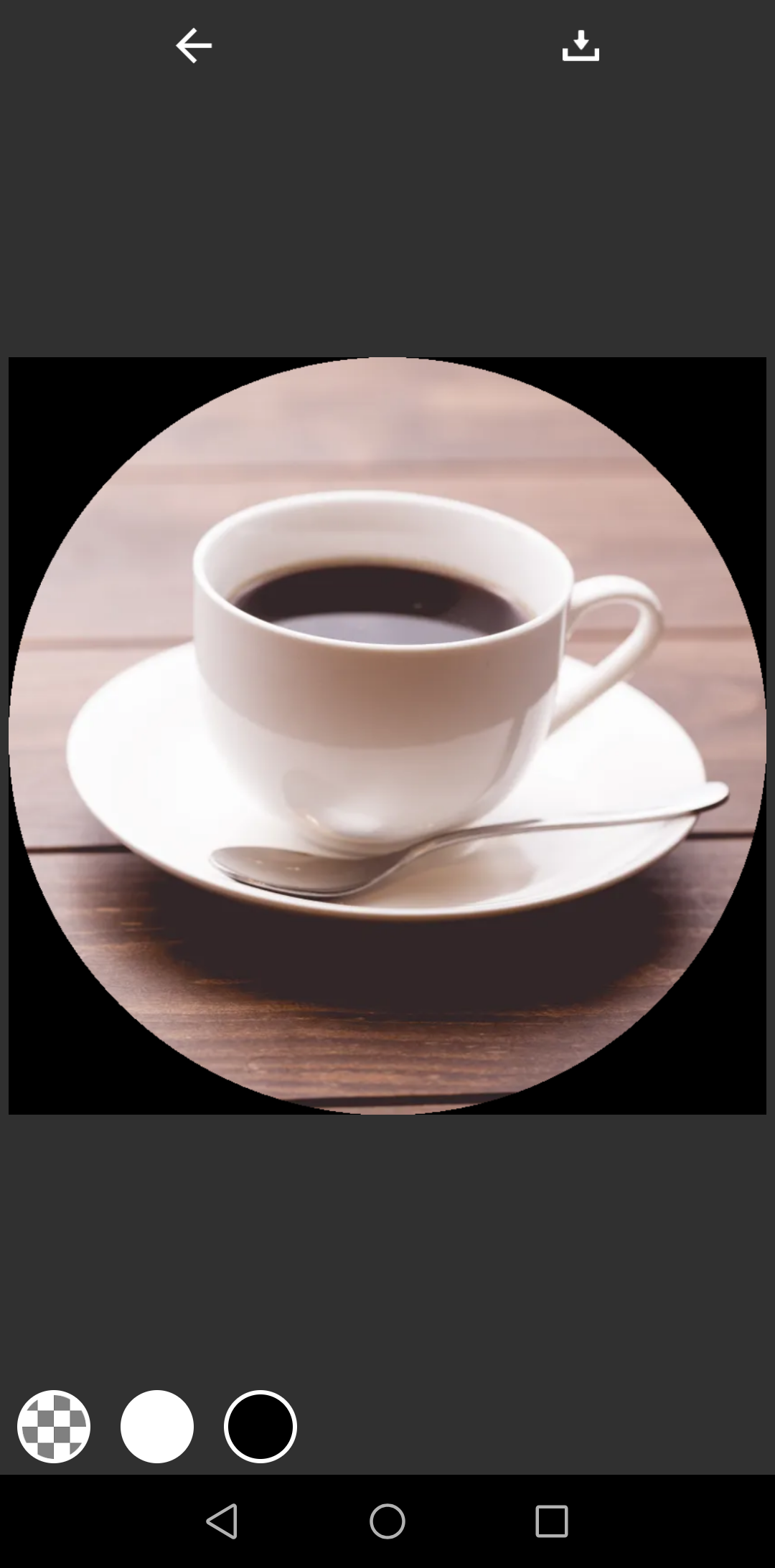
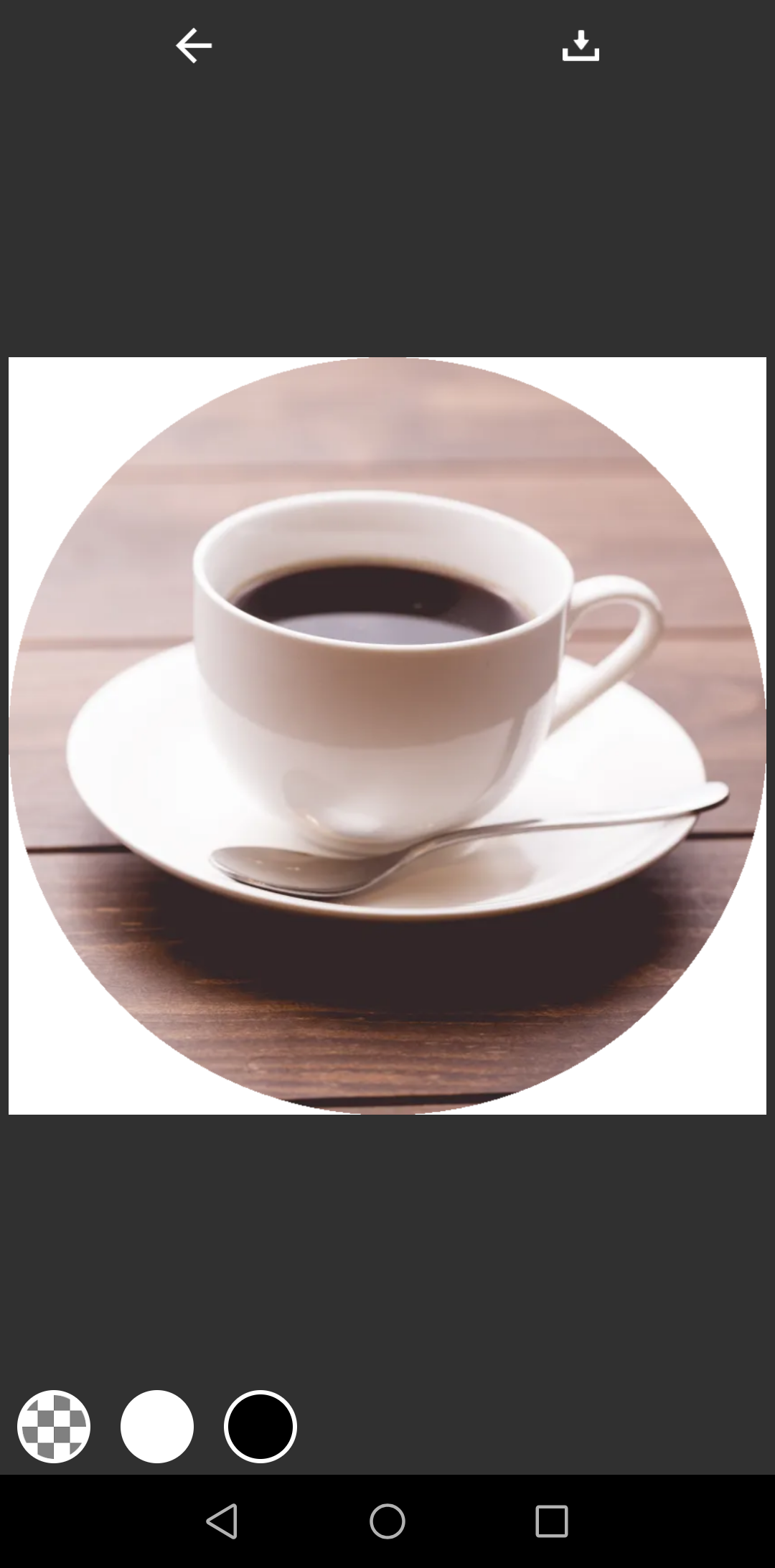
1. App Overview
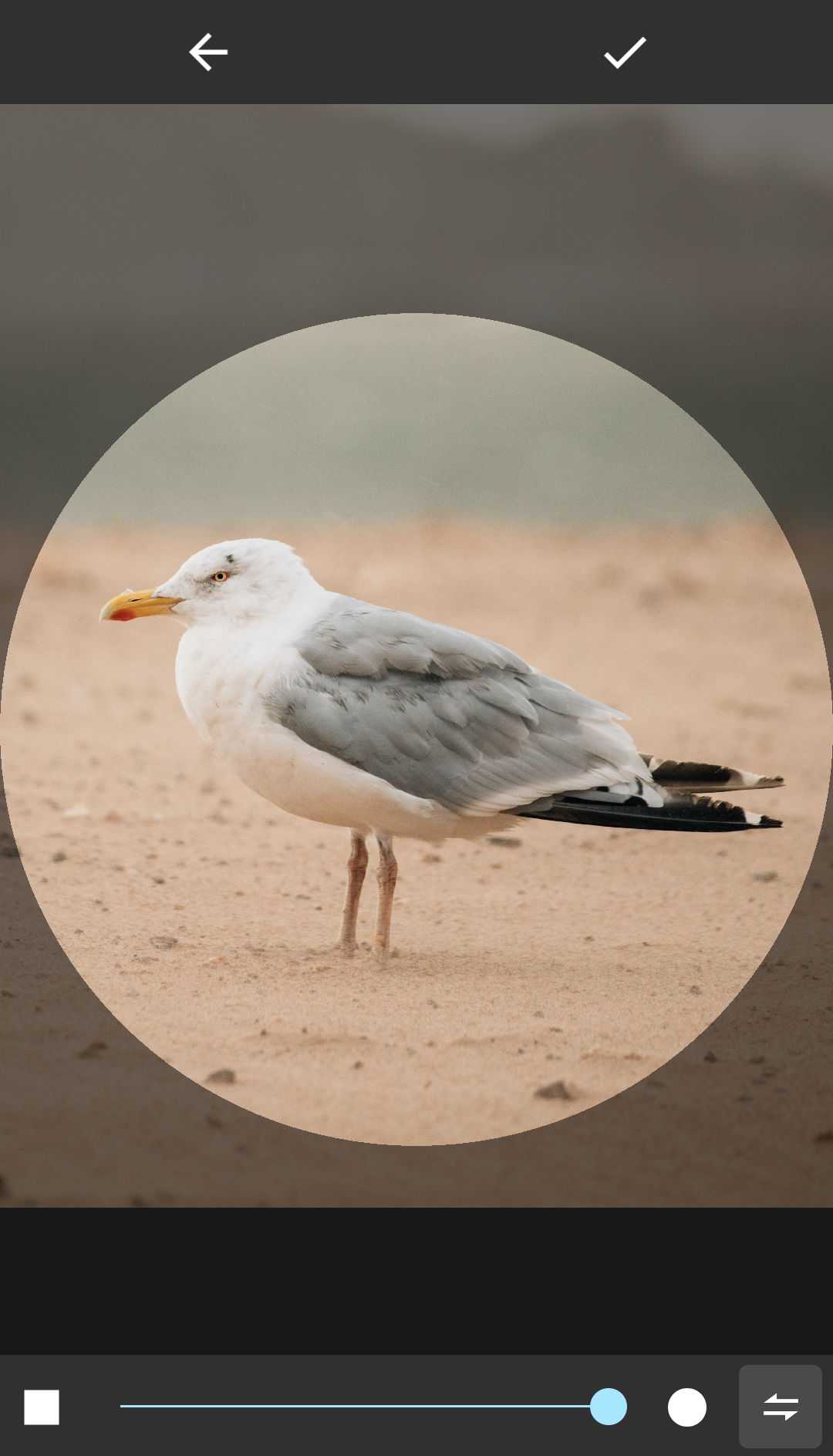
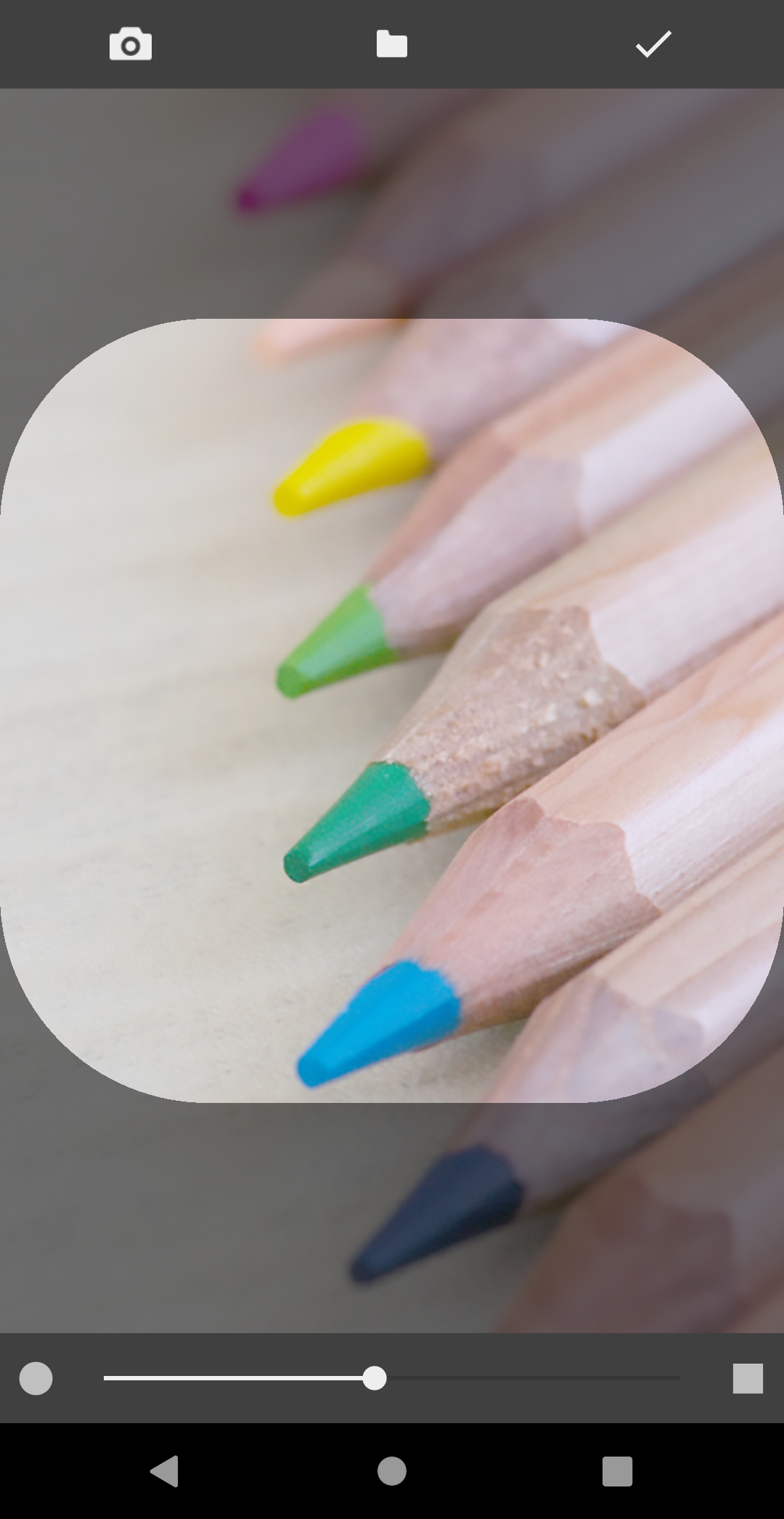
Circle Photo is a photo-editing application developed by Photograph, focused on cropping pictures into circular, elliptical, and rounded-rectangle shapes. Its editing tools center on crop shapes, image positioning, and frame customization rather than advanced photo retouching.
To edit a picture, select an image from the device's photo library and choose a crop shape. Two-finger gestures allow you to zoom in or out and reposition the image within the frame. The fit option keeps the entire original picture visible, while automatic alignment helps position the crop area at the center or along the image's edges.

The app also includes background and border customization. You can choose a color for the area surrounding the cropped image, add a colored outline, and adjust its thickness. These settings offer control over the final appearance without requiring additional editing tools.
Circle Photo can also be launched through the Edit option in compatible gallery applications. This integration allows you to open a picture directly in the editor without navigating to the app separately. Its focused set of tools is particularly suited to creating circular profile pictures, rounded photo layouts, and images with customized borders.
2. Key Features
Multiple Crop Shapes: Crops pictures into circular, elliptical, and rounded-rectangle formats.
Background Customization: Changes the color surrounding the cropped image.
Adjustable Borders: Adds colored outlines with customizable thickness.
Gesture-Based Positioning: Uses two-finger gestures to zoom and reposition pictures within the crop frame.
Full-Image Fit: Keeps the entire original picture visible inside the selected shape.
Automatic Alignment: Positions the crop frame at the center or along the image's edges.
Gallery Integration: Opens the editor through the Edit option in compatible gallery applications.
3. Main Functions
Import pictures from the device's photo library.
Crop images into circular, elliptical, or rounded-rectangle shapes.
Zoom in and out to adjust image size.
Reposition pictures within the crop frame.
Fit the entire original image inside the selected shape.
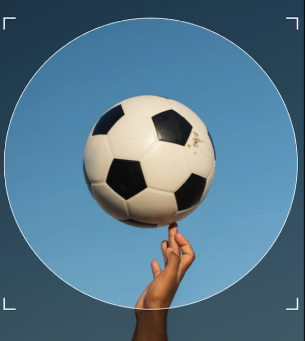
Align the crop frame with the image's center or edges.
Change the background color surrounding the cropped picture.
Add colored borders and adjust their thickness.
Launch the editor directly from supported gallery applications.
4. Frequently Asked Questions (FAQ)
Q1: What cropping shapes does Circle Photo support?
Circle Photo supports circular, elliptical, and rounded-rectangle cropping.
Q2: Can I change the background color?
Yes. You can select a background color for the area surrounding the cropped picture.
Q3: Can I customize the border around a picture?
Yes. The app allows you to add a colored border and adjust its thickness.
Q4: How do I change the size and position of a photo?
Use two fingers to zoom in or out and move the picture within the crop frame. The fit option displays the entire original image inside the selected shape.
Q5: Can I open Circle Photo directly from my gallery?
Yes. Compatible gallery applications allow you to launch Circle Photo through the Edit option when viewing a picture.
Q6: Is Circle Photo free to download?
Yes. The Android version is free to download, but it contains advertisements and offers in-app purchases.
- Version1.9
- UpdateNov 27, 2026
- DeveloperPhotograph
- CategoryPhotography
- Requires AndroidAndroid 6+
- Downloads279K+
- Package Namecom.photograph.circlephoto
- Signaturea06bac336e3a6126c81405c6aea1967b
- Available on
- ReportFlag as inappropriate
-
NameSizeDownload
-
3.99 MB
-
3.92 MB
-
3.89 MB