
KBVIEW Plus - Live camera monitoring & review
Experience seamless security with live feeds & easy playback for KBVISION devices, ensuring peace of mind anywhere.

- 4.0 Version
- 1.4 Score
- 658K+ Downloads
- Free License
- 3+ Content Rating

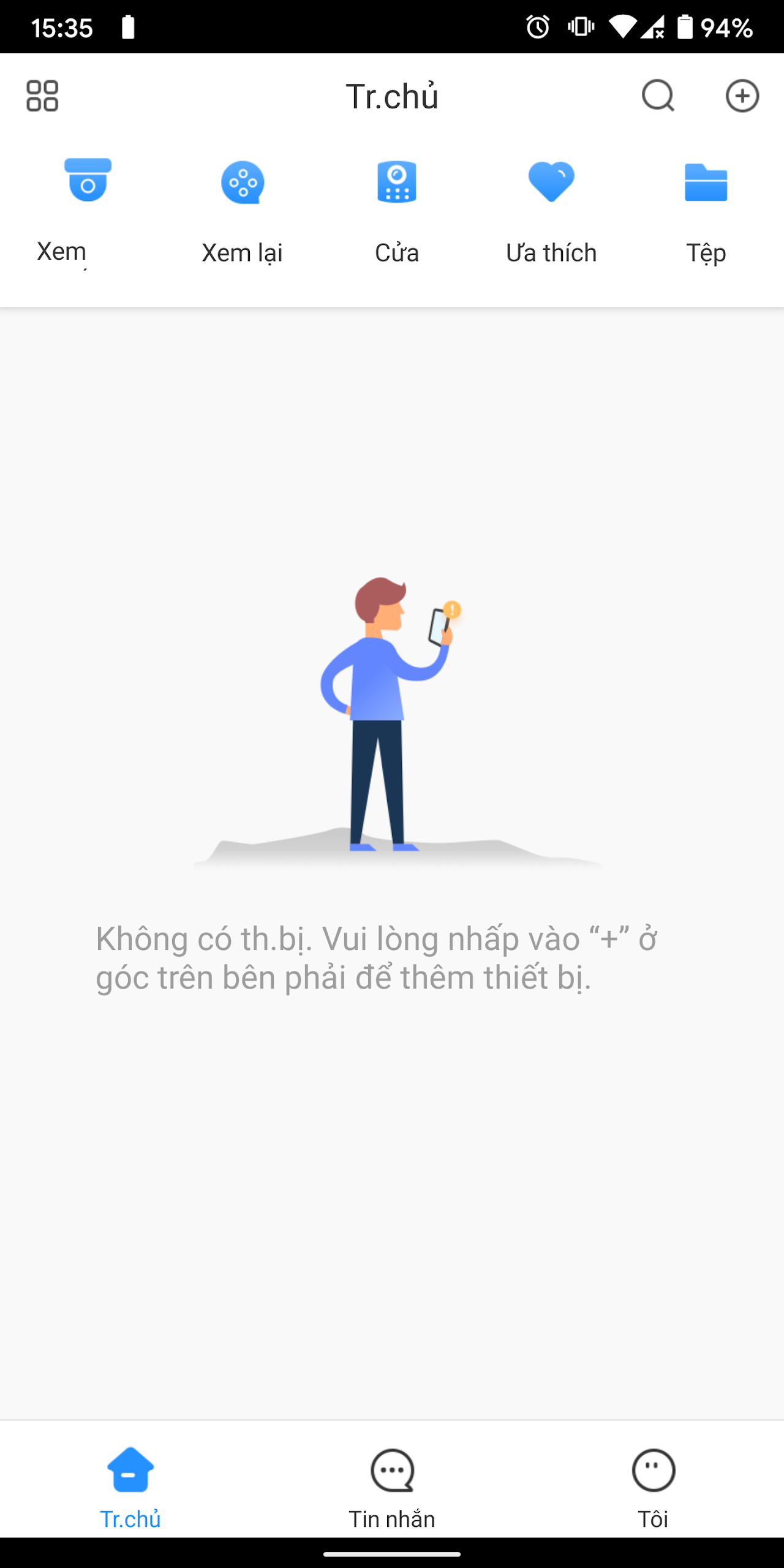
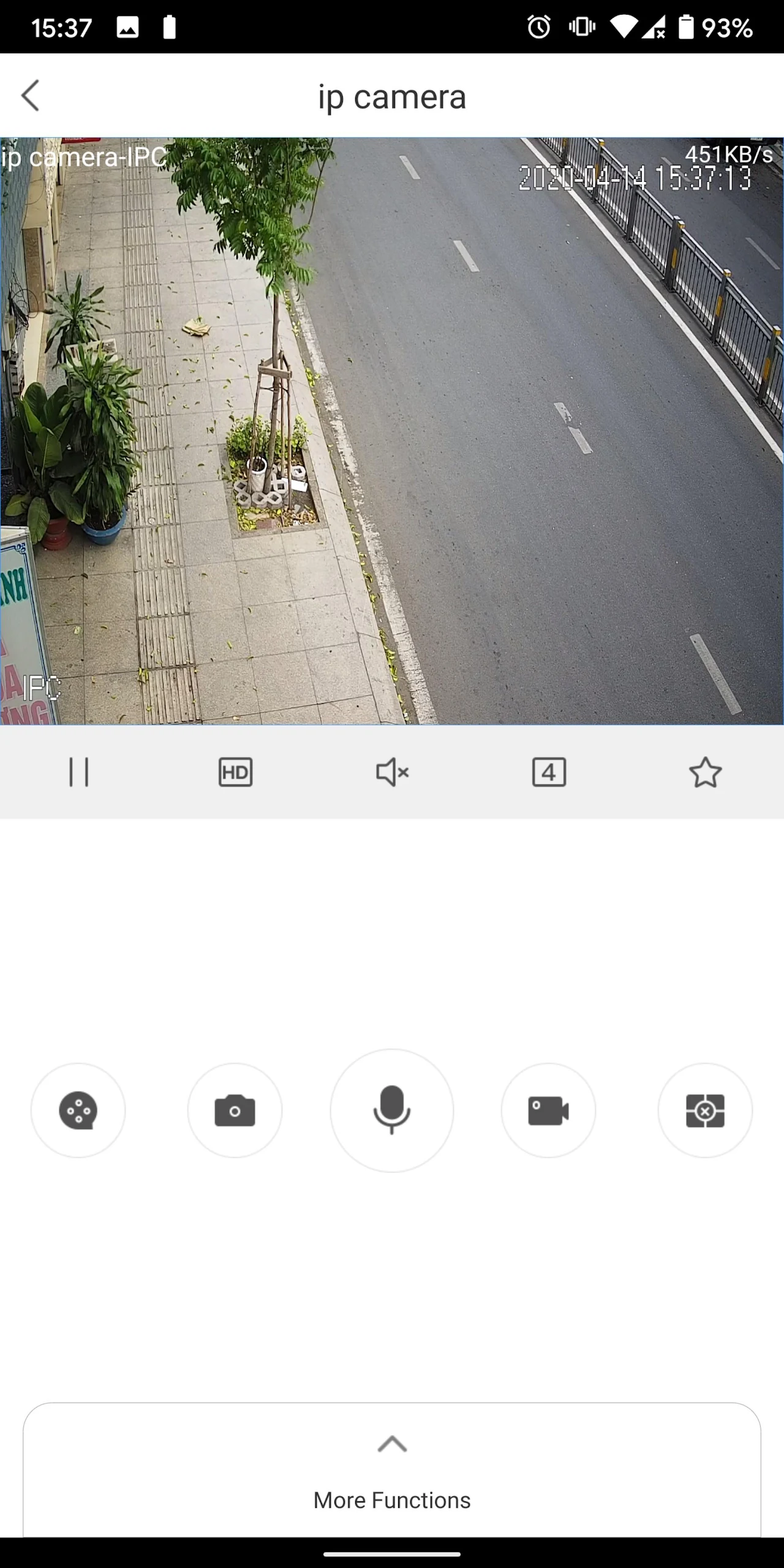
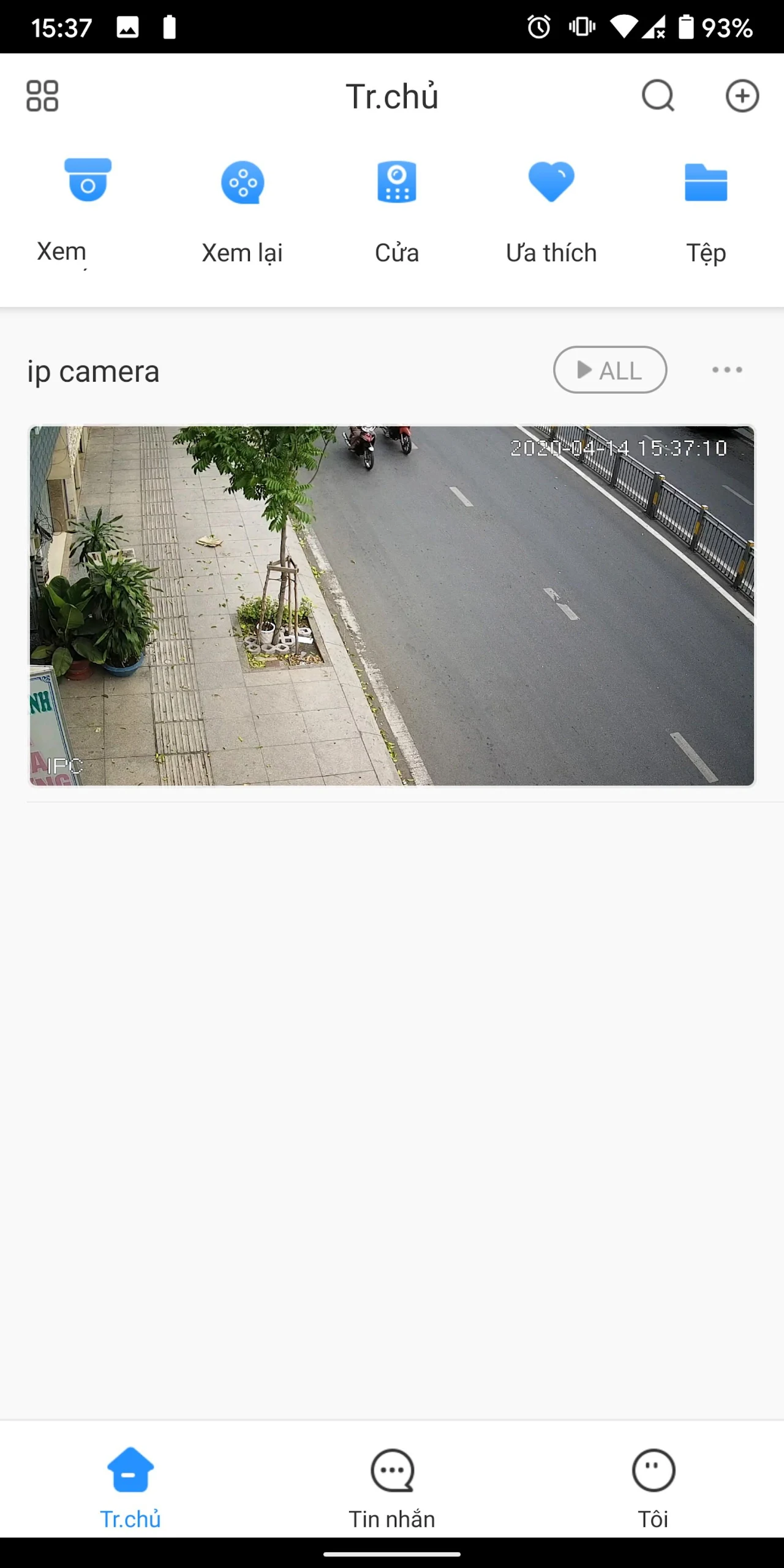
Definition:
Application for camera monitoring designed for KBVISION equipment
Devices:
IPC, NVR, DVR, NVR, etc
Functions:
-Live view, playback data
-Receive push notification about alarms: face detection, motion detection, ivs, network connection alert, etc
- PTZ control
- See status information of device, storage, recording settings, alarm settings
- Support IP / Domain / P2P connection
New Functions:
Support Two-way-talk XVR
Better than the Lorex apps:
This app works with more cameras as far as being able to extract to MP4 from the downloaded files section of IP cams that use either VBR Super H264/H265
Set up:
Install and open the app:
Click on the "Get" or cloud icon, wait for the installation on your phone to finish, then click "Open". Allow the notifications when prompted, select your region (e.g., India) and click "Done".Once in the app interface, click on the plus button in the right corner.
Choose a connection method:
There are three options - Serial Number (SN), IP, and Online Search.
-IP domain is used if you want to connect your device via a local IP address or static IP address.
-Online Search works if your mobile phone and the device are on the same network; click on it in such cases.
-For connecting a device at a remote location, select SN or scan.
Add device information:
-If scanning, you can do it directly when in front of the device, select from the gallery if you have the code, or manually enter the serial number. Note that the serial number and security code are from the device (e.g., DVR, NVR) you want to log into.
-Manually enter the serial number and click "Next".
-Select the device type from options like wireless camera, PTZ camera, NVR, DVR, etc. (e.g., NVR).
-Enter a device name (something easy to remember).
-Enter the device's username and password (specific to the device, not the app; this is for demonstration only).
-Enter the password, click "Done", then "Save" and "Allow".
View the live camera feed:
Wait a few minutes for the camera to go live. Click "SD" or "HD" to switch clarity for a smoother view.
Use app functions:
-The first button is for recording: Click to select recording settings as needed and confirm to check recordings.
-The second button is for taking snapshots.
-The third button is for audio connection: Options include "Talk with Channel" and "Talk with Device". If the camera has audio enabled, click the appropriate option to talk to someone near the device.
-The fourth button is for recording evidence on your phone: Click to start recording, and click again to stop.
-Switch camera views by clicking options like 4, 9, or 16 to view multiple cameras.
- Version4.0
- UpdateSep 29, 2026
- DeveloperKabe Group SJC
- CategoryTools
- Requires AndroidAndroid 5.0+
- Downloads658K+
- Package Namecom.mm.android.direct.KBVISIONVIEWPlus
- Signature2e90e8592fd3ff54d4f1d9706b8ed089
- Available on
- ReportFlag as inappropriate
















Real-time monitoring and playback
Flexible connection options
Optimized security management
Compatibility with VBR Super H264/H265
Strains device memory
Playback problems
Missing features
Limited search functionality