
Jami - Peer-to-peer messaging & calling
Connect effortlessly with Jami for secure messaging, audio & video calls across all your devices while ensuring privacy.

- 20220426-01 Version
- 2.9 Score
- 291K+ Downloads
- Free License
- 3+ Content Rating



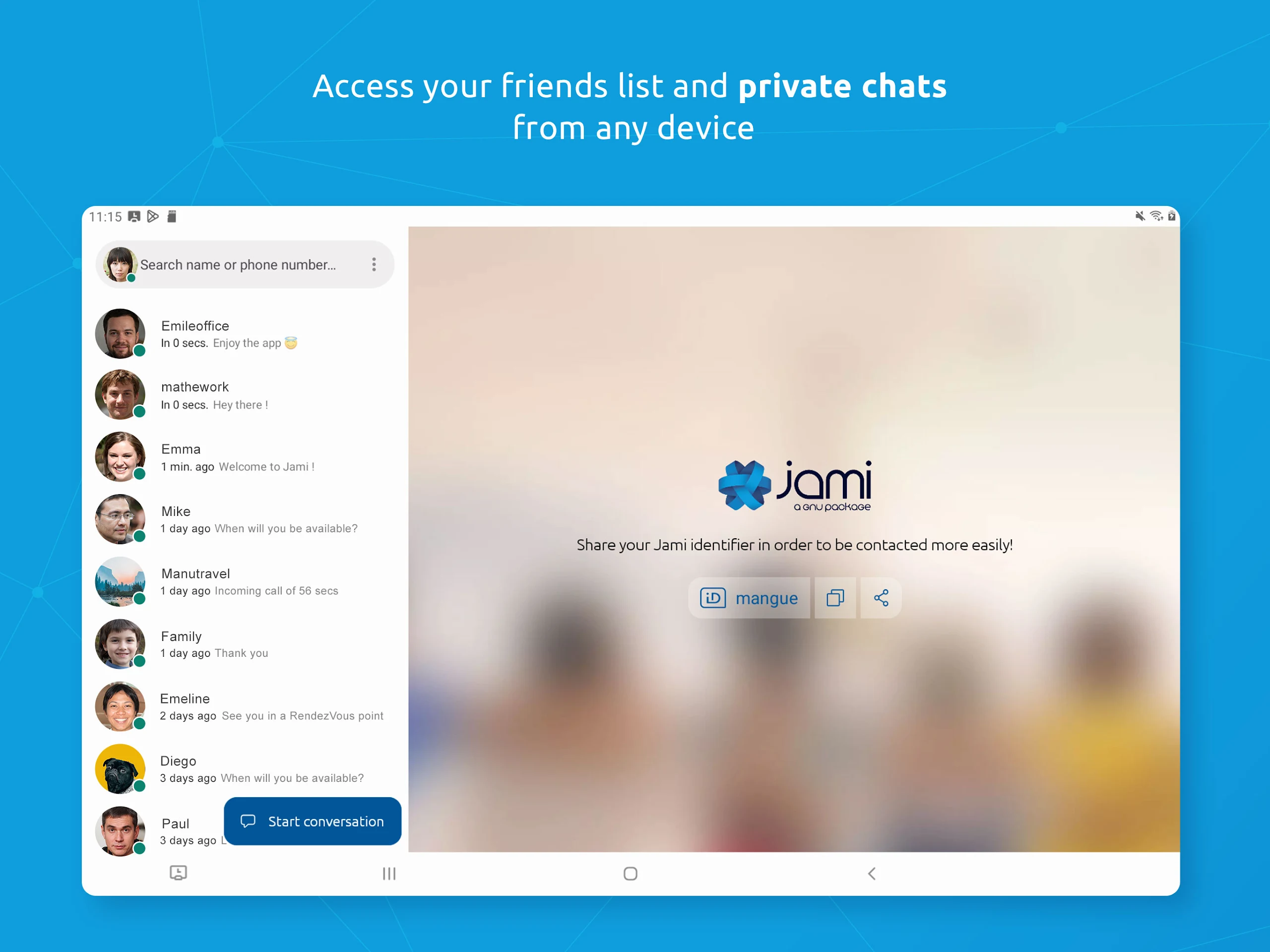
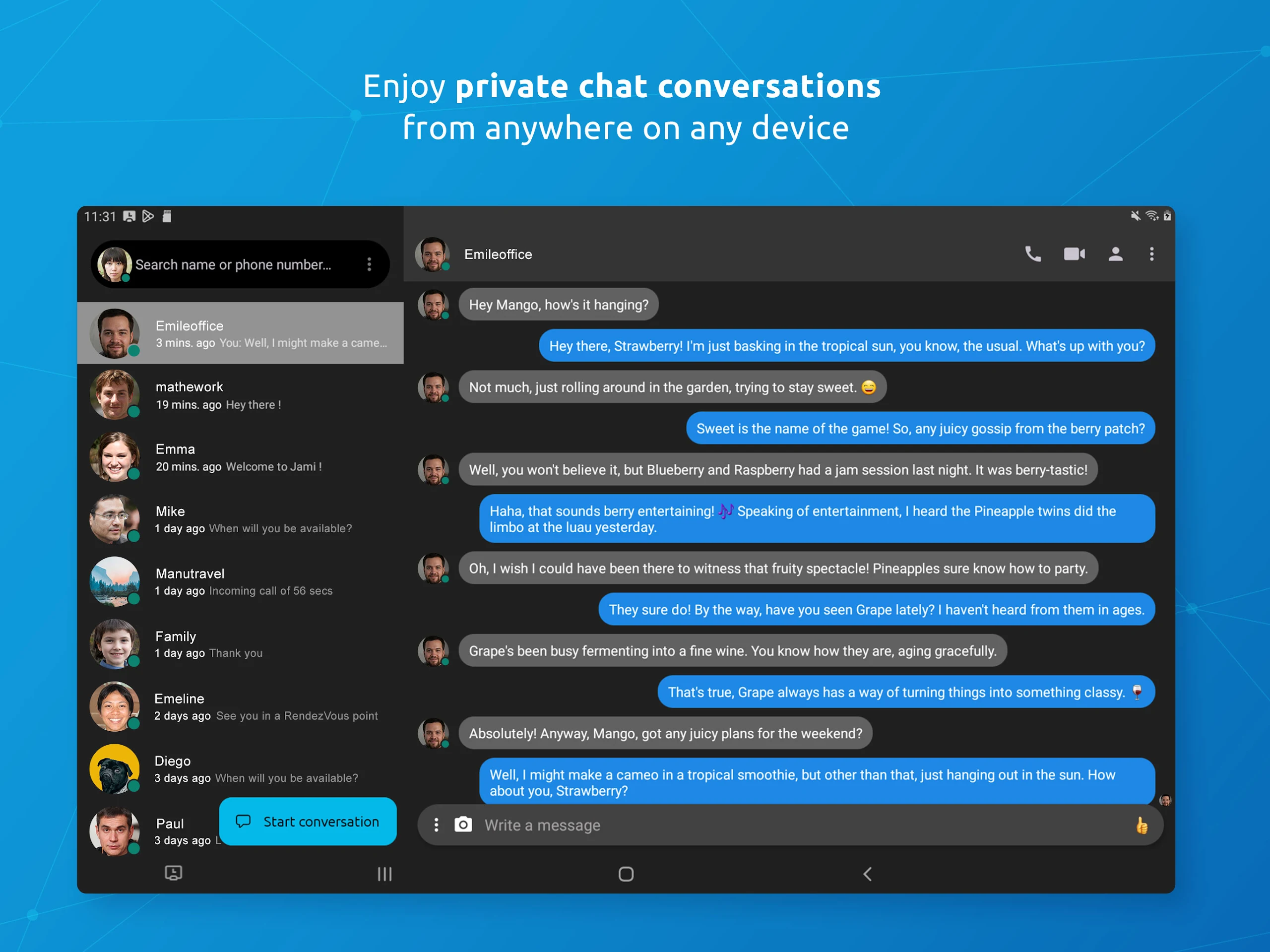



About Jami:
Jami is the official free/libre communication app by Savoir-faire Linux Inc., built as a GNU package for private, distributed, peer-to-peer messaging and calling. The Jami app does not route your calls and messages through central servers — it connects devices directly over the internet or even a local network, with end-to-end encryption by design.
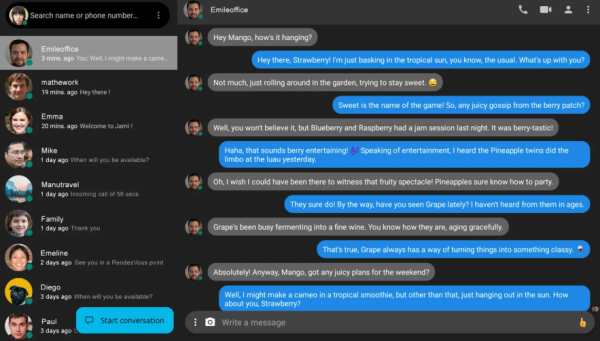
The Jami app is an open-source alternative to mainstream messengers: no phone number, no mandatory email, no advertising, and no metadata honeypot. It works for personal privacy, family coordination, remote teams, educators, and organizations that need self-controlled communication.
Store-ready features:
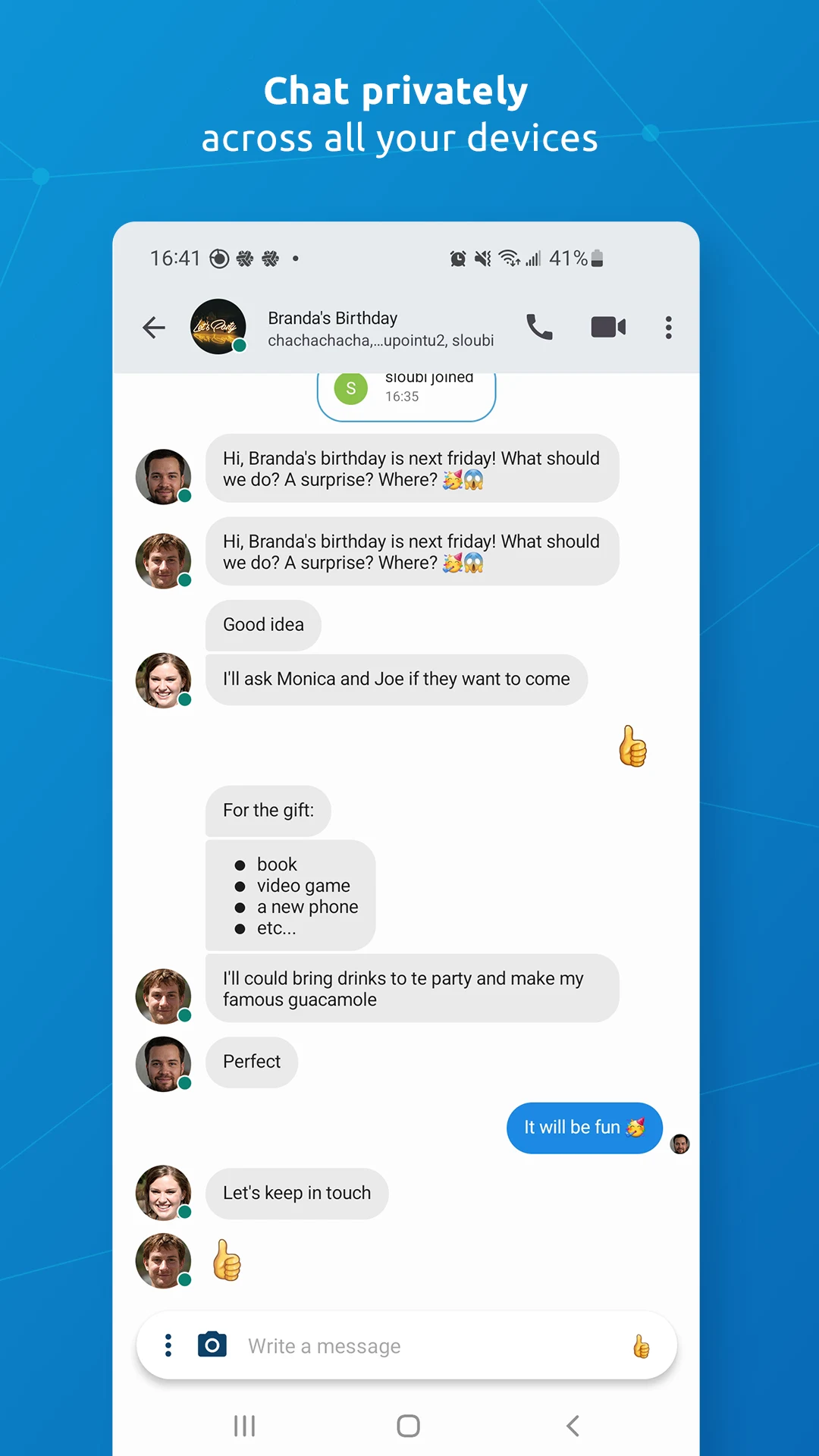
End-to-end encrypted messaging inside the Jami app
Audio and video calls with direct peer-to-peer connections
Group chats and video conferences with rendezvous points
Audio/video message recording and media streaming
Screen sharing on Android and desktop clients
Unlimited peer-to-peer file sharing with no cloud dependency
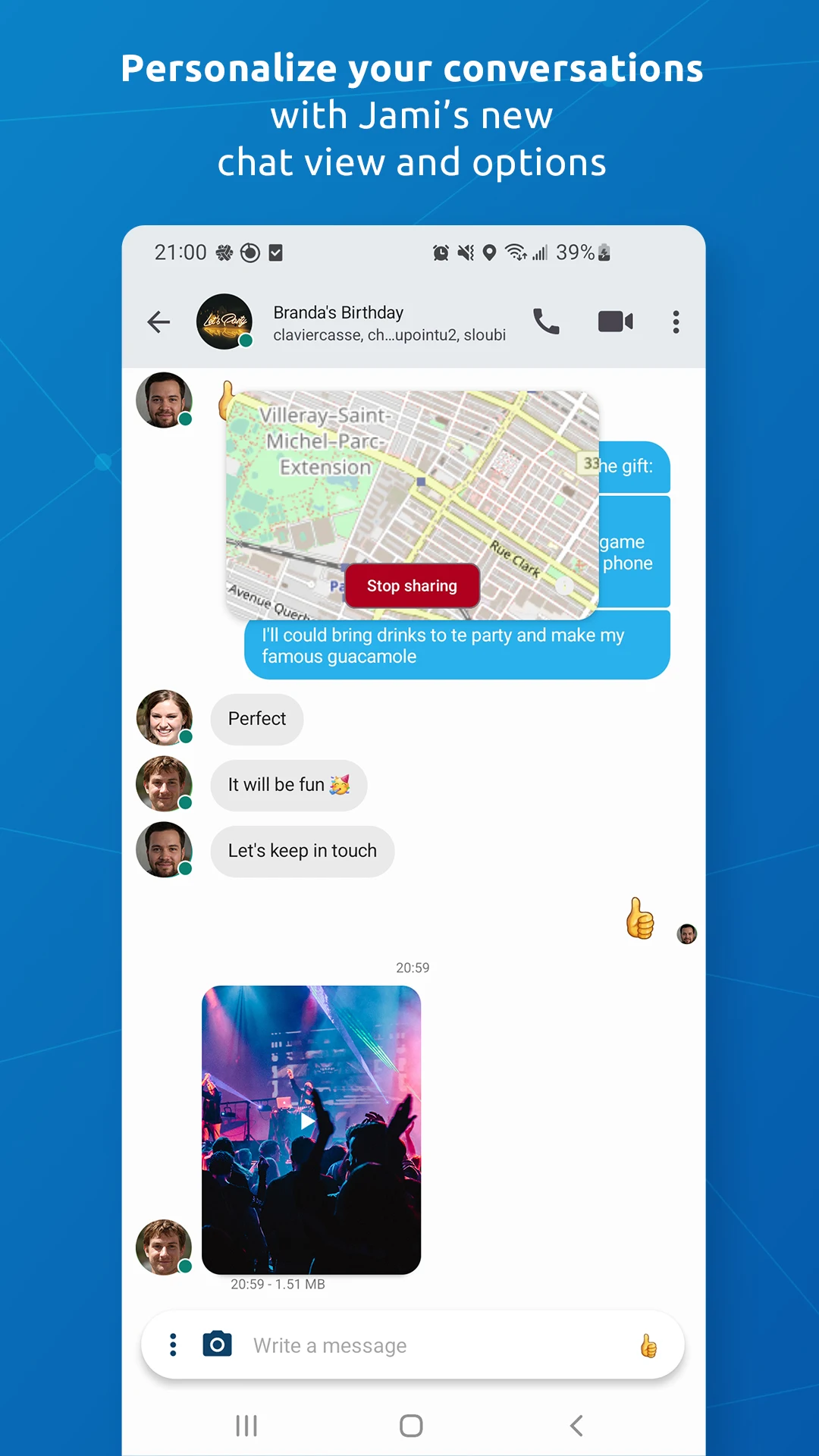
Location sharing and message status controls
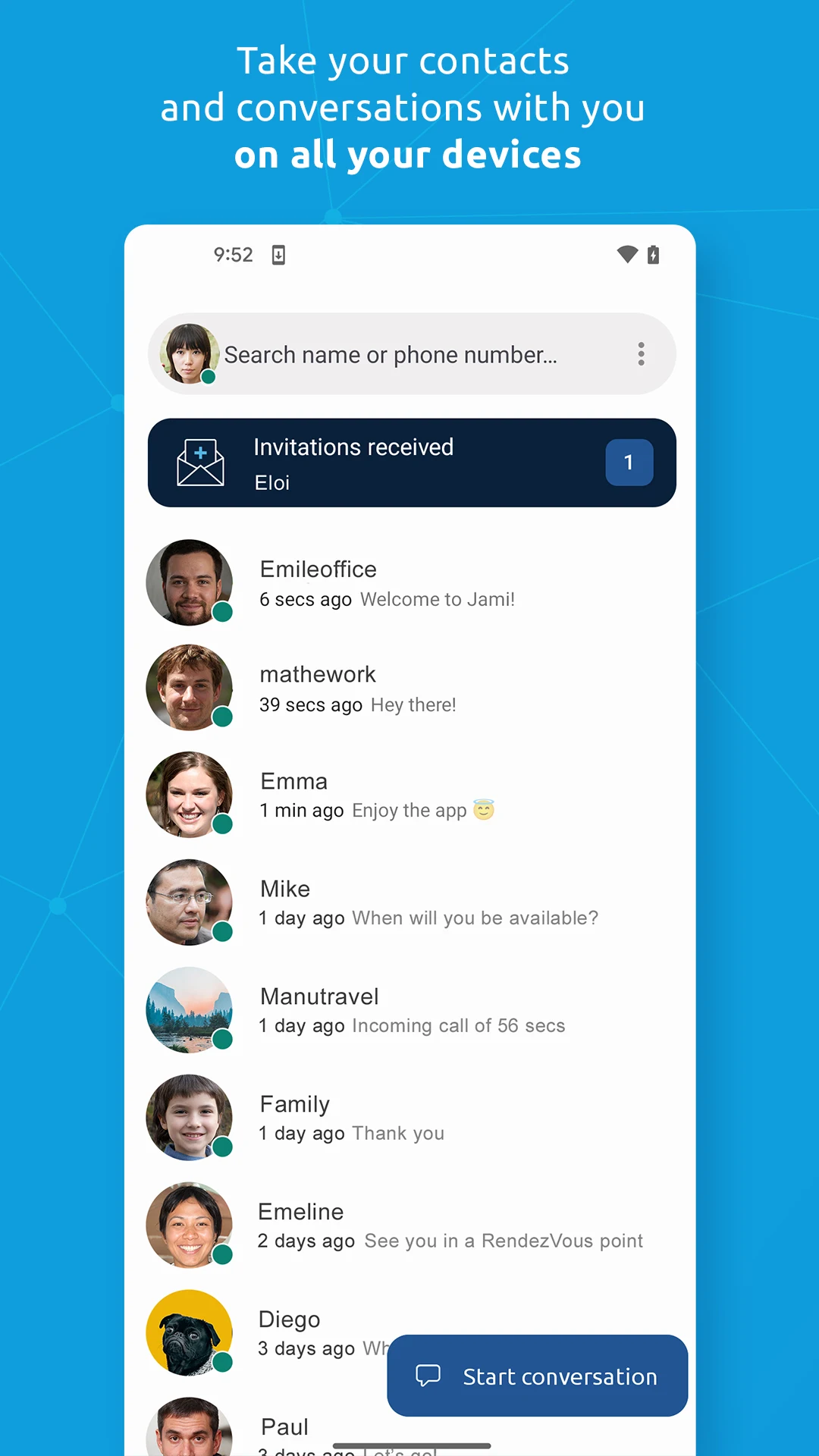
Swarm-based conversation sync across linked devices
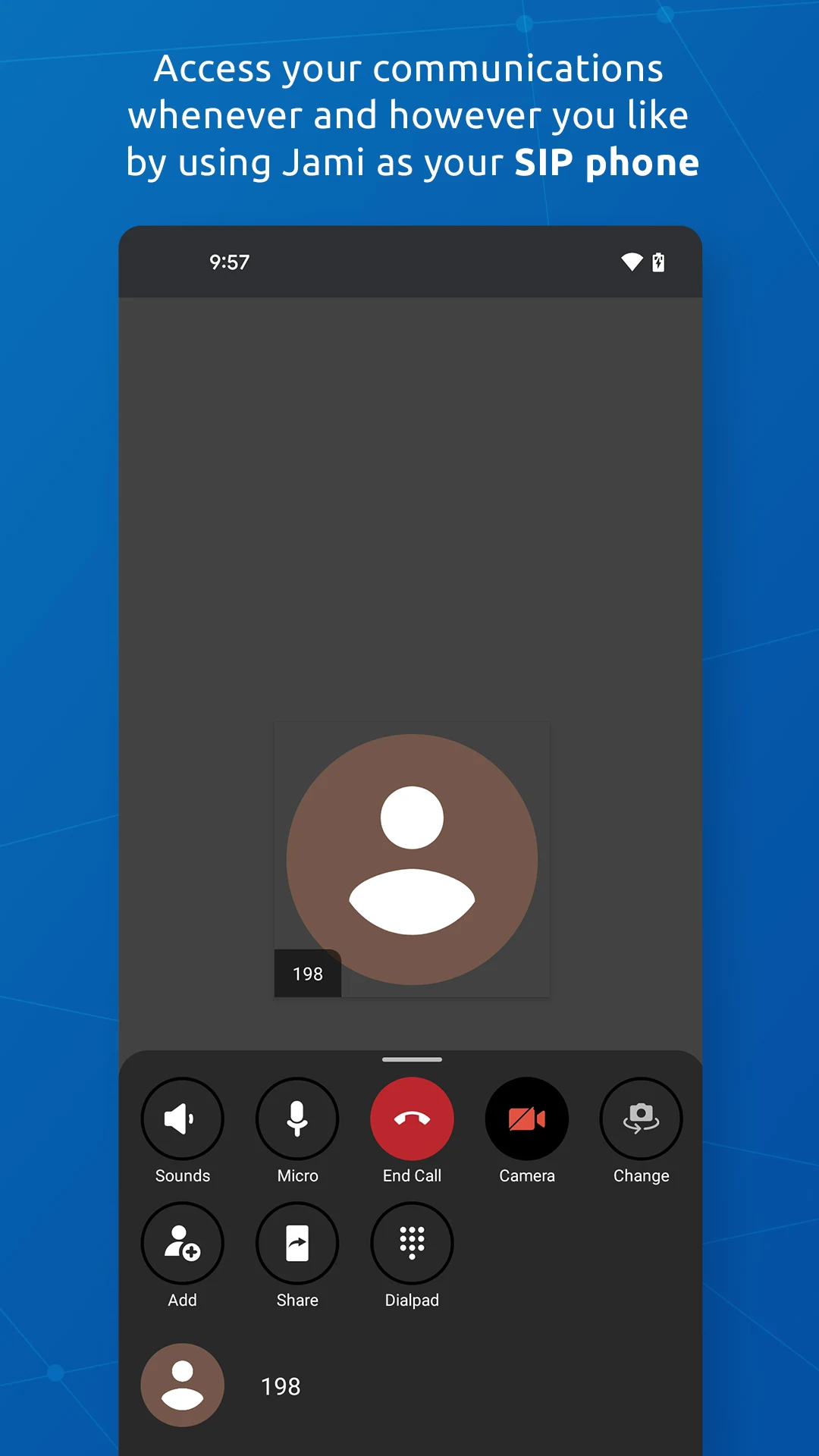
SIP client support for VoIP accounts alongside Jami accounts
JAMS integration (Jami Account Management Server) for organizations
Jami extensions — Audio Filter, Auto Answer, Green Screen, Watermark, Whisper Transcript
LAN-only mode — Jami keeps working without internet access
Multi-platform accounts — link Android, iOS, desktop, Android TV, and web
How to Use the Jami App:
The Jami app runs on a privacy-first loop: create account → share Jami ID → connect peer-to-peer → message/call → sync devices → extend with plugins.
Quick guide:
Install Jami from Google Play using the Savoir-faire Linux listing.
Create a Jami account — no phone number or email required; optionally set a display name, username, and encryption password.
Share your 40-character Jami ID or registered username with contacts.
Start one-to-one or group chats with instant messaging.
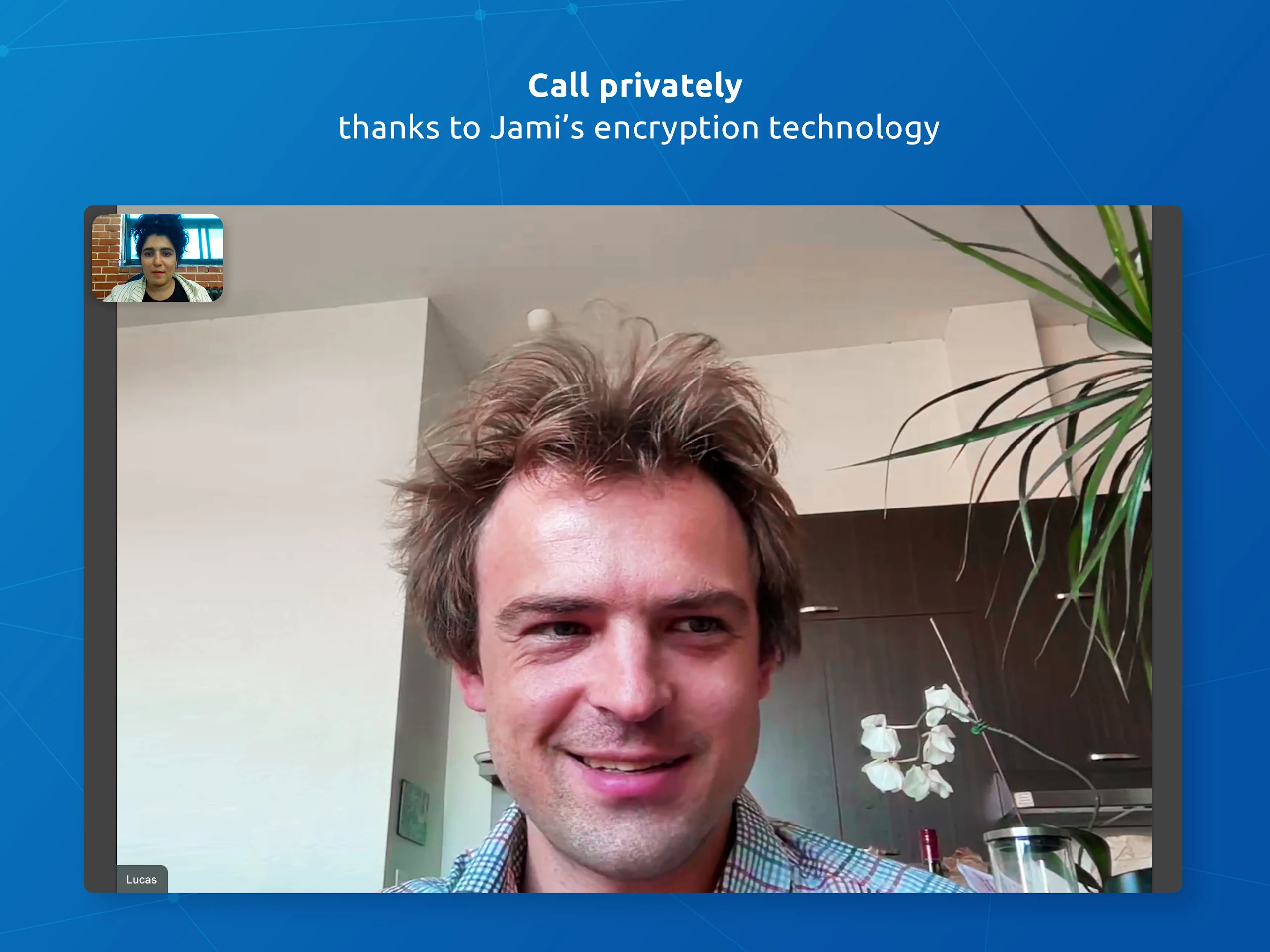
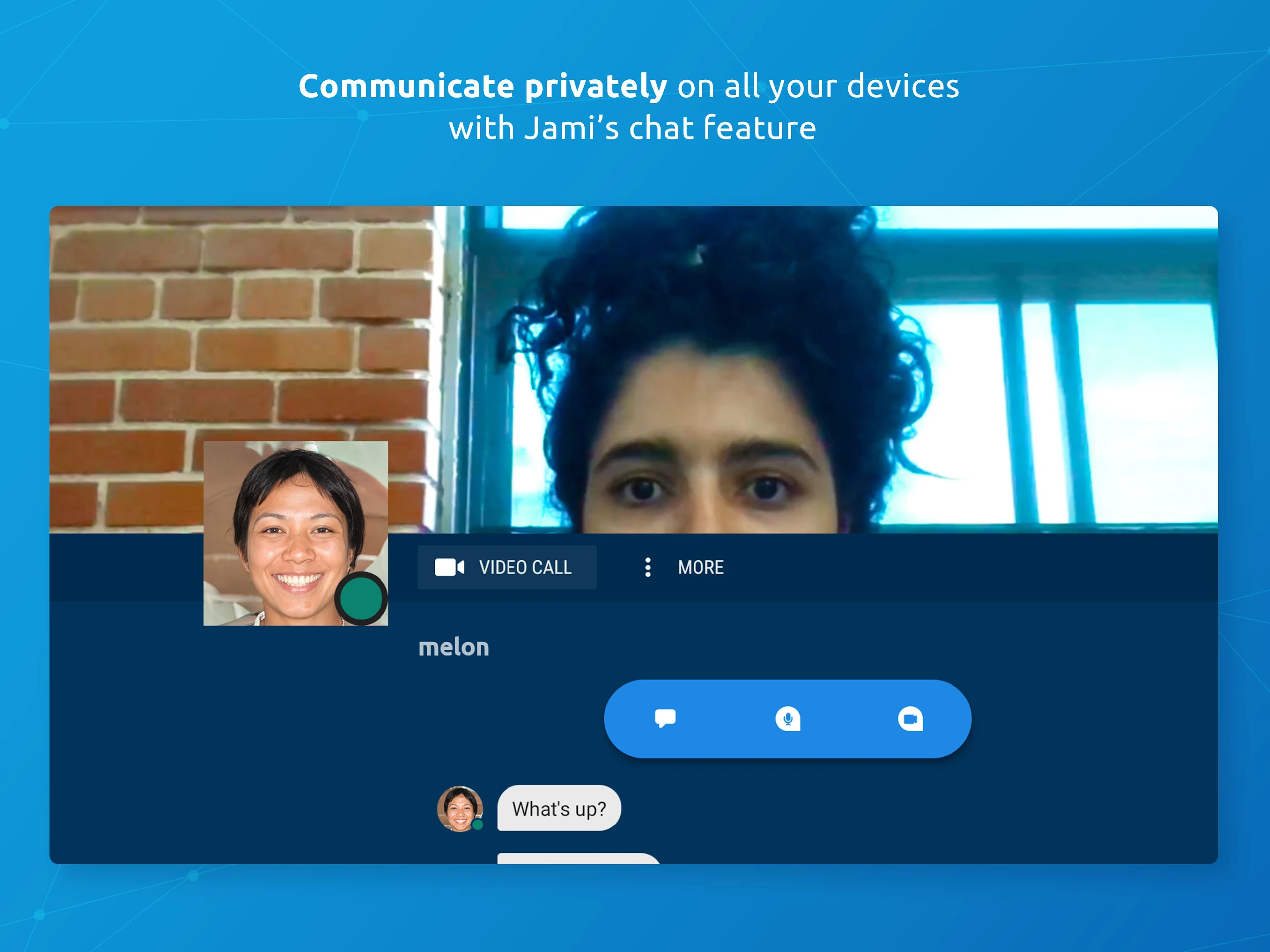
Make audio/video calls that connect directly between devices.
Use screen sharing during calls on Android or desktop.
Send files, audio messages, video messages, and location shares.
Create permanent groups or rendezvous points for recurring meetings.
Link more devices — laptops, phones, Android TV — with Swarm sync.
Enable extensions or connect a SIP account for traditional VoIP.
Tips:
Turn on read receipts, typing indicators, and biometric unlock in settings where supported.
For stable Android notifications, allow background running and consider push/DHT proxy mode.
Back up your account archive — Jami cannot recover a lost key for you.
On restricted networks, Jami can use a DHT proxy, TURN relay, or your own bootstrap node.
Jami FAQ and 2026 Status:
Who develops Jami?
Savoir-faire Linux Inc., a Canadian free-software company. Jami is an official GNU package under GPLv3+.
How is Jami different from normal messengers?
Jami is distributed. Accounts live on your device as cryptographic keys, and calls/messages travel directly between peers — no central relay stores your data.
Is it really end-to-end encrypted?
Yes. Jami uses TLS 1.3 with perfect forward secrecy for calls and file transfers, RSA-encrypted messages, and SRTP for media streams.
Can Jami work without internet?
Yes. With Local peer discovery enabled, Jami devices on the same LAN can communicate with no external connectivity.
Why Install Jami:
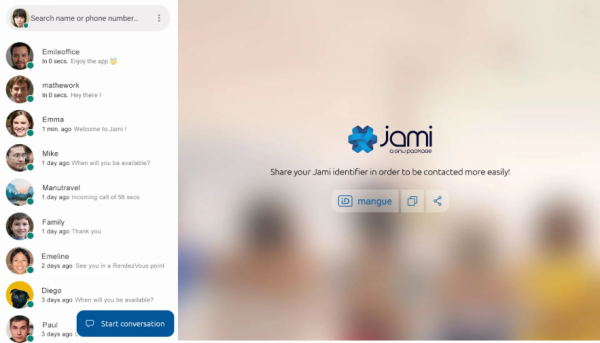
Install the Jami app if you want a messenger that refuses to monetize your metadata and keeps communication under your control.
Best-fit users:
Privacy-focused users avoiding centralized platforms
Journalists, activists, and researchers handling sensitive talks
Families wanting ad-free, account-light group communication
Remote teams deploying JAMS inside their organization
Educators sharing files and sites without third-party hosting
SIP users who want one app for VoIP and secure chat
Offline/LAN scenarios: labs, field work, private networks
- Version20220426-01
- UpdateOct 22, 2026
- DeveloperSavoir-faire Linux Inc.
- CategoryCommunication
- Requires AndroidAndroid 5.0+
- Downloads291K+
- Package Namecx.ring
- Signature8c1a511e9767f2f8b9b01be5fd439934
- Available on
- ReportFlag as inappropriate
-
NameSizeDownload
-
47.28 MB
-
44.57 MB
-
35.55 MB
















Strong focus on user privacy.
Free and open-source software.
Decentralized architecture enhances security.
Supports multiple platforms (Windows, Linux, Android, etc.).
Peer-to-peer communication reduces reliance on servers.
High-quality audio and video calls when functional.
Potential for future improvements and features.
Continuous development shows promise for stability.
Frequent bugs and crashes during calls.
Messages often fail to send or arrive late.
Confusing user interface and setup process.
Lack of group chat functionality.
Poor integration with existing contacts.
Issues with battery drain and data usage.
Limited support for file transfers.
Mic not recognized on certain devices, affecting voice calls.
Frustrating experience with account synchronization across devices.