
Capture Translator (Camera, Ga - Translation & Interpretation
Discover effortless translations & interpretations for travels, studies, shopping, & more with ease & simplicity.

- 6.3.1.2 Version
- 2.0 Score
- 164K+ Downloads
- Free License
- 3+ Content Rating

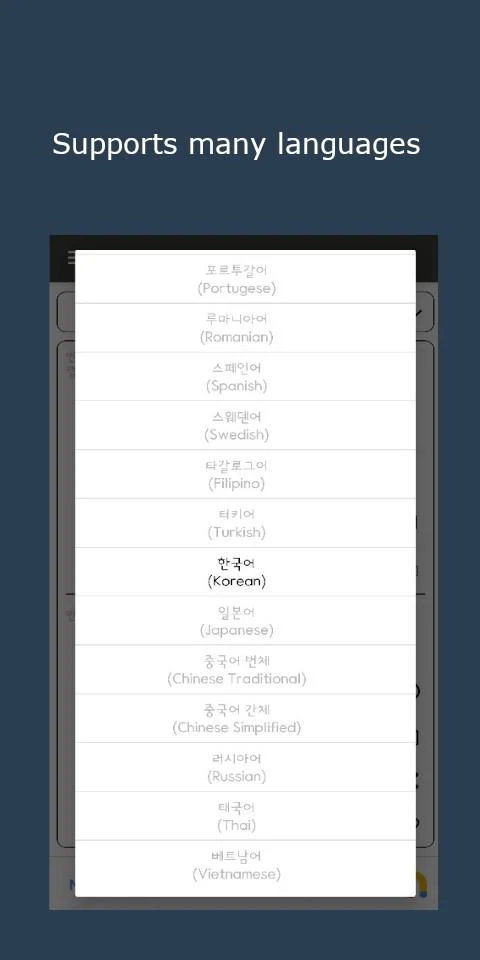
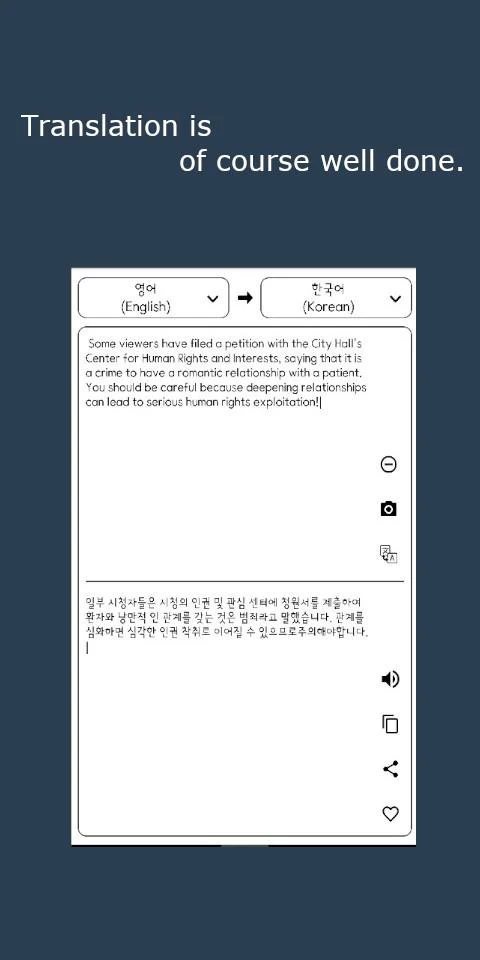
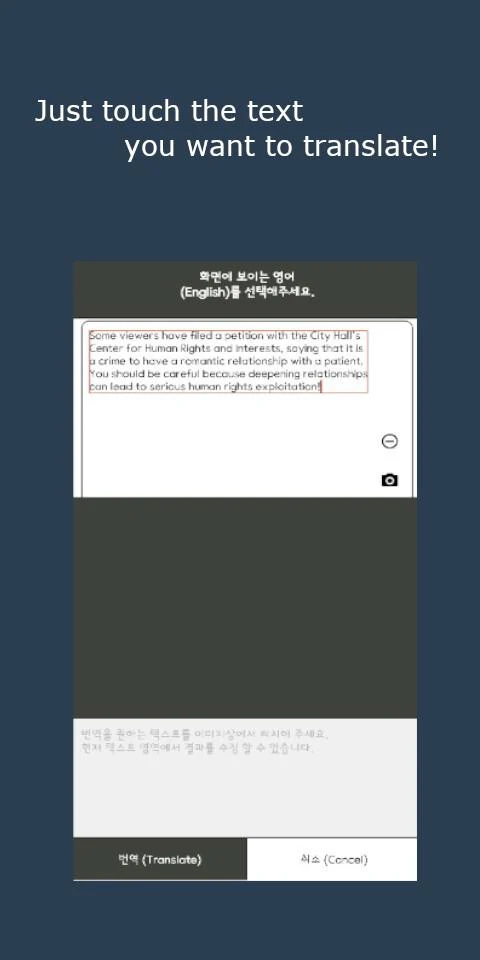
It offers a user-friendly interface and is accessible at no cost.
Requires very little storage space, under 5 MB! 👍
Let's conserve data while traveling abroad! 👍
Usage scenarios:
- Translating academic papers
- Online shopping from international sites
- Language learners
- Travelers in foreign countries
- Individuals seeking straightforward dictionary definitions
- Anyone else in need of translation or interpretation services
🔅 Features:
- Voice-activated translation
- Translation for words and phrases
- Camera-based translation for sentences and words using images from the gallery
- Save favorites
- Maintain a history of translations
Usage Process:
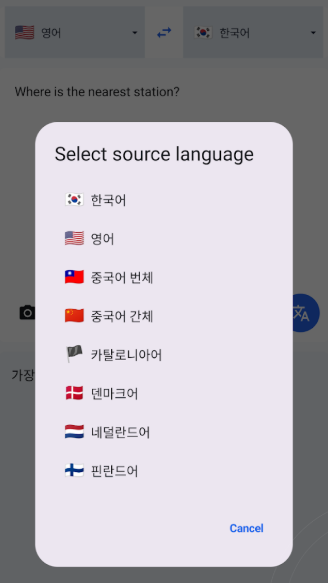
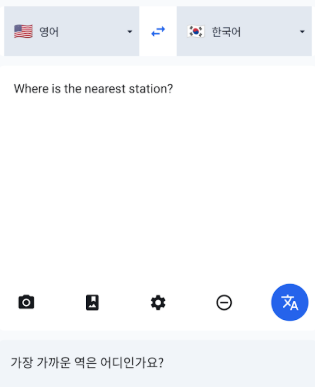
- **Text Translation**: Open the app and the default translation interface will be displayed. Type or paste the text you want to translate into the input box. The system will automatically detect the language. If the detection is inaccurate, click the language options below to manually adjust the source and target languages. The translation results will be displayed in real time.
- **Voice Translation**: Find the "Voice Translation" option on the app homepage to enter the voice translation interface. After setting the source and target languages, click the microphone icon and speak into the phone. The system will recognize and translate your voice in real time. The translation results will be displayed shortly after you finish speaking.
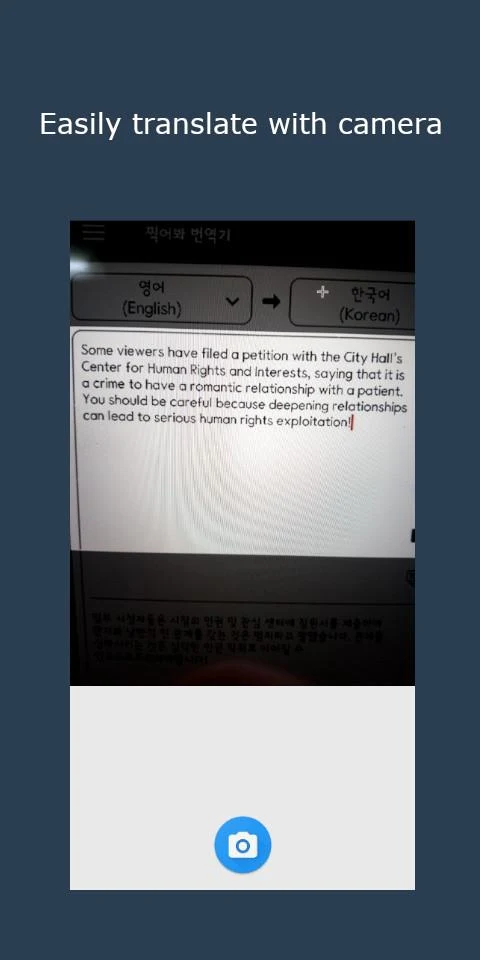
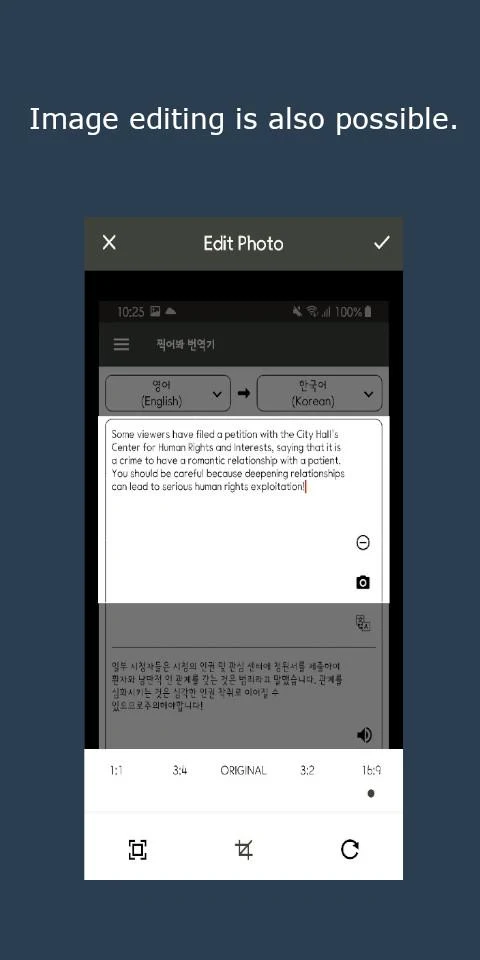
- **Photo Translation**: Click the camera icon on the app homepage to enter the photo translation interface. You can choose to translate by taking a photo or upload an image. For photo translation, point the camera at the text you want to translate, adjust the position and angle, and click the photo button. The system will automatically recognize the text in the image and translate it. For image translation, simply select an image from your camera roll containing the text you want to translate. After the translation is complete, you can select the source and target languages on the results page and view a comparison of the original and translated text.
- **Collect and View History**: If you encounter important translation content, you can click the Save button to save it. If you want to view previous translation records, you can find the History option in the app and click to view past translations.
Related Questions and Answers:
1. **What translation methods does this translation app support?**
A: It supports three core translation methods: text translation (real-time translation after inputting/pasting text), voice translation (automatic translation after voice input), and photo translation (directly taking a photo or uploading an image from the album to recognize and translate text), meeting the needs of different scenarios.
2. **Is the app free? Does it take up a lot of phone storage space?**
A: It's completely free to use and takes up very little space, less than 5MB, so it won't consume too much of your phone's storage resources, and installation is hassle-free.
3. **Will it consume a lot of data when using it while traveling abroad?**
A: No. The app is designed to "save data when traveling abroad," effectively saving data consumption, suitable for use in scenarios where there is no Wi-Fi or limited data abroad.
4. **Can it automatically recognize the language during translation? What if the recognition is inaccurate?**
A: It supports automatic detection of the source language, and the translation result is displayed in real time; if the recognition is inaccurate, you can manually adjust the source and target languages, making it simple and convenient to use.
5. **Can the translated content be saved?** How can I view my translation history?
A: Yes, you can save it. You can click the "Favorite" button to save important translations; you can view your translation history through the "History" option in the app for easy review later.
- Version6.3.1.2
- UpdateOct 20, 2026
- DeveloperTarkarn
- CategoryCommunication
- Requires AndroidAndroid 7.0+
- Downloads164K+
- Package Namecom.tarkarn.capturetranslator
- Signature7980ab8675d0e21ad46925f8f455a596
- Available on
- ReportFlag as inappropriate
-
NameSizeDownload
-
8.95 MB
-
5.24 MB
-
4.96 MB










Lightweight and space-saving, less than 5MB, it doesn't take up any device storage.
Completely free, no subscription required, and all core features are available.
Saves data usage, reducing roaming data usage when using abroad.
Practical features include text, voice, and photo translation, as well as the ability to save favorites and history.
Multilingual coverage is not mentioned, so translation of lesser-known languages may be limited.
Photo translation relies on image clarity, and recognition accuracy may be affected by the environment.
There is no offline translation function, so it cannot be used when the network is disconnected.
Voice translation may be affected by accents and noise, resulting in unstable recognition.