
Contacts: Phone Calls & Dialer - Contact management & calling
Transform your call experience with a customizable dialer, quick responses & easy contact organization at your fingertips.

- 1.0.13 Version
- 4.6 Score
- 1M+ Downloads
- Free License
- 3+ Content Rating

Are you in search of an easy-to-use application for managing phone calls and contacts?
The Contacts App allows you to efficiently organize your contact details, initiate calls more quickly, and tailor your phone screen for an enhanced experience.
Core Advantages
- Convenient Operation: Features like swipe to answer, quick replies, and speed dial lower the barrier to entry for phone calls, making it particularly suitable for users unfamiliar with mobile phone operations (such as the elderly).
- Highly Customizable: From button styles and wallpapers to flash notifications, the interface and notification methods can be customized across multiple dimensions to suit different user aesthetics and usage habits.
- Comprehensive Functionality: Taking care of calls, contact management, history query, and dual-SIM compatibility, it provides a one-stop solution for all your calling needs, eliminating the need to download multiple utility apps.
Key Features of the Contacts & Dialer App
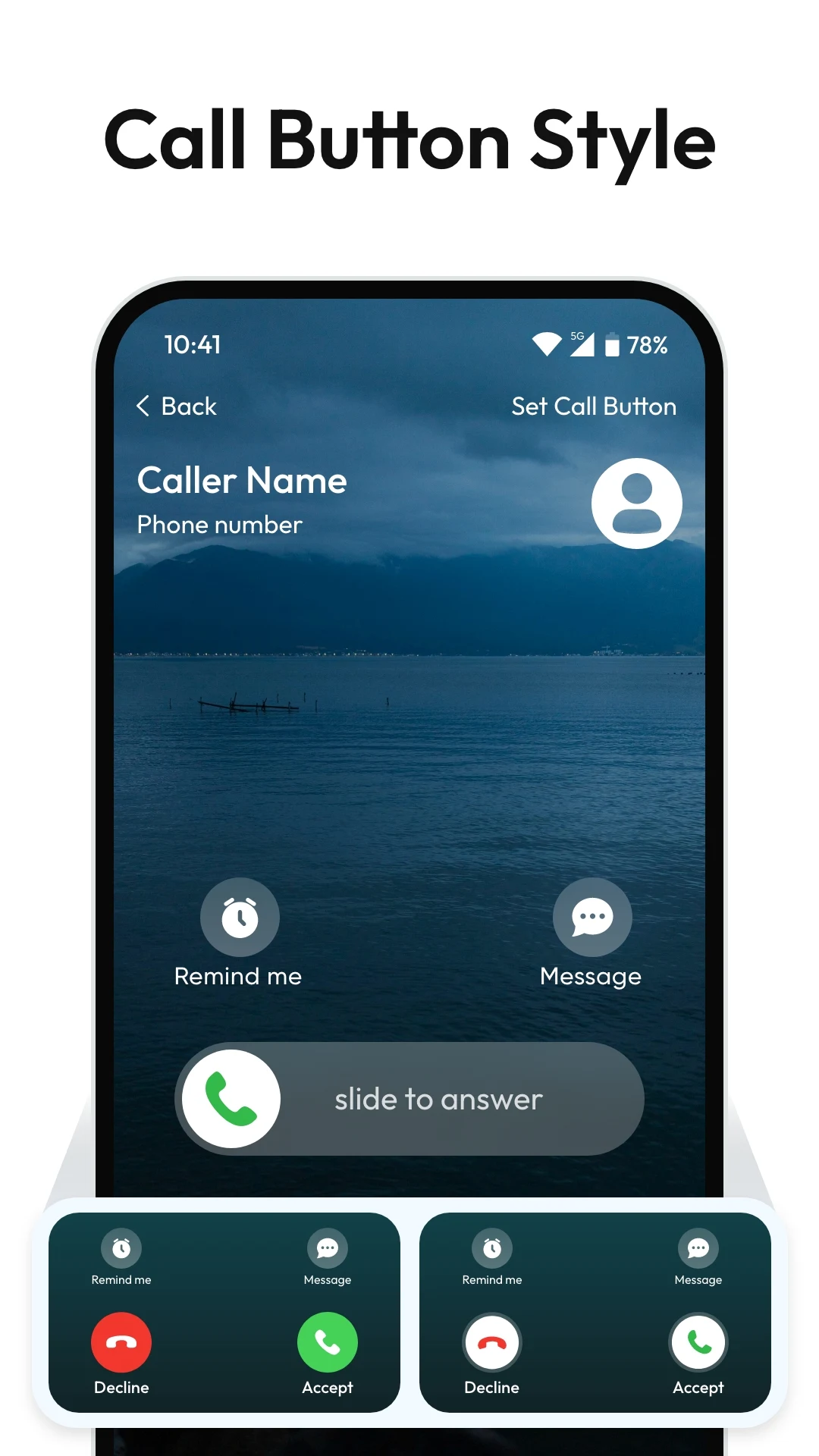
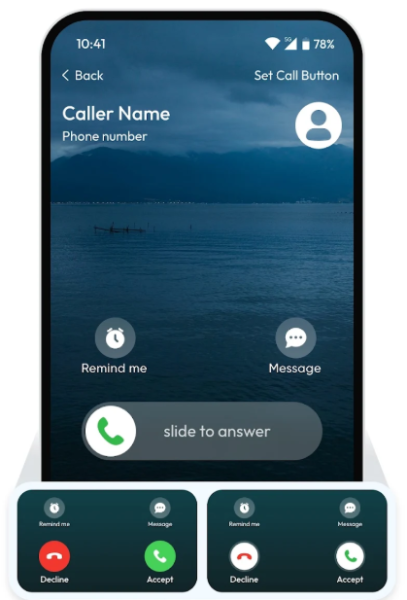
- Slide to Answer: Quickly answer incoming phone calls with a simple slide gesture.
- Calling Button Style: Personalize your call button design by selecting from various styles to make your calling interface more enjoyable.
- Manage Speed Dial: Access your frequently contacted individuals effortlessly through speed dial.
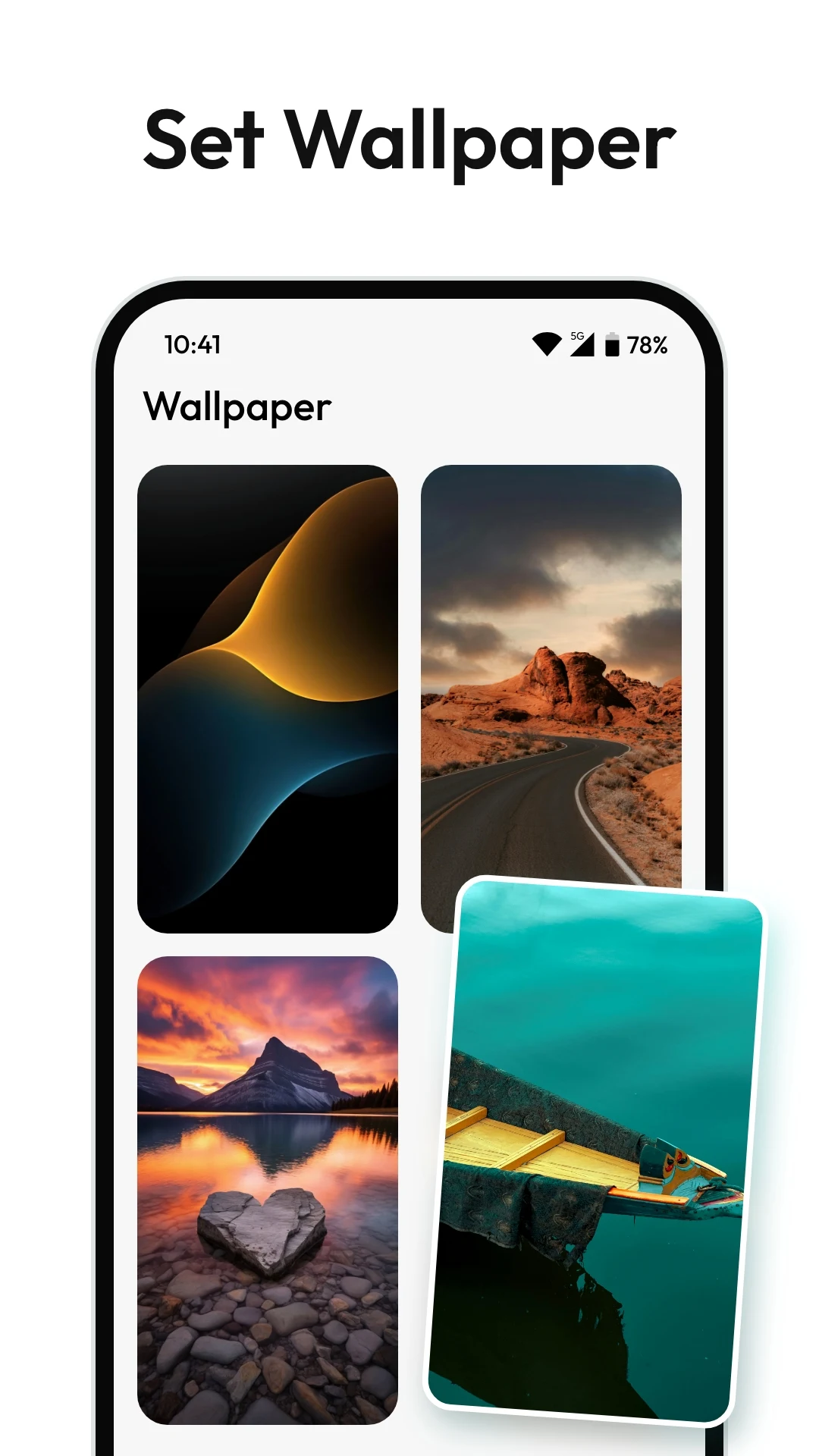
- Wallpapers: Customize your phone's calling interface with unique wallpapers.
- Quick Response: Send immediate replies to missed calls or messages.
- Flash on Call: Receive LED indicators for incoming calls, or set up customized alerts for specific or unknown contacts.
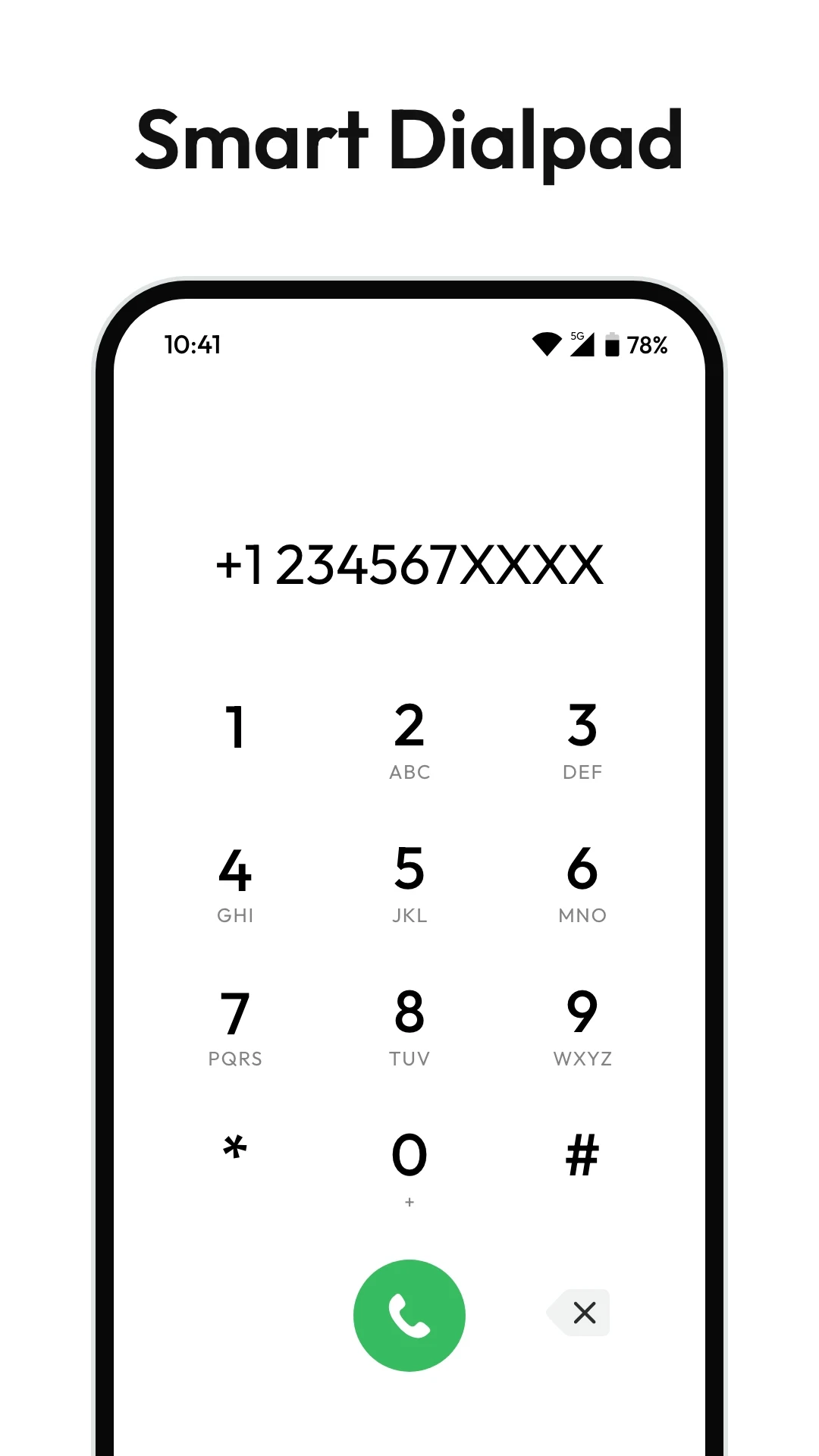
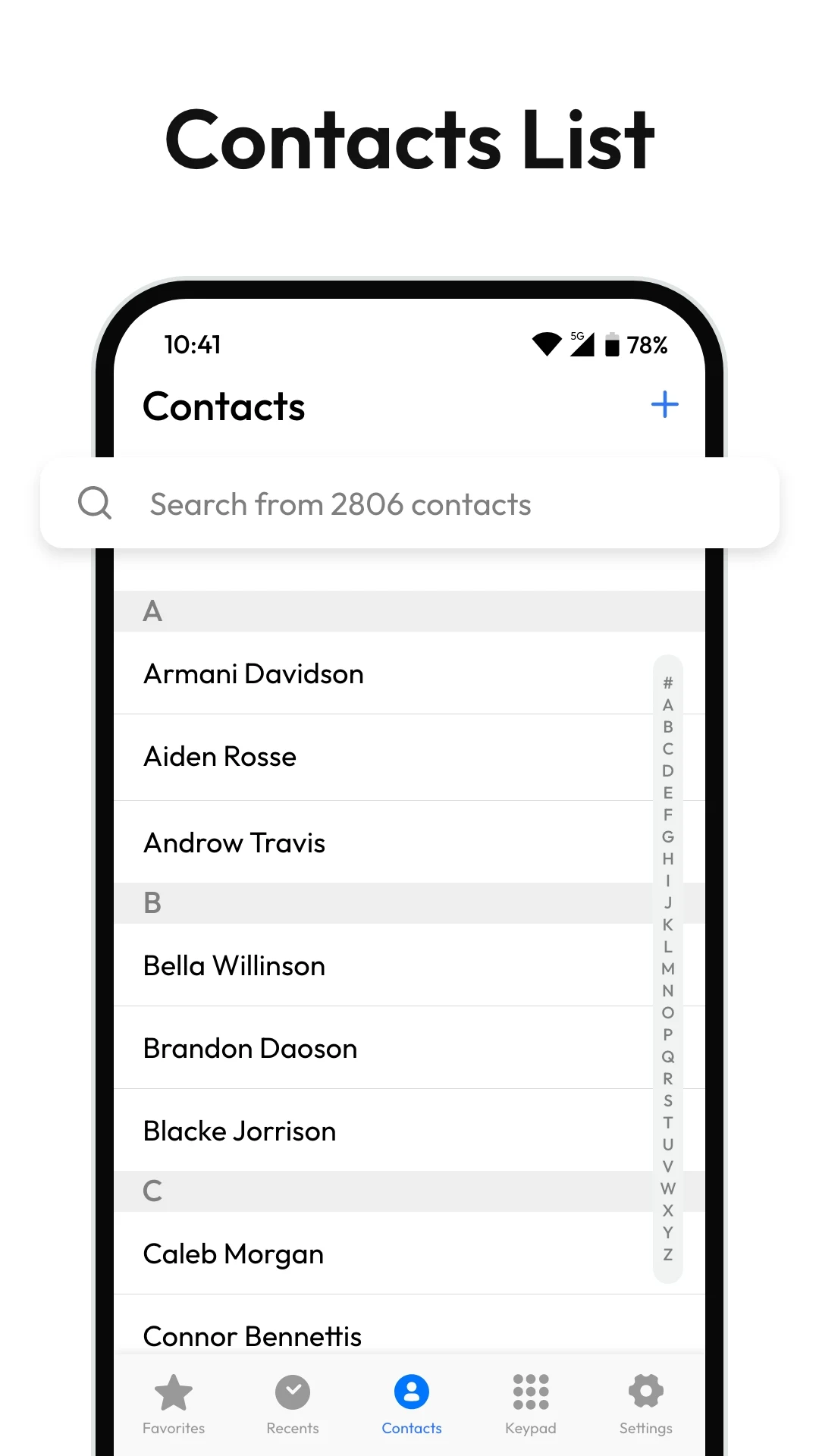
The Phone Dialer app features an address book, a customizable dialing interface, and a comprehensive phonebook.
- Missed Call Notifications: Stay informed about important calls with instant notifications and reminders for those you've missed.
- Call Logs: Review an extensive history of calls, including missed, incoming, and outgoing ones.
- Call Details: Access complete information for each call, such as duration, date, time, and contact details.
- Dark Mode: Benefit from a comfortable viewing experience in subdued lighting while conserving battery life.
- Dual SIM card support: Manage your contacts separately for each SIM card.
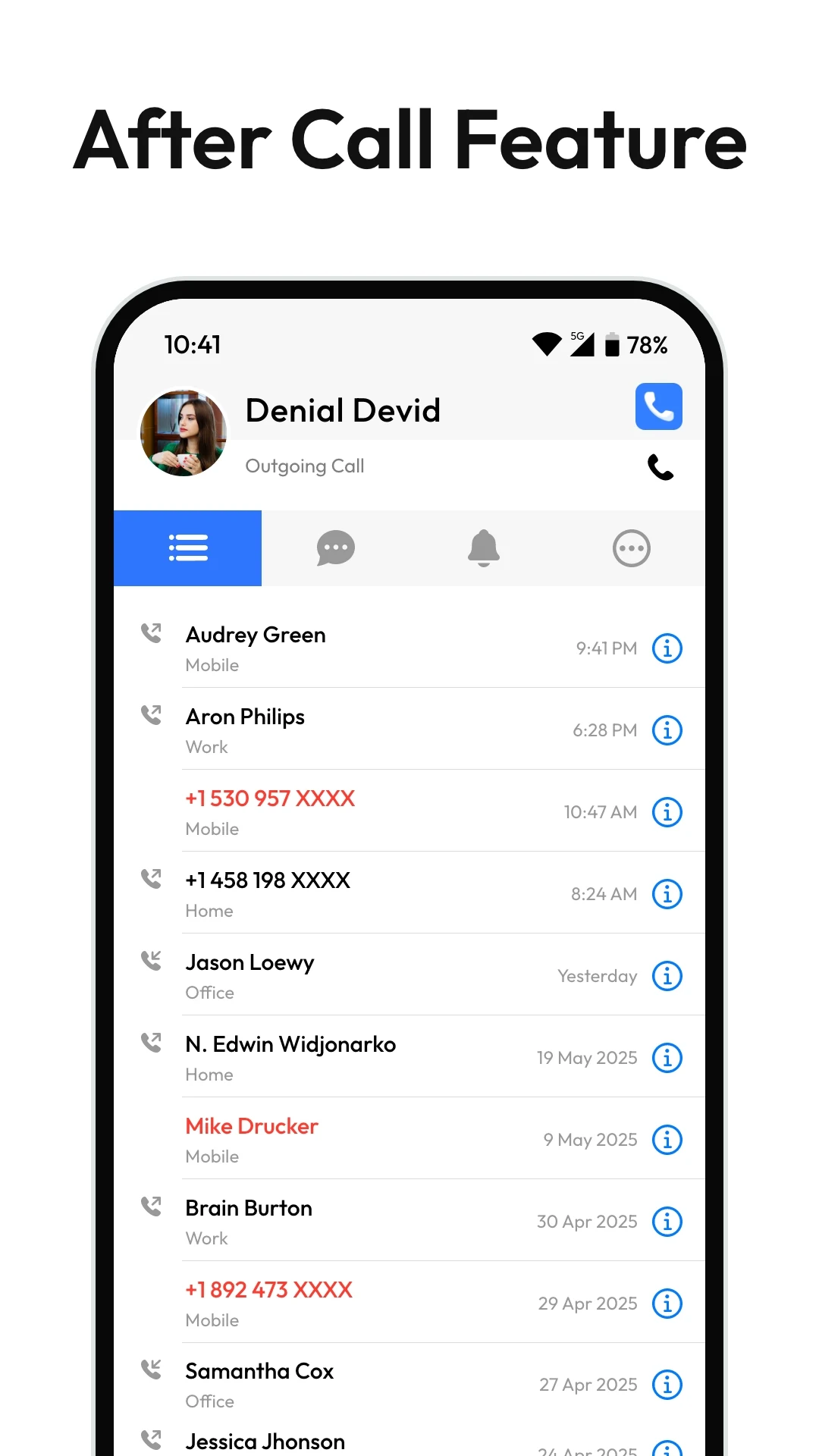
- After Call feature: Access recent call logs, send quick messages, create new contacts, and block unwanted numbers after each call.
Usage Process
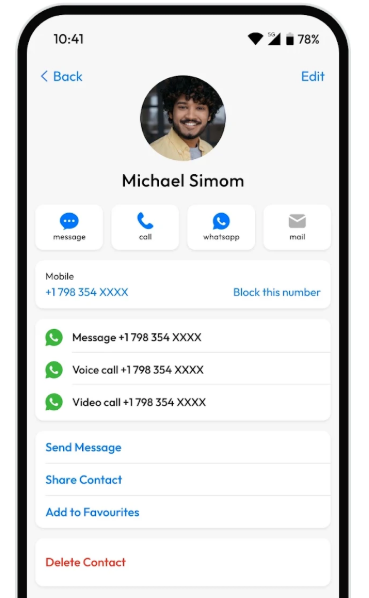
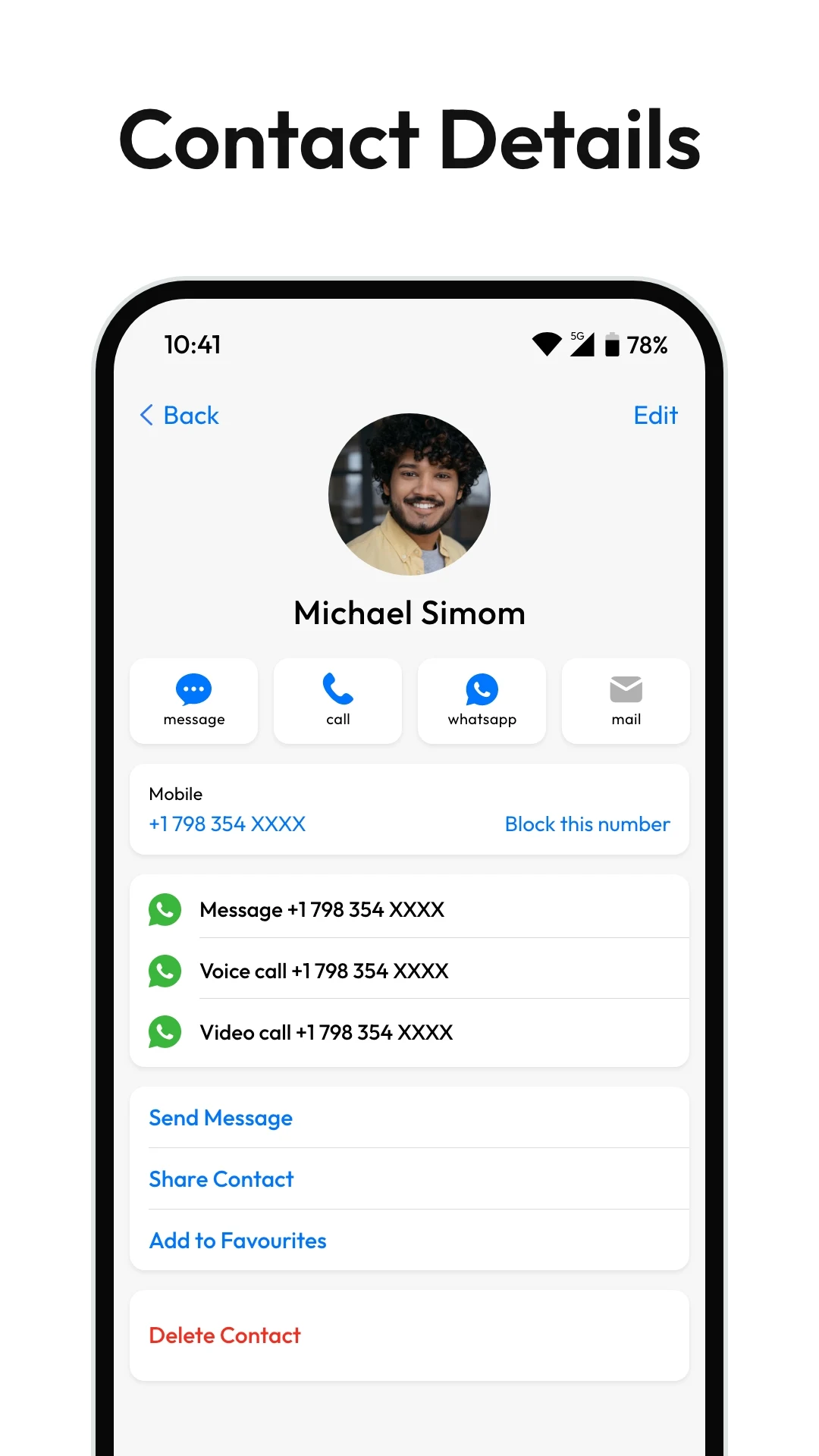
## 1. Adding Contacts
1. Open the app and tap the "+" sign (or "Add");
2. Enter your name, phone number, and other information, and select a save location (e.g., phone number/SIM card, on some models);
3. Tap "Save" (or "Save").
## 2. Editing/Deleting Contacts
1. Find the desired contact and tap it;
2. Edit: Tap "Edit," modify the information, and save;
3. Delete: Tap "Delete" (or click "Edit" to find the delete option) and confirm.
## 3. Quick Contact and Sharing
1. Quick Contact: Tap a contact and select "Call" or "Send Message";
2. Share: Tap "Share Contact" (or "Share") and select a sharing method (e.g., text message or email).
Enhance your calling experience with a robust address book, customizable dialer, and user-friendly phonebook.
With the Contacts & Phone Dialer, you can effectively manage your contacts, make calls, and personalize your screen.
Get it now and transform how you make calls.
Key Questions & Answers
1. **Q: Who is this app suitable for?**
A: Suitable for all users who need to manage calls and contacts, especially user-friendly for seniors unfamiliar with operation. It supports convenient functions such as swipe to answer and speed dial.
2. **Q: Can the interface and notifications be customized?**
A: Yes, it supports customizing call button styles, interface wallpapers, and setting incoming call flashlight reminders to suit different usage habits and aesthetics.
3. **Q: Is it feature-rich? Does it require other apps?**
A: It's feature-rich, providing a one-stop solution for call and contact management, call log retrieval, and supports dual SIM dual standby, eliminating the need for additional downloads.
4. **Q: How do I add and edit contacts?**
A: Open the app, tap the "+" sign, enter the name, phone number, and other information, and select the save location to add; after finding the contact, tap "Edit" to modify, and tap "Delete" to remove.
5. **Q: Are there any useful small features?** **
A:** Yes, it supports speed dial, missed call reminders, and quick post-call actions (check call logs, send messages, block numbers). It also has a dark mode for eye protection and power saving.
6. **Q:** Can it be used with a dual-SIM phone?
A: Yes, it supports dual-SIM dual-standby, allowing you to manage contacts on both SIM cards separately, meeting the needs of users with multiple phone numbers.
- Version1.0.13
- UpdateOct 19, 2026
- DeveloperMaccia Apps
- CategoryCommunication
- Requires AndroidAndroid 7.0+
- Downloads1M+
- Package Namecom.maccia.contacts.dialer
- Signature48f8eadb41a1dea32ba9707d97ef58bb
- Available on
- ReportFlag as inappropriate















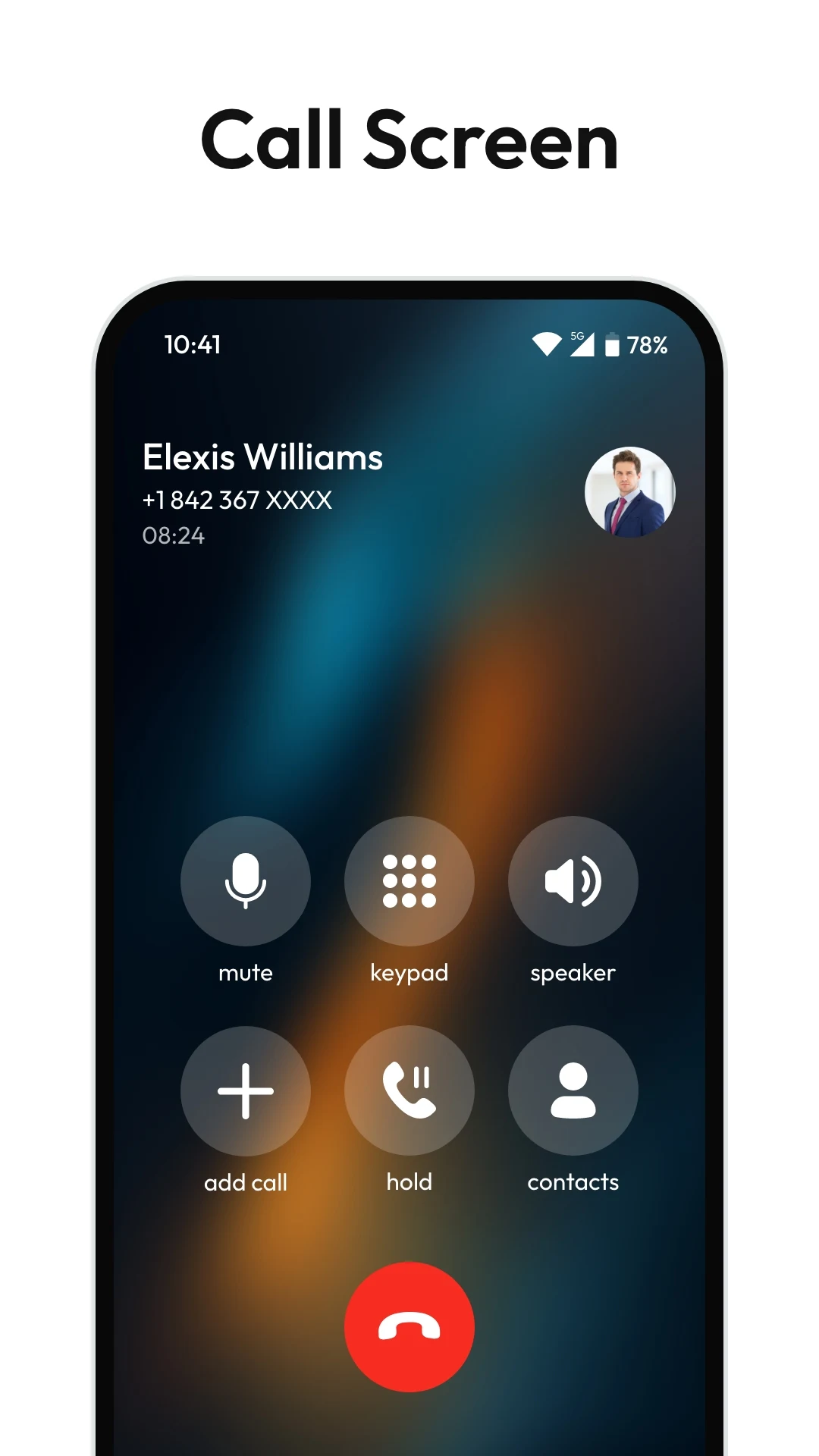
Enhanced calling features available during ongoing calls
Voice announcement of caller names
User-friendly interface for dialing and contacts management
Ability to see missed calls without opening the app
Full screen display with large buttons for incoming calls
Simple setup process with quick access to settings
Reliable performance for answering calls
Options to customize call behavior
Improved call connection speed
Inability to make calls in certain situations
Frequent advertisement interruptions
Limited functionality on tablets
Issues with selecting SIM card for calls
Missed call notifications not clearly displayed
Difficulty in finding contacts due to app limitations
Lack of voice feature for missed calls
Ads obstructing urgent communications
Potential technical glitches affecting call reliability