
Dhiraagu - Service management & payments
Effortlessly manage bills & services with a single app—empower your digital future today!

- 1.3.64-release build 164 Version
- 2.3 Score
- 248K+ Downloads
- Free License
- 3+ Content Rating

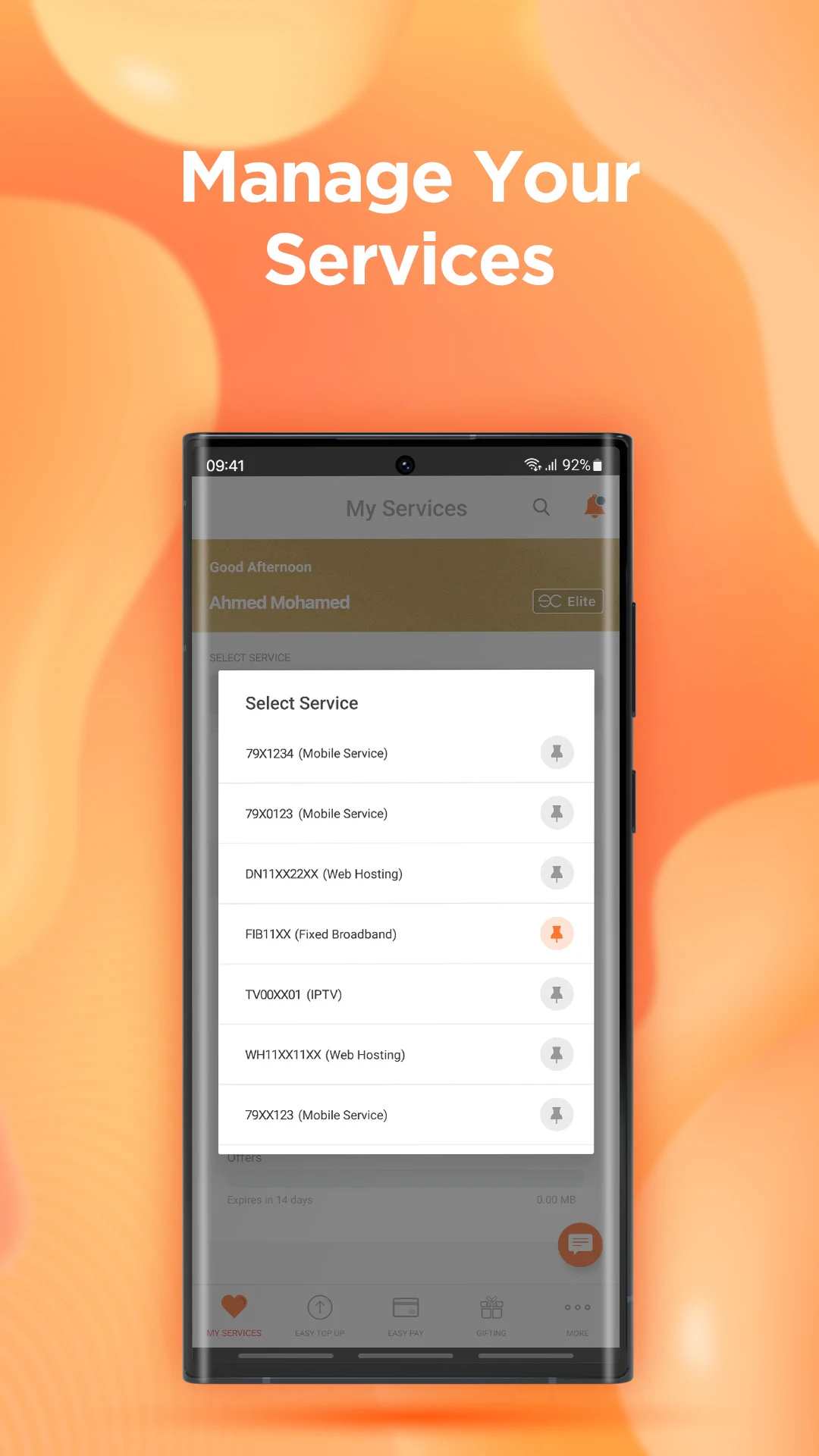
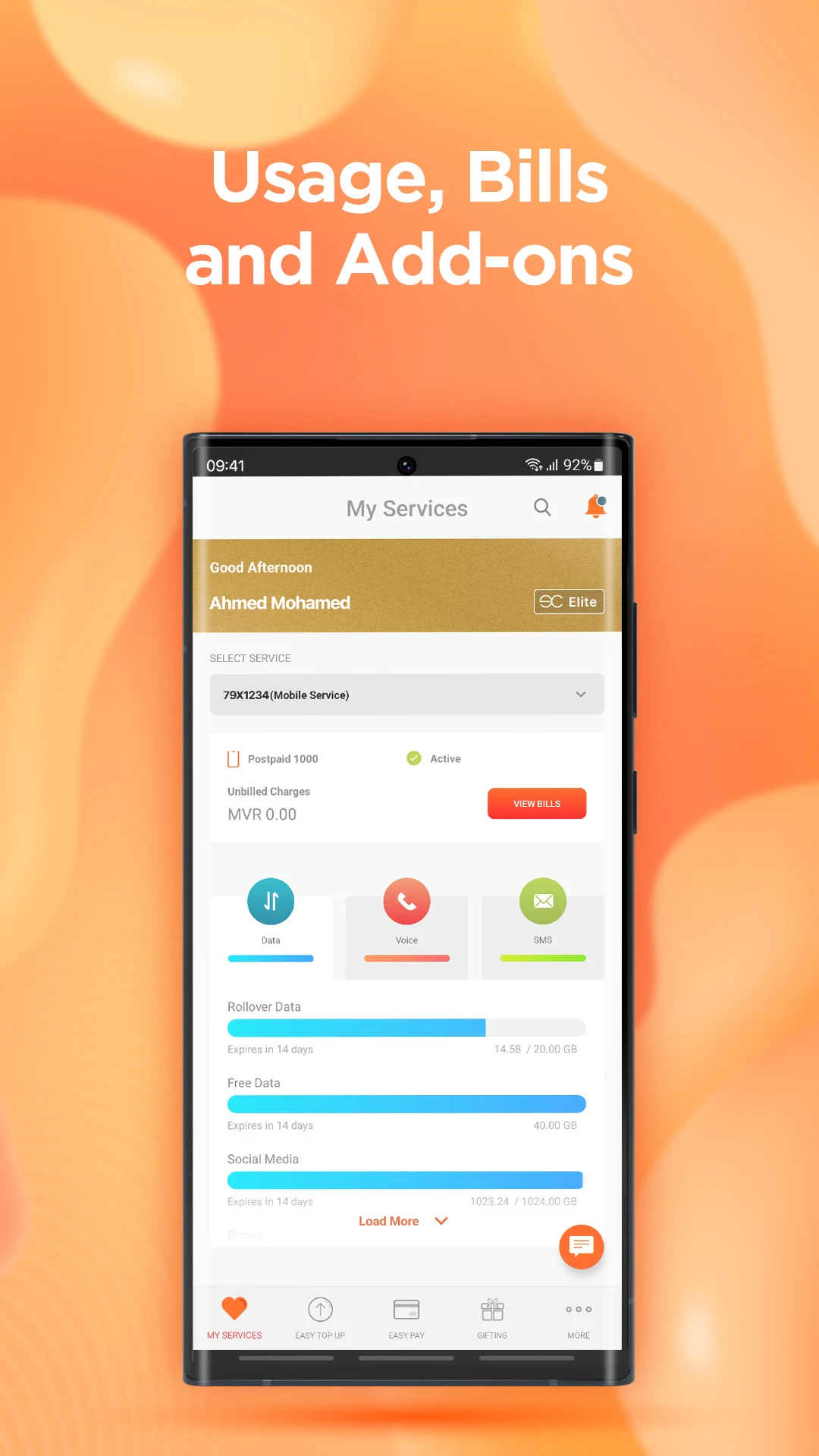
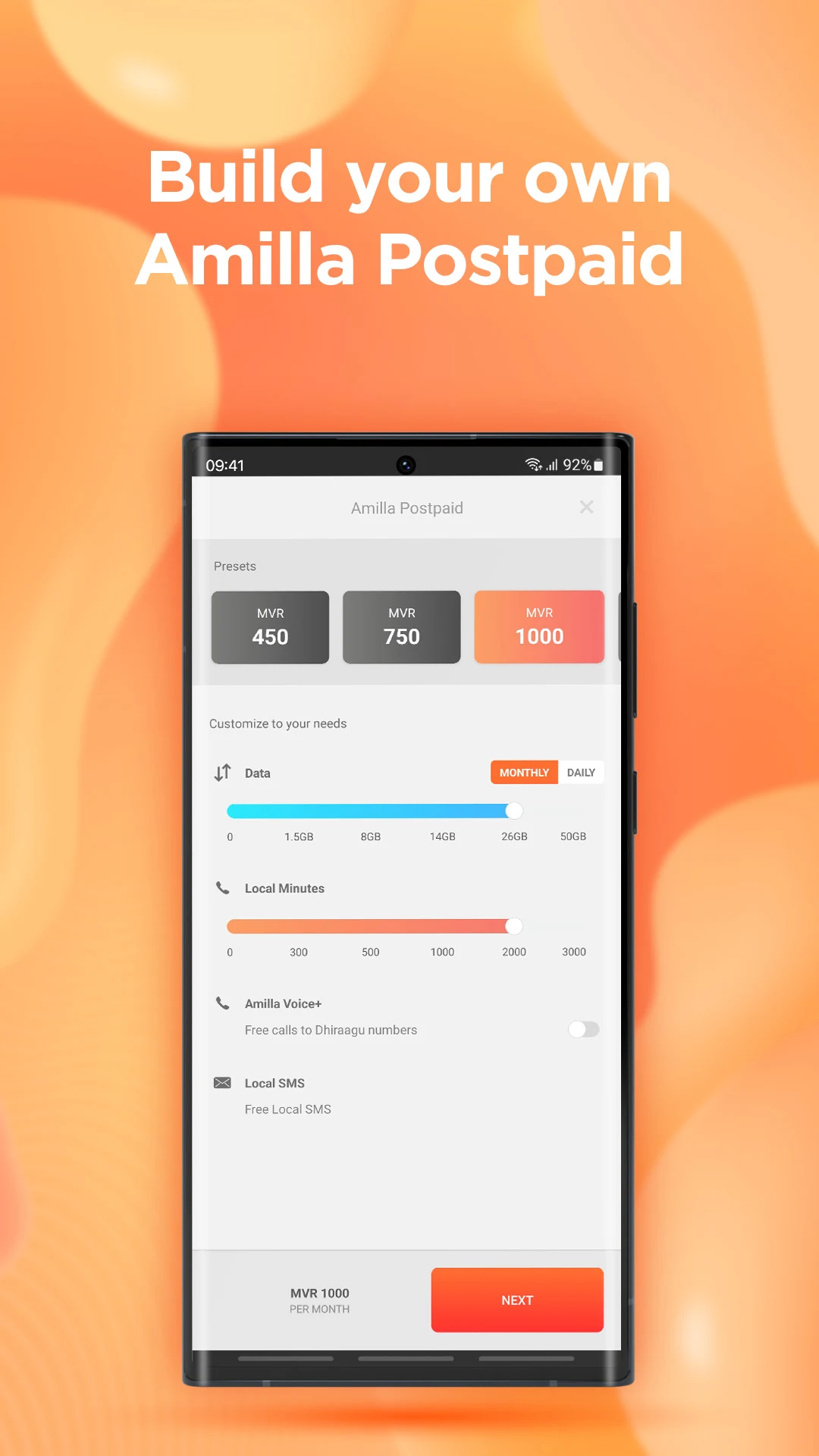
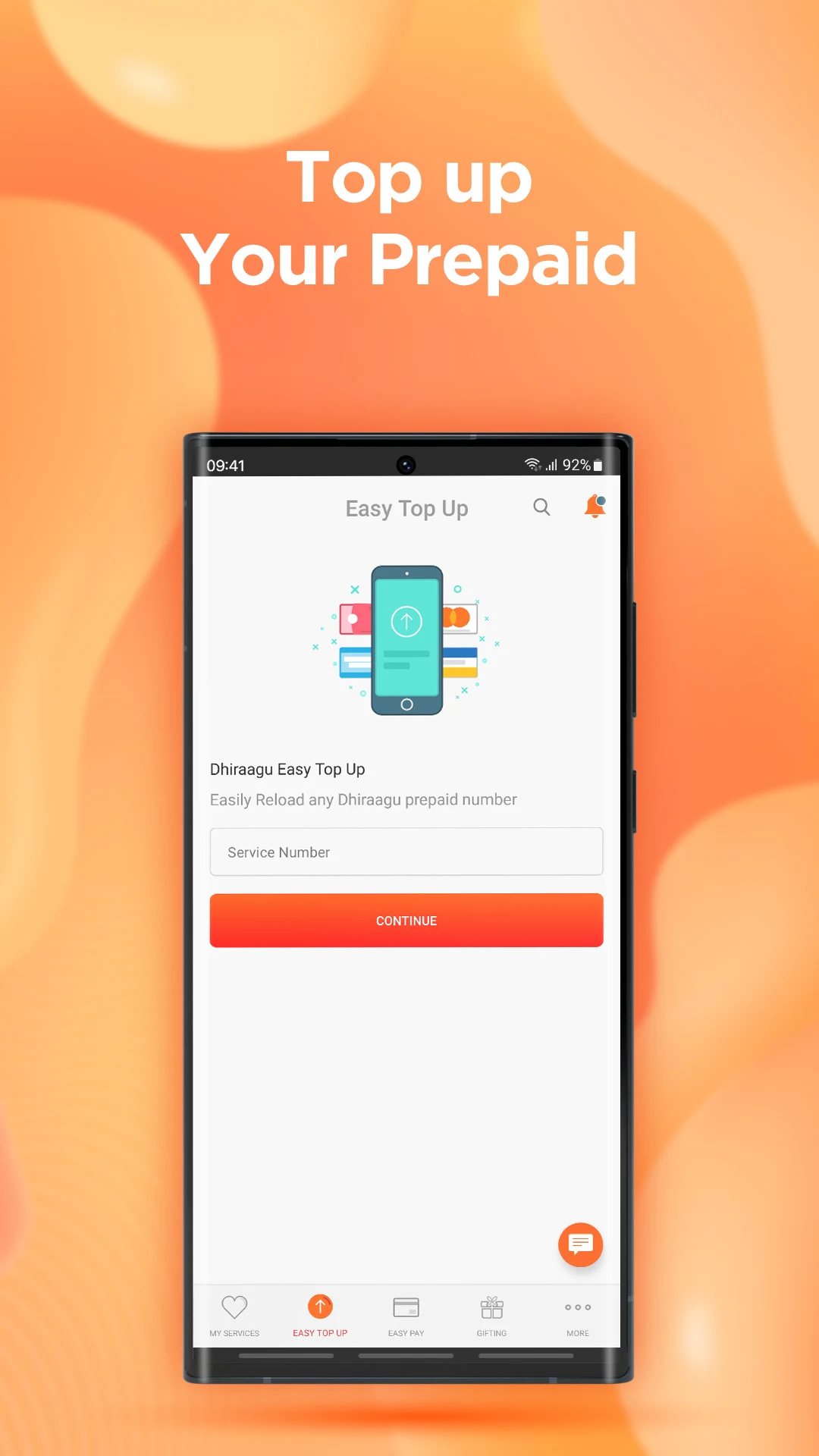
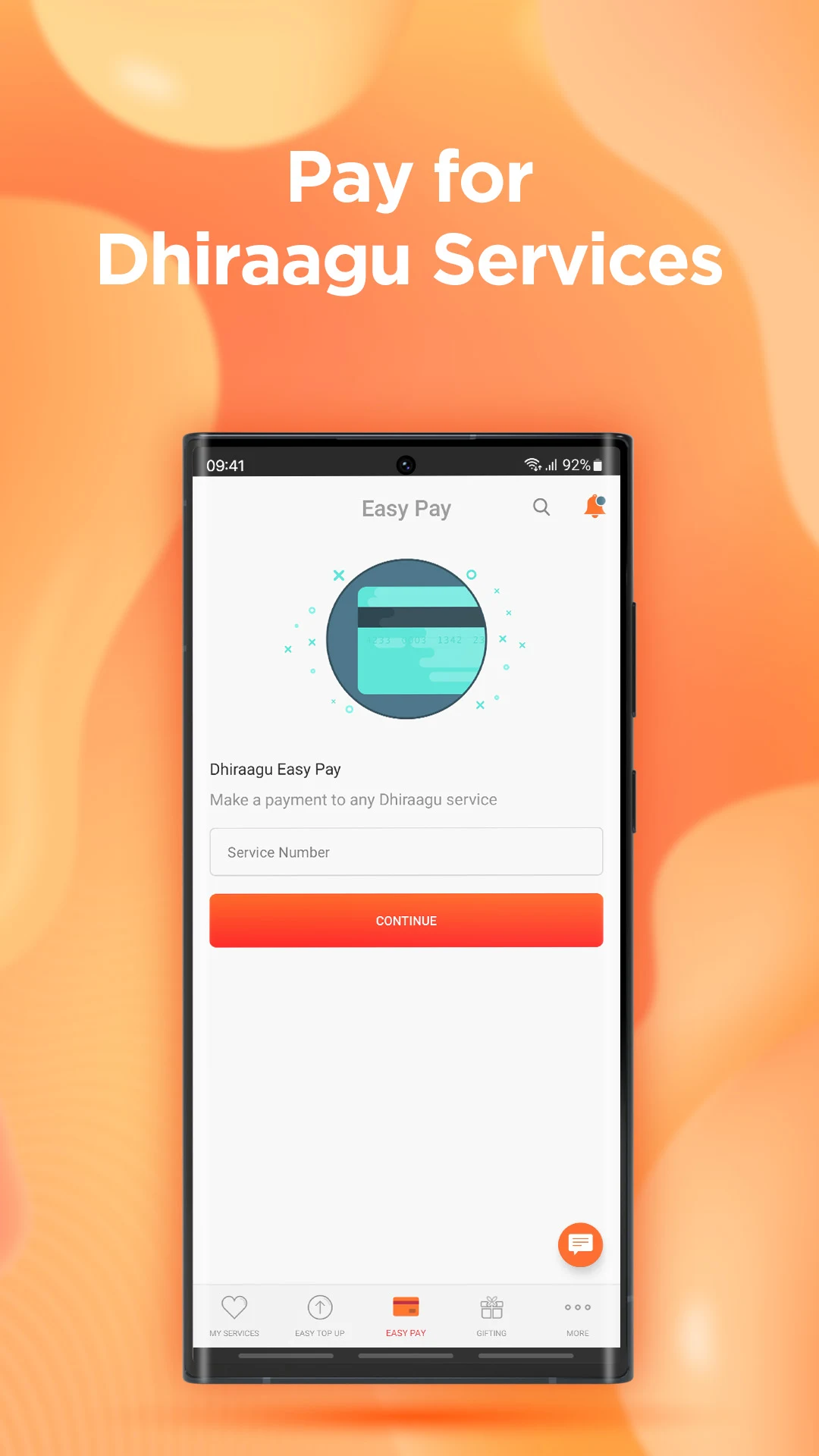
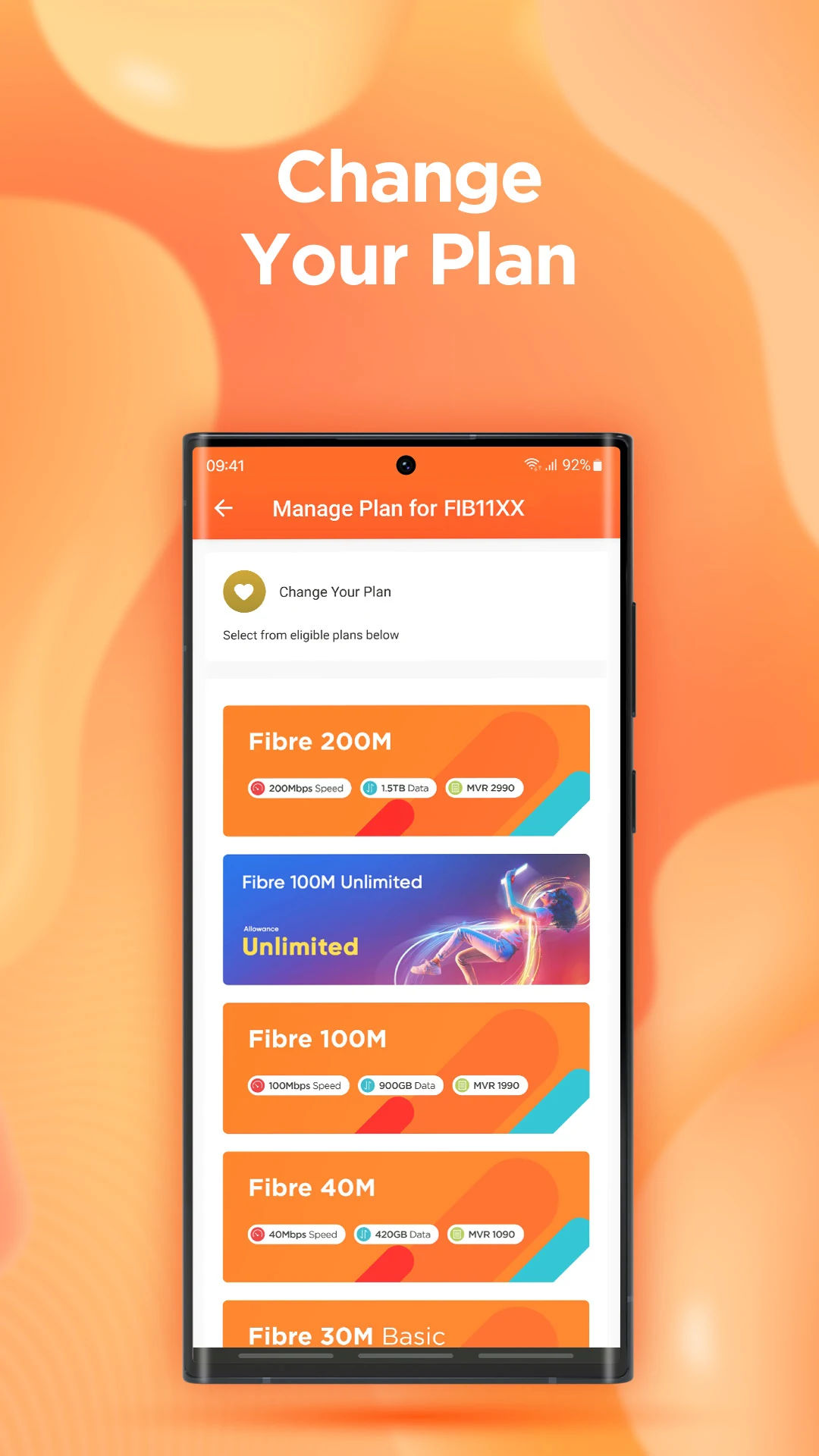
The Dhiraagu application serves as a user-friendly tool that enables you to handle a variety of tasks, including settling bills, purchasing add-ons, modifying plans, and managing mobile or fixed services. Its purpose is to enhance your experience in the digital age, constantly adapting to meet your requirements and preparing you to embrace the future.
FAQs
Can I change to Amilla Postpaid if I have a pending/due bill?
Yes, you can change to Amilla Postpaid
Can I change to Amilla Postpaid if my service is temporarily disconnected?
No, you must connect your line first
Can I change to Amilla Postpaid if I do not have My Account registered?
Yes, you can change to Amilla Postpaid via Dhiraagu App
Can I change to Amilla Postpaid if I am using a Dhiraagu Prepaid?
Yes, you can visit to one of our Customer Service Centres and apply for Amilla Postpaid.
Can I change to Amilla Postpaid if I have a flex number?
Yes, visit one of our Customer service center and apply for Amilla Postpaid.
Can I change my package to Amilla Postpaid after travel suspension/barring?
You cannot change the package within same month of resuming service from barring and travel suspension. You will be able to change package next month.
Do I have to pay any deposit if I am moving to Amilla Postpaid for the first time?
Yes
How often can change my plans within Amilla Postpaid?
Your postpaid package can be changed only once a calendar month.
Can I take back any unused Data, Voice or SMS on Amilla Postpaid and convert it to MVR?
No
- Version1.3.64-release build 164
- UpdateAug 25, 2025
- DeveloperDhiraagu
- CategoryCommunication
- Requires AndroidAndroid 5.0+
- Downloads248K+
- Package Namemv.com.dhiraagu.app
- Signatured0be8a2c8e51c15dc5c902b55e8e6521
- Available on
- ReportFlag as inappropriate
-
NameSizeDownload
-
25.51 MB
-
25.63 MB
-
25.57 MB












Quick and easy app functionality (when working)
Reliable network with good speed
Convenient to check balance and pay bills
Easy refill options for users abroad
Clear user interface for balance details
Potential for features like account management and payment details saving
Frequent crashing and freezes
Slow loading times and delays in transactions
Inability to top up or recharge effectively
Missing features like real-time usage tracking and package information
Poor customer service and support response
Errors in data balance accuracy
Limited functionality without mobile data or Wi-Fi
Complaints of hidden costs and unreliable packages
Overall negative user experience leading to dissatisfaction