
mTalk - VoIP Calling & Notifications
Stay connected on-the-go with seamless VoIP calls & easy push notifications, ensuring you never miss important client calls.

- 1.76 Version
- 3.1 Score
- 147K+ Downloads
- Free License
- 3+ Content Rating

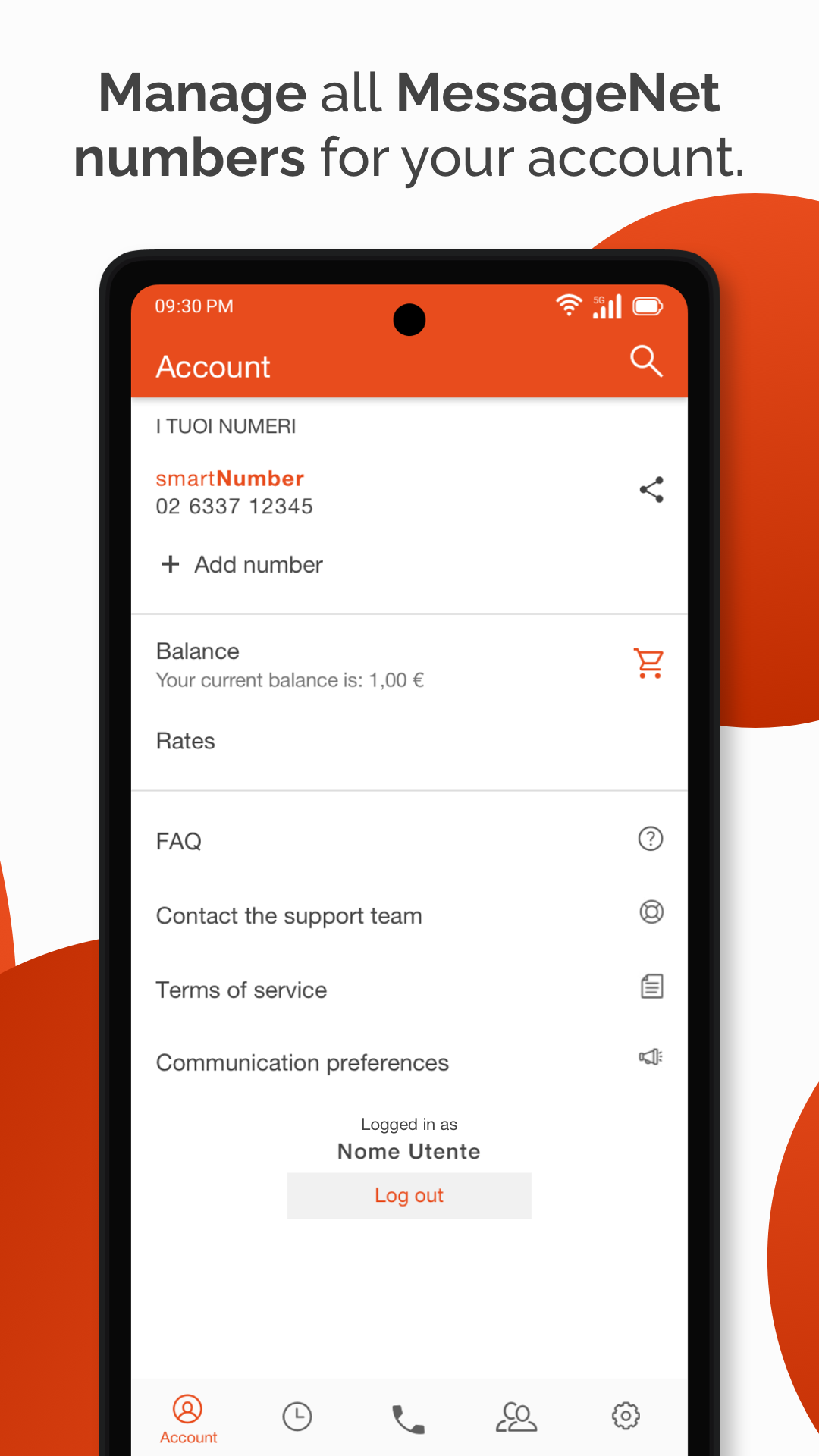
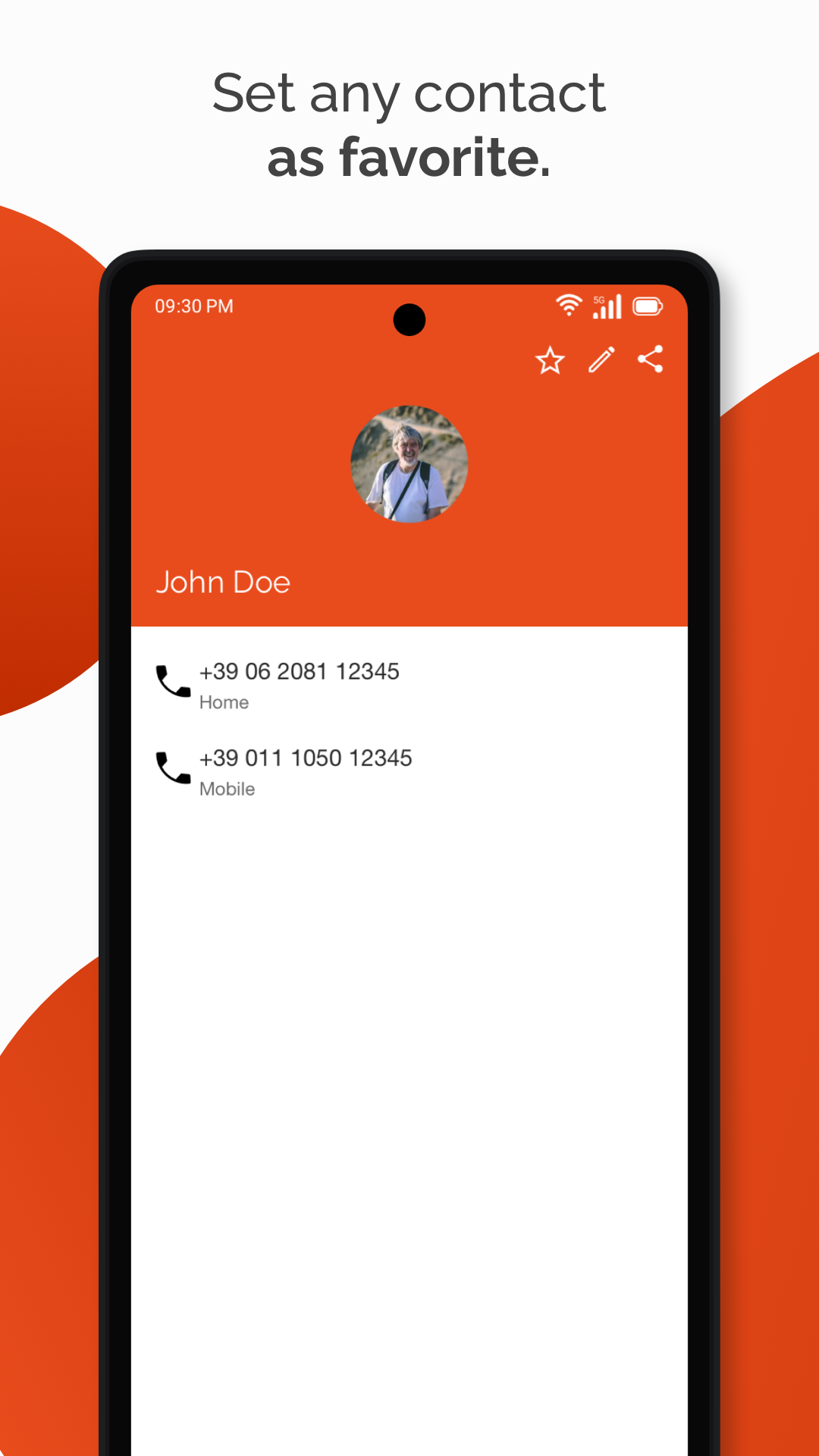
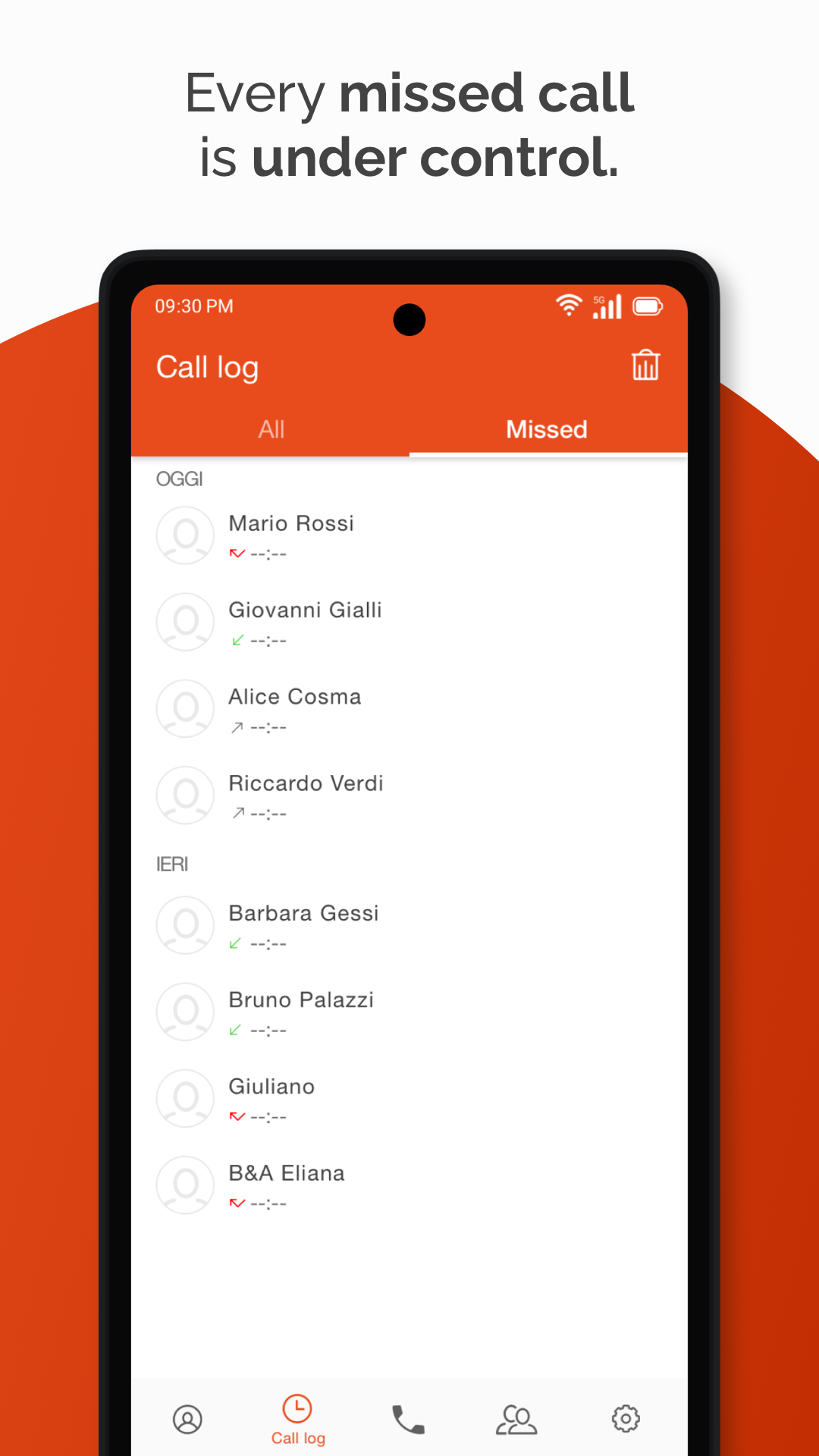
About the mTalk App:
mTalk is the official mobile VoIP app by Messagenet S.p.A., built for SmartNumber and SmartNumber PRO users who want to carry their landline number on a smartphone. The mTalk app is not a separate consumer messenger — it extends your MessageNet virtual number to Android and iOS through a data connection, including Wi-Fi.
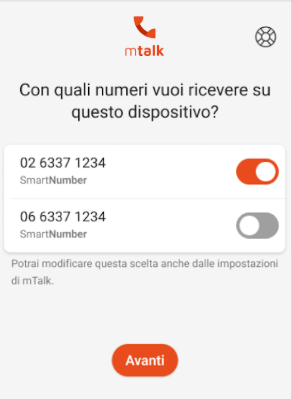
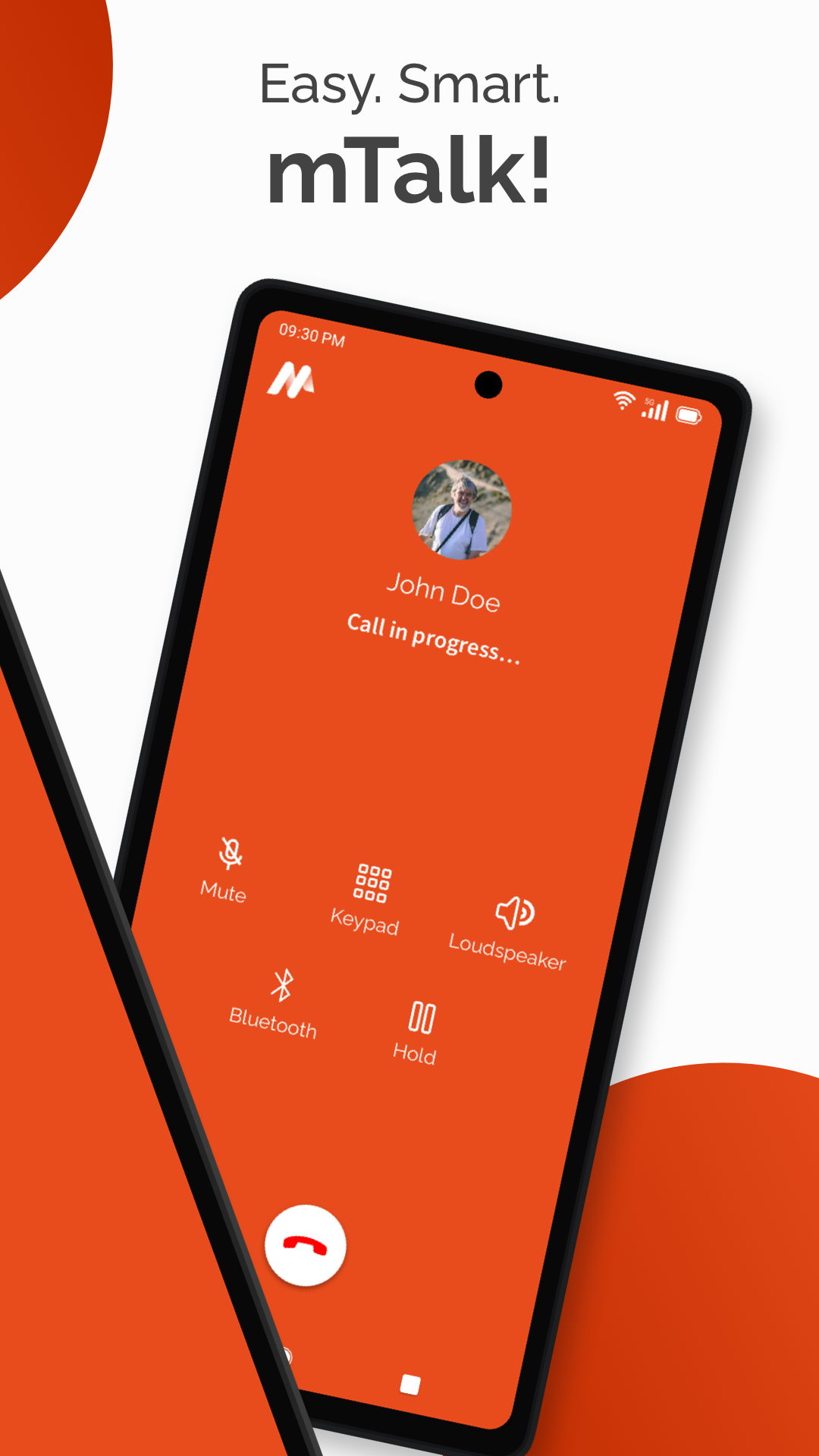
With the mTalk app, professionals and businesses can make and receive VoIP calls on the go, get push-notification incoming calls without keeping the app open, and stay reachable when away from the office desk phone.
Store-ready features:
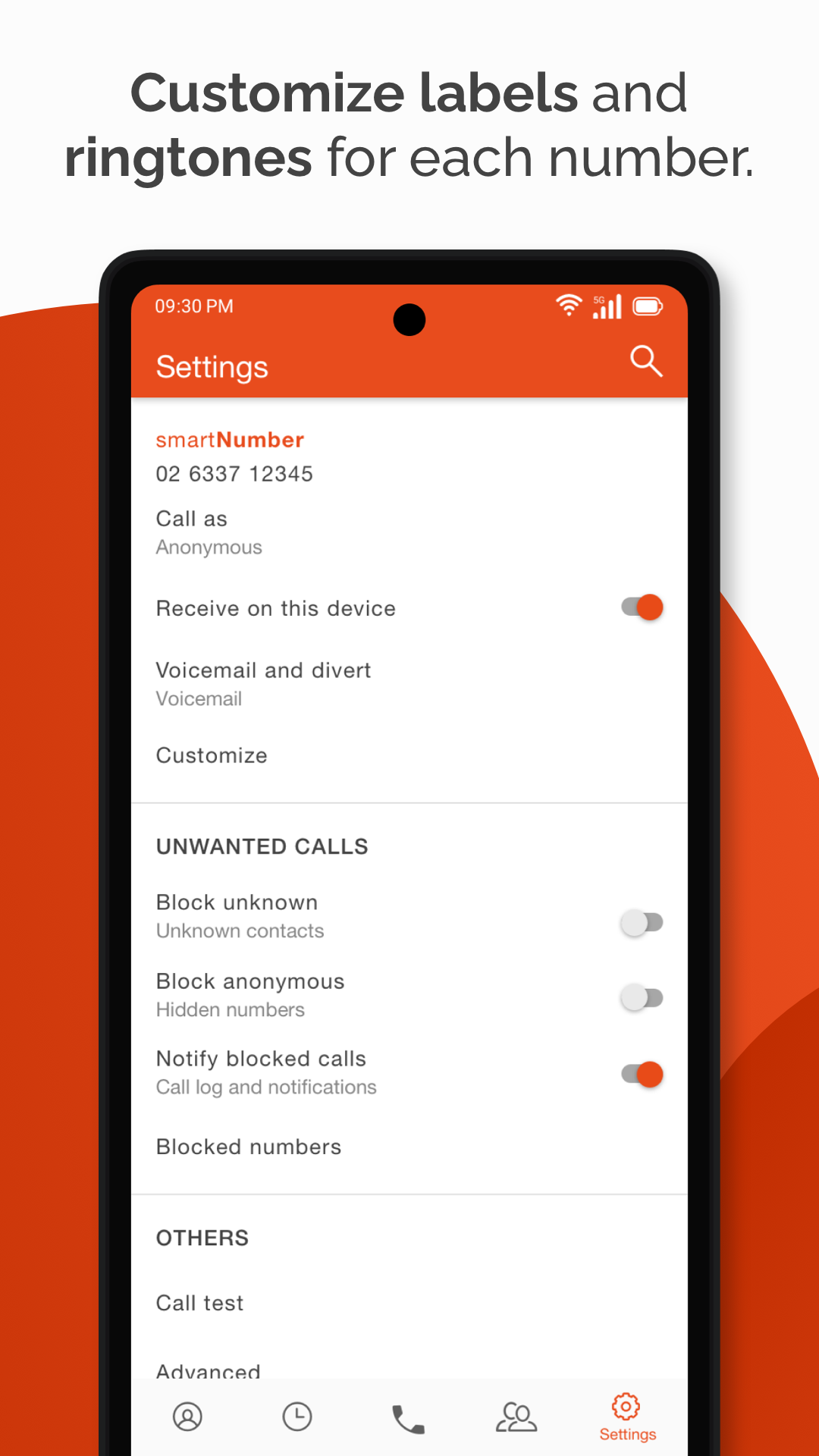
SmartNumber / SmartNumber PRO mobility inside the mTalk app
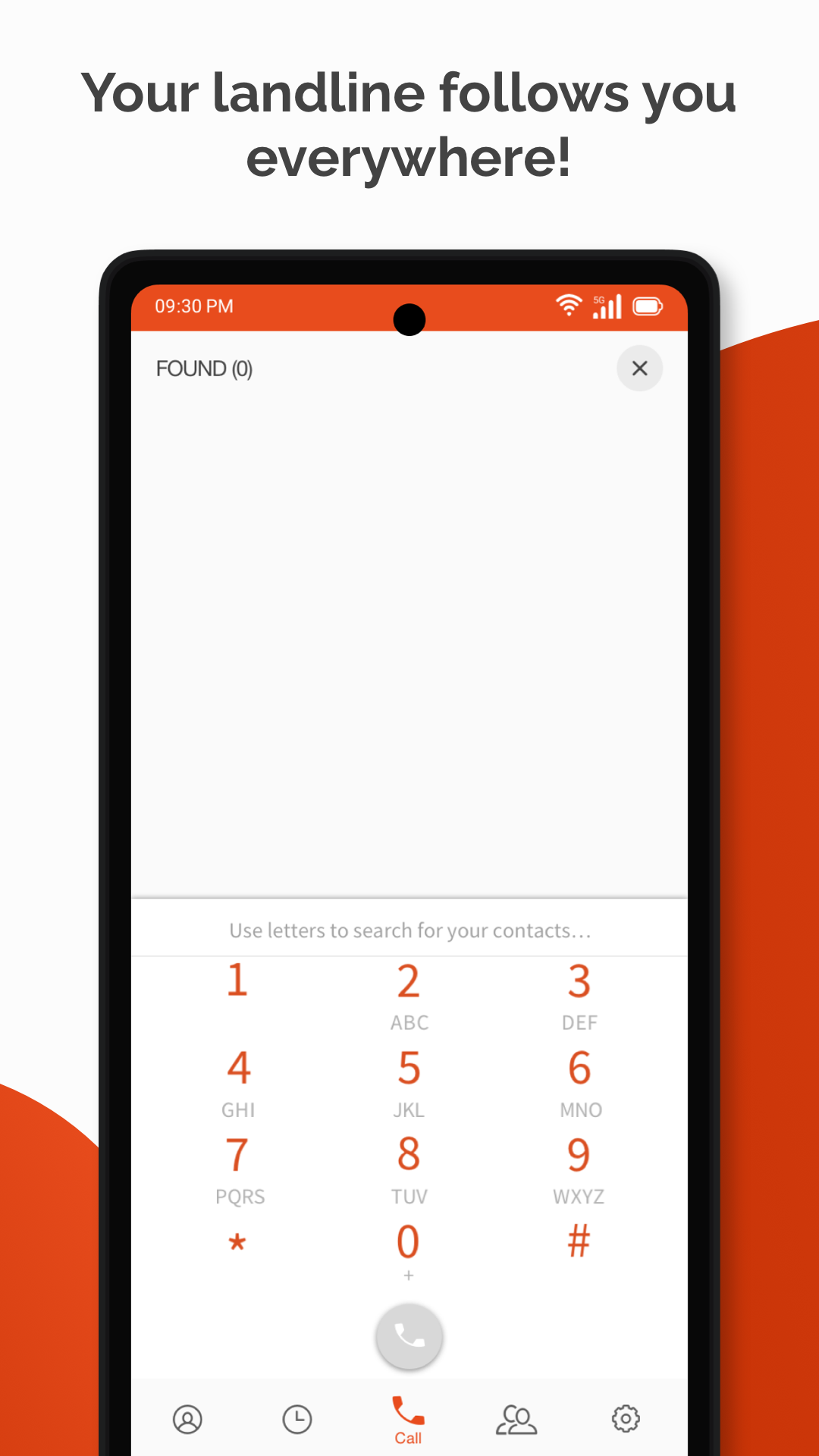
VoIP calling over data or Wi-Fi
Push-call reception without keeping mTalk active
Same login as MessageNet web dashboard
Proprietary anti-block technology to bypass some carrier VoIP restrictions
Native telephony-style experience with no complex SIP setup
Connection-quality indicator on Android
Bluetooth and wired headset support
Encrypted contact-list handling under EU data-protection practices
Lightweight, ad-free communication tool for business users
How to Use the mTalk App:
The mTalk app runs on a simple loop: activate SmartNumber → log in → connect over data → receive push calls → talk on mobile.
Quick guide:
Install mTalk from Google Play using the MessageNet listing.
Open the mTalk app and log in with your existing SmartNumber web credentials.
Allow microphone, contacts, phone-state, and notification permissions.
Connect through Wi-Fi or mobile data — no manual SIP profile needed.
Keep notifications on so incoming VoIP calls reach you via push.
Make outbound calls showing your SmartNumber identity.
Check the connection-quality indicator if audio sounds unstable.
Pair Bluetooth earphones for hands-free business calls.
Use the mTalk app away from the office to avoid missing client calls.
Contact MessageNet support from the app/help center if validation email is delayed.
Tips:
The mTalk app is meant for SmartNumber holders — new users must first activate SmartNumber/SmartNumber PRO on MessageNet.
Push calls work best when battery optimization is not killing the mTalk background service.
If you did not get the validation email, check spam or use the Help Center recovery path.
mTalk App FAQ and Status:
Who develops mTalk?
Messagenet S.p.A., Milan, Italy. The mTalk app is 100% designed and developed by MessageNet.
Who is it for?
SmartNumber and SmartNumber PRO owners who want their landline number on a mobile device.
How do I log in?
Use the same credentials as your MessageNet reserved web area; the mTalk app does not require a separate account.
Does it need SIP settings?
No. The mTalk app is built for zero-config VoIP — just install, log in, and call over data.
Can it receive calls in the background?
Yes. Push notifications let the mTalk app receive VoIP calls without staying open on screen.
What platforms are supported?
Android and iOS. Help Center provides Android and iPhone/iPad guides, including permissions, connection quality, and known device limitations.
Why Install mTalk:
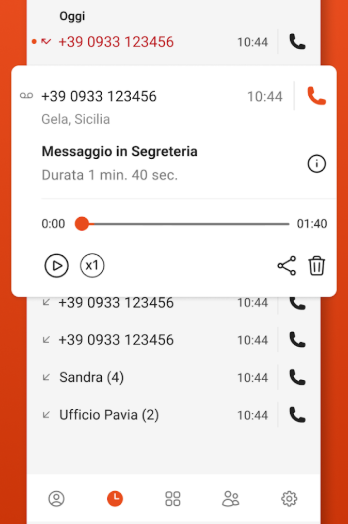
Install the mTalk app if you already use MessageNet SmartNumber and do not want to miss landline calls while traveling or working remotely.
Best-fit users:
SmartNumber / SmartNumber PRO subscribers
Freelancers and consultants with client landline numbers
Small businesses using MessageNet VoIP
Remote workers who need office-number mobility
International users keeping a fixed number abroad
Professionals wanting push-based VoIP without SIP setup
- Version1.76
- UpdateOct 22, 2026
- DeveloperMessagenet
- CategoryCommunication
- Requires AndroidAndroid 4.1+
- Downloads147K+
- Package Nameit.messagenet.mtalk
- Signature77a3a8bd599c22cb1e0d422fd14bd116
- Available on
- ReportFlag as inappropriate
-
NameSizeDownload
-
54.34 MB
-
50.86 MB
-
49.74 MB














Easy to use interface
Excellent voice quality
Low-cost international calls
Allows calling special free-dial numbers
Useful for expats and travelers
Provides a local number for calls
Reliable customer service support
No battery drain compared to other apps
Ability to send and receive faxes
Requires Italian number for registration
Verification SMS issues
Limited to one call number at a time
Discontinued features without notice
Confusing information about additional costs
Frequent disconnections during calls
Problems with app installation in some regions
Not clear about limitations on calling certain countries
Difficulties switching between mobile and WiFi connections