
CPALL Connect - Secure employee communication
Connect securely with colleagues, share updates & enhance collaboration within CP All's vibrant community.

- 17.15.1 - 1750678996 (e669079) Version
- 2.0 Score
- 205K+ Downloads
- Free License
- 3+ Content Rating

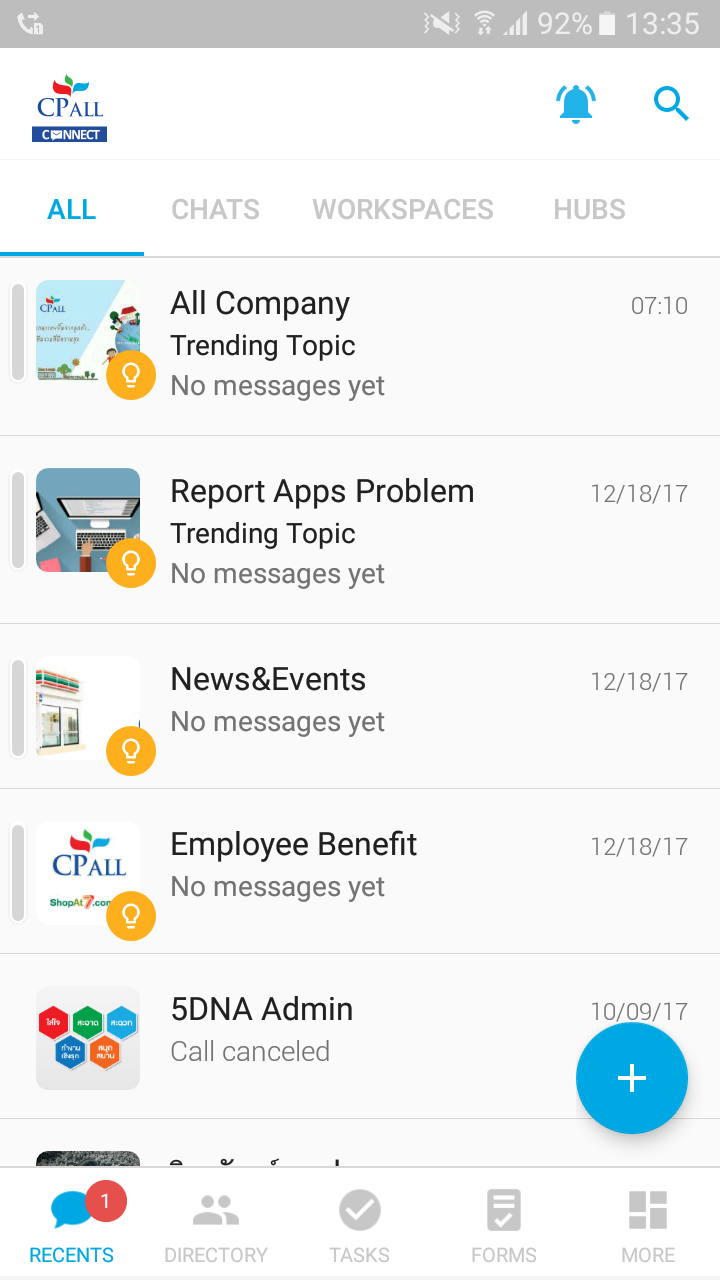
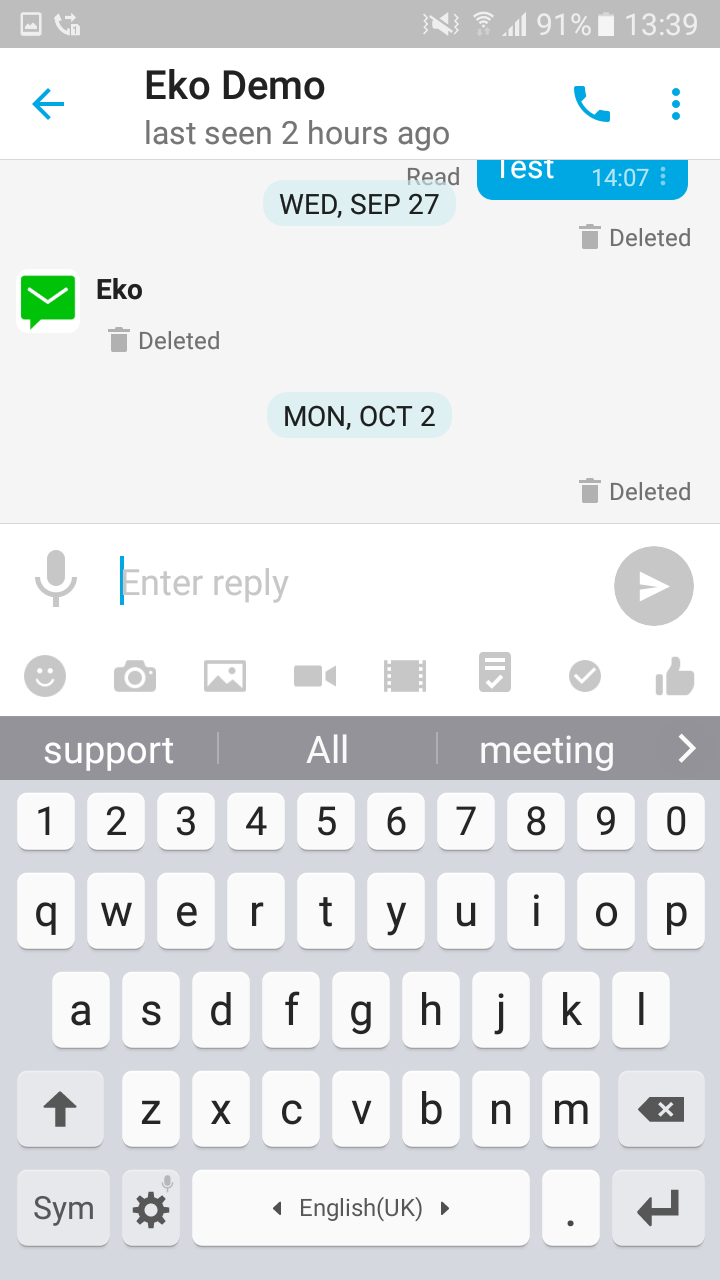
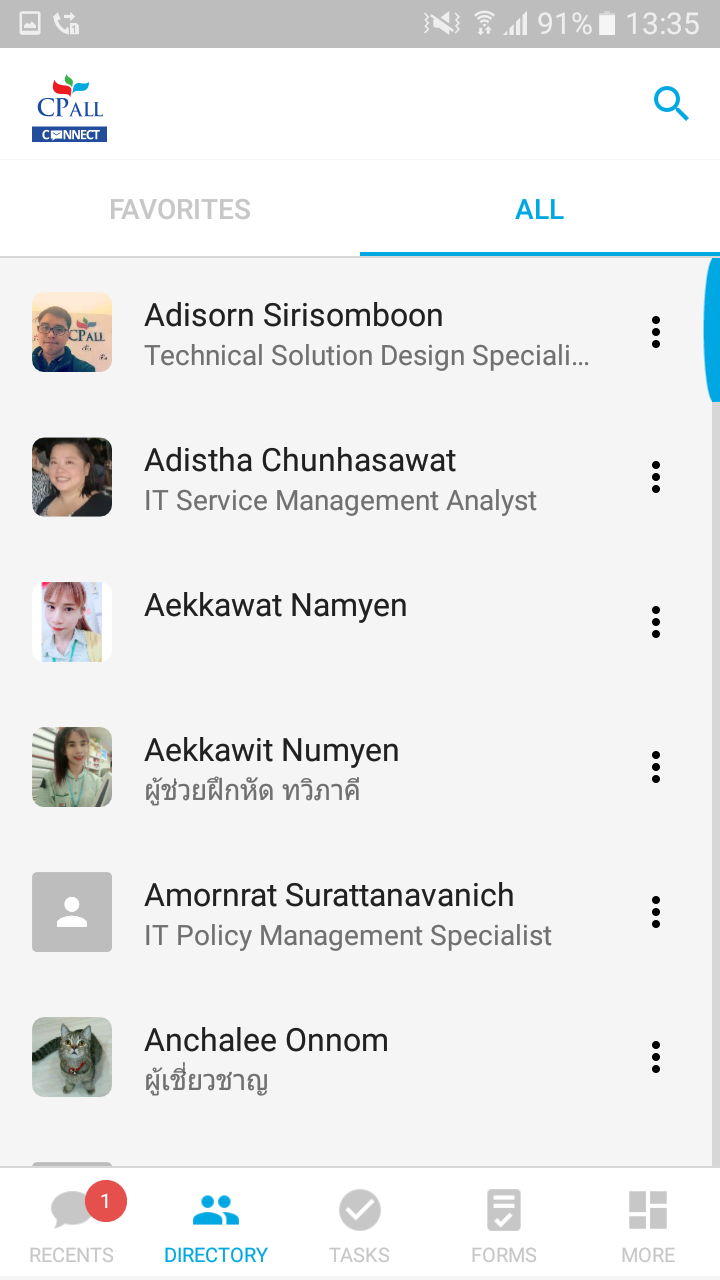
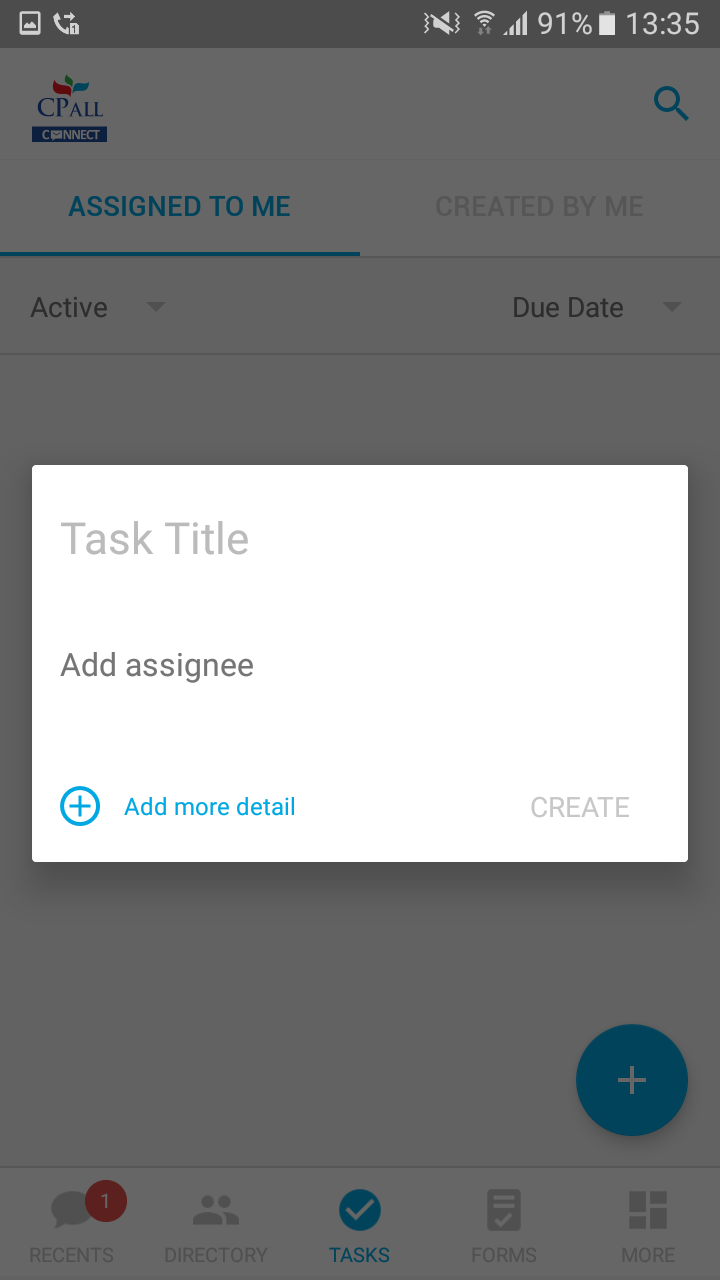
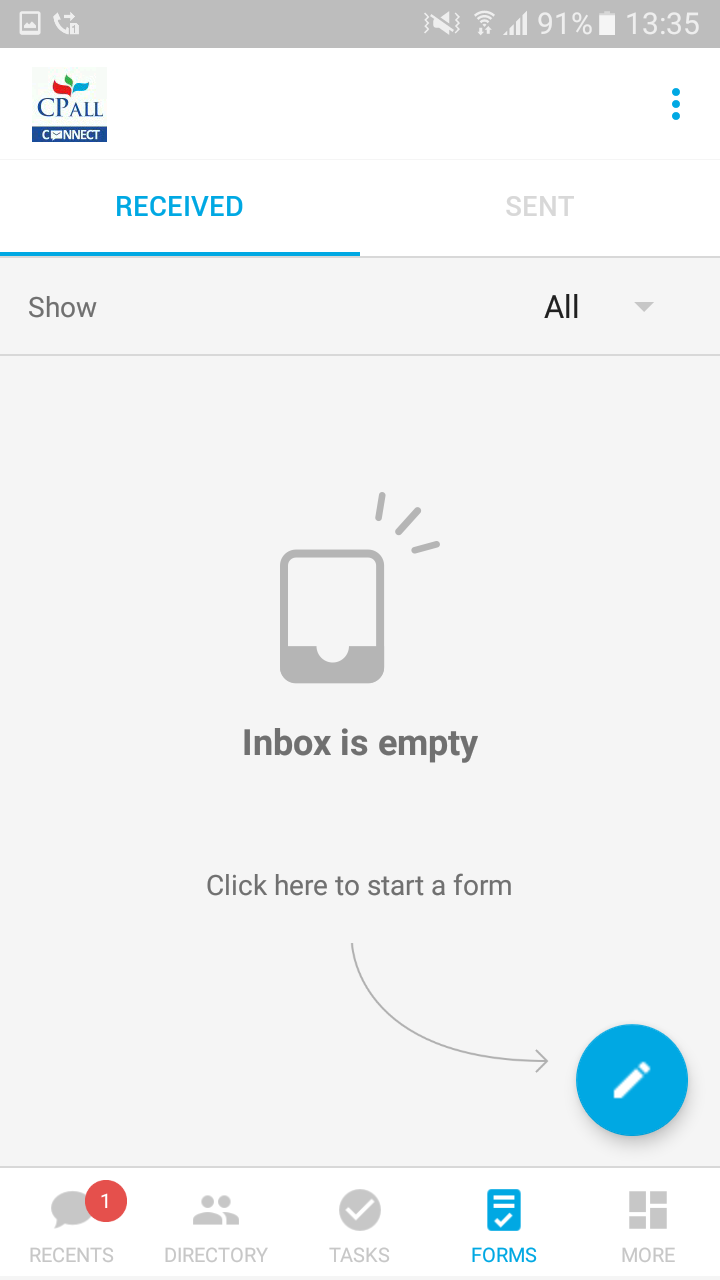
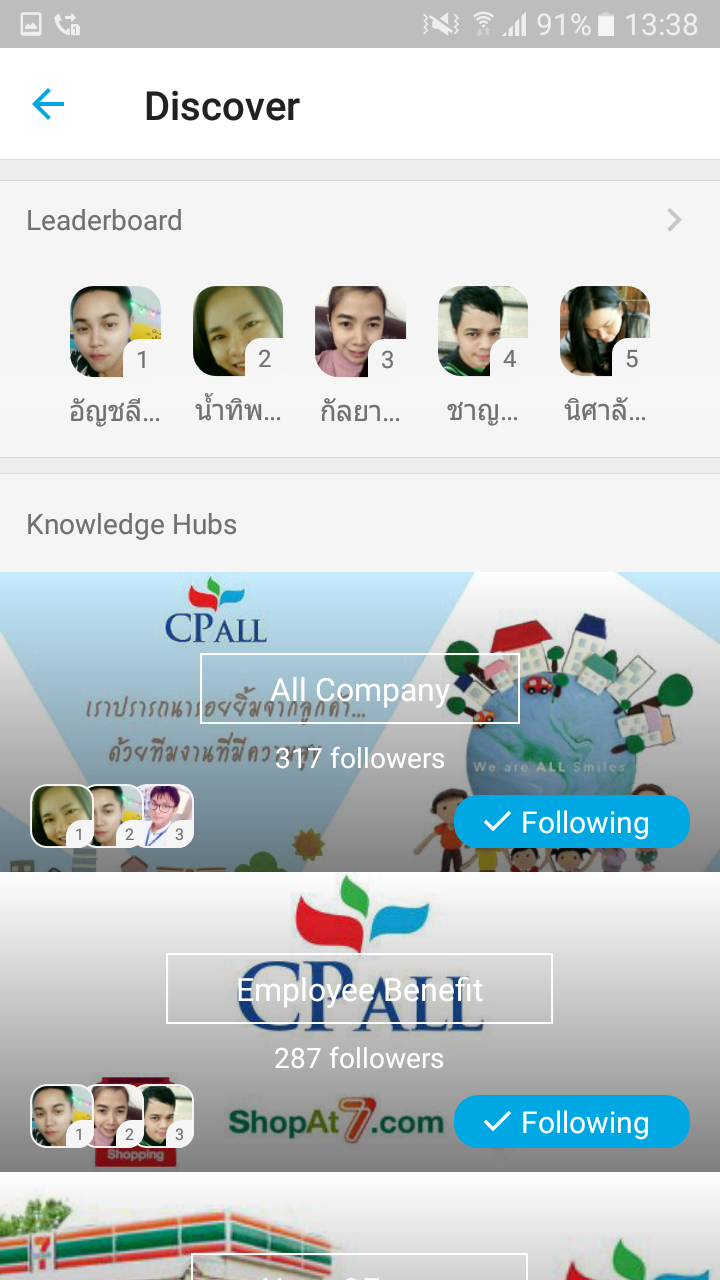
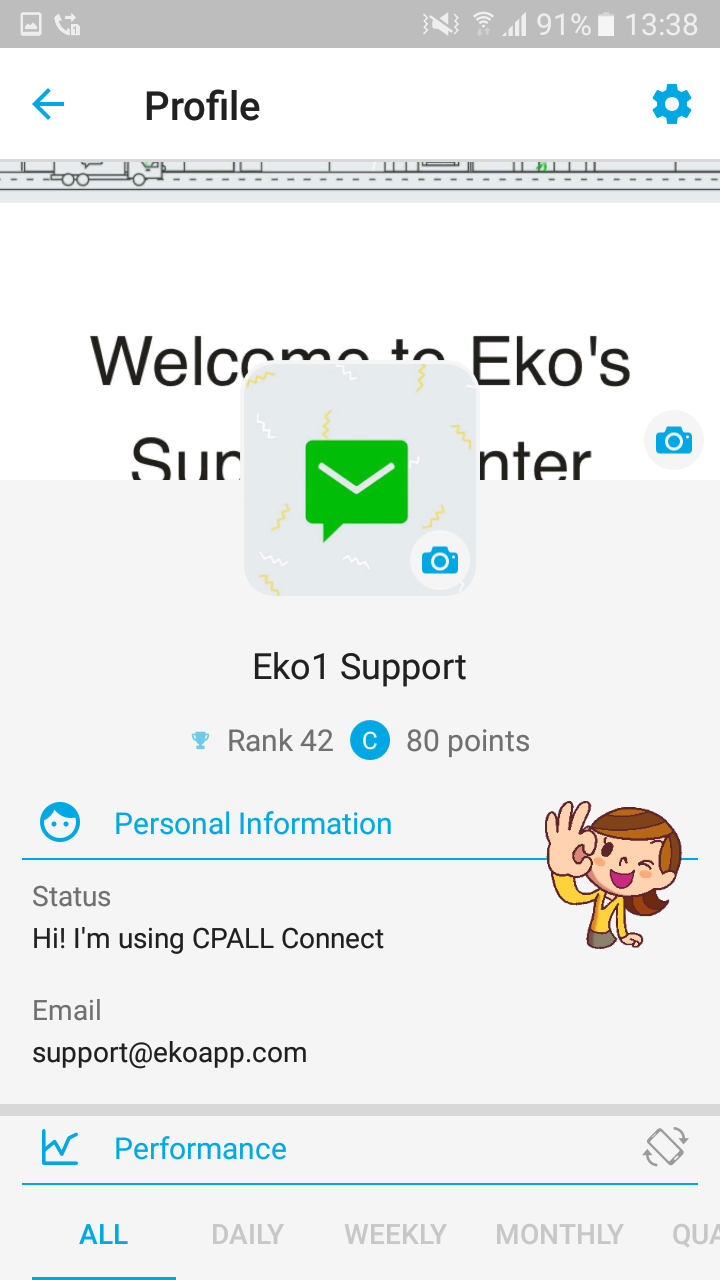
CPALL Connect serves as a secure communication platform for all staff members of CP All.

Important Reminder: The responsibility for providing login details and managing registrations rests solely with CP All. Employees can log in using their personal employee credentials.
Features:
- **Instant Messaging**: Employees can send messages through CPALL Connect for real-time communication, facilitating information transfer and exchange during work.
- **File Sharing**: Supports sharing of images, videos, and files, making it easy for employees to share work materials and resources, improving work efficiency.
- **Multiple Account Management**: Using Android emulators, such as LDPlayer, allows for multi-instance functionality on a computer, allowing employees to run multiple applications and accounts simultaneously and manage them synchronously.
Highlights:
- **High Security**: CPALL provides login details and manages registration, allowing employees to log in using their personal credentials, ensuring platform security and user authenticity.
- **Cross-Platform**: The app supports Android and iOS, and can also be used on computers like Windows via an Android emulator, allowing employees to choose the right device for different scenarios and needs.
- **Excellent User Experience**: When using on a computer, enjoy the large screen and high-definition image quality, making operation more convenient. Controlling applications with a mouse and keyboard is faster than with a touch screen, and there's no need to worry about low battery or overheating.
Instructions:

- **Mobile**: Employees can search for "CPALL Connect" in the app store on their Android or iOS device, download and install it, and then log in using their personal employee credentials provided by CP All.
- **Computer**: First, download and install an Android emulator, such as Bluestacks or LDPlayer. For example, after downloading and installing Bluestacks, open the Bluestacks emulator and install the CPALL Connect APK file by dragging and dropping it directly onto the emulator screen or by right-clicking the APK file and selecting Open with Bluestacks. Once installed, find the CPALL Connect icon on the emulator's home screen and click it to log in.
Key FAQs:
1. **Q:** Who is CPALL Connect exclusively for? Where do I obtain login credentials?
**A:** This platform is CP All's exclusive internal secure communication platform, exclusively for CP All employees and officially authorized partners. Login credentials are provided and managed by CP All; employees must log in using their personal employee credentials.
2. **Q:** Which devices does CPALL Connect support? How do I install it on a computer?
**A:** It supports Android and iOS mobile devices, as well as Windows/Mac computers running via an Android emulator.
Computer Installation Steps:
- Download and install an Android emulator such as Bluestacks or LDPlayer;
- Drag and drop the CPALL Connect APK file into the emulator interface to complete the installation, or search for and install it in the emulator's app store;
- After installation, find the application icon and enter your login credentials to use it.
3. **Q:** What are the core functions of CPALL Connect? Can it meet daily office needs?
**A:** Core functions include **instant messaging**, **file sharing**, and **multi-account management**.
- Instant Messaging: Real-time communication of work information between employees;
- File Sharing: Supports the transfer and sharing of images, videos, office documents, and other materials;
- Multi-account Management: Allows multiple accounts to run simultaneously via a computer emulator, synchronously managing communication needs across different work scenarios.
These functions meet the basic needs of daily collaboration within an enterprise.
4. **Q:** What are the advantages of using CPALL Connect on a computer?
**A:** Using it on a computer provides a **large-screen, high-definition display** experience; mouse and keyboard operation is more efficient than a mobile touchscreen; it also avoids the problems of insufficient battery life and overheating issues associated with mobile devices; combined with multi-account management, it is more adaptable to complex office scenarios.
5. **Q:** How is the platform's security guaranteed?
**A**: The platform's login permissions and registration management are completely controlled by CP All. Employees must log in using exclusive credentials to ensure the authenticity of user identities from the source. File sharing and instant messaging functions are based on a closed account system within the enterprise, effectively reducing the risk of information leakage.
- Version17.15.1 - 1750678996 (e669079)
- UpdateOct 21, 2026
- DeveloperCP All - Eko
- CategoryCommunication
- Requires AndroidAndroid 6+
- Downloads205K+
- Package Namecom.ekocustom.cpall
- Signature67fa05723c2032086ead4f8451cb6aba
- Available on
- ReportFlag as inappropriate
-
NameSizeDownload
-
317.55 MB
-
280.35 MB
-
279.36 MB











High security
Cross-platform compatibility
Excellent user experience
Reliance on external tools
Relatively limited functionality