
Financial Calculator FincCalc - Finance & Science Calculator
Transform calculations with this powerful app, featuring financial tools & scientific functions for unbeatable convenience.

- 1.5.0 Version
- 2.1 Score
- 174K+ Downloads
- Free License
- 3+ Content Rating

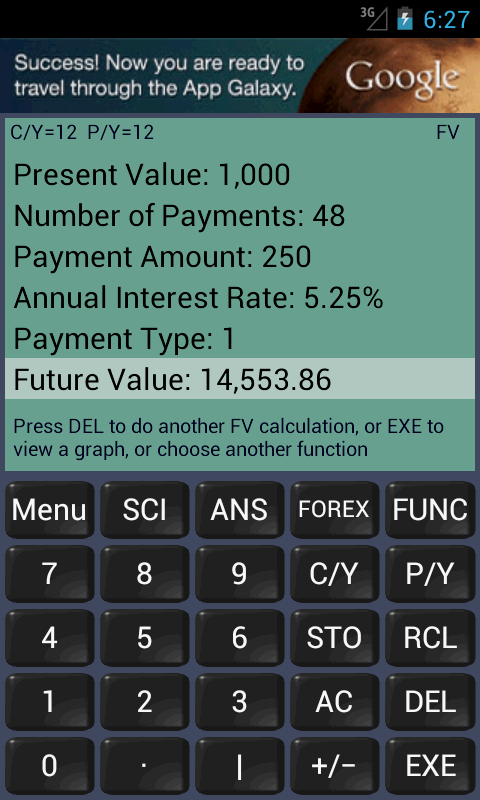
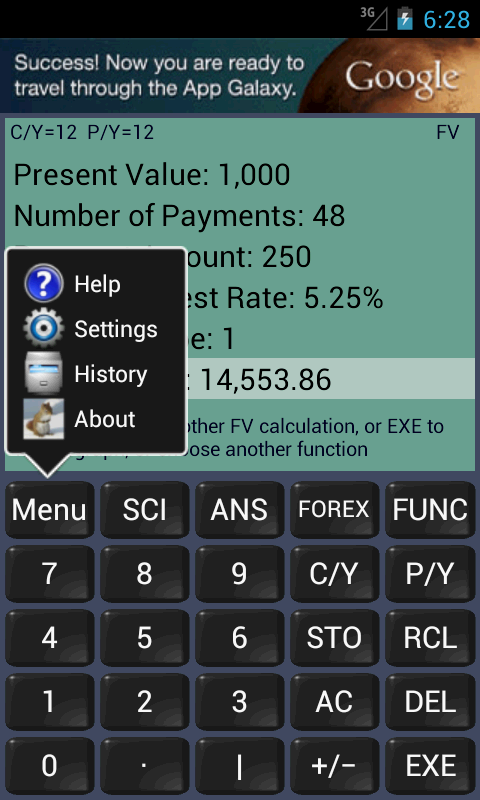
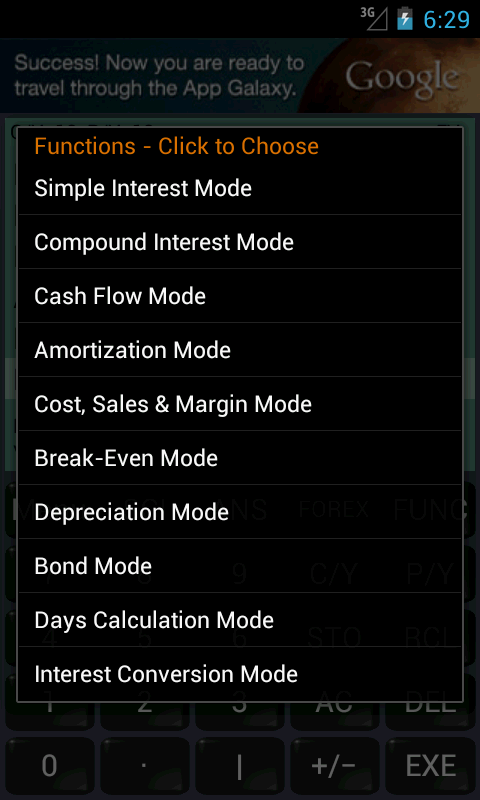
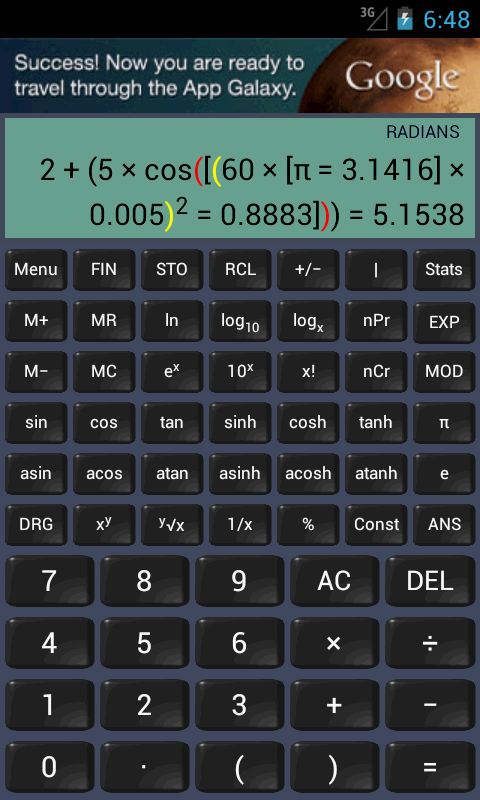
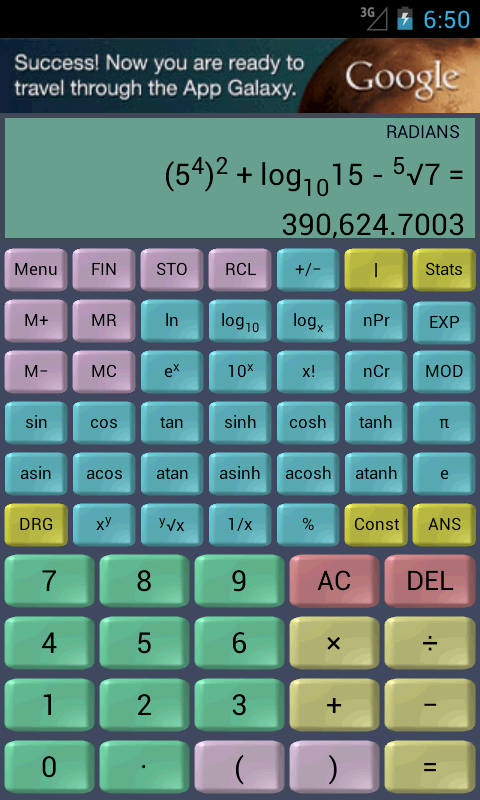
If you are involved in business or studying it, this application may prove beneficial for you!
A Financial Calculator integrated with a Scientific Calculator
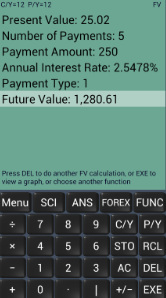
The Financial Mode includes:
* Simple Interest Function
* Compound Interest Function (Future Value, Present Value, Payment, Number of Periods)
* Cash Flow Function (Net Present Value, Net Future Value, Internal Rate of Return, Modified Internal Rate of Return, Discounted Payback Period)
* Amortization Function (Payment, Balance, Interest, Principal, Total Interest, Total Principal)
* Cost, Sales, and Margin Function
* Break-Even Function
* Depreciation Function (Straight Line, Fixed Percentage, Sum of Years’ Digits, Fixed Declining Balance, Declining Balance)
* Bond Function (Price, Yield to Maturity, Yield to Call, Duration, Convexity)
* Days Calculation Function
* Interest Conversion Function
* Options Trading (Greeks)
* Currency Exchange Rates
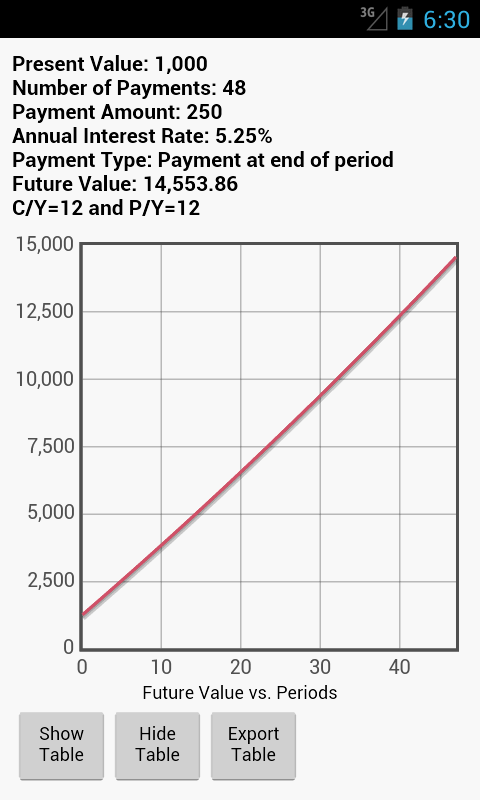
In many instances, a graph along with an associated table illustrating the results is provided. The table can be saved on the SD card in CSV format.
Comprehensive details of the formulas applied in the financial calculations can be found in the Help section.
The Scientific Mode comprises:
* Trigonometric Functions
* Power and Root Functions
* Logarithmic and Antilogarithmic Functions
* Permutation and Combination Functions
* Statistical Functions
* Factorial Function
* Modulus Function
Distinct calculation histories are available for both financial and scientific modes.
Features:
1. **Dual Mode in One**: Built-in financial and scientific calculator, no need to change apps, meeting your financial and mathematical needs.
2. **Comprehensive Financial Functions**: Covers 12 types of calculations, including simple/compound interest, cash flow, amortization, bonds, options, and more, suitable for business and investment scenarios.
3. **Easy to Read and Save**: Most calculations are presented in charts and tables, and tables can be saved as CSV files to an SD card for later analysis.
4. **Practical Accessibility**: The Help Center contains comprehensive financial formulas, and both modes have independent calculation histories, making it easy to review logic and backtrack.
User Guide:
Mode Switching
- Open the App, tap "Mode," and select either "Finance" or "Science." The history records for each are independent and do not interfere with each other.
Finance Mode (Core Operations)
### 1. Simple Interest/Compound Interest
- Enter "Simple Interest" or "Compound Interest," input the principal, interest rate, number of periods, etc., and tap "Calculate" to get the results.
### 2. Cash Flow (NPV/IRR)
- Enter "Cash Flow," and follow the prompts to input the cash flows and discount rates for each period. Calculate NPV, IRR, and other indicators with one click.
### 3. Loan Amortization
- Enter "Amortization," input the loan amount, interest rate, number of periods, and select to calculate monthly payments, balance, interest, or principal. The results are automatically generated.
### 4. Bond Calculation
- Enter "Bonds," input the price, coupon rate, maturity date, etc., and calculate yield to maturity (YTM), duration, convexity, etc.
### 5. Other Functions
- Cost/Sales/Margin, Break-Even, Depreciation, Days Calculation, Interest Rate Conversion, Option Greeks, etc. Enter the parameters in the corresponding module as needed.
### 6. Result Saving and Formula Viewing
- Calculations generate charts and tables. Tables can be exported as CSV and saved to an SD card.
- The principles behind the formulas can be viewed in "Help".
Scientific Mode (Core Operation)
- Directly use trigonometric functions, power roots, logarithms, permutations and combinations, statistics, etc., inputting calculations according to the logic of a regular calculator.
History
- Financial and scientific modes each have independent histories, which can be viewed and reviewed in the corresponding mode.
FAQs:
1. **Q: Can this calculator solve both financial and mathematical problems simultaneously? Do I need to switch between multiple apps? **
A: Yes, without switching. It integrates both financial and scientific calculator modes, allowing you to switch between them within the same app, meeting both your financial and mathematical needs.
2. **Q: Can I save the calculated financial data? How? **
A: Yes. Most financial calculations generate tables, which can be saved in CSV format to an SD card and later analyzed on a computer using tools like Excel.
3. **Q: I want to know the formula logic behind financial calculations. Where can I find it? **
A: The "Help" section of the app provides complete details on the formulas used in financial calculations, allowing you to clearly understand the calculation principles.
4. **Q: Can the financial mode calculate bond-related indicators, such as yield to maturity and bond price? **
A: Yes. The financial mode includes a dedicated "bond function" that can calculate bond price, yield to maturity, yield to call, duration, convexity, and other indicators.
5. **Q: Will the historical records for financial and scientific calculations be mixed? **
A: No. Each mode has its own independent calculation history, so when accessing past financial or scientific calculation records, they will not interfere with each other.
6. **Q: Does the scientific mode include statistical analysis and permutation and combination functions? **
A: Yes. The scientific mode includes statistical and permutation and combination functions, as well as trigonometric functions and power root operations, to meet basic mathematical calculation needs.
- Version1.5.0
- UpdateNov 02, 2026
- DeveloperRoaming Squirrel Software
- CategoryFinance
- Requires AndroidAndroid 5.0+
- Downloads174K+
- Package Namecom.roamingsquirrel.android.financial_calculator
- Signature727a023f7b4f889902ce18121284bac5
- Available on
- ReportFlag as inappropriate
-
NameSizeDownload
-
10.34 MB
-
7.76 MB
-
3.14 MB












Practical and highly integrated functions
Clear and storable results
Learner-friendly
Slightly higher entry level
Reliant on hardware storage
Relatively basic scientific functionality