
CSE Mobile App - Stock trading & insights
Unlock seamless trading & market insights on-the-go with real-time updates, research tools & easy account management.

- 3.00.49 Version
- 4.3 Score
- 225K+ Downloads
- Free License
- 3+ Content Rating

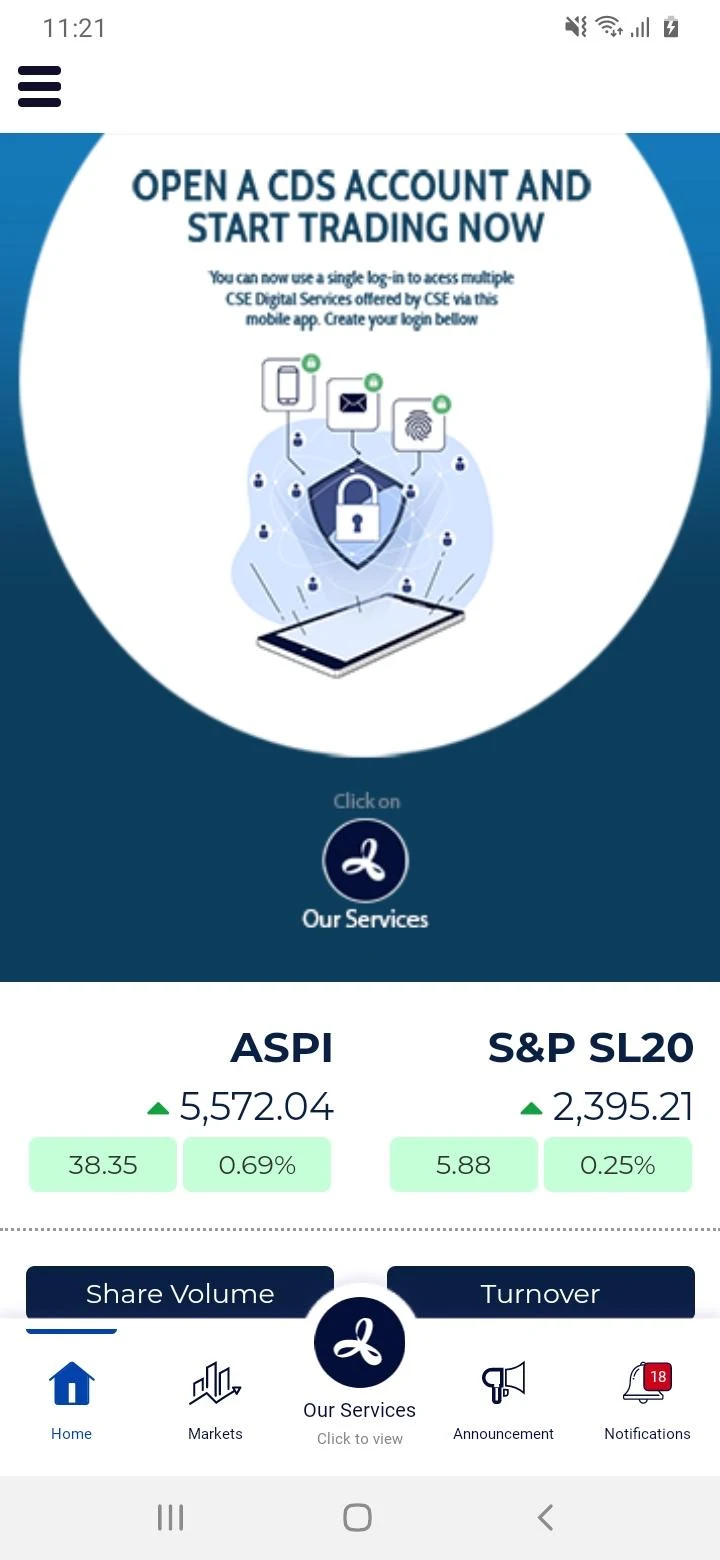

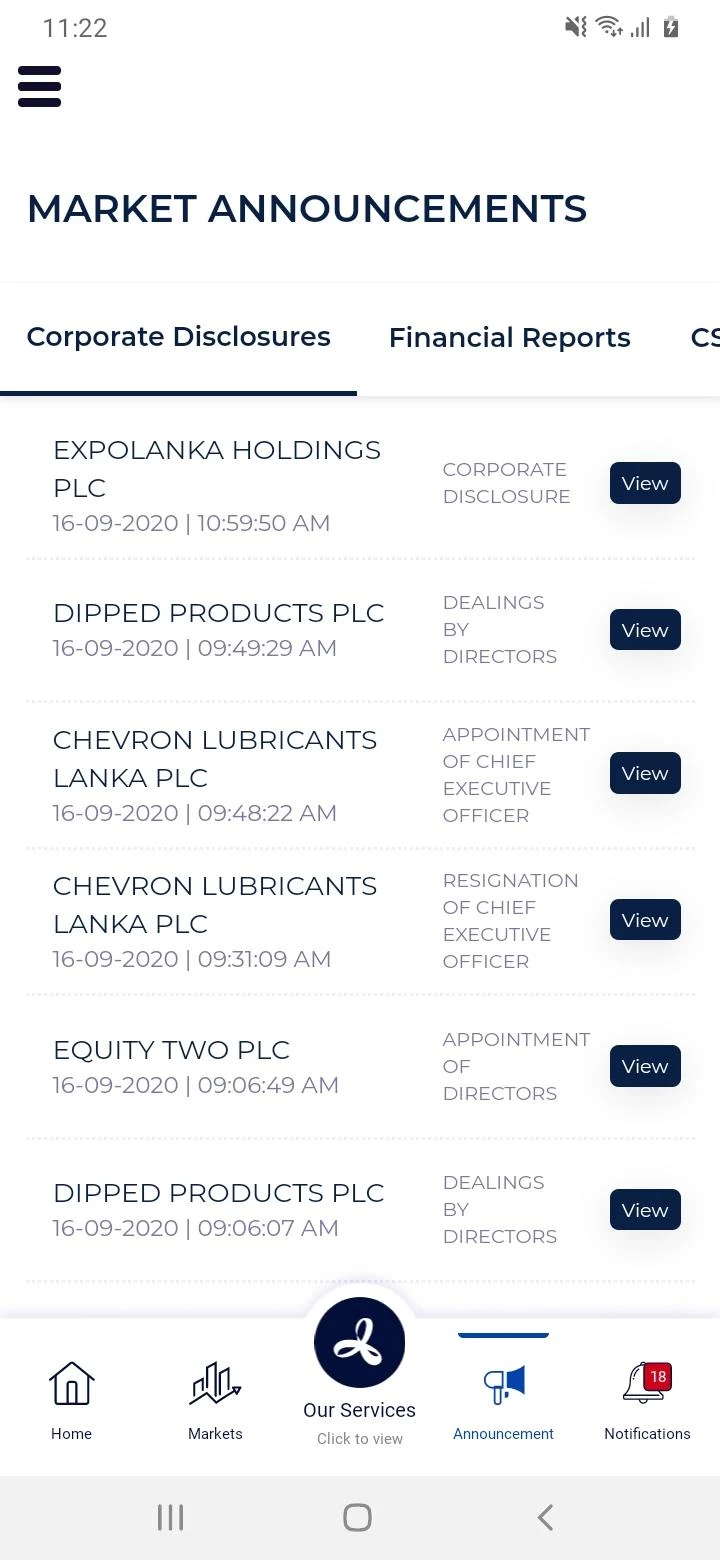
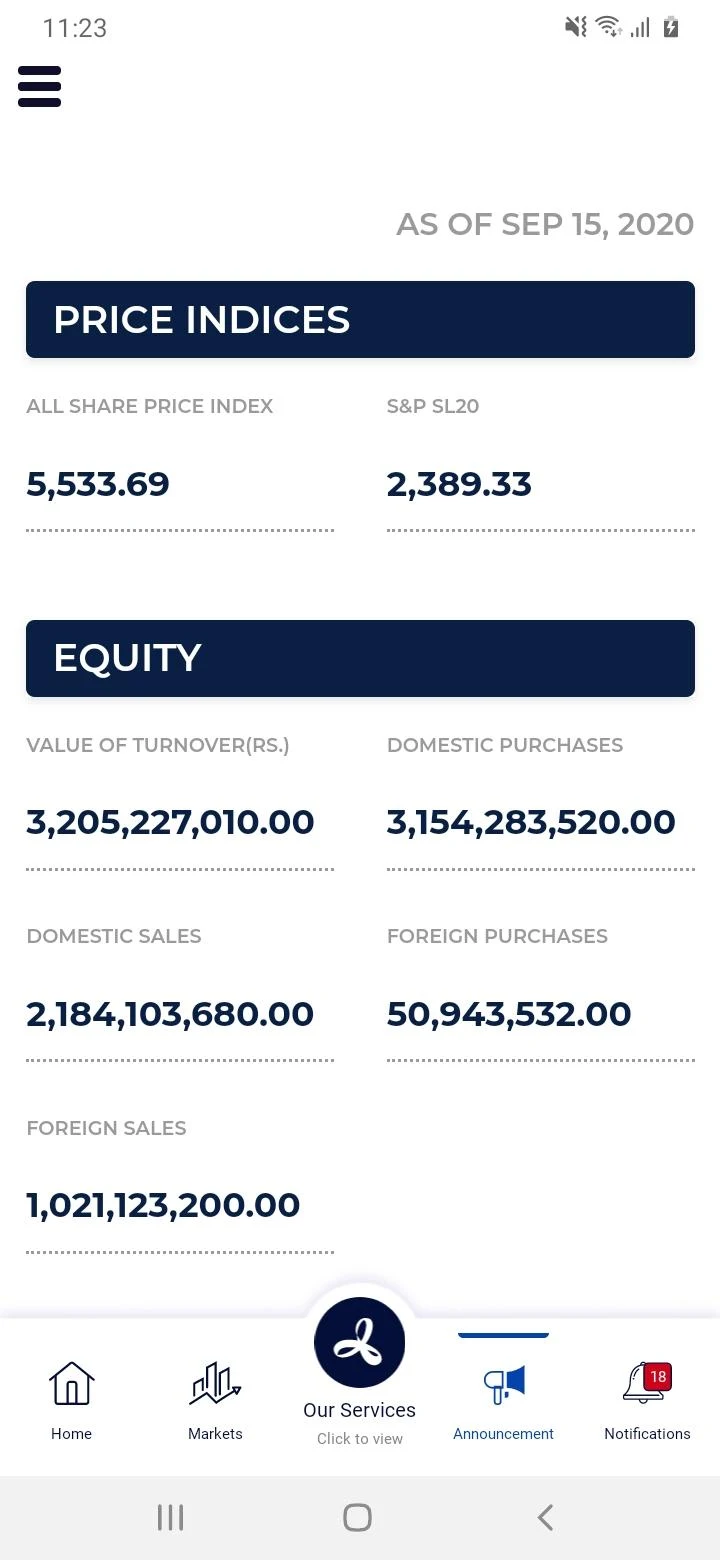
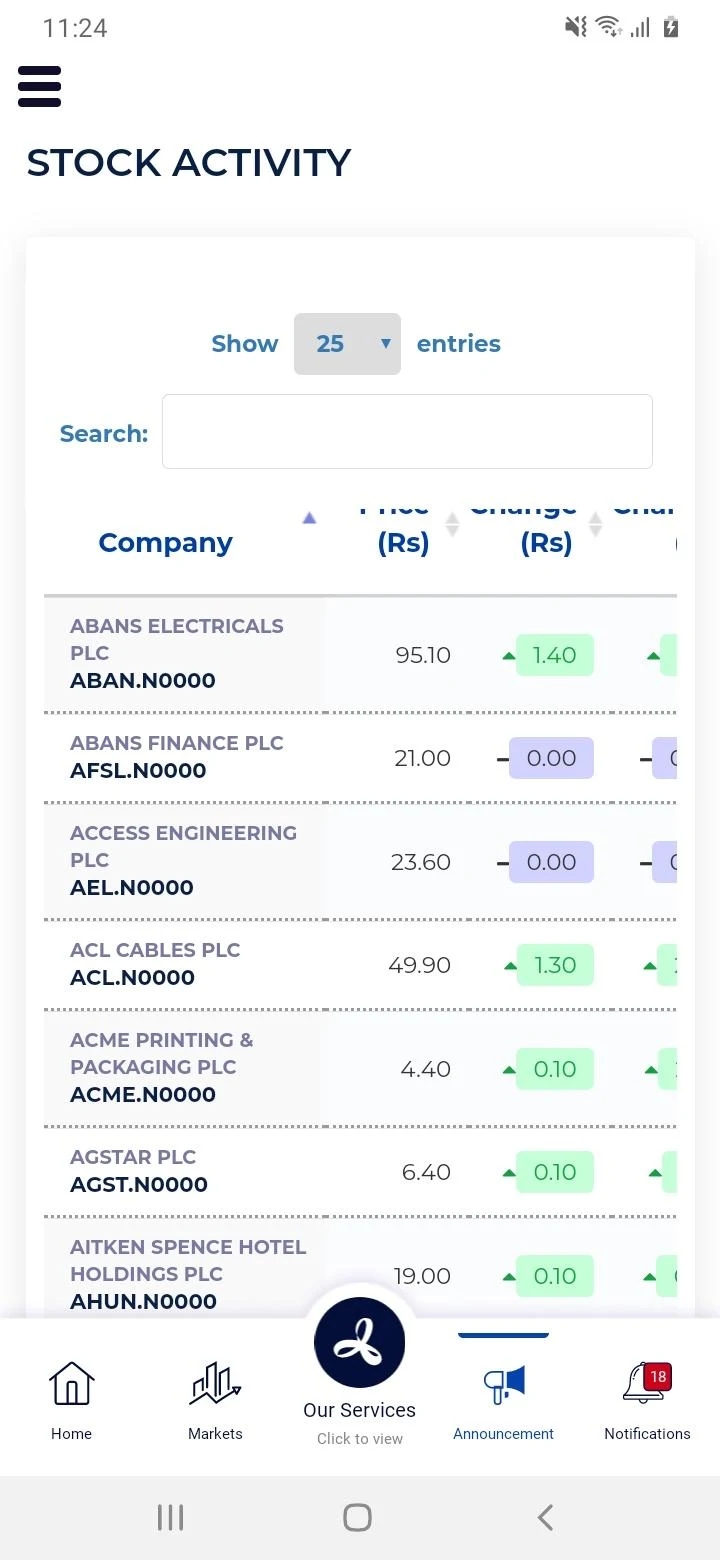
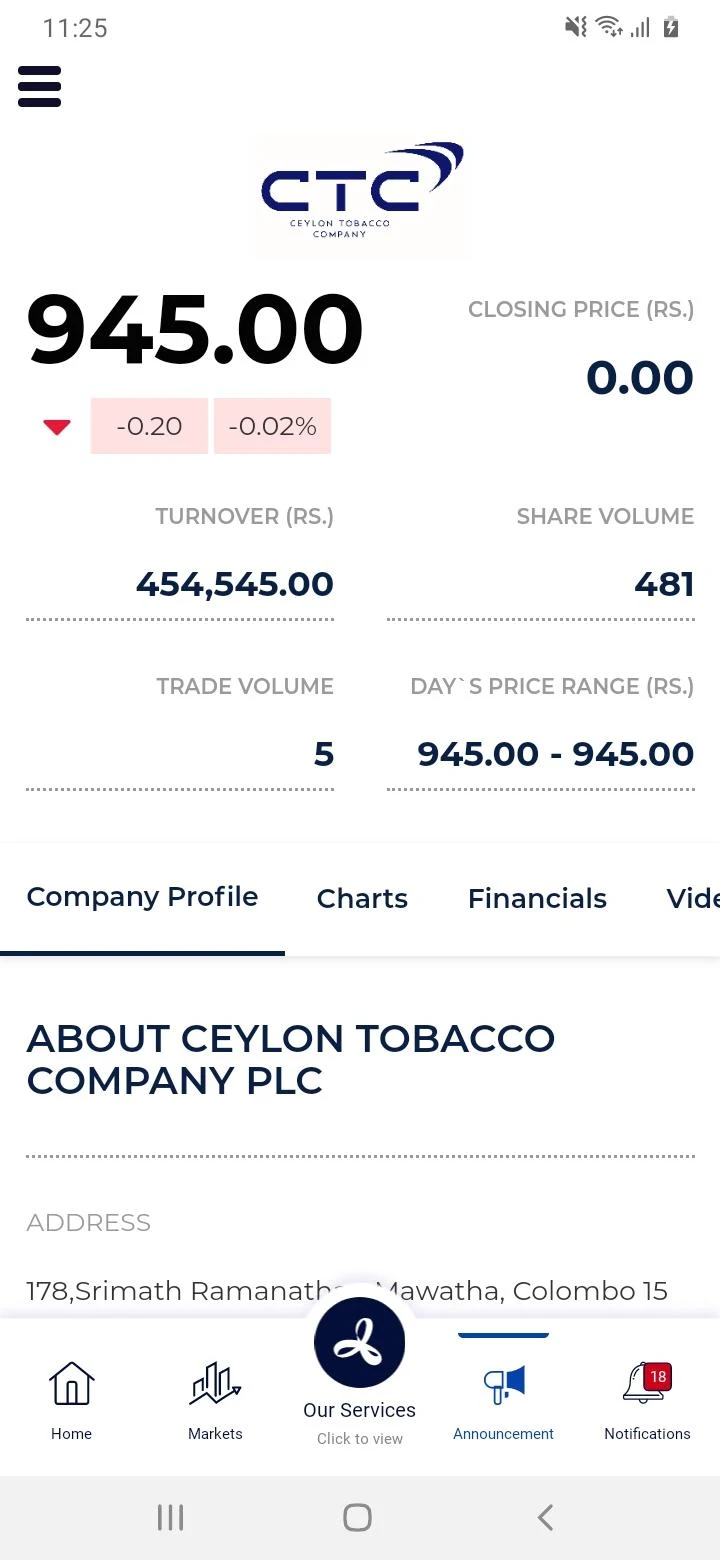
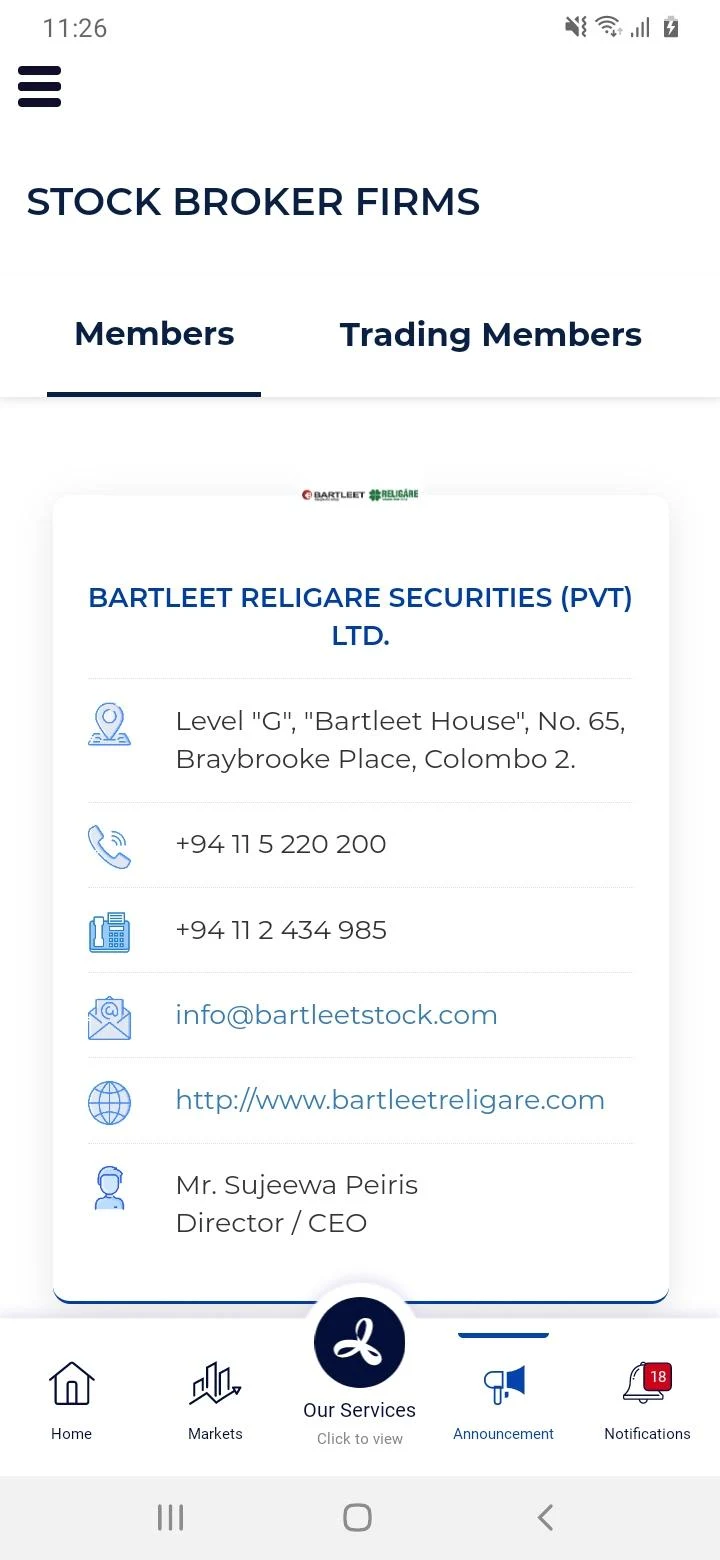
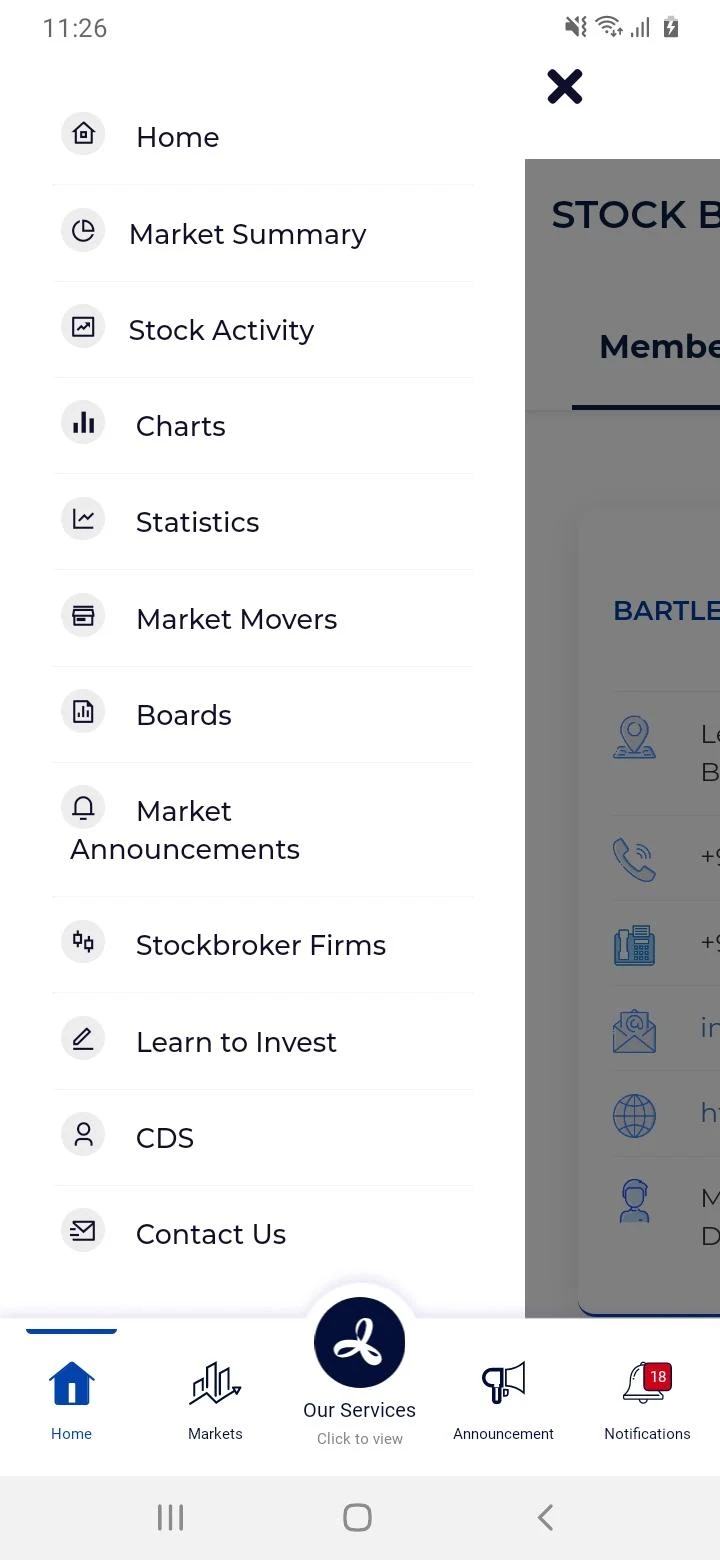
Gain valuable insights into the Colombo Stock Exchange while on the go!

Create a CDS account to begin trading on the Colombo Stock Exchange whenever you wish and receive information while you're mobile!
Easily monitor your stocks and the overall market, and stay informed about the latest company announcements through push notifications.
The CSE mobile app features a contemporary, user-friendly interface that provides access to various exclusive tools, including research materials and analytical resources designed to help you make informed decisions consistently.
Highlights of the CSE mobile app include:
• Digital account setup and onboarding
• Real-time market updates
• Data visualization with graphs and charts
• Extensive research and data
• Engaging educational resources
• Analytical tools for better insights
• Corporate news updates and videos
• Unified login for all CSE digital services
Target Audience:

Investors and potential traders who need to stay informed about the Colombo Stock Exchange, as well as market participants (including those preparing for company listings) who are interested in information about listed companies.
FAQs:
Q: Which stock indices can I see on the CSE official website? Are they updated in real time?
A: The two core indices you can see are the ASPI (Colombo All-Share Index) and the S&P SL20. Data is updated in real time, displaying the current point value and percentage change. You can also view statistics for a single day or longer periods, making it easy to track overall market trends.
Q: How can I find the stocks with the "highest gainers" or "largest trading volume" on the CSE official website?
A: Go to the "Market Data" section, which contains the "Top Gainers," "Top Losers," and "Most Active Trades" categories. Click on a specific section to view the trading volume, opening price, high price, low price, and last traded price for a specific stock.
Q: What is the first step for a company seeking to list on the CSE? Can I check eligibility online?
A: First, you can learn about the process by visiting the "How to List a Company" section of the official website. The website also offers a "Check Listing Eligibility Online" feature, allowing companies to verify their compliance with basic listing requirements online. Subsequently, they will need to work with a stock broker to complete the detailed process.
Q: How can I quickly find the latest announcements from a listed company (such as director changes or financing information)?
A: The official website homepage has a chronologically sorted "Announcements" list. You can filter by date (e.g., October 2025). You can also search by announcement type (e.g., "APPOINTMENT OF DIRECTORS" or "DEBENTURE ISSUE") in the "Corporate Disclosures" section to directly locate the latest information on a target company.
- Version3.00.49
- UpdateOct 29, 2026
- DeveloperColombo Stock Exchange
- CategoryFinance
- Requires AndroidAndroid 5.0+
- Downloads225K+
- Package Namecom.lk.efutures
- Signaturea203017b87e7dc40f08c1e1b96915f76
- Available on
- ReportFlag as inappropriate
-
NameSizeDownload
-
6.53 MB
-
6.53 MB
-
6.65 MB











User-friendly design for easy navigation.
Ability to keep track of stock market movements.
Useful push notifications for updates and alerts.
Biometric authentication for enhanced security.
Improved features with regular updates.
Potential for future enhancements based on user feedback.
Helps investors make informed decisions.
Frequent crashes and connection errors.
Lack of logout and re-login options.
Poor customer service response times.
Inconsistent performance across various devices.
Complicated account creation process with many obstacles.
Missing critical features like a search bar or portfolio management.
Slow loading times and laggy navigation.
Users unable to upload necessary documents for account setup.
Permissions causing usability hindrances, such as forced consent screens.