
Precio de la Luz - Electricity cost tracker & saver
Monitor electricity prices & save on bills with real-time alerts for optimal energy usage and comprehensive rate insights.

- 2.4.4 Version
- 1.9 Score
- 138K+ Downloads
- Free License
- 3+ Content Rating

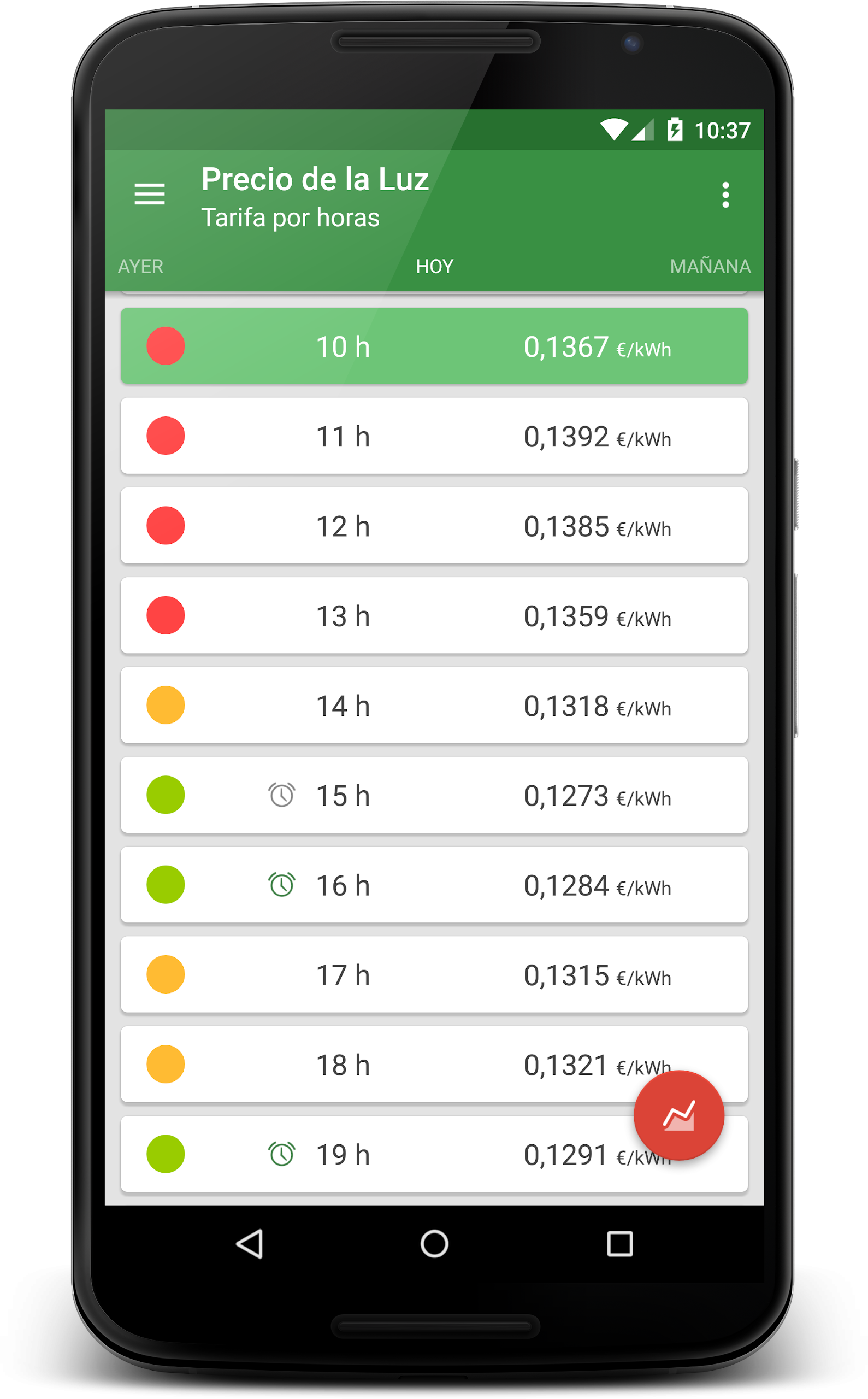
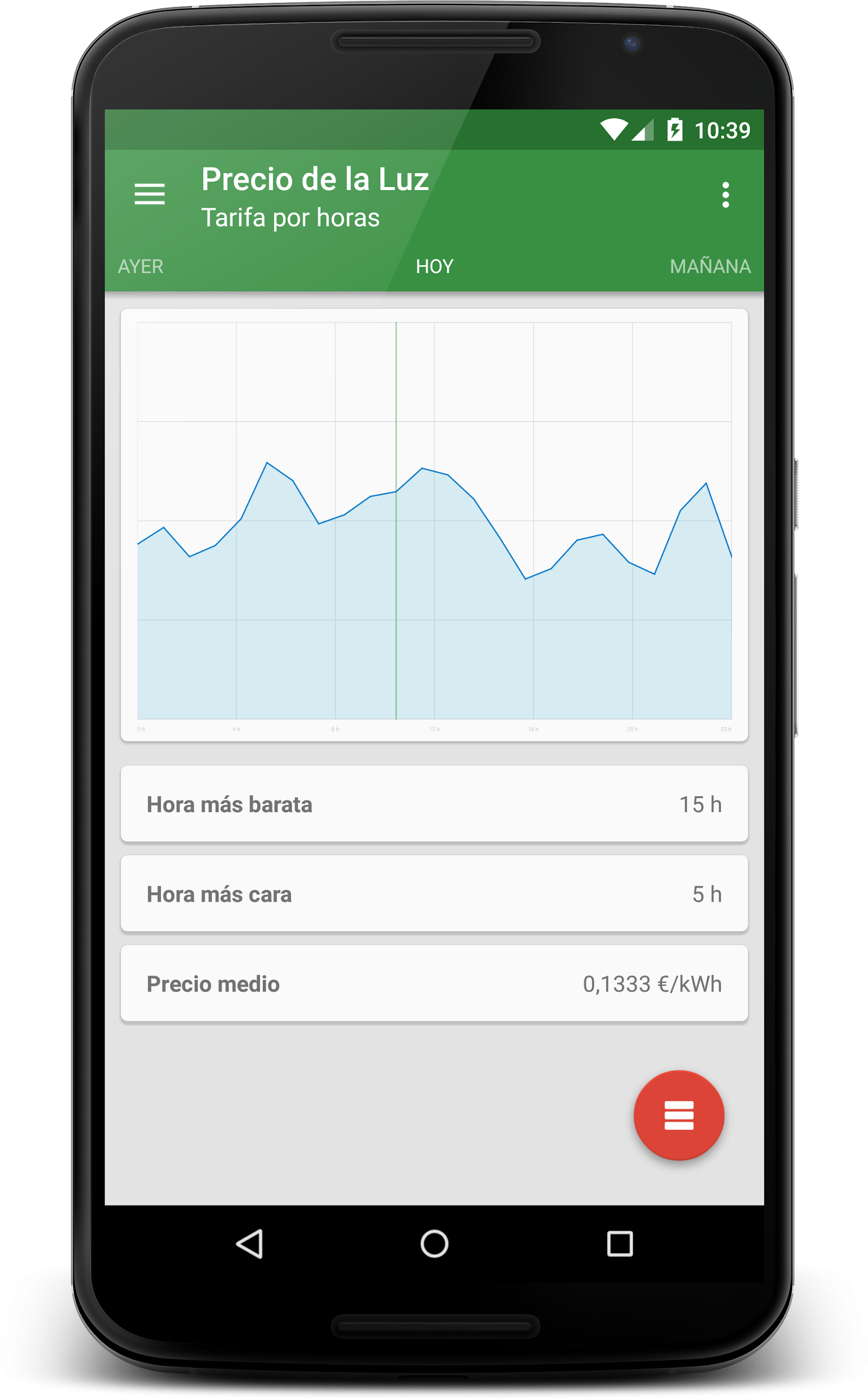
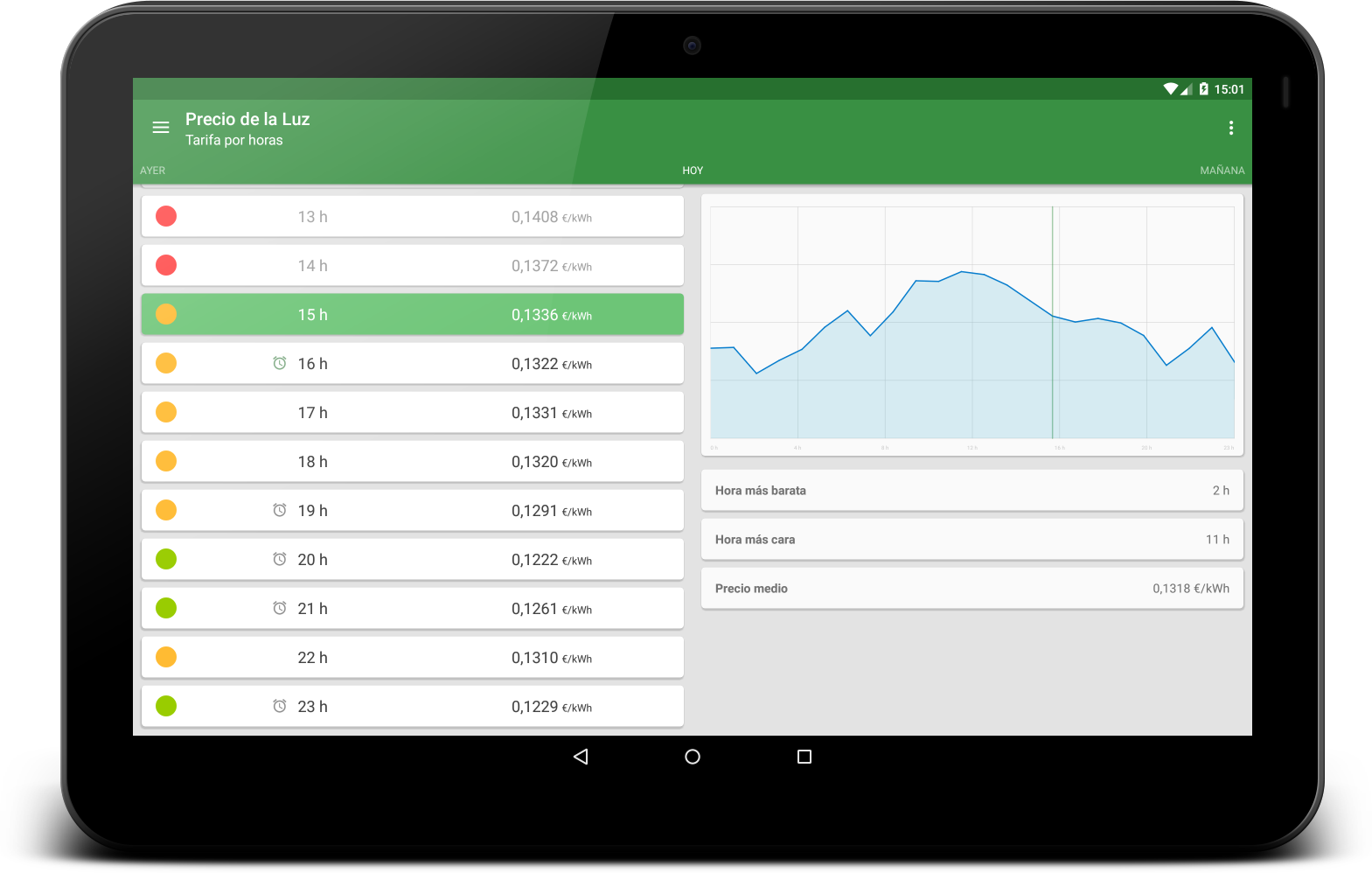
Price of Light is a straightforward application designed to help you monitor the electricity expenses in real-time for your home or office.
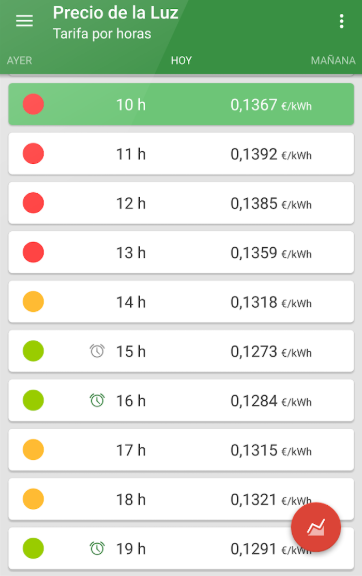
By adjusting the power consumption of your devices, you can reduce costs and save on your electricity bill at the end of each month.
Additionally, Price of Light will automatically notify you when electricity prices are particularly low, making it even easier to save money.
KEY FEATURES:
• Various rate types: hourly rates and Nightly Rate Electric Vehicle fees.
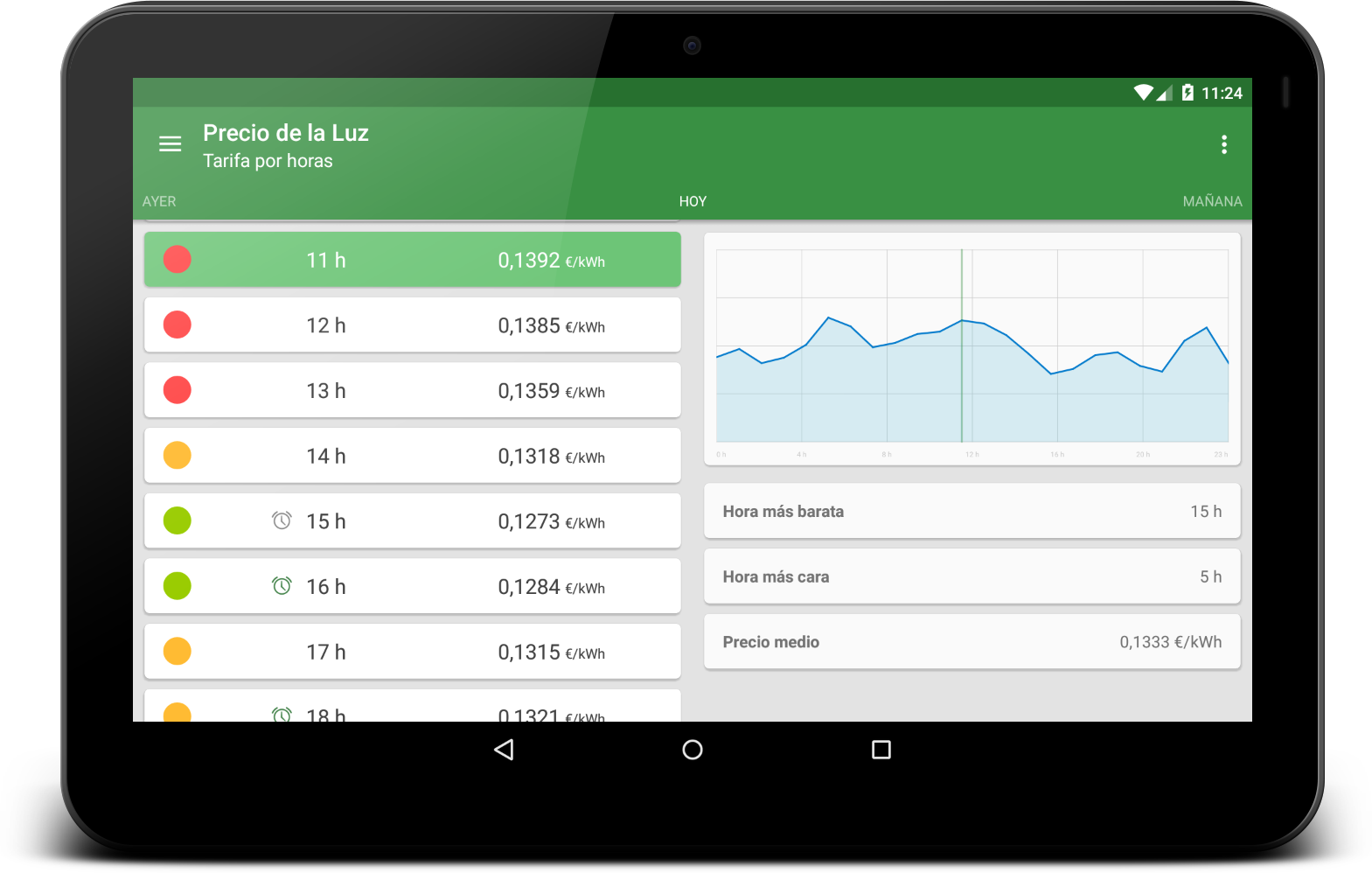
• Access previous and upcoming days' pricing.
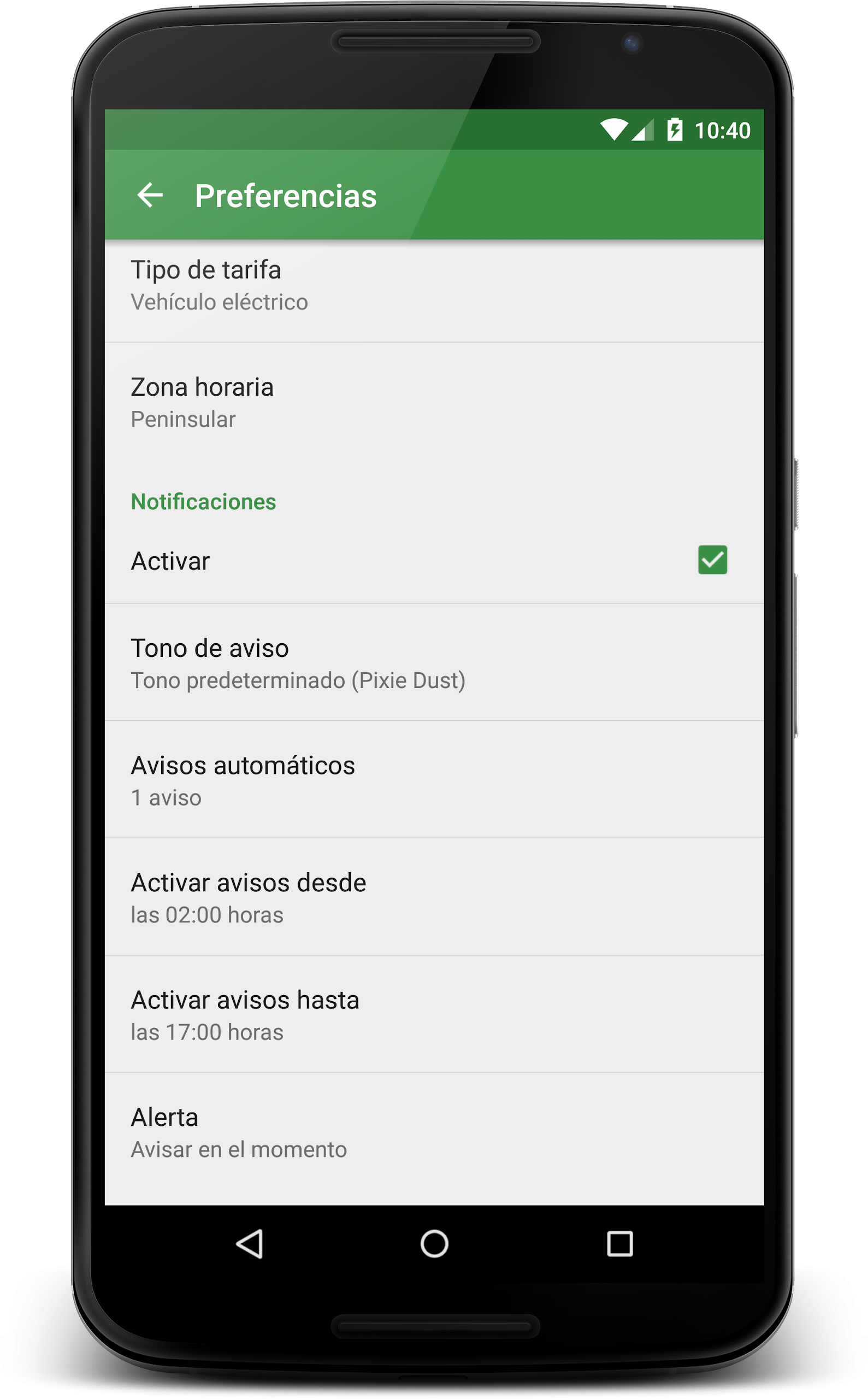
• Automatic notifications. You can set your preferred time frame and the number of alerts you wish to receive, and the app will inform you of the most suitable rates for your schedule.
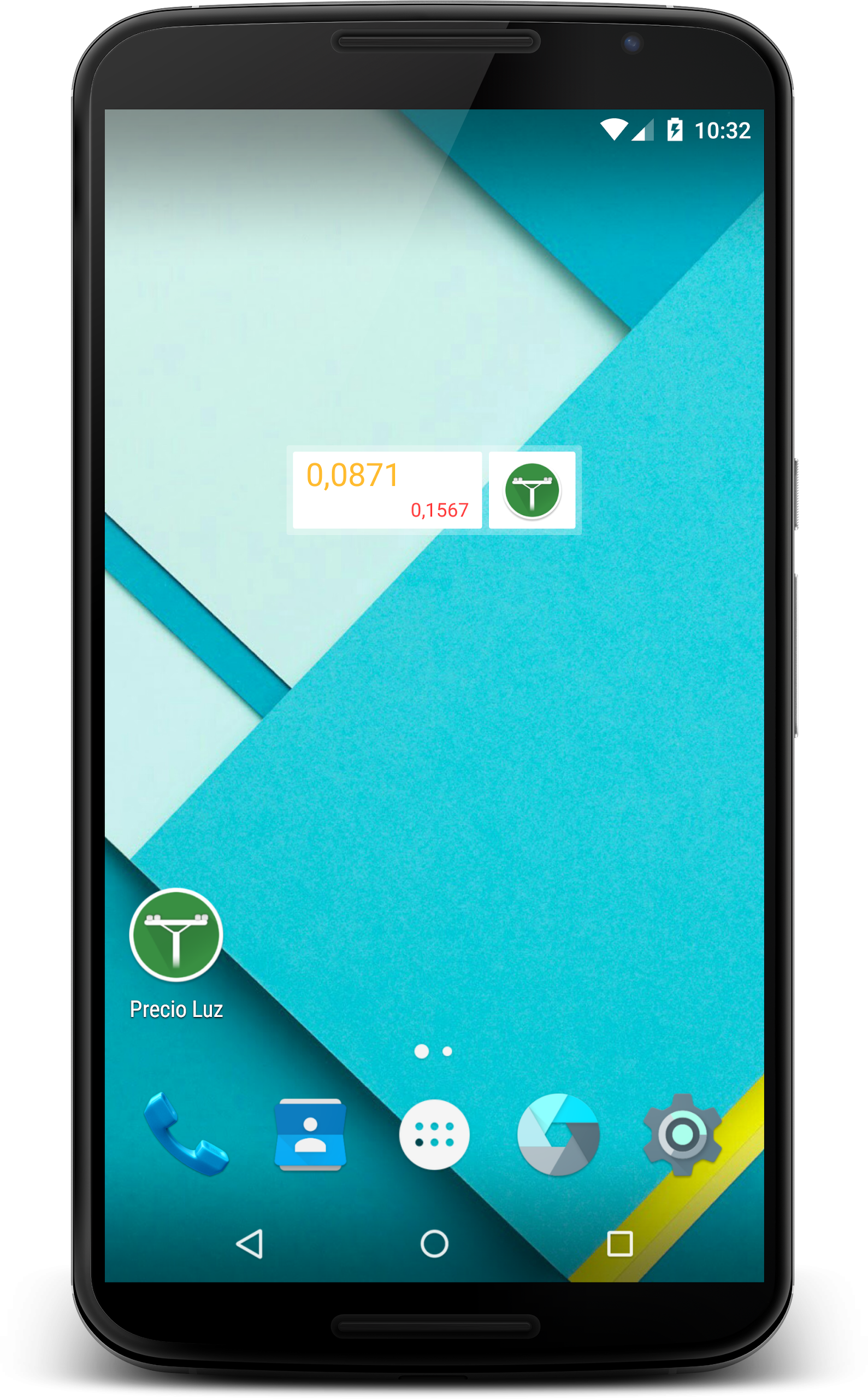
• Widget providing current price information and the peak hour rates.
• Choose how to display data; select from a list or view prices graphically.
• Track the price changes for various time zones of interest.
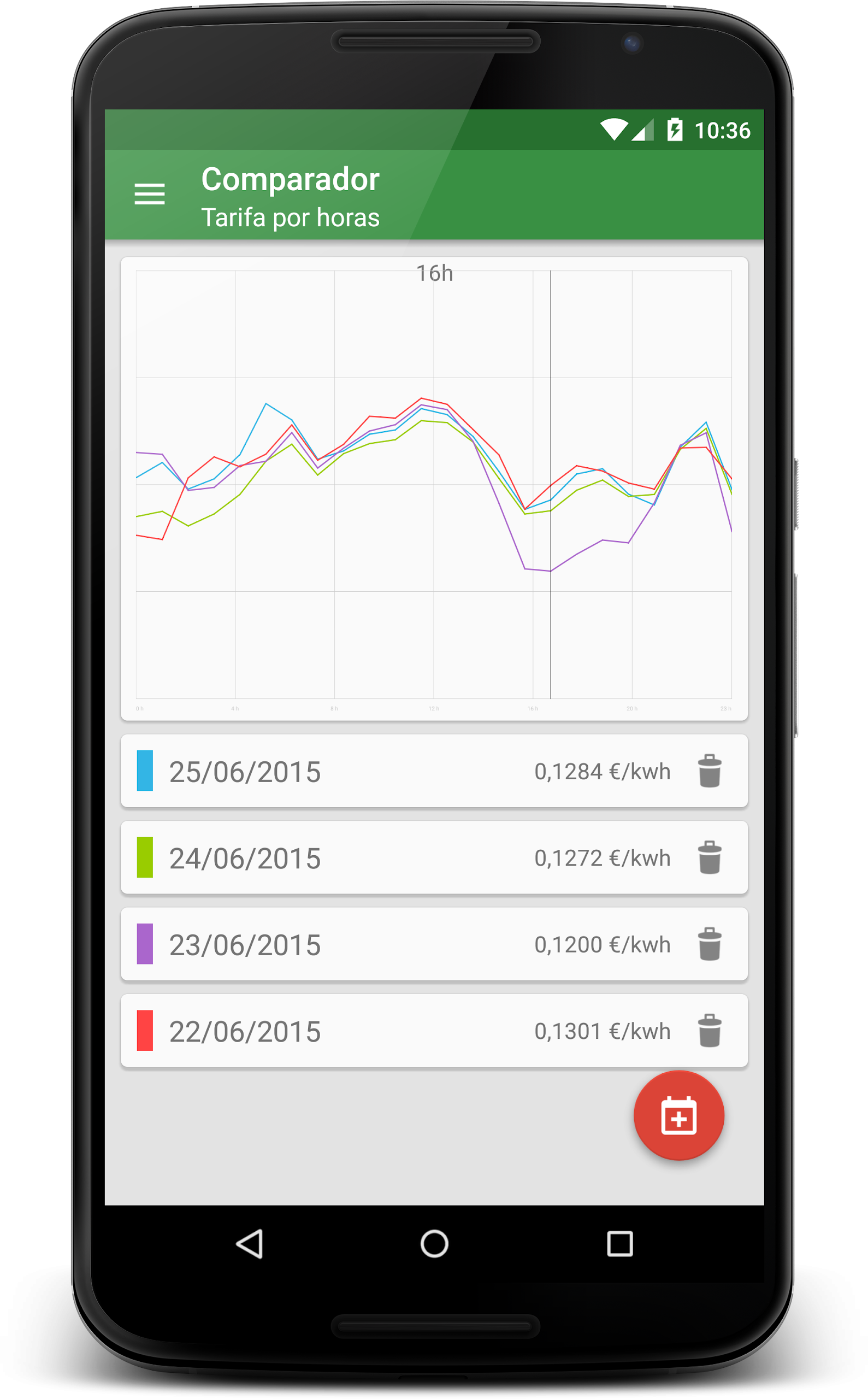
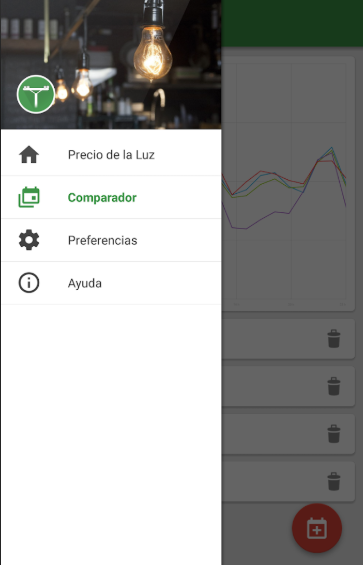
• Compare pricing across different days.
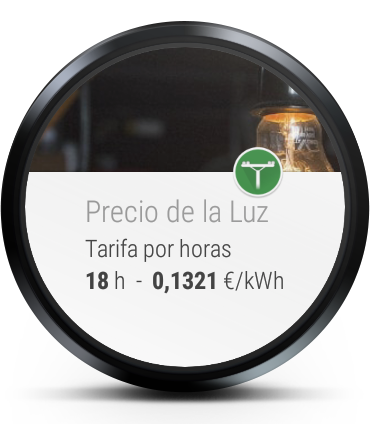
• Compatible with Android Wear devices.
• Change unit pricing between kilowatt hours and megawatt hours.
• Choose between Canary Islands time or mainland time in the Preferences settings.
Managing utility costs and paying less for electricity is achievable.
* Prices will be available the following day starting from 20:15.
Tips:
1. **Basic Viewing:** Open the app to view real-time electricity prices. It supports switching between kilowatt-hours (kWh) and megawatt-hours (MWh), and allows you to choose between list or chart display formats. You can also view past and future electricity prices (updated after 8:15 PM the following day).
2. **Reminder Settings:** Customize notification time ranges and reminder frequencies. When enabled, the app will push notifications during off-peak electricity price periods tailored to your schedule, making it easier to plan your electricity usage.
3. **Personalized Adaptation:** Switch between Canary Islands time and Spanish mainland time in settings. Supports pairing with Android Wear devices; your watch can directly view current and peak-hour prices.
4. **Comparative Analysis:** Use the app's date comparison function to view electricity price fluctuations at different times and on different dates, helping to optimize your electricity usage plans.
Related Questions:
1. **What is the main problem this app solves? **
It primarily helps users monitor their home or office electricity bills in real time. It also helps users reduce their monthly bills by notifying them of low-cost periods and adjusting device power consumption. It also provides a clear overview of electricity prices at different times, making it easier to plan their electricity usage.
2. **Can I find out electricity prices for the coming days in the app? **
Yes, the app supports viewing prices for the previous and upcoming days. However, please note that prices for the next day will not be updated until after 8:15 PM on the same day.
3. **Can I set up low-cost electricity price alerts only at specific times? **
Yes. The app's automatic notification feature allows you to customize the time range and frequency of notifications. Once set, it will send you notifications about the best deals based on your schedule, eliminating the frequent interruptions of irrelevant notifications.
4. **Can I use this app with an Android Wear device? **
Yes, the app is compatible with Android Wear devices, allowing you to view electricity price information on your watch without having to constantly reach for your phone, making it even more convenient.
5. **I want to compare electricity prices on different dates or view price fluctuations using a chart. Can the app do that? **
Yes. It can compare prices on different dates, and you can choose how to display the data, either as a list or as a chart, giving you a visual overview of price fluctuations.
6. **If I'm in the Canary Islands, can I change the time in the app to my local time? **
Yes, in the app's "Preferences," you can choose to use Canary Islands time or Spanish time. This eliminates the need for manual time conversion and allows for more accurate electricity price information.
- Version2.4.4
- UpdateOct 22, 2026
- DeveloperNeapp Soft
- CategoryFinance
- Requires AndroidAndroid 4.1+
- Downloads138K+
- Package Namecom.neappsoft.precioluz
- Signature8e7a02d8466fd74a8a880581f30e86a1
- Available on
- ReportFlag as inappropriate
-
NameSizeDownload
-
3.58 MB
-
3.37 MB
-
3.10 MB
















Practical functions
Flexible and convenient
Multi-device compatibility
Platform limitations
Data latency
Functionality dependencies