
Construction Operation - Construction equipment operation
Experience thrilling missions with diverse machinery while mastering the art of construction and becoming a professional operator.
- 0.6.1 Version
- 2.2 Score
- 139K+ Downloads
- Free License
- 3+ Content Rating

Construction Equipment Operator Simulator
1. Game Overview
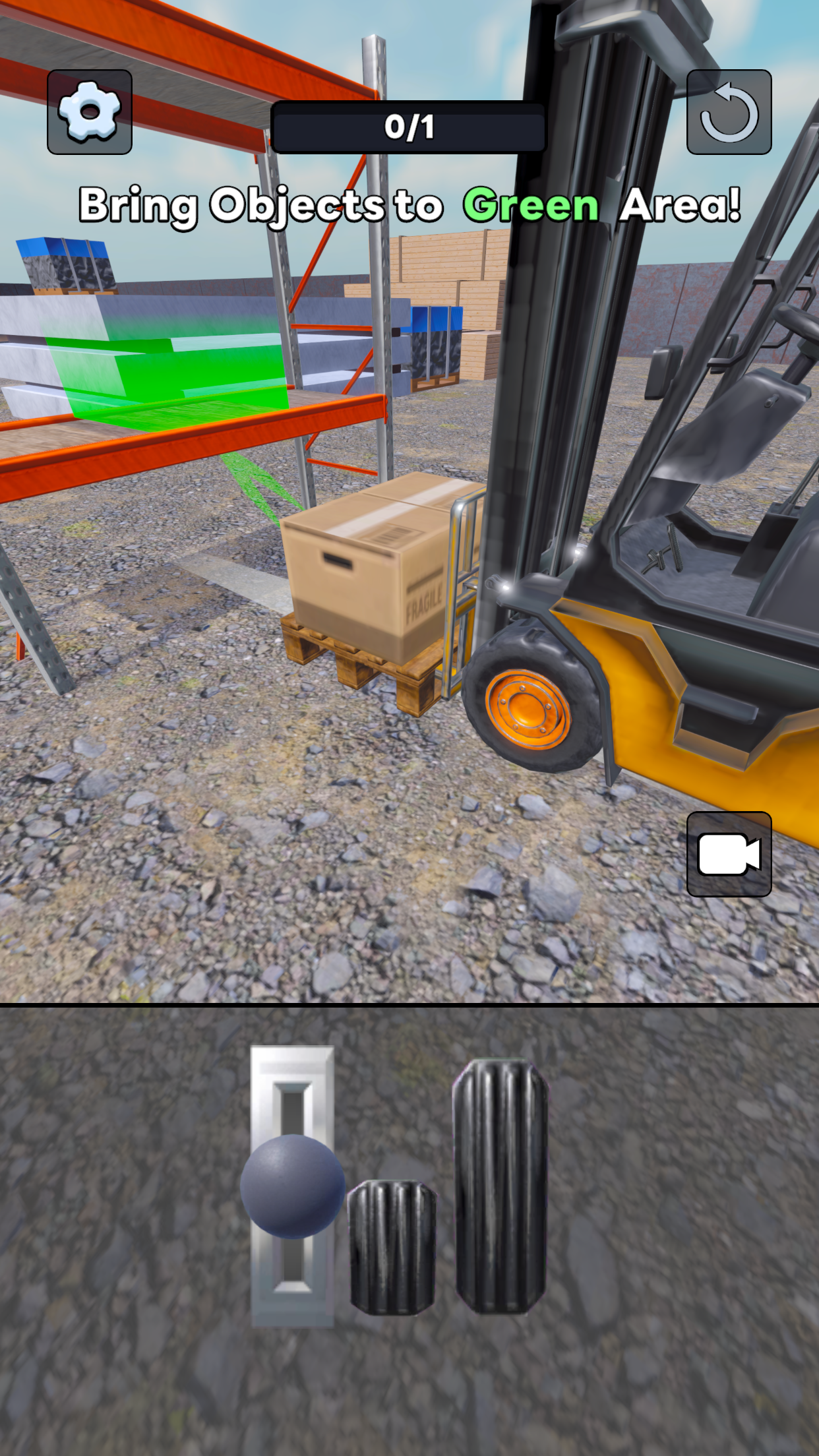
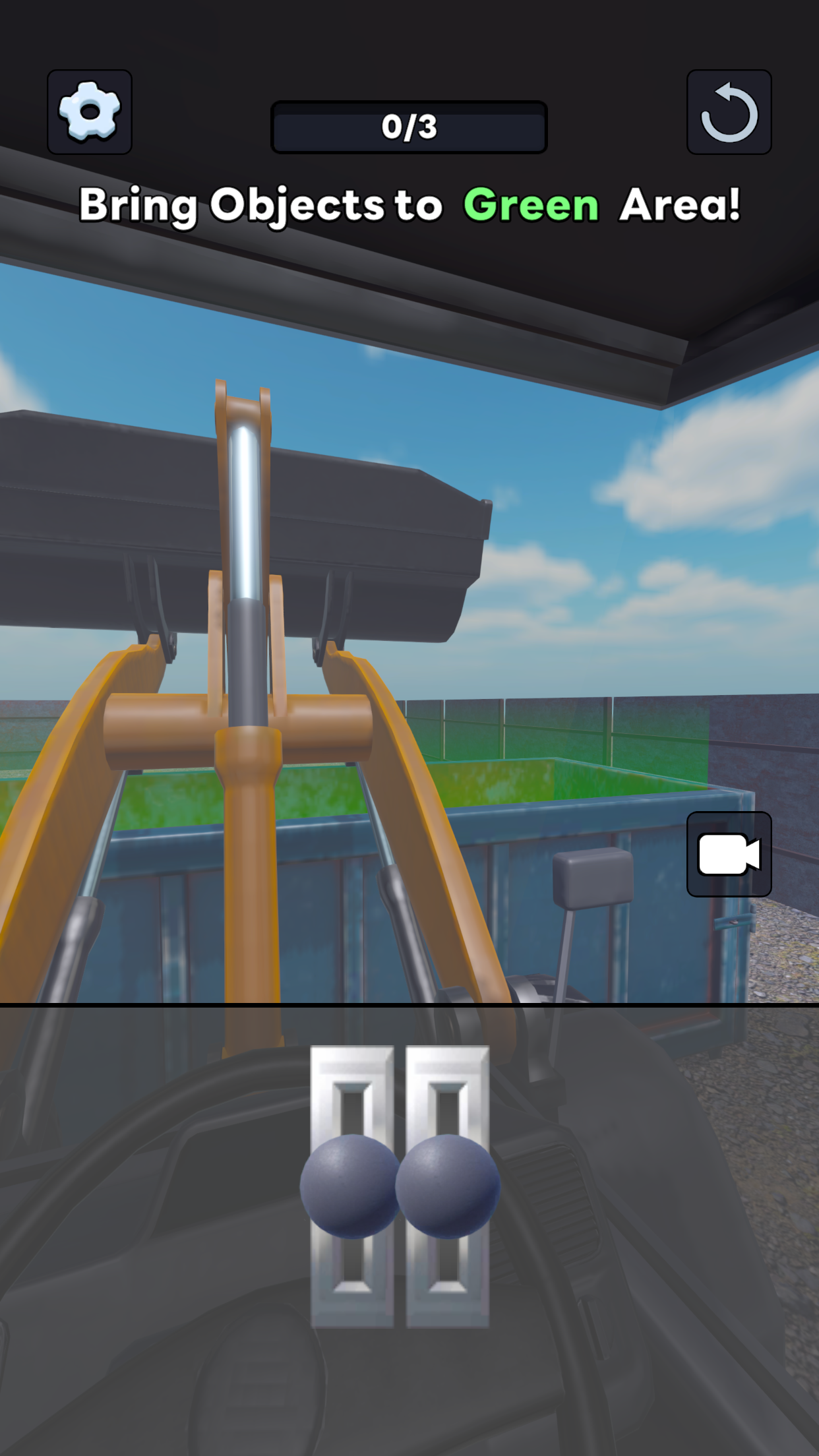
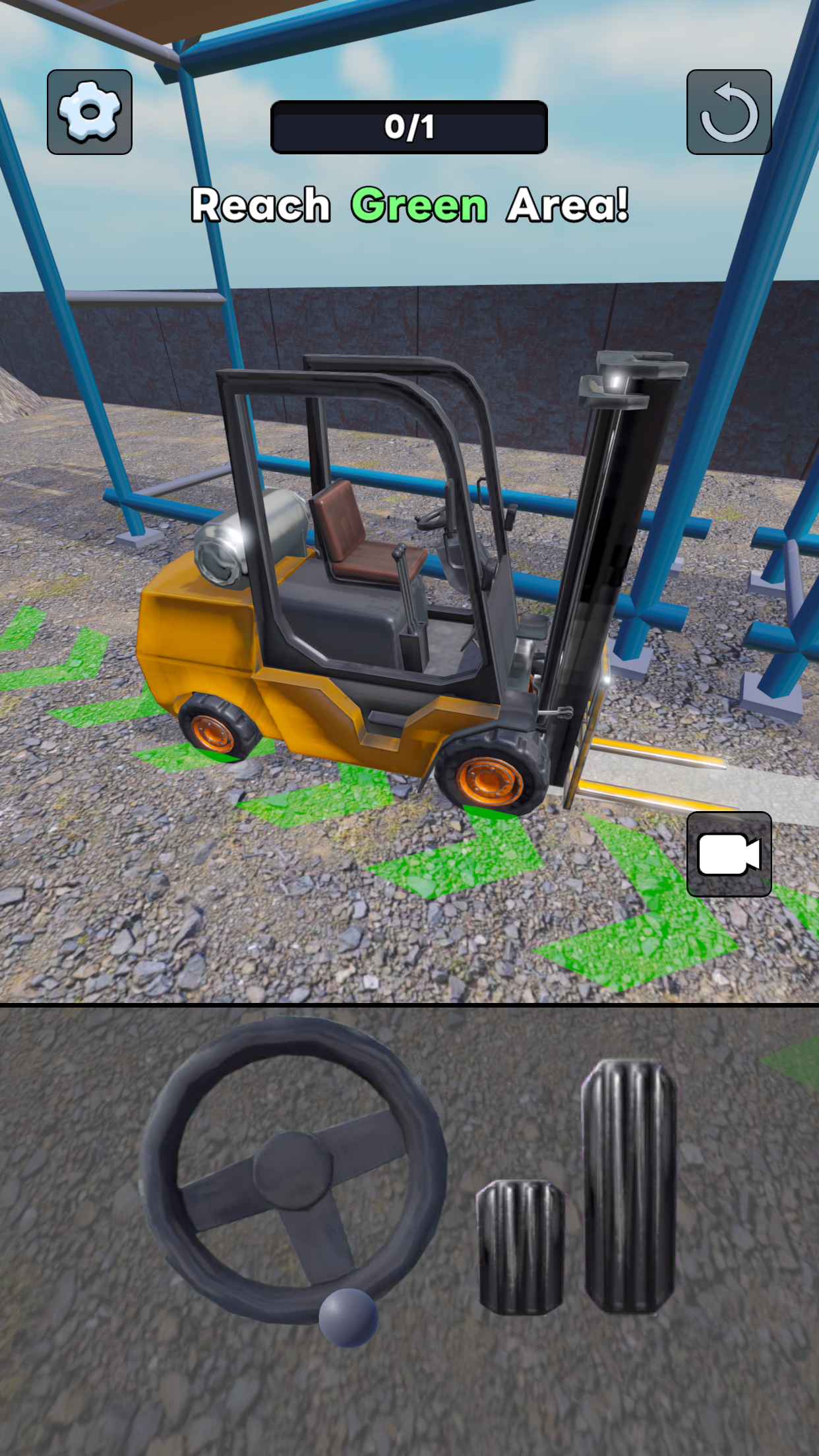
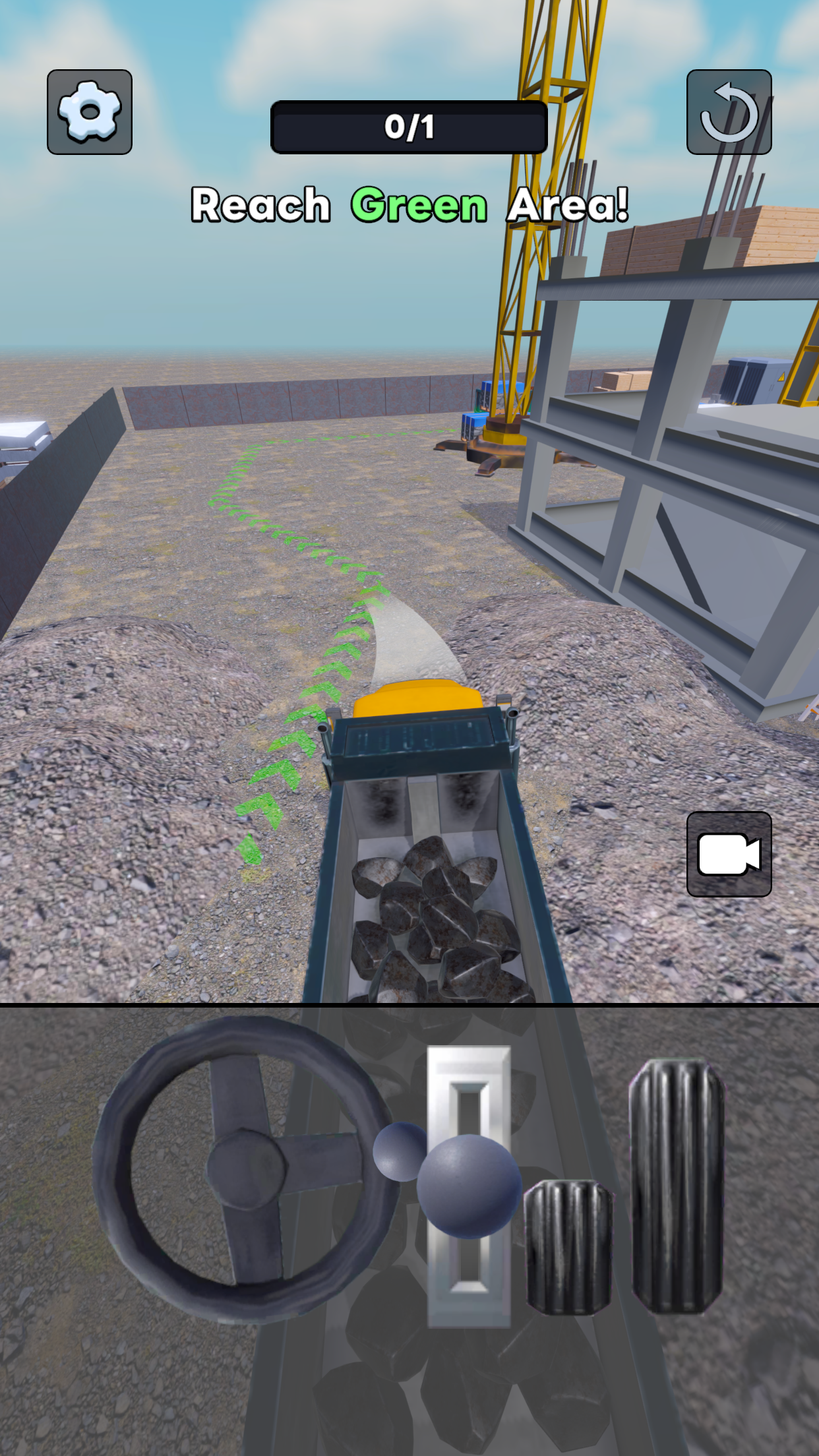
Construction Equipment Operator Simulator is a machinery simulation game that lets players experience operating heavy construction equipment through a series of practical assignments. Players take control of different machines, including forklifts and excavators, to complete jobs involving material transportation, excavation, debris removal, and ground preparation.
Each machine is designed for specific construction tasks and has its own operating controls. Forklifts are used to lift and transport materials, while excavators handle digging, soil removal, and other ground operations. Players need to become familiar with each machine's controls and movements to complete assignments successfully.
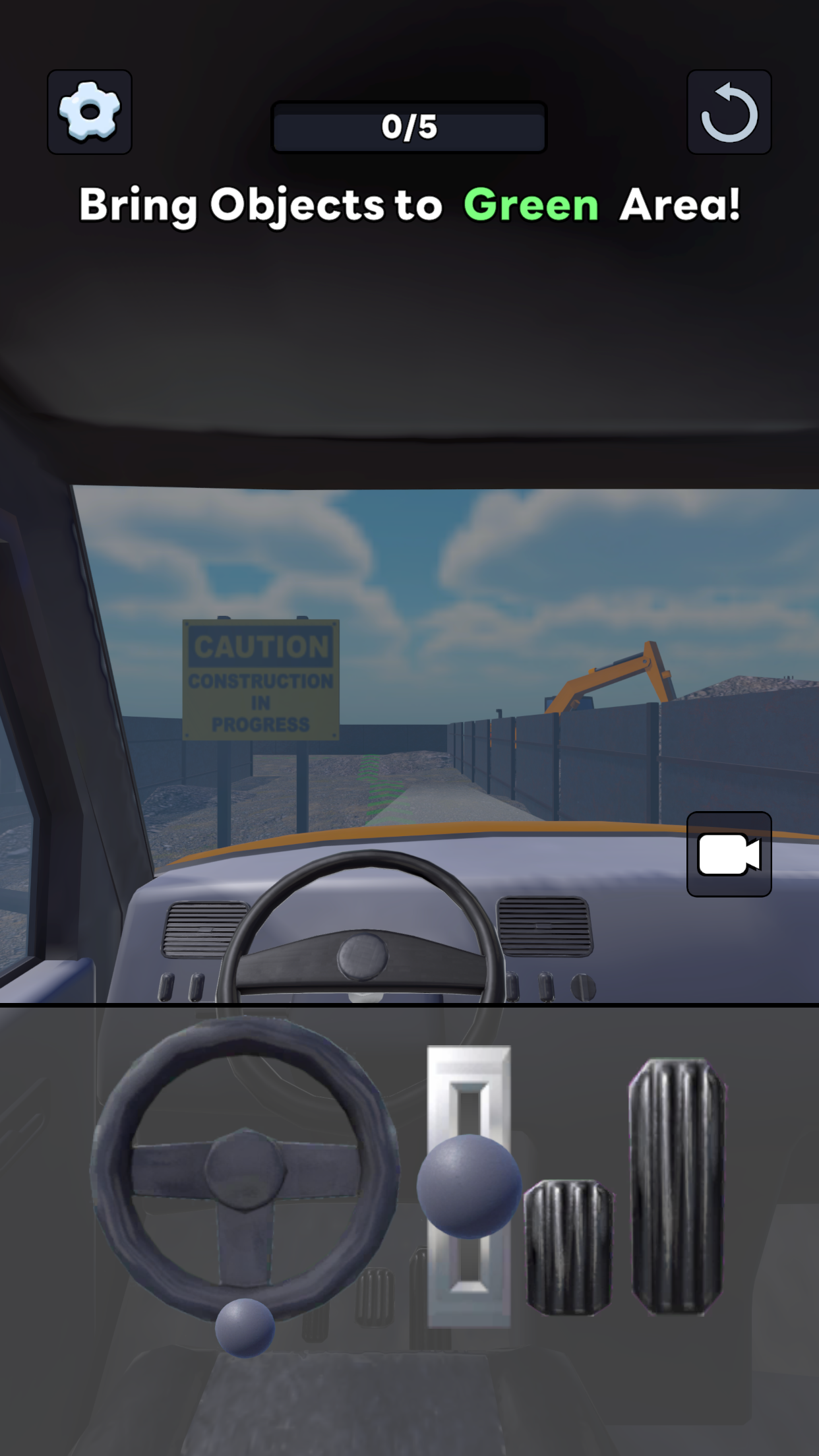
The game features physics-based machinery handling, making positioning, movement, and load balance important parts of each operation. Players must control their equipment carefully to carry out tasks accurately. First-person and third-person camera views are also available, allowing players to choose between an operator's perspective and a wider view of the machinery and worksite.
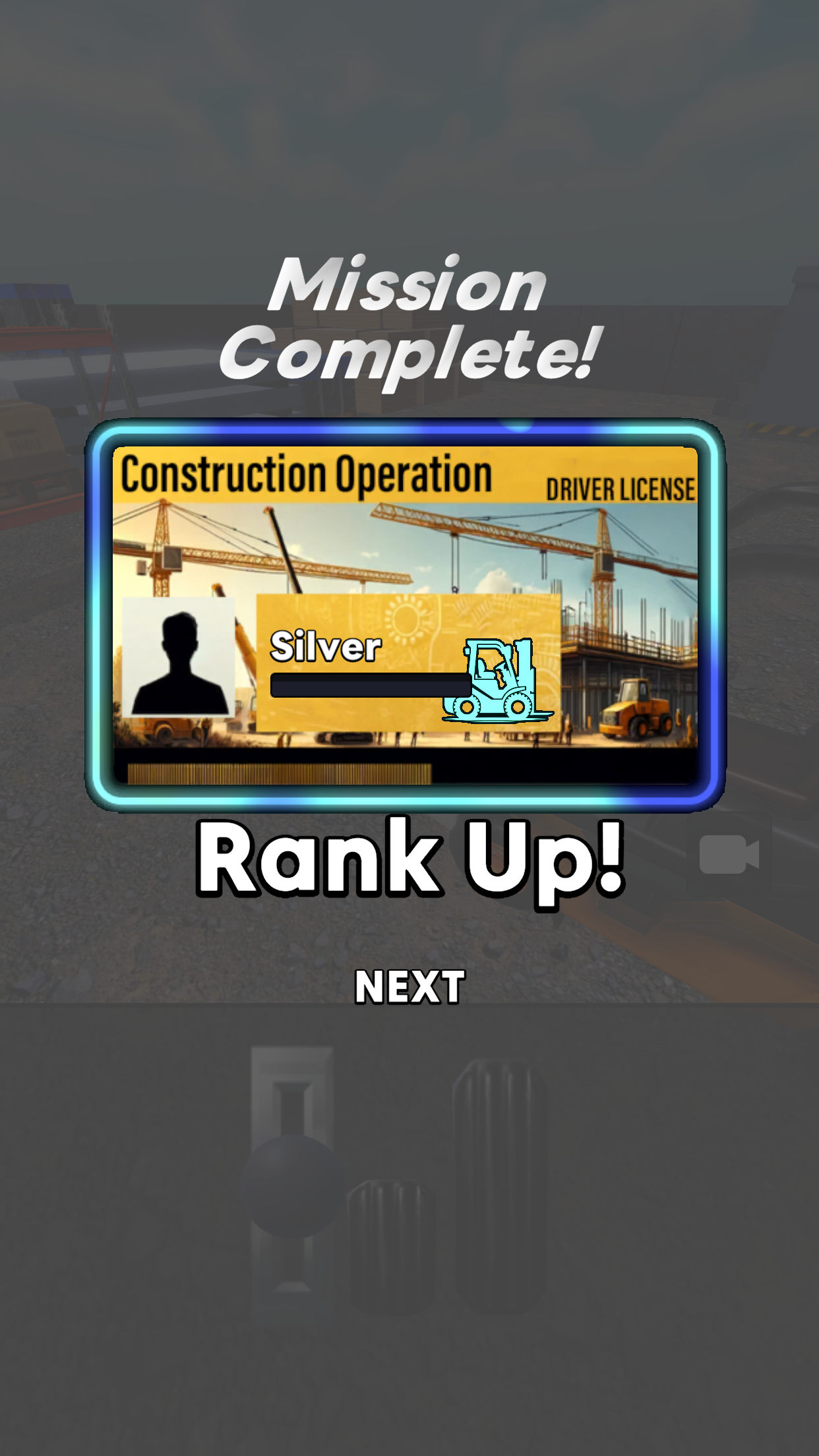
Gameplay follows a mission-based progression system. Completing assignments allows players to advance through the game and unlock additional equipment and challenges. As new jobs become available, players can put their operating skills to the test with different machinery and construction activities.
2. Key Features
Multiple Types of Construction Machinery
Operate heavy construction equipment, including forklifts and excavators. Each machine has different controls and capabilities suited to particular worksite operations.
Variety of Construction Assignments
Take on practical jobs such as transporting materials, digging soil, clearing debris, and preparing work surfaces. Each assignment comes with specific objectives to complete.
Physics-Based Equipment Handling
Control machinery through mechanics influenced by movement, positioning, applied force, and load balance. Accurate handling is essential when performing different tasks.
First-Person and Third-Person Views
Switch between two camera perspectives while operating machinery. First-person view provides a closer look at the working area, while third-person view offers a broader view of the vehicle and its surroundings.
3. How to Play
1. Learn the Machine Controls: Familiarize yourself with the controls of each vehicle. Practice basic operations such as steering a forklift, adjusting its forks, and controlling an excavator's boom and bucket.
2. Check Assignment Objectives: Review the requirements before starting a job. Each mission specifies the construction activity you need to complete, such as moving materials or excavating soil.
3. Position Your Equipment: Drive the machinery to the designated work area and find a suitable position for the operation. Proper alignment helps prevent mistakes during lifting, digging, and transportation.
4. Complete the Required Tasks: Use the machine's controls to carry out the assigned operations. Move materials to their target locations with a forklift or use an excavator to dig and relocate soil.
5. Finish Missions and Unlock New Content: Complete the assignment objectives to advance. Continue working through available missions to unlock additional machinery and challenges.
4. Game Experience
Construction Equipment Operator Simulator focuses on the practical aspects of operating heavy machinery rather than fast-paced action or competitive gameplay. Each assignment requires players to understand the equipment, position it correctly, and perform specific operations with care.
The different vehicles provide distinct gameplay experiences. Forklift operations involve lifting, balancing, and transporting materials, while excavator tasks require control over the boom and bucket when digging or moving soil. Switching between these machines keeps the assignments varied and introduces different operating techniques.
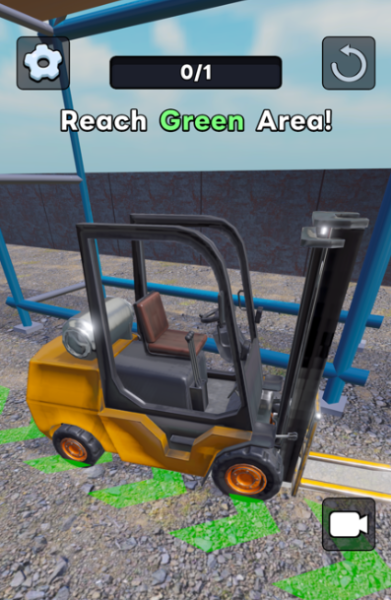
Physics-based handling adds a layer of challenge to the simulation. Players need to consider equipment movement, positioning, and load balance when performing tasks. Mistakes in handling can make certain operations more difficult, so learning how each machine responds to its controls is an important part of progression.
The two camera perspectives offer different ways to approach each assignment. First-person view provides a closer operating perspective, while third-person view helps players observe the vehicle and its surroundings. Together with mission-based progression, these mechanics create a straightforward construction simulation for players interested in heavy equipment and machinery operation.
5. Frequently Asked Questions
Q1: Can I play Construction Equipment Operator Simulator offline?
A: Yes. The game supports offline gameplay, so you can operate machinery and complete its core missions without an internet connection.
Q2: What types of construction equipment are available?
A: You can operate different types of heavy machinery, including forklifts and excavators. Each vehicle has its own controls and is designed for different construction activities.
Q3: How do I change the camera perspective?
A: Use the in-game camera controls to switch between first-person and third-person views. The first-person perspective provides a closer view of the operating area, while the third-person perspective shows more of the vehicle and its surroundings.
Q4: Can I restart a mission?
A: Yes. If you cannot complete an assignment, you can restart it and try again. Adjust your positioning and equipment handling to improve your next attempt.
Q5: How can I unlock more construction equipment?
A: Complete available assignments and progress through the missions. Additional machinery and content become accessible as you reach the required progression milestones.
Q6: Is Construction Equipment Operator Simulator suitable for beginners?
A: Yes. Beginners can start by learning the basic controls and practicing simple operations. Once familiar with the machinery, they can take on assignments that require more precise movements and equipment handling.
- Version0.6.1
- UpdateNov 09, 2026
- Developertatsumaki games
- CategorySimulation
- Requires AndroidAndroid 5.1+
- Downloads139K+
- Package Namegames.tatsumaki.constructionoperation
- Signature984c93a0bc16f32f089b6abd081cde4b
- Available on
- ReportFlag as inappropriate













Highly immersive
Clear objectives
In-depth gameplay
High learning curve for beginners
Content may be repetitive
Requires specific equipment