
Commerzbank photoTAN - Secure order approvals & TAN generation
Unlock seamless banking with quick approvals & secure TAN generation, all from your smartphone using our innovative app.

- 15.1.0 Version
- 2.2 Score
- 2M+ Downloads
- Free License
- 3+ Content Rating

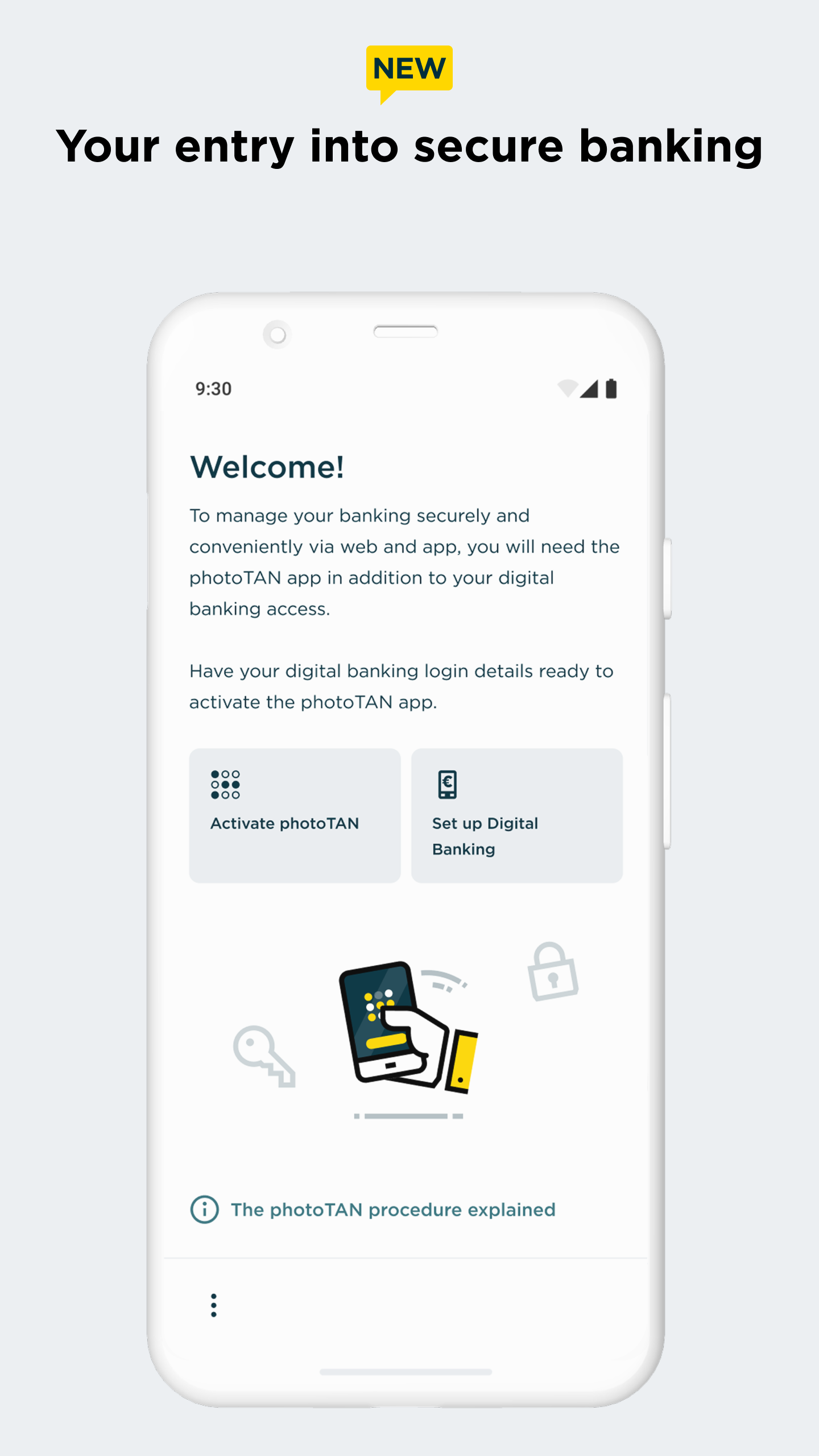
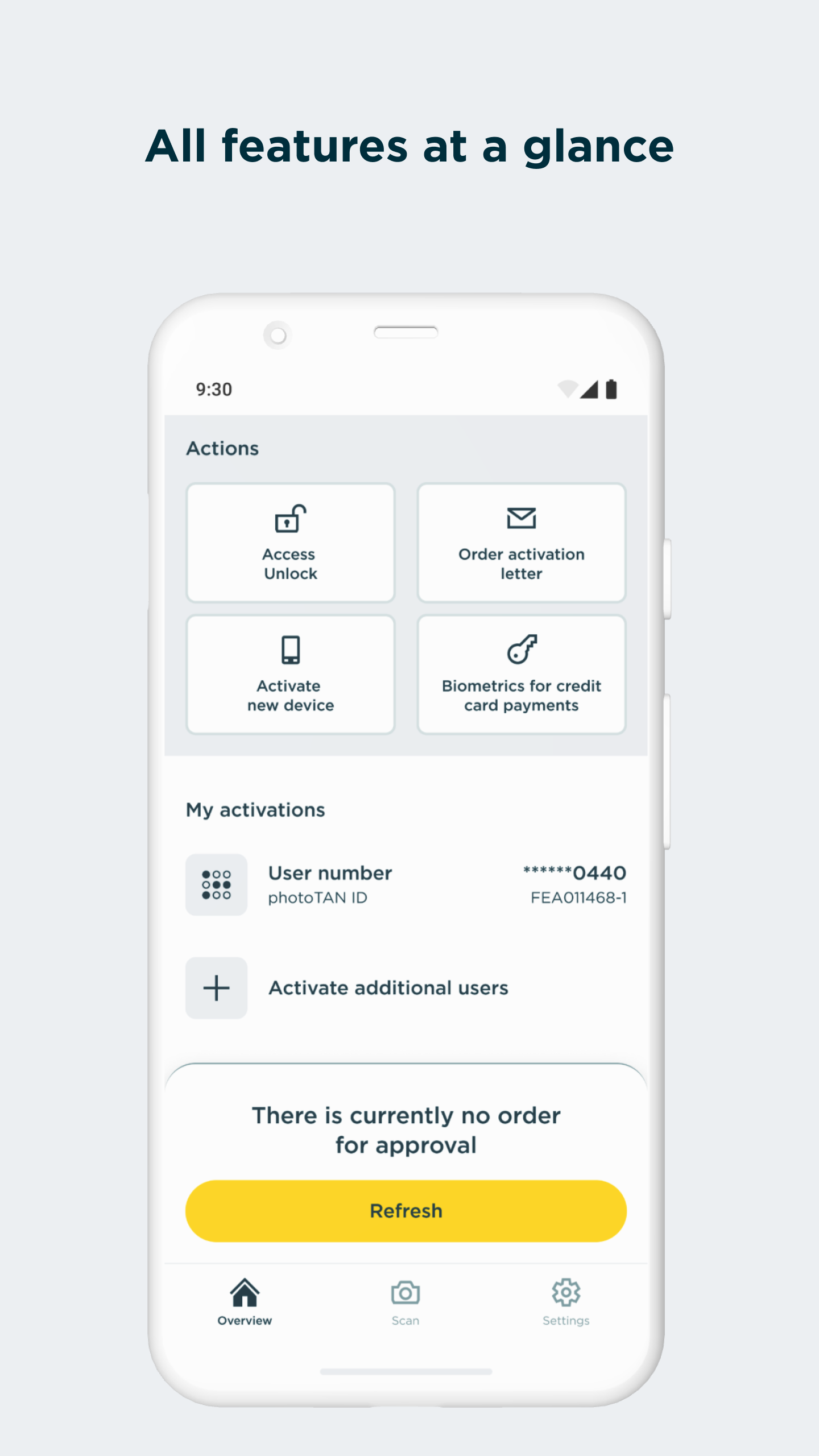
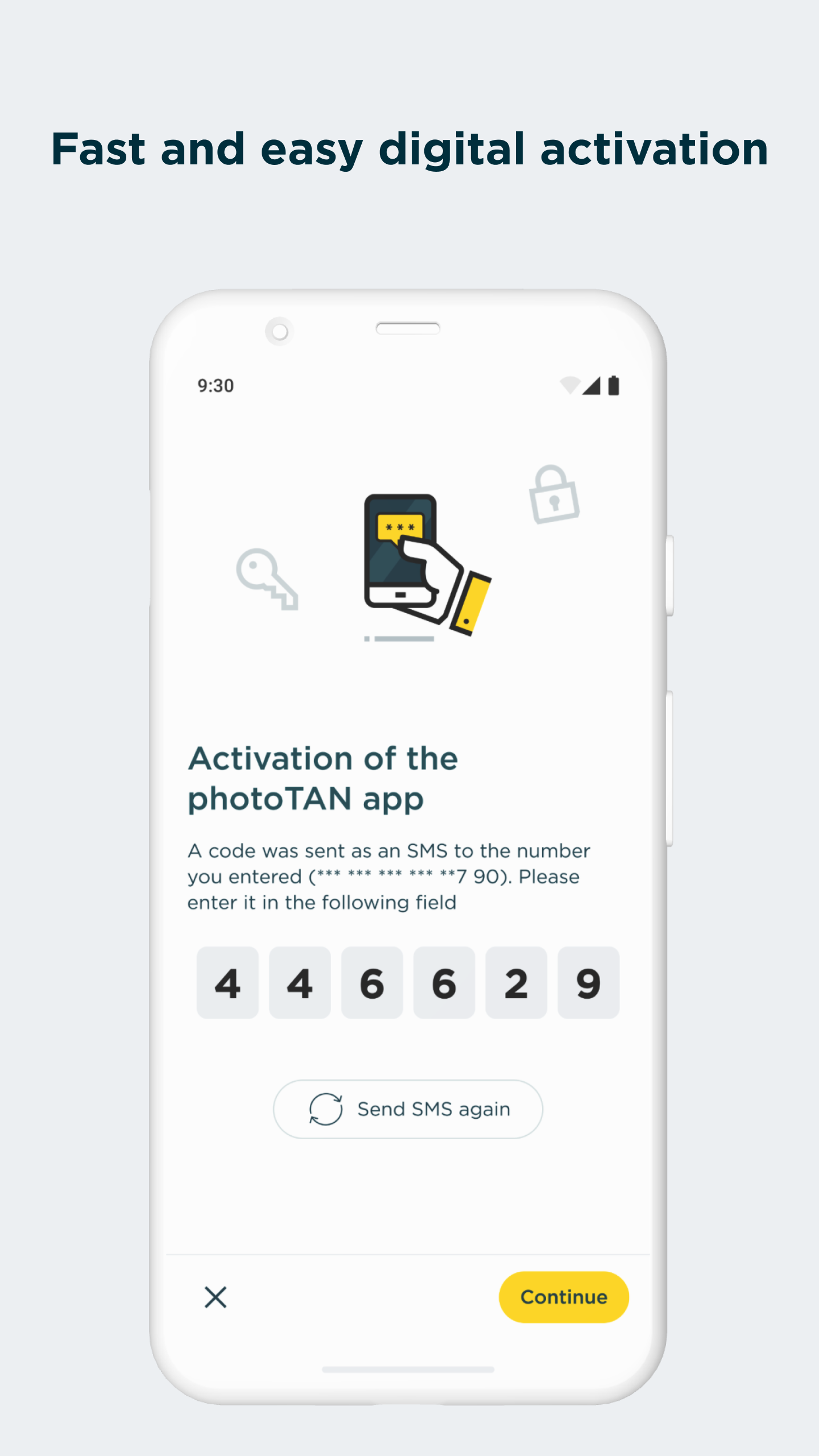
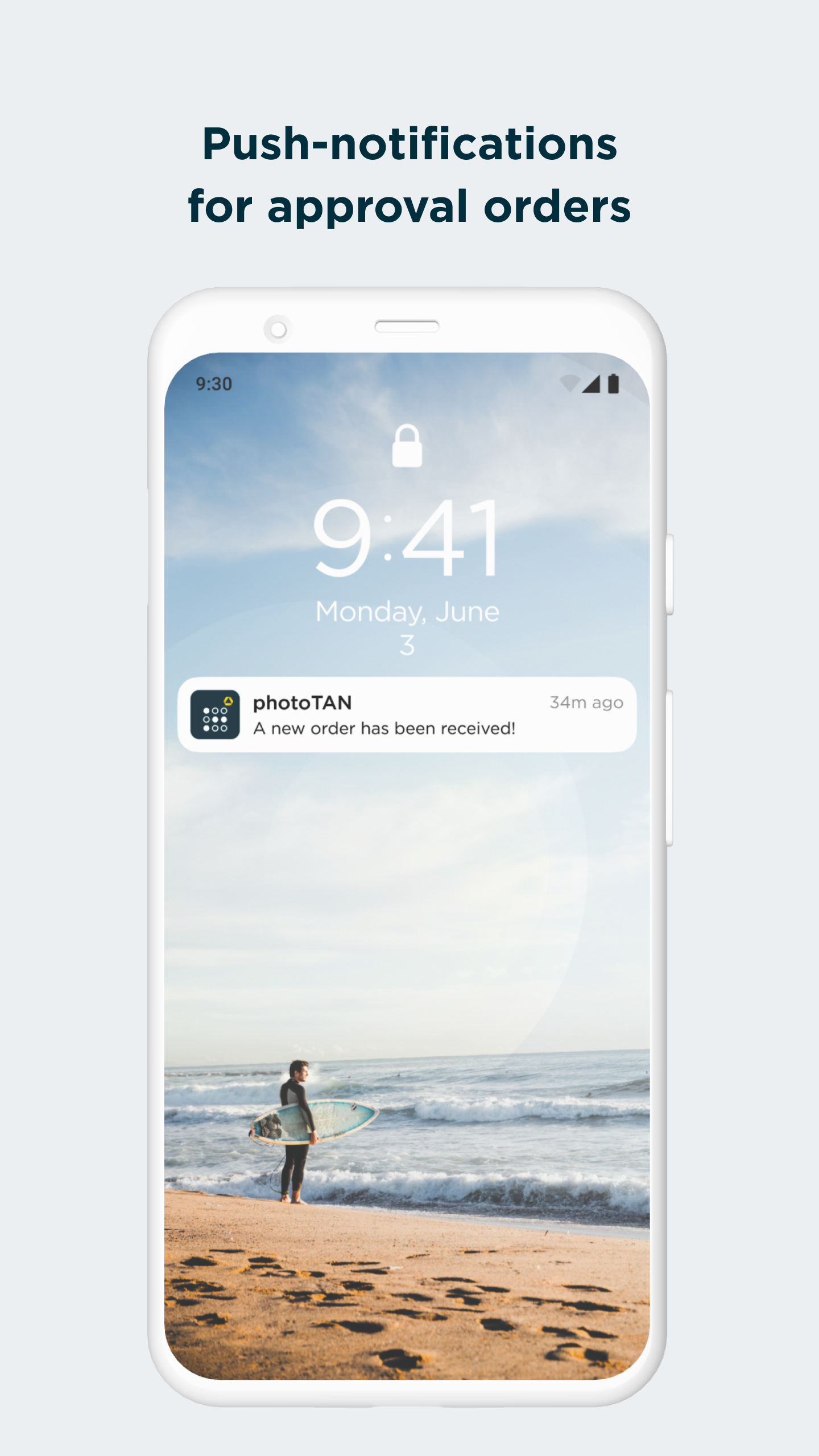
Commerzbank photoTAN
App Overview
Commerzbank photoTAN is a security app for customers using Commerzbank's online and mobile banking services. It allows users to verify login attempts and authorize banking transactions through Transaction Authentication Numbers (TANs), protecting accounts against unauthorized access.
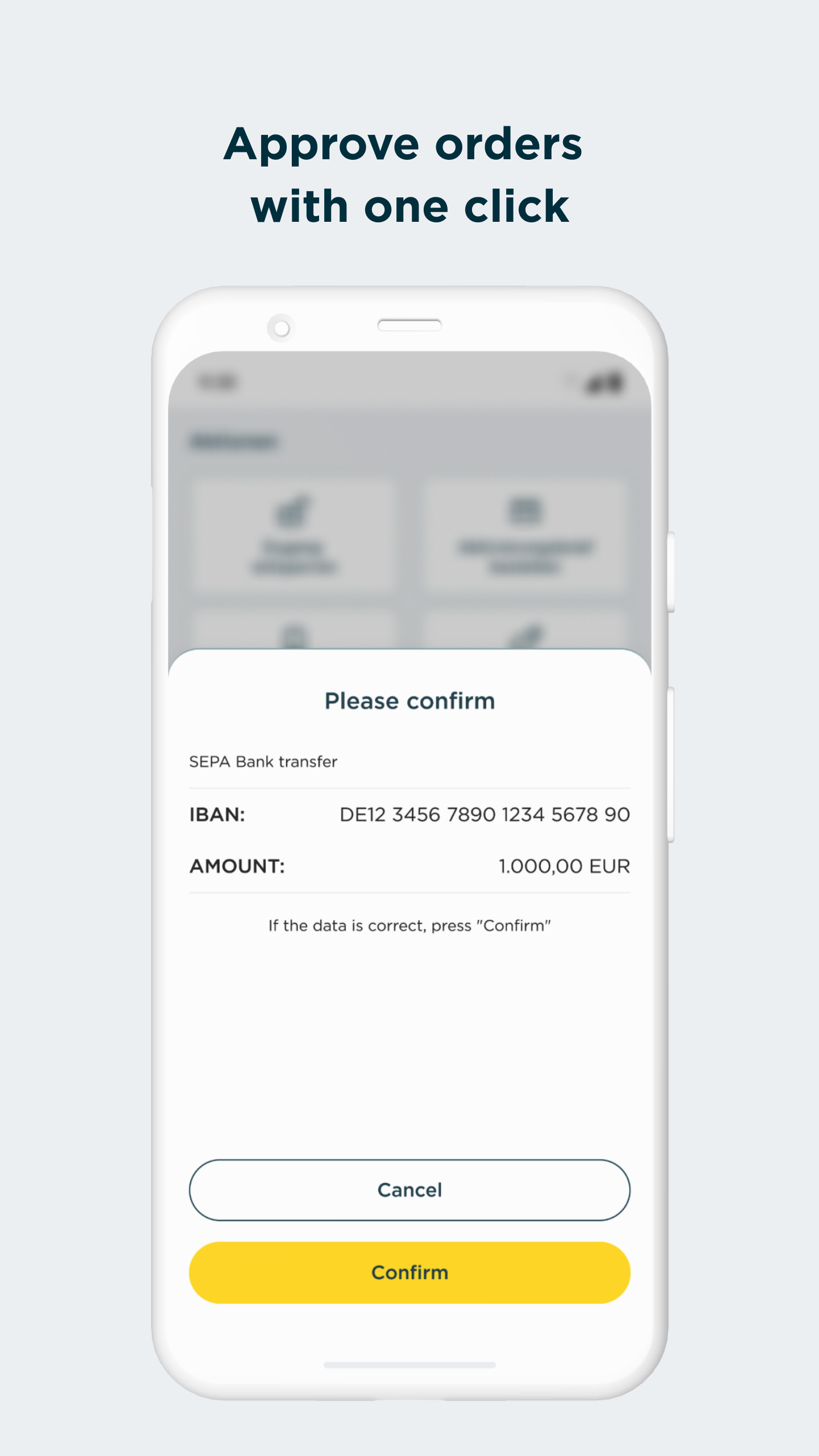
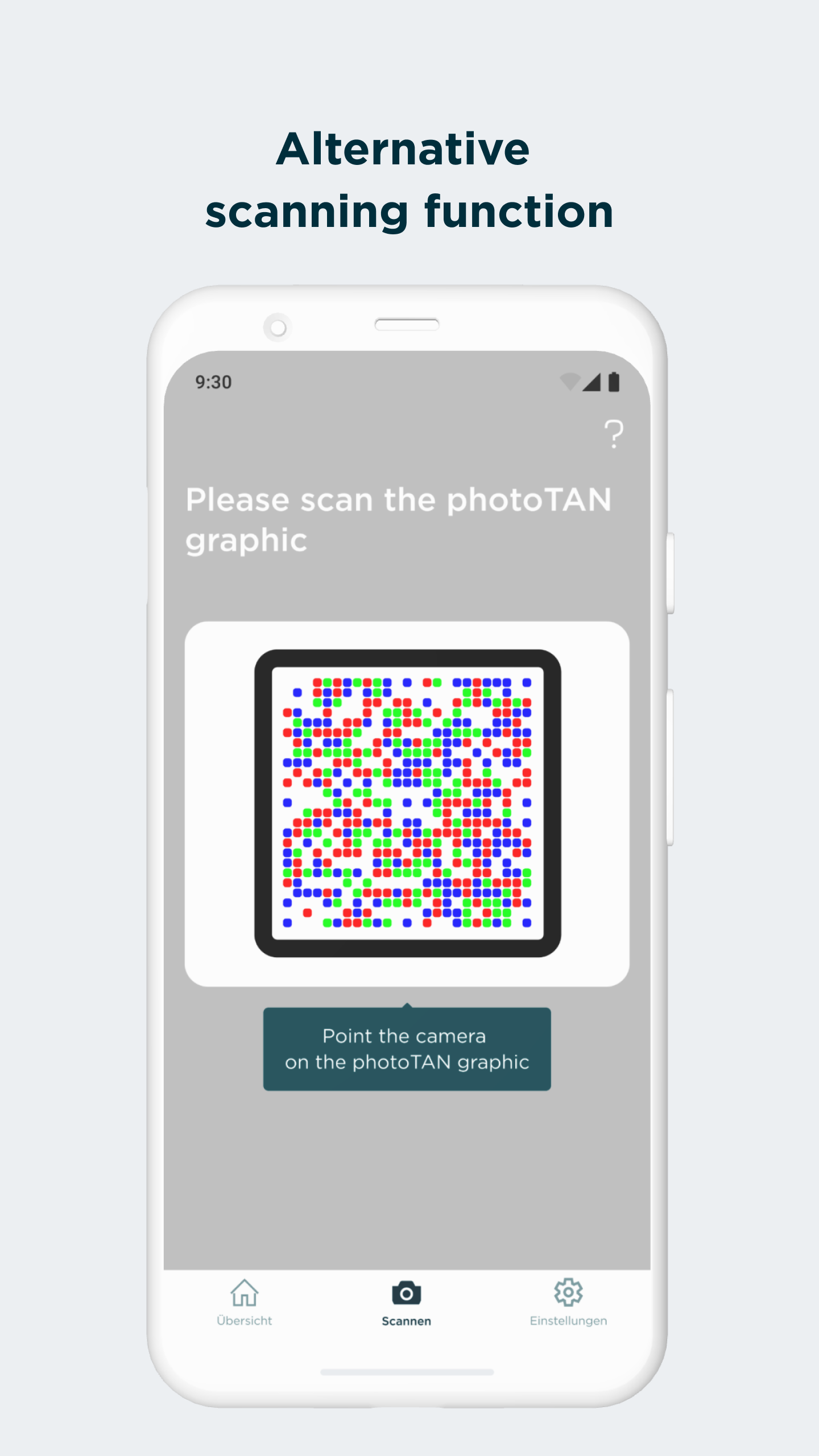
The app provides two authorization methods: photoTAN-Push and photoTAN-Scan. Push sends approval notifications to the phone, where users can review transaction details and confirm requests. Scan uses the camera to read a colorful mosaic displayed in online banking and generate a TAN.
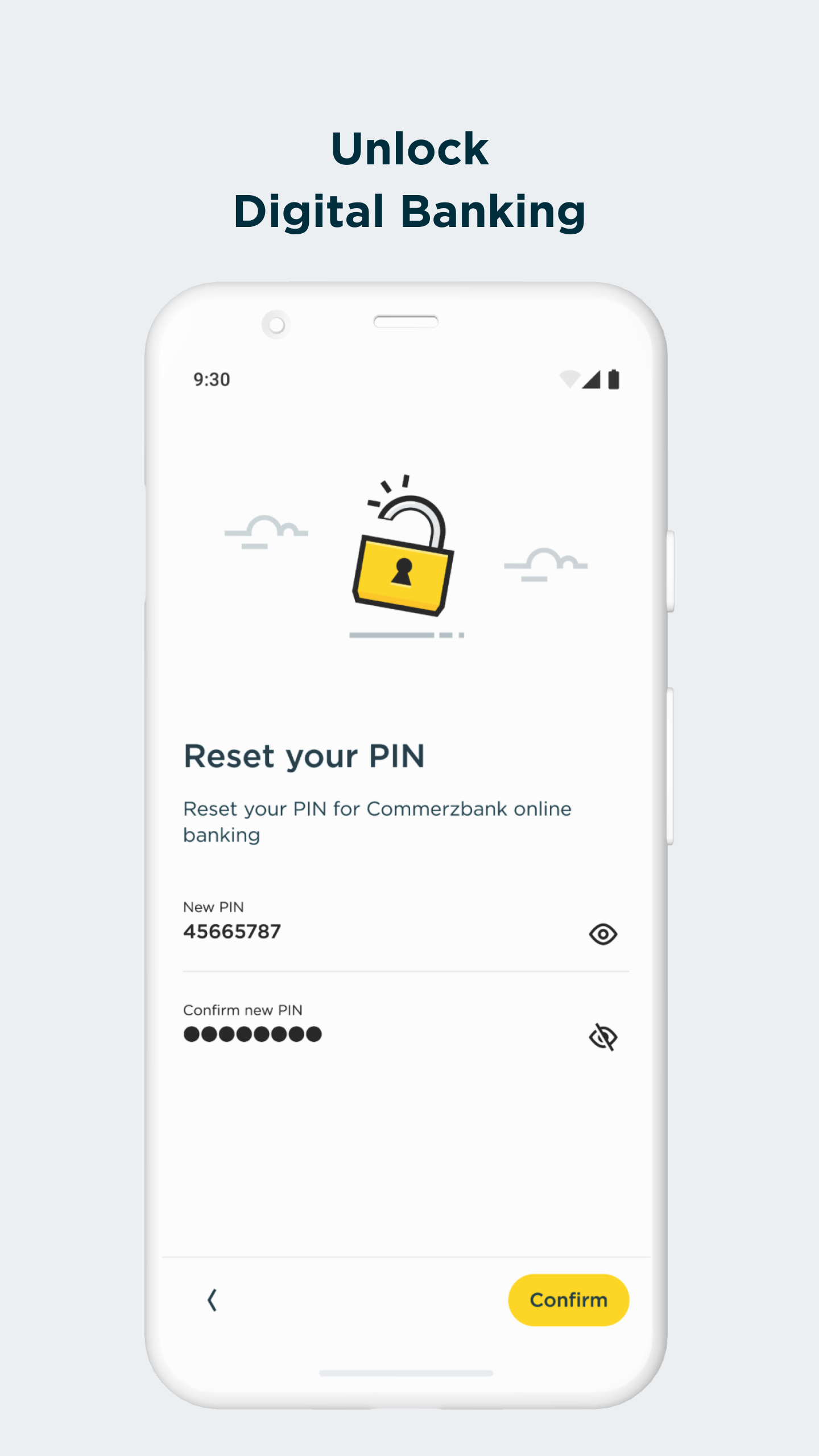
Eligible customers may be able to activate the app digitally through VideoIdent and SMS verification. Other activation procedures may apply depending on their banking arrangements. The service is free, and TAN generation through the Scan function does not require an internet connection.
Key Features
Push Authorization: Receive transaction approval requests and confirm them directly in the app
PhotoTAN Scan: Read colorful mosaic graphics from online banking to generate authorization codes
Transaction Verification: Review payment details before approving transactions
Digital Activation: Activate the app through VideoIdent and SMS verification where available
Device Security Checks: Detect potential risks, including rooted devices and harmful applications
Offline TAN Generation: Generate TANs through the Scan method without an internet connection
Free Authorization Service: Use photoTAN without additional service charges
App2App Integration: Switch between photoTAN and the Commerzbank mobile banking app during authorization
How to Use Commerzbank photoTAN
1. Activate the App
Install Commerzbank photoTAN and follow the activation instructions. Eligible customers can verify their identity through VideoIdent and complete activation with an SMS code. Other procedures may apply depending on their accounts.
2. Approve Transactions with Push
When an approval notification arrives, open it in photoTAN and review the transaction details. Confirm the request only if the information matches the payment you intended to make.
3. Generate a TAN with Scan
Start a transaction in Commerzbank Online Banking and wait for the colorful mosaic to appear. Open photoTAN, scan the graphic, and review the displayed transaction information. The app generates a TAN that you can enter in online banking to complete authorization.
4. Use App2App Integration
If you also use the Commerzbank mobile banking app, App2App integration allows you to move between banking operations and photoTAN authorization more directly.
App Experience and Security
Commerzbank photoTAN combines notification-based approval with camera-based TAN generation. Push is suited to customers who prefer confirming requests on their phones, while Scan provides an alternative when an internet connection is unavailable.
The app also performs device security checks to identify potential risks, including root access, jailbreaks, and harmful applications. Some permissions are necessary for these checks and related security functions.
Since version 9.0.0, the Android app has requested access to hardware identity information through a permission group that may appear as "Phone function and contacts." Commerzbank states that this information remains on the device and is not transmitted to the bank. Revoking required permissions may affect certain functions.
User feedback is mixed. Some customers appreciate having two authorization methods, while others report crashes, activation difficulties, login problems, and failed transaction approvals. Customers who need postal verification may also experience longer activation times, particularly when living outside Germany.
FAQs
1. What is Commerzbank photoTAN used for?
It allows Commerzbank customers to verify login attempts and authorize transactions in online and mobile banking.
2. Is Commerzbank photoTAN free?
Yes. Commerzbank provides the photoTAN authorization service free of charge.
3. Can I generate TANs without an internet connection?
Yes. The Scan function can generate TANs offline by reading the colorful mosaic displayed during online banking transactions.
4. How do I activate the photoTAN app?
Eligible customers can activate it digitally through VideoIdent and SMS verification. Other activation procedures may apply depending on their banking arrangements.
5. Why does the app request access to phone functions and contacts?
The permission group provides access to hardware identity information used for security and key management. Commerzbank states that this information stays on the device and is not transmitted to the bank.
6. What should I do if photoTAN crashes or fails to authorize a transaction?
Check the required permissions and your device's security status. If the problem persists, contact Commerzbank customer support for assistance with activation or transaction authorization.
- Version15.1.0
- UpdateNov 13, 2026
- DeveloperCommerzbank AG
- CategoryFinance
- Requires AndroidAndroid 7.0+
- Downloads2M+
- Package Namecom.commerzbank.photoTAN
- Signatured7b7cfcb5b26226086a56e5e35698543
- Available on
- ReportFlag as inappropriate
-
NameSizeDownload
-
49.82 MB
-
48.51 MB
-
28.68 MB



















Provides efficient transaction authorization
Enhances security for online banking
User-friendly interface when functioning properly
Supports multiple devices for convenience
Offers customer support for troubleshooting
Helps in preventing unauthorized transactions
Facilitates easy access to banking services
Allows for double authentication improving security
Frequent app crashes and instability
Requires activation letters for setup, causing delays
Complicated process needing multiple devices for transactions
Blank screens or timeouts upon launching the app
Incompatibility with various phone models after updates
Over-reliance on physical letters for activation limits usability
Lack of sufficient customer service assistance
Inefficient design for authentication processes