
Bluetooth Auto Connect Pairing - Bluetooth auto connect & find
Discover seamless Bluetooth connections & effortlessly track lost AirPods with our easy-to-use pairing app!
- 1.2.4 Version
- 1.3 Score
- 135K+ Downloads
- Free License
- 3+ Content Rating

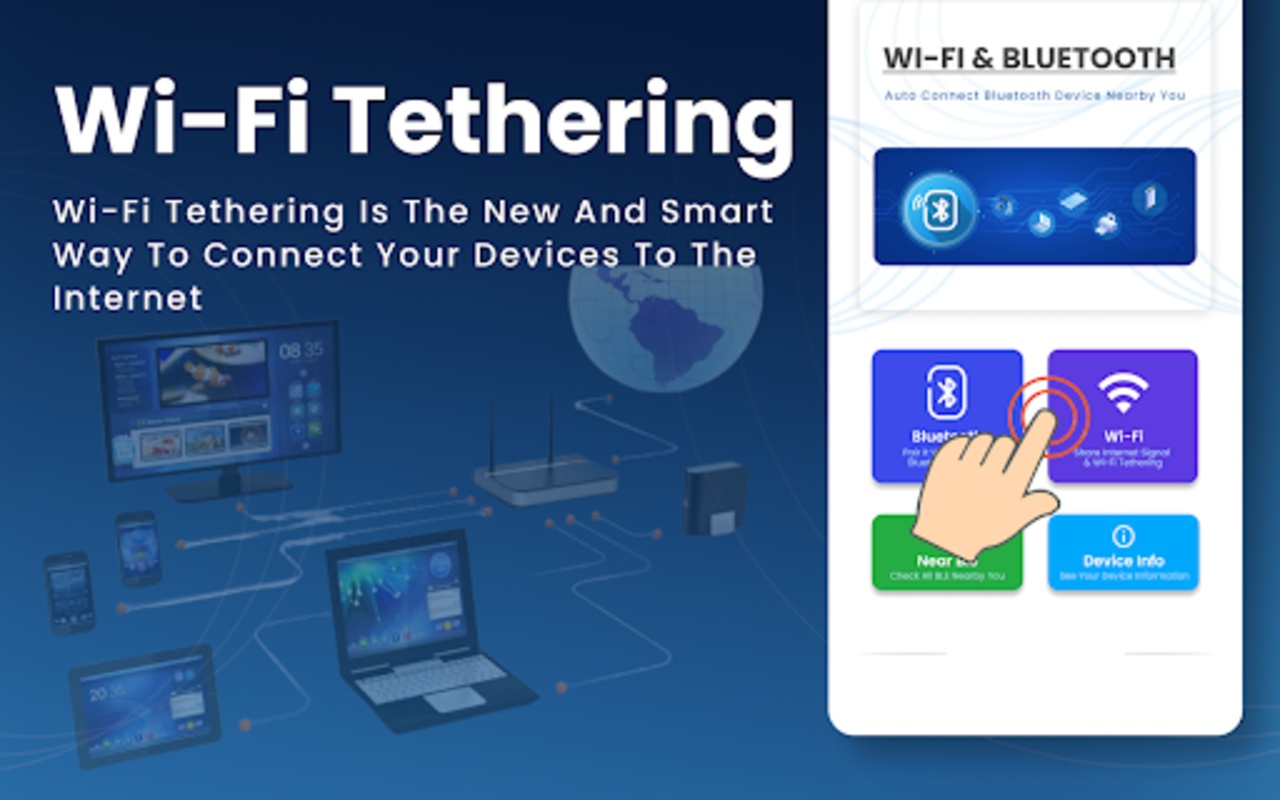
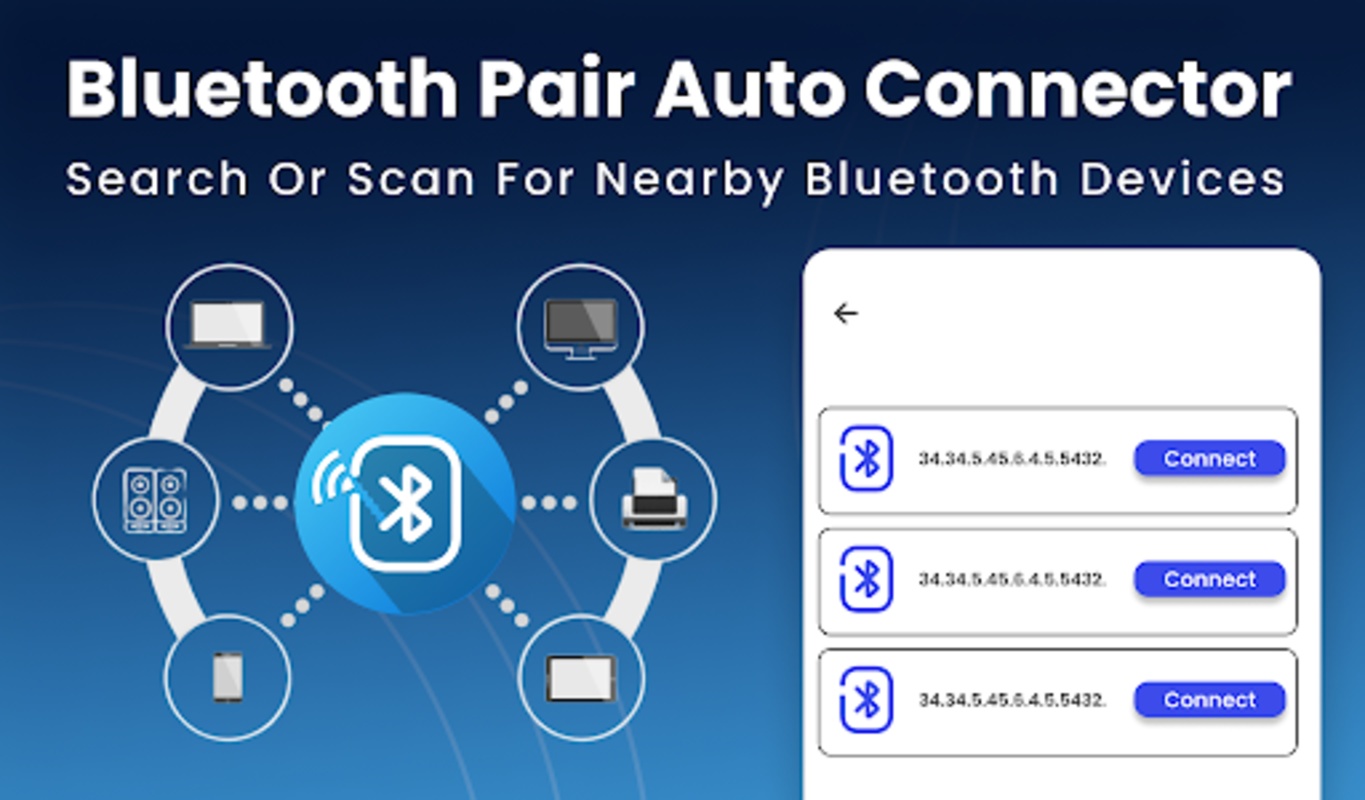
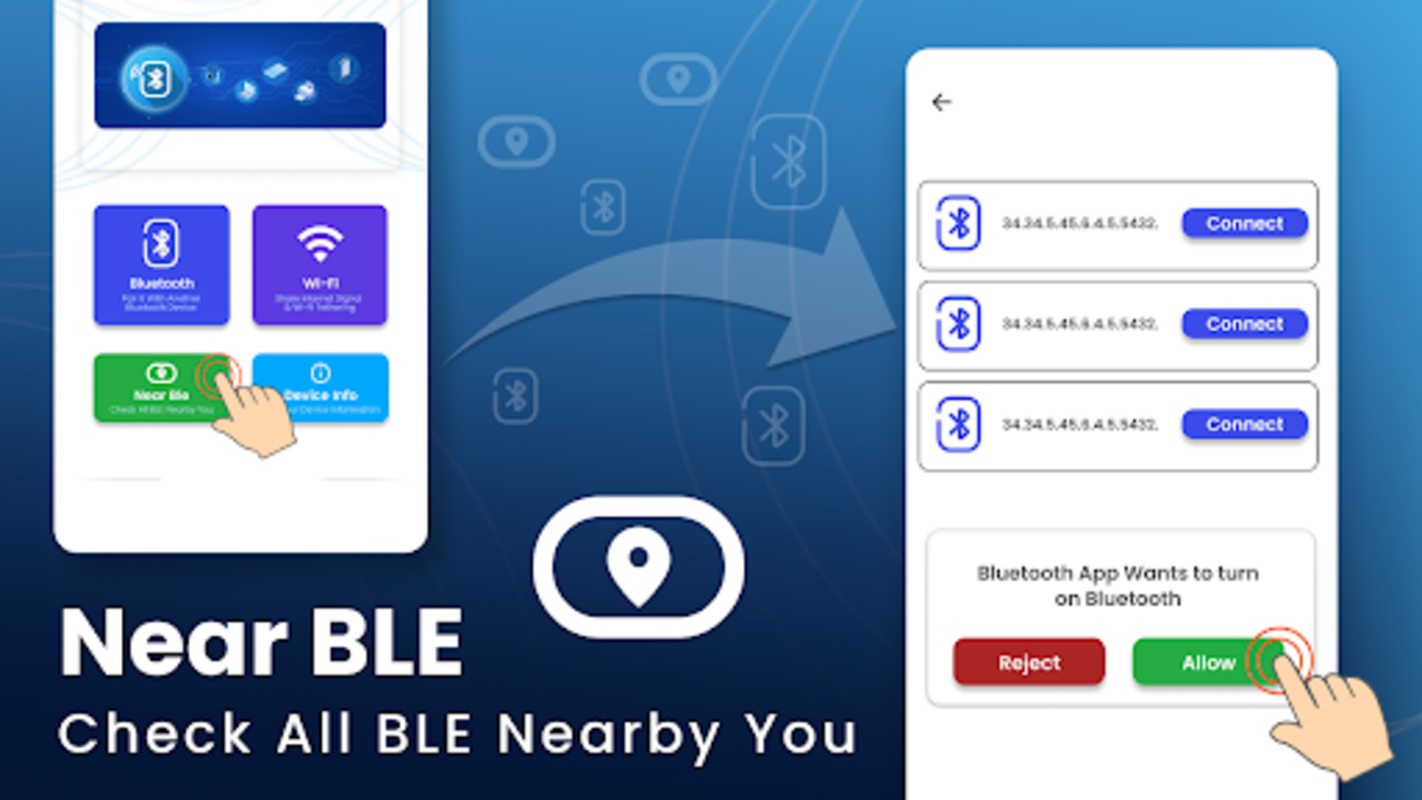
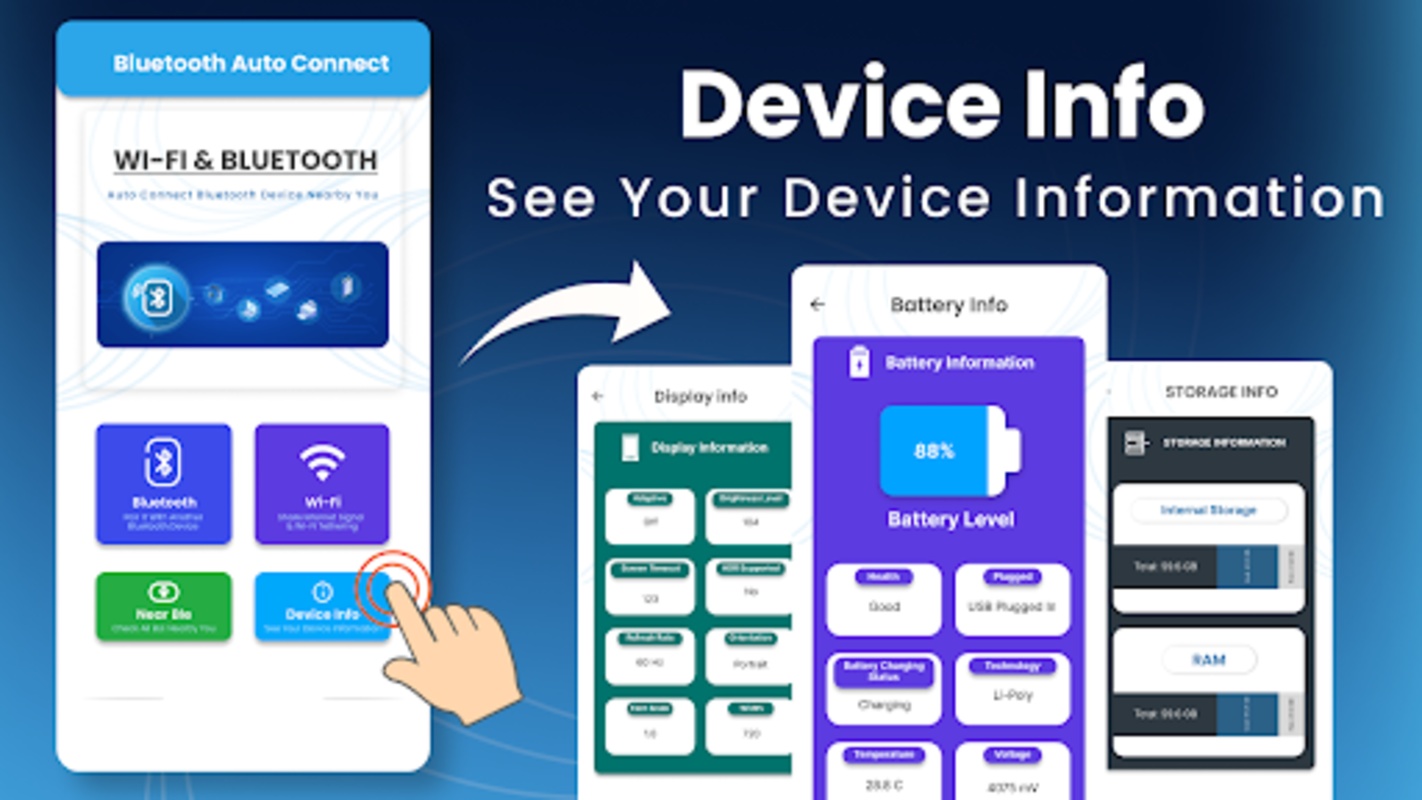
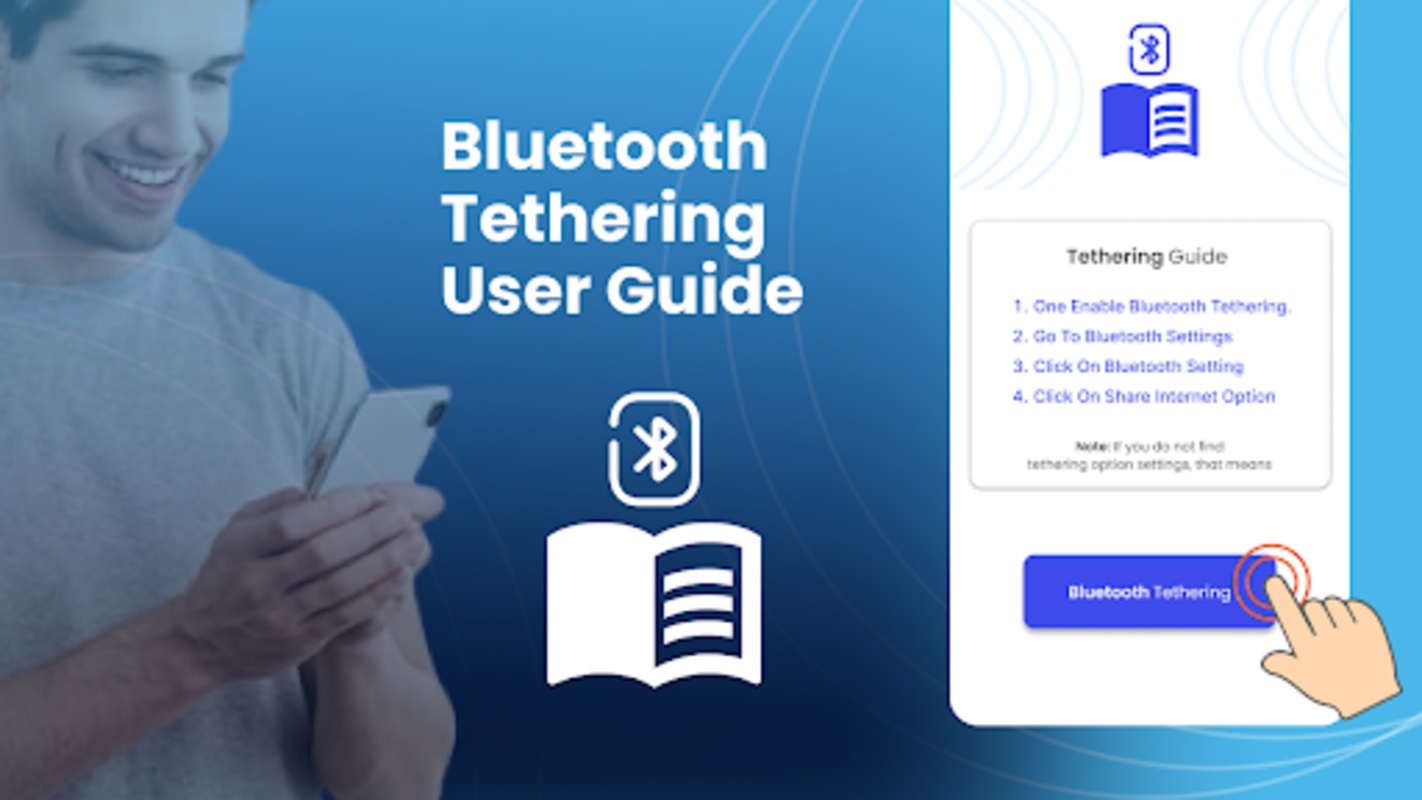
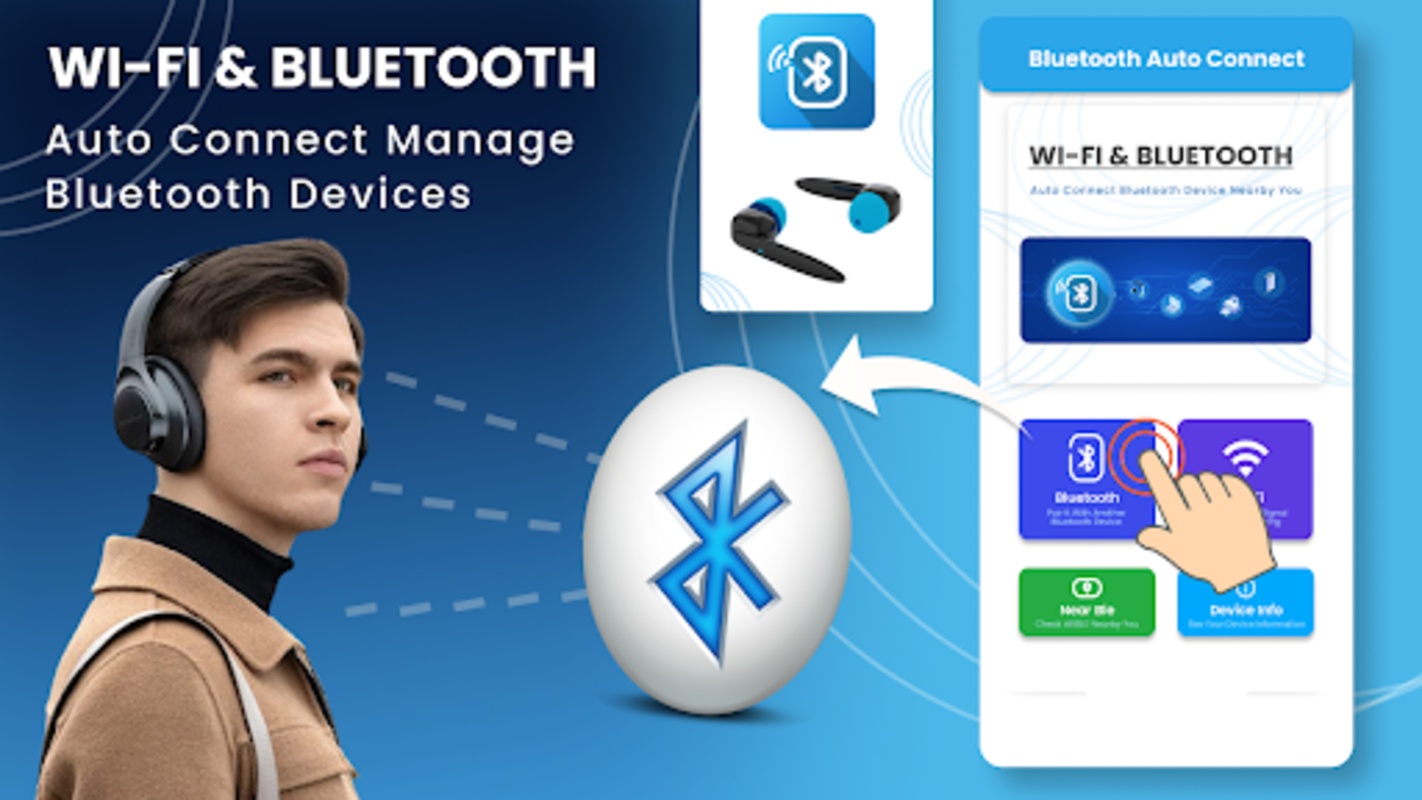
▶Introduction:
Greetings and welcome to our Bluetooth Auto Connection Pairing Application
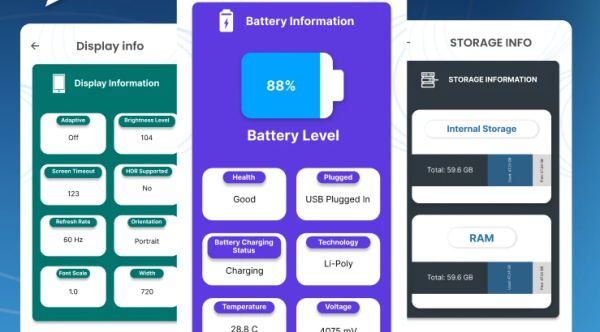
Locate your Bluetooth devices effortlessly with a complimentary wifi analyzer and AirPods tracker or finder.
Are you tired of having to manually pair your Bluetooth devices every single time? Or are you facing issues with lost Bluetooth connections? Our Bluetooth Connector & BT Notifier application addresses all your Bluetooth connectivity challenges through its intuitive Bluetooth Finder & Scanner features.
Experience seamless Bluetooth connectivity with our AirPods Tracker, Bluetooth Connector, & BT Notifier app. With the Find My AirPods function, you can quickly locate your misplaced AirPods with just a simple tap. The AirPods Tracker or finder allows for effortless retrieval of your AirPods.
This application is specifically crafted to enhance your Bluetooth auto pairing efficiency, ensuring that you won’t encounter failed file transfers or audio interruptions. Our Wifi Analyzer, AirPods Tracker, and Find My AirPods feature collectively provide an exceptional Bluetooth connecting experience. Download our Bluetooth Auto Connector Pair and let the AirPods Finder, wifi analyzer, and Bluetooth scanner do the work for you.
The Bluetooth connector functions as both a Bluetooth Scanner and Finder, along with being a wifi analyzer complete with speed measurements, AirPods tracker, and a superior Bluetooth Auto Connect App. Effortlessly connect to any Bluetooth device using our Bluetooth scanner and BT notifier while viewing a list of previously paired devices.
▶ Main Features of the Bluetooth Connector & Bluetooth Device Finder and Scanner Application:
✅ Bluetooth Scanner & Finder featuring automatic Bluetooth pairing
✅ Automatically connect your already paired Bluetooth devices
✅ Compatible with car Bluetooth systems, speakers, and headphones
✅ Bluetooth Connector that pairs and connects multiple Bluetooth devices simultaneously
✅ User-friendly interface for easy navigation in Bluetooth connectivity
✅ Reliable connection, minimizing the risk of disconnections
✅ Displays battery status for connected Bluetooth devices
The Bluetooth connect and AirPods Tracker-Finder app facilitate connections between multiple Bluetooth devices, making it ideal for users of various gadgets daily. Whether it's headphones, a speaker, or a car system, our app serves as a Bluetooth Finder & Scanner alongside an AirPods Tracker and wifi analyzer.
Select which devices you prefer to connect automatically and which to connect manually through the Bluetooth Auto Connect BT Notifier app. Additionally, you can modify your Bluetooth connection range and activate notifications for connected or disconnected devices. This application simplifies Bluetooth pairing, allowing auto-connection whenever your devices are within proximity.
WHY USE THE BLUETOOTH AUTO CONNECTOR PAIR APP?
✅ Quick & Dual Bluetooth compatibility
✅ Comprehensive Bluetooth Scanner & Finder
✅ Internet speed monitoring & lists of paired devices
✅ Wifi password visibility and speed testing
✅ Automatic Bluetooth connectivity & Device finder functionality
✅ AirPods tracking, finding, and locating app functionalities
✅ Intuitive user interface
Why wait to enjoy the numerous features offered by our Bluetooth auto-connect application?
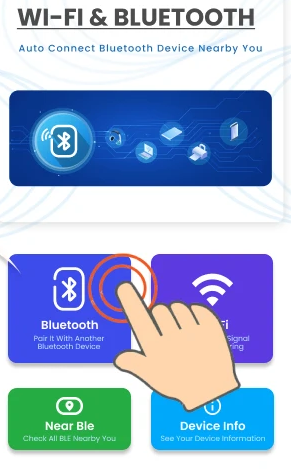
Connect, scan devices with the Bluetooth Scanner, and discover devices with the Bluetooth Finder.
Thank you for choosing our Bluetooth auto-connect and pairing application alongside the Bluetooth finder and AirPods tracker for your Android device!
Your support and insights regarding the Bluetooth Auto Connect Pairing app are greatly valued!
Target Audience:
1. People who frequently switch between multiple Bluetooth devices (e.g., office workers, tech enthusiasts)
2. Users who easily lose their AirPods
3. Car owners who need to connect to their car's Bluetooth system
4. Users who need WiFi speed testing/password viewing/device management
5. Users who frequently experience Bluetooth disconnections or transmission failures
6. Beginner/elderly users who prefer simple operation
FAQS:
1. **Q**: Can this Bluetooth Auto-Connect app connect to multiple devices simultaneously?
A: Yes, it supports simultaneous pairing and connection with multiple Bluetooth devices. It's compatible with common devices like headphones, speakers, and car Bluetooth systems, making it suitable for users who use a variety of gadgets.
2. **Q**: Is it convenient to use it to find lost AirPods? How does it work?
A: It is convenient. The app has a dedicated AirPods tracking/finding feature. Simply tap the "Find My AirPods" button to quickly locate misplaced AirPods without having to search for them manually.
3. **Q**: Can I set some devices to connect automatically and others to connect manually?
A: Yes. In the app, you can customize how you connect devices—whether you want them to connect automatically when they're close together or require manual connection.
4. **Q**: What exactly does the WiFi Analysis feature do?
A: The WiFi analysis feature includes two aspects: one is to measure WiFi speed and monitor network speed; the other is to display the WiFi password and list connected devices for easier network management.
5. **Q**: I'm experiencing frequent Bluetooth disconnections and file transfer failures. Can this app resolve this issue?
A: It's highly likely that it will. It focuses on optimizing Bluetooth automatic pairing efficiency, reducing connection instability, thereby minimizing the risk of file transfer failures and audio interruptions, and making Bluetooth connections more reliable.
- Version1.2.4
- UpdateOct 23, 2026
- DeveloperiTick Apps
- CategoryPersonalization
- Requires AndroidAndroid 9+
- Downloads135K+
- Package Namecom.itickapps.bluetoothconnector.bluetoothfinder.wifimanager
- Signature980810c2c6e2bb8b8587b96092c59e66
- ReportFlag as inappropriate
-
NameSizeDownload
-
10.50 MB
-
10.50 MB
-
10.50 MB










Comprehensive and practical features
Easy to use
Solve pain points
Free additional tools
Functionality is device-dependent.
Bluetooth connection stability may be affected by the environment.
No privacy protection details mentioned.