
Barcode | QR Code | Scanner - Create & manage codes
Unlock creativity with personalized matrix code creation, capture, and management at your fingertips in a sleek design.
- 8.1.1 Version
- 1.5 Score
- 12K+ Downloads
- In-app purchases License
- 3+ Content Rating

1. App Overview
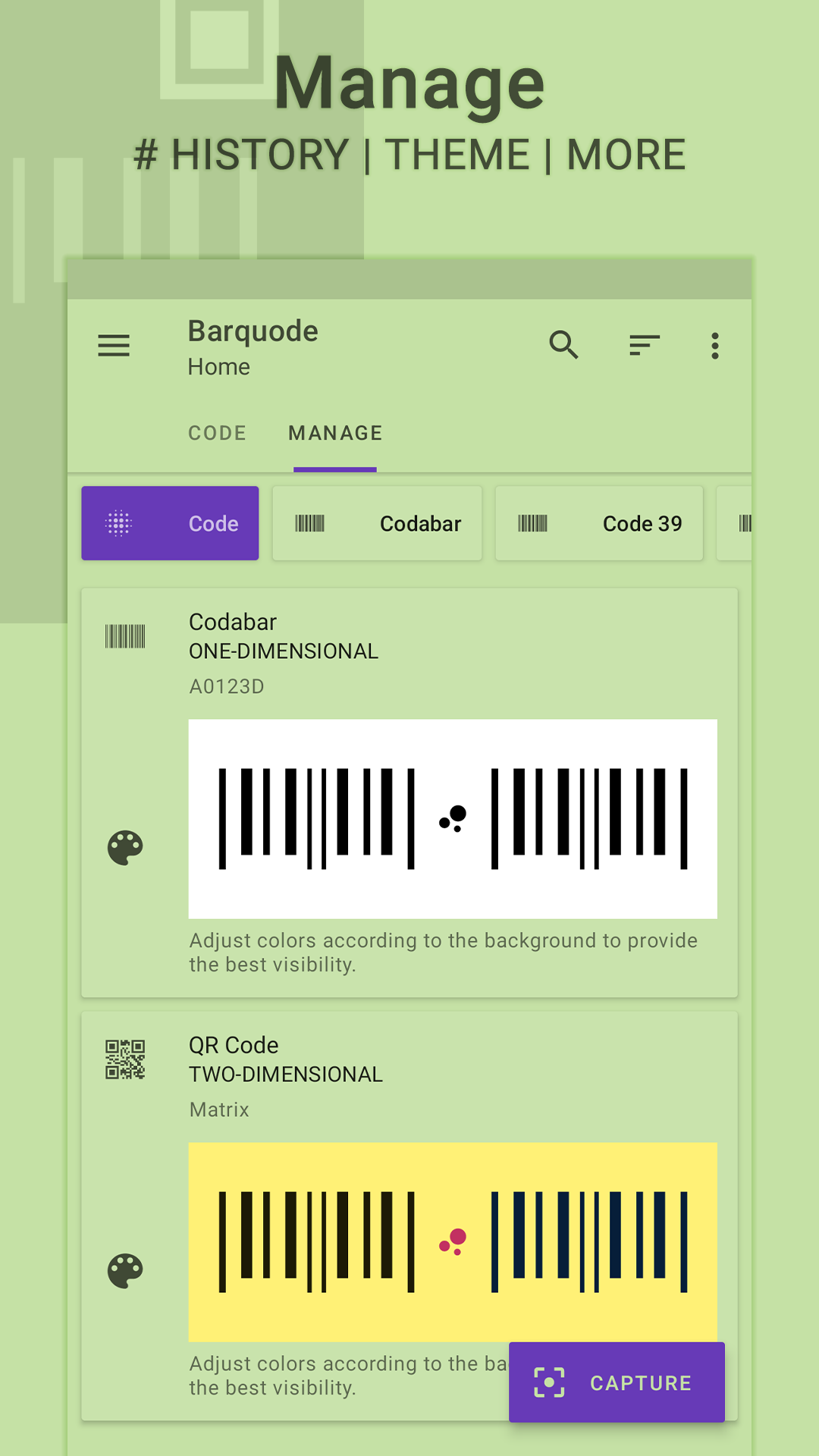
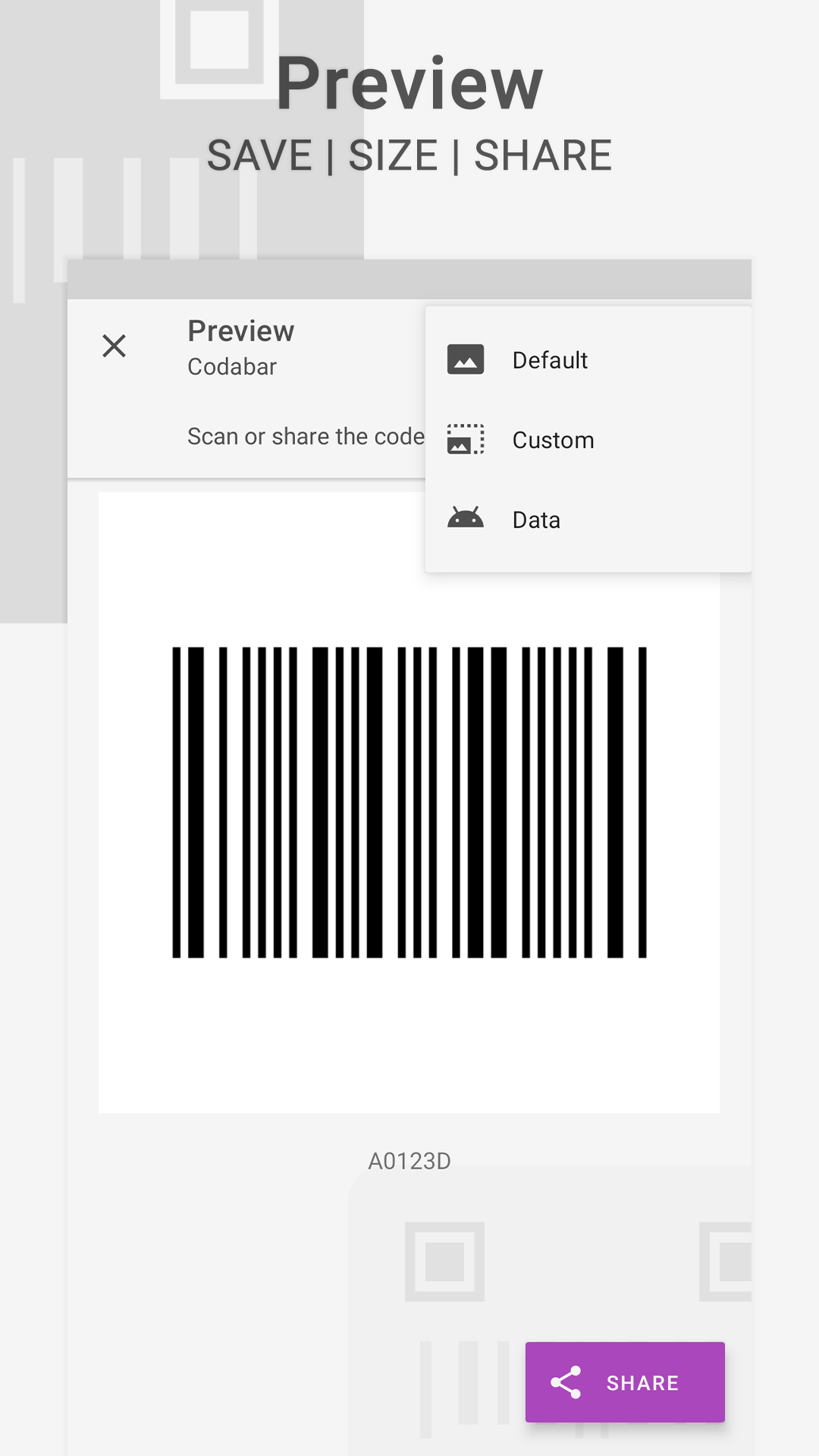
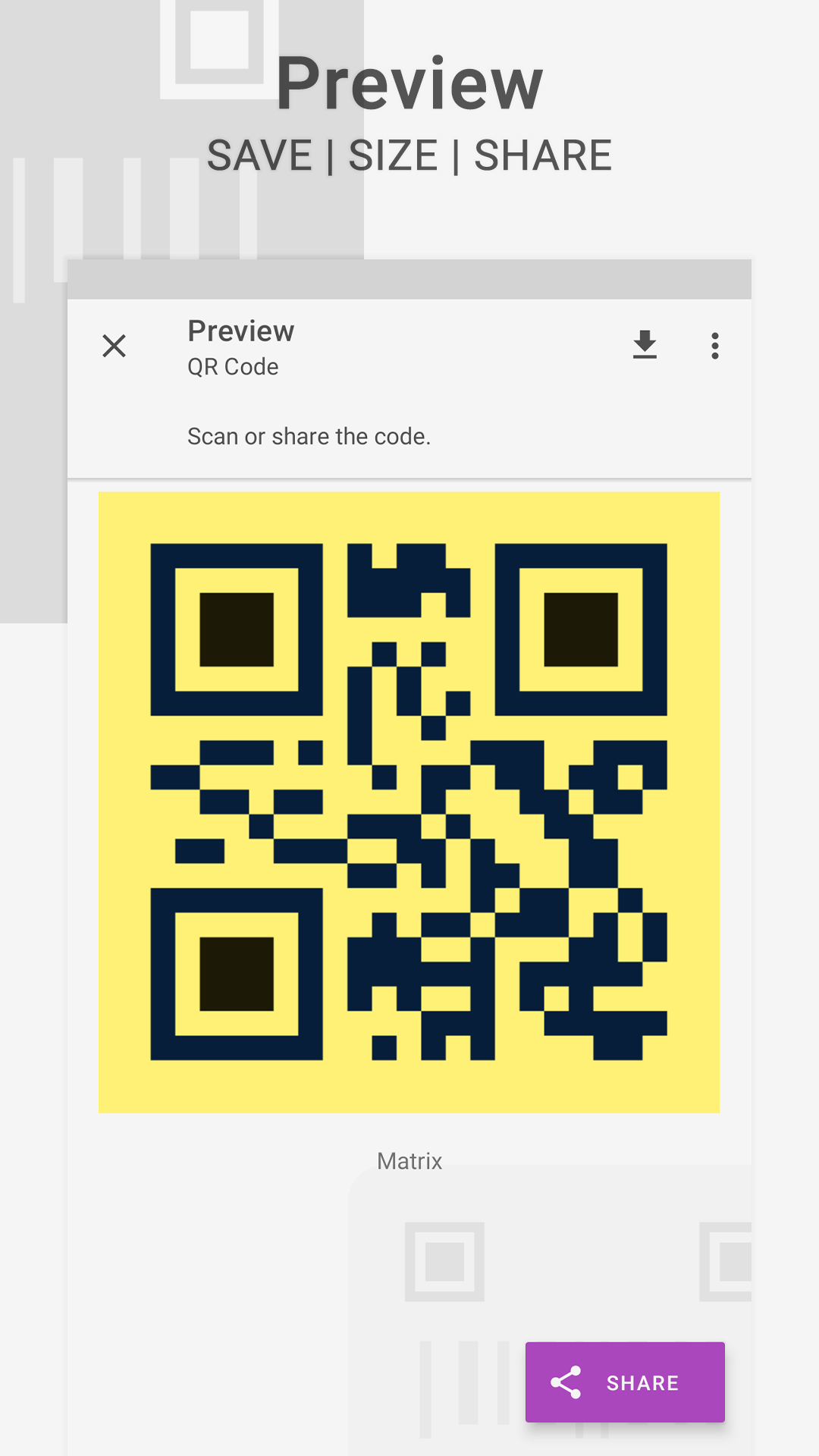
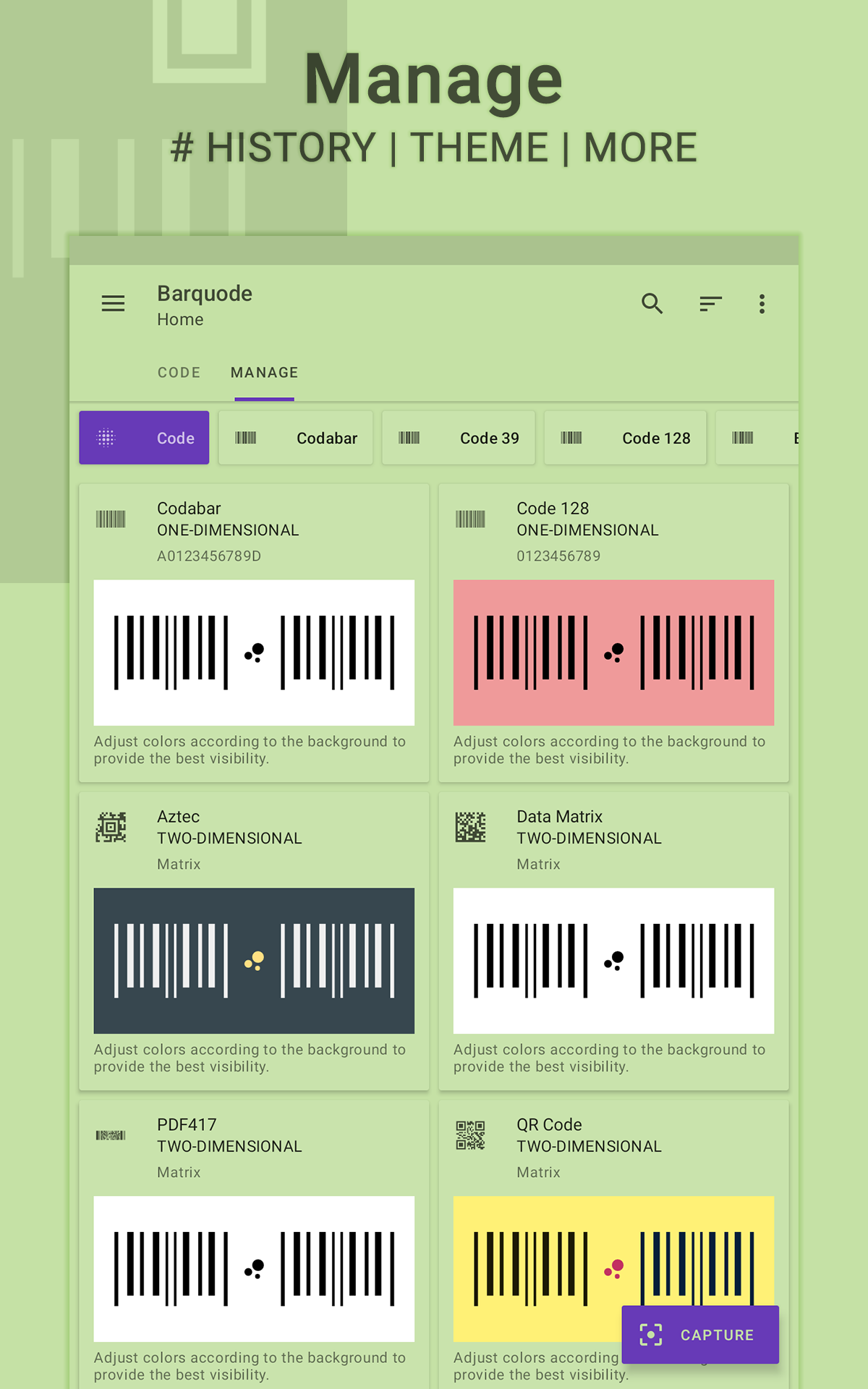
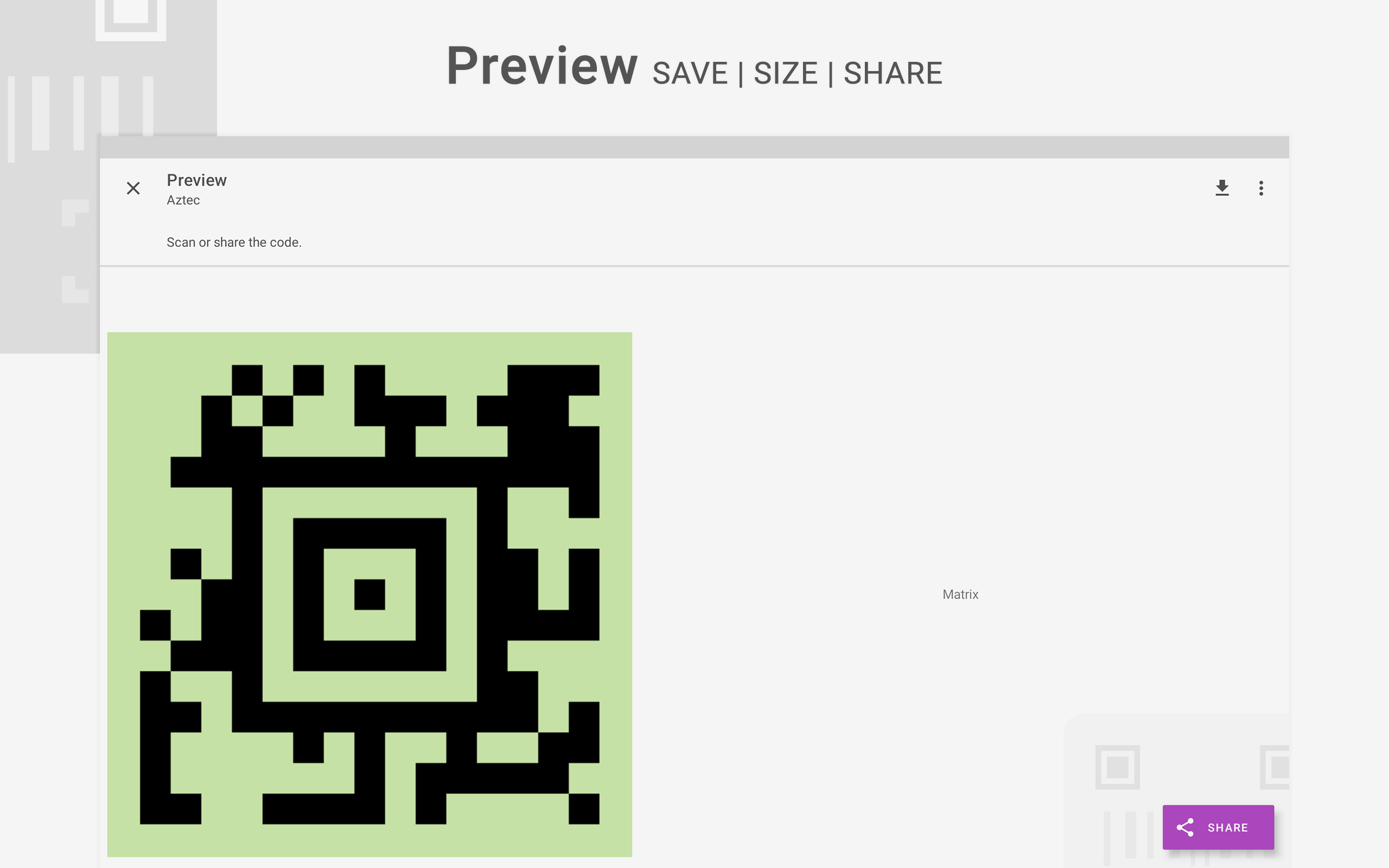
Barquode is a barcode and QR code generator and scanner that supports a variety of barcode and matrix code formats. Users can create codes for URLs, Wi-Fi networks, locations, email addresses, phone numbers, contacts, messages, and events, as well as scan existing codes using their device camera or saved images.
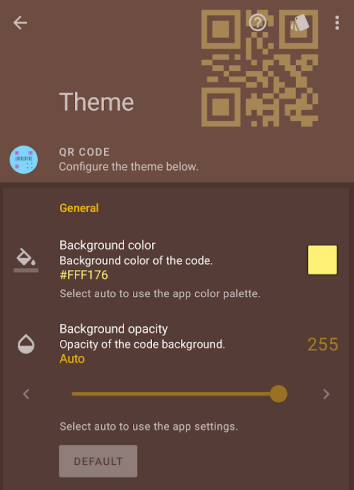
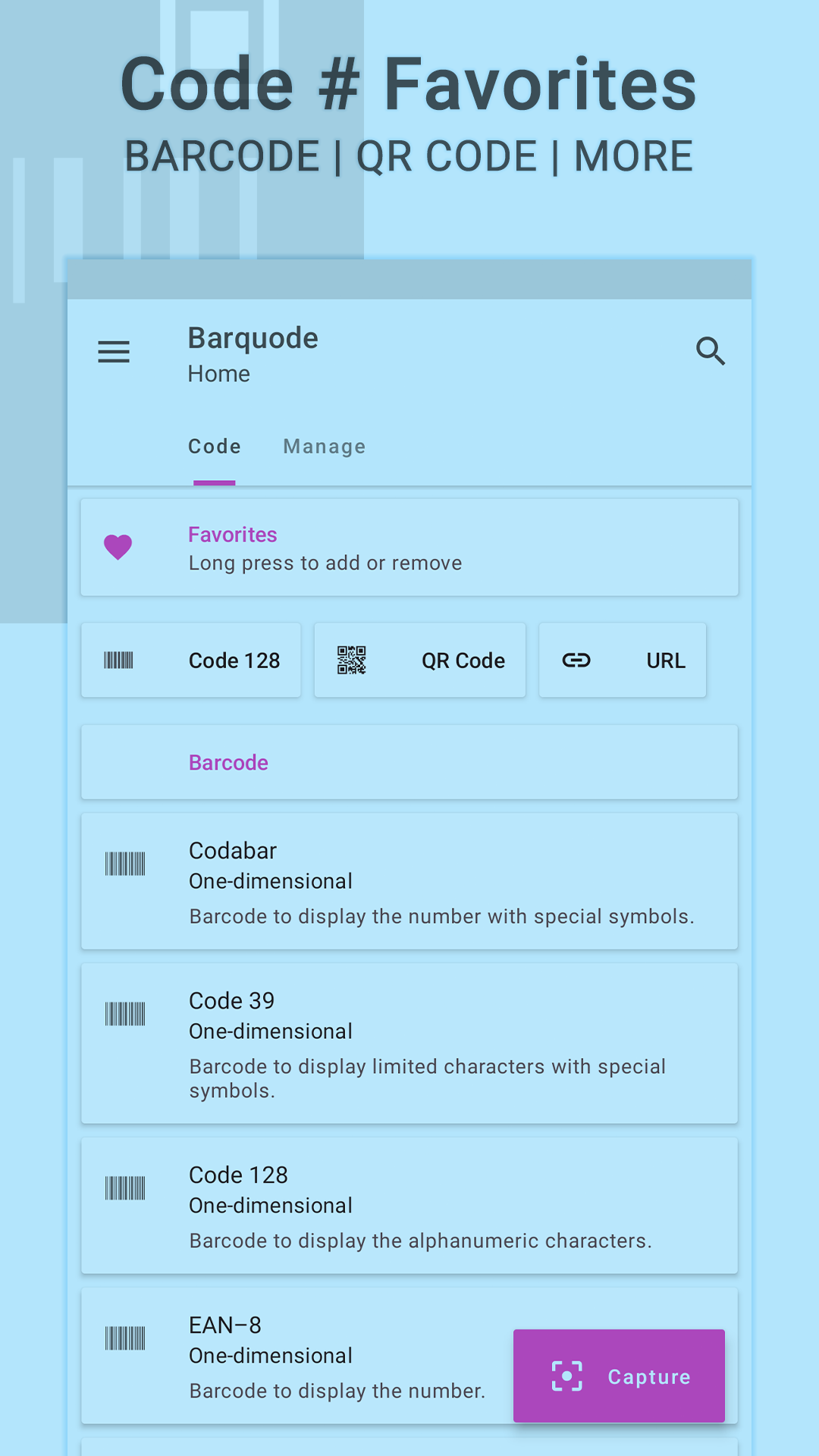
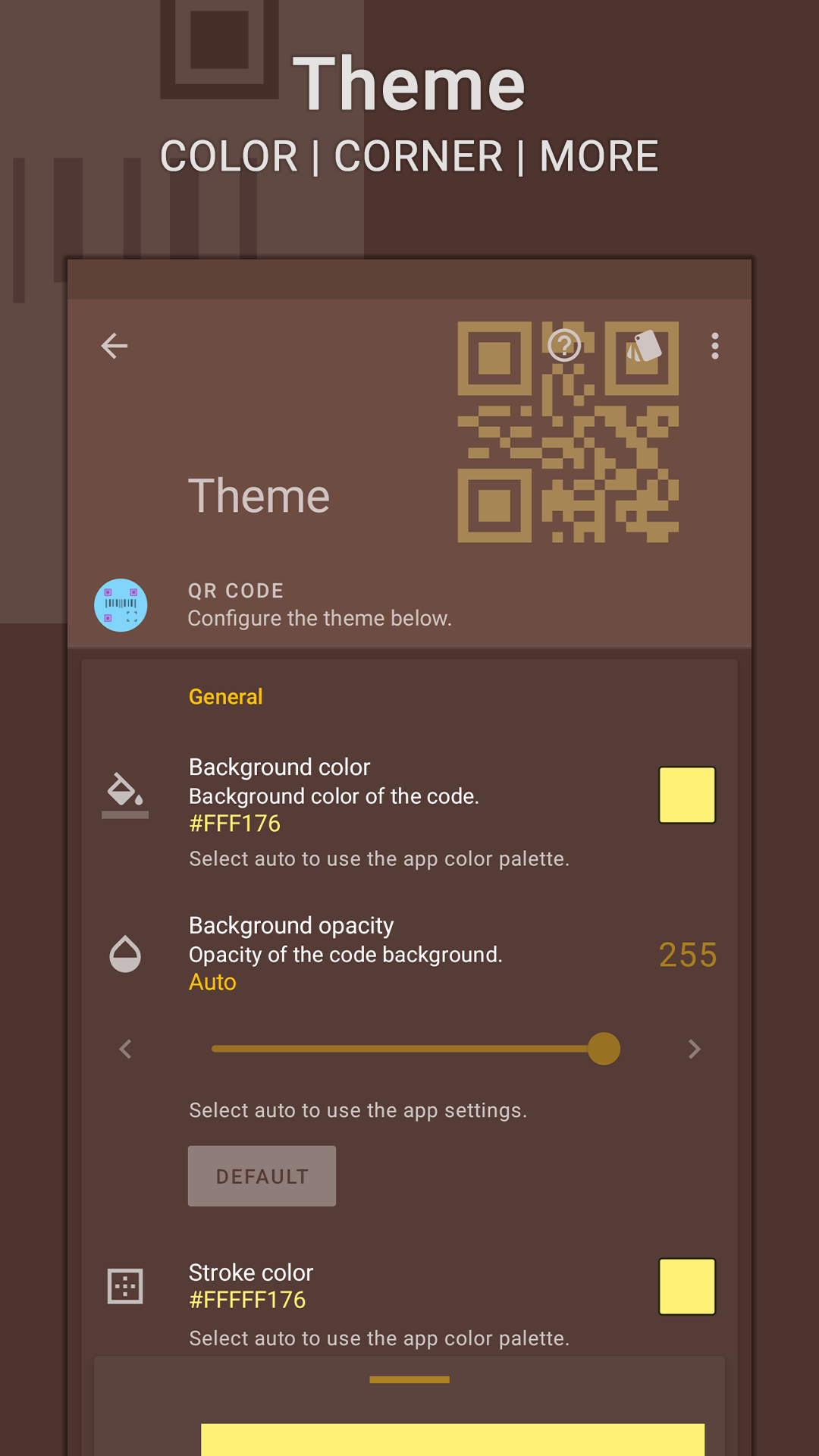
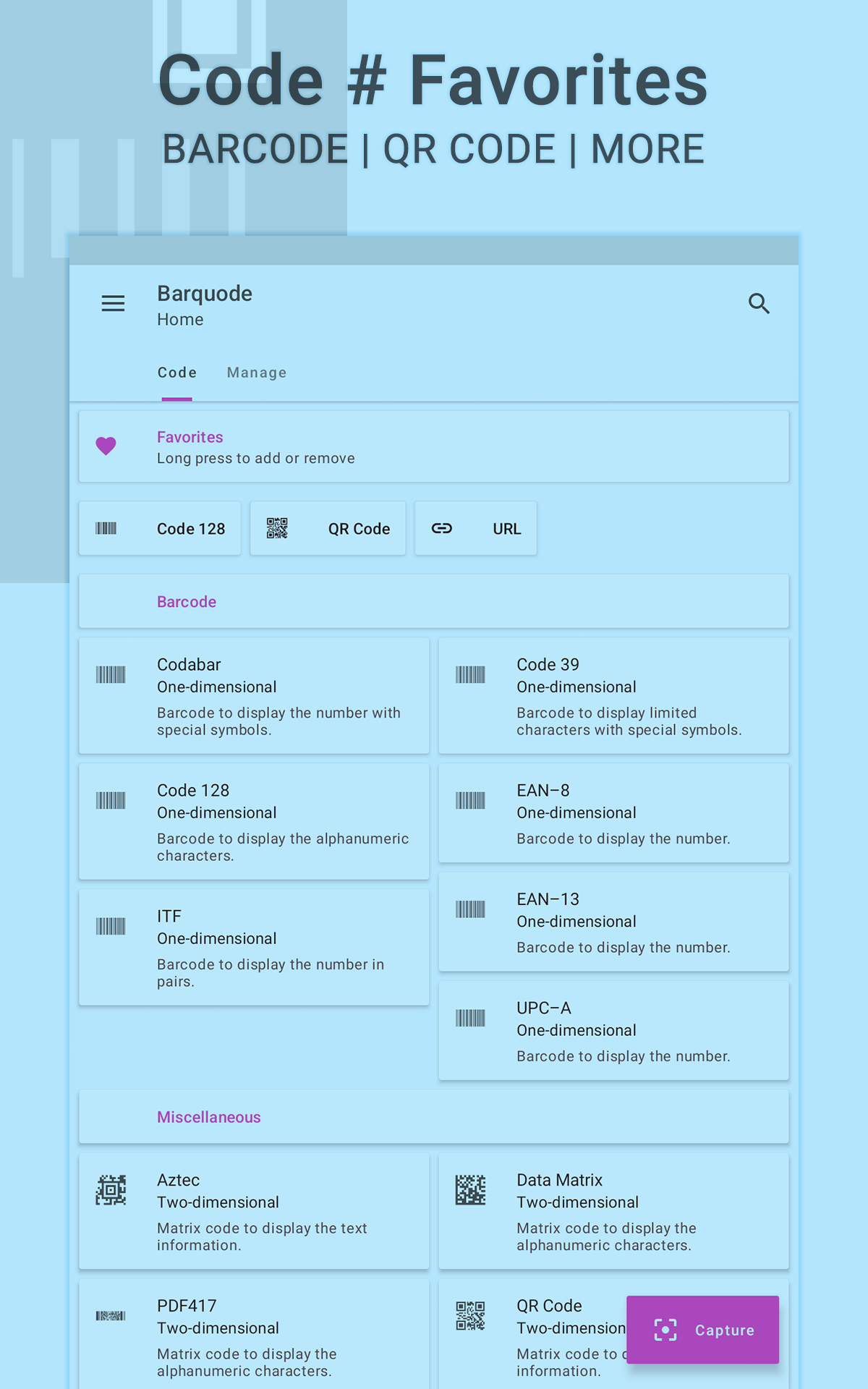
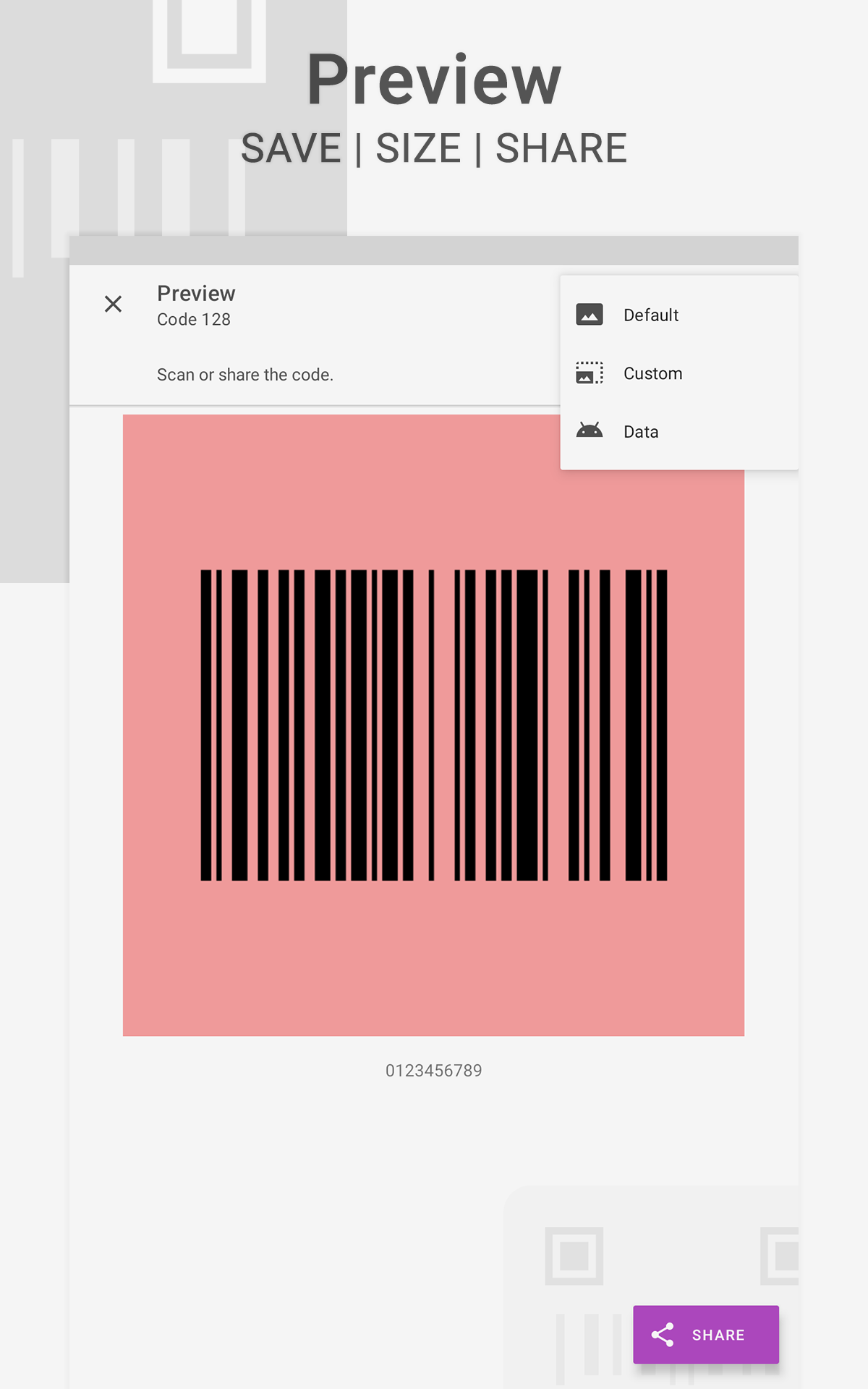
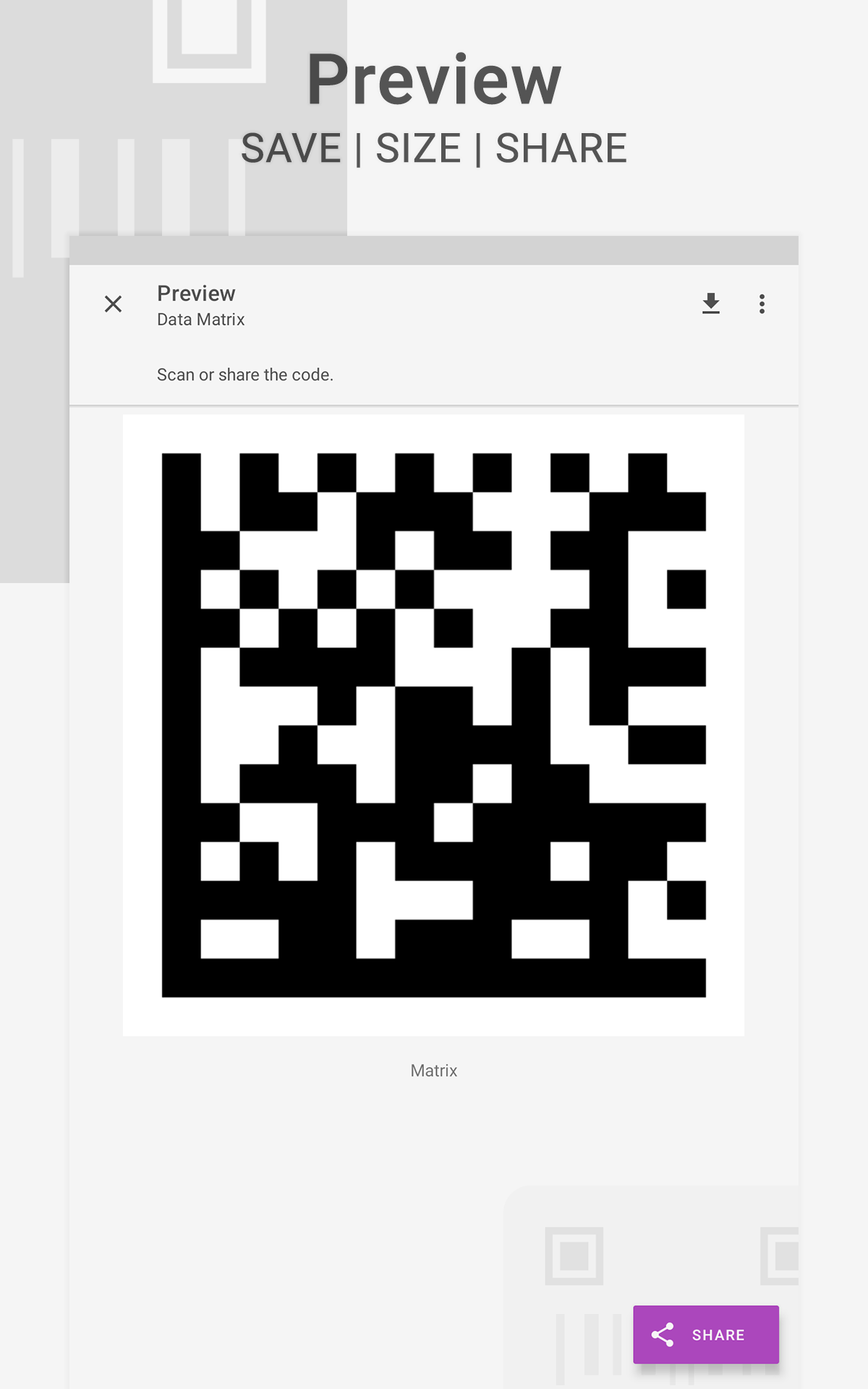
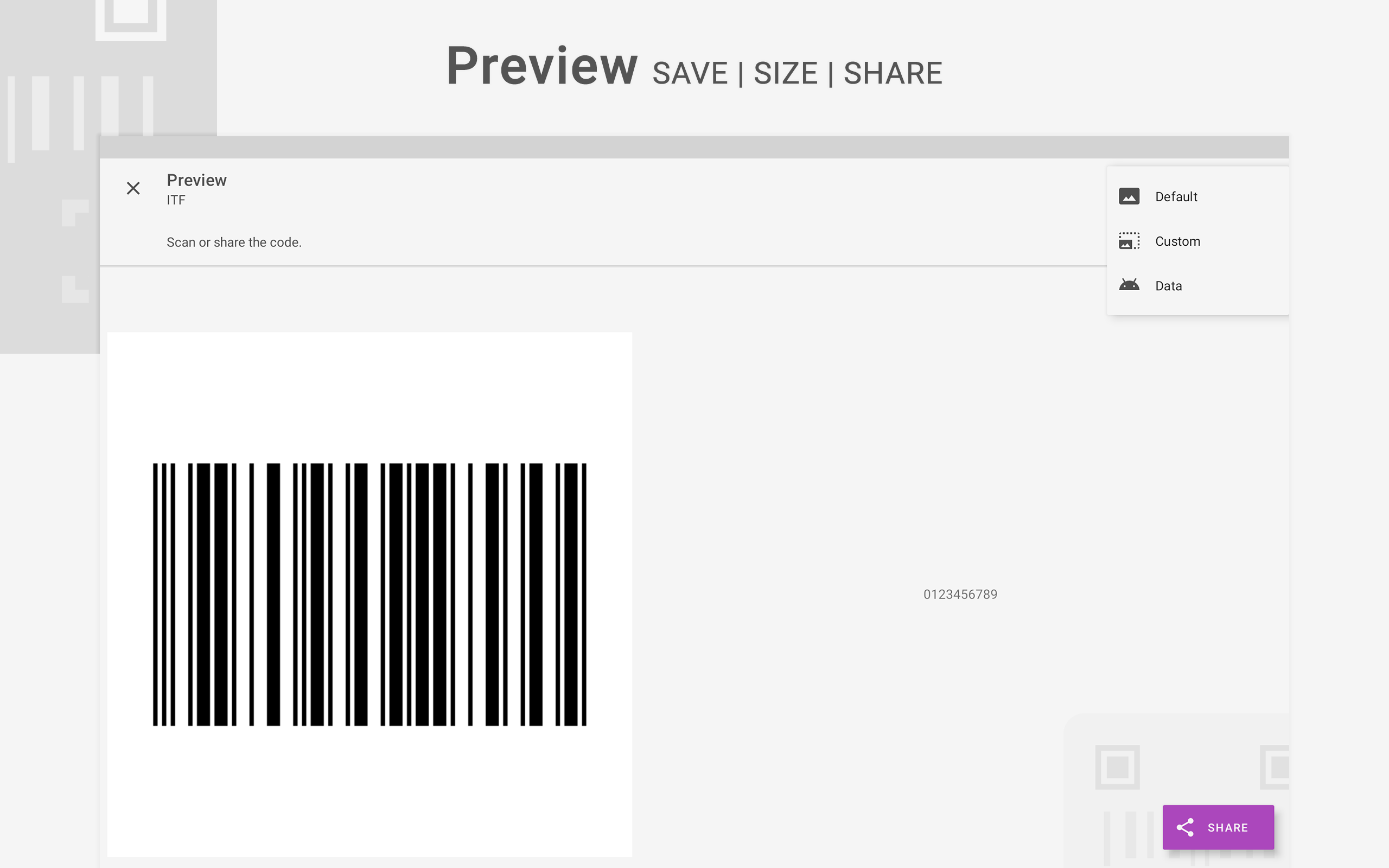
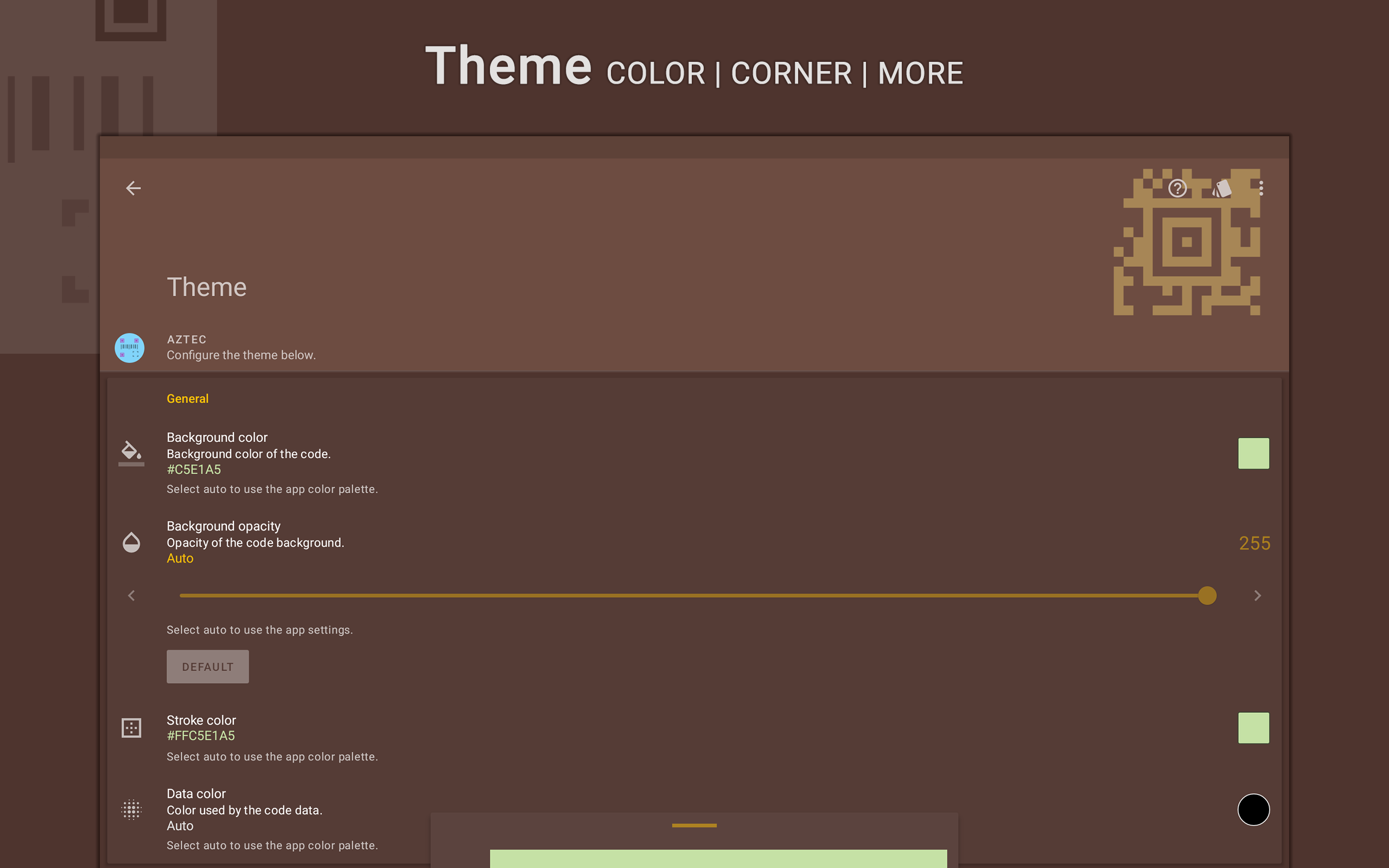
The app supports standard barcode formats such as Codabar, Code 39, Code 128, EAN-8, EAN-13, ITF, and UPC-A, alongside QR Code, Aztec, Data Matrix, and PDF417. When generating a code, users can customize its appearance by changing background and data colors, adjusting transparency and strokes, and modifying corner sizes. QR codes offer additional design options, including finder pattern customization and logo overlays.
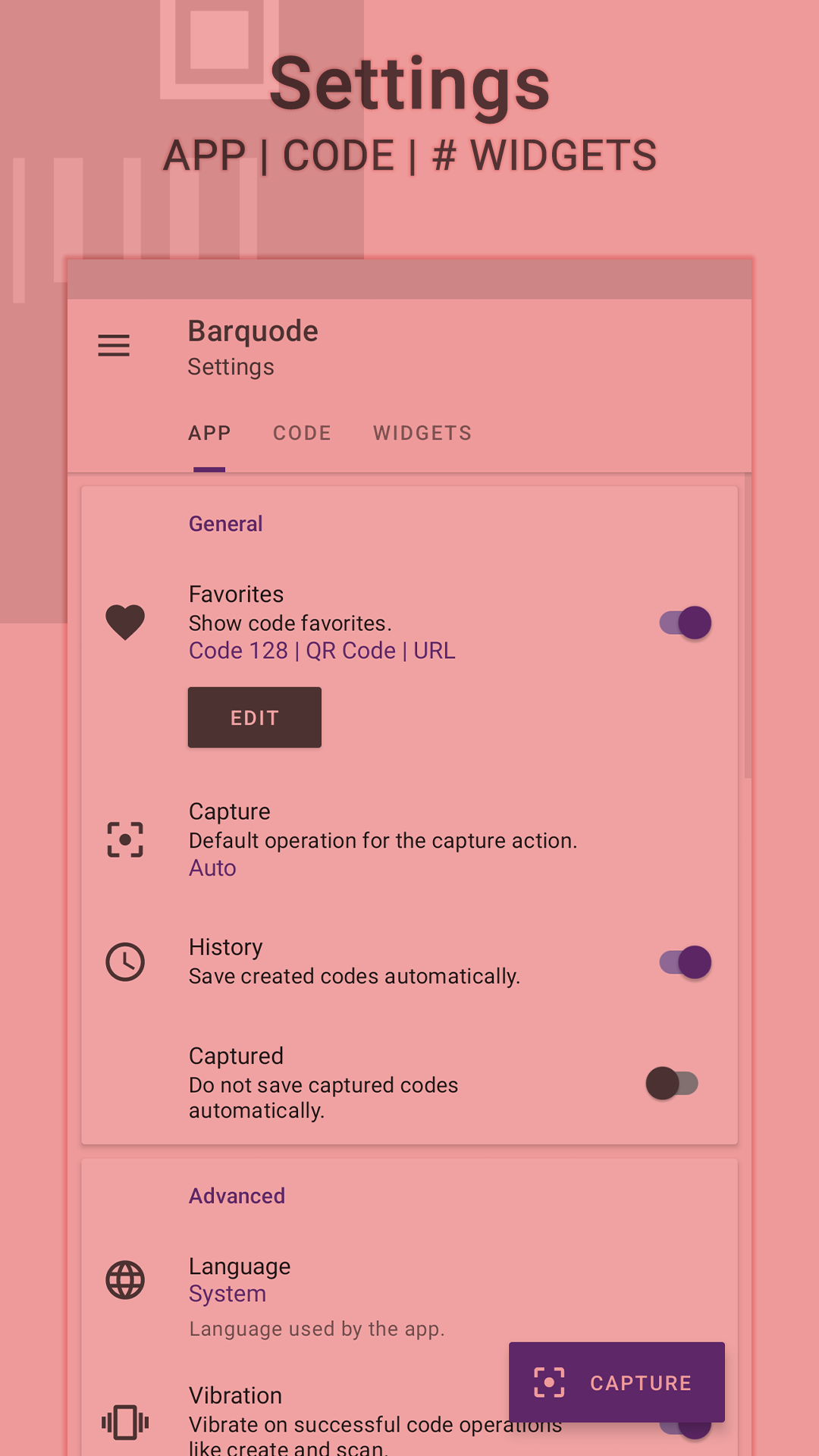
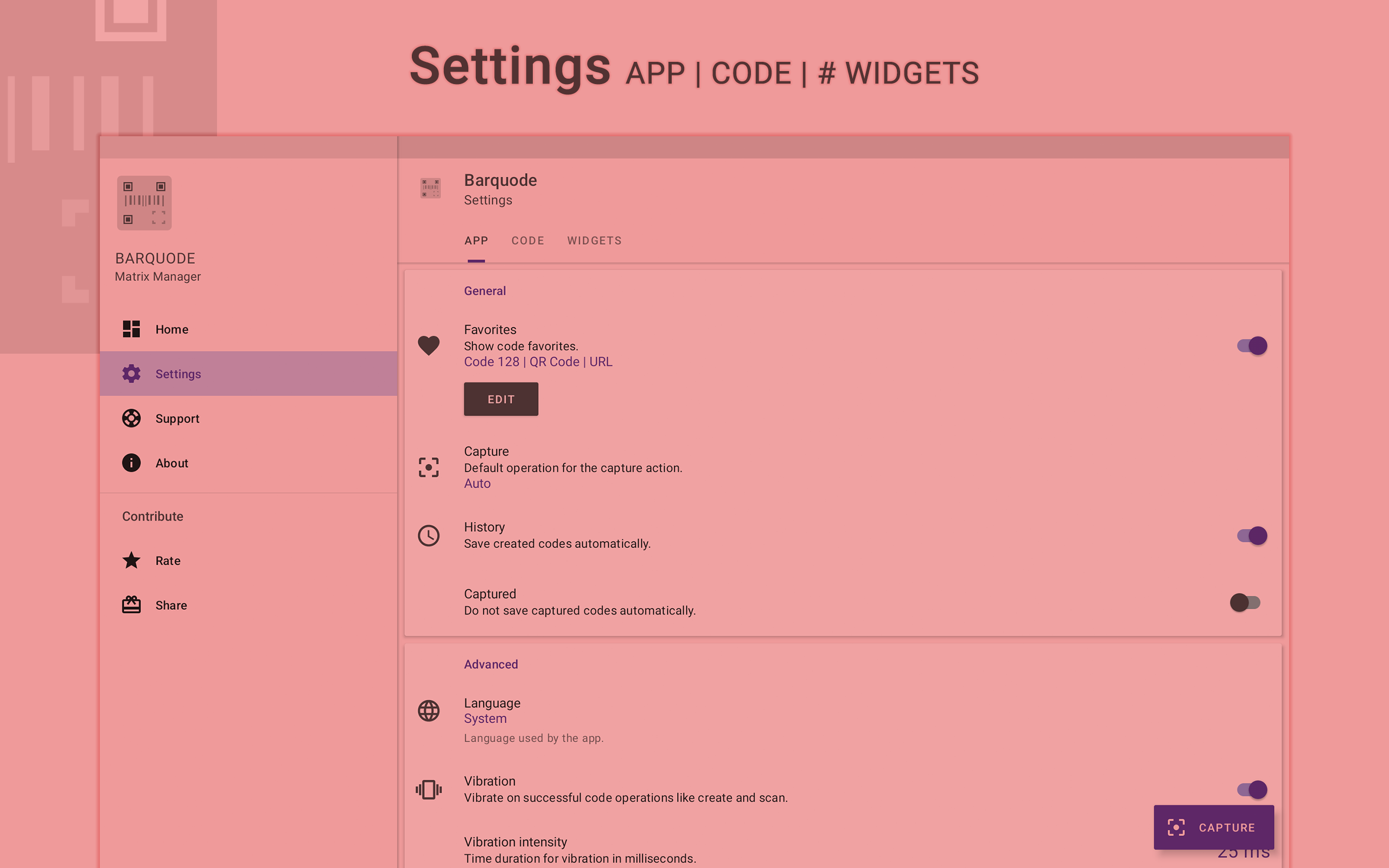
Barquode also includes scanning history, code management, and application settings. Users can review previously scanned codes, configure scanning preferences, and access shortcuts or notification tiles for quicker scanning. Some features, including Favorites and other tools marked with a # in the app, require the paid Palettes Key. The free version is ad-supported.
2. Key Features
- Multiple Code Formats: Generate and scan Codabar, Code 39, Code 128, EAN-8, EAN-13, ITF, UPC-A, Aztec, Data Matrix, PDF417, and QR Code formats.
- Multiple Data Types: Create codes containing URLs, Wi-Fi credentials, locations, email addresses, phone numbers, messages, contact details, and event information.
- Code Appearance Customization: Adjust background colors, data colors, transparency, strokes, and corner sizes to change the appearance of generated codes.
- QR Code Design Options: Customize finder patterns and add logo overlays with adjustable colors.
- Dynamic Theme Engine: Change the app's visual theme while accounting for background visibility to maintain code readability.
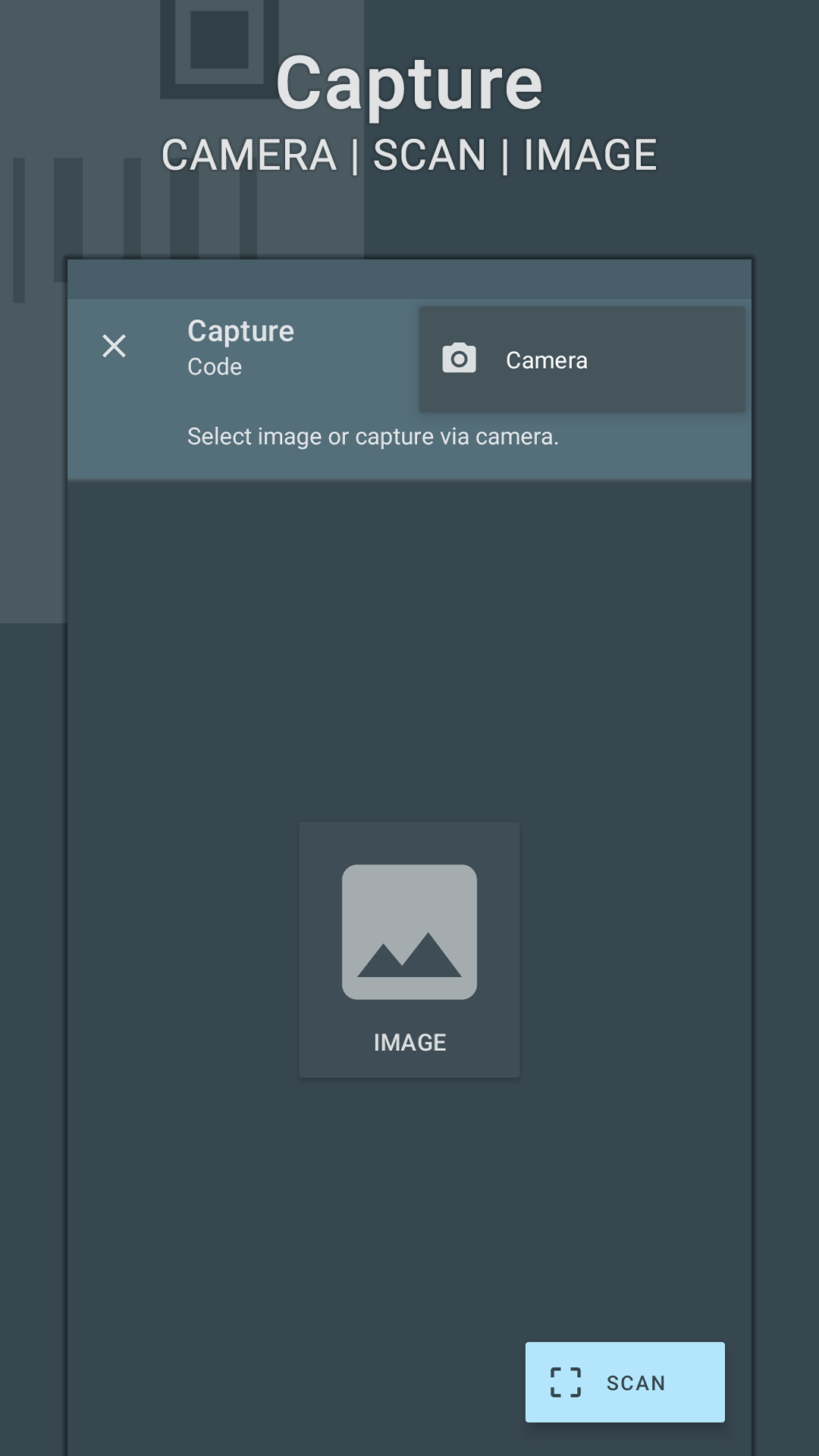
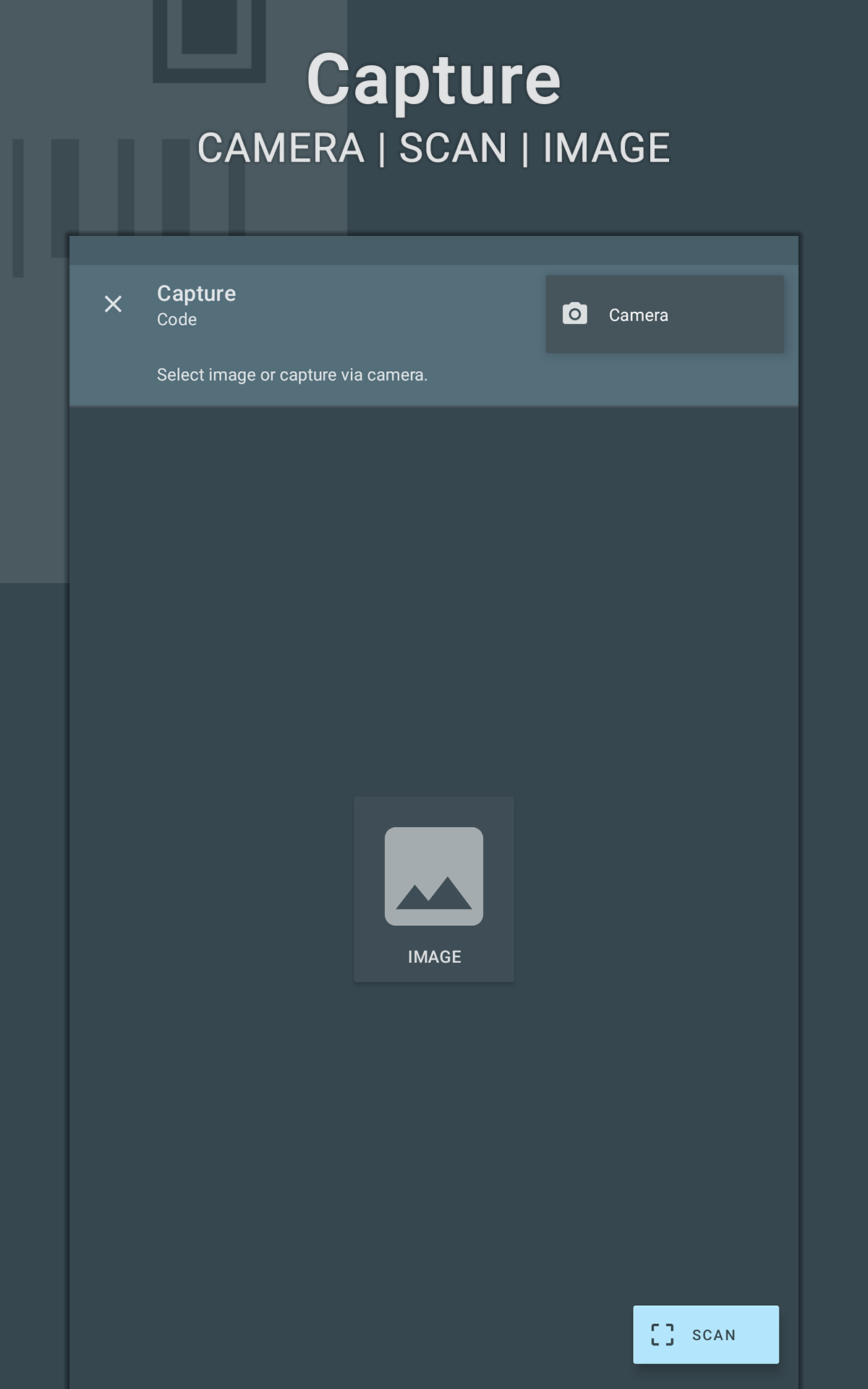
- Camera and Image Scanning: Scan physical codes with the device camera or select saved images containing existing barcodes and QR codes.
- Code History and Management: Review captured codes, access management settings, and organize frequently used codes with the Favorites feature.
3. Main Functions
- Generate Barcodes and QR Codes: Select a code format, enter the required information, and generate a code for sharing or future use.
- Create Wi-Fi QR Codes: Enter a network name, password, and encryption type to generate a QR code containing Wi-Fi connection details.
- Scan Existing Codes: Read physical barcodes and QR codes using the built-in scanner or select an image containing a code for recognition.
- Customize Generated Codes: Modify colors, transparency, strokes, corner sizes, and other visual settings. QR codes also allow finder pattern adjustments and logo overlays.
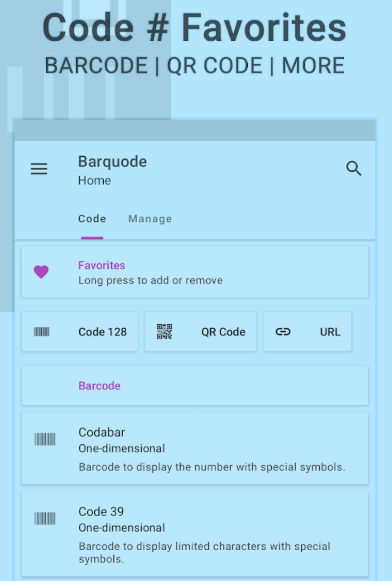
- Review Scanning History: Access previously captured codes and adjust related scanning preferences.
- Manage Frequently Used Codes: Save useful codes to Favorites for quicker access. This feature requires the Palettes Key.
- Adjust App Settings: Configure application preferences and use available shortcuts or notification tiles to access scanning functions.
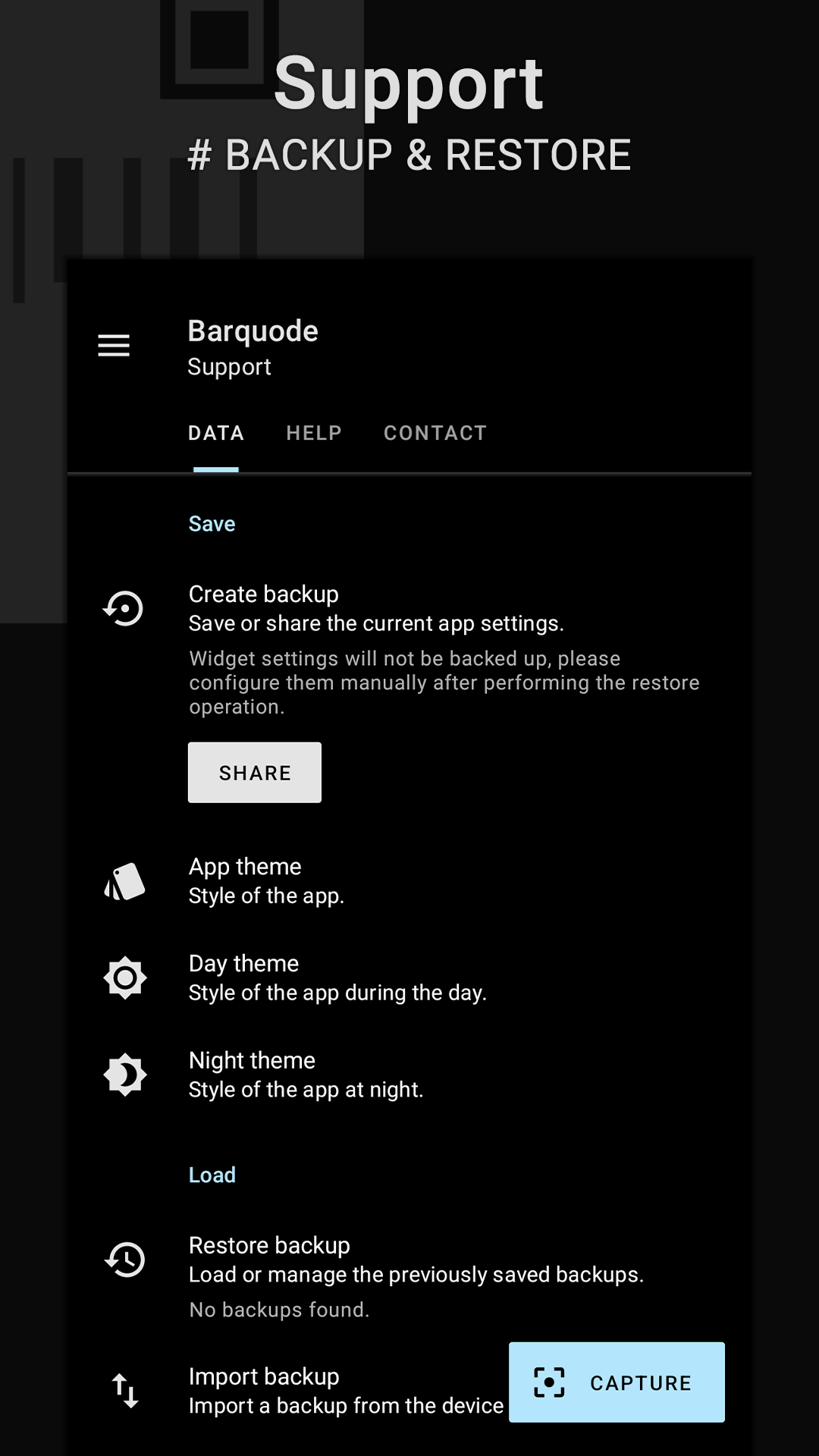
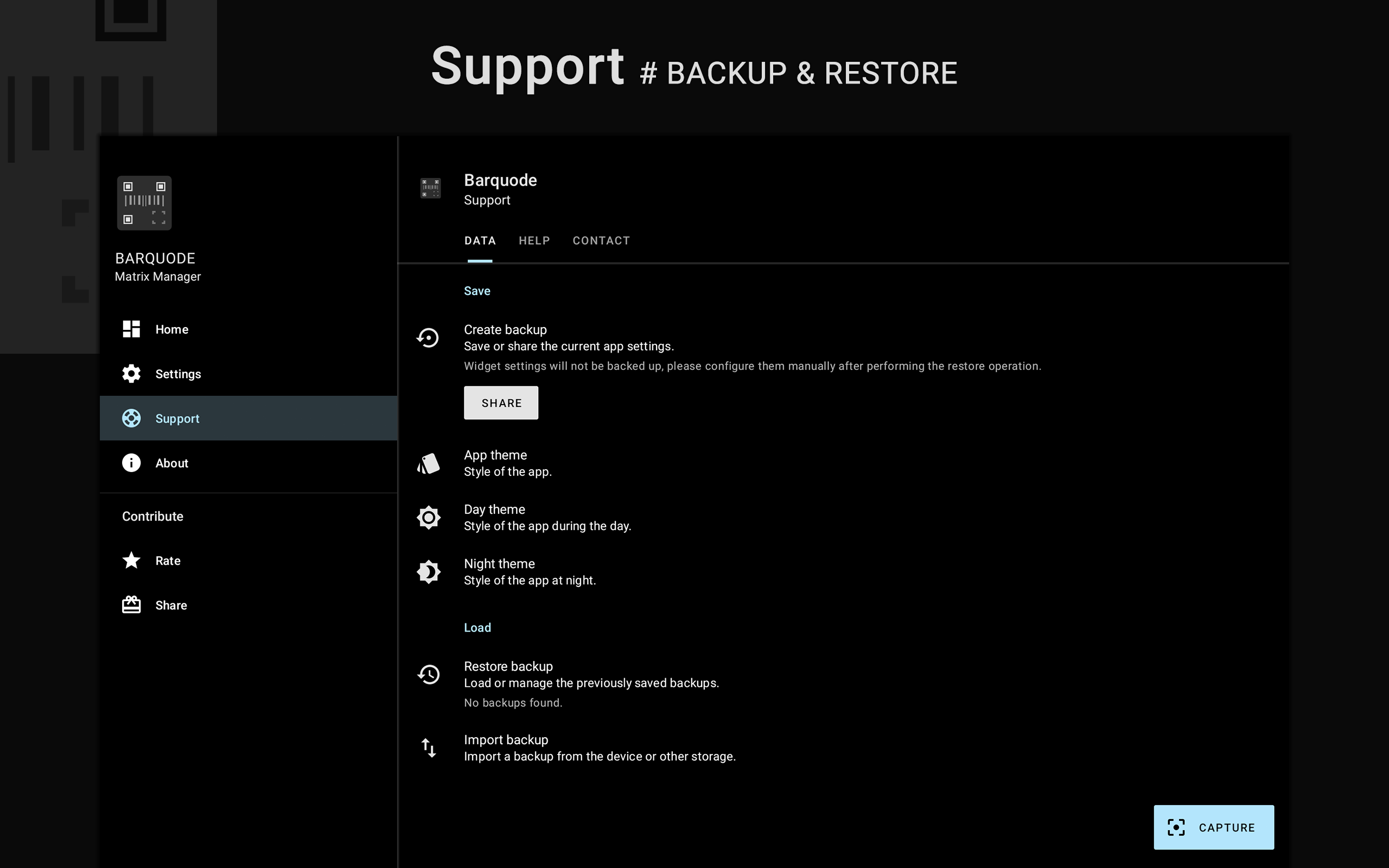
- Back Up and Restore Settings: Use the backup and restoration options in the support and settings sections to save or recover application settings.
4. Frequently Asked Questions
Q1: Which barcode and QR code formats does Barquode support?
Barquode supports Codabar, Code 39, Code 128, EAN-8, EAN-13, ITF, UPC-A, Aztec, Data Matrix, PDF417, and QR Code.
Q2: Can I create a QR code for my Wi-Fi network?
Yes. Select Wi-Fi as the data format and enter your network name, password, and encryption type. The app will generate a QR code that others can scan to obtain the connection details.
Q3: Can Barquode scan codes from images?
Yes. You can select an image stored on your device and let the app recognize any barcode or QR code it contains. The image must show a sufficiently clear, complete code. This function scans existing codes in images rather than converting ordinary pictures into codes.
Q4: What does the Palettes Key unlock?
The Palettes Key unlocks additional features marked with a # in the app, including Favorites. These features are unavailable in the free version. Purchasing the key also supports the app's continued development.
Q5: Does Barquode display advertisements?
Yes. The free version displays advertisements that require an internet connection. Purchasing the Palettes Key unlocks additional features but is separate from the free app experience.
Q6: Why does Barquode request camera and Wi-Fi permissions?
Camera access is required to scan physical codes. Wi-Fi permissions are used when creating and applying Wi-Fi configurations. The app also uses vibration for operation feedback. Older Android versions may require storage permissions for backing up and restoring settings.
- Version8.1.1
- UpdateNov 24, 2026
- DeveloperPranav Pandey
- CategoryTools
- Requires AndroidAndroid 5.0+
- Downloads12K+
- Package Namecom.pranavpandey.matrix
- Signature899f0136a9cd78088e0339d1596926f0
- Available on
- ReportFlag as inappropriate
-
NameSizeDownload
-
7.59 MB
-
7.55 MB
-
7.55 MB















Supports a wide range of barcode/QR code types.
Rich data formats, adaptable to various scenarios.
Strong customization capabilities and multi-language support.
Free version includes basic features to meet daily needs.
The free version has ads; advanced features (collections, backups) require payment.
It cannot convert regular images to code, so functionality is limited.
Scanning depends on image clarity and is susceptible to blurring/incompleteness.