
Zen Space - Meditation & relaxation retreat
Find your inner peace with guided meditation and calming sounds

- 16.4.4 Version
- 2.1 Score
- 41M+ Downloads
- Free License
- 3+ Content Rating


App Overview
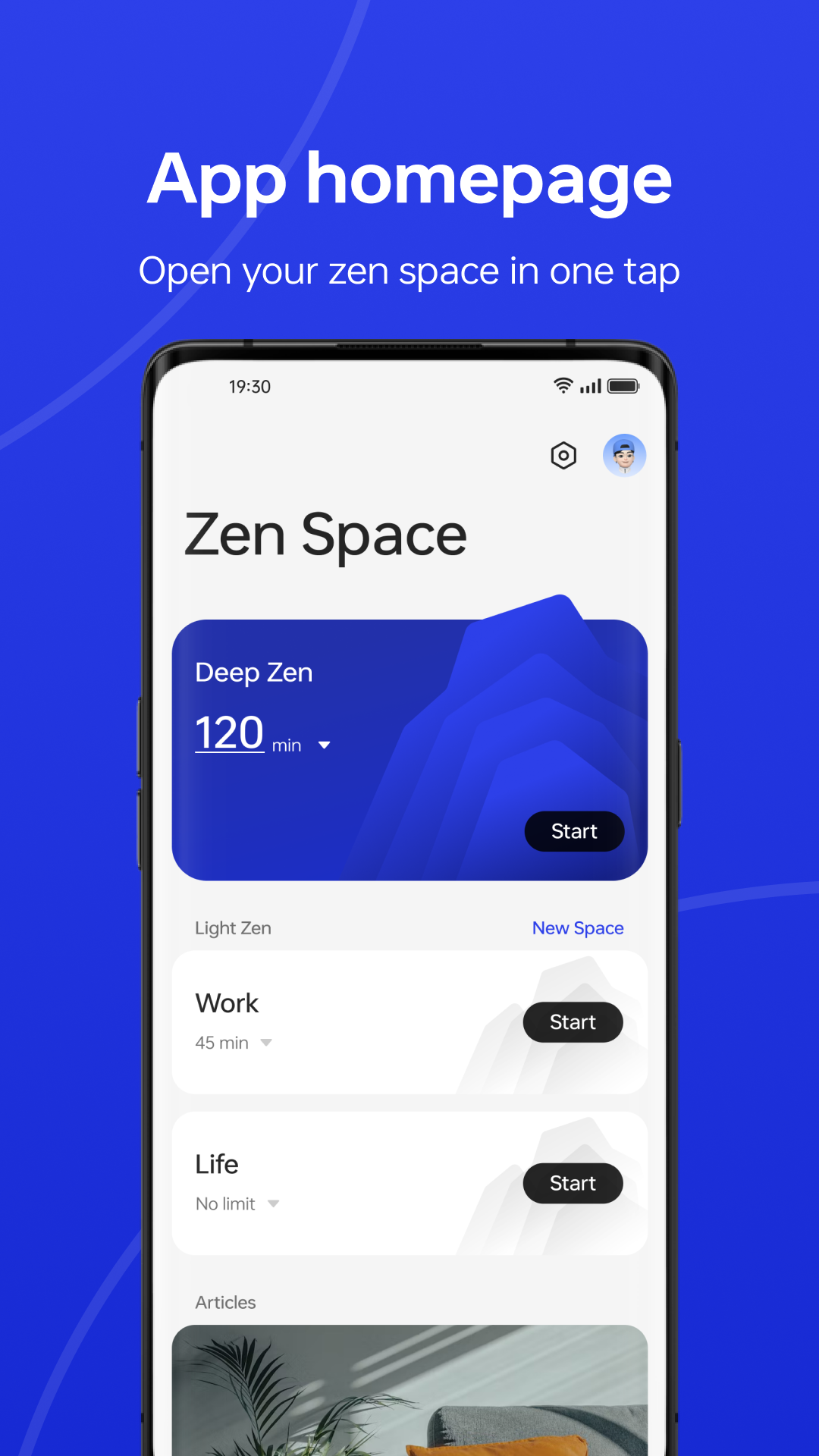
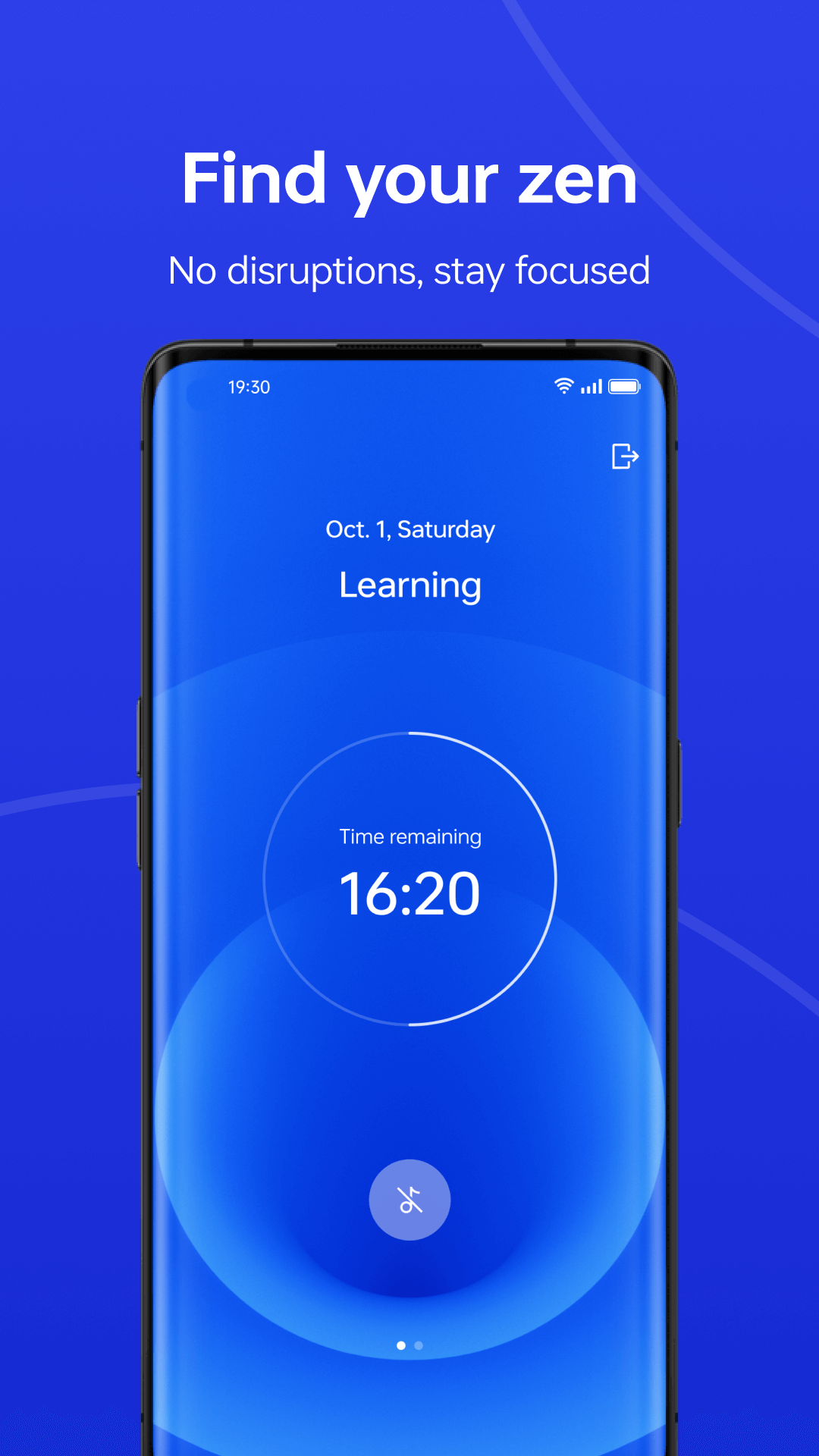
Zen Space is a focus and digital well-being app for OnePlus smartphones. It offers two modes, Deep Zen and Light Zen, designed to reduce phone distractions during work, study, or downtime.
Deep Zen provides a more restrictive environment by muting notifications and blocking access to most apps. Essential functions, including the Camera and emergency calls, remain available. Light Zen is more flexible, letting users choose which apps they can still access during a session. Multiple Light Zen profiles can be set up for different activities, such as studying, working, or relaxing.
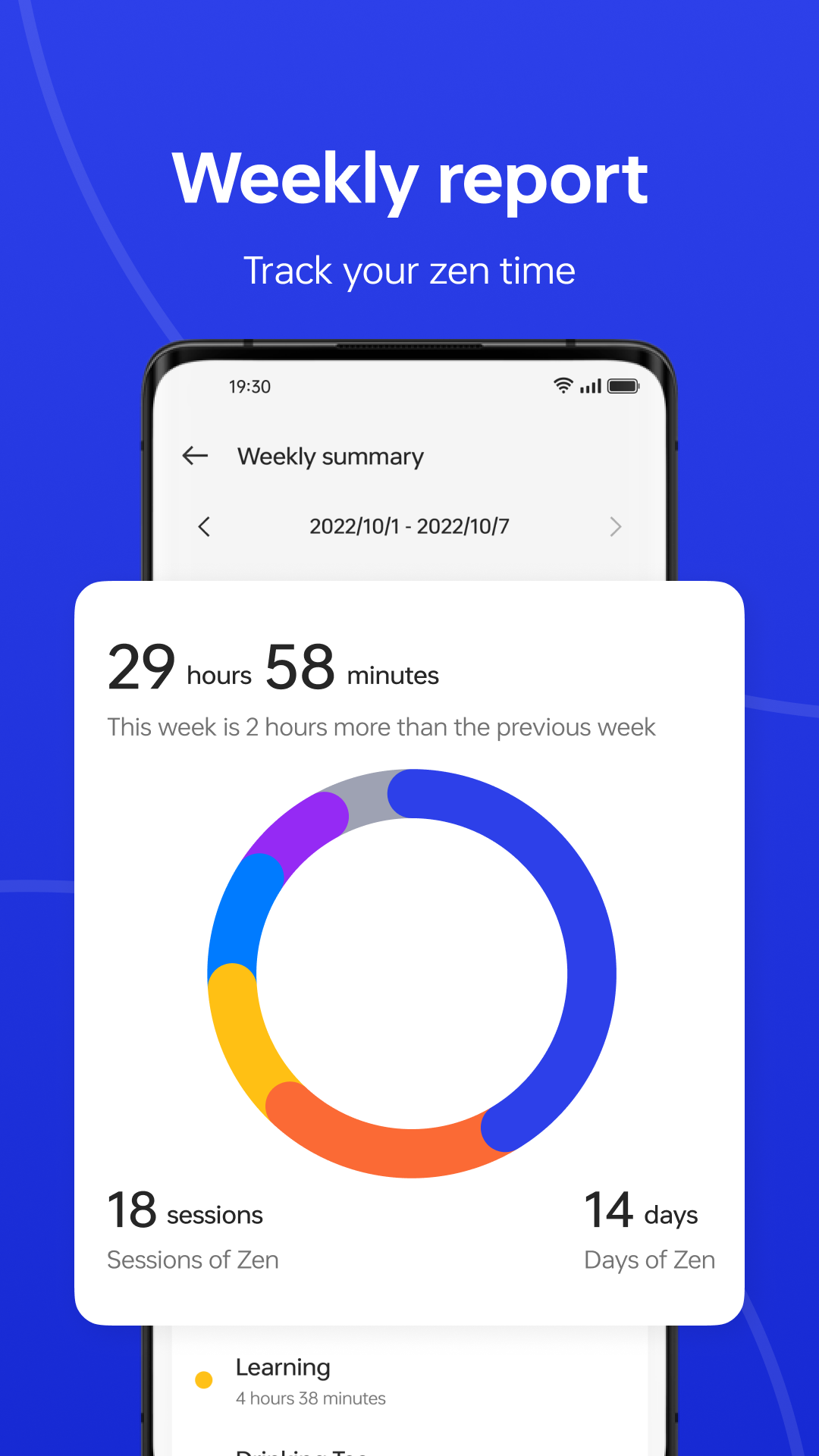
Zen Space also features a personal dashboard that records focus activity, statistics, and achievements. Users can review their progress and share their achievements with friends or on social media. The full experience is designed for OnePlus devices running ColorOS 13.1 or later. Older software versions offer the more basic Zen Mode instead.
Key Features
Deep Zen Mode: Silences notifications and restricts access to most apps while keeping essential functions available
Light Zen Mode: Lets users decide which apps remain accessible during a focus session
Custom Focus Profiles: Allows multiple Light Zen setups for different activities and routines
Focus Dashboard: Records session statistics, achievements, and activity history
Achievement Sharing: Lets users share their focus milestones with friends or on social media
Quick Settings Shortcut: Provides direct access to Zen sessions through the notification shade
How to Use Zen Space
Launch the App: Open Zen Space from the home screen or app drawer.
Select a Mode: Choose Deep Zen for stricter restrictions or Light Zen if you need access to certain apps.
Set Up Light Zen: Select the apps you want to keep available and create separate profiles for different activities.
Start Focusing: Activate your chosen mode to begin a session.
Access Zen Space Quickly: Use the Quick Tile in the notification shade to launch a Zen session without opening the app.
Check Your Records: Open the dashboard to review your focus statistics, achievements, and previous activity.
App Experience
The two focus modes give Zen Space a practical balance between restricting phone use and keeping certain apps within reach. Deep Zen is better suited to uninterrupted study or work, while Light Zen accommodates situations where users still need access to selected apps. Having separate profiles means there's no need to adjust the same settings every time routines change.
The dashboard provides a record of completed focus activity, adding a sense of progress beyond simply limiting screen distractions. Quick Tile access is another useful touch, as users can start a session directly from the notification shade.
Device Compatibility: Zen Space is designed for supported OnePlus smartphones running ColorOS 13.1 or later. Older software versions receive the simplified Zen Mode experience. Supported devices include models from the OnePlus 7 and OnePlus 11 series.
FAQs
1. What is the difference between Deep Zen and Light Zen?
Deep Zen blocks access to most apps and mutes notifications. Light Zen allows selected apps to remain accessible during a session.
2. Can I choose which apps remain available in Light Zen?
Yes. You can select accessible apps and save different combinations as separate Light Zen profiles.
3. Are the Camera and emergency calls available in Deep Zen?
Yes. Both remain accessible while Deep Zen is active.
4. Does Zen Space work on every OnePlus phone?
No. The full experience requires a supported device running ColorOS 13.1 or later. Older software versions offer the basic Zen Mode instead.
5. Where can I view my previous focus sessions?
Open the personal dashboard to see your focus statistics, activity records, and achievements.
6. How can I contact Zen Space support?
You can send questions or feedback to apps_zenmode@oneplus.com.
- Version16.4.4
- UpdateNov 13, 2026
- DeveloperOnePlus Ltd.
- CategoryTools
- Requires AndroidAndroid 12+
- Downloads41M+
- Package Namecom.oneplus.brickmode
- Signatureec4b2f979ceccc1c4aeec0f344c75331
- Available on
- ReportFlag as inappropriate
-
NameSizeDownload
-
70.95 MB
-
70.66 MB
-
70.66 MB













simplicity
battery saver
randomly mute