
Bangla Language Keyboard - Bengali & English typing
Experience seamless Bengali & English typing with emojis, sleek themes, and voice input for effortless communication.
- 1.4.7 Version
- 1.7 Score
- 311K+ Downloads
- In-app purchases License
- 3+ Content Rating

Easy Bangla 2022 Keyboard
App Overview
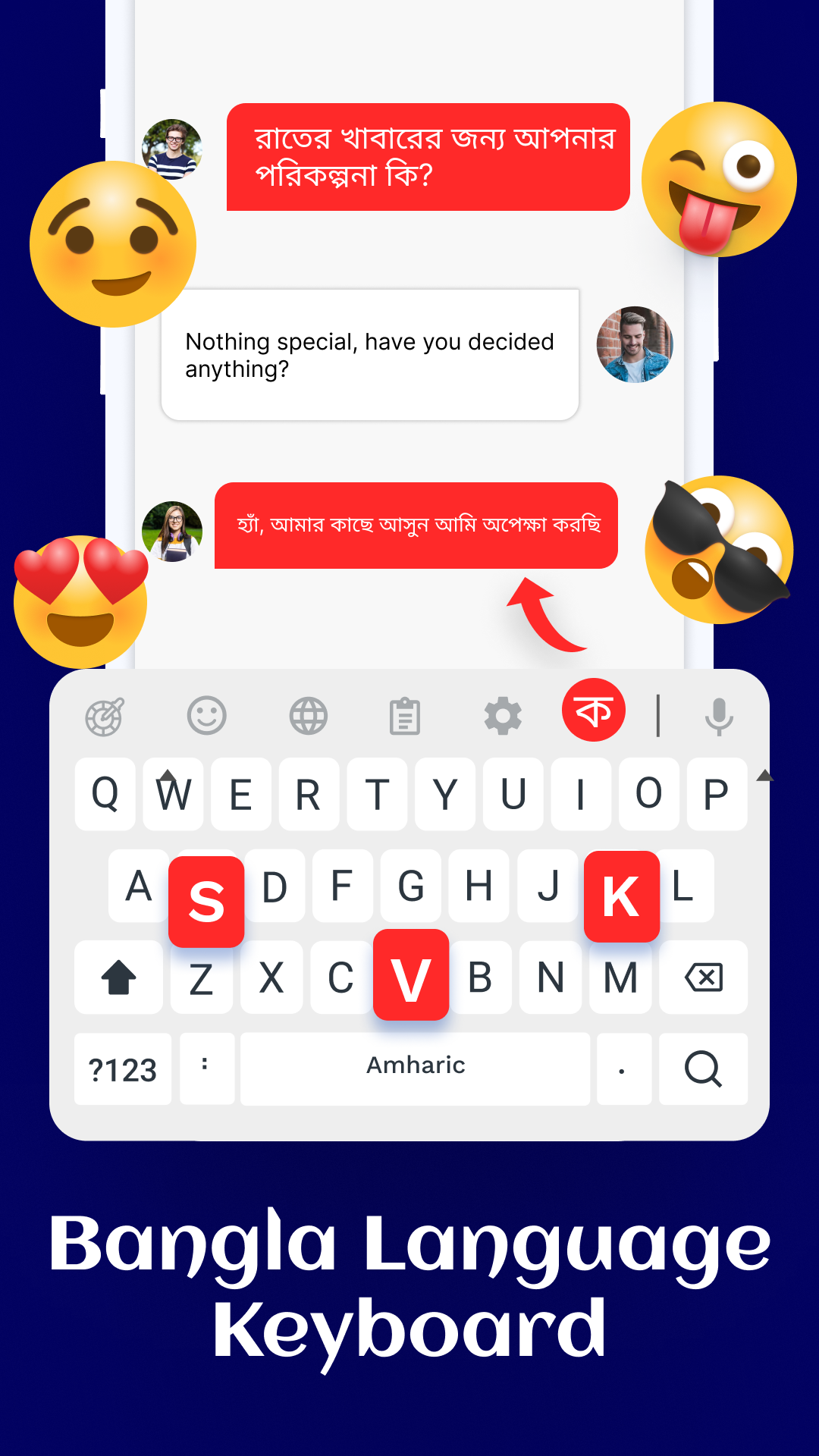
Easy Bangla 2022 Keyboard is a bilingual keyboard app that supports Bengali and English text input on mobile devices. Users can switch between the two languages when composing messages, emails, and other text. Bengali word suggestions and auto-complete are included to assist with typing.
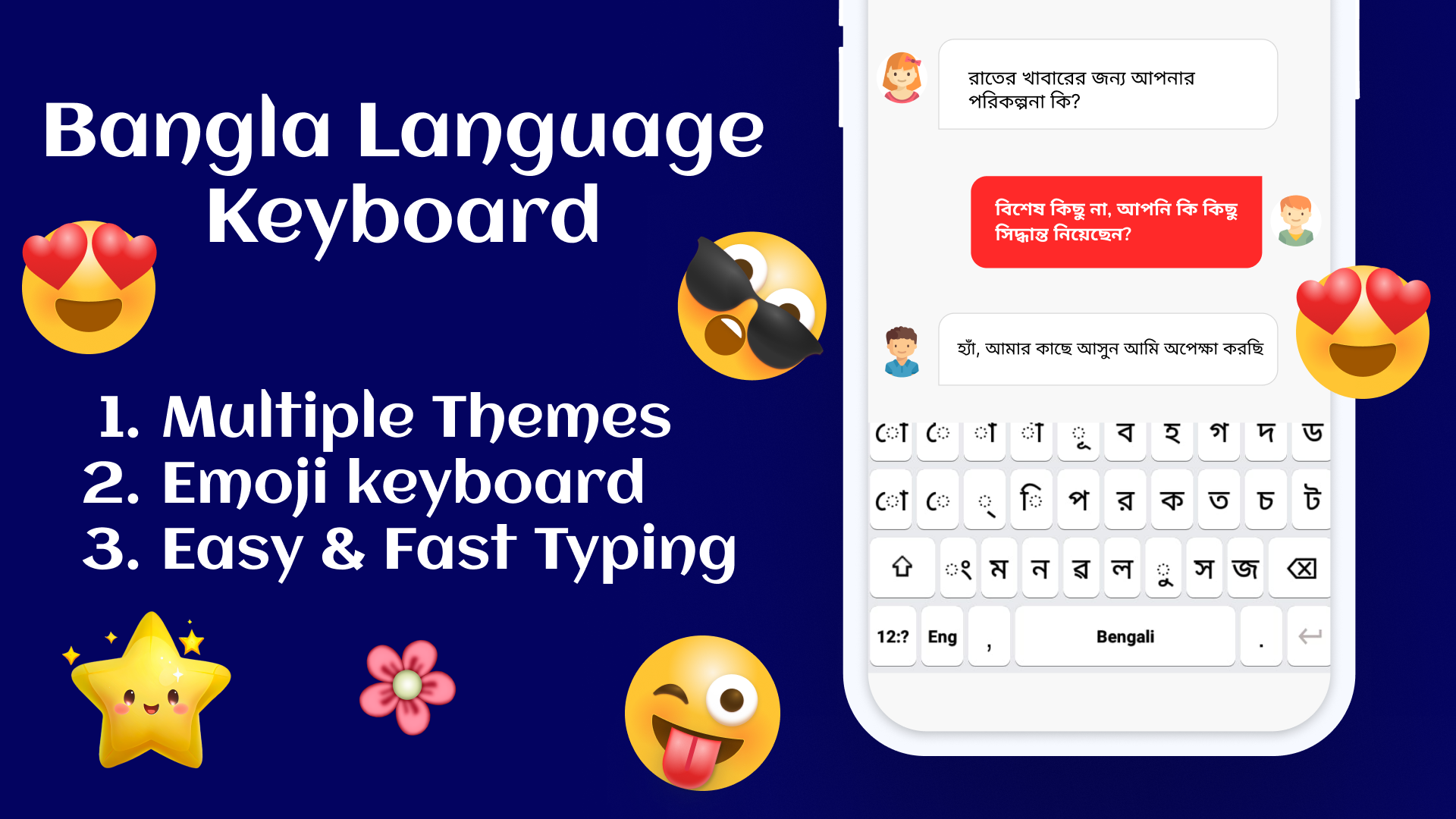
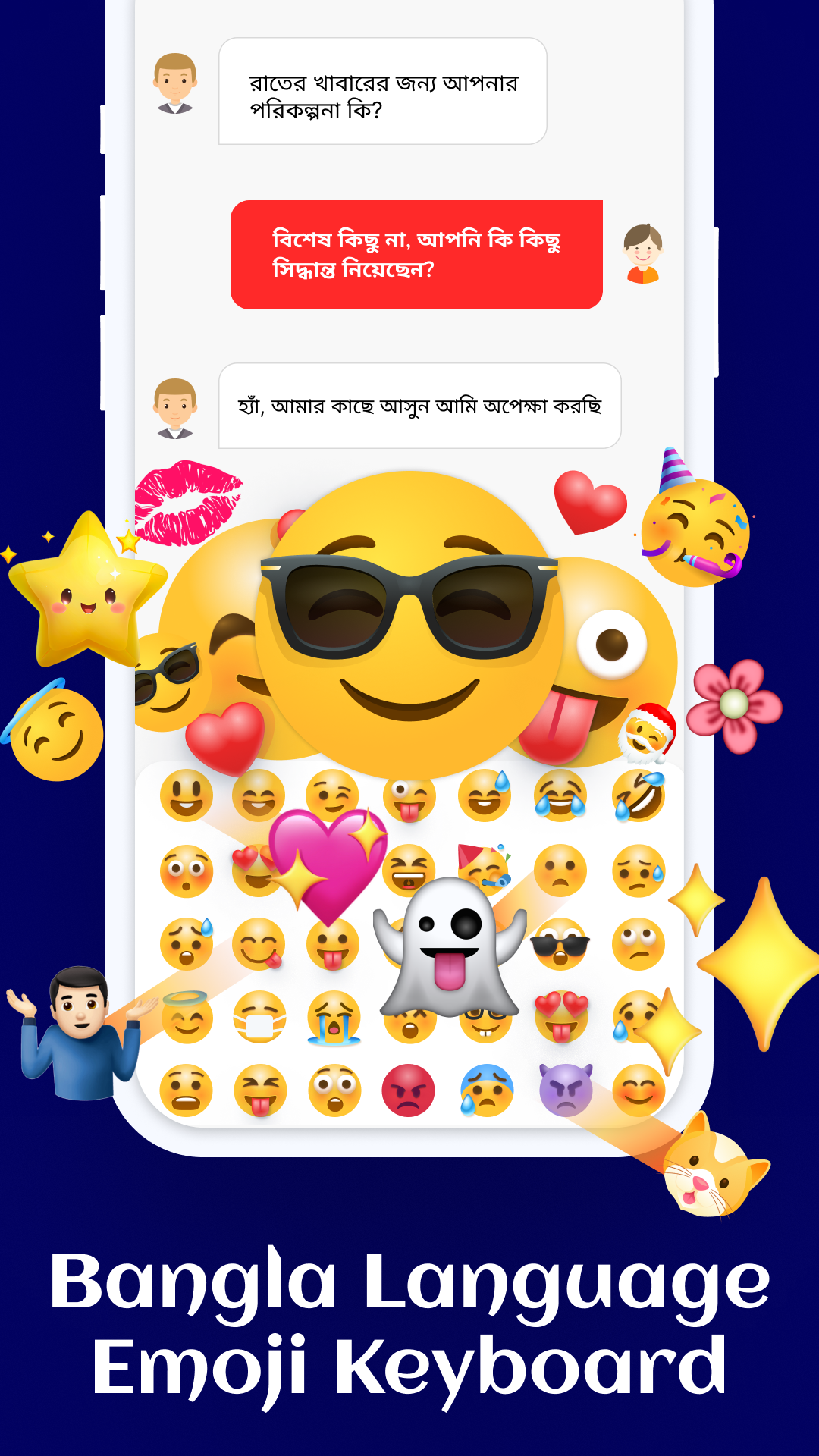
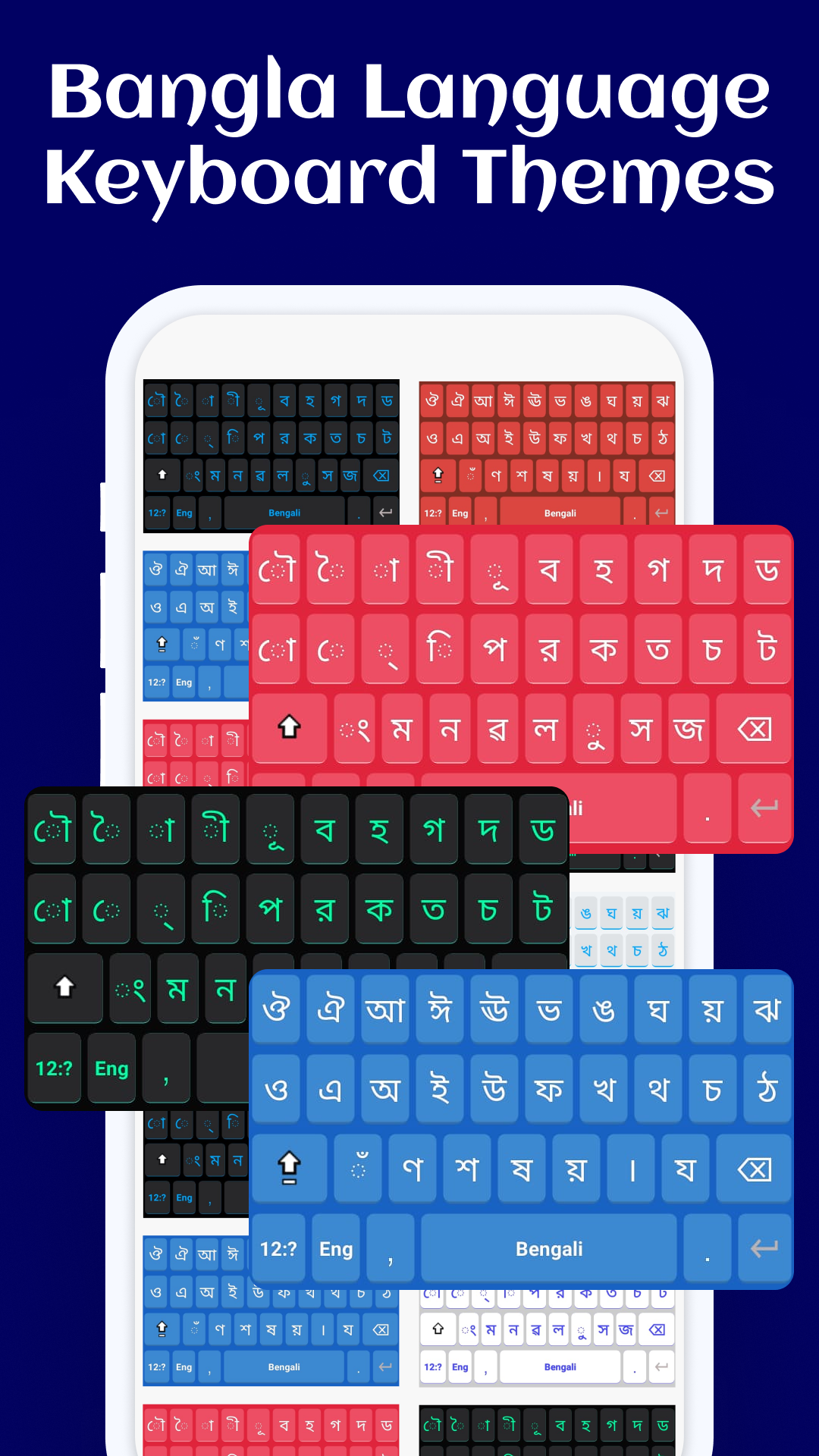
The app offers several keyboard customization options, including more than 17 themes, personal photo backgrounds, over 17 font styles, and adjustable text colors. It also includes a collection of more than 1,000 emojis and stickers for use in conversations.
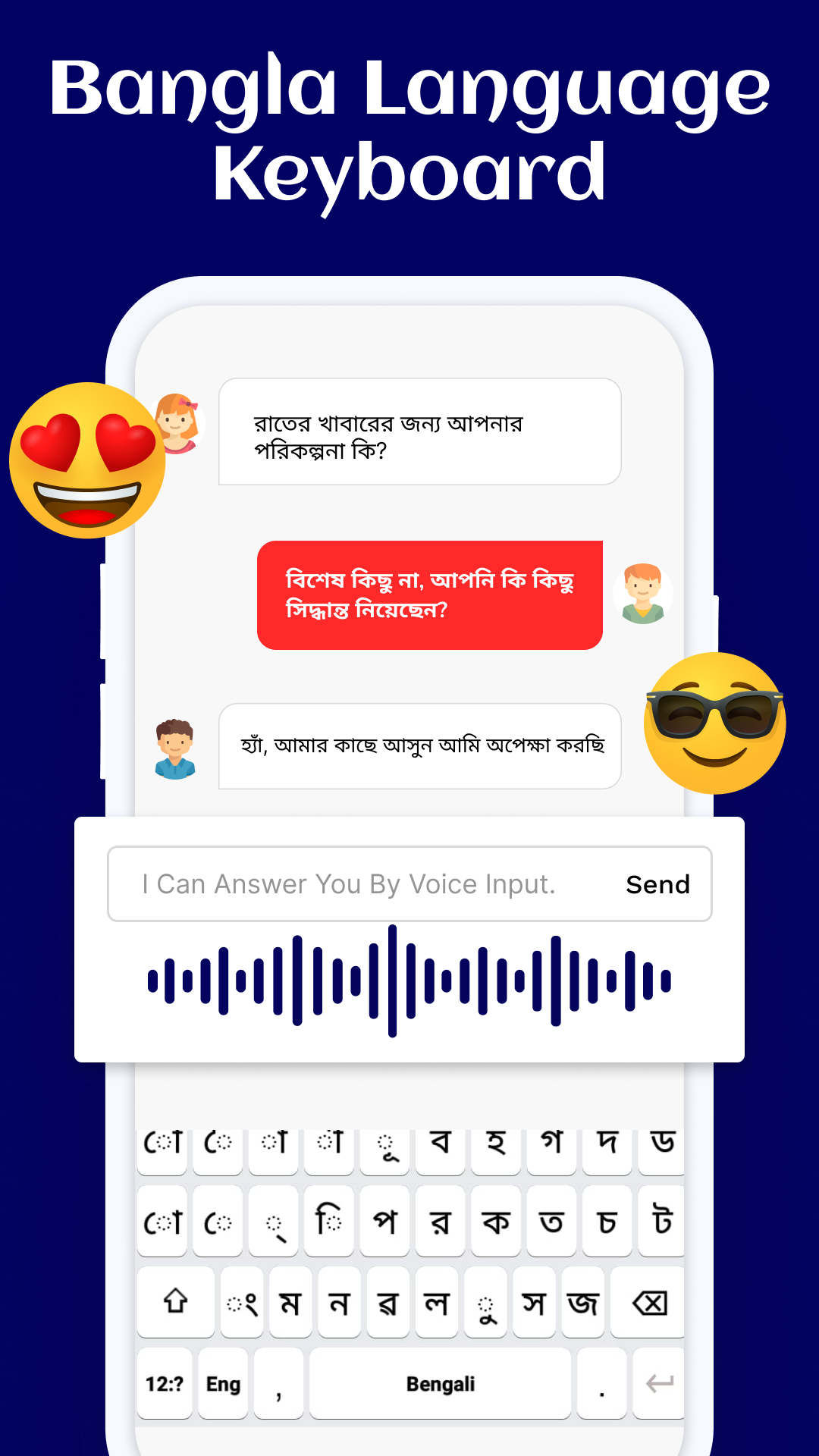
For alternative input methods, the keyboard supports voice typing and swipe typing. Additional features include text copying and Google Search integration. Its core typing functions are available offline, allowing users to enter text without an internet connection.
Key Features
Bengali and English Input: Switch between Bengali and English when typing in other applications
Word Suggestions: Get Bengali word suggestions and auto-complete while typing
Keyboard Themes: Choose from more than 17 available themes
Photo Backgrounds: Set personal pictures as keyboard backgrounds
Font and Color Settings: Choose from over 17 font styles and customize text colors
Emojis and Stickers: Access a collection of more than 1,000 emojis and stickers
Voice Typing: Enter text using microphone-based voice input
Swipe Typing: Type words by sliding a finger across the keyboard
Offline Input: Use core typing functions without an internet connection
Text Copying: Copy entered text for use in other applications
Google Search: Access Google Search directly through the keyboard
How to Use Easy Bangla 2022 Keyboard
Install the App: Download Easy Bangla 2022 Keyboard from the Google Play Store.
Enable the Keyboard: Open the app and follow the setup instructions to activate it in your phone's keyboard settings.
Select the Input Method: Choose Easy Bangla 2022 Keyboard from the available input methods.
Switch Languages: Select Bengali or English when typing.
Customize the Appearance: Choose a theme, set a personal photo background, and adjust the font and text color.
Start Typing: Open a messaging app or another application with a text field and begin entering text.
App Experience
Easy Bangla 2022 Keyboard combines Bengali-English typing with a range of visual customization options. Language switching and Bengali word suggestions are its main typing features, while themes, photo backgrounds, and font settings allow users to change the keyboard's appearance.
The collection of emojis and stickers adds options for casual conversations. Voice and swipe typing provide alternatives to tapping individual keys, and offline availability means basic text input does not depend on an internet connection.
The app is primarily suited to users who regularly type in Bengali and English and want more control over their keyboard's appearance and input methods.
Frequently Asked Questions
1. Can I switch between Bengali and English while typing?
Yes. The keyboard supports both languages and allows you to switch between them when entering text.
2. Does Easy Bangla 2022 Keyboard work offline?
Yes. Its core typing functions are available without an internet connection.
3. Can I use my own photo as the keyboard background?
Yes. You can select a personal picture and set it as the keyboard background.
4. How many themes and fonts are available?
The app offers more than 17 keyboard themes and over 17 font styles. You can also customize text colors.
5. Does the keyboard support voice typing?
Yes. You can enter text by speaking into your device's microphone. Voice input availability depends on your device's speech recognition settings.
6. How do I set Easy Bangla 2022 Keyboard as my default keyboard?
Open the app after installation and follow the instructions to enable it in your phone's keyboard settings. Then select Easy Bangla 2022 Keyboard as your active input method.
- Version1.4.7
- UpdateNov 13, 2026
- DeveloperDictionaryAndTranslator
- CategoryTools
- Requires AndroidAndroid 5.0+
- Downloads311K+
- Package Namecom.banglaesy.englishlanguage.bengali.keyboardhasse
- Signaturee431fb8e59fde021a19c2bc85e1be54b
- Available on
- ReportFlag as inappropriate














Convenient bilingual switching with predictive auto-completion for efficient input.
Multiple personalization options including themes, fonts, and a rich selection of emojis.
Offline support, along with swipe and voice input, adaptable to various scenarios.
The free version has too many ads, affecting usability.
Compatibility issues and input lag exist on some devices.
Speech recognition accuracy is low, and some custom settings may not work.