
Write Punjabi Text on Photo - Write Punjabi Text & Decorate Photos
Transform your photos with custom Punjabi text, stickers & unique fonts for a creative touch that stands out!
- 1.3 Version
- 2.0 Score
- 158K+ Downloads
- Free License
- 3+ Content Rating

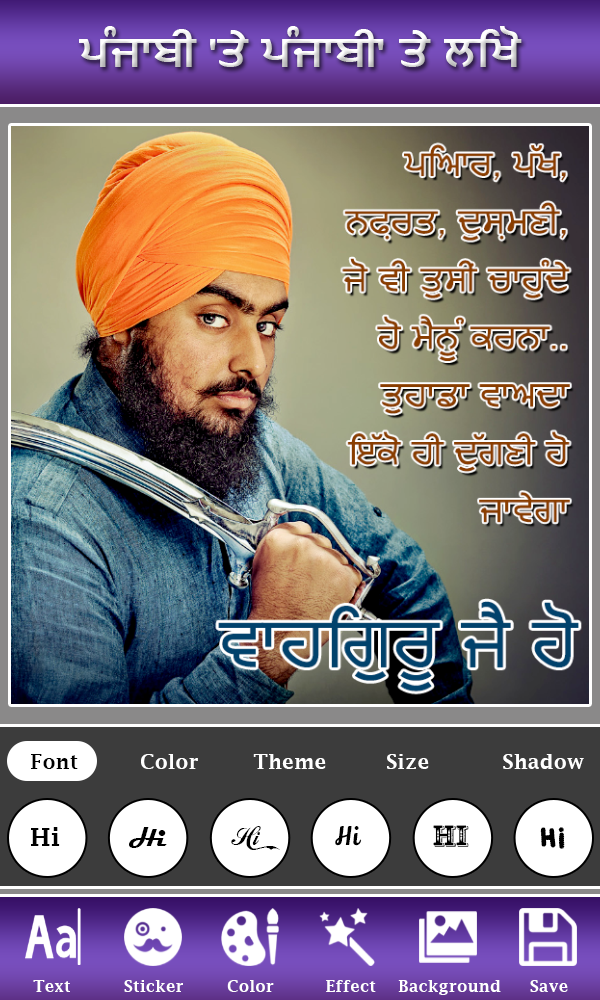
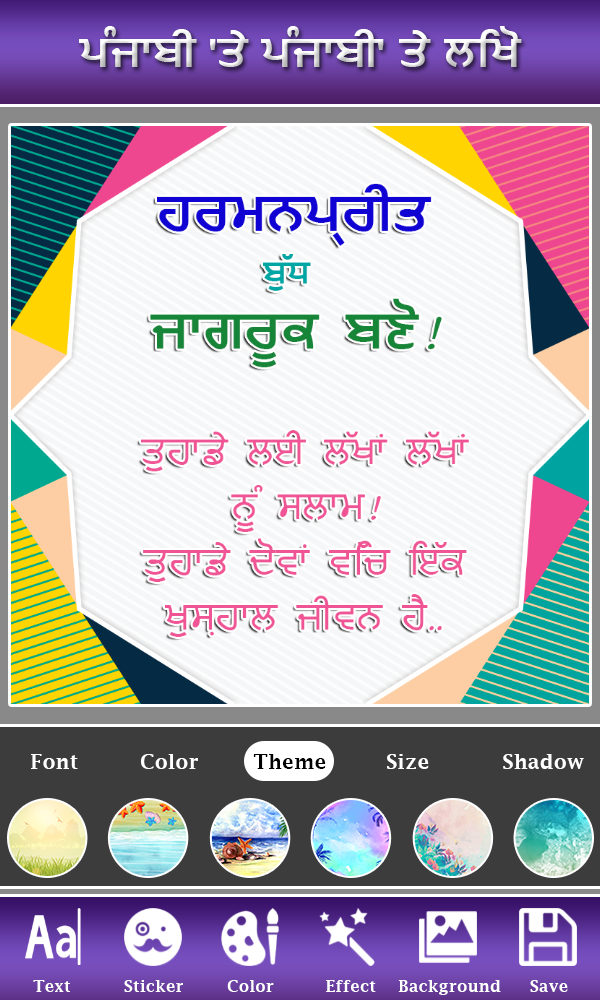
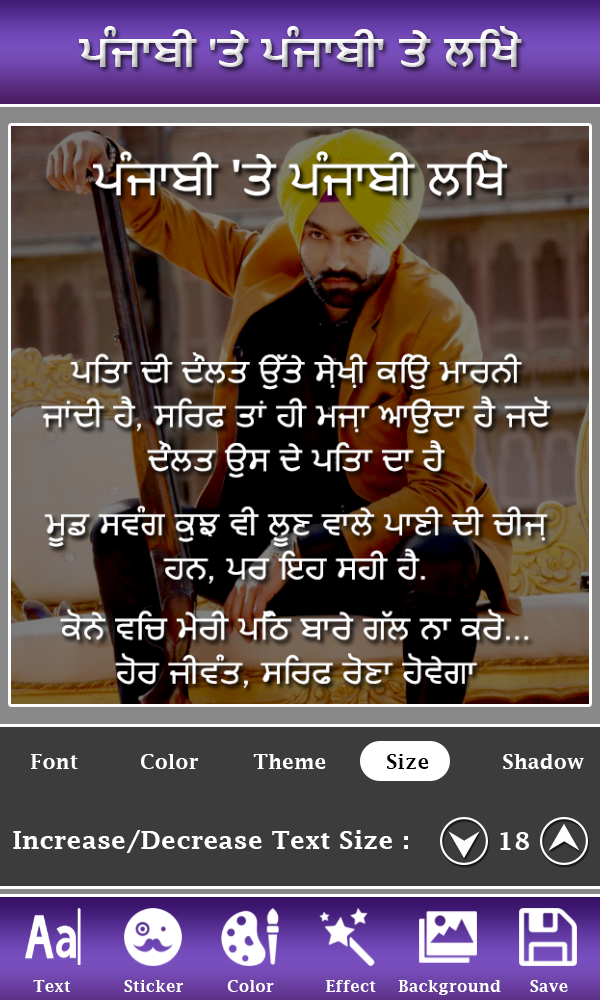
Punjabi Text on Photo – App Overview, Features, User Guide, and FAQs
1. App Overview
Punjabi Text on Photo is a photo-editing app for adding Punjabi and English text to images. It allows users to create Punjabi name art, poetry images, romantic messages, greetings, and other personalized designs.
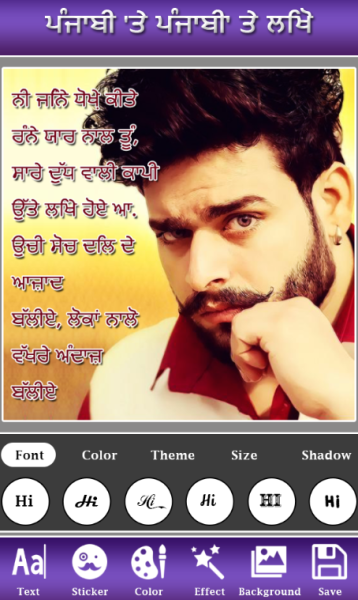
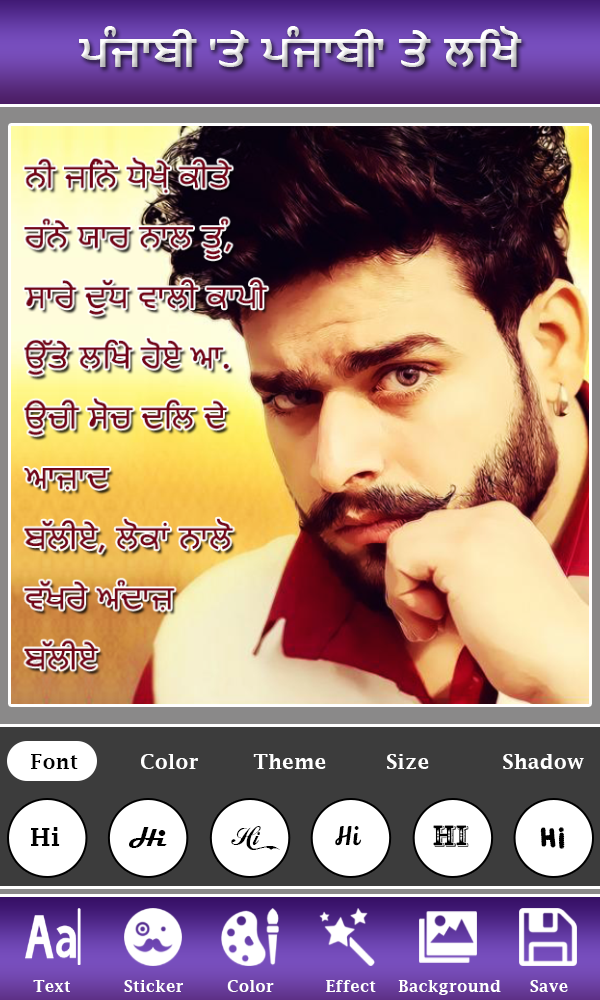
The app includes a built-in Punjabi keyboard, so users can type in Punjabi without installing an additional keyboard. It also offers different fonts, text colors, outlines, stickers, backgrounds, and photo filters.
Users can choose an image from the app's background collection or import a photo from their device. They can then add and format text, adjust its position, and decorate the image before saving or sharing it.
2. Key Features
Built-in Punjabi Keyboard: Type Punjabi text directly within the app.
Bilingual Text Support: Add Punjabi and English text to the same image.
Font Customization: Choose from different font styles.
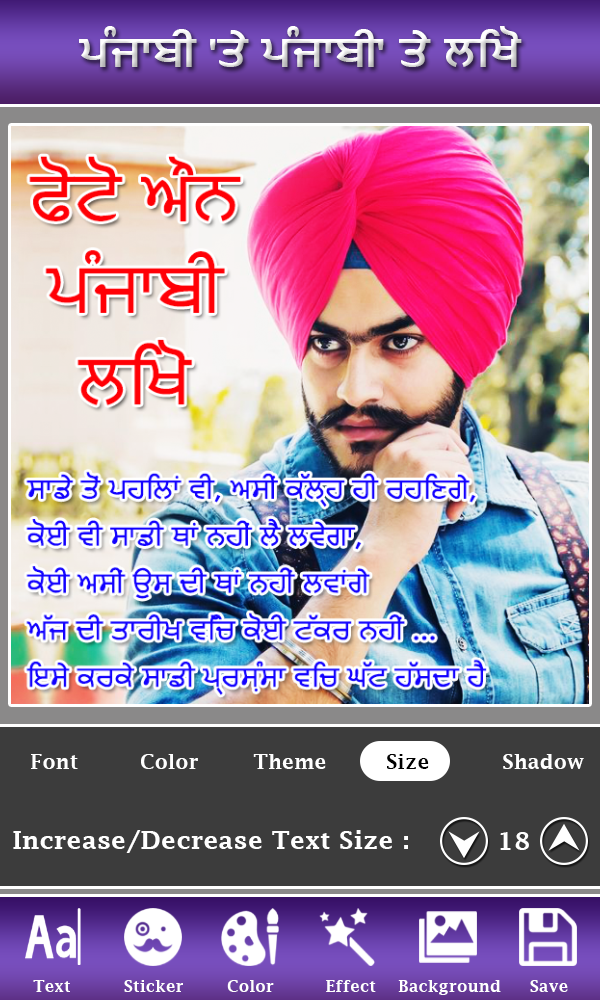
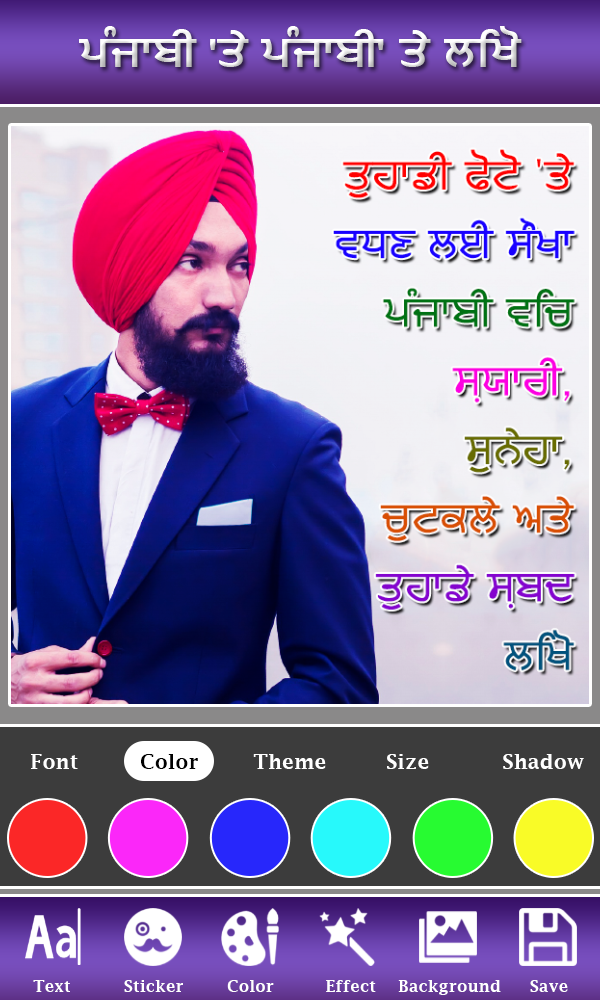
Text Formatting: Adjust text colors, sizes, and outlines.
Text Positioning: Move, resize, and rotate text to fit the design.
Multiple Text Lines: Add several lines for poems, quotes, and messages.
Background Collection: Choose built-in HD backgrounds or import personal photos.
Stickers and Emojis: Decorate images with stickers and emojis from different categories.
Photo Filters: Apply visual effects to background images.
Save and Share: Export completed designs to your device and share them through compatible apps.
3. What Can You Create?
Punjabi Text on Photo can be used to create several types of personalized images:
Punjabi Name Art: Add Punjabi names to decorative backgrounds and create personalized images for friends and family.
Poetry and Shayari: Combine Punjabi poetry, verses, and quotes with photographs or decorative backgrounds.
Romantic Messages: Create images featuring love messages and personalized text.
Greetings and Status Images: Design greetings, status pictures, and shareable messages.
Personalized Photo Designs: Combine personal photographs, bilingual text, and decorative elements.
4. User Guide
Step 1: Choose a Background
Open the app and select an HD background from its collection, or import a photo from your device's gallery.
Step 2: Add Text
Open the text editor and enter your content using the built-in Punjabi keyboard. Switch to English when needed and add multiple lines of text.
Step 3: Customize the Text
Choose a font and adjust its color, size, and outline. Drag, resize, or rotate the text to position it correctly.
Step 4: Add Decorative Elements
Insert stickers or emojis to decorate the image. You can also apply filters to change the appearance of the background.
Step 5: Save or Share
Preview your design and save the finished image to your device. You can then share it through compatible social media or messaging apps.
5. Frequently Asked Questions (FAQs)
Q1: Do I need to install a separate Punjabi keyboard?
No. The app includes a built-in Punjabi keyboard for entering Punjabi text directly.
Q2: Can I combine Punjabi and English in one image?
Yes. You can add both languages to the same design.
Q3: Can I use my own photographs as backgrounds?
Yes. Import photos from your device's gallery and use them as backgrounds.
Q4: How can I make text easier to read against a photograph?
Adjust the text color and size or add an outline to improve contrast with the background.
Q5: Can I move and rotate text after adding it?
Yes. You can drag, resize, and rotate text to change its position and orientation.
Q6: Can I add long Punjabi poems or messages?
Yes. The app supports multiple lines of text, making it suitable for poems, quotes, greetings, and longer messages.
Q7: Does the app include stickers and emojis?
Yes. You can add decorative stickers and emojis to your designs.
Q8: Can I apply filters to my photographs?
Yes. The app provides photo filters for modifying the appearance of background images.
Q9: Can I create Punjabi name art for someone else?
Yes. Enter the person's name using the built-in Punjabi keyboard, then customize it with fonts, colors, and decorative backgrounds.
Q10: How can I share my finished designs?
Save the image to your device and share it through compatible social media or messaging applications.
6. Summary
Punjabi Text on Photo combines Punjabi and English text input with basic photo-editing tools. Its main features include a built-in Punjabi keyboard, font customization, text positioning, background selection, stickers, and photo filters.
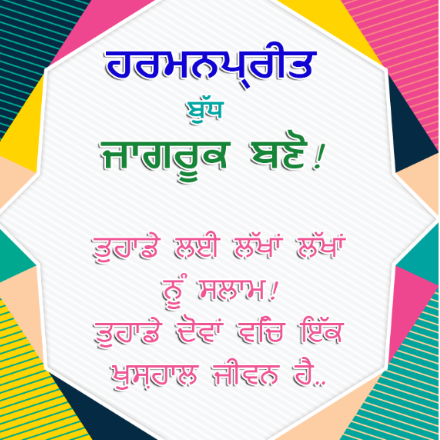
The app is suitable for creating Punjabi name art, poetry images, romantic messages, greetings, and other personalized photo designs.
- Version1.3
- UpdateNov 05, 2026
- DeveloperVideo Mixer Video Editor
- CategoryLifestyle
- Requires AndroidAndroid 4.1+
- Downloads158K+
- Package Namepunjabistatus.shayari.write.punjabi.text.on.photo
- Signature0ba603a798ab915bd7c9c9815fea7671
- Available on
- ReportFlag as inappropriate
















Precise language adaptation
Easy and intuitive operation
Practical creation functions
Decent compatibility
There may be text display issues.
Limitations in materials and functionality.
Advertising and performance issues.
Unclear iOS compatibility.