
My Daily Wallpaper - Daily lock screen wallpapers & stories
Transform your lock screen daily with stunning HD wallpapers & captivating stories ensuring you never get bored.

- 3.0.0.2.3 Version
- 1.7 Score
- 388K+ Downloads
- Free License
- 3+ Content Rating



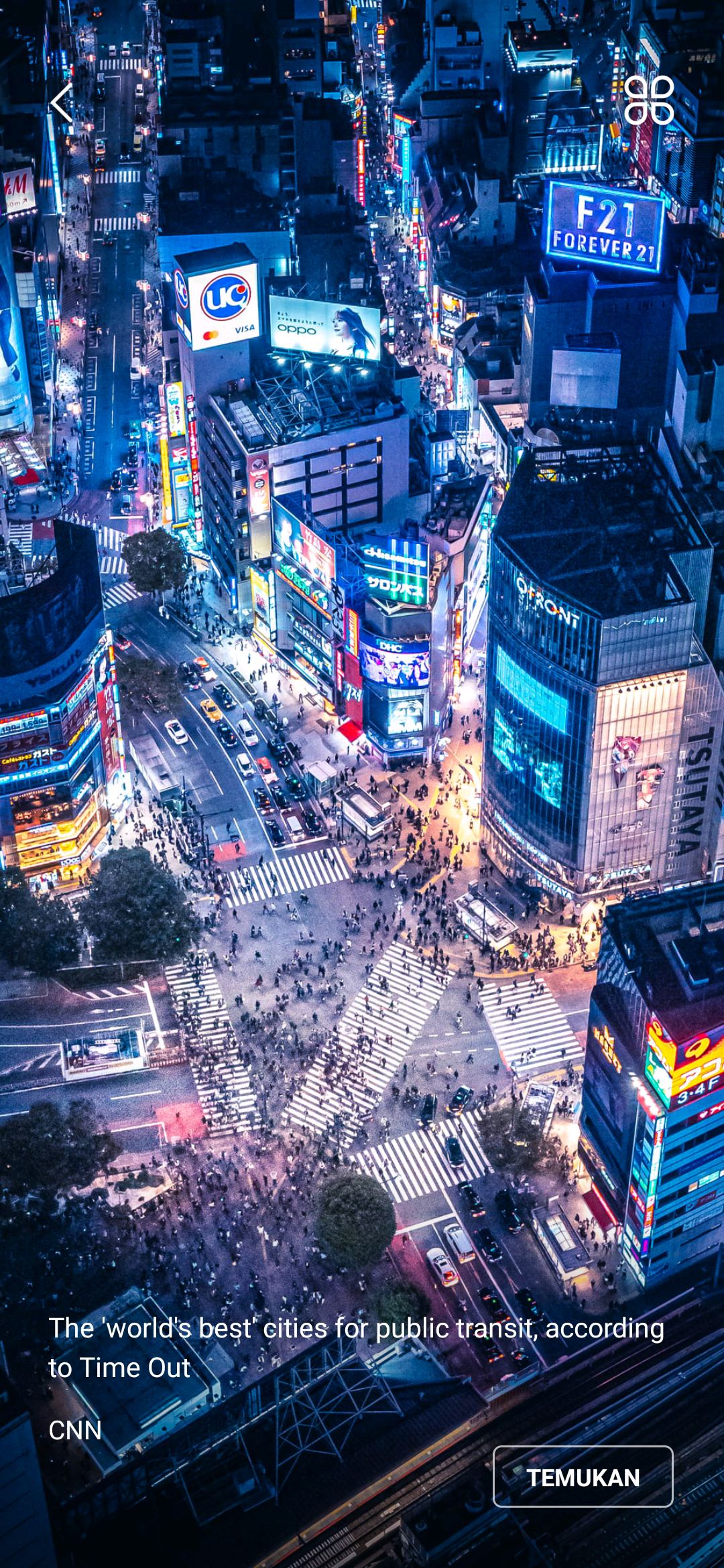
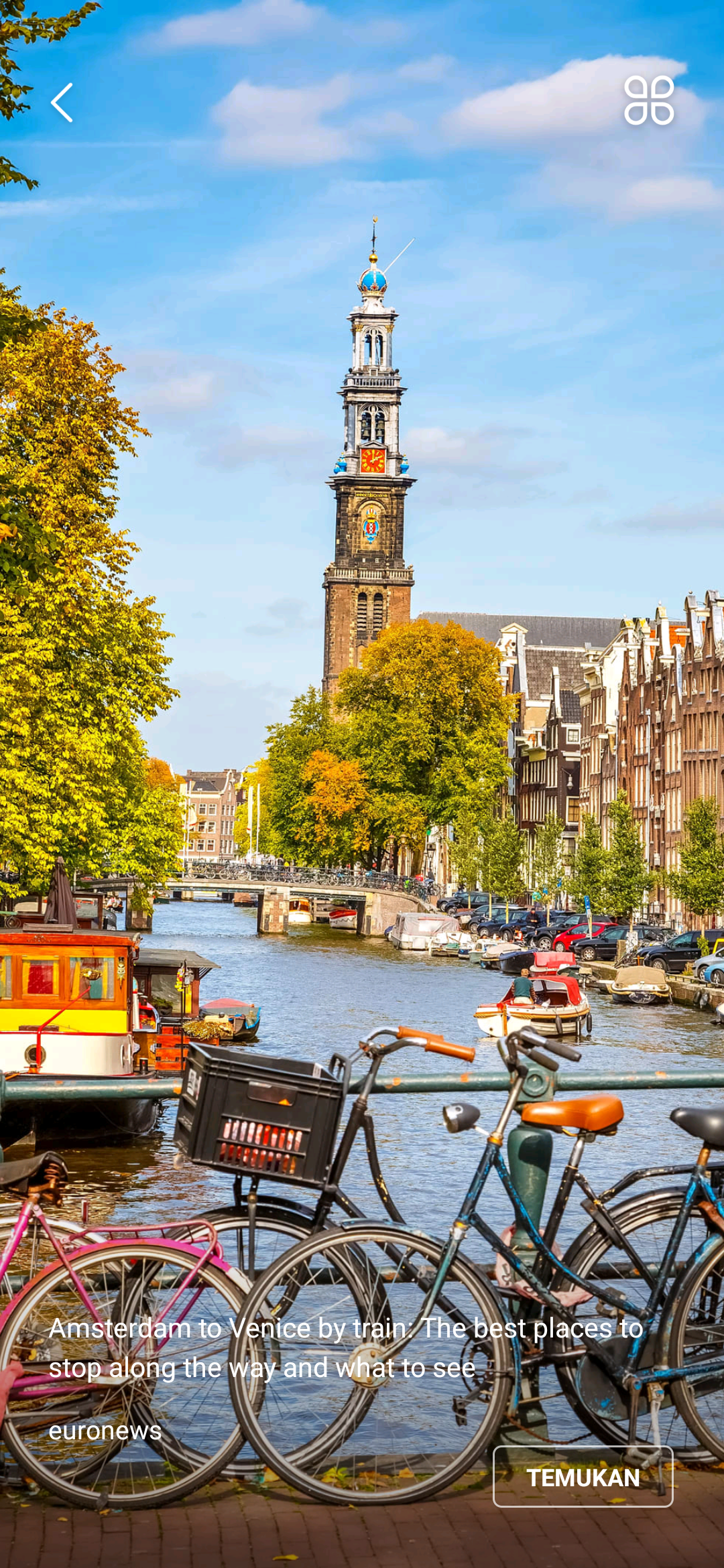
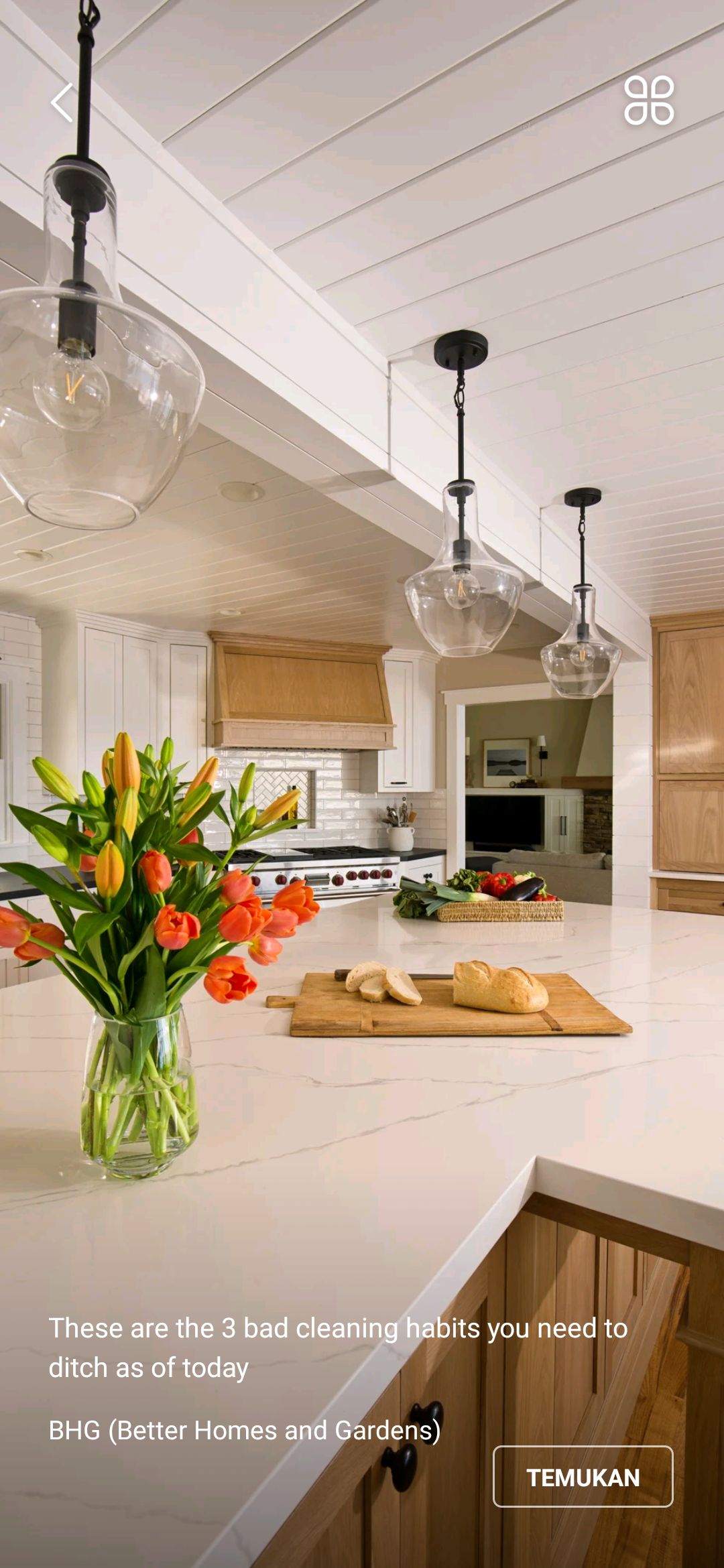
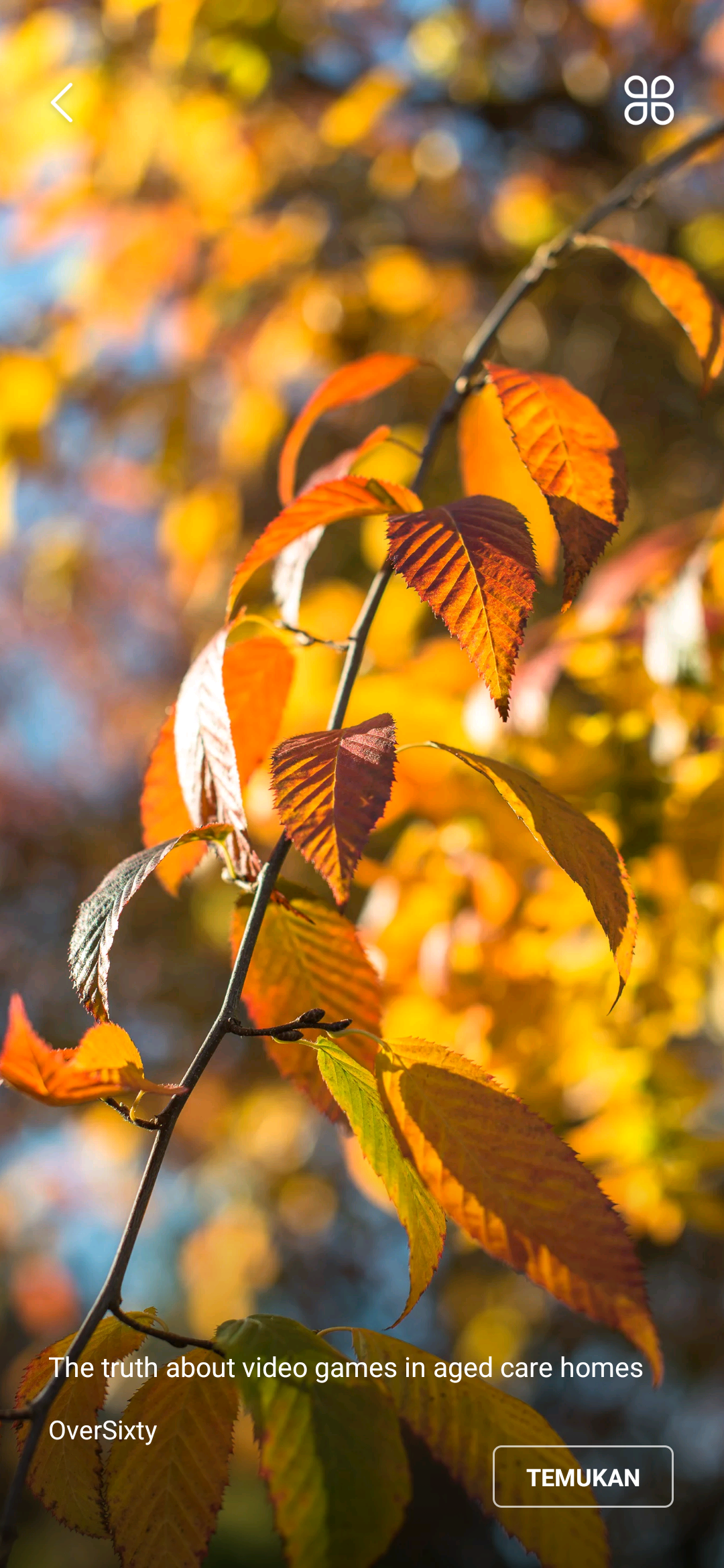
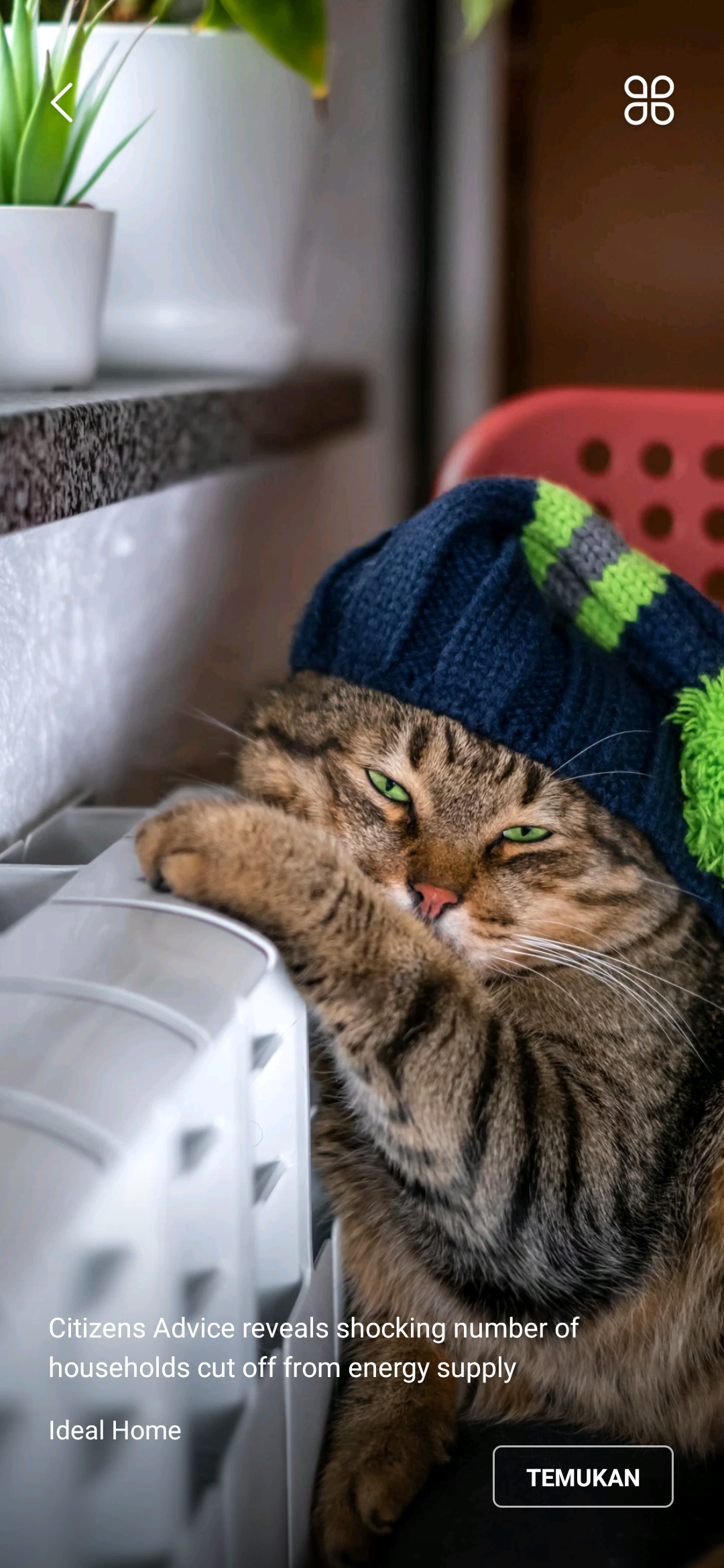

My Daily Wallpaper
1. App Overview
My Daily Wallpaper is a personalization app that provides HD wallpapers and daily stories for your phone's lock screen. It offers images in various styles and categories, making it easy to refresh your screen without having to search for wallpapers yourself.

Alongside its wallpaper collection, the app features trending topics and short stories for users to explore throughout the day. Its straightforward interface makes browsing easy, while cached wallpapers remain accessible offline.
The app also supports automatic daily wallpaper updates, allowing users to enjoy new images without manually changing their backgrounds. Those who prefer to keep a particular image can disable automatic updates in the settings.
2. Key Features
HD Wallpapers: Browse high-quality images across different styles, themes, and categories
Daily Stories and Trending Topics: Read short stories and explore popular topics within the app
Simple Interface: Navigate the wallpaper collection through a lightweight, uncluttered layout
Offline Access: View previously cached wallpapers without an internet connection
Low Battery Consumption: Designed to limit battery usage during normal operation
Automatic Daily Updates: Refresh your lock screen with new wallpapers each day
Update Controls: Enable or disable automatic wallpaper changes through the app settings
3. Core Use Cases
1. Refresh Your Lock Screen
Automatic wallpaper updates make it easy to give your phone a fresh appearance every day. Instead of searching for new images and changing your background manually, you can let the app handle the updates.
2. Discover Stories and Trending Topics
Beyond wallpapers, the app provides short stories and trending topics to browse during spare moments. These additional content options offer something to explore during a commute or break.
3. Browse Wallpapers Offline
Previously cached wallpapers remain available without an internet connection. This is useful when traveling, commuting through areas with limited network coverage, or trying to reduce mobile data usage.
4. Keep Your Favorite Wallpaper
If you prefer a particular image, you can disable automatic wallpaper updates to prevent the app from replacing your current background with a new one each day.
4. User Guide

Getting Started
Download and install My Daily Wallpaper on your phone.
Open the app and connect to the internet to load available wallpapers.
Allow the app to cache images for offline viewing.
Follow the on-screen instructions to configure your wallpaper preferences.
Managing Your Wallpapers
Automatic Updates: Keep automatic updates enabled to receive new wallpapers each day.
Browse Images: Open the app to explore the available wallpaper collection.
Offline Viewing: Access previously cached images without an internet connection.
Save Favorite Images: If your version includes a Save or Download option, use it to store images in your phone's gallery.
Adjusting App Settings
Enable or disable automatic wallpaper changes
Check whether trending topics and related content can be hidden
Adjust available wallpaper update preferences
Turn off automatic updates to keep your current background
5. Frequently Asked Questions
Q1: Does My Daily Wallpaper automatically change my lock screen?
Yes. When automatic updates are enabled, the app can refresh your lock screen with a new image each day. To keep your current wallpaper, disable automatic updates in the settings.
Q2: Can I view wallpapers without an internet connection?
Yes. Previously cached images can be viewed offline. However, an internet connection is required to load new wallpapers and download additional images.
Q3: Does My Daily Wallpaper consume a lot of battery or storage?
The app is designed to keep battery consumption relatively low during normal use. Storage usage depends largely on how many wallpapers are cached on your device. Actual battery and storage consumption may vary depending on your phone model, system settings, and usage habits.
Q4: What are the daily trending topics, and can I hide them?
The app includes trending topics and short stories alongside its wallpaper collection. These provide additional content to browse. Whether they can be hidden depends on the settings supported by your app version.
Q5: Can I save wallpapers to my phone?
This depends on the features available in your version of the app. If a Save or Download option is provided, you can use it to store your favorite wallpapers in your phone's gallery.
Q6: How can I stop my wallpaper from changing automatically?
Open the app's settings and find the automatic wallpaper update option. Turn it off to prevent the app from replacing your current background with a new image each day.
Q7: Do I need to open the app every day to receive a new wallpaper?
No. Once automatic updates are enabled, the app can update your wallpaper in the background without requiring you to open it daily. However, updates may be delayed if your phone restricts background activity, limits background data usage, or uses aggressive battery-saving settings.
- Version3.0.0.2.3
- UpdateNov 05, 2026
- DeveloperUme Web
- CategoryLifestyle
- Requires AndroidAndroid 6+
- Downloads388K+
- Package Namecom.ume.wallpaper.nubia.new
- Signature0731a2ac53e66f69faa2d2b962246f22
- Available on
- ReportFlag as inappropriate













Rich in content
Easy to operate
Offline restrictions
Advertising issues
System limitations