
Wongi Memo Widget - Widgets & Memos Creator
Easily create vibrant widgets & simple memos with customizable sizes & colors—perfect for organizing your life!

- 4.1.42 Version
- 2.7 Score
- 159K+ Downloads
- Free License
- 3+ Content Rating

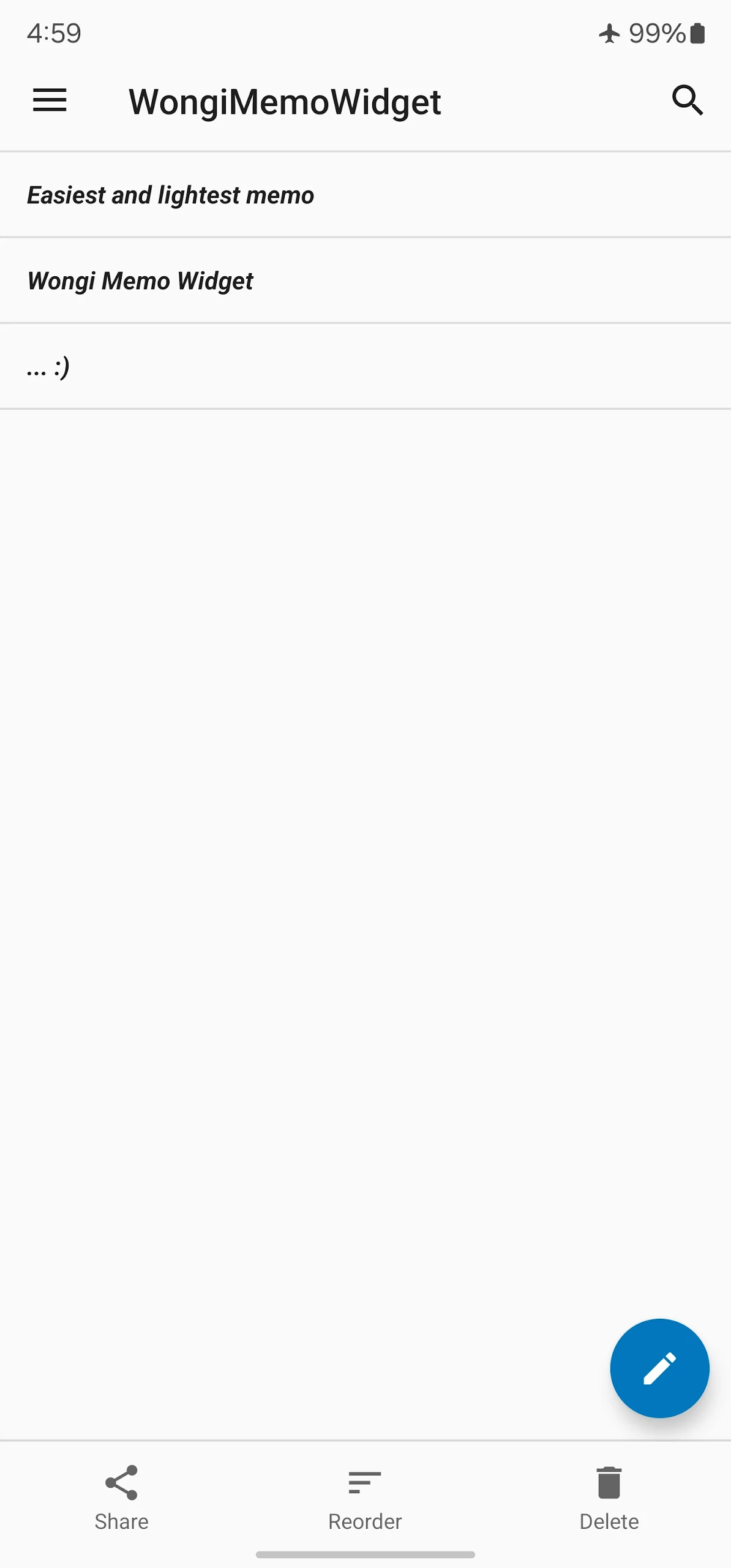
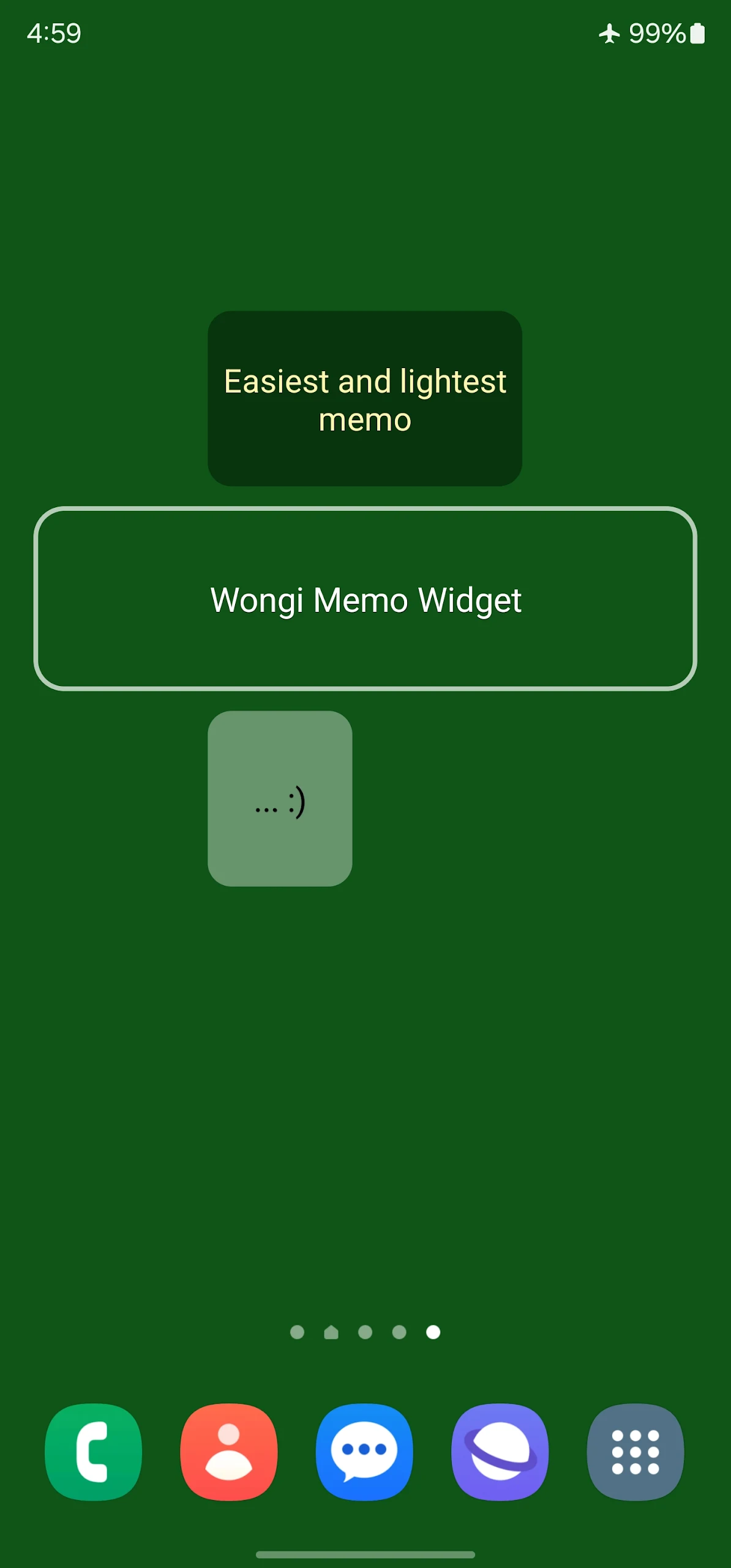
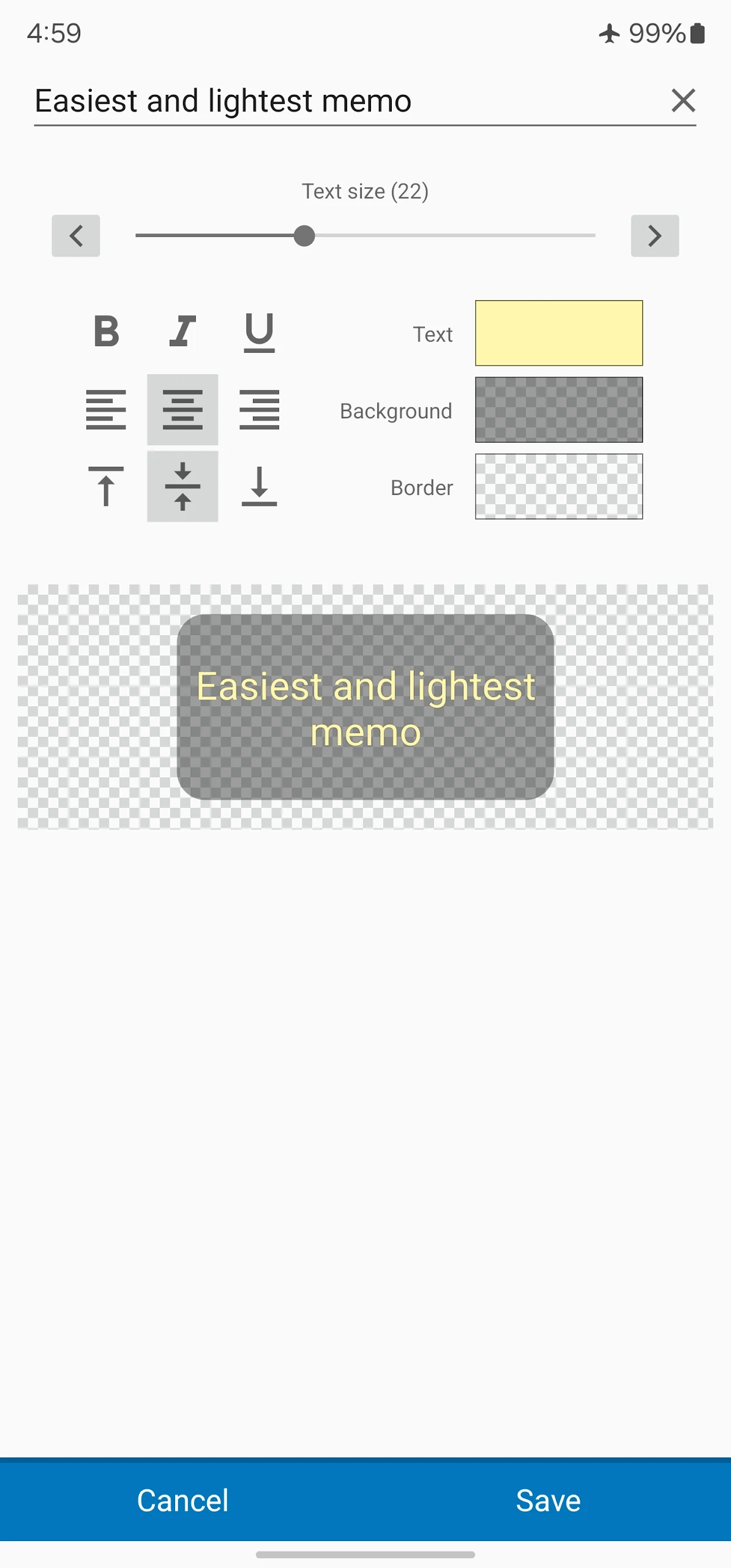
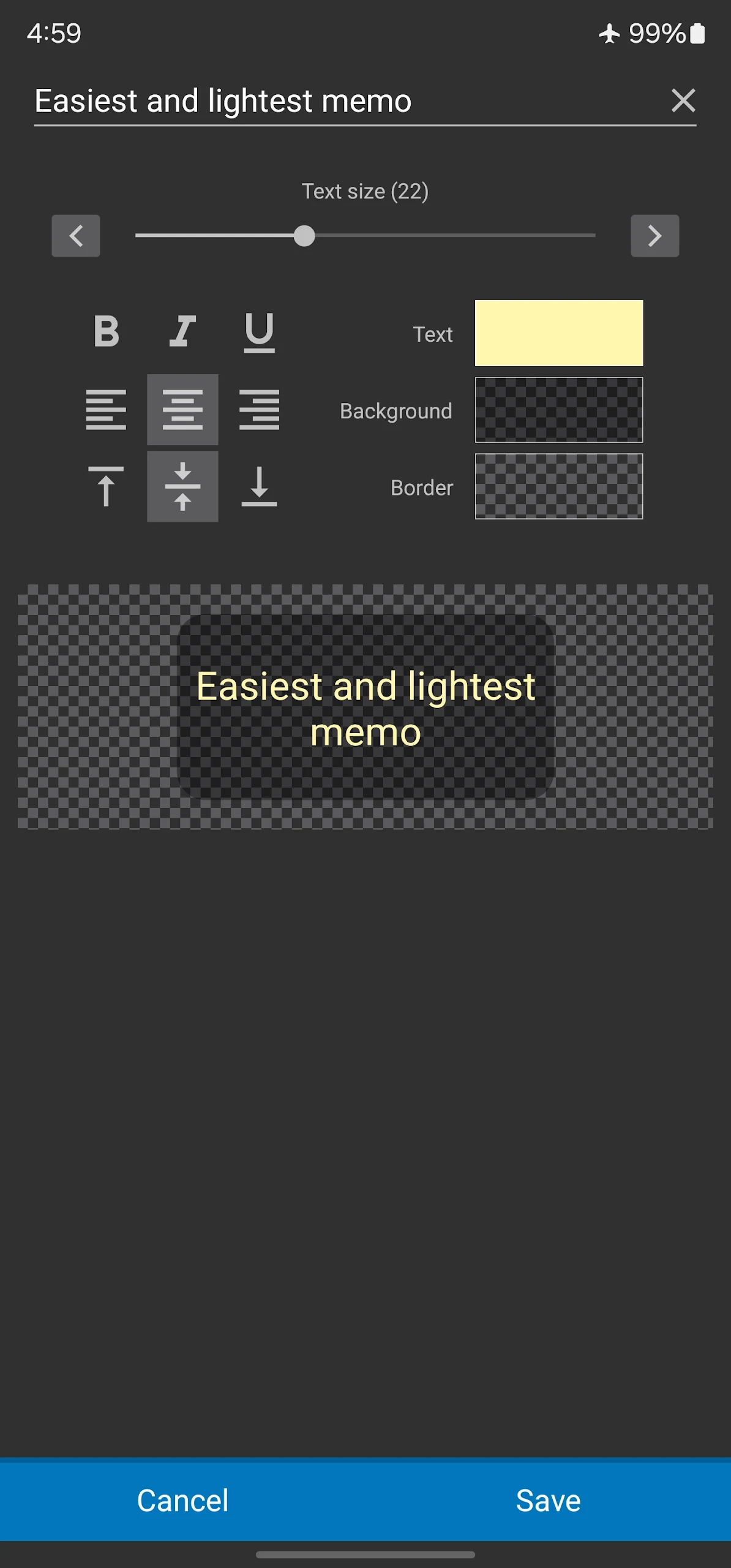
Wongi Memo Widget
1. Key Features
Create memos and display them directly on your phone's home screen
Simple interface with minimal setup
Choose from 10 preset widget sizes or resize widgets manually
Customize widget colors to match your home screen
View important notes and reminders without opening the app
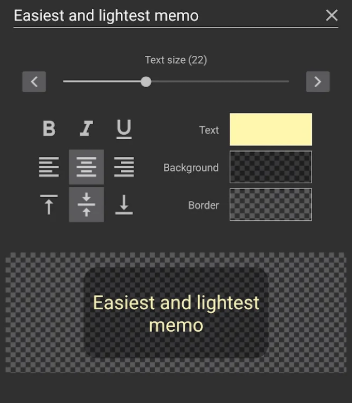
Supported Widget Sizes:
1×1
2×1
2×2
4×1
4×2
4×4
5×1
5×2
5×5
Resizable
2. How to Use Wongi Memo Widget
Step 1: Create a Memo
Download and install Wongi Memo Widget, then open the app and enter your note. You can start writing immediately without completing any additional setup.
Step 2: Add a Widget to Your Home Screen
Long-press an empty area of your home screen.
Tap the "+" button to open the widget menu.
Find Wongi Memo Widget in the list of available widgets.
Select your preferred widget size and color.
Drag the widget to your desired position and place it on the home screen.
Step 3: Manage Your Widgets
Edit memos: Open the app to update your existing notes.
Change colors: Select another available color to personalize the widget.
Adjust sizes: Choose a different preset size or resize the widget directly on your home screen.
3. User Experience
Wongi Memo Widget focuses on quick note access through home screen widgets rather than offering a full-featured note-taking system. It works well for displaying short reminders, temporary notes, shopping lists, and brief messages that need to stay visible.
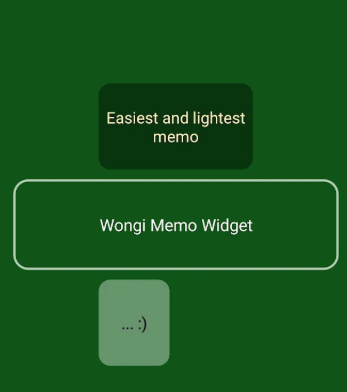
The range of widget sizes makes it possible to fit notes into different home screen layouts. Color customization also helps users distinguish between multiple widgets or coordinate them with their existing screen design.
The app is best suited to lightweight note-taking. Users who need advanced organization tools, cloud synchronization, or cross-device access may find its functionality limited.
4. Frequently Asked Questions
Q1: Can I display my memos directly on my home screen?
Yes. Add a Wongi Memo Widget to your home screen to display your saved notes without opening the app.
Q2: How many widget sizes are available?
The app offers 10 preset sizes, ranging from 1×1 to 5×5, as well as a resizable option.
Q3: Do I need to configure anything before creating a memo?
No. Simply open the app and enter your note. Adding a home screen widget is a separate step that you can complete whenever you want.
Q4: Can I customize the appearance of my widgets?
Yes. You can choose from the available colors and adjust the widget dimensions to fit your home screen.
Q5: Can I transfer my memos to another phone?
Cloud synchronization is not listed as a supported feature. Transferring your notes may depend on your device's backup and migration options. Keep a separate copy of important information before switching phones.
Q6: Does Wongi Memo Widget contain advertisements?
The free version may include advertisements, and some users have reported seeing ads on the lock screen. Check the app's latest settings and pricing information for details about available ad-free options or subscriptions.
- Version4.1.42
- UpdateNov 05, 2026
- DeveloperWonGi Chae
- CategoryLifestyle
- Requires AndroidAndroid 7.0+
- Downloads159K+
- Package Namewongi.memo.widget
- Signature9f90a0cc7290ed59b7ddcd9603efce05
- Available on
- ReportFlag as inappropriate
-
NameSizeDownload
-
7.24 MB
-
4.87 MB
-
4.85 MB












Easy to use
Highly customizable
Convenient to view
Limited functionality
Generally stable
Insulting ads