
Webscan - Clone App - Manage accounts & communication
Effortlessly handle all your messaging needs with features like Status Saver & Direct Chat for streamlined communication.
- 1.3.2 Version
- 1.4 Score
- 790K+ Downloads
- In-app purchases License
- 3+ Content Rating


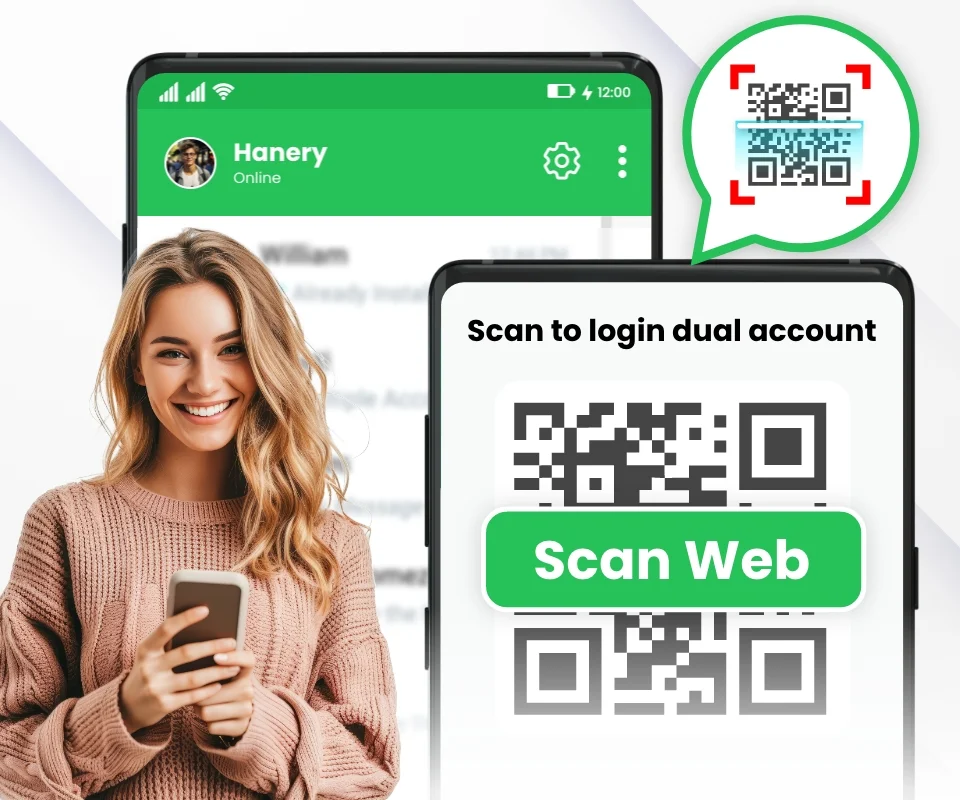
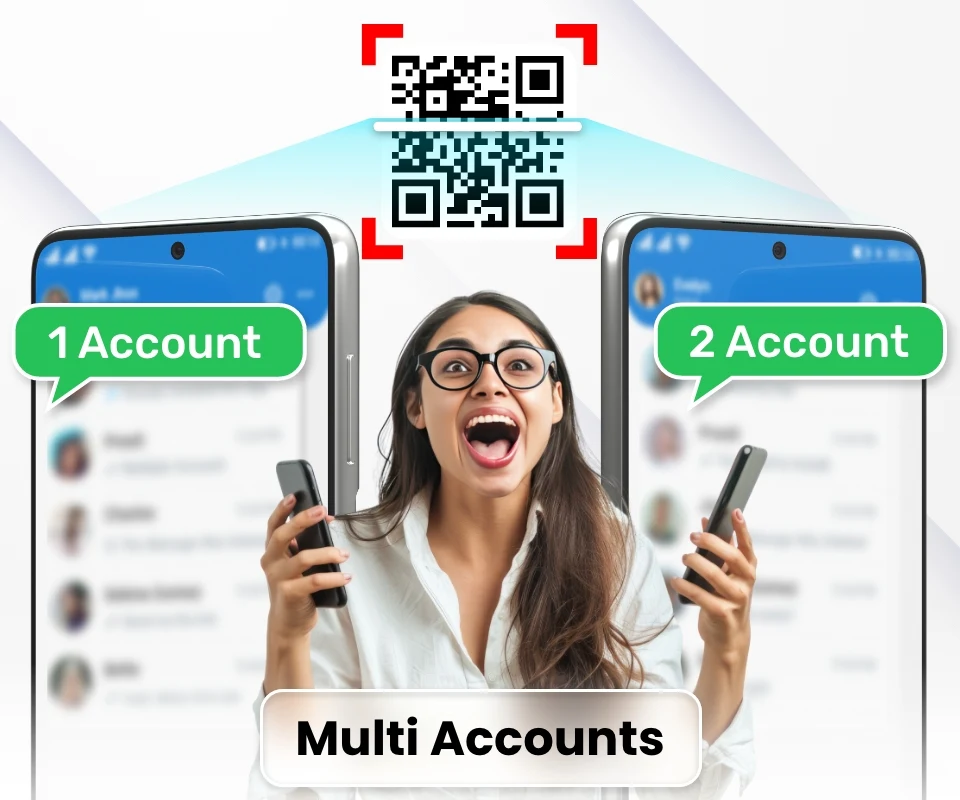
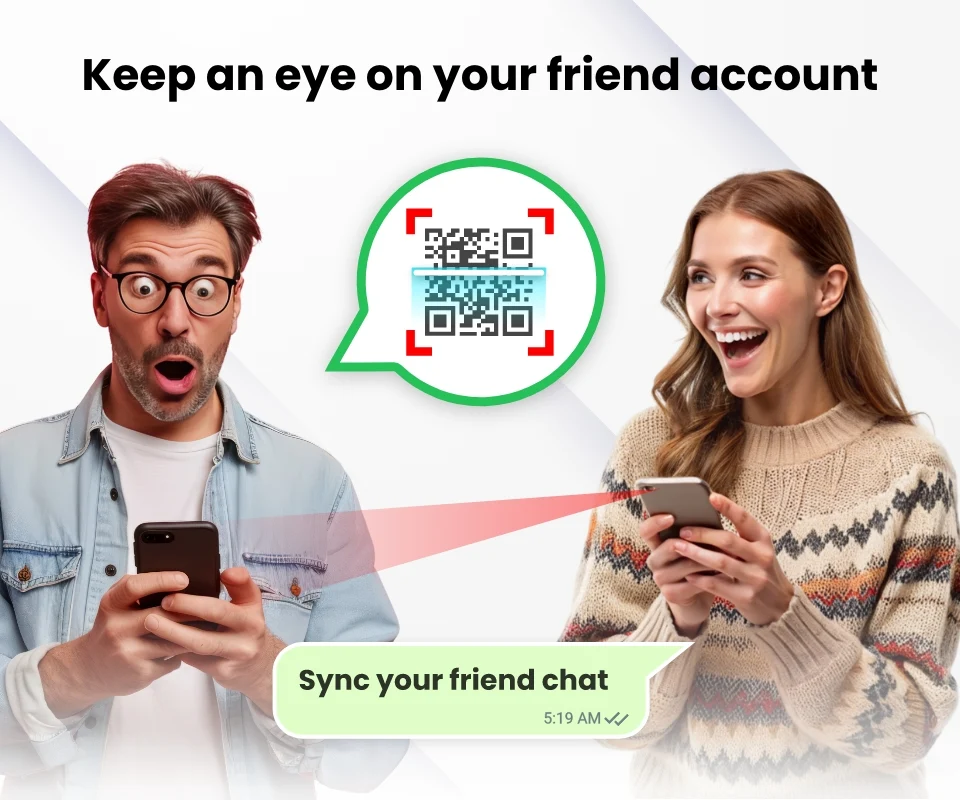
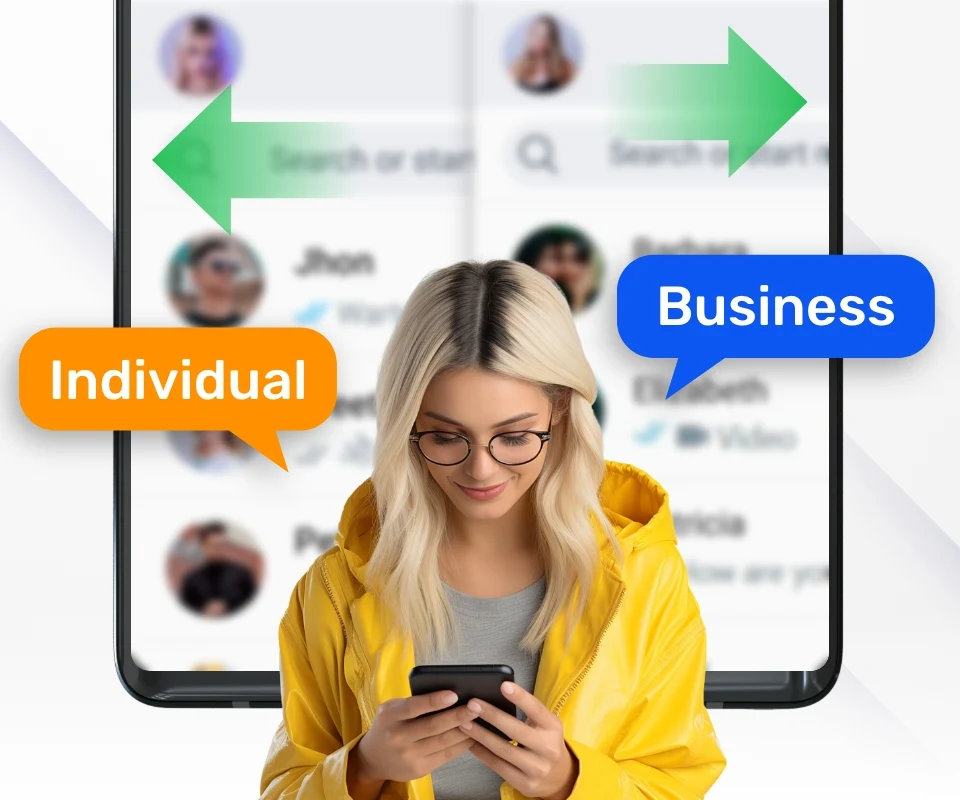
Introducing WebScan, the premier online solution for managing multiple accounts seamlessly and securely.
With the Webscan - Clone app, you can utilize robust features that facilitate efficient management of your messaging and communication requirements. This enables you to handle all your accounts conveniently from one location, eliminating the hassle of switching devices frequently by utilizing easy QR code scanning.
Functions:
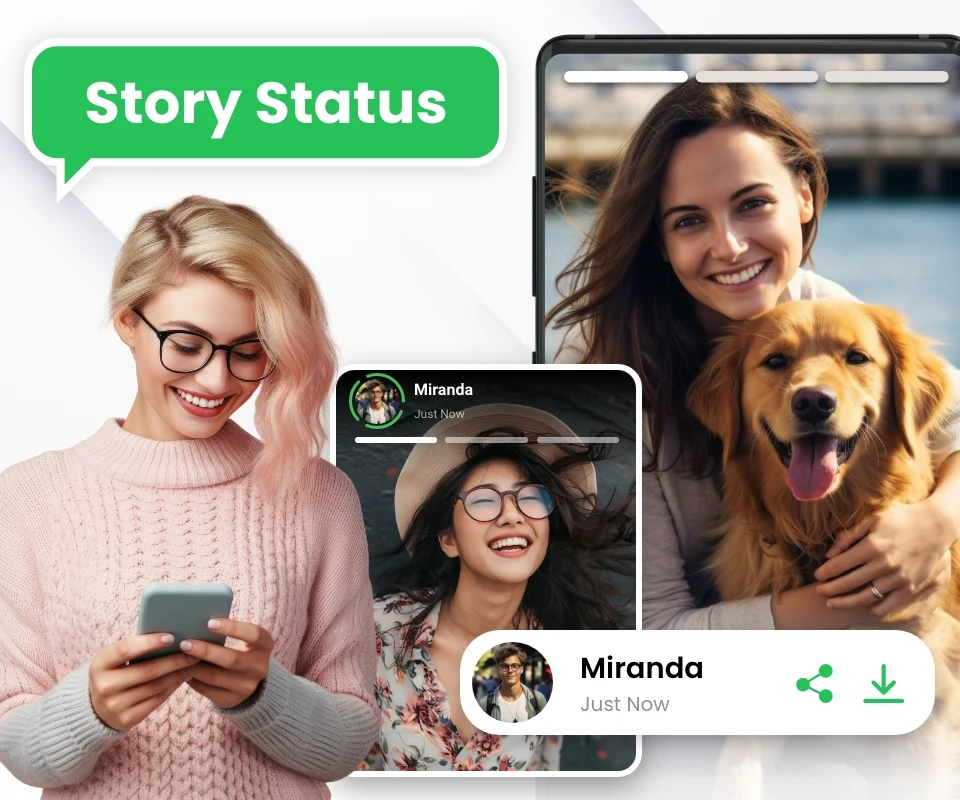
- Web Scan’s Status Saver feature allows you to swiftly save noteworthy or significant updates from your contacts. It is an excellent option for those looking to compile memorable or important information efficiently.
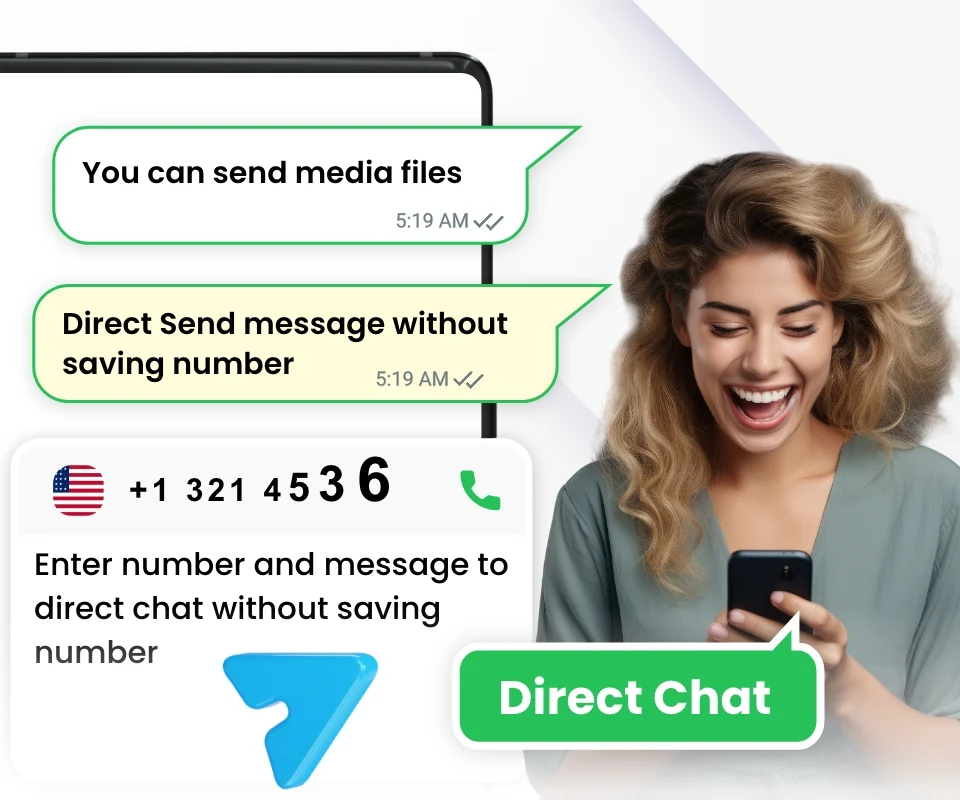
- The Direct Chat function is another highlight of the scan to web - clone app. With this feature, sending messages to any number without saving it in your device's contacts becomes effortless. It is especially beneficial for businesses seeking to connect with clients or for anyone wanting to message someone not stored in their contacts.
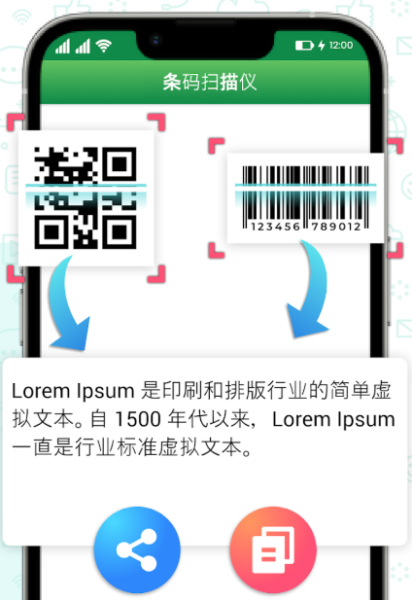
- The QR Code Scanner available in scan to web is also an essential tool. This feature permits effortless scanning of any QR code, giving you immediate access to information on your computer or tablet. It is ideal for businesses that aim to enhance their workflow or for users who need rapid access to information via QR codes.
- Lastly, the Text Repeater feature in scan to web simplifies the process of duplicating any text message or phrase in just a few clicks. This function is perfect for individuals who often send repetitive messages and for businesses aiming to optimize their communications.
Features:

- Multi-account integrated management: Manage multiple accounts on one platform, link them by scanning a QR code, eliminating the need for frequent device changes.
- Convenient status saving: Quickly save important status updates from contacts for easy aggregation of key information.
- Direct chat without saving numbers: Send messages without saving the contact's number in your address book, perfect for casual conversations or business meetings.
- Quick QR code scanning: Scan and instantly access messages on your computer/tablet, improving information retrieval efficiency.
- Repeat text generation: Copy and paste repetitive text in a few steps, ideal for individuals or businesses that frequently send repetitive messages.
- Secure and adaptable: Use in a secure environment, with features covering both personal and business needs.
How to Use It:
- **Multiple Account Management**: Open the WebScan - Clone app and find the account add-in, typically a "+" sign or "Add Account" button. Once clicked, use your device's camera to scan the QR code of the account you want to link. This will add the account to the app, allowing you to manage multiple accounts on a single platform.
- **Save Status Update**: When a contact posts a status update, find the corresponding update on the status screen. There may be a "Save" or "Star" icon next to it. Click this icon to save the update to your favorites or a list for easy access and organization.
- **Direct Chat**: Enter the app's chat interface and tap "New Chat" or a similar button. In the pop-up input box, enter the other party's phone number directly without saving it to your phone's address book. Then, enter the message you want to send and tap Send to complete the chat.
- **Scan QR Code**: Tap the "QR Code Scan" icon within the app and point your device's camera at the QR code you want to scan. The app will automatically recognize the information in the QR code.
- **Repeat Text**: Select the text you want to repeat by long-pressing the text box and dragging the selection box. After selecting the text, a function menu will appear above or near the text box. It may include options such as "Copy," "Repeat," or "Repeat Text." Clicking this option will quickly copy the selected text and allow users to paste it wherever they need it.
In conclusion, the Web Scan - Clone app stands out as the ultimate web-based tool for efficiently managing your messaging and communication in a secure environment. Equipped with impressive features like Status Saver, Direct Chat, QR Code Scanner, and Text Repeater, Web Scan caters to both businesses and individual users. Experience enhanced control over your messaging and communications by trying it today!
Q&A
1. **Q: What is WebScan mainly used for?**
A: It provides one-stop secure management of multiple accounts, saves contact updates, allows direct chatting without saving numbers, sends messages via QR code, and generates duplicate text with one click, catering to both personal and office needs.
2. **Q: How do I add multiple accounts to the app?**
A: Open the app, find the "Add Account" button, and use your phone's camera to scan the QR code of the account you want to bind. This will add the account and manage it centrally.
3. **Q: Can I chat without saving the other person's number?**
A: Yes, go to the chat interface, select "Create New Chat," and directly enter the other person's number to send a message without saving it to your contacts.
4. **Q: Is there a shortcut for sending the same text repeatedly?**
A: Yes, select the text you want to repeat, and click the "Repeat Text" option in the function menu to quickly copy and reuse it.
5. **Q: How do I save contact updates?** **
A: On the dynamic page, find the target update, and click the "Save" or "Favorite" icon next to it to save the content for later viewing.
- Version1.3.2
- UpdateOct 19, 2026
- DeveloperSolution Apps Studio
- CategorySocial
- Requires AndroidAndroid 7.0+
- Downloads790K+
- Package Namecom.whatscan.whatsweb.whatsdirect.status.saver
- Signature70c1487aa07cd38bef6b23f02745c342
- Available on
- ReportFlag as inappropriate














Convenient multi-account management
Rich and practical features
Timely data synchronization
Interfering ads may occur
Security risks