
Voice Changer & Audio Editor - Audio Editing & Effects
Transform your voice with fun effects, high-quality recordings, and intuitive editing to unleash your creativity effortlessly!

- 1.0.3 Version
- 2.0 Score
- 629K+ Downloads
- Free License
- 3+ Content Rating


Voice Changer & Audio Editor
1. App Overview
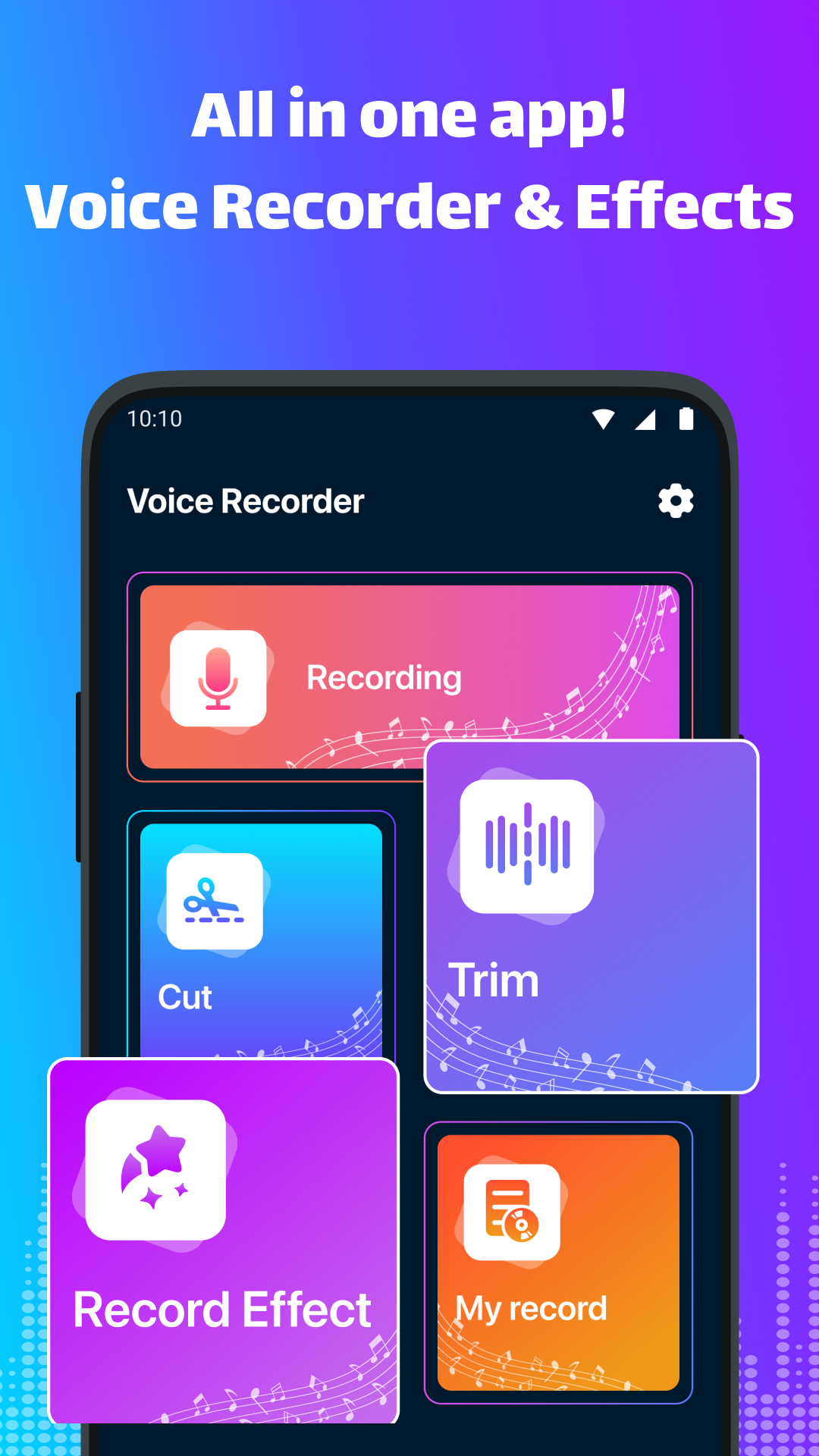
Voice Changer & Audio Editor is an audio app that combines voice effects, recording, and editing tools. It allows users to record their voices, modify audio with different effects, and edit sound files directly within the app.
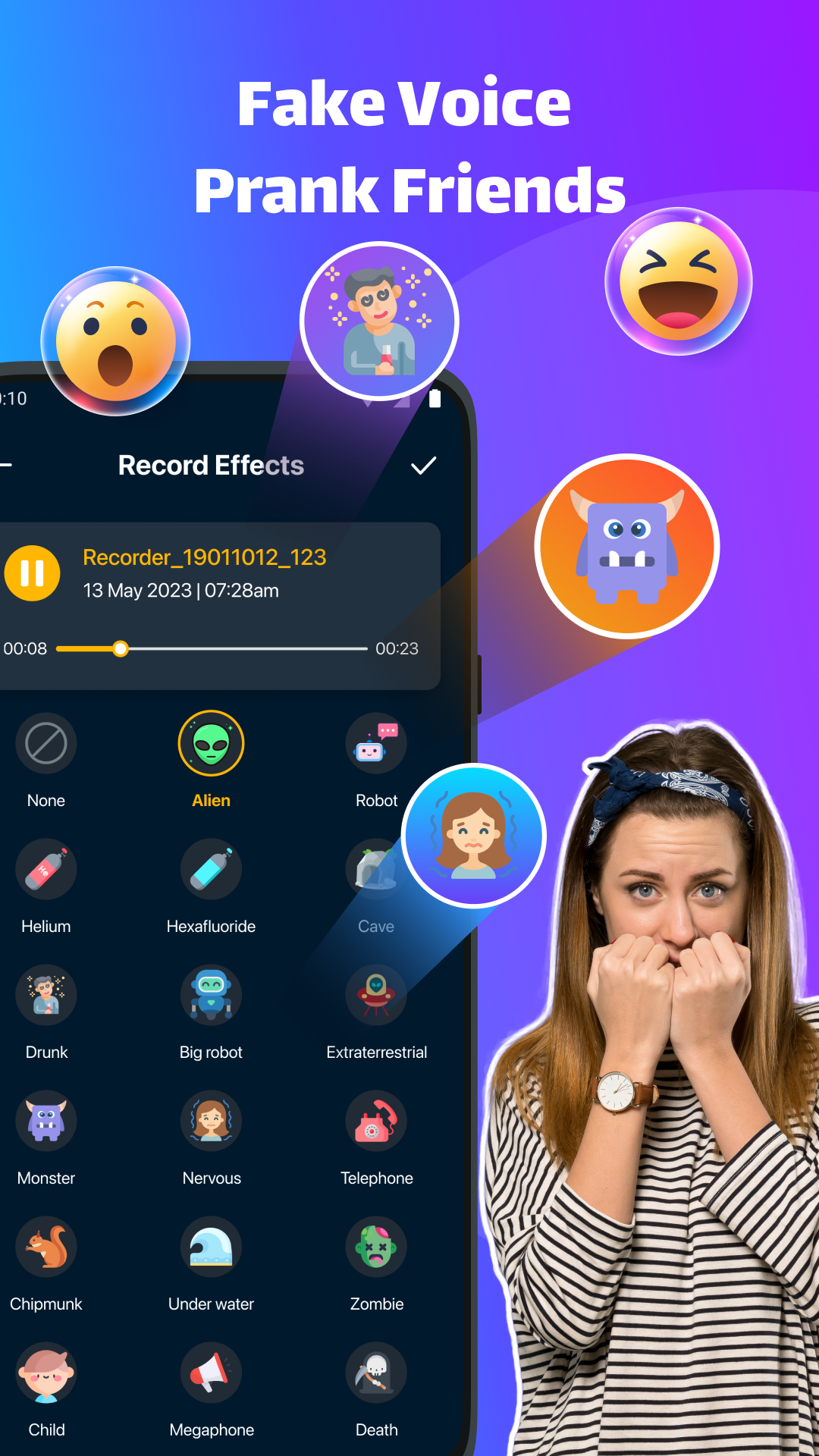
Its voice changer feature offers a variety of effects for transforming ordinary recordings into different sounds. Users can record audio directly or import existing files from their devices before applying effects. These tools are useful for creating humorous voice clips, personalized messages, and audio for creative projects.
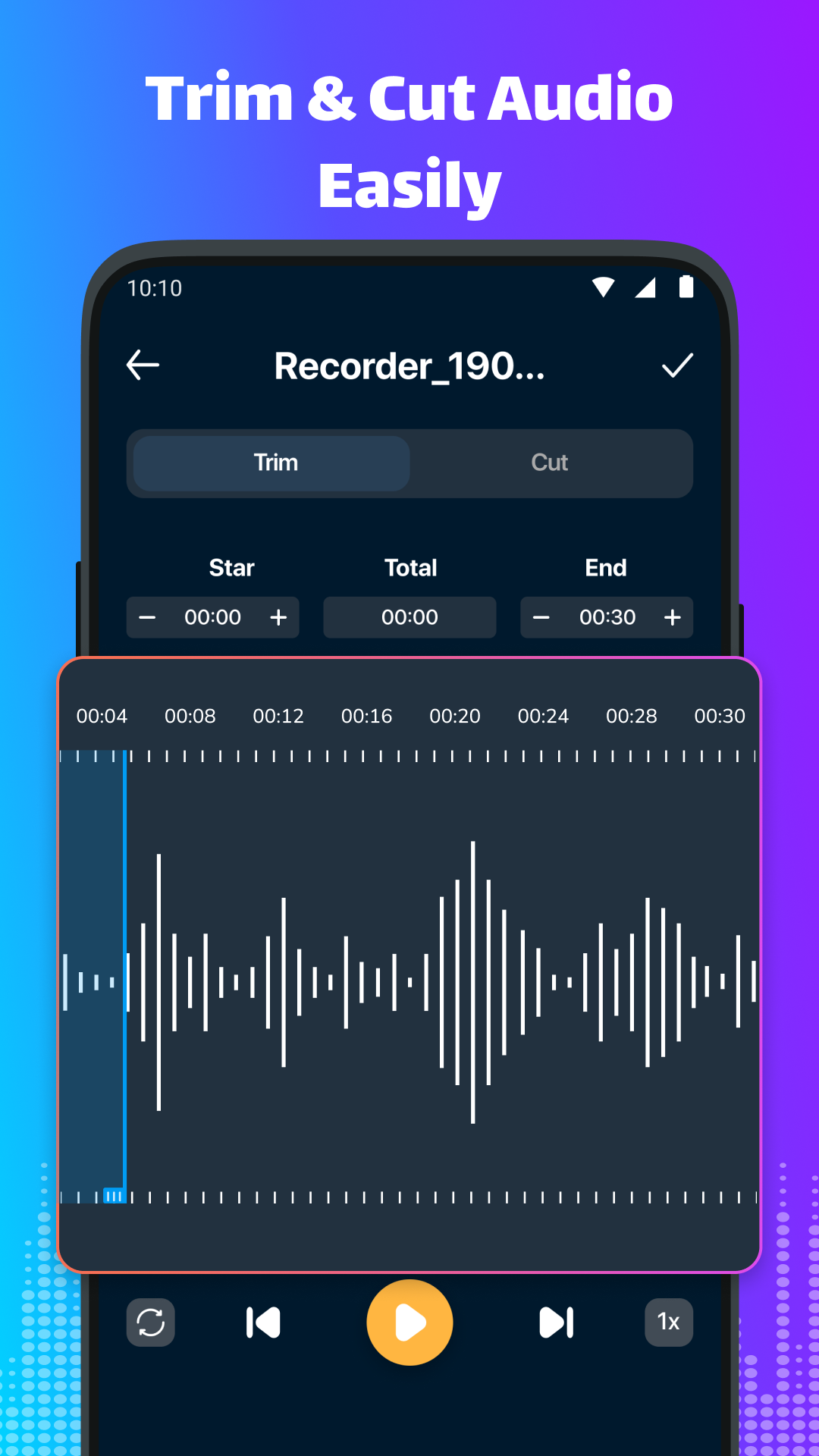
The built-in recorder can capture meetings, interviews, lectures, and personal notes. For editing, users can trim unwanted sections, split longer recordings into shorter clips, merge multiple files, adjust volume levels, and mix audio tracks. These functions cover common editing tasks without requiring a separate audio editor.
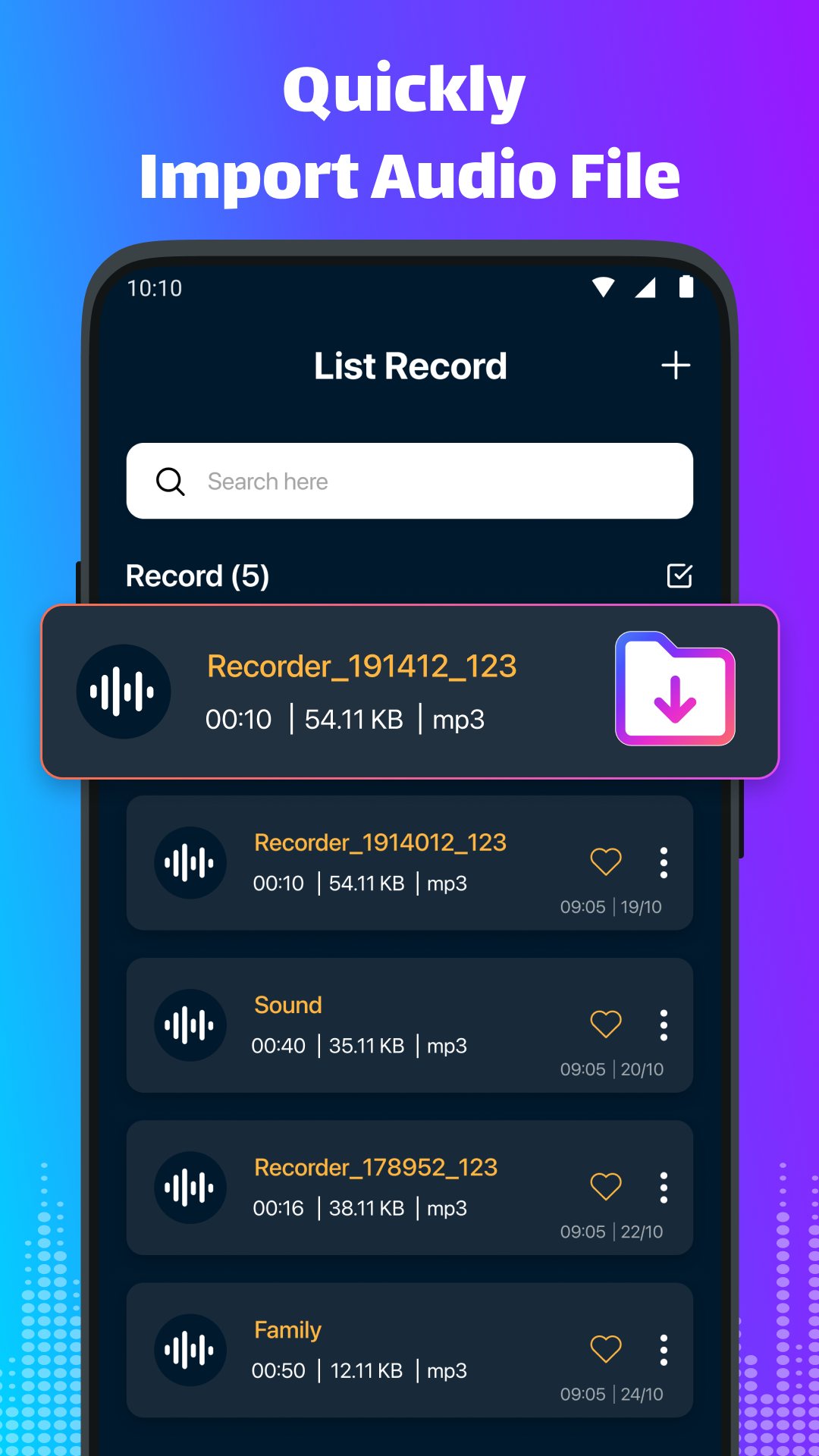
The app also includes a recording manager for browsing, renaming, and deleting saved files. Users can select audio clips and set them as phone ringtones.
By bringing together voice modification, recording, editing, and file management, Voice Changer & Audio Editor provides tools for both creative audio projects and everyday recording needs.
2. Key Features
Voice Changing Effects
Apply different voice effects to transform recorded audio
Modify new recordings or imported audio files
Create customized voice clips and entertaining audio messages
Audio Recording
Record audio directly within the app
Pause and resume recordings
Capture meetings, interviews, lectures, reminders, and personal notes
Audio Editing
Trim unwanted sections from audio files
Split longer recordings into shorter clips
Merge multiple audio files into one
Adjust volume levels and mix audio tracks
Recording Management
Browse saved recordings in one place
Rename files for easier identification
Delete unwanted audio
Set selected audio clips as phone ringtones
3. How to Use
Record or Import Audio: Open the app and start a new recording, or choose an existing audio file from your device.
Apply Voice Effects: Browse the available effects, select one, and preview the result.
Edit Audio: Trim sections, split recordings, merge clips, or adjust volume levels using the editing tools.
Manage Files: Open the recording manager to rename files, delete unwanted recordings, or select a clip for ringtone use.
Save the Finished Audio: Save your recording or edited file to your device.
4. Use Cases
Creating Entertaining Voice Clips: Apply voice effects to make humorous recordings, personalized messages, and audio content for social media.
Recording Meetings and Lectures: Capture discussions, interviews, and classroom sessions for later listening.
Editing Audio Projects: Combine recordings, remove unnecessary sections, and adjust volume levels when preparing simple audio content.
Customizing Phone Ringtones: Turn a favorite recording or edited audio clip into a personalized ringtone.
5. Frequently Asked Questions
Q1: Can I apply voice effects to existing audio files?
Yes. You can import audio files stored on your device and apply available voice effects without making a new recording.
Q2: Can I pause and resume an audio recording?
Yes. The built-in recorder includes pause and resume controls, allowing you to interrupt a recording and continue later.
Q3: Can I merge multiple audio files?
Yes. The editing tools allow you to merge multiple audio clips into a single file. You can also mix audio tracks.
Q4: Can I set an edited audio file as my ringtone?
Yes. Select a saved recording and use the ringtone option to set it as your phone's ringtone.
Q5: Are all voice effects free?
The availability of certain effects and additional features may depend on the app version. Some options may require a paid upgrade.
- Version1.0.3
- UpdateNov 09, 2026
- DeveloperAl Islam Inc
- CategoryMusic & Audio
- Requires AndroidAndroid 6+
- Downloads629K+
- Package Namecom.voicerecorder.voicememos.audiorecorder.voice
- Signature46fe1ae13c11d3705d275e11fe9a8493
- Available on
- ReportFlag as inappropriate










Comprehensive and practical features
Low learning curve
Basic functions are free
The free version has limitations.
It lacks professional features.
Performance is device-dependent.