
Thanh Ca - Hymn access & management
Discover new hymns & Bible songs while managing your music library right from your smartphone for spiritual enrichment.

- 1.0 Version
- 1.5 Score
- 164K+ Downloads
- Free License
- 3+ Content Rating

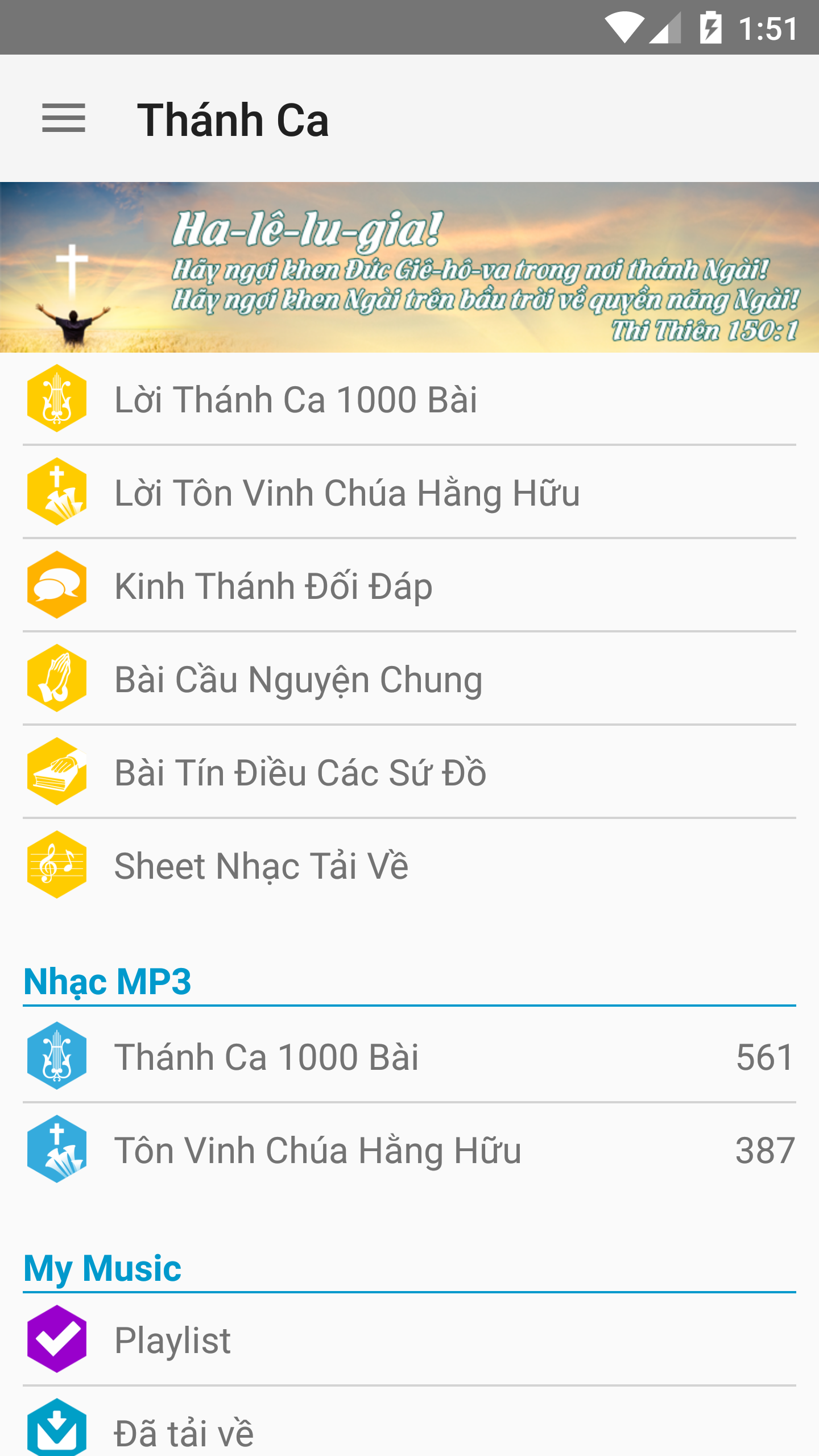
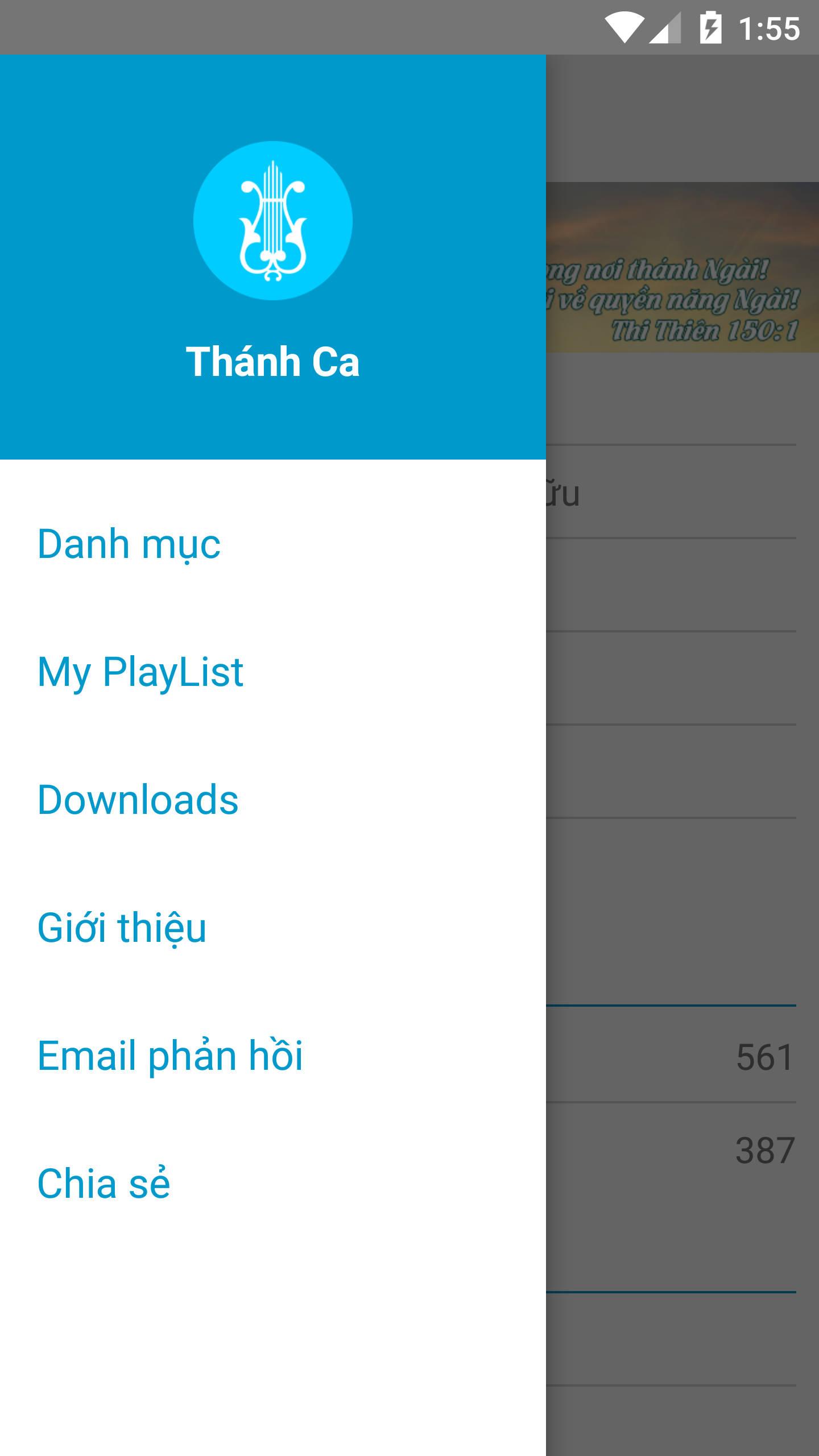
Hymn
1. App Overview
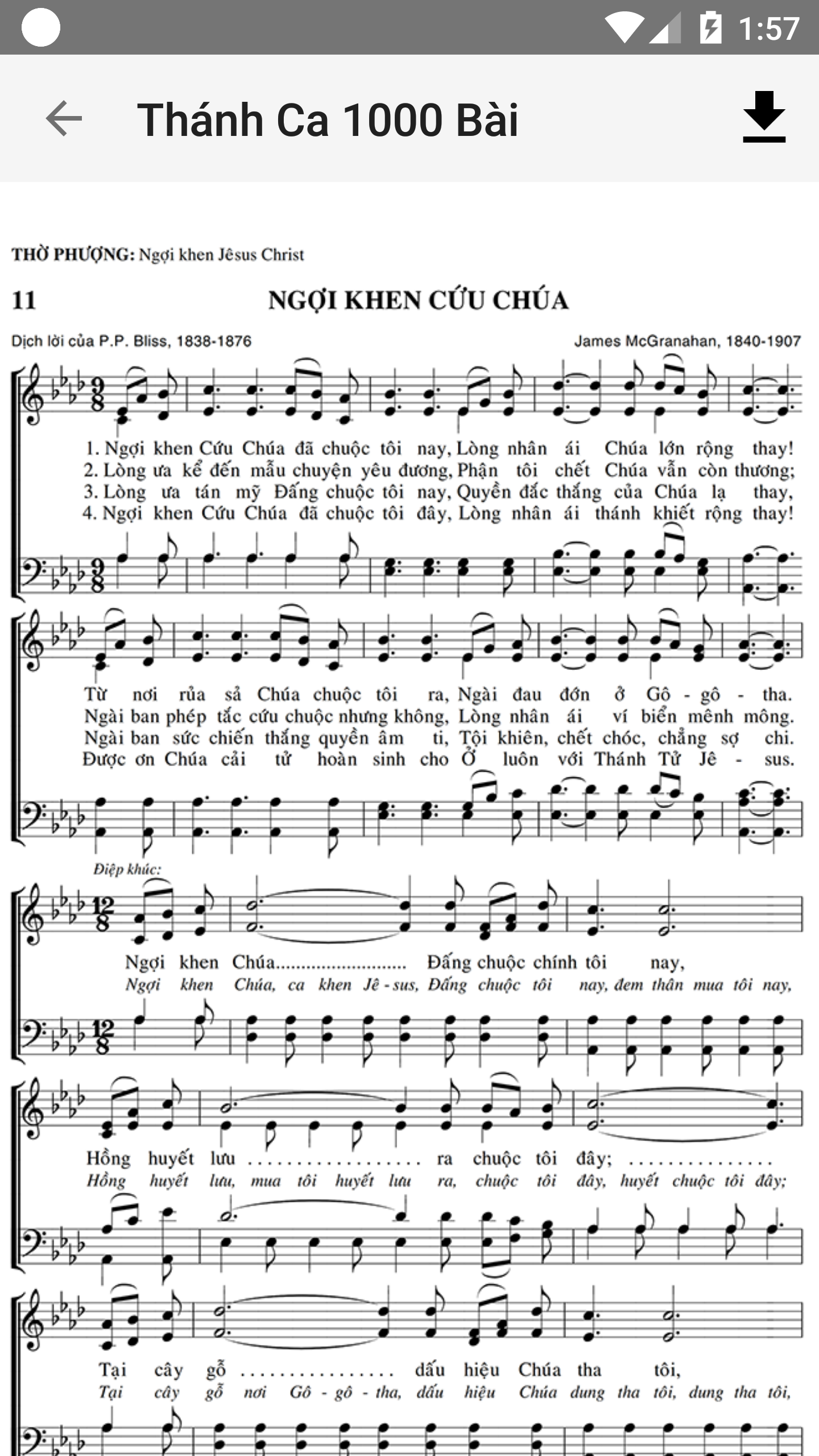
Hymn is a free Android application developed by Communications - General Federation in collaboration with several specialists. It provides a collection of Christian hymns, related Bible passages, and music resources for users who enjoy sacred music and incorporate hymns into their daily spiritual activities.
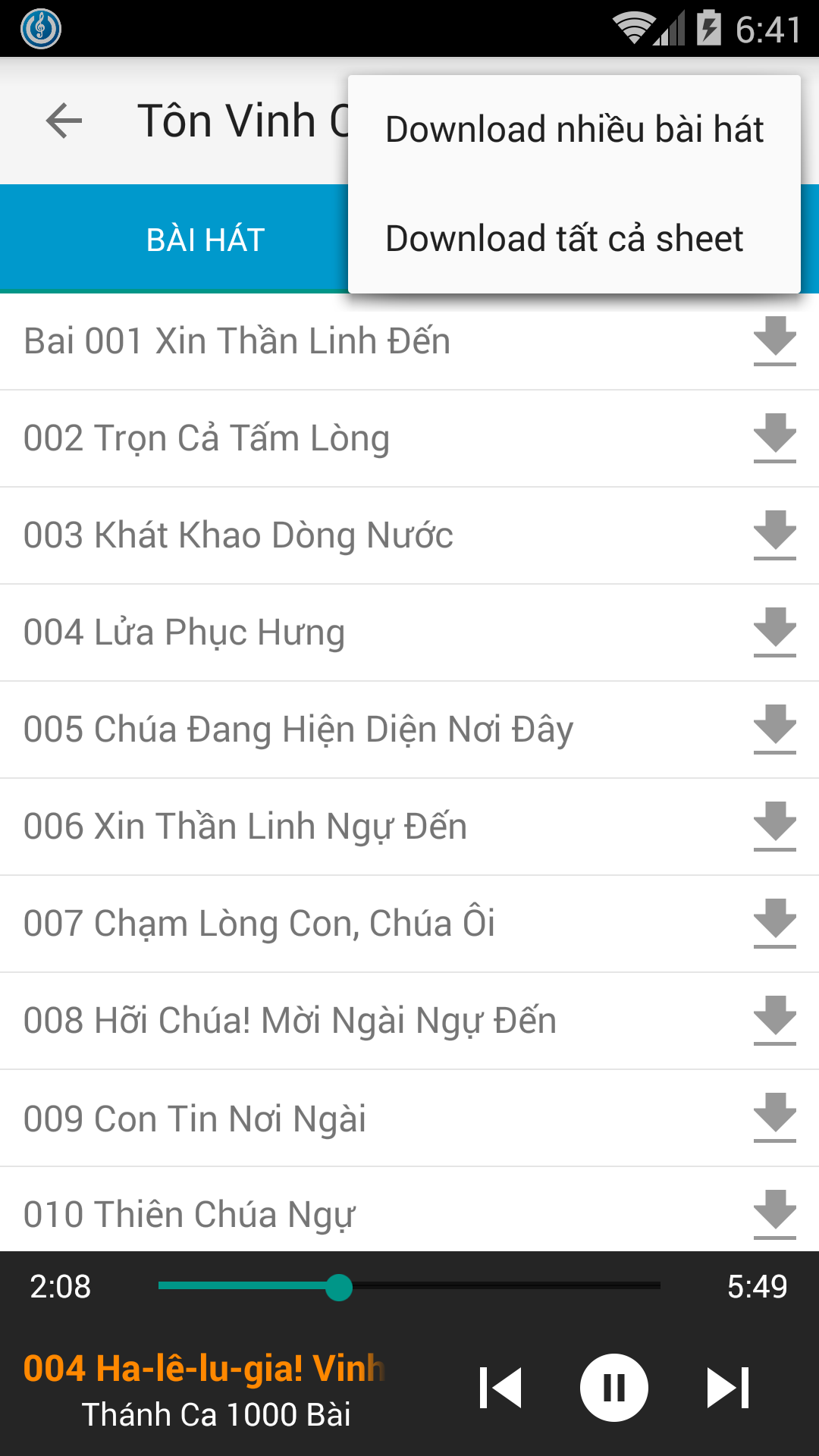
The app offers online hymn playback and MP3 downloads for offline listening. Users can browse the music library, select hymns, and save available recordings directly to their devices. Selected hymns also include links to related Bible passages, allowing users to explore the scriptures behind the songs.
For offline music management, Hymn features a playlist editor where users can create personal collections from downloaded recordings. Songs can be added or removed, and their playback order can be adjusted to suit individual preferences. This allows users to organize their favorite hymns and listen to them without an internet connection.
Whether used during personal devotion, Bible reading, or quiet moments throughout the day, Hymn brings Christian music and related scriptures together in one application.
2. Key Features
Online Hymn Library
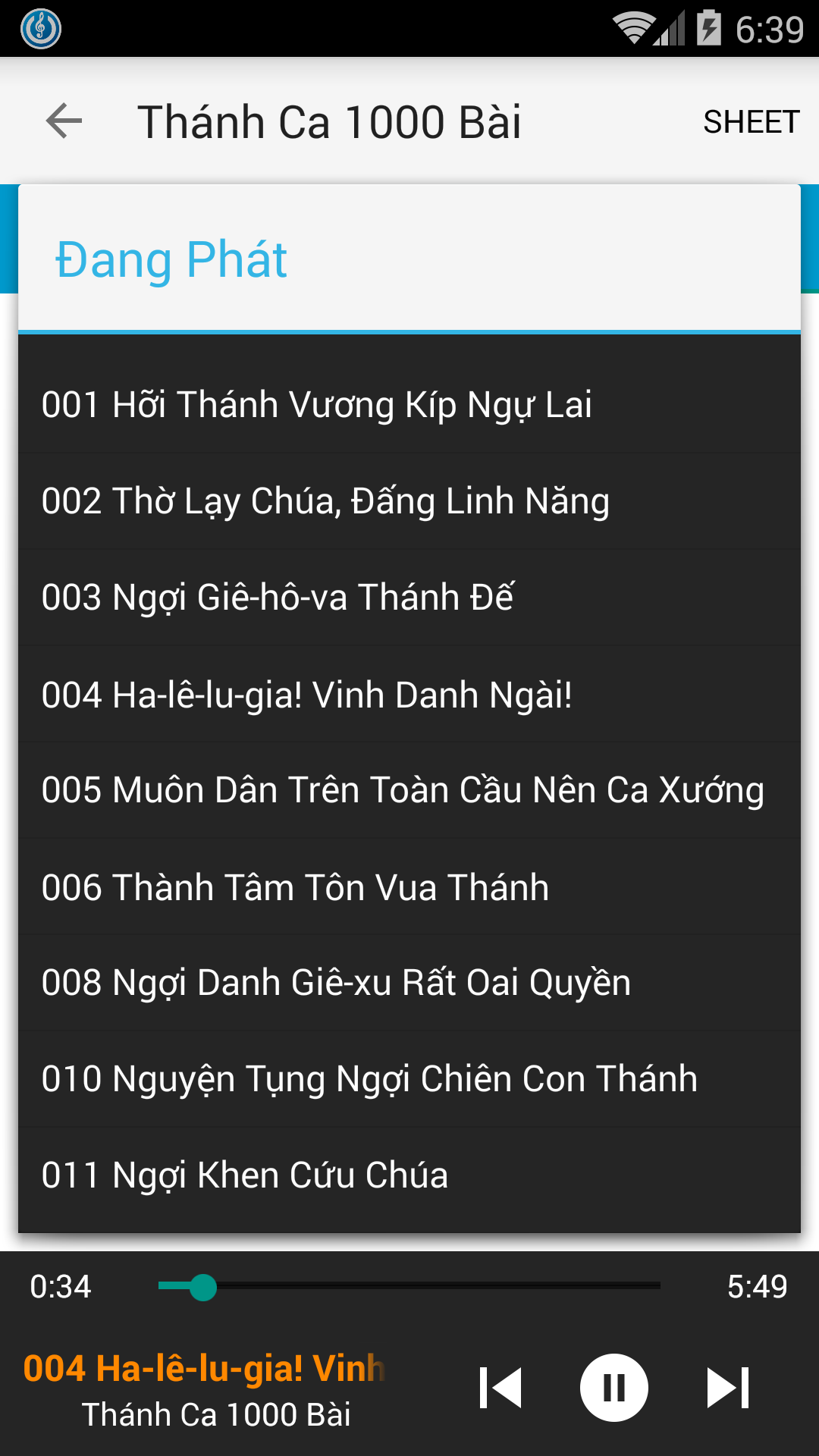
Browse a collection of Christian hymns and sacred music. Select a song from the library to listen through the built-in online player.
Bible Verses Linked to Hymns
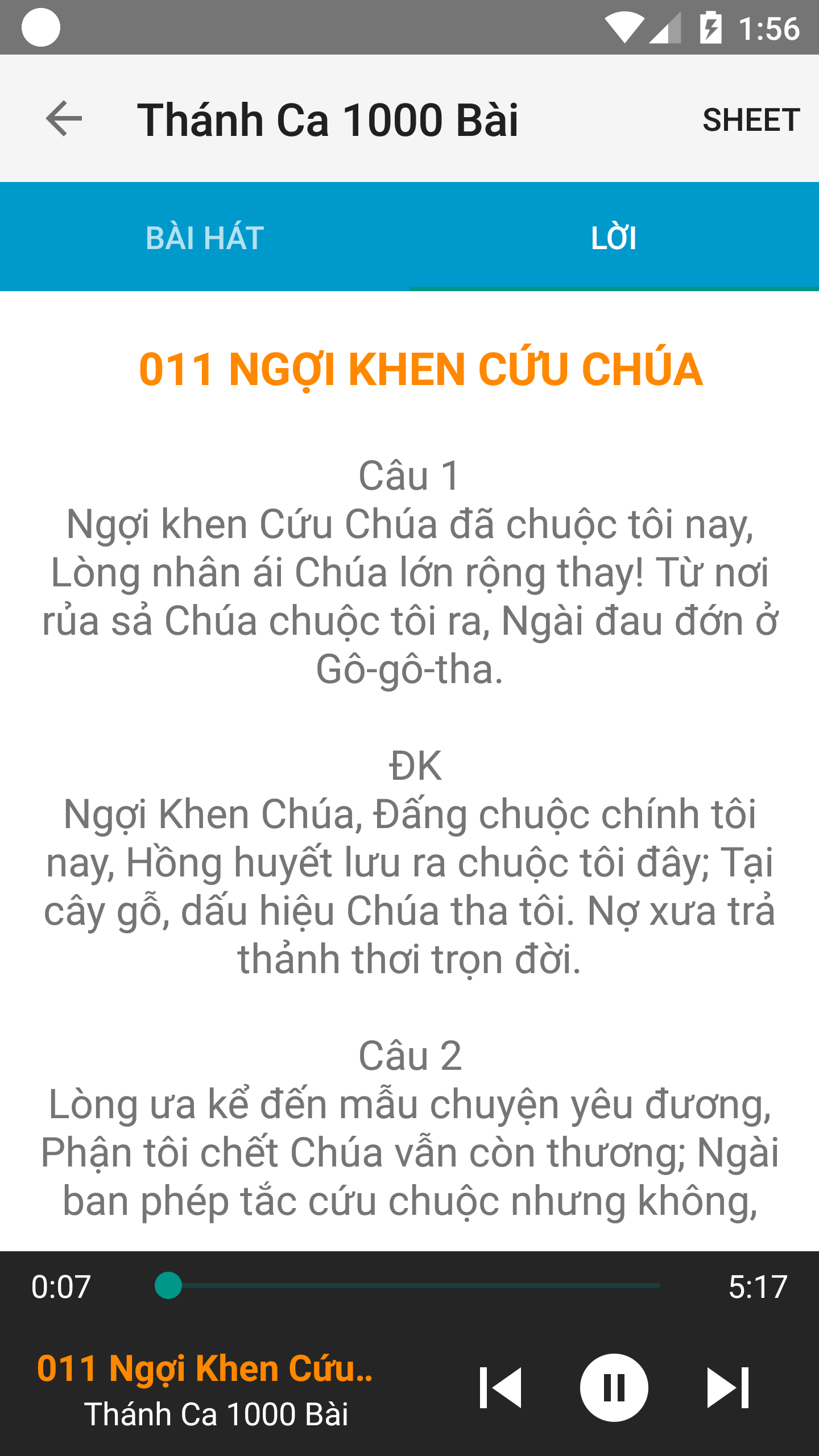
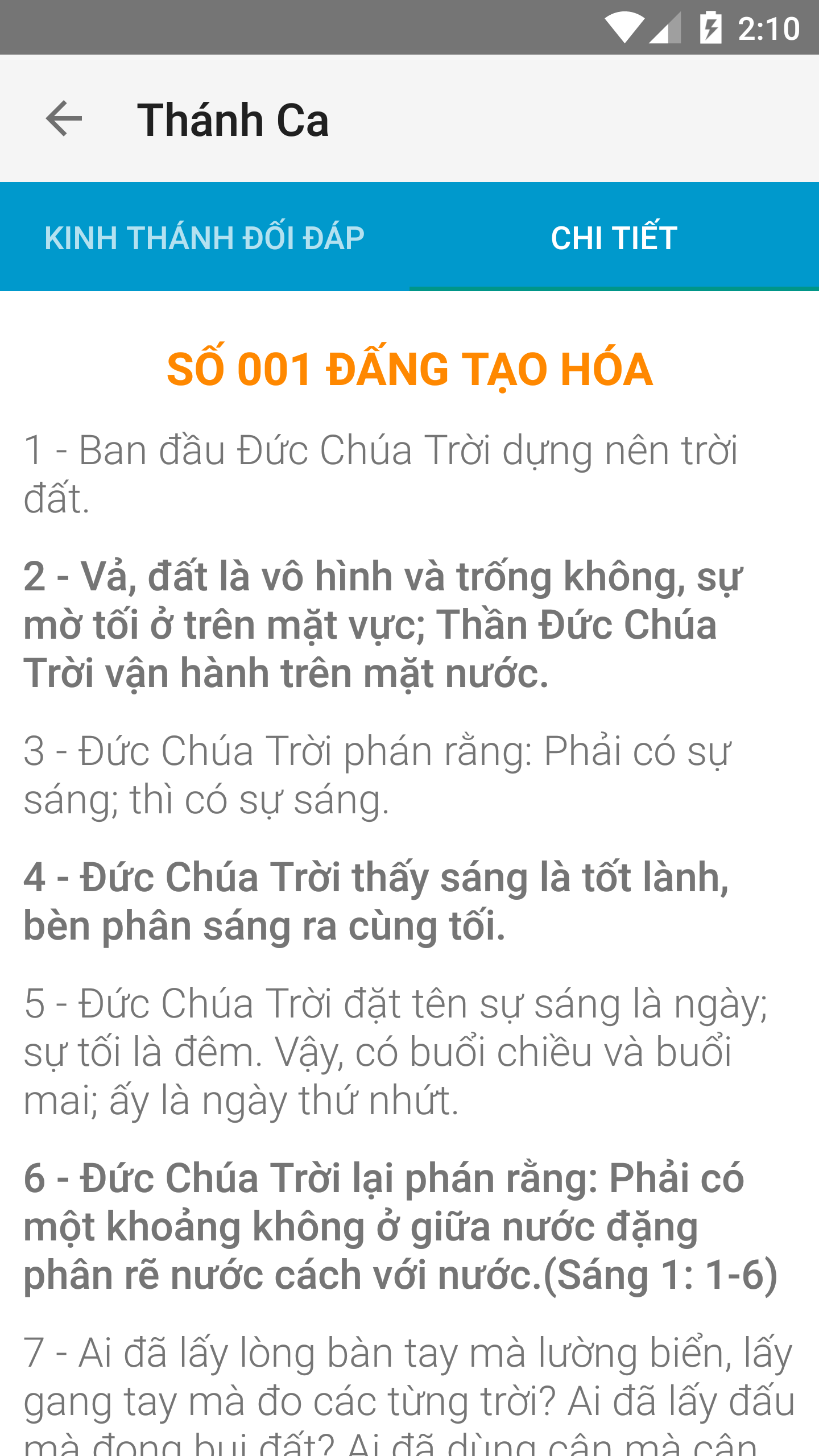
Access Bible passages associated with selected hymns. These references offer additional context for exploring the biblical themes and messages expressed in the songs.
MP3 Downloads
Download available hymn recordings in MP3 format and save them to your device for offline playback.
Offline Playlist Editor
Create and manage personal playlists using downloaded hymn recordings. Add or remove songs and rearrange their playback order to keep your music collection organized.
3. How to Use
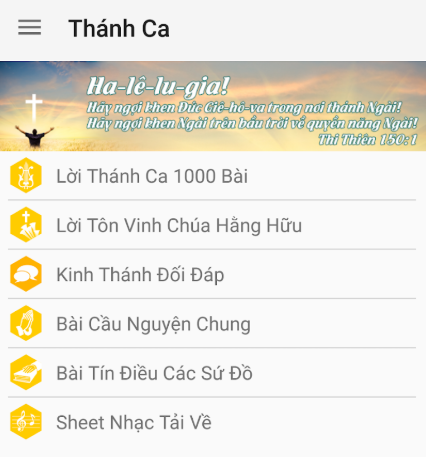
Browse the Music Library: Open Hymn and explore the available collection to find a hymn.
Play a Hymn: Select a song to start online playback.
Download a Recording: Tap the download option to save an available recording as an MP3 file.
Create an Offline Playlist: Open the playlist editor, select downloaded hymns, and arrange them in your preferred order.
View Related Bible Passages: Select the corresponding icon or option beside a supported hymn to read its associated Bible verses.
Manage Your Playlist: Return to the playlist editor to add or remove songs and adjust their playback order.
4. Frequently Asked Questions
Q1: Is Hymn free to use?
Yes. Hymn is free to download and use. The app's available music resources and features do not require a subscription.
Q2: Can I listen to hymns without an internet connection?
Yes. Download the available MP3 recordings to your device first. You can then add them to an offline playlist and listen without an internet connection.
Q3: Why are some hymns available in MIDI format instead of OGG?
Not every hymn has an OGG audio recording. Some are provided as MIDI files instead. In these cases, the OGG player can play the corresponding MIDI file. If a hymn has multiple MIDI links, the player uses the main melody.
Q4: Can I create and edit my own playlists?
Yes. The offline playlist editor lets you create personal playlists, add or remove downloaded hymns, and change the playback order.
Q5: How can I find the Bible verses associated with a hymn?
Some hymns include links to related Bible passages. Look for the corresponding icon or option beside a supported hymn and select it to view the associated scriptures.
- Version1.0
- UpdateNov 06, 2026
- DeveloperHTTLVN
- CategoryMusic & Audio
- Requires AndroidAndroid 4.0.1 – 4.0.2+
- Downloads164K+
- Package Namechurch.project.hymns
- Signaturea4a151d8299e3ea3492cee0bf43ef60a
- Available on
- ReportFlag as inappropriate












Abundant resources
Diverse language support
Practical functions
User-friendly interface
Relatively limited functionality
Infrequent updates
Insufficient audio functionality