
Variadas Radio - Radio FM & AM - Online radio streaming
Discover diverse stations & enjoy live radio with modern features. Access sports, music, and more effortlessly.

- 2.1.1 Version
- 1.4 Score
- 166K+ Downloads
- Free License
- 12+ Content Rating

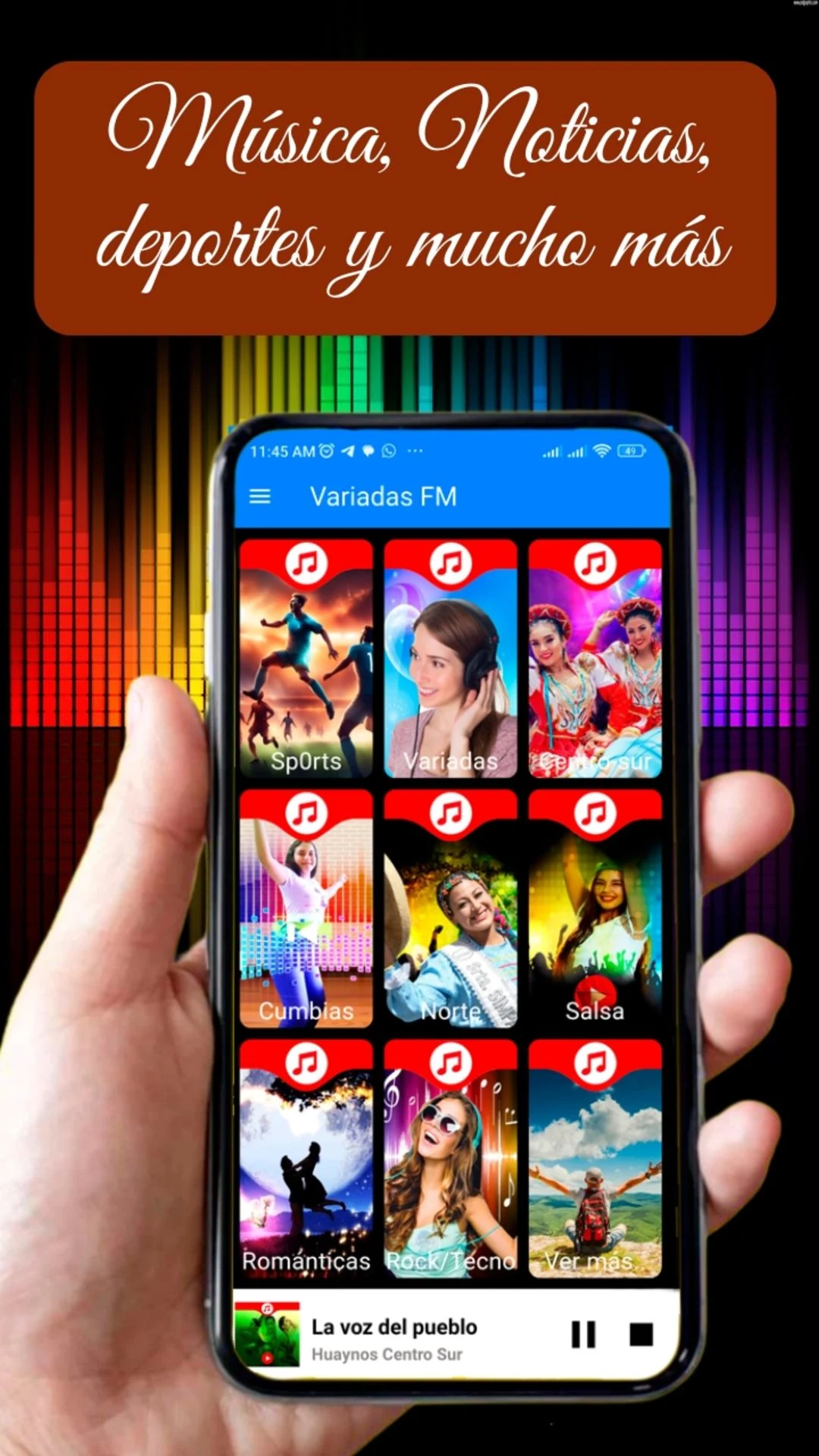
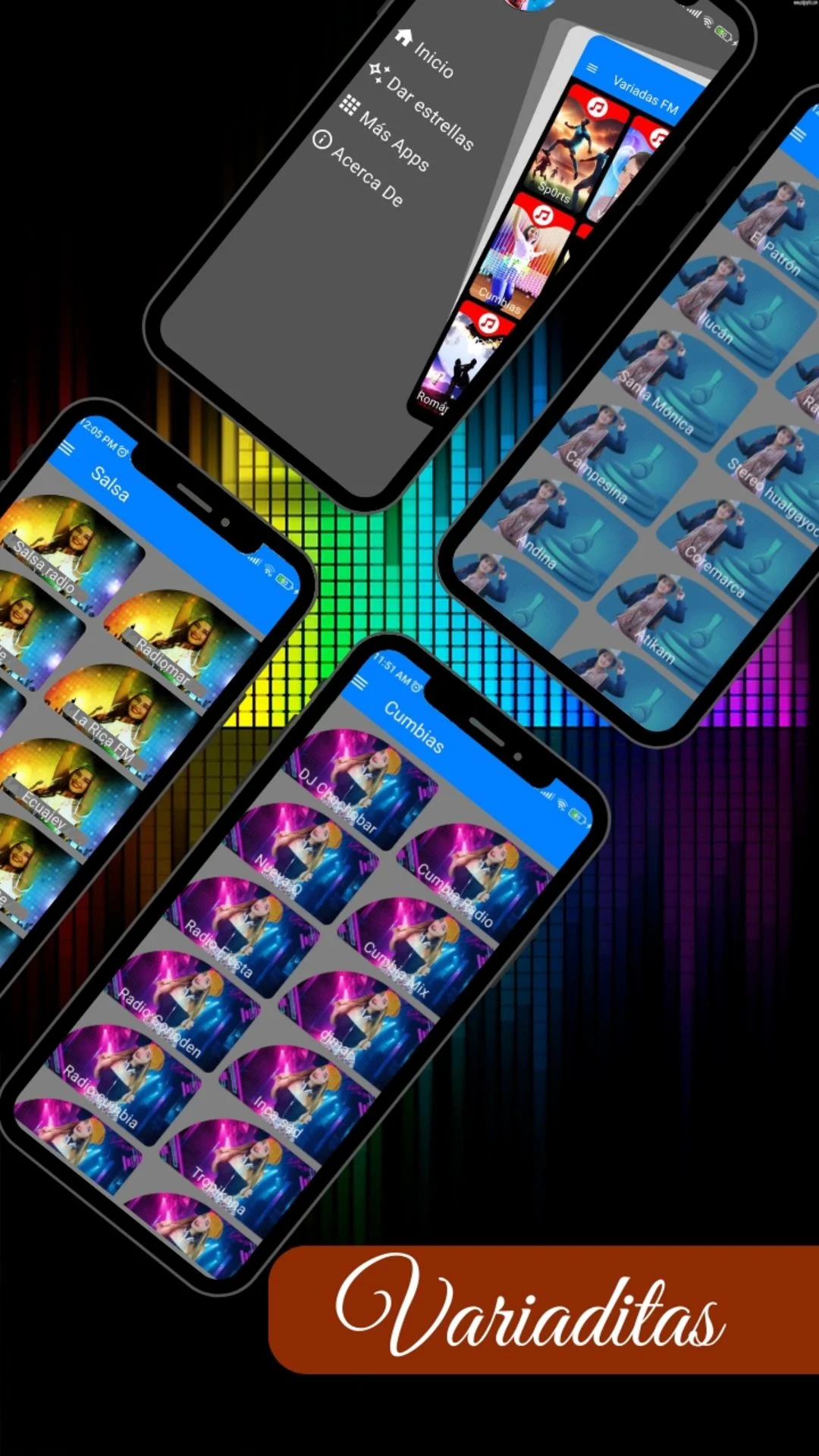
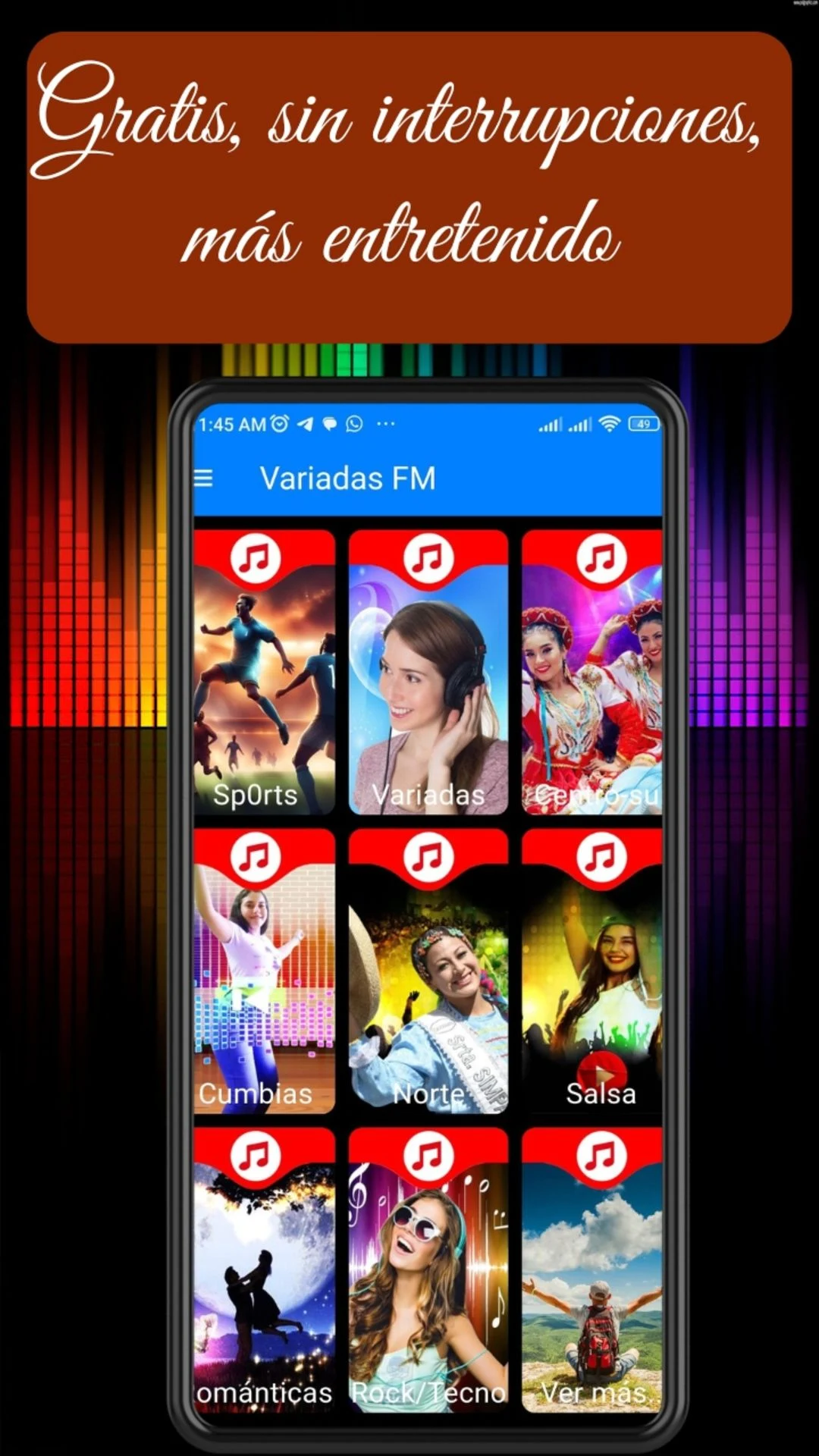
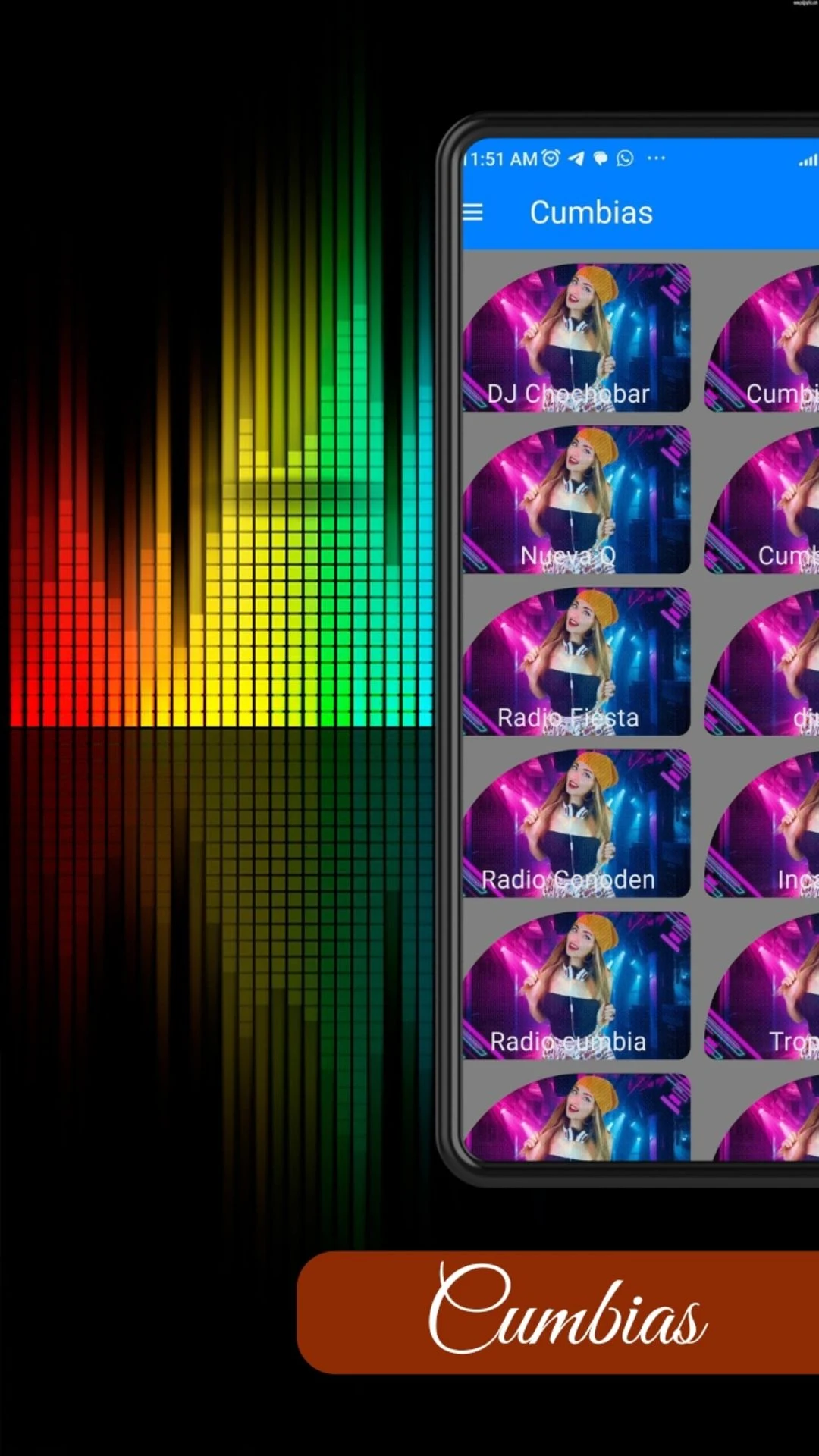
Variadas Radio – Radio FM & AM: App Overview and User Guide
1. App Overview
Variadas Radio – Radio FM & AM is an online radio app featuring more than 300 stations from Spanish-speaking countries. It provides access to music, news, sports, comedy, religious programs, and other entertainment.
The station selection includes broadcasts from Peru, Argentina, Ecuador, Mexico, Colombia, Chile, Spain, and other countries. Users can browse the available stations and stream their preferred broadcasts directly from their phones.
The app supports background playback, allowing listeners to continue streaming while using other applications or with the screen locked. Its available stations can be accessed without a paid subscription.
2. Key Features
300+ Radio Stations: Access more than 300 stations covering music, news, sports, and entertainment
Background Playback: Listen while using other apps or with the screen locked
International Radio: Explore stations from Peru, Argentina, Ecuador, Mexico, Colombia, Chile, Spain, and other countries
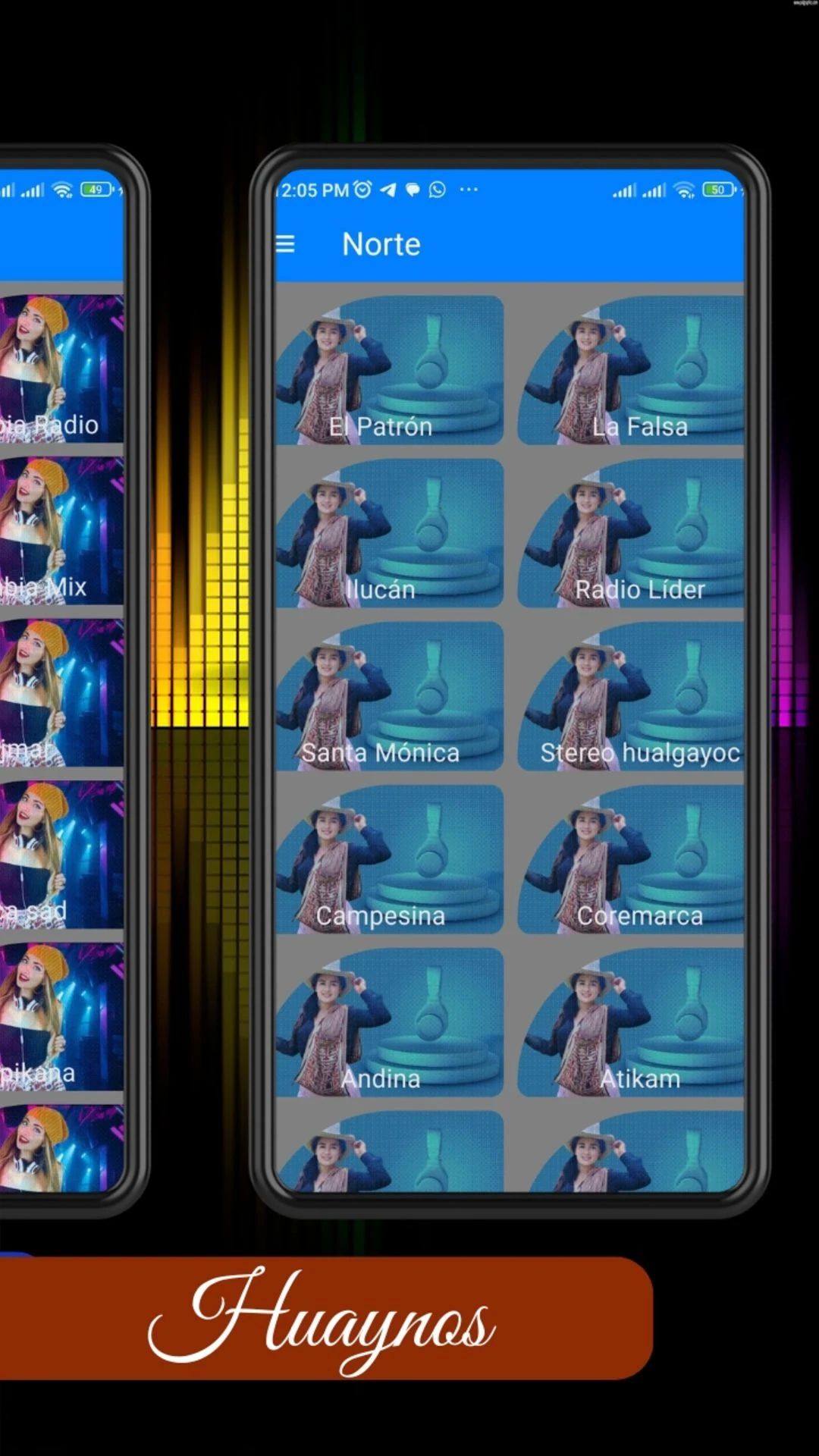
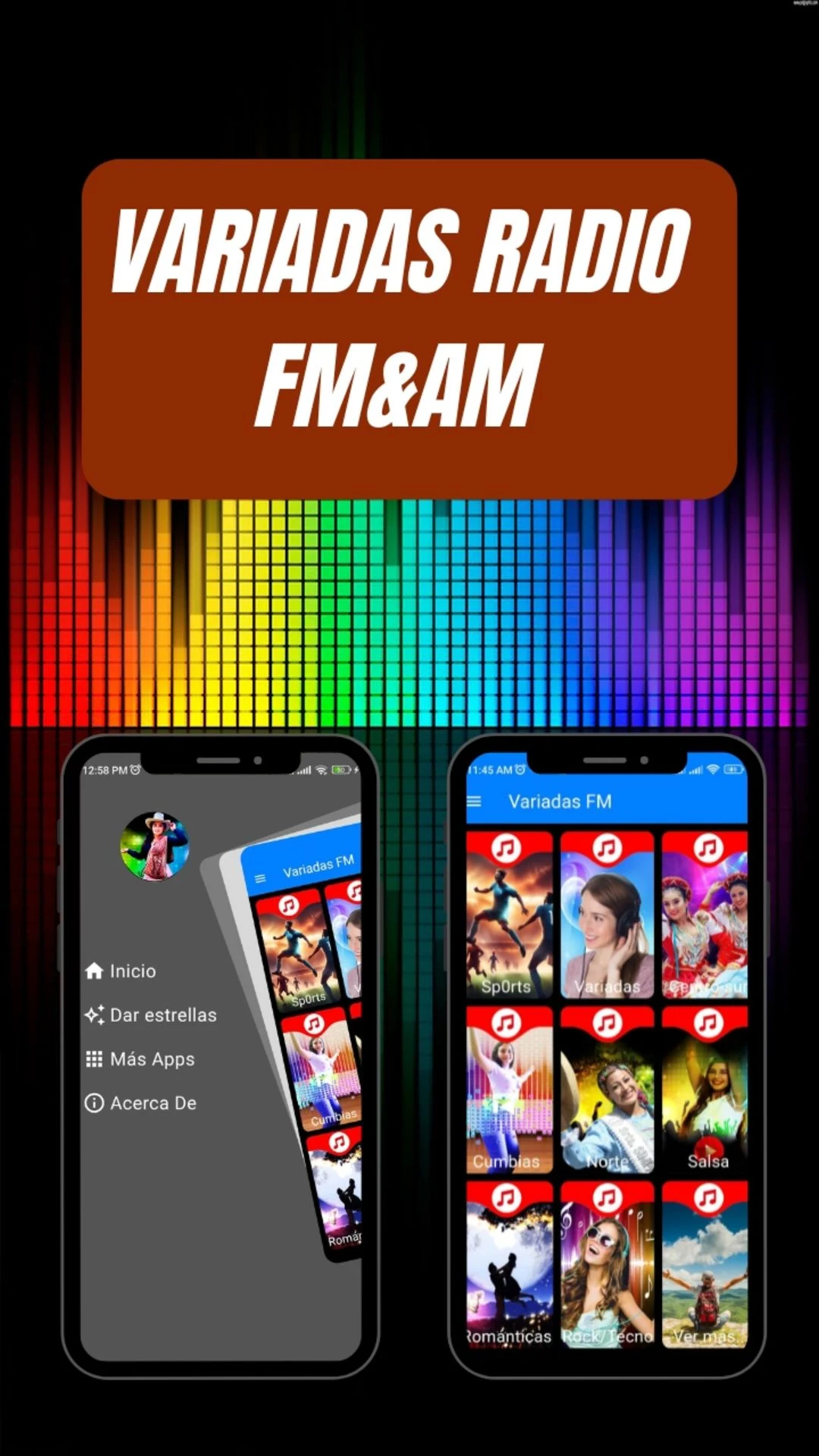
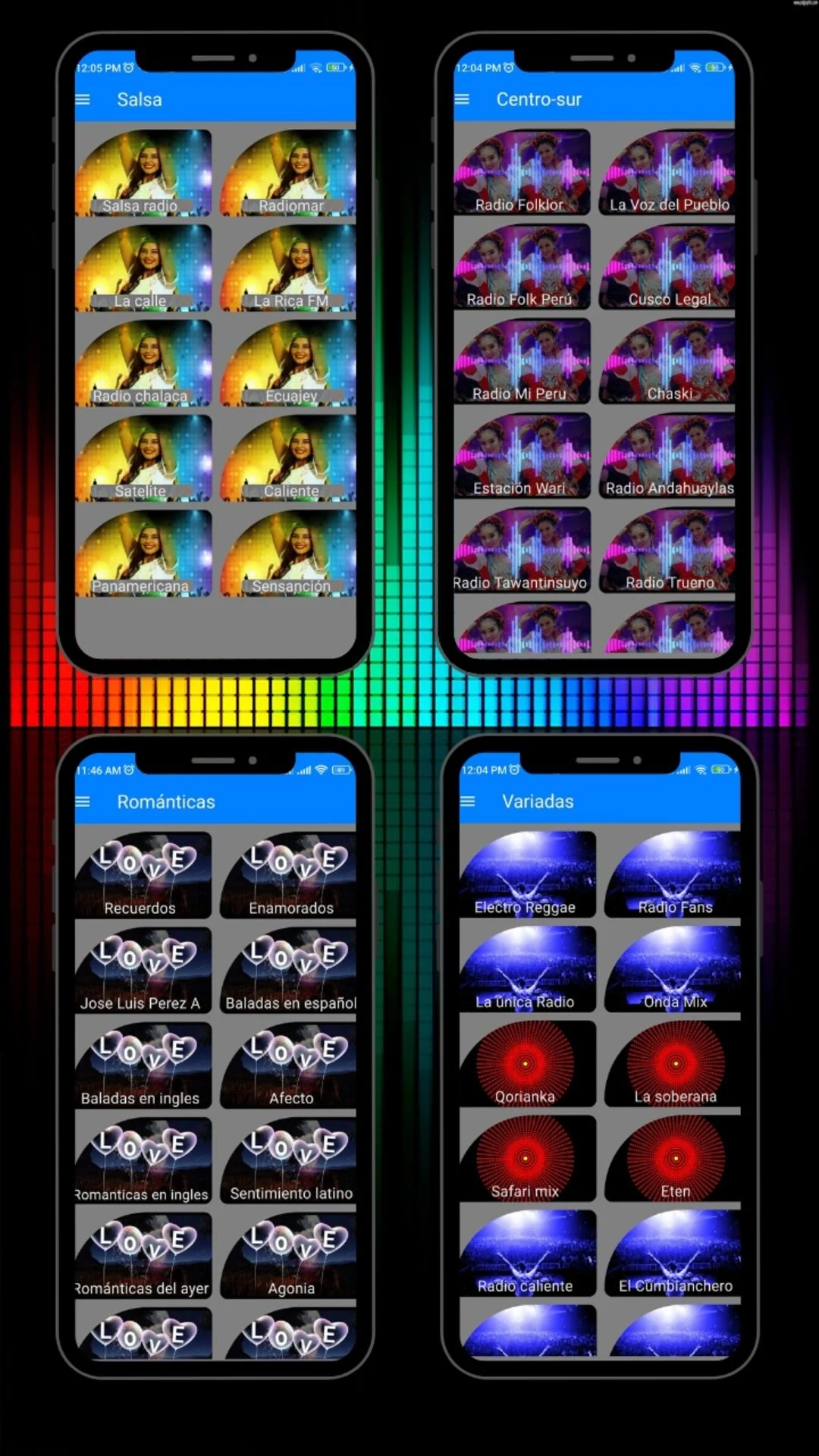
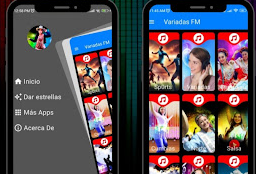
Simple Navigation: Browse available stations and select broadcasts by interest
Flexible Audio Output: Listen through phone speakers, headphones, or connected audio equipment
Bluetooth and Chromecast Support: Stream broadcasts through compatible speakers and external devices
Station Sharing: Share radio stations through messaging apps, text messages, and social media
Free Access: Listen to available stations without a paid subscription
3. How to Use Variadas Radio
Step 1: Open the App
Launch Variadas Radio on your phone. An active internet connection is required to load the station list and stream broadcasts.
Step 2: Browse Radio Stations
Explore the available broadcasts, including music, news, sports, comedy, and religious programming.
Step 3: Select a Station
Tap a station to start streaming. Playback begins once the online broadcast connects successfully.
Step 4: Listen in the Background
Switch to another app or lock your phone while the radio continues playing.
Step 5: Connect External Audio Devices
Connect Bluetooth headphones or speakers for external audio playback. You can also use Chromecast with compatible devices to stream broadcasts through supported sound systems.
Step 6: Share Your Favorite Stations
Use the sharing feature to send a station to friends or family through messaging apps or social media.
4. Tips for Getting More Out of the App
Improve Your Spanish Listening Skills
Spanish-language radio provides exposure to authentic conversations, regional accents, and everyday expressions. News reports, interviews, and talk shows are particularly useful for practicing listening comprehension.
Stay Connected With Your Home Country
Listeners living abroad can use the available international stations to follow familiar music, news, and radio programs from their home countries.
Discover Different Music and Programs
Explore stations from different countries to find new musical styles, sports coverage, news programs, and entertainment. Listening beyond your usual preferences can introduce you to unfamiliar content.
Listen During Daily Activities
Background playback makes the app suitable for commuting, exercising, cooking, and household chores. You can enjoy radio without keeping the app open on your screen.
Use External Speakers for Better Audio Access
Bluetooth speakers and Chromecast-compatible devices provide additional listening options at home or in other suitable environments.
5. Who Might Enjoy This App?
Spanish Learners: People who want to practice listening comprehension and become familiar with regional accents
Spanish-Speaking People Living Abroad: Listeners interested in radio broadcasts from their home countries
Radio and Music Enthusiasts: People who enjoy exploring different stations, musical genres, and talk shows
Spanish Culture Enthusiasts: Listeners interested in the music, news, and entertainment of Spain and Latin America
Busy Listeners: People who want to enjoy radio during commutes, workouts, and everyday activities
External Audio Device Users: Those who prefer listening through Bluetooth headphones, wireless speakers, or Chromecast-compatible equipment
6. Frequently Asked Questions
Q1: Do I need to speak Spanish to use Variadas Radio?
No. You can browse stations and start listening without knowing Spanish. Music and other audio content can also be enjoyed without understanding the language.
Q2: Does the app offer English or other non-Spanish radio stations?
Variadas Radio primarily focuses on Spanish-language broadcasts from countries such as Peru, Argentina, Mexico, Colombia, Chile, and Spain. English-language stations are not specifically highlighted among its main offerings.
Q3: Can I listen while using other apps?
Yes. Background playback allows radio broadcasts to continue while you browse the internet, send messages, or use other applications. Listening can also continue when your screen is locked.
Q4: Does streaming radio use mobile data?
Yes. Streaming requires an internet connection and consumes mobile data when Wi-Fi is unavailable. Data usage depends on the audio bitrate and listening duration. Using Wi-Fi is recommended for extended listening sessions.
Q5: Can I find stations from a specific country, such as Cuba?
Station availability depends on the app's current selection. If a station from a particular country is missing, contact the support team to ask whether it is available or can be added.
Q6: Can I listen through Bluetooth speakers or Chromecast?
Yes. The app supports compatible Bluetooth devices and Chromecast, allowing broadcasts to play through supported external speakers and audio equipment.
Q7: What should I do if a radio station won't play?
Check your internet connection and try another station. If other broadcasts work, the problem may be with the individual station's stream. The broadcaster may be experiencing technical difficulties or server maintenance. Contact app support if the problem continues.
Q8: Is Variadas Radio free?
Yes. The available radio stations can be accessed without a paid subscription.
7. Troubleshooting and Support
Try these solutions if you encounter playback or connection problems:
A Station Won't Play: Check your Wi-Fi or mobile data connection and try another station to determine whether the problem affects a specific broadcast
Playback Keeps Stopping: Check your phone's battery optimization settings and allow the app to run in the background
A Station Is Unavailable: Try again later, as the broadcaster's stream may be temporarily offline or undergoing maintenance
No Sound Through Headphones or Speakers: Check the device volume, audio output selection, and Bluetooth connection
A Station Is Missing: Contact support with the station name and country to ask about its availability
If the problem persists, contact the app's support team through its available contact channel. Include the station name, your device information, and a brief description of the issue.
8. Things to Keep in Mind
An active internet connection is required for streaming
The app supports Wi-Fi and mobile networks, including 3G, 4G, and 5G
Radio broadcasts are streamed online rather than downloaded for offline listening
Individual stations may become temporarily unavailable due to broadcaster or server issues
The available station selection may change over time
- Version2.1.1
- UpdateNov 05, 2026
- DeveloperAleddi
- CategoryMusic & Audio
- Requires AndroidAndroid 5.1+
- Downloads166K+
- Package Namehuaynos.cumbias
- Signaturefe775058f6e784c151e1fa2a357cf113
- Available on
- ReportFlag as inappropriate
-
NameSizeDownload
-
5.91 MB
-
5.54 MB
-
5.53 MB









Comprehensive and specialized Spanish content
Highly adaptable to various scenarios
Free and accessible
Significant language limitations
Reliance on network and radio stability
Compatibility issues with device integration