
اغاني منوعه ترند 2026 بدون نت - Offline music streaming
Discover trendy & diverse 2025 songs without the internet in a sleek, space-efficient app that keeps updating!

- 1.0 Version
- 3.0 Score
- 960K+ Downloads
- Free License
- 12+ Content Rating


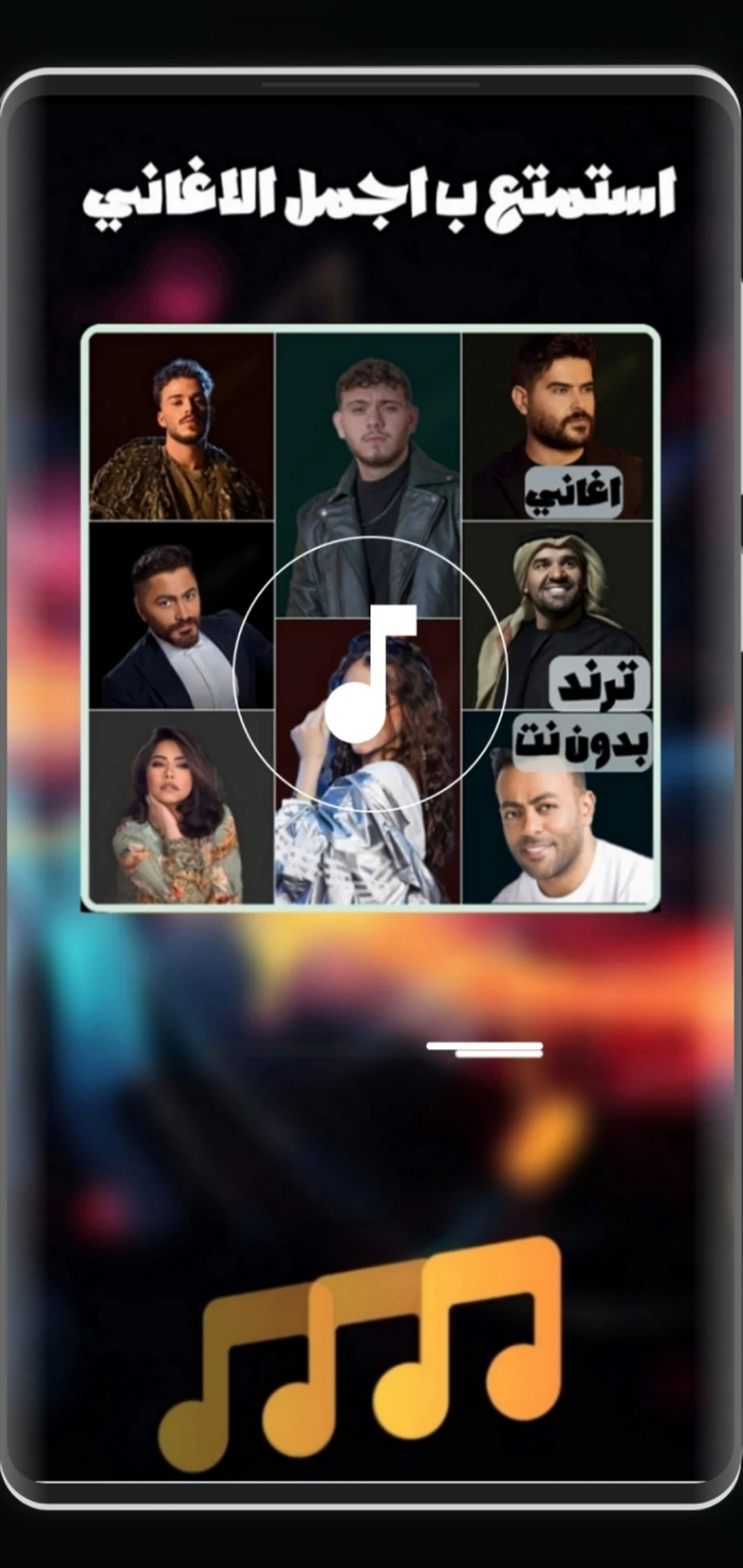
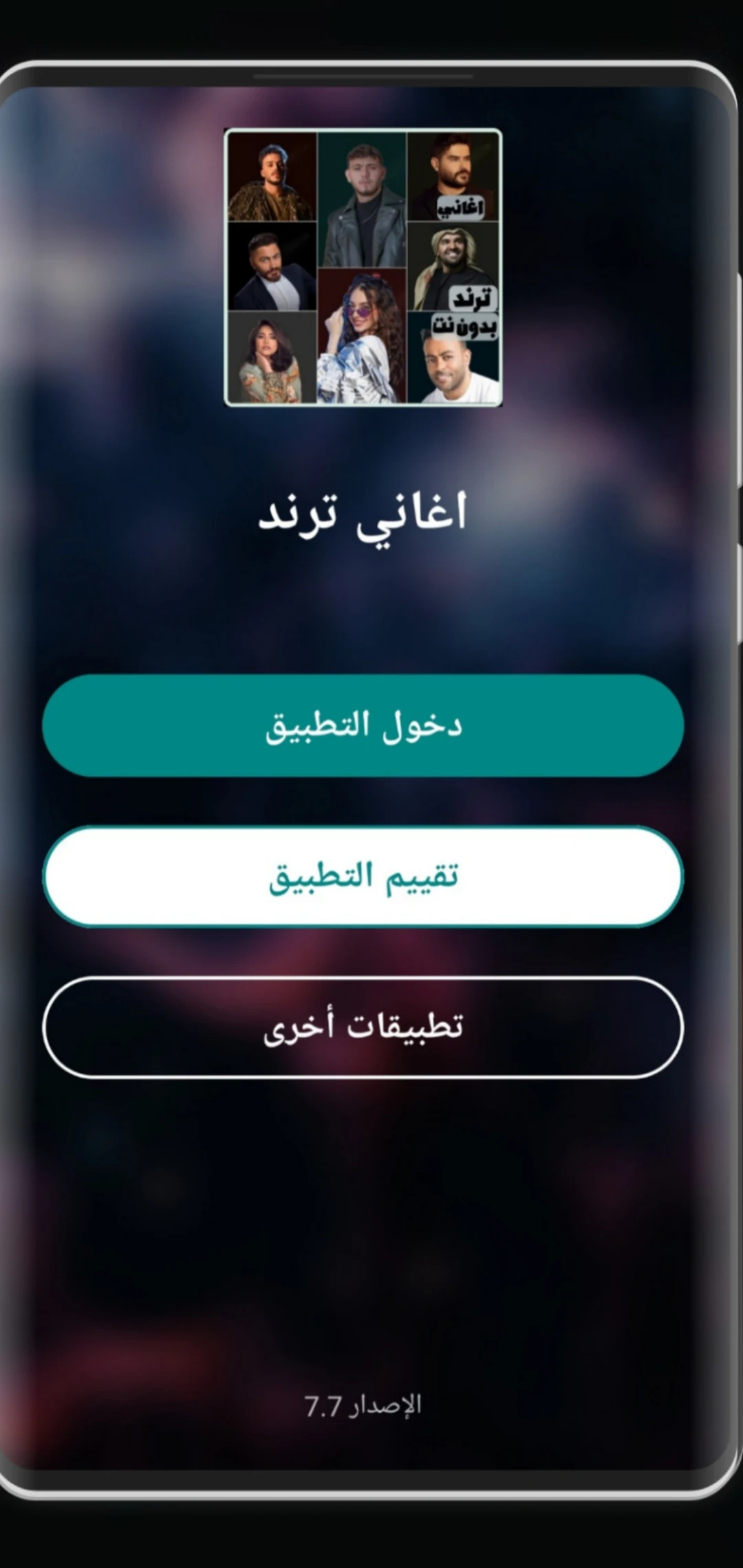
Trend 2026 Offline Songs
1. App Overview
Trend 2026 Offline Songs is a music app that brings together a collection of popular and trending songs from 2026, allowing users to enjoy their favorite tracks without an internet connection. Its music library features a variety of styles, including current hits, romantic songs, emotional ballads, and other popular genres. Songs are arranged chronologically, making it easier to browse releases from earlier in the year to the latest additions.
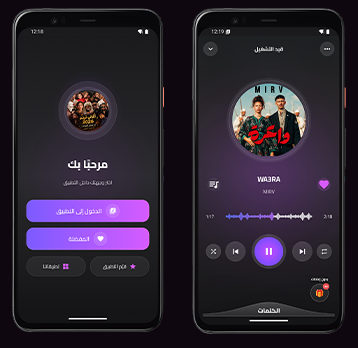
The app is designed for convenient offline listening, whether you're commuting, traveling, spending time outdoors, or simply relaxing at home. Its straightforward interface makes browsing and playing music easy, while playback options such as repeat and shuffle let users enjoy their playlists in different ways.
With a lightweight design and regular music library updates, Trend 2026 Offline Songs offers a practical way to keep up with popular music throughout the year. Users can select and download the tracks they like when connected to the internet, then listen to them later without using mobile data or relying on a stable network connection.
2. Key Features
Offline Music Playback: Download selected tracks in advance and listen to them without an internet connection.
Trending Songs Collection: Explore popular 2026 releases across different musical styles, including pop hits, romantic songs, and emotional ballads.
Chronological Song Organization: Browse songs from earlier releases to more recent additions throughout the year.
Repeat and Shuffle Modes: Play favorite tracks repeatedly or shuffle the music selection for a varied listening experience.
Simple User Interface: Navigate the music library and playback controls through a clean, easy-to-use design.
Lightweight App Size: Takes up relatively little storage space on your device.
Regular Music Updates: Refresh the song library to discover newly added tracks for offline listening.
High-Quality Audio: Enjoy clear sound while playing downloaded music.
3. How to Use
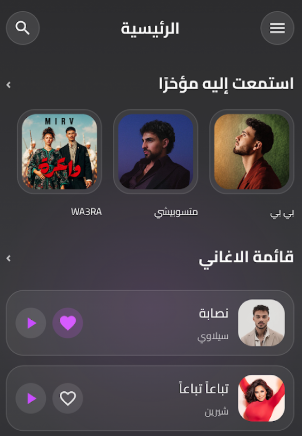
Open the App: Launch Trend 2026 Offline Songs while connected to the internet to access the available music library.
Select Songs: Browse the collection and manually choose the tracks you want to download. Songs are not downloaded automatically.
Listen Offline: Once the downloads are complete, play your selected songs without an internet connection.
Adjust Playback: Use repeat mode to listen to a favorite track again or shuffle mode to change the playback order.
Update the Music Library: Manually select the library update option to check for newly added songs. Only new tracks need to be downloaded, rather than downloading the entire collection again.
4. Frequently Asked Questions
Q1: Do I need an internet connection to use the app?
An internet connection is required when first accessing the music library and downloading songs. Once the selected tracks have been downloaded, you can listen to them offline without using mobile data.
Q2: Are songs downloaded automatically?
No. You need to browse the available collection and manually select the songs you want to download. This gives you control over which tracks are stored on your device.
Q3: How can I get the latest songs?
Use the manual library update option to check for newly added tracks. The update downloads new songs without repeatedly downloading tracks that are already stored on your device. Each song may use approximately 3–10 MB of data, depending on its file size.
Q4: Can I export downloaded songs to my phone's music library?
Downloaded tracks are stored as in-app cached files and are generally available only through the app's built-in music player. They cannot be directly exported to your phone's local music library or played through other music applications.
Q5: Will my downloaded songs remain after uninstalling the app?
No. Uninstalling the app generally removes its downloaded music and cached files. If account login and cloud-based song recovery are supported, you may be able to download your selected tracks again after reinstalling and signing in.
Q6: Can I repeat a song or play tracks randomly?
Yes. The app provides repeat and shuffle playback options. You can use repeat mode to enjoy a particular track multiple times or shuffle mode to listen to songs in a different order.
- Version1.0
- UpdateNov 09, 2026
- DeveloperHano.apps
- CategoryMusic & Audio
- Requires AndroidAndroid 5.0+
- Downloads960K+
- Package Namecom.gogo.aghani
- Signature572be3fd8636941032857a459623e224
- Available on
- ReportFlag as inappropriate









Unlimited offline listening
Lightweight and smooth experience
Timely content updates
Excellent sound quality
High copyright risk
Frequent advertising interference
Limited functionality
Privacy and security risks