
VK Calls - Video calls & meetings
Connect effortlessly with VK Calls for lessons, meetings, webinars & presentations—making communication seamless and effective!

- 1.121 Version
- 4.4 Score
- 344K+ Downloads
- Free License
- 3+ Content Rating

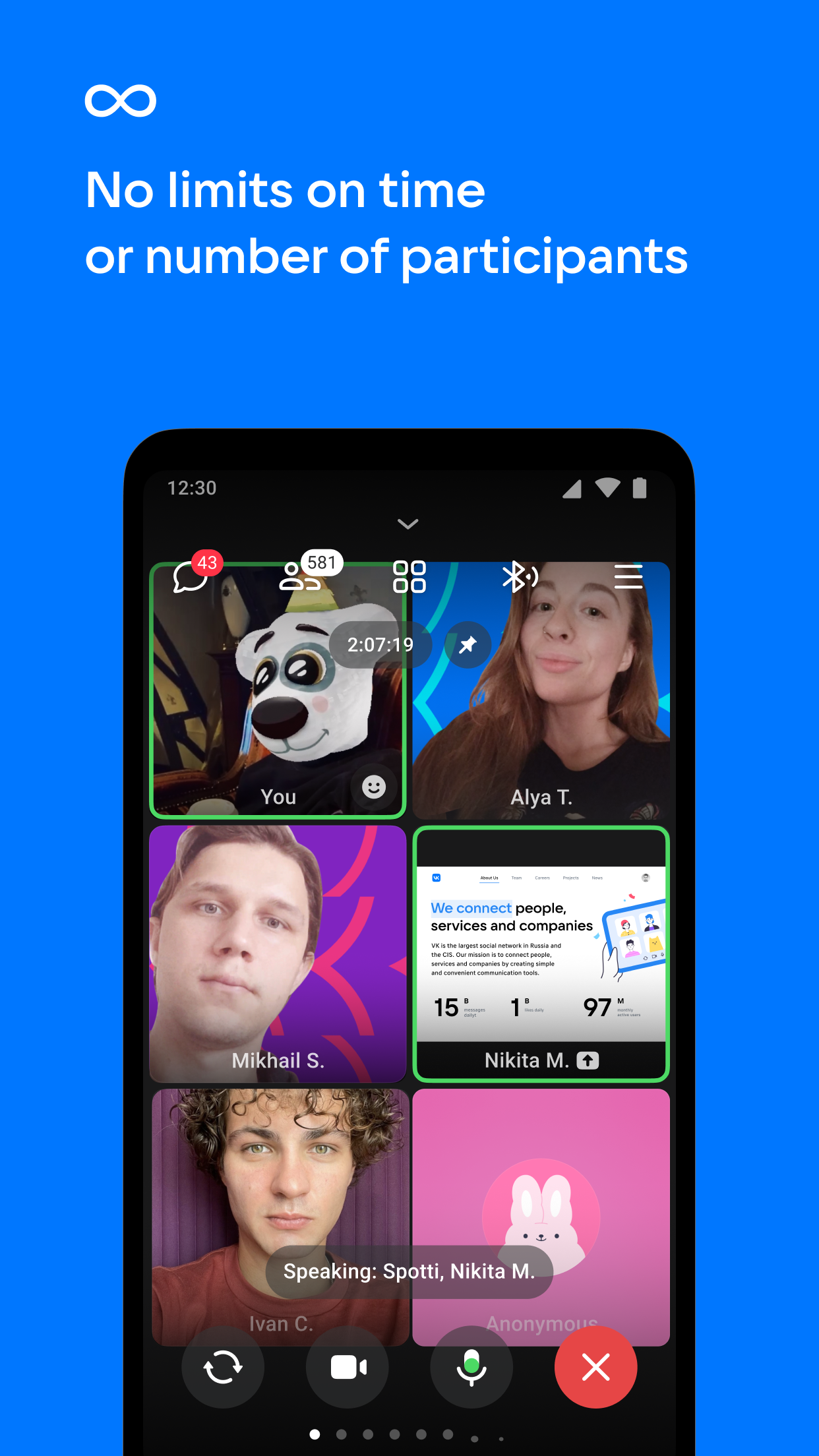
VK Calls is a complimentary platform designed for video conferencing, suitable for various purposes including educational lessons, meetings, webinars, and business presentations.
Features:
- **Unlimited Calling**: With unlimited video call participants and unlimited call duration, users can stay connected with their teams, clients, fans, and loved ones.
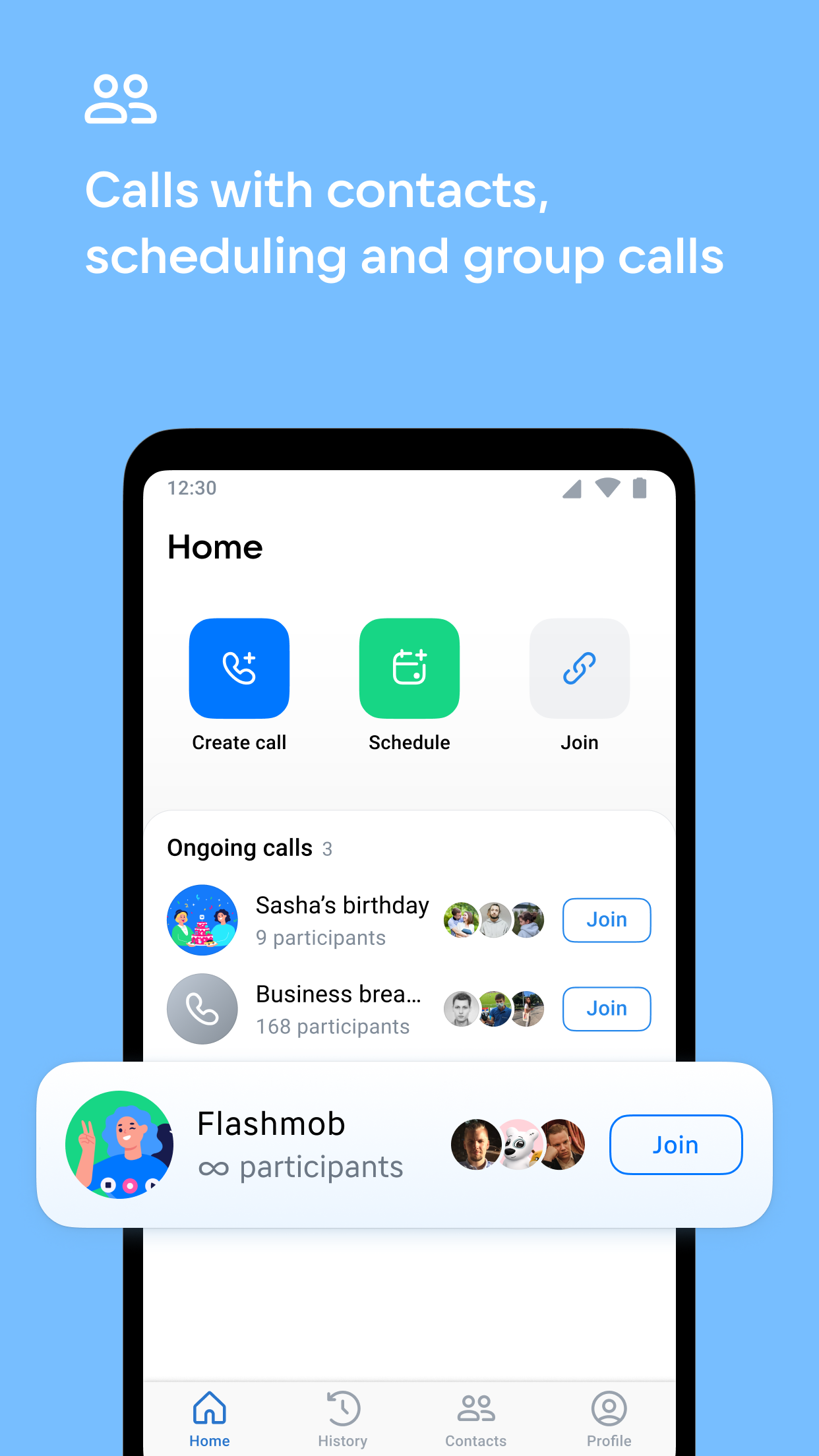
- **Easy Contact and Call Tracking**: Users can quickly place calls from their phone contacts or create video conferences using an invitation link. The call history displays current, ended, and missed calls, making it easy to track important calls.
- **Plan Meetings Ahead**: Create calls in advance and add the link to your calendar for easy organization of team meetings or get-togethers with friends.
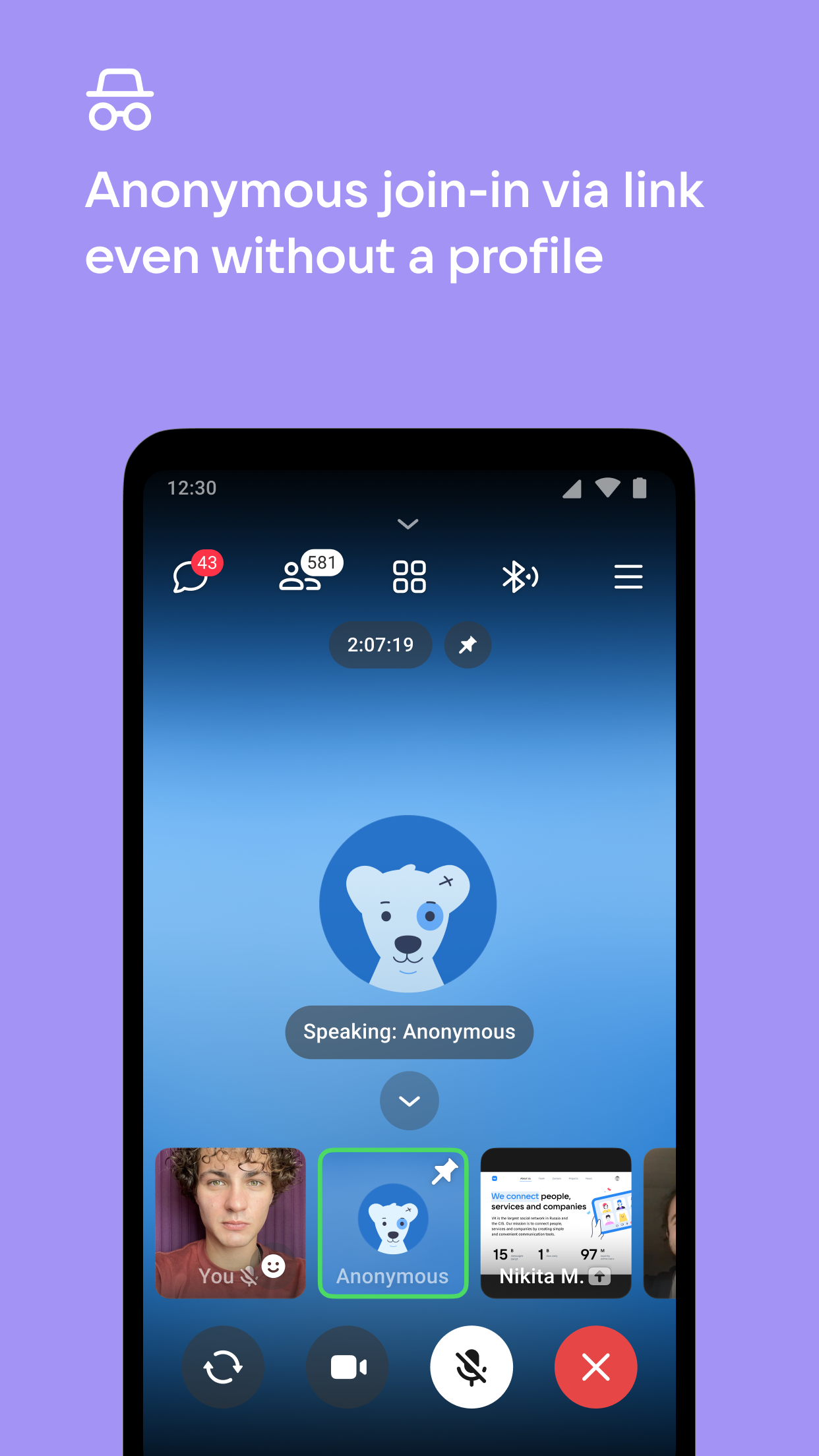
- **Anonymous Participation**: In call settings, users without VK accounts can now join anonymously using a link.
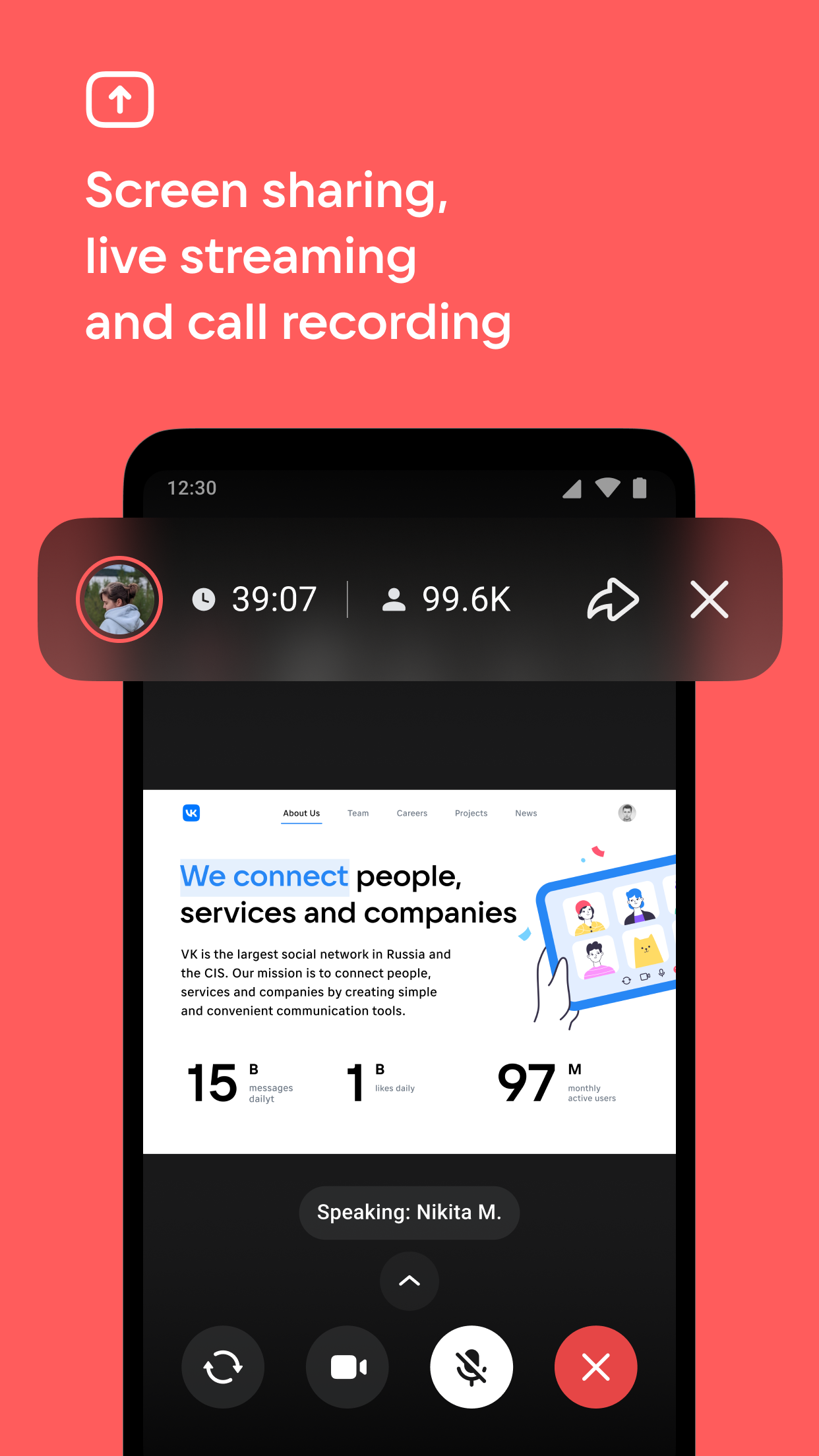
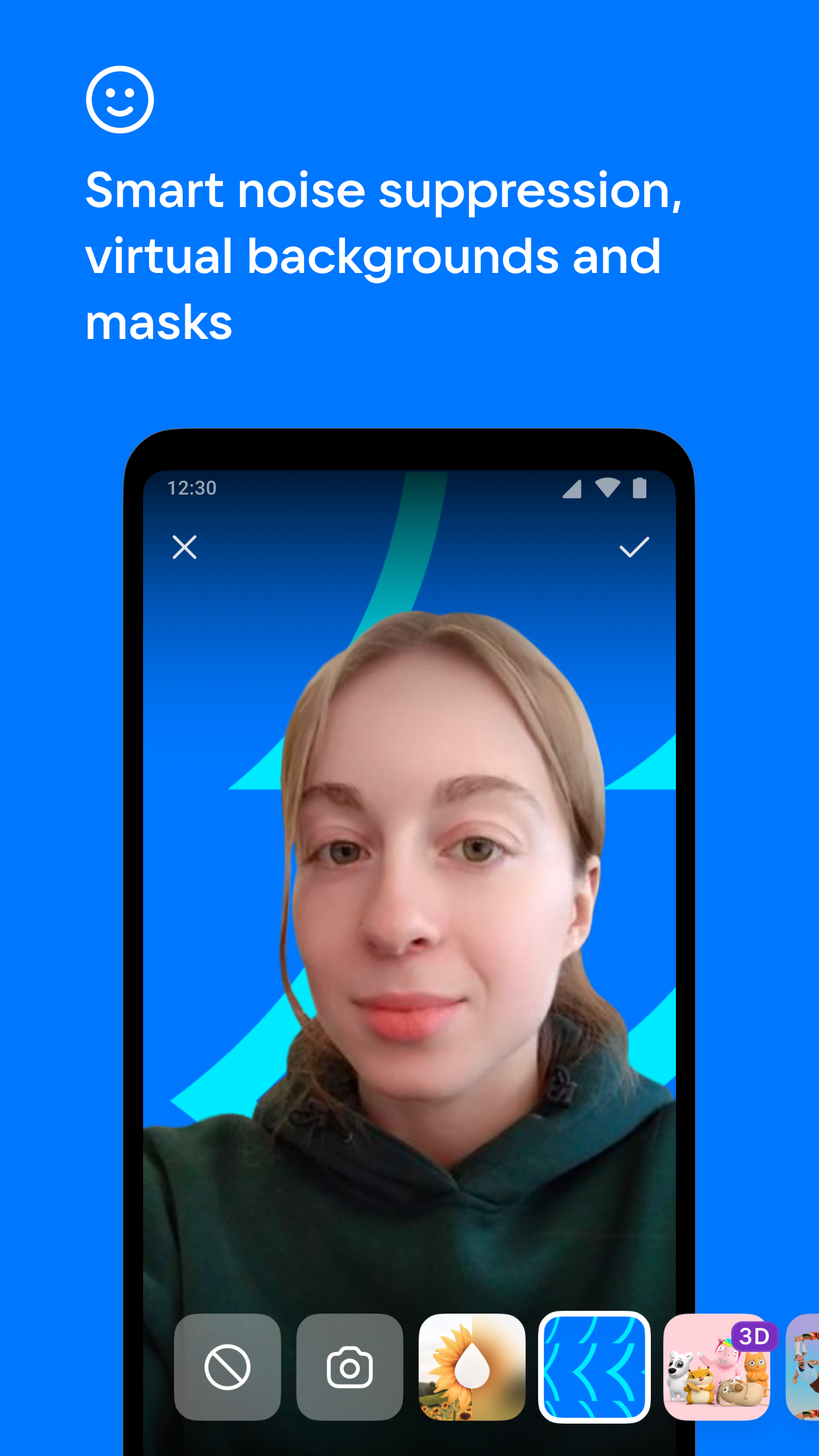
- **Rich Video Conferencing Tools**: Features include high-quality screen sharing, call recording and live streaming, file sharing, intelligent noise reduction, virtual and blurred backgrounds, beauty filters, and masks.
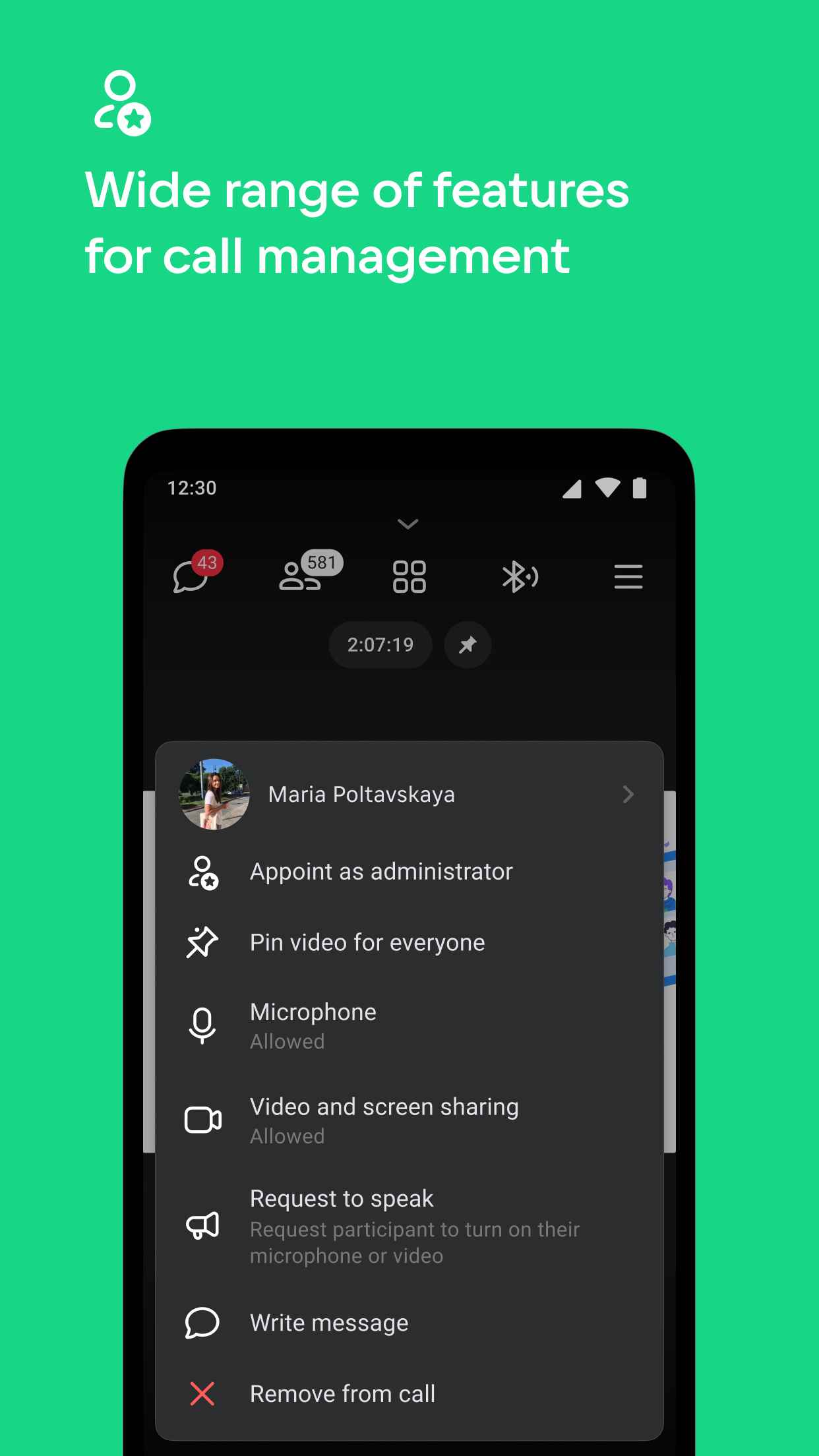
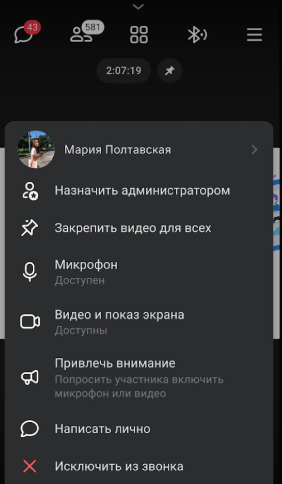
- **Large Call Management**: Call administrators can enable a waiting room to manage join requests, pin key speakers' videos, and transfer management permissions when necessary. Participants can raise their hands or request to speak, ask questions, or share ideas through chat. - **Support for Community Events**: Users can create calls as public VK pages, such as company-run consulting services, allowing all participants to video chat. This makes it ideal for large-scale interactive events like seminars, business meetings, and press conferences.
- **High-Definition Display**: The desktop app supports 4K resolution screen sharing, providing users with high-quality video images. Additionally, AR backgrounds created using the VK Clips AR platform can also be used by participants in desktop app calls.
App Advantages:
- **Free to Use**: All standard enterprise video calling features are free and ad-free.
- **Support for Large Numbers**: The desktop app allows up to 2048 participants in a single call, with plans to remove the limit in the future. This makes it ideal for large-scale educational forums, meetups, and work meetings.
- **Optimized Performance**: By optimizing load and leveraging native operating system features, it provides higher-quality audio and video, as well as a stable connection. Machine learning technology is also used to optimize the load on the user's device and the amount of data required during calls, ensuring only voice transmission without background noise, even over poor or unstable network connections.
Key Questions & Answers:
1. **Q: Is VK Calls free? Are there any ads?**
A: Completely free, no ads, all basic meeting functions are free to use.
2. **Q: What is the maximum number of people that can be in a single video conference? Is there a time limit?**
A: The desktop version supports up to 2048 participants simultaneously, with no call duration limit. The participant limit will be removed in the future.
3. **Q: Can I join a meeting without a VK account?**
A: Yes, no account registration is required. You can join the meeting anonymously via an invitation link.
4. **Q: What useful tools are available for the meeting?**
A: Supports screen sharing, recorded and live streaming, file transfer, noise reduction, virtual backgrounds, beauty filters, and features such as raising hands to speak and waiting room management.
5. **Q: What scenarios is it suitable for?**
A: Suitable for various online scenarios such as online teaching, business meetings, seminars, and live events.
6. **Q: How is the meeting video quality?** **
A: The desktop version supports 4K resolution screen sharing and AR virtual backgrounds. Audio and video have been optimized for performance, ensuring stable calls even in weak network environments.
- Version1.121
- UpdateOct 23, 2026
- DeveloperVK LLC
- CategoryCommunication
- Requires AndroidAndroid 9+
- Downloads344K+
- Package Namecom.vk.calls
- Signatured55f81a838373f52e5d2e871c8d870ce
- Available on
- ReportFlag as inappropriate
-
NameSizeDownload
-
146.75 MB
-
146.69 MB
-
146.43 MB




















Rich and diverse features
Stable call quality
Excellent social interaction
Insufficient interface language support
Possible technical issues
Credit system flaws