
VIIO - Natural reader - Listen & learn effortlessly
Transform reading into listening with innovative features like text-to-speech, image scanning, & easy document conversion.
- 1.6.3 Version
- 1.4 Score
- 217K+ Downloads
- In-app purchases License
- 3+ Content Rating

MISSION
Our goal is to simplify the process of acquiring knowledge for everyone.
ABOUT THIS PROJECT
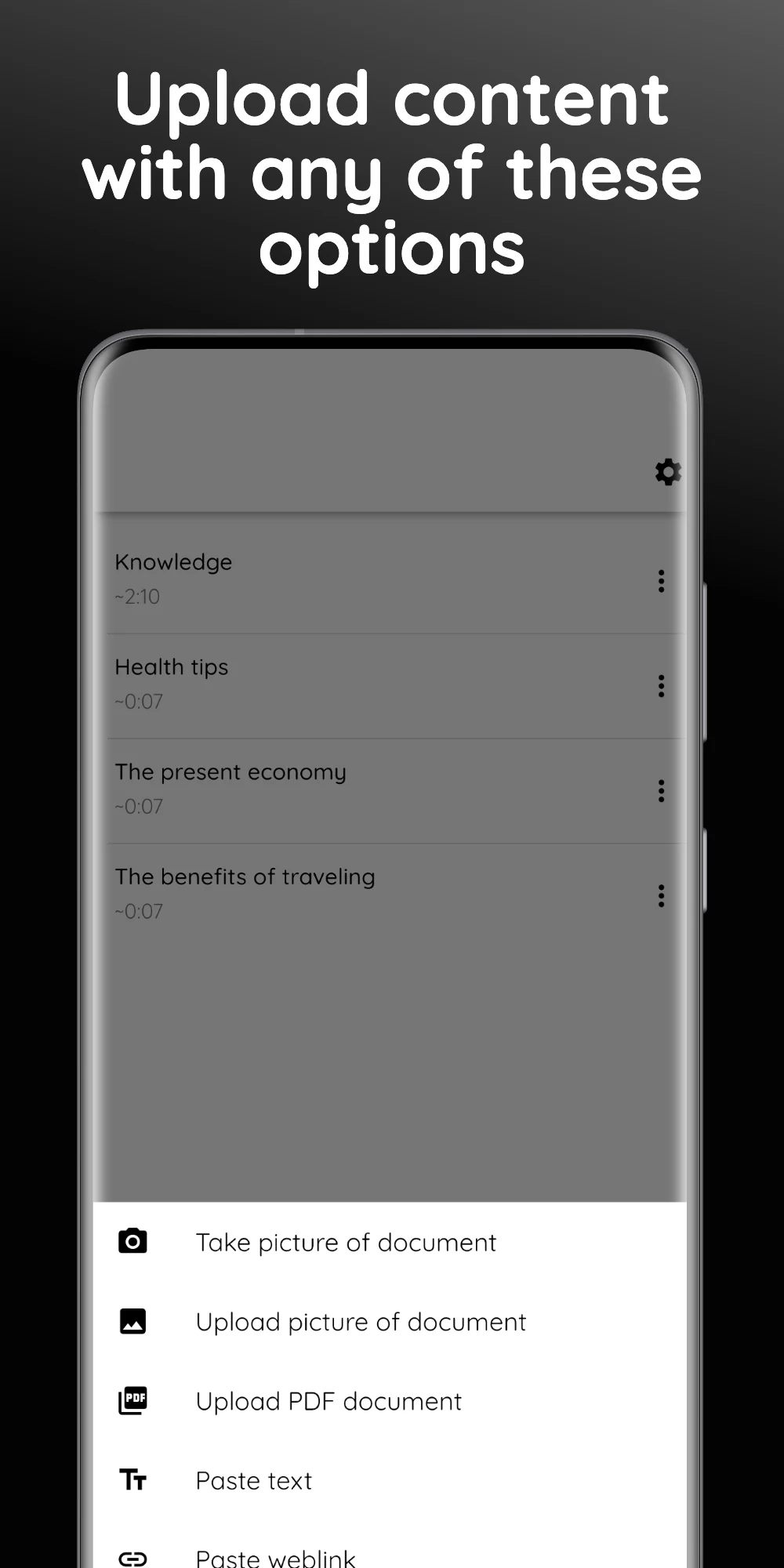
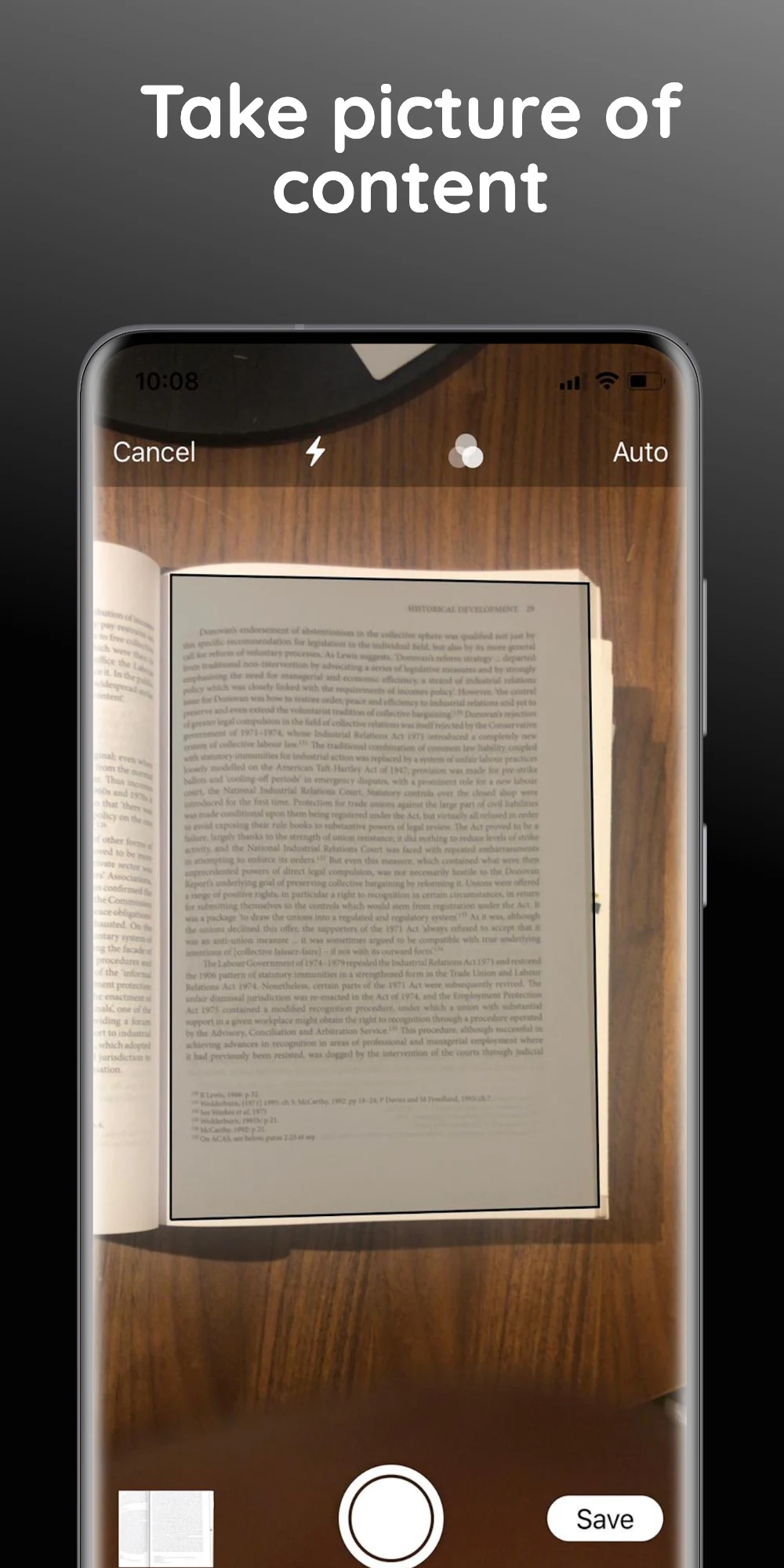
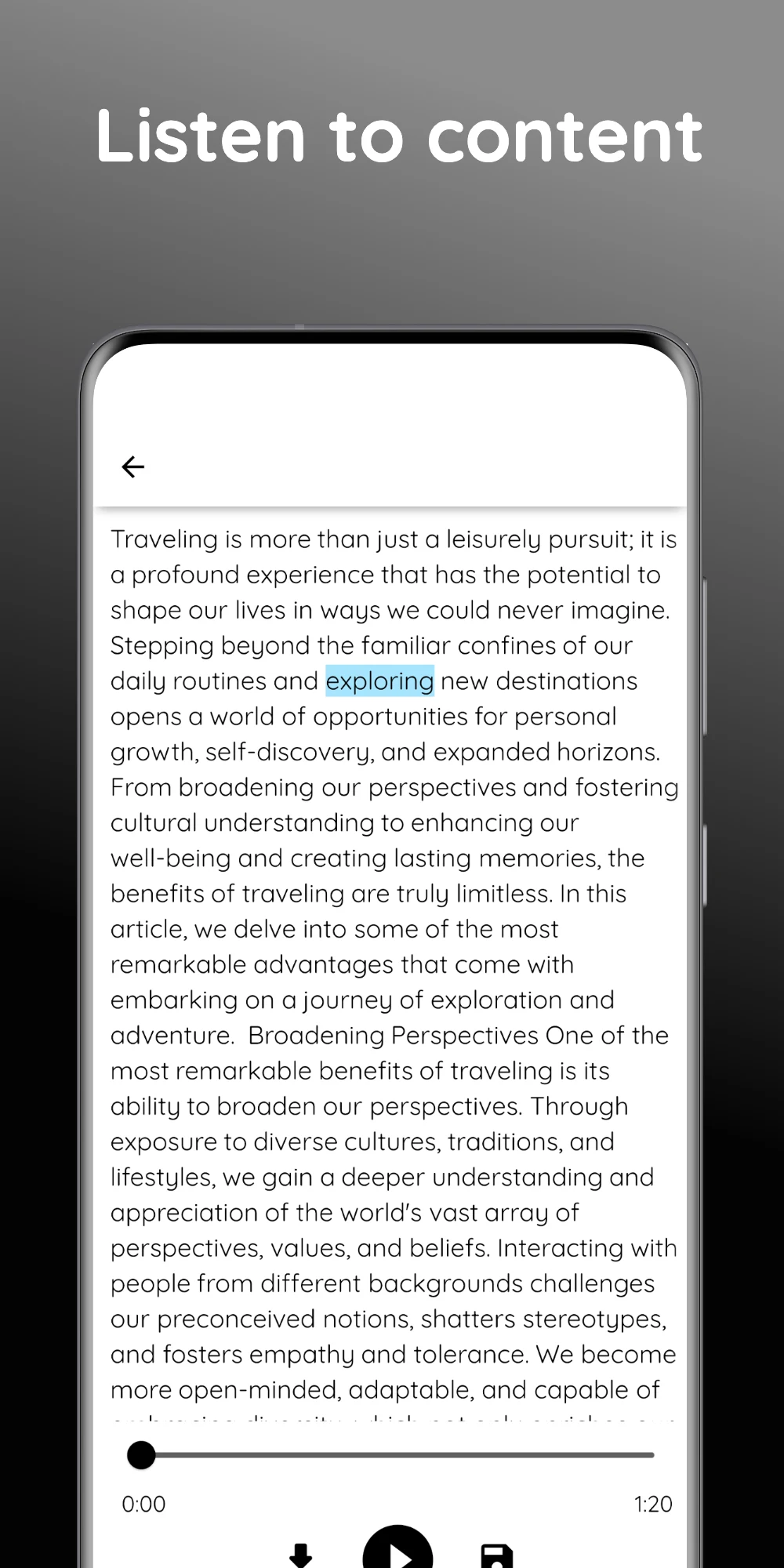
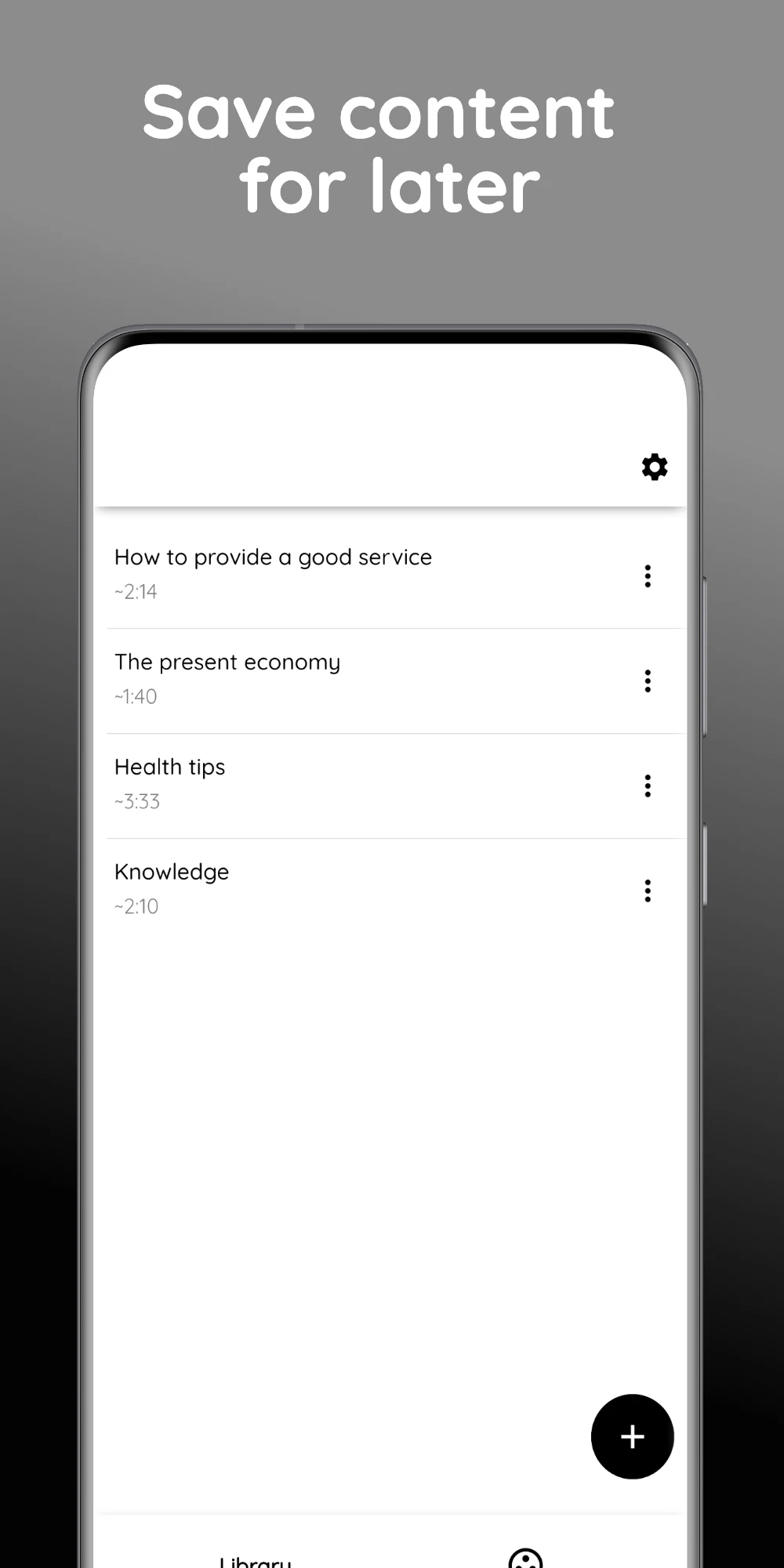
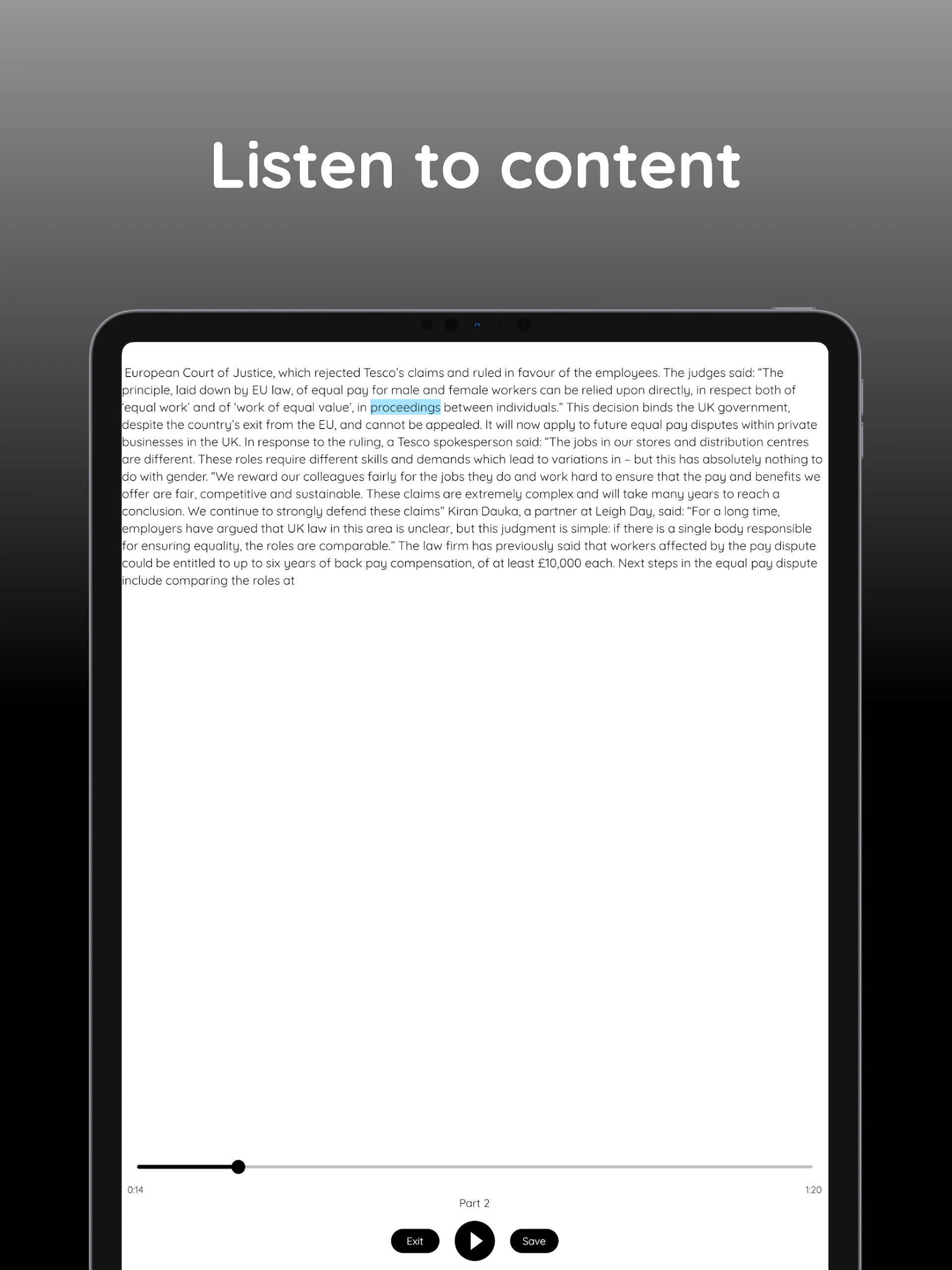
- VIIO provides the capability to listen to various written materials. The app includes features like text-to-speech, converting PDFs to audio, transforming web content into spoken word, and reading text from images through document scanning. It employs a narrator's voice to vocalize the content it receives.
- The free version of VIIO utilizes a standard voice generator, whereas the premium option offers a more natural-sounding reader for an enhanced experience. We offer a range of functions that set us apart from typical text-to-speech applications, read-aloud tools, scan-to-read features, speak-for-me options, audiobook applications, or basic text readers.
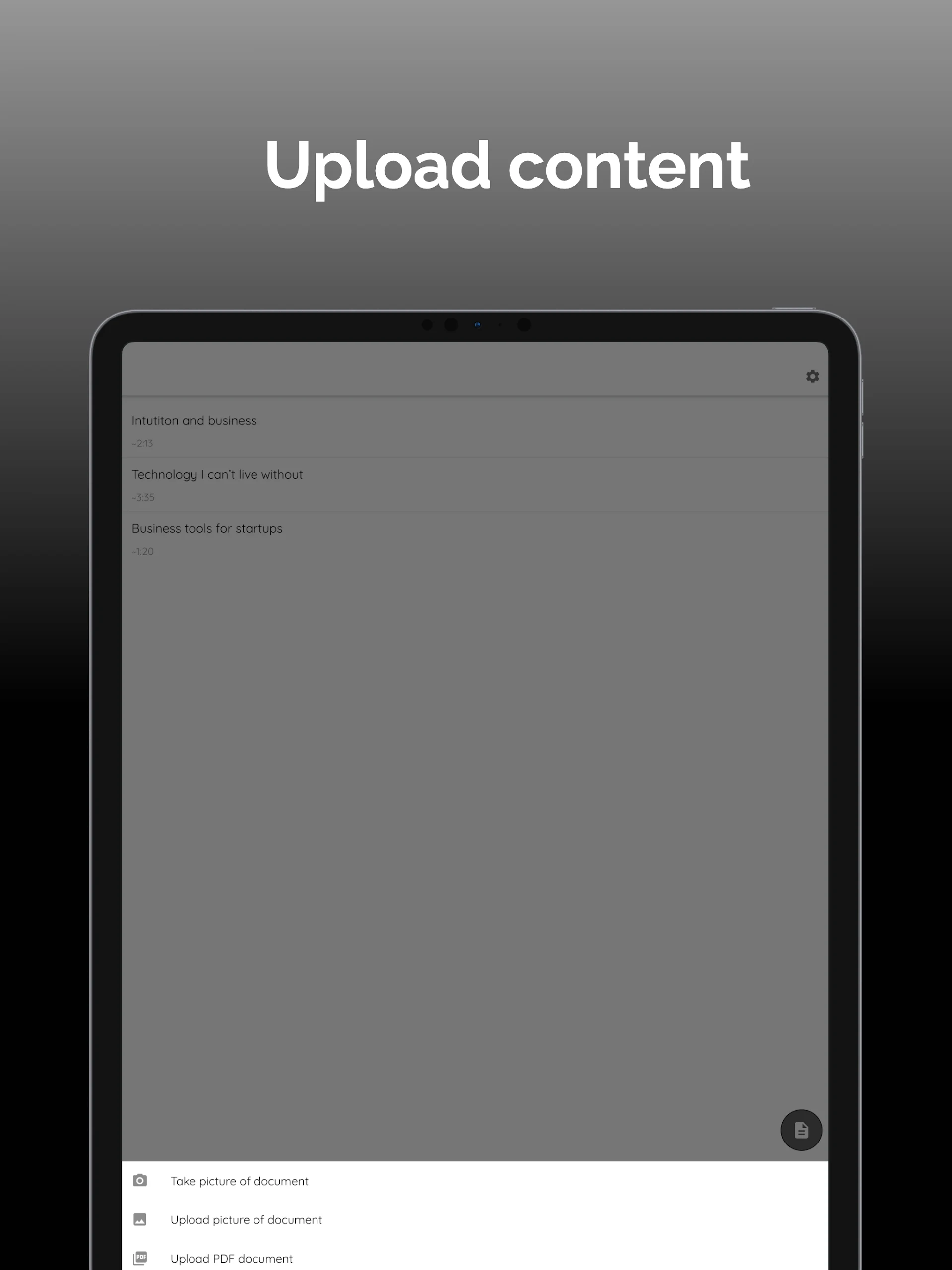
- Users can employ VIIO to read text extracted from various note-taking applications, including Evernote, Notability, GoodNotes, OneNote, and OneDrive. For text that cannot be copied, such as in Scribd and Goodreads, users can take a screenshot to capture the text and send it to the app.
- Additionally, VIIO enables the conversion of documents, PDFs, web pages, and images of text into a form of audiobook. It functions similarly to applications like NaturalReader, ReadEra, and Speechnotes.
- VIIO proves to be particularly beneficial for individuals experiencing reading difficulties such as Dyslexia, ADHD, and Anxiety.
FEATURES
1. **Comprehensive Text-to-Speech**: Supports converting a variety of content formats into audio, covering a wide range of scenarios.
2. **Strong Cross-App Compatibility**: Capable of reading content from major note-taking apps, and supports screenshot extraction and conversion for text that cannot be copied.
3. **Audiobook-like Experience**: Converts various documents, web pages, and more into audiobook-like formats for convenient listening and reading.
4. **Differentiated Voice Options**: The free version offers standard voice, while the premium version offers more natural voice, meeting different experience needs.
5. **Targeted Auxiliary Value**: Specifically assists those with reading difficulties, lowering the barrier to knowledge acquisition.
6. **Highly Integrated Functionality**: Integrates text-to-speech, scanning recognition, and cross-platform reading, distinguishing it from similar tools with single functions.
How to Use
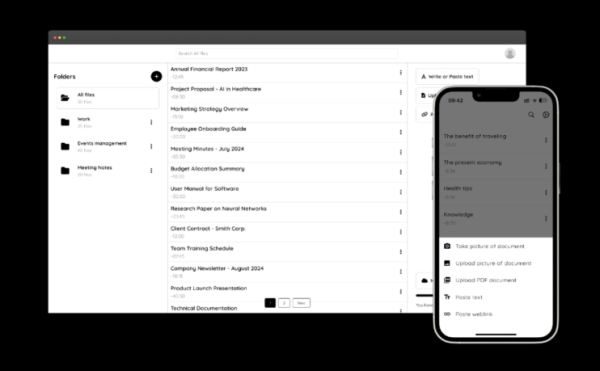
1. **Content Import**
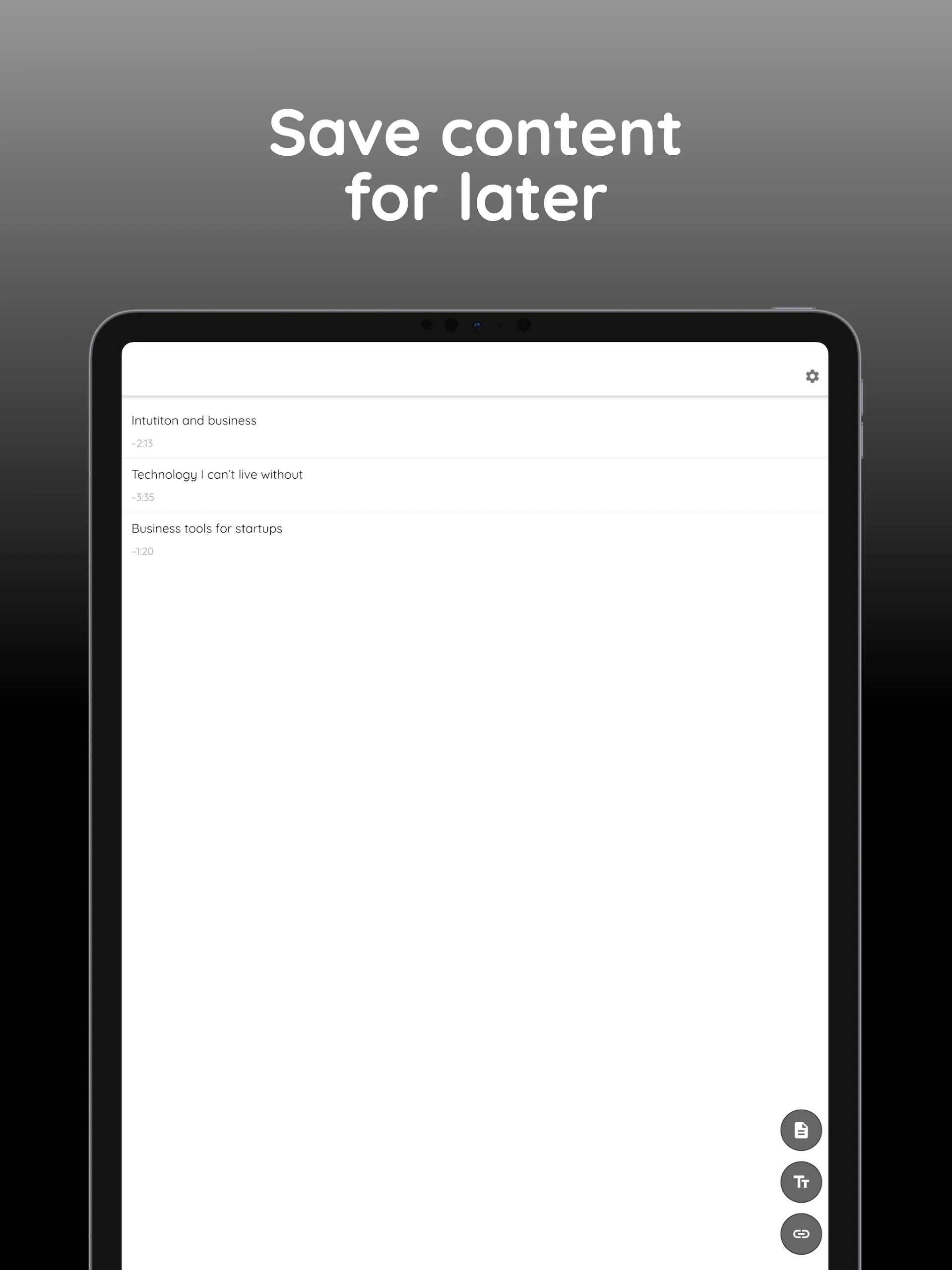
Directly import PDFs, web pages, images, etc.; you can also extract text from note-taking apps like Evernote and Youdao Cloud, or upload screenshots of text that cannot be copied.
2. **Speech Reading**
Start the speech reading function. The free version uses standard speech, while the paid version switches to a more natural human voice; you can adjust the reading speed in the settings.
3. **Scenario Use**
Listen to the generated audio anytime. It's suitable for people with reading difficulties and can also convert various documents into "audiobooks" for convenient, fragmented learning.
FAQS
- **Q: What is VIIO's main mission? **
A: VIIO's main mission is to make knowledge accessible to everyone.
- **Q: What languages does VIIO support? **
A: VIIO doesn't specify the specific languages it supports, but as a text-to-speech app, it typically supports a variety of common languages.
- **Q: How can I adjust the reading speed and voice in VIIO? **
A: VIIO offers personalized settings. Users can find these settings in the app's settings and adjust them to their preferences.
- **Q: What is VIIO's payment model? **
A: VIIO has both free and paid versions. The free version uses a standard voice generator, while the paid version provides more natural voices. Additionally, according to search results, there are in-app purchases, such as $1.99 for 100,000 characters.
- **Q: What are the advantages of VIIO compared to other text-to-speech apps? **
A: VIIO not only supports converting text, PDFs, web pages, and other content into audio, but also allows you to extract text from screenshots and convert it. It's highly compatible and can read text from a variety of note-taking apps. Furthermore, the paid version offers even more natural voice effects, making it particularly suitable for those with dyslexia.
- Version1.6.3
- UpdateOct 16, 2026
- DeveloperVIIO
- CategoryEducation
- Requires AndroidAndroid 7.0+
- Downloads217K+
- Package Namecom.viio.viioai
- Signature00e1b0073587b1336ae3701fa2af41f5
- Available on
- ReportFlag as inappropriate
-
NameSizeDownload
-
411.80 MB
-
410.13 MB













Helps reduce reading time
Useful for students with learning difficulties
Easy to use and navigate
Allows audio from various document types
Free version available
Breaks long text into manageable segments
Good customer support responsiveness
Innovative and helpful for effective learning
Frequent ads can interrupt usage
Premium subscription costs are high
Technical issues, like crashing or failing to load texts
Limited functionality in the free version
Poor voice quality compared to competitors
Difficulties transitioning between segments
Data collection concerns
Occasional bugs in accessing features