
Ulife - Academic management app
Experience flexible learning, access classes anytime & manage student life effortlessly with personal content and tools.

- 3.0.0 Version
- 1.4 Score
- 283K+ Downloads
- Free License
- 3+ Content Rating

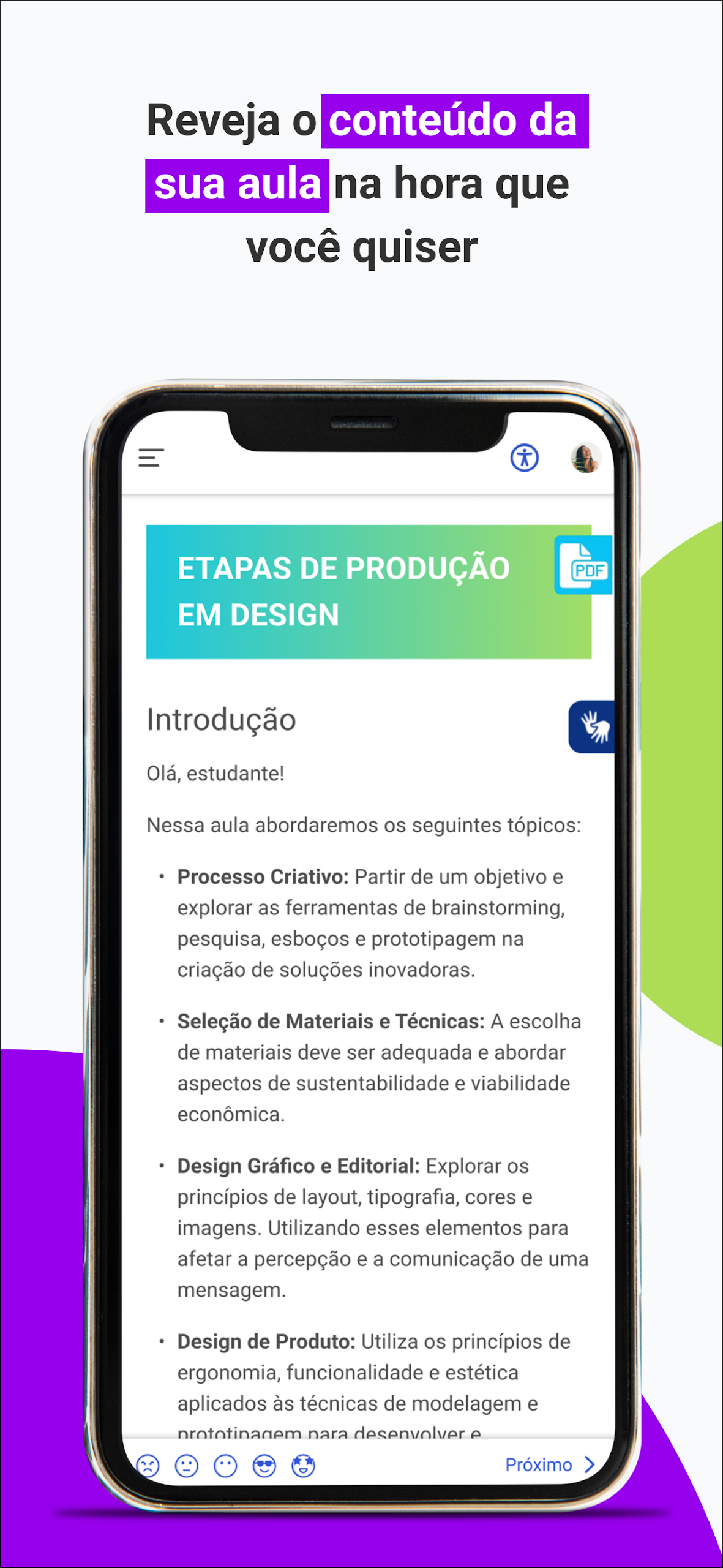
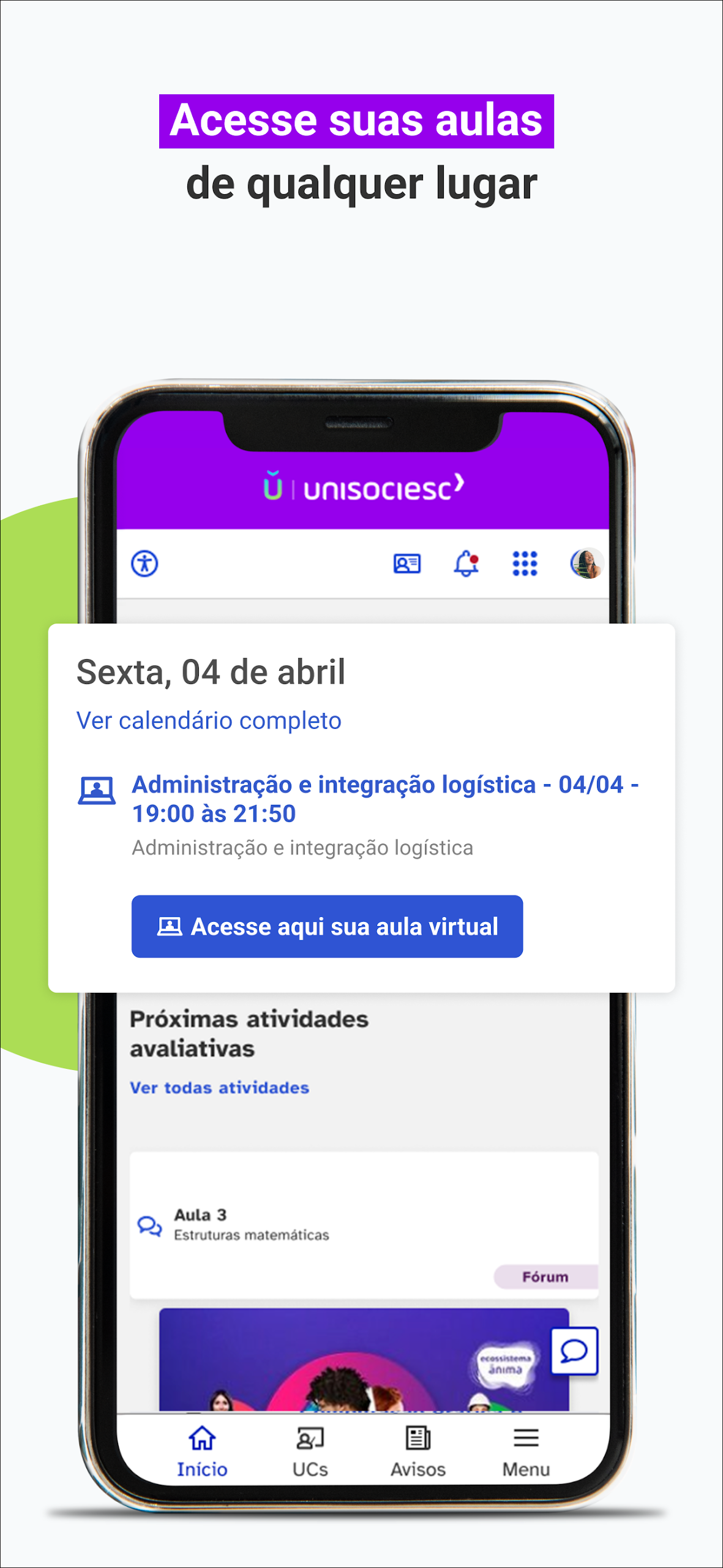
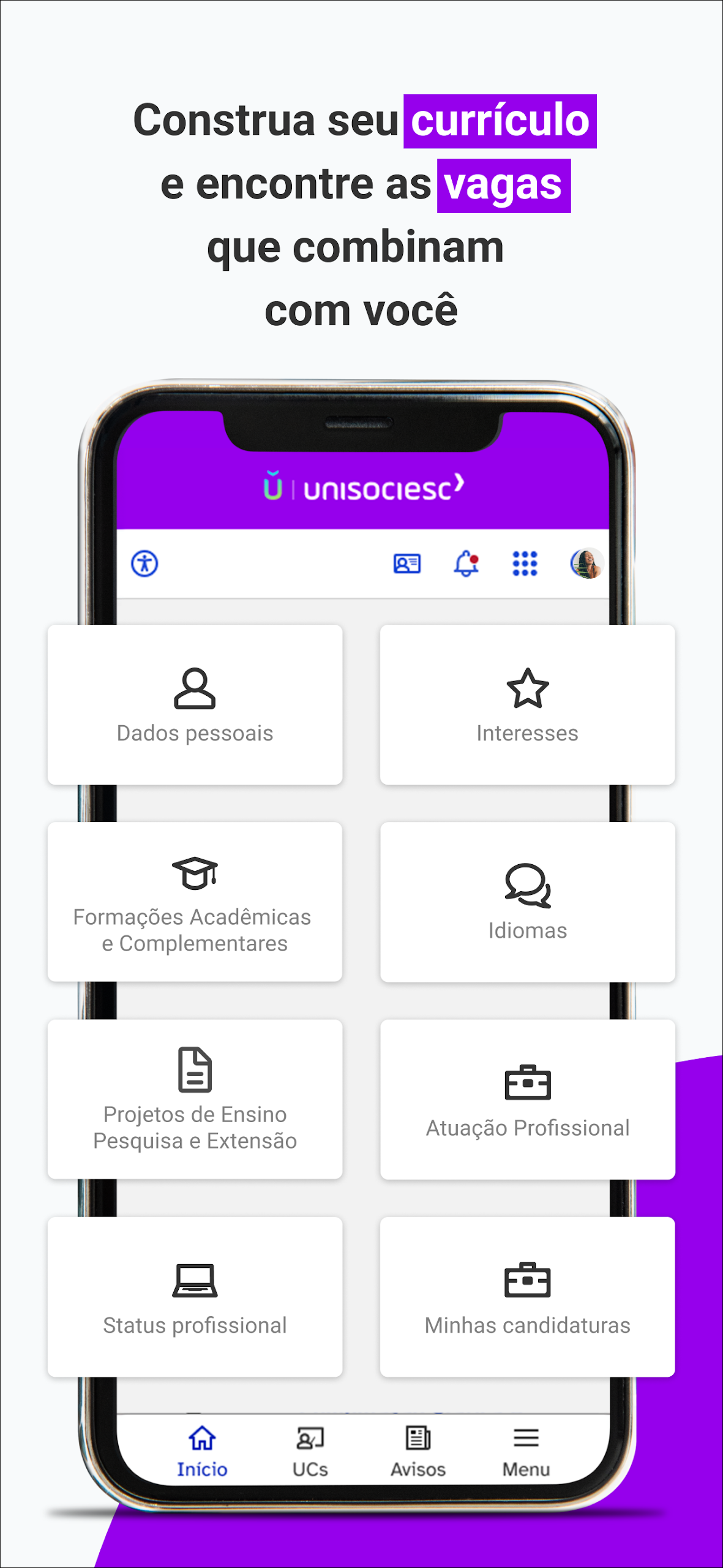
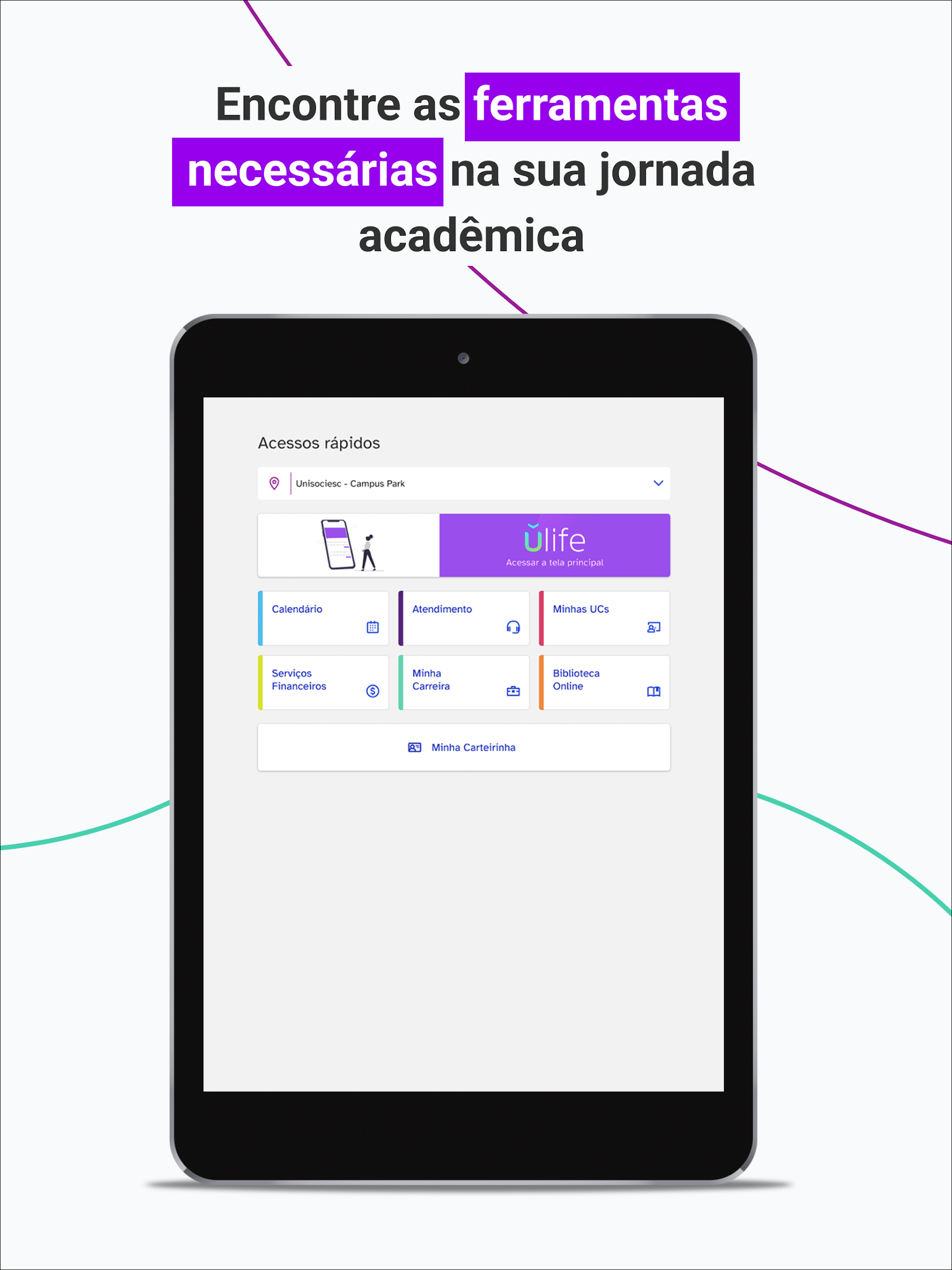
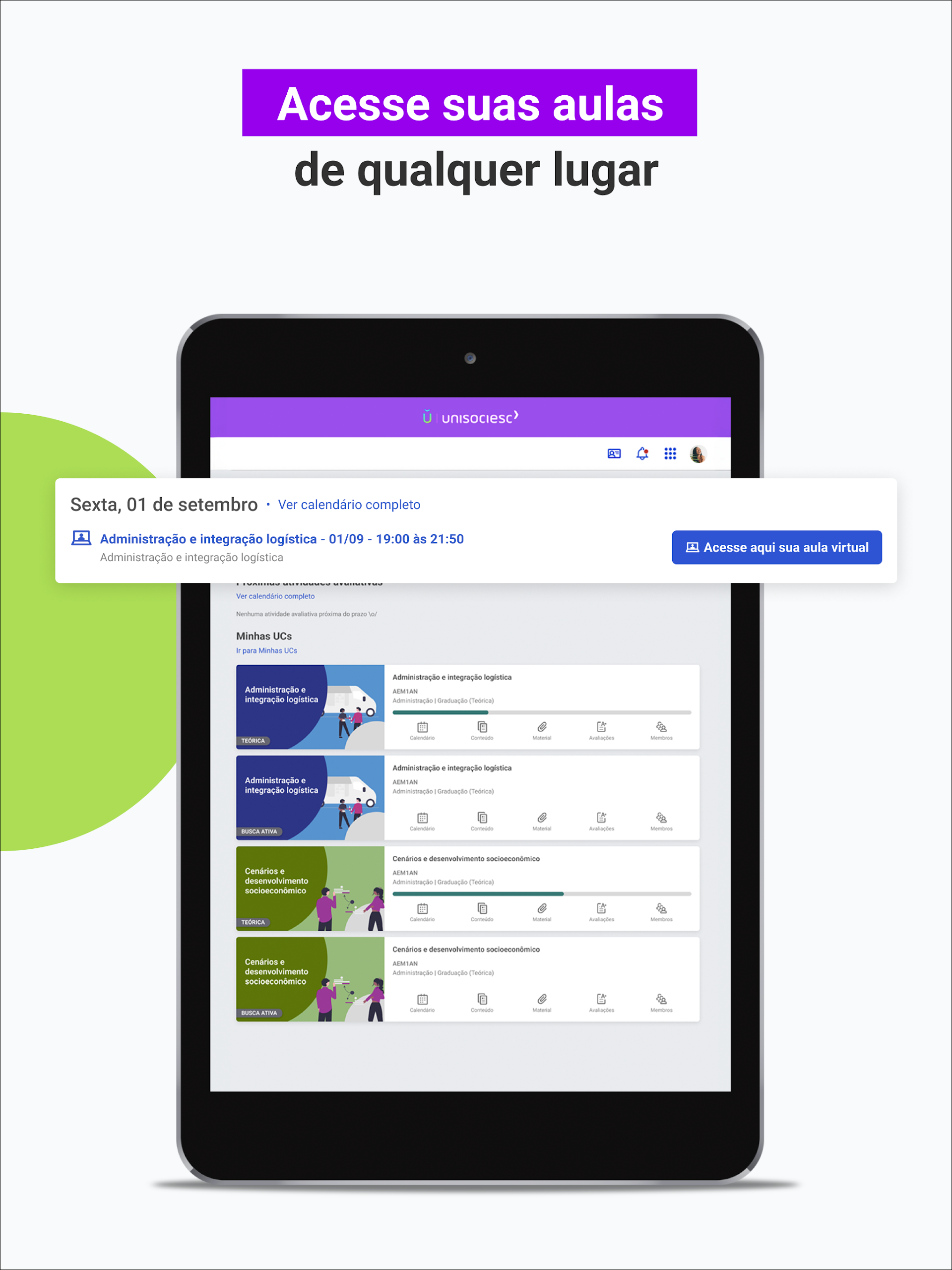
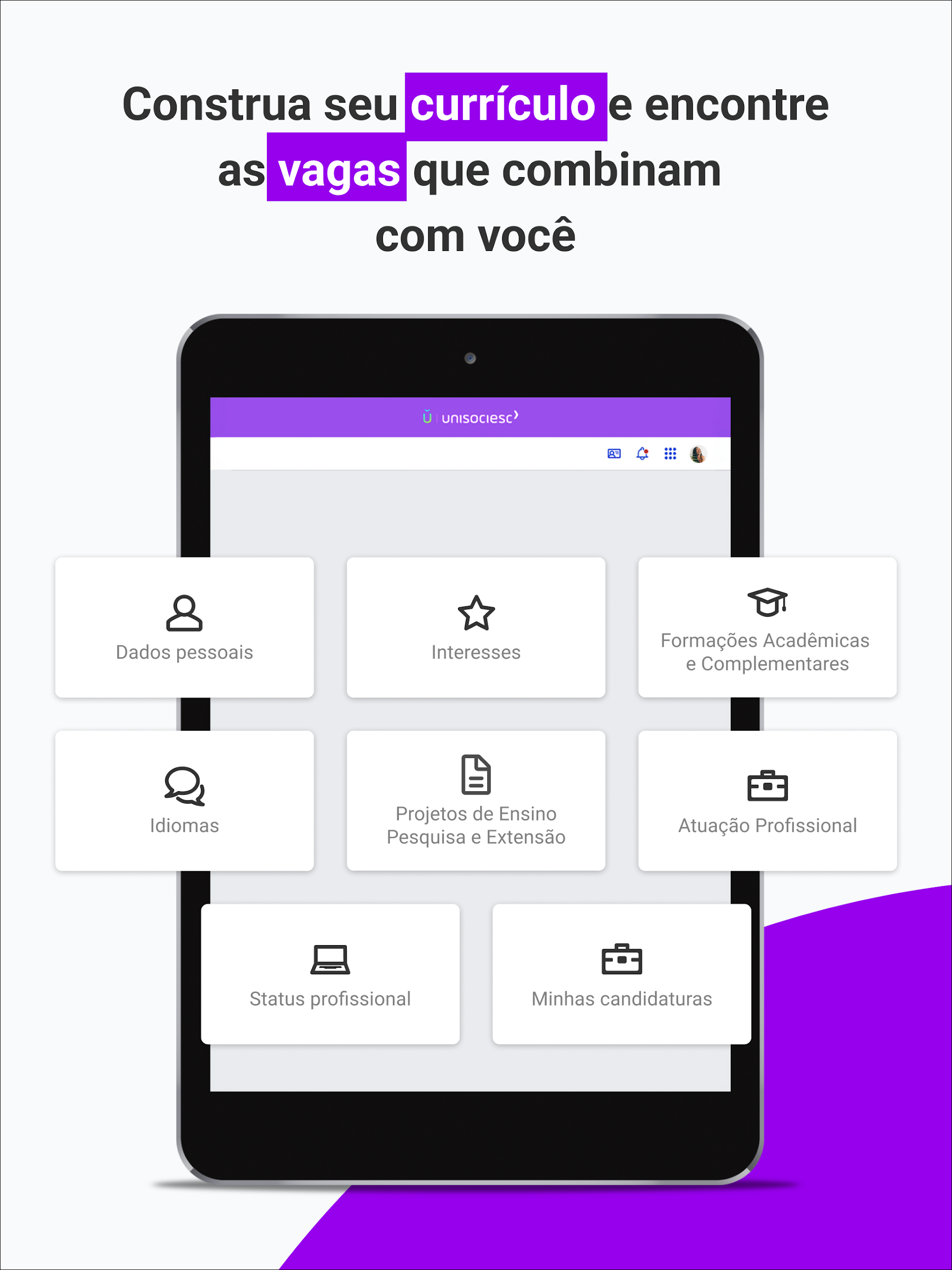
Have you ever envisioned having all the resources you need from a college right at your fingertips?
Well, now you can! Ulife is your academic management app designed for the Ânima Educação system.
Here’s what it offers:
YOUR CLASSES ANYWHERE
With Ulife, you can attend your classes from any location and at your convenience. This enhances your learning experience and allows for a more flexible study routine. It feels like carrying your classroom with you wherever you go.
YOUR CONTENT WITH MORE CONVENIENCE
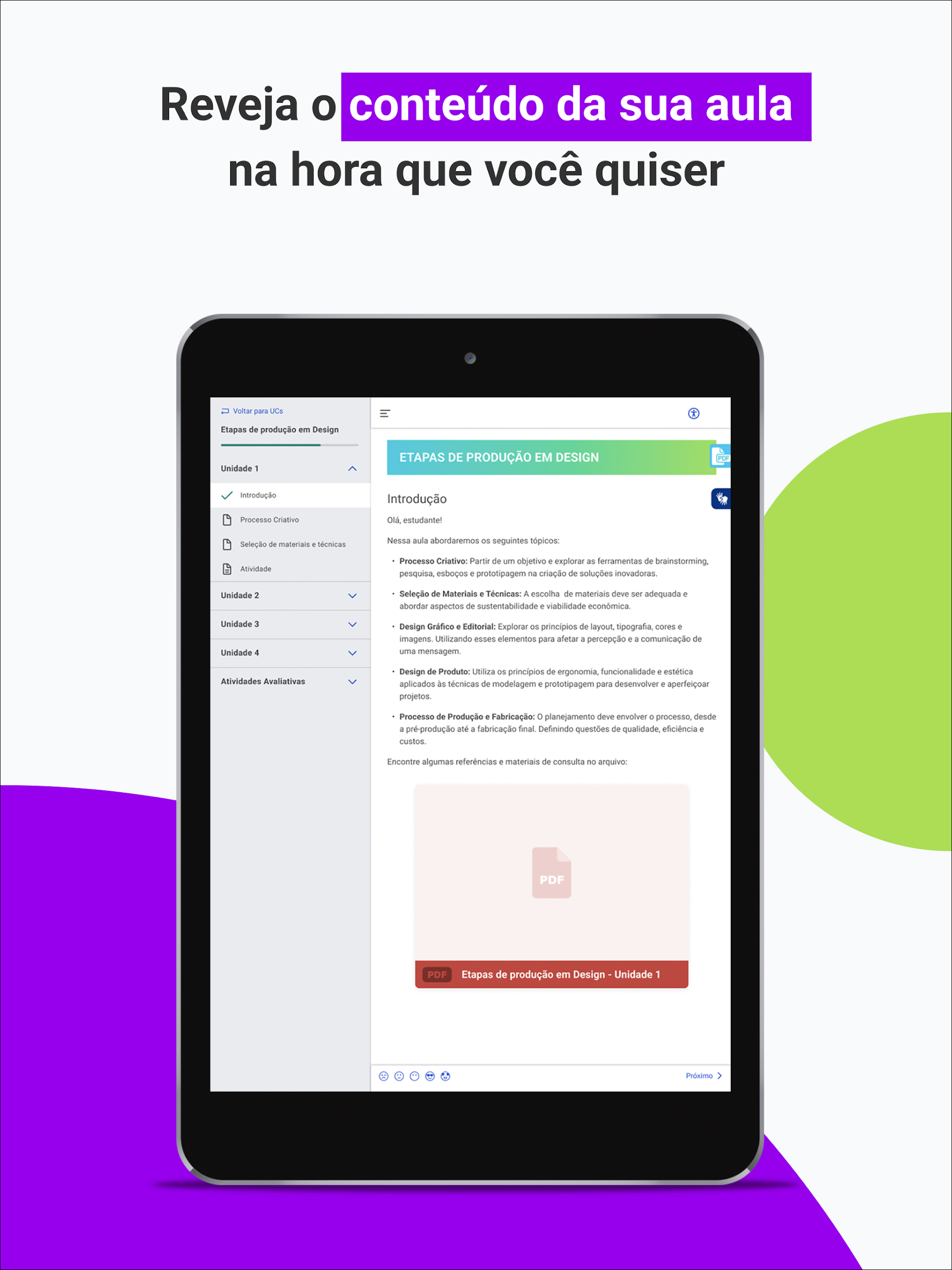
You have the freedom to access your course materials and content shared by your instructors anytime! In addition to watching recorded lectures, you’ll find support staff available to address any inquiries you may have. Your faculty is always ready to assist you!
EASE IN YOUR STUDENT LIFE
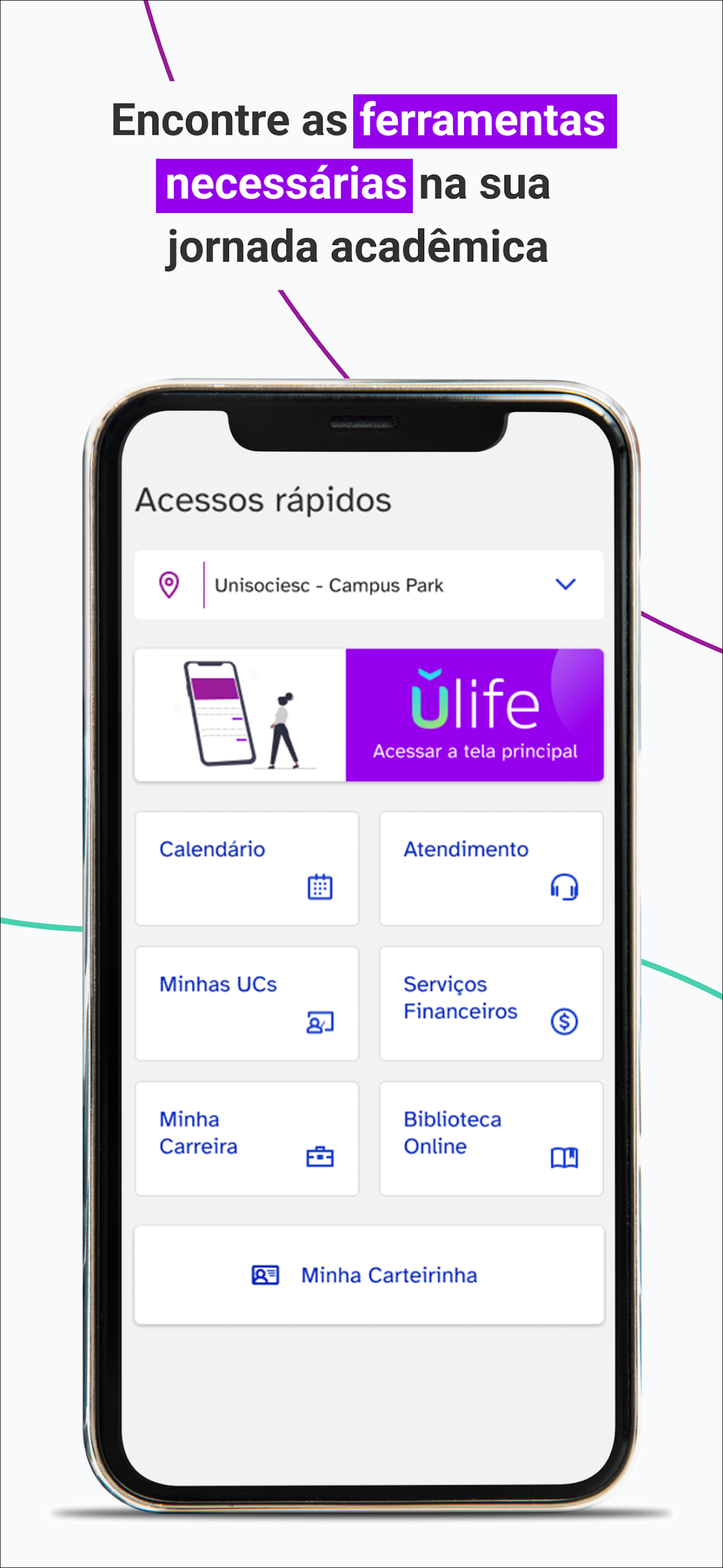
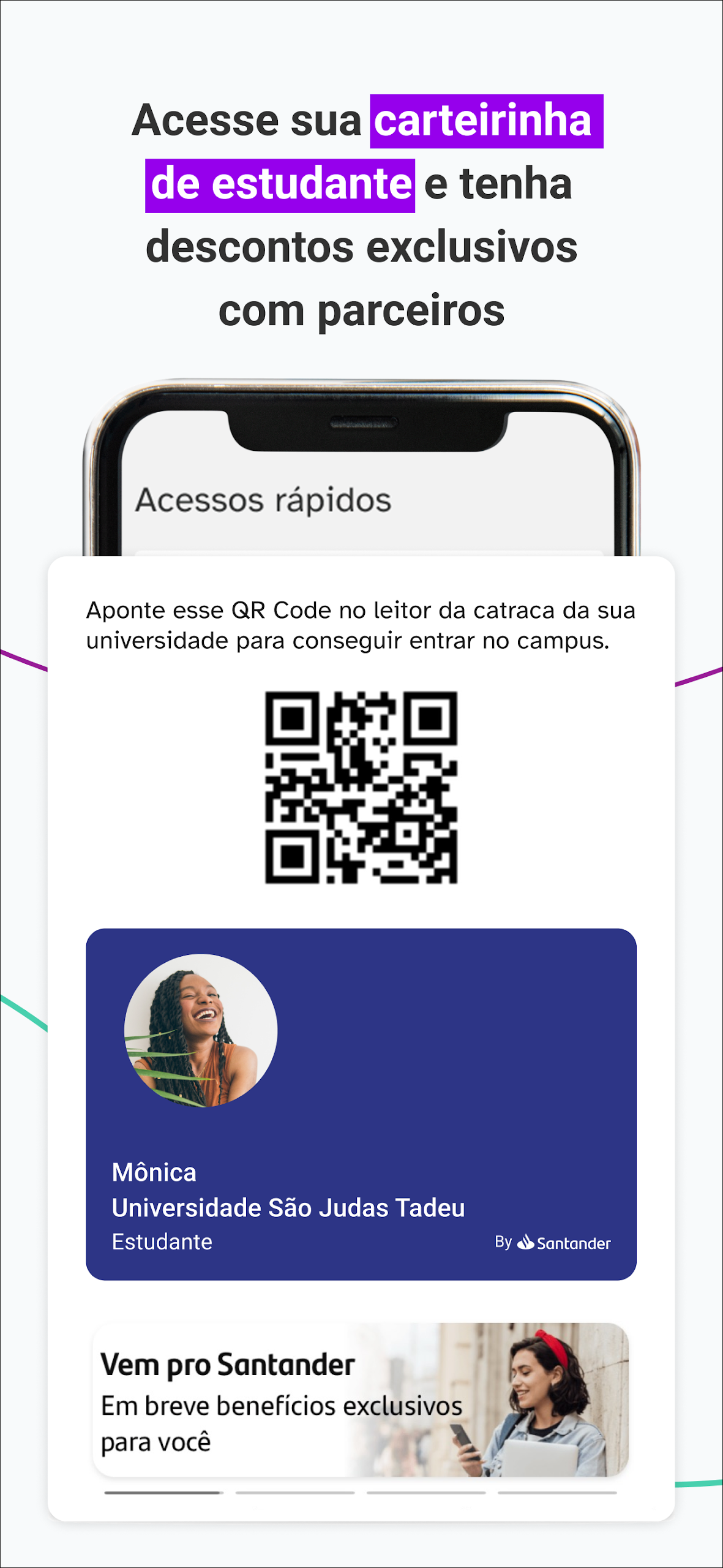
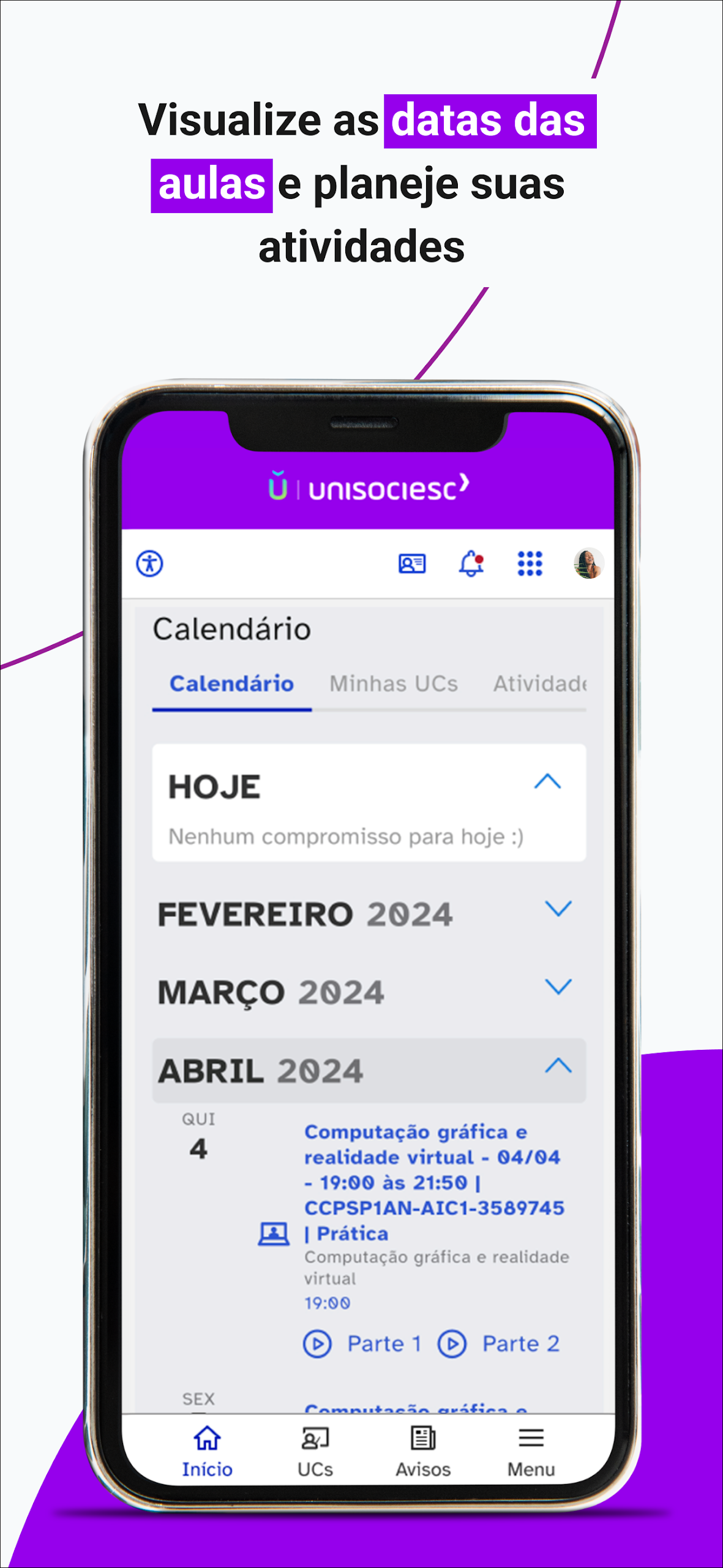
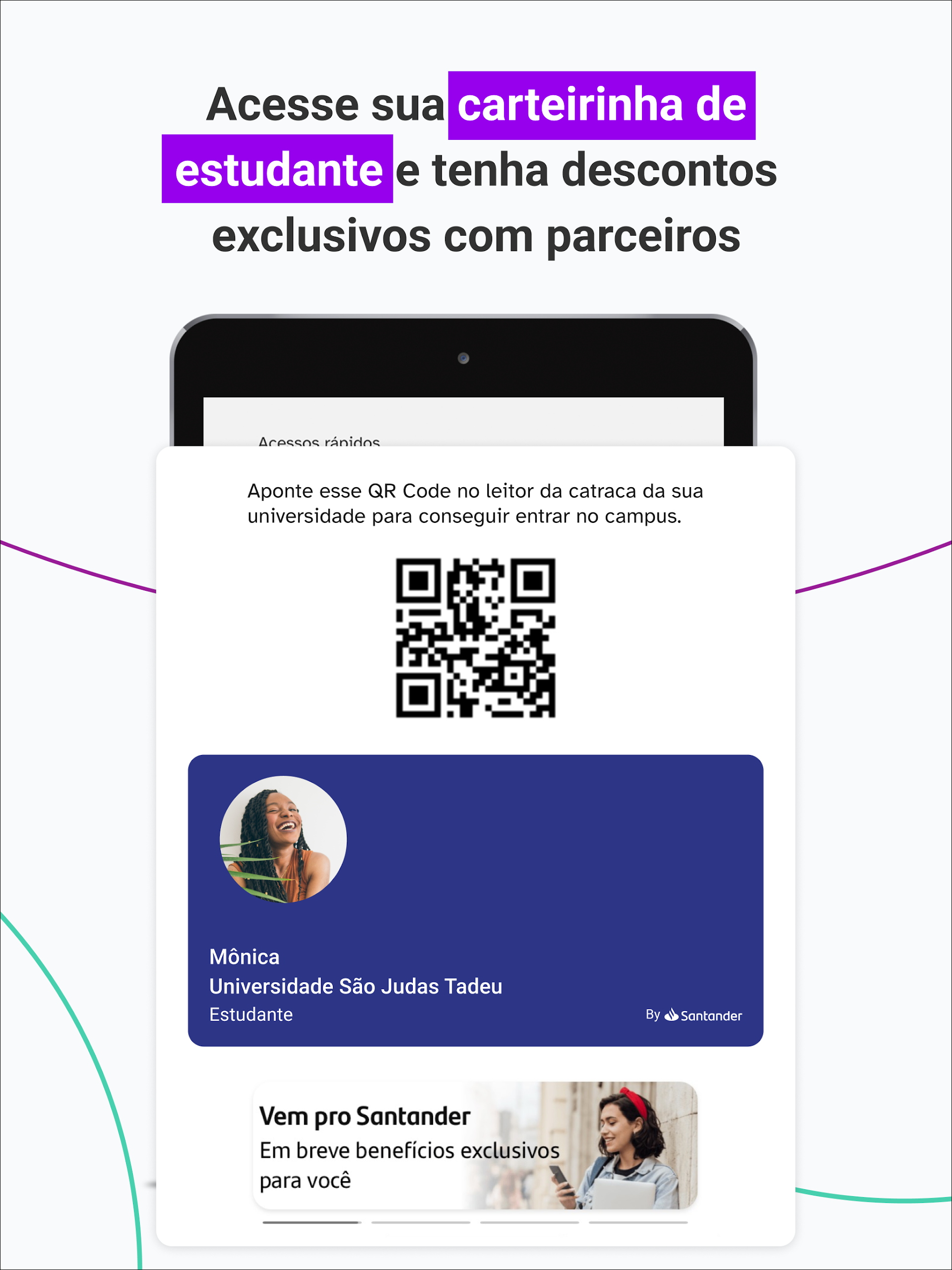
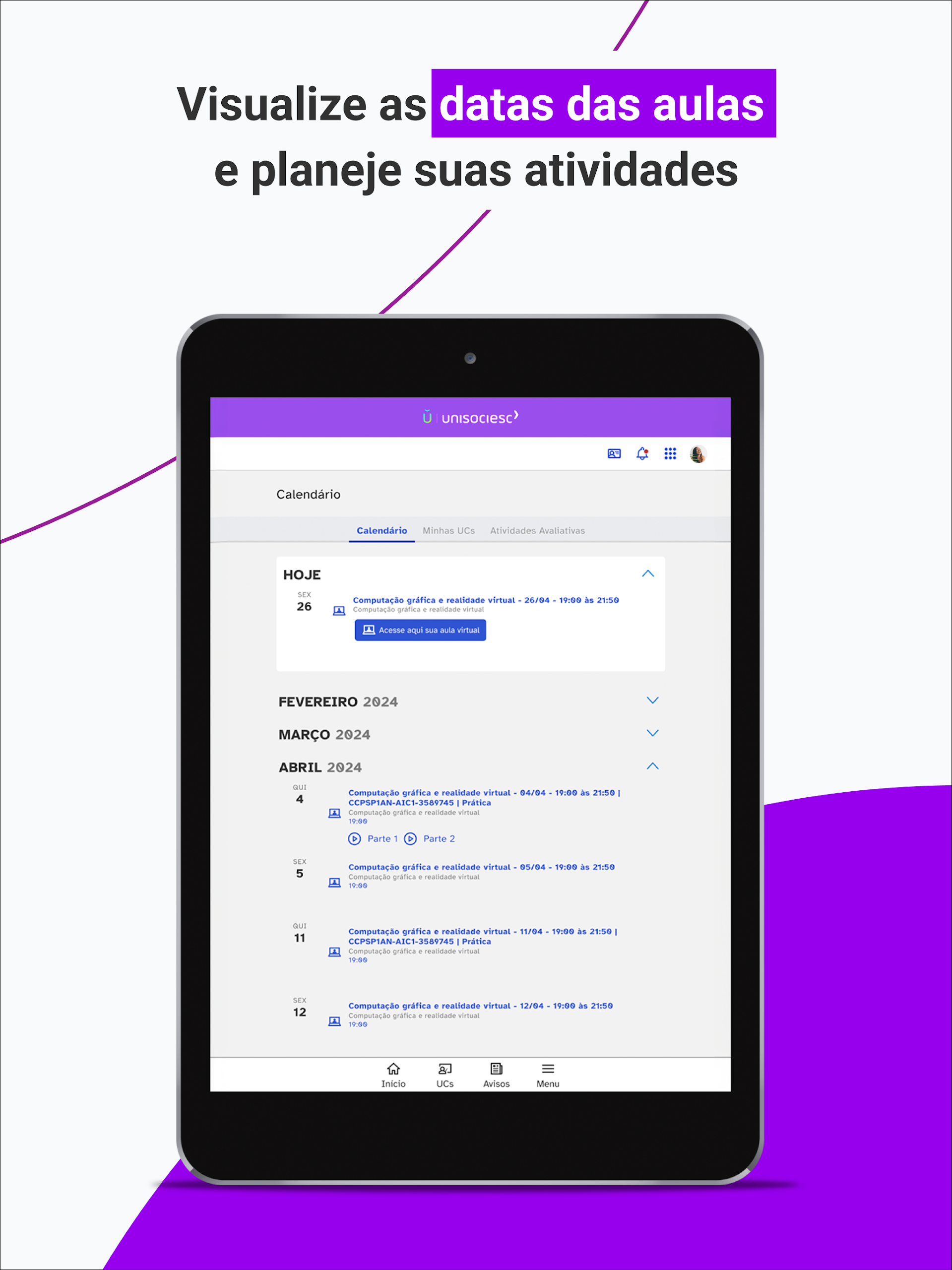
On Ulife, you can easily check your calendar, manage activities, and have your student ID card accessible whenever you need it. Furthermore, there’s a section dedicated to internships, where you can apply for positions and build your résumé.
YOUR WALLET ALWAYS WITH YOU
Ulife ensures that you can access your card at all times. This prevents any hassle of misplacing it or being without it when necessary.
App Instructions
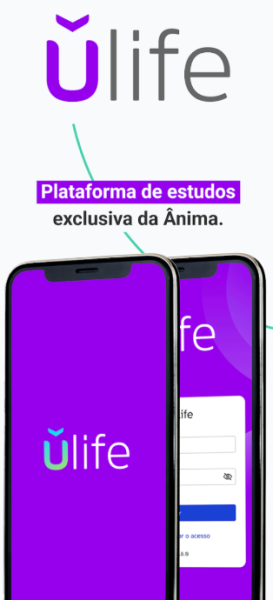
Registration and Login
1. First, visit the Ulife official website (e.g., www.u-life.com.br) and click the "Register" or "Sign Up" button on the homepage.
2. Follow the prompts to fill in your personal information, including your name, email address, date of birth, and password. Also, set your login password.
3. Log in with the email address you used to register, find the verification link or code sent by Ulife, and click the link (or enter the verification code on the Ulife verification page) to complete account verification.
4. After successful verification, return to the app login screen and enter your account and password to log in and access the main interface.
Taking Classes and Viewing Course Content
1. **Joining a Course**: After logging in, find the "Courses" link on the homepage. Access the live class anytime, anywhere, according to your schedule. If you miss a live class, you can find the corresponding course video in the "Recorded Courses" section and revisit it at any time.
2. **Access Course Materials**: From the course details page or the dedicated "Course Materials" section, you can directly view and download courseware, exercises, and other materials shared by teachers. These materials are readily available for review or preview.
Seeking Learning Support
If you encounter any questions during your studies, find the "Support" or "Help" sections within the app:
- Contact dedicated support staff to report your questions and receive answers;
- You can also directly connect with the teaching team for professional assistance with academic questions or course comprehension issues.
Managing Student Life
1. **Schedule and Event Management**: View your personal study plan, course schedule, and various event times in the "Schedule" section. You can also manually add and edit to-do items to avoid missing tasks.
2. **Using Your Electronic Student ID**: Access your electronic student ID directly from the "My" or "Student ID" sections. No physical card is required; simply present it when needed.
3. **Internship and Resume Management**: Visit the dedicated "Internship" section to browse available internship positions and submit applications online. You can also edit and refine your resume within this section to prepare for your job search.
Use the "On-the-Go Wallet" feature
In the "Wallet" or "My Cards" sections, you can access and use your linked cards (such as campus spending cards) at any time, preventing the possibility of losing your physical card or being unable to access it in an emergency.
Q&A
1. **Q: Who is this app for?**
A: This is an academic management application designed specifically for students within the Ânima Educação education system.
2. **Q: What are the core functions?**
A: Watch live/recorded courses anytime, anywhere; download course materials; check class schedules; use electronic student IDs; apply for internships; edit resumes; and use campus card functions anytime.
3. **Q: How do I register and log in?**
A: First, register on the official website, fill in your personal information, verify your email/verification code, and then log in to the app with your account and password.
4. **Q: What should I do if I encounter problems while learning?**
A: Contact customer service for assistance or directly connect with your instructor to resolve academic questions in the "Support" or "Help" sections of the app.
5. **Q: Can I catch up on missed live classes?**
A: Yes, you can find the corresponding course videos in the "Recorded Courses" section and watch them anytime.
- Version3.0.0
- UpdateOct 16, 2026
- DeveloperANIMA EDUCAÇÃO
- CategoryEducation
- Requires AndroidAndroid 6+
- Downloads283K+
- Package Namebr.com.ulife
- Signature95af06f4241872e66d056c1dfd57c01a
- Available on
- ReportFlag as inappropriate
-
NameSizeDownload
-
60.87 MB
-
5.11 MB
-
25.35 MB













Easy access and user-friendly interface
No errors reported during use
Useful for studying and academic purposes
Improved content access after updates
Facilitates mobility in accessing materials
Positive recommendations from peers
Issues with frequent app crashes and logouts
Long text readability needs optimization
Accessibility tools obstructing view
Many links and extensions fail to function
Inability to log in or reset passwords
Poor user experience and interface issues
Problems with Zoom integration and navigation
Limited functionality compared to web access
Negative feedback on academic institution's services