
MyPaymentsPlus - Cafeteria account management & payments
Manage student cafeteria accounts anytime with balance alerts, secure deposits, and purchase monitoring features.

- 8.1.8 Version
- 2.6 Score
- 168K+ Downloads
- Free License
- 3+ Content Rating

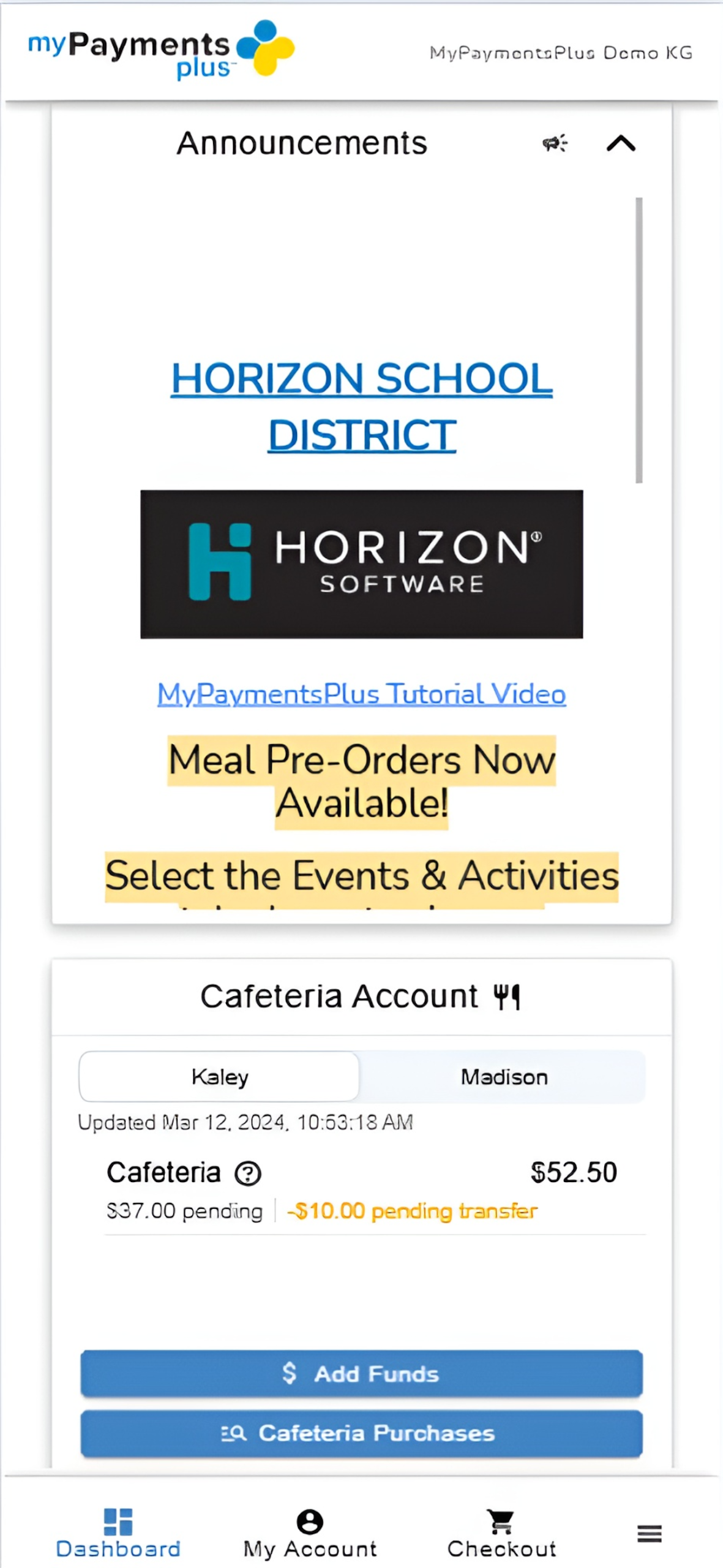
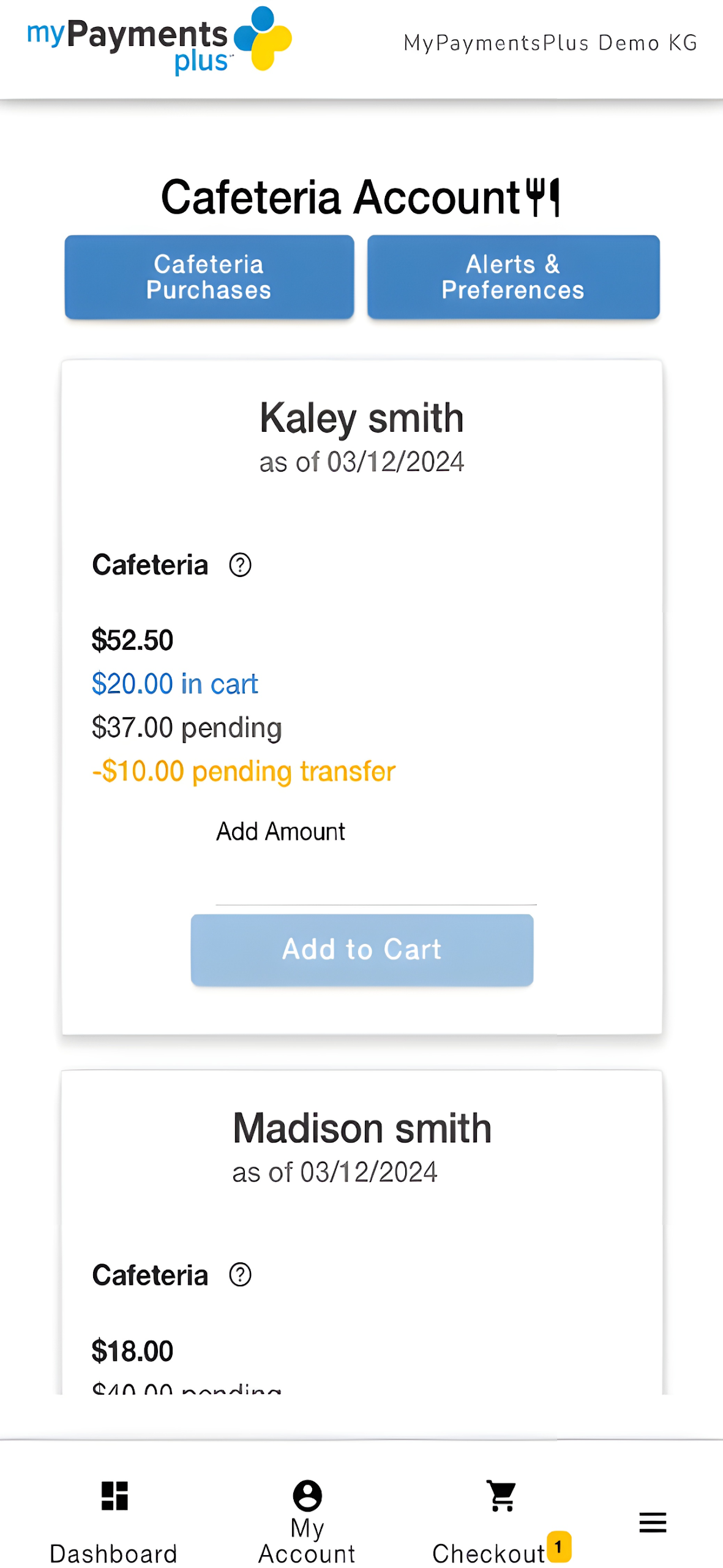
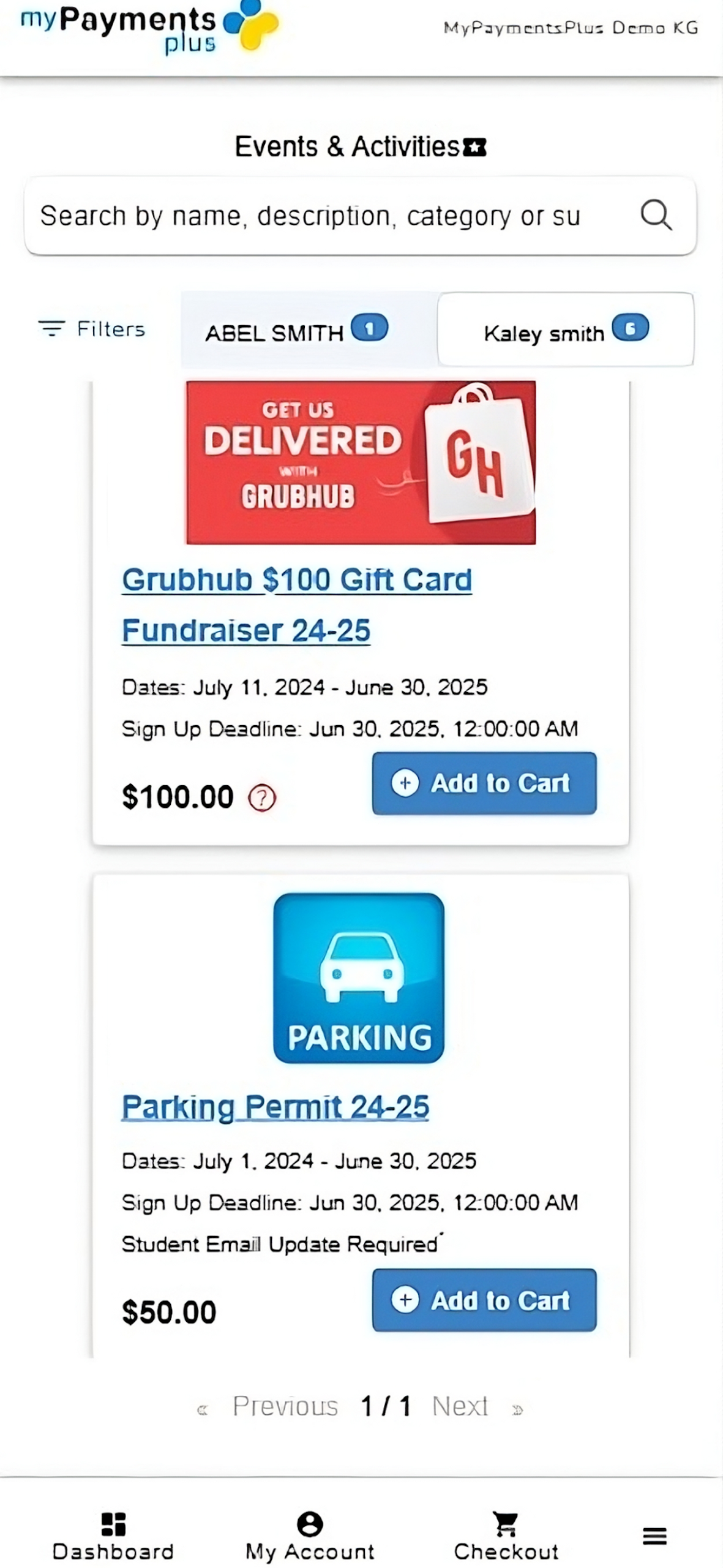
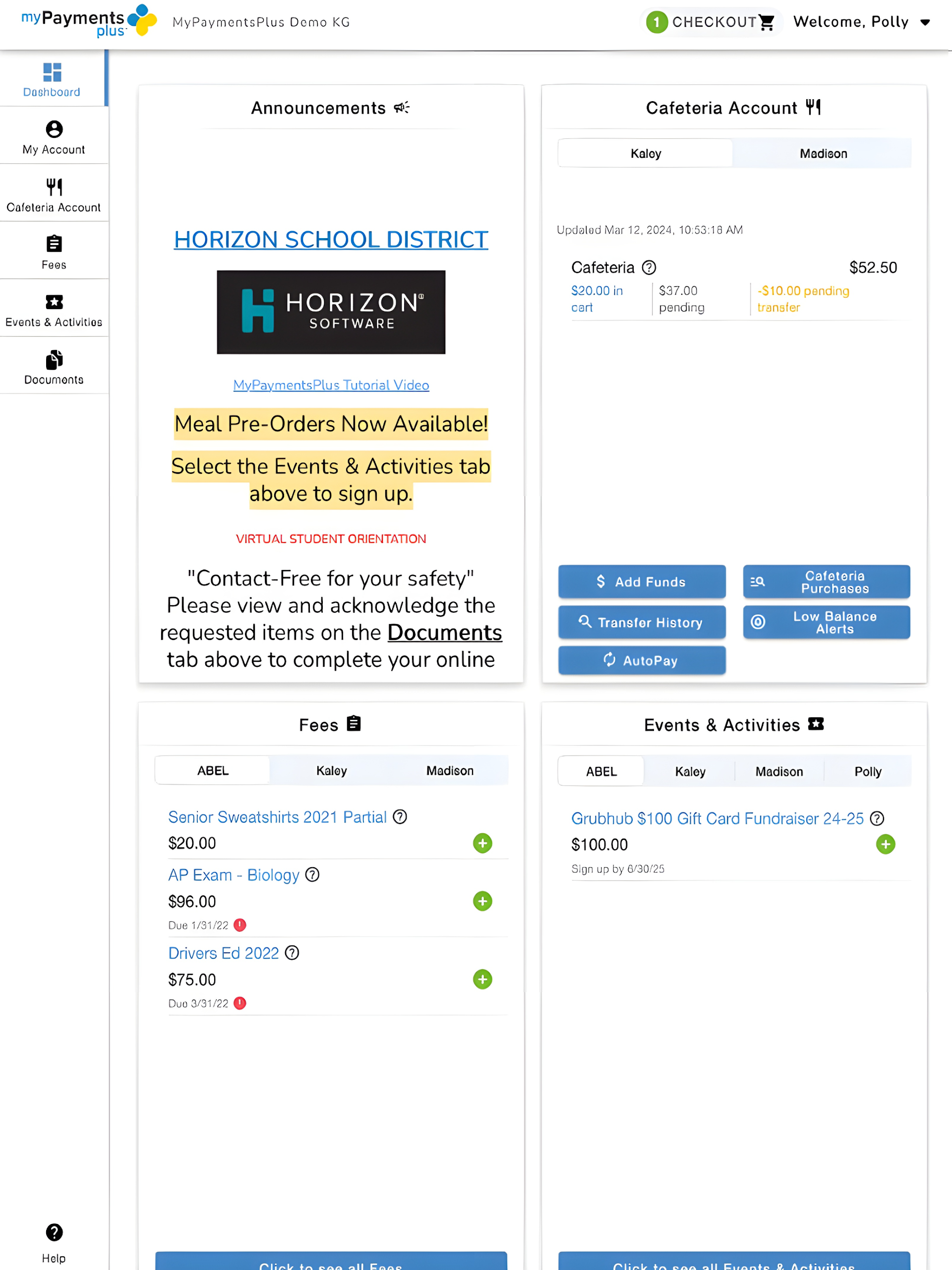
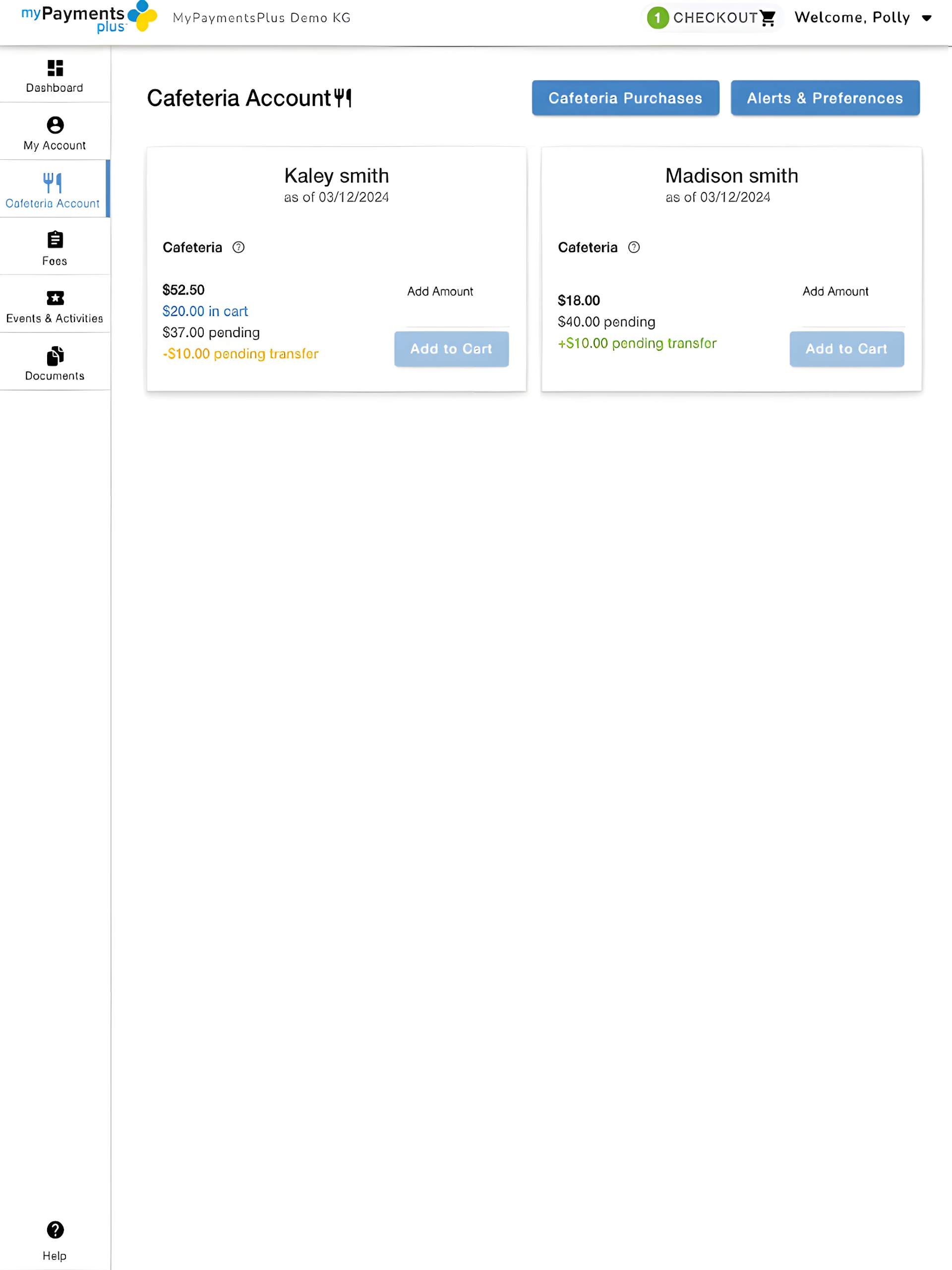
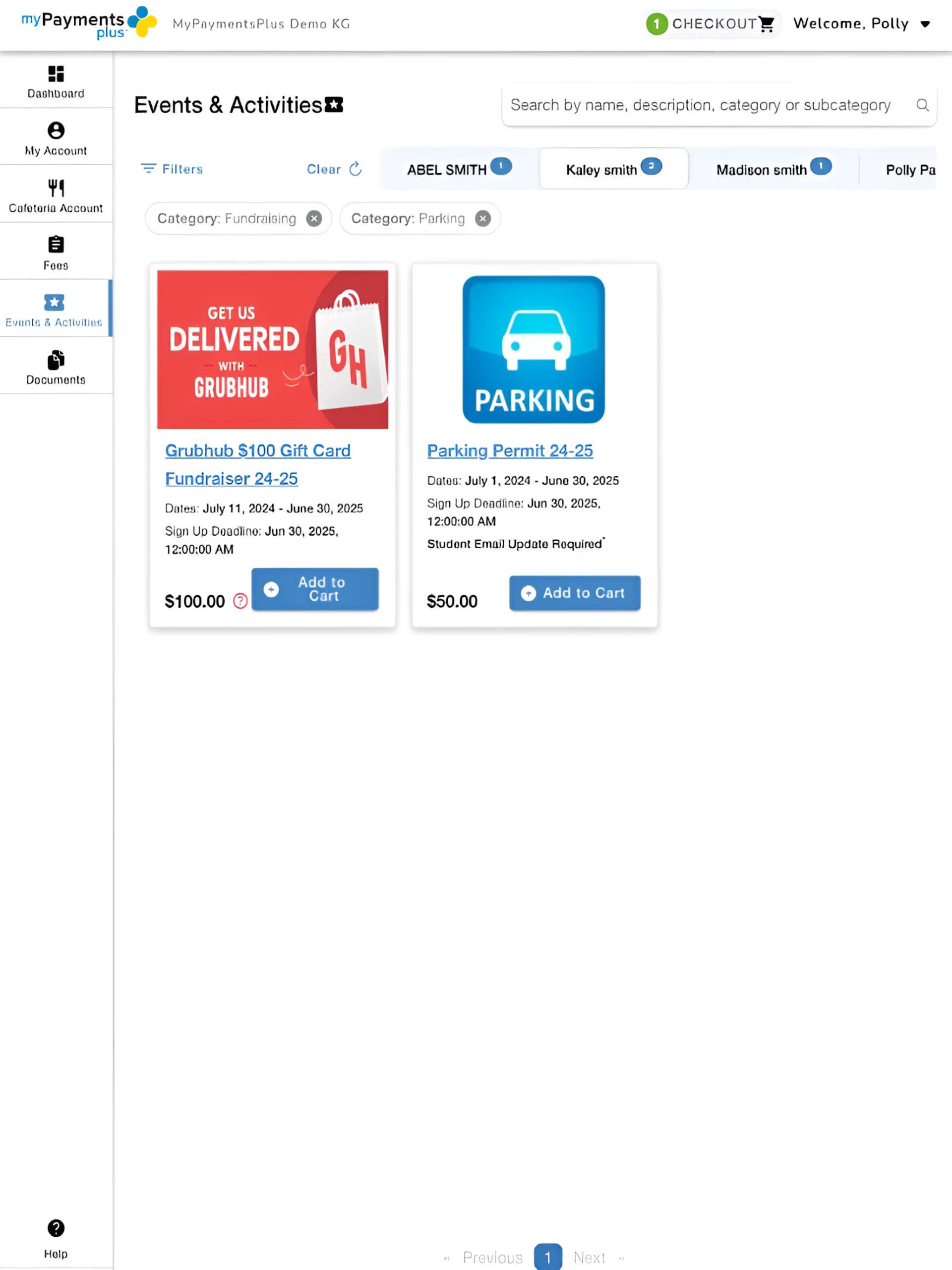
MyPaymentsPlus, developed by Horizon Software International, provides parents and guardians with round-the-clock access to oversee cafeteria accounts for students enrolled in participating schools.
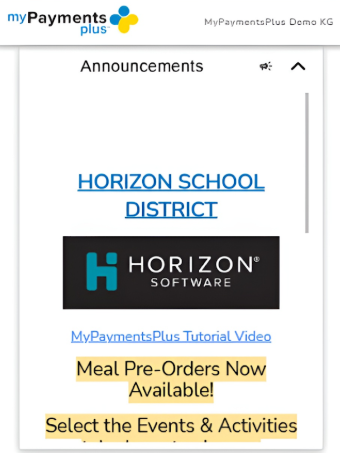
Features:
· Check the current balances of cafeteria accounts for all your children
· Safely add funds to selected accounts
· Set up alerts for low balance notifications
· Track the items being purchased at the school cafeteria
· Review the payment history associated with your account
Core Features:
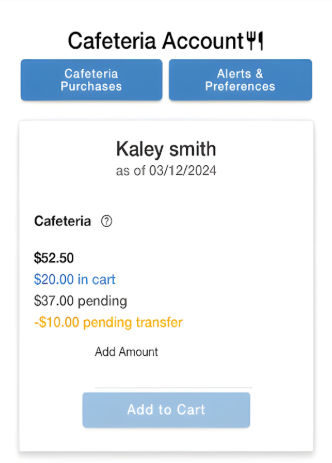
*Meals & Autopay
- Pay student meals online and view campus cafeteria spending records;
- Low balance alerts prevent children from missing meals due to insufficient funds;
- Enable autopay to reduce manual processing and prevent missed payments.
*Student Account Management
- View all your children's campus payment records and payment history 24/7;
- Centrally manage multiple student accounts without switching platforms, improving efficiency.
*Products & Events
- Browse available campus products (such as textbooks and uniforms);
- Directly register your child for campus activities (such as interest classes and sports meets) without submitting documents offline.
*Digital Forms
- Complete and sign all required documents online (such as consent forms and registration forms);
- Reduce paper usage, prevent loss or omissions, and streamline processes.
How to Use:
1. Add Students
Register an account and add multiple students' information in "Student Account Management" to manage accounts from different schools uniformly.
2. Meal Fee Management
View balance and consumption records, manually recharge or set up automatic recharge; enable low balance reminders to avoid running out of meals.
3. Campus Affairs
Purchase campus items and register for activities in "Goods and Activities"; sign documents in "Electronic Forms" and download them for future reference.
4. Function Adjustments
Edit automatic recharge amount/frequency; activity registrations can be cancelled online before the deadline.
FAQs
1. **Q: I have two children in different schools. Can I manage their school affairs using the same MyPaymentsPlus account? **
A: Yes. You can add multiple students to your account. Once added, you can view both children's payment records, meal balances, and other information in the "Student Account Management" section, eliminating the need to switch accounts. This makes it easy for parents to manage school affairs for their children at different schools.
2. **Q: After activating autopay for meals, how can I adjust the amount or frequency of automatic payments? **
A: After logging in to your account, go to the "Meals & Autopay" section and find your set autopay plan. There will be an "Edit" or "Adjust" option. Click on it to change the automatic payment amount (e.g., a fixed amount per top-up) and the frequency (e.g., automatic top-up when the balance falls below a certain limit, or monthly top-up on a fixed date). Save your changes and they'll take effect.
3. **Q: What could be the reason I'm not receiving low balance notifications for meals? **
A: It's possible that the reminder method isn't set up correctly in your account (for example, you haven't linked your primary phone number or email address), or the reminder function may have been accidentally disabled. You can first check your reminder settings in "Meals & Autopay" to confirm that your contact information is correct and that the reminder function is enabled. If the settings are correct, it may be due to network latency. Wait a while before checking again, or contact platform customer service for troubleshooting.
4. **Q: After signing a school e-form online, I'm worried about not having proof. Can I save a record of the form I signed? **
A: Yes. After signing the e-form, the system automatically generates a signature record. Find the corresponding form in the "Digital Forms" section. There will usually be a "Download," "Export," or "View History" option. Clicking this will save the signed form to your phone or computer for easy access or submission to the school later.
5. **Q: After registering my child for a school activity using MyPaymentsPlus, can I cancel the registration online? **
A: In most cases, yes. Find the event you have registered for in "Products & Events". If the cancellation deadline has not yet arrived, a "Cancel Registration" button will be displayed. Just follow the prompts. If you don't see the cancellation option, the cancellation deadline may have passed, or you may need to contact the school teacher for assistance. For details, please check the cancellation rules in the event details.
- Version8.1.8
- UpdateOct 16, 2026
- DeveloperHorizon Software International, LLC
- CategoryEducation
- Requires AndroidAndroid 7.0+
- Downloads168K+
- Package Namecom.horizonsoftware.mypaymentsplus
- Signature43f4e70ac711c8e5fa37d7201f0e296a
- Available on
- ReportFlag as inappropriate
-
NameSizeDownload
-
7.65 MB
-
6.22 MB
-
5.69 MB












Convenience of adding funds quickly
Easy access to transaction history
User-friendly interface
Ability to manage multiple accounts
Notifications for low balances
Fast processing of payments
Ability to monitor children's spending
Option for image uploads per account
Overall practical household management tool
Frequent app crashes and failures to open
Inconsistent functionality after updates
Poor customer service responsiveness
Login issues with both app and website
High service fees for transactions
Limited payment options available through the app
Notifications sometimes fail to trigger correctly
Problems with account management features
Frustrations due to non-intuitive interface