
Venngo - Discounts on-the-go
Unlock exclusive savings while you shop, dine, and travel with incredible discounts right at your fingertips!

- 3.2.3 Version
- 1.5 Score
- 191K+ Downloads
- Free License
- 3+ Content Rating

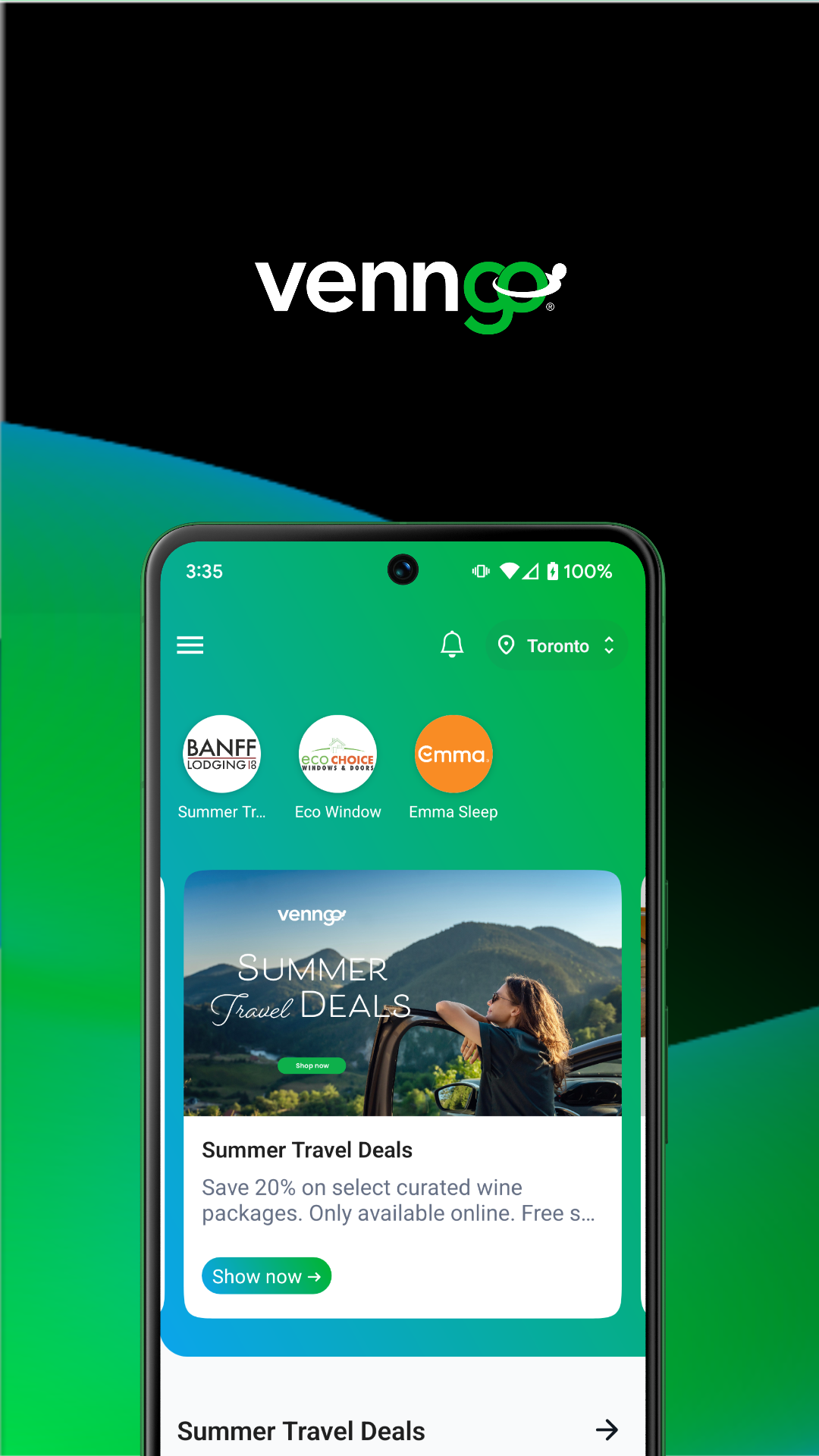
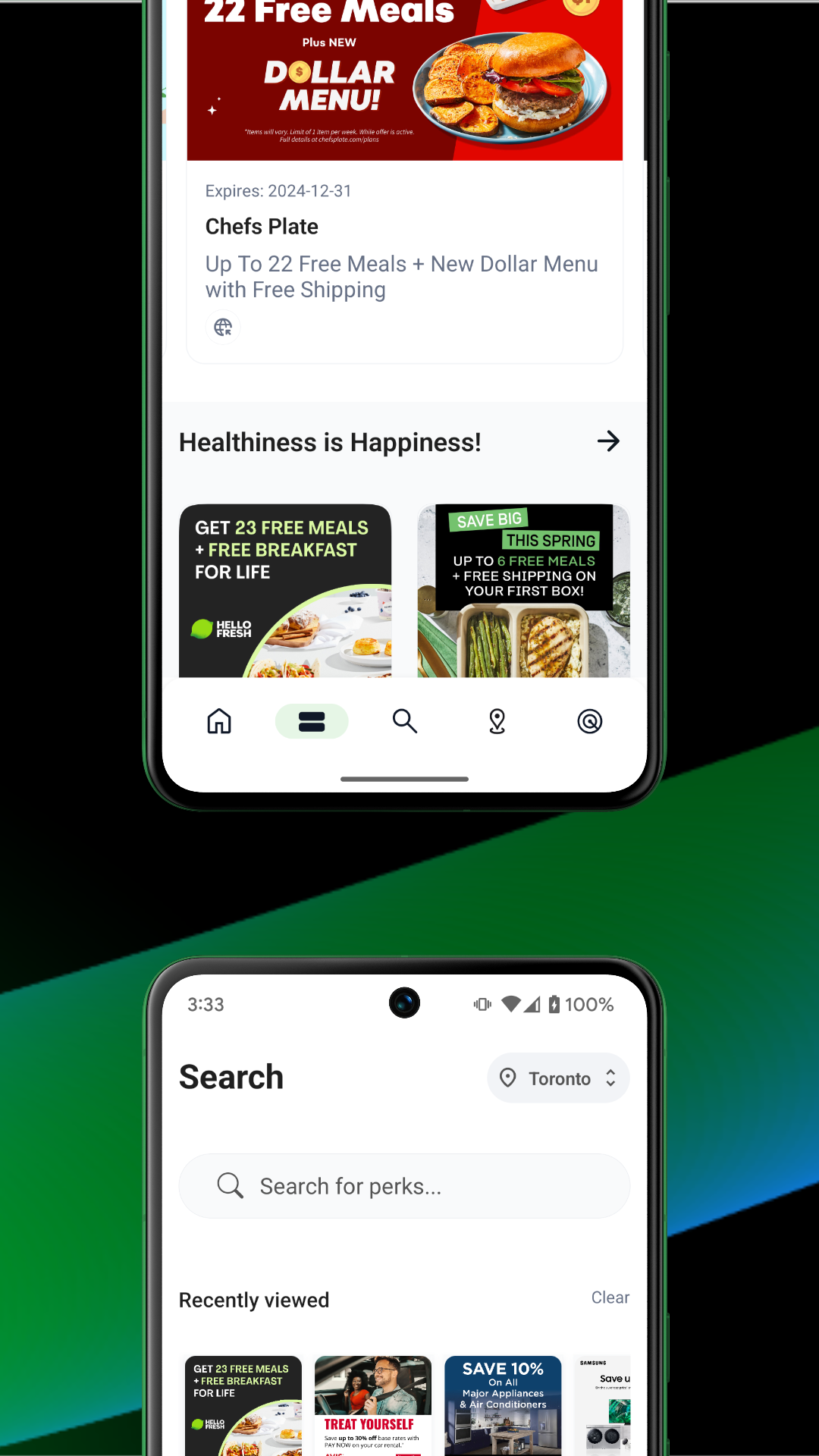
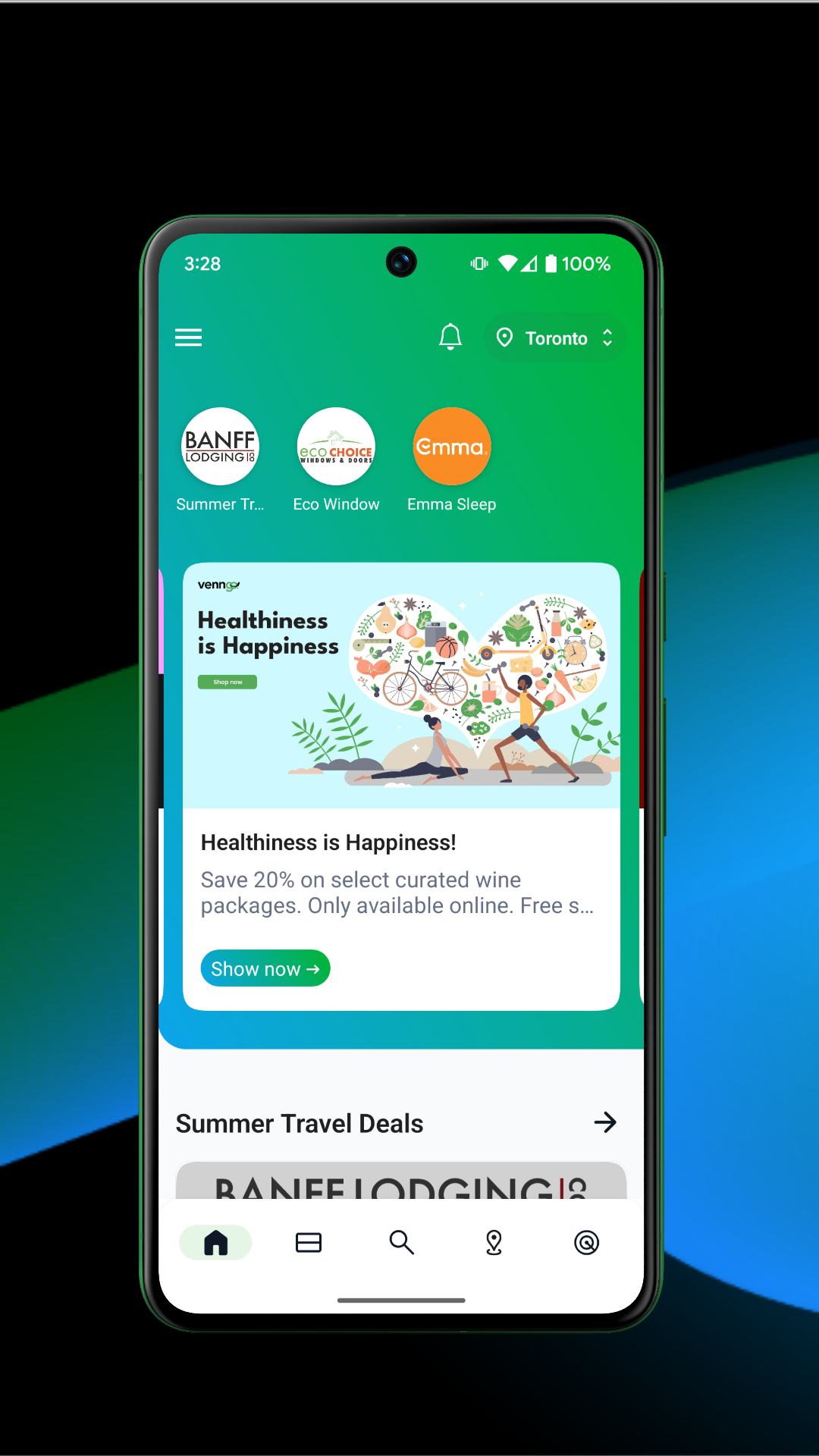
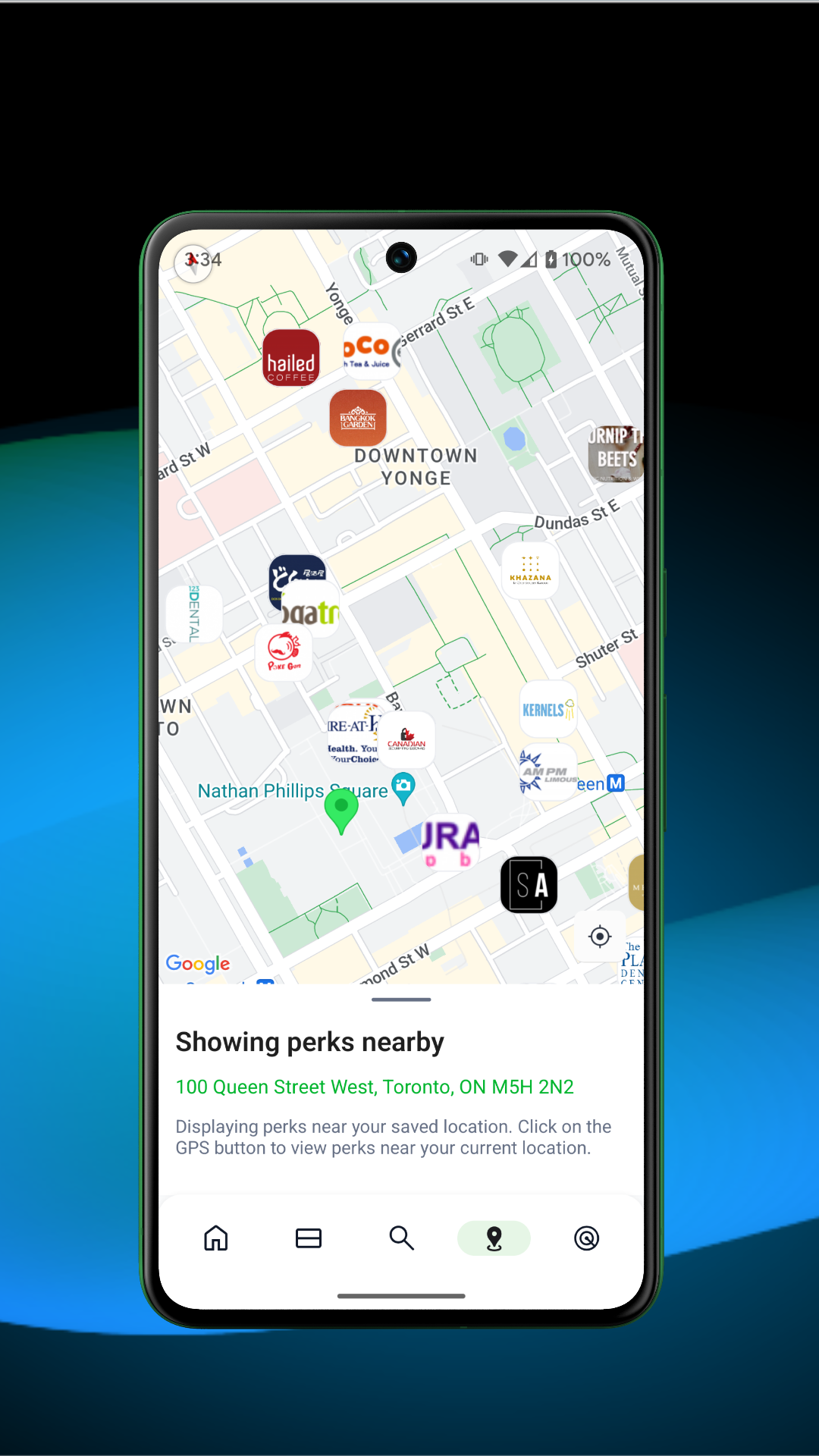
About the Venngo App:
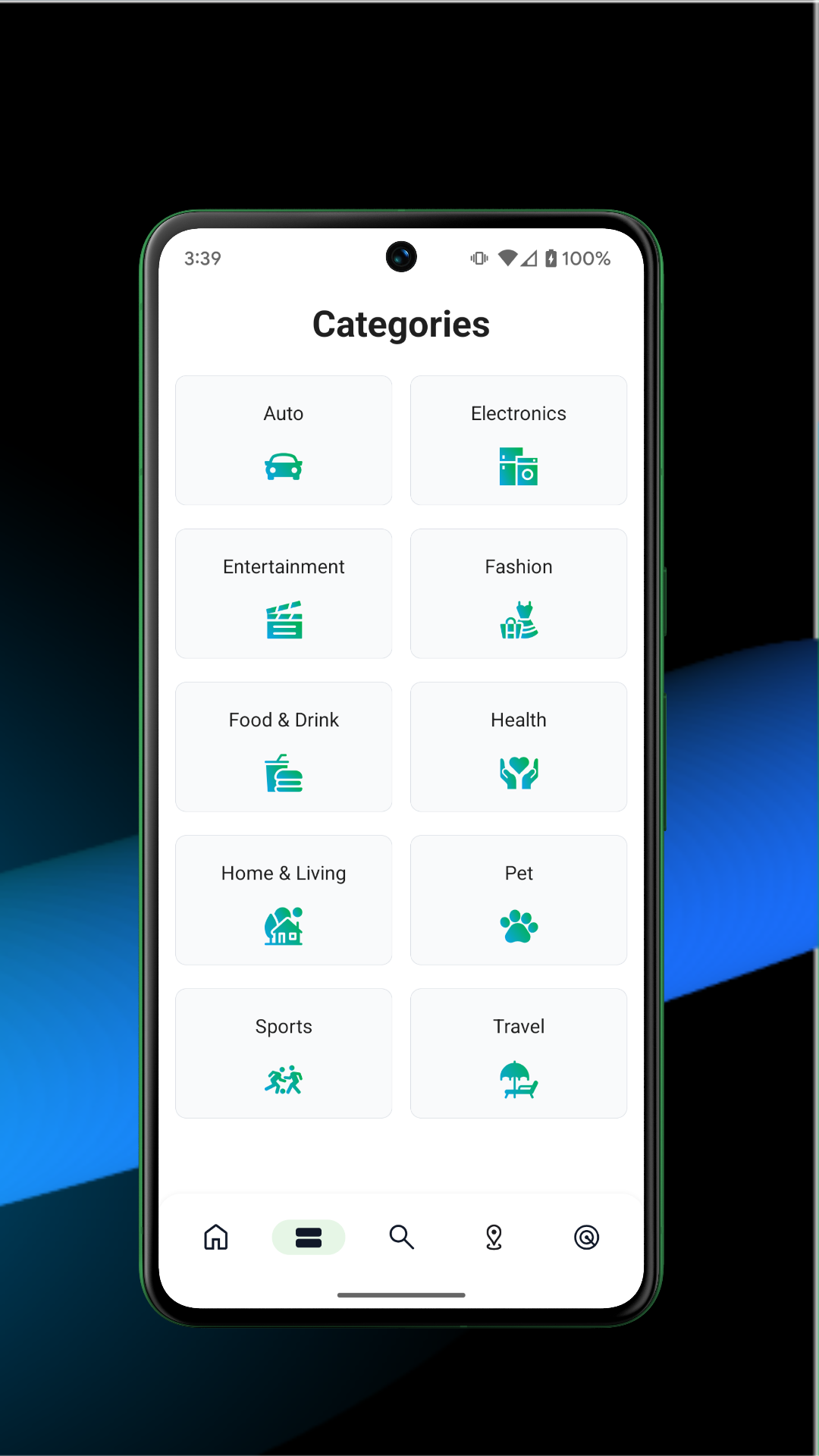
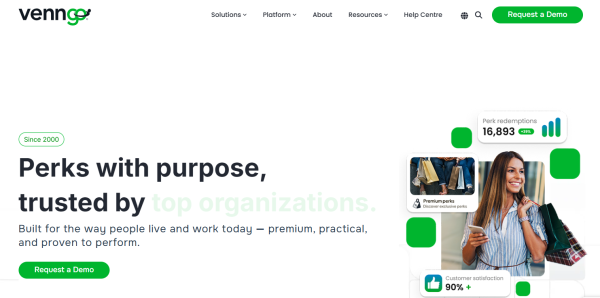
Venngo is the official mobile app by Venngo Inc. for members of WorkPerks®, MemberPerks® or CustomerPerks® programs. The Venngo app is not a public coupon aggregator — it is member-only access to employer, association, or customer discount programs across fashion, dining, travel, electronics, health, home, pet, sports, and entertainment.
Instead of visiting the Venngo website, members open the Venngo app to browse perks, redeem offers in-store or online, see nearby discounts by GPS, favorite brands, track savings, and invite household members.
Store-ready features:
Sign in to WorkPerks / MemberPerks / CustomerPerks / My Perks
Browse and redeem perks from the phone
Nearby perks by GPS with map view
Favorite perks for quick access
Savings tracker inside the Venngo app
Family member invites to share the program
Search and categories for faster discovery
Weekly Flyer, eGift Cards, and built-in ticket marketplace in newer builds
Camera/location permission for in-store redemption and nearby perks
Package:com.venngo.mobileperks, Shopping, Everyone, free.
How to Use the Venngo App:
The Venngo app runs on a member loop: sign in → enable location → browse perks → favorite → redeem → invite family.
Quick guide:
Install Venngo from Google Play or App Store.
Sign in with your WorkPerks/MemberPerks/CustomerPerks account.
Allow location so the Venngo app can show perks near you.
Allow camera if you redeem in-store codes or QR perks.
Browse categories: fashion, dining, travel, electronics, health, etc.
Tap a perk to read instructions, then redeem online or in store.
Tap favorite/save on repeat offers; check savings in your account.
Use “Locate Perks” tools — search, map, or nearby list.
Open menu to invite a family member with their email.
Log out and back in if the Venngo app shows a sign-in error.
Tips:
The Venngo app is members-only — if login fails, contact HR/admin or support@venngo.com.
Location improves nearby perks, but Venngo states it does not store your images from camera use.
Family invites usually go to immediate household members, not public sharing.
Venngo App FAQ and Status:
Who develops the Venngo app?
Venngo Inc. Play developer name shows as Venngo.
Who can use it?
Only existing WorkPerks, MemberPerks, CustomerPerks, or My Perks members.
What does the app do?
Signs in to your perk account, browses offers, redeems perks, shows nearby discounts by GPS, favorites perks, tracks savings, and invites family.
Why allow location and camera?
Location powers nearby perks; camera helps scan/redeem in-store offers. Venngo says images are not stored.
How do I redeem a perk?
Open the perk in the Venngo app, follow the instruction, and use the code/link/in-store flow shown.
Can I invite family?
Yes — the Venngo app has a family invite flow from account/menu settings.
Data privacy?
Play data-safety: no data shared with third parties; may collect location, personal info and other data; encrypted in transit; deletion request supported.
Why Install Venngo:
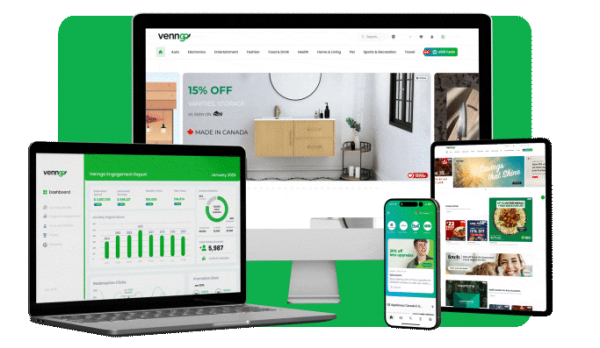
Install the Venngo app if your employer, association, or customer program gives you WorkPerks/MemberPerks/CustomerPerks access.
Best-fit users:
Employees with company discount benefits
Association members using MemberPerks
Customer program users with CustomerPerks
Shoppers who want nearby in-store offers
Households sharing one perk program
Frequent travelers booking via perks
Users who already redeem on Venngo web and want mobile
- Version3.2.3
- UpdateOct 21, 2026
- DeveloperVenngo
- CategoryShopping
- Requires AndroidAndroid 5.0+
- Downloads191K+
- Package Namecom.venngo.mobileperks
- Signature39e67dab1432b6cc4be9dbb7b51f8635
- Available on
- ReportFlag as inappropriate
-
NameSizeDownload
-
33.31 MB
-
16.98 MB
-
17.76 MB














Access to great discounts
User-friendly interface
Frequent updates and improved offers
Easier navigation compared to competing apps
Good variety of perks available
Fast access to online discounts
Helps save significant money on purchases
Positive feedback on app performance improvements
App frequently glitches and crashes
Difficulty logging in and resetting passwords
Clunky and outdated user interface
Slow performance and lagging issues
Missing features such as favorites editing
Inconsistent malfunction across devices
Frustrating login process with invalid username errors
Limited functionality and complaints about unnecessary account verification steps