
Рулька - Loyalty savings & offers
Unlock exclusive discounts & promotions while easily tracking your rewards with this loyalty program app for loyal customers.
- 2.0.58 Version
- 2.0 Score
- 435K+ Downloads
- Free License
- 3+ Content Rating

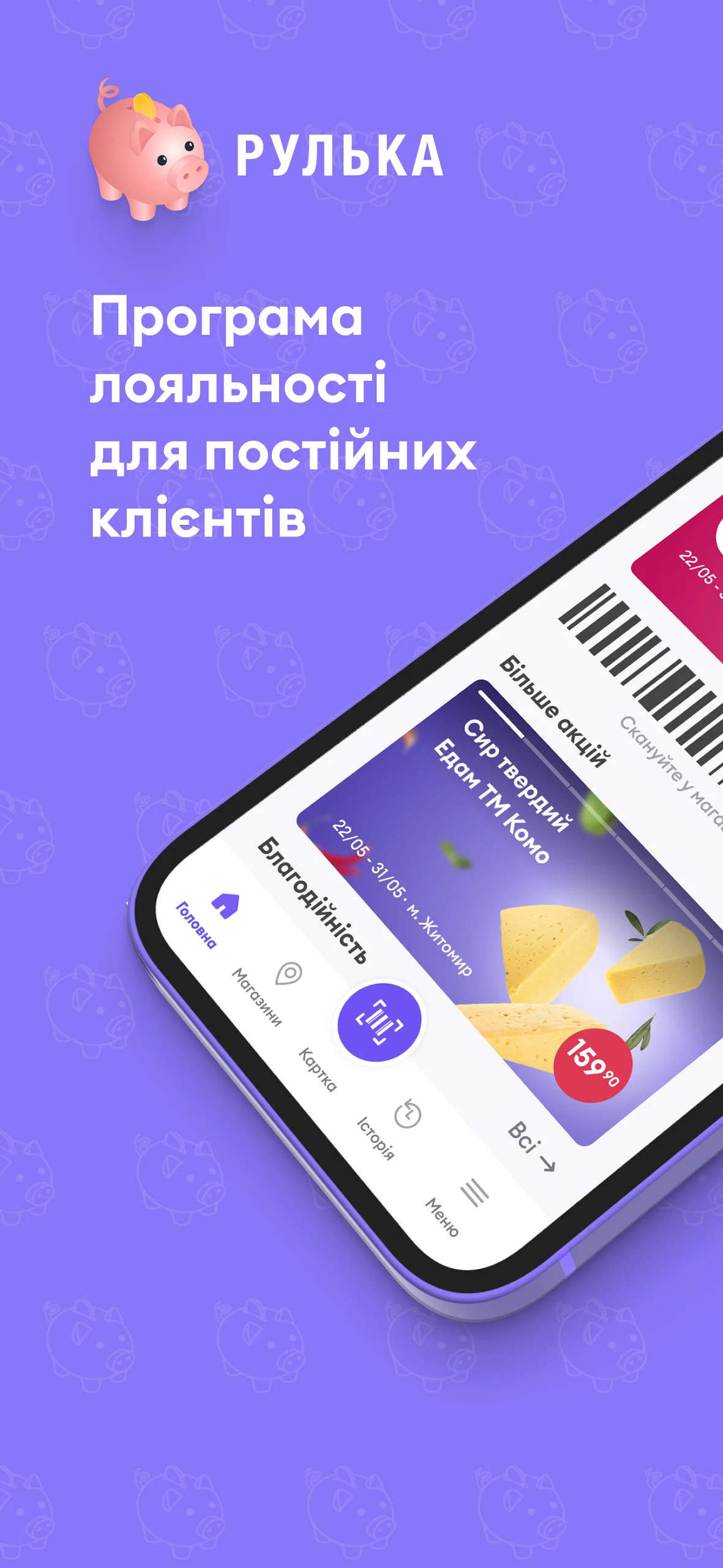
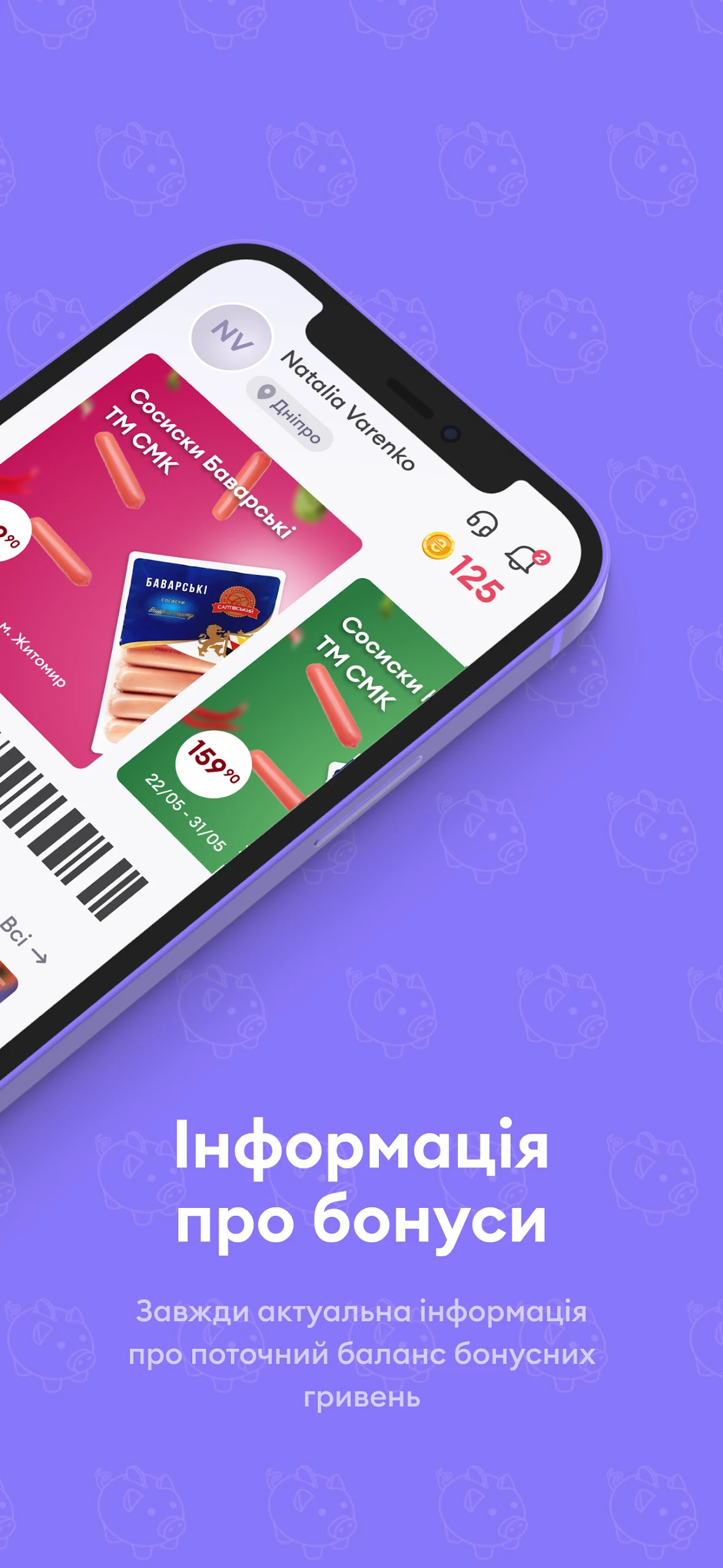
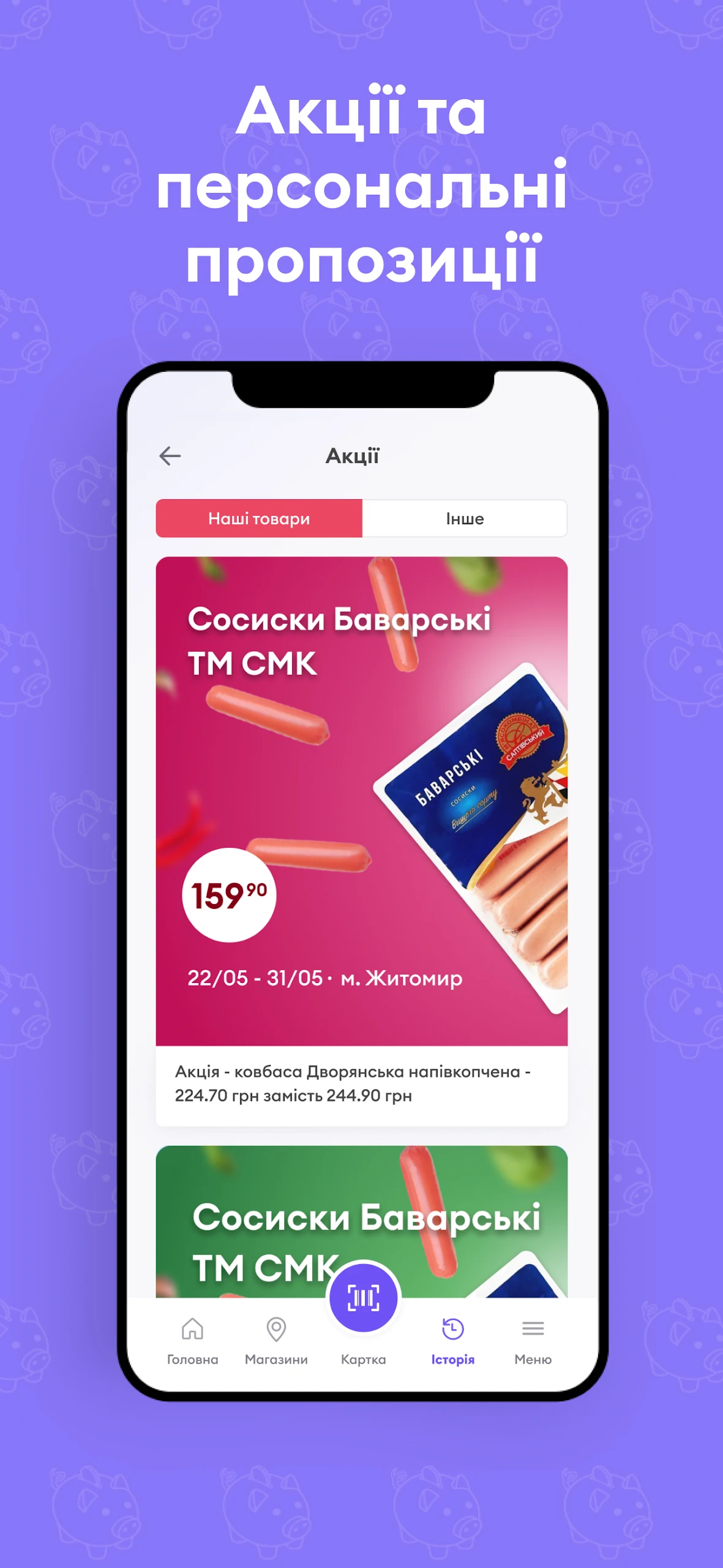
Install the mobile app to take advantage of the Rulka loyalty program directly on your smartphone.
The Rulka loyalty program is designed specifically for our regular patrons of the TM "Saltovsky meat-packing plant" branded stores.
Features of the Rulka loyalty program include:
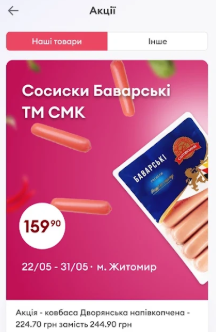
- Access to all promotions right from your smartphone
- Customized offers which provide opportunities for additional discounts and ways to earn more bonus hryvnias
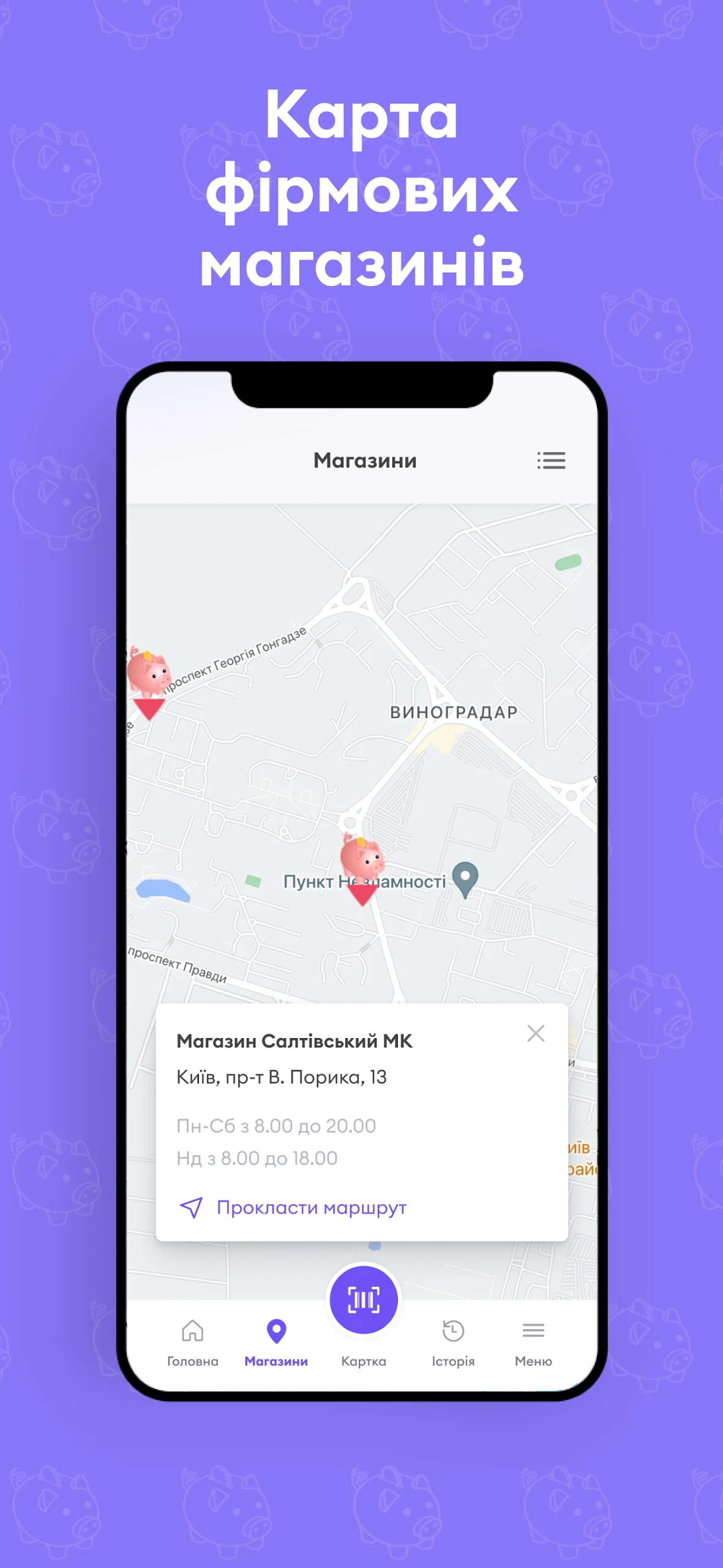
- A map highlighting the locations of TM "Saltovsky meat-packing plant" stores, ensuring you can always find your preferred products
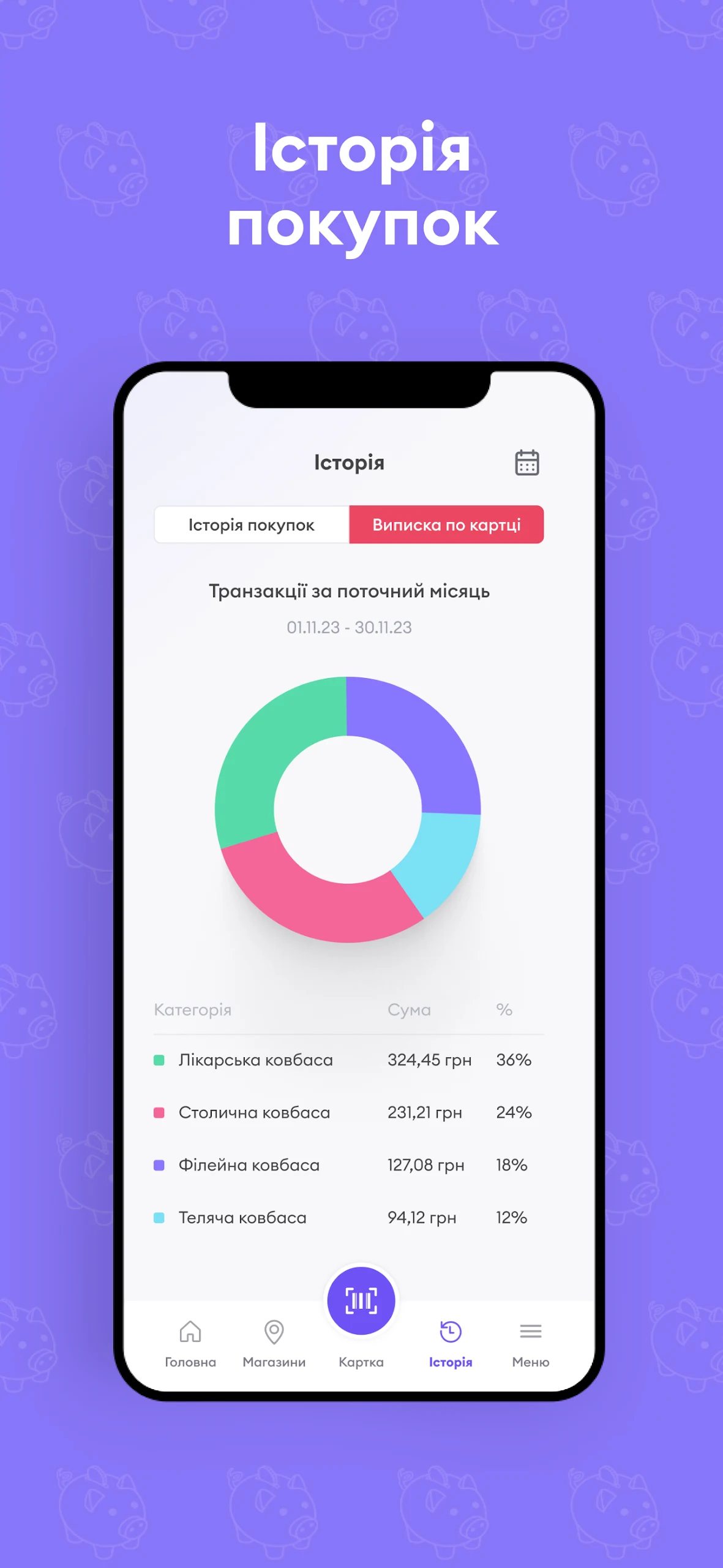
- The ability to monitor your current points balance and bonus hryvnias
Usage Process:
1. **Download the App**: Go to Google Play or the App Store, search for "Рулька," find the app, and download and install it.
2. **Register/Login**: If you are a new user, you will need to register. After opening the app, follow the prompts to fill in your information, such as your name, phone number, and email address, to complete the registration process. If you already have an account, simply enter your username and password to log in.
3. **View Promotions**: After logging in, you can view all ongoing promotions and see which products are discounted or offering special offers on the app's home screen or in related sections.
4. **Get Personalized Offers**: The app provides personalized offers based on your purchase history and preferences. Users can view these exclusive offers in "My Offers" or similar sections to enjoy additional discounts or earn more bonus hryvnias.
5. **Find Store Locations**: Tap the in-app map and enter your location, or simply allow the app to access your location information. This will allow you to find the locations of TM "Saltovsky Meat-Packing Plant" brand stores for convenient shopping. 6. **Shop and Earn Points**: When shopping in stores, follow the app prompts, such as scanning product barcodes or presenting your membership QR code. Once payment is completed, the corresponding points will automatically be added to your account.
7. **Check Points and Bonus Balance**: Users can check their current points balance and bonus hryvnias at any time in the app's "My Account" or "Points Center" sections to see their rewards.
8. **Use Points and Bonuses**: After meeting certain conditions, users can use points and bonuses to offset part of their purchases at checkout. On the checkout page, select "Use Points" or "Use Bonuses" and follow the prompts to complete the process.
Applicable Scenarios:
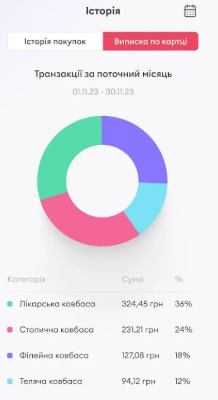
1. **Frequent Customers of Saltovsky Meat Processing Plant Stores:** Users who regularly shop at this brand's stores and want to accumulate points through purchases to redeem benefits and enjoy long-term discounts.
2. **Those Who Want to Quickly Obtain Exclusive Discounts:** Individuals who want to check store promotions regularly, claim discount coupons tailored to their spending habits, and earn more hryvnia rewards.
3. **Those Who Need Convenient Store Locations:** Users who often don't know the location of nearby Saltovsky Meat Processing Plant stores and want to locate and navigate to the store with a single click.
4. **Those Who Monitor Points and Rewards Balance:** Members who habitually check their points and hryvnia balance regularly, plan their usage wisely, and avoid expiring benefits.
FAQs:
### 1. Is it necessary to link a mobile phone number or email address when registering a Proka account? Can I register using other methods?
Linking a mobile phone number or email address is usually required. This is essential for the platform to verify user identity and ensure membership benefits. Currently, other registration methods (such as social media login) are not supported. When registering, you must provide your real mobile phone number/email address as prompted and receive a verification code to complete the verification process. This prevents points and bonuses from being unavailable due to unclear identity.
### 2. Are personalized offers automatically delivered? If I want to adjust the offer type (e.g., reduce pork offers and increase chicken offers), can I do so manually?
Personalized offers are automatically delivered based on historical consumption data. For example, if you frequently buy chicken, chicken-related discounts will be prioritized. Currently, it's not possible to manually adjust the offer type. However, you can indirectly influence offer delivery by increasing your purchases in a specific category. For example, if you want more chicken offers, you can purchase more chicken products at the brand store. The system will then adjust the delivery direction based on your new consumption habits.
### 3. When viewing store maps in the app, can I navigate to the store I'm targeting? Still only able to see the location but not navigate?
Navigation is supported. After finding the store on the map, tap the store name to bring up the "Navigation" option. Selecting this will redirect you to your phone's native map app (such as Google Maps or Apple Maps) for real-time route directions. Not only can you see the location, but you can also plan walking, driving, or public transportation routes for quick and easy arrival.
### 4. How do I earn points using the app when shopping? Do I do this before or after payment?
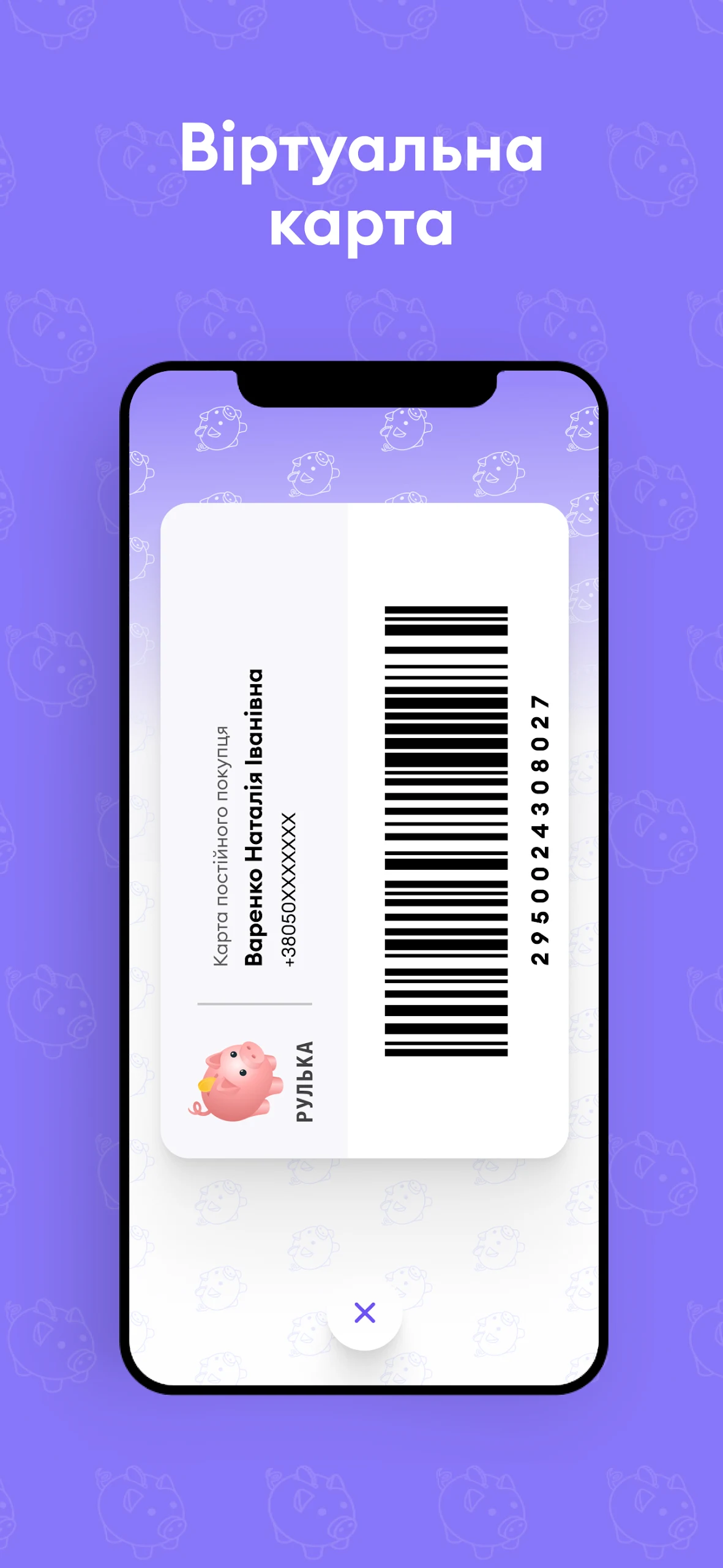
**Before payment**. At checkout, open the Рулька app, find the "Member QR code" (usually located prominently under "My Account" or on the homepage), and present it to the cashier for scanning. Once the cashier scans it, the system will automatically link the purchase. Once payment is complete, the points and reward hryvnia will be credited to your account in real time. If you forget to scan the code after payment, you must contact the store customer service within 24 hours and provide proof of purchase (such as a receipt) to have the points credited. Expiration may prevent crediting.
### 5. Does the reward hryvnia have an expiration date? Can I apply for an extension if it expires?
Bonuses have an expiration date, which will be indicated on the "My Bonuses" page in the app (e.g., valid for 30 days after receipt). Extensions are generally not possible after expiration, as bonus expiration dates are automatically set by the system to encourage timely use. It's recommended to regularly check bonus expiration dates and plan purchases before expiration to avoid wasting money.
### 6. If I change my phone and log back into my Рулька account, will my previous points, bonuses, and spending history be lost?
No. Points, bonuses, and spending history are stored in the platform's cloud and are tied to my account, not my phone. After changing phones, simply download the app on your new device and log in to your original account. The system will automatically synchronize all your historical data, preserving all your previous benefits and records. There's no need to worry about data loss.
- Version2.0.58
- UpdateOct 21, 2026
- DeveloperSMK GROUP
- CategoryShopping
- Requires AndroidAndroid 5.0+
- Downloads435K+
- Package Namecom.smkgroup.rulka
- Signature5fb25075a3b3b7bbcfcf5d4c60246f0f
- Available on
- ReportFlag as inappropriate










Easy access to benefits
Easy store search
Exclusive benefits
Limited usage scenarios
Passive bonus adjustments
Bonuses have expiration dates