
VASA Fitness - Gym check-in & scheduling
Experience effortless fitness management with easy check-ins, class bookings, and account upgrades—all in one app.

- 7.2.22 Version
- 1.3 Score
- 274K+ Downloads
- Free License
- 3+ Content Rating

1. App Overview
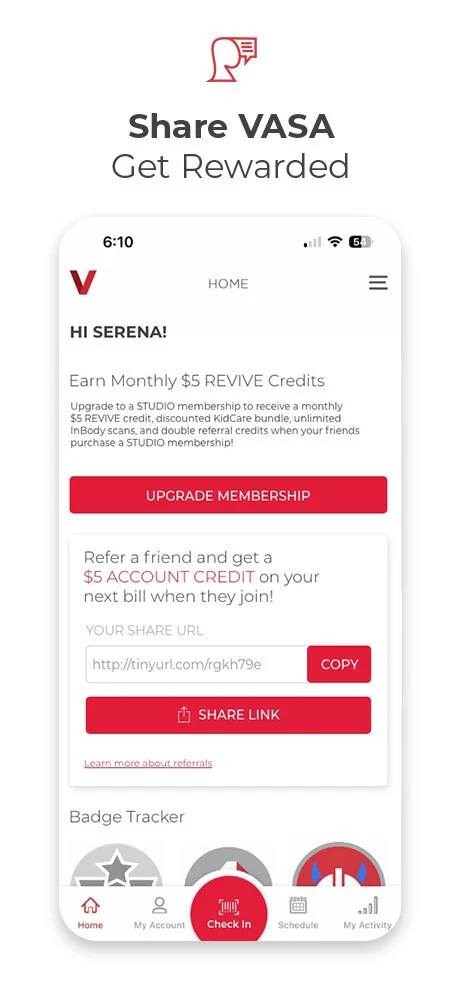
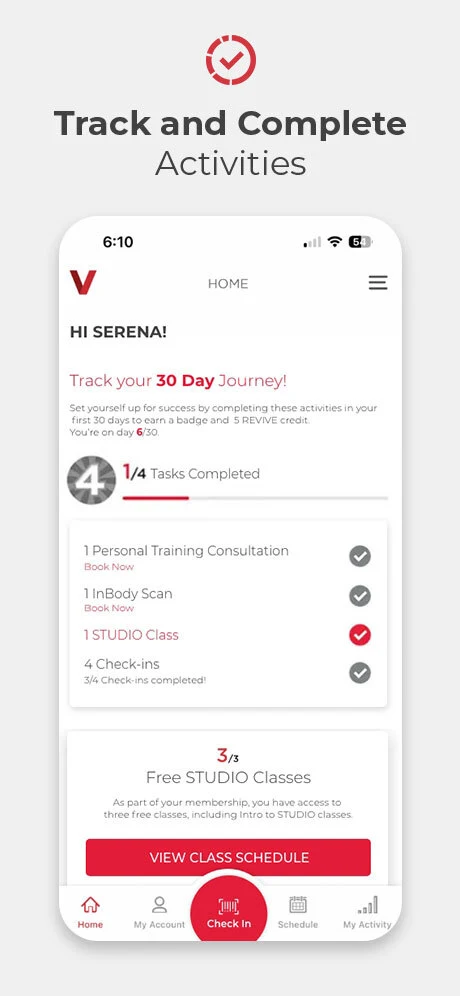
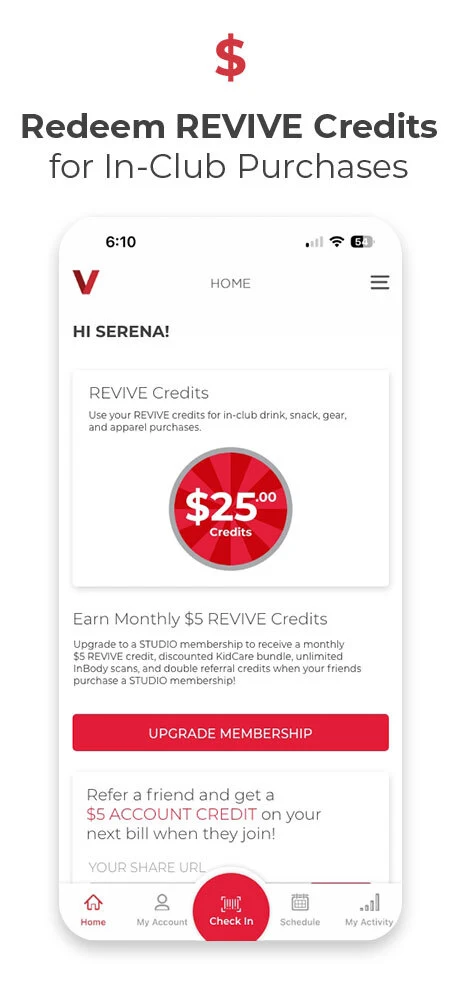
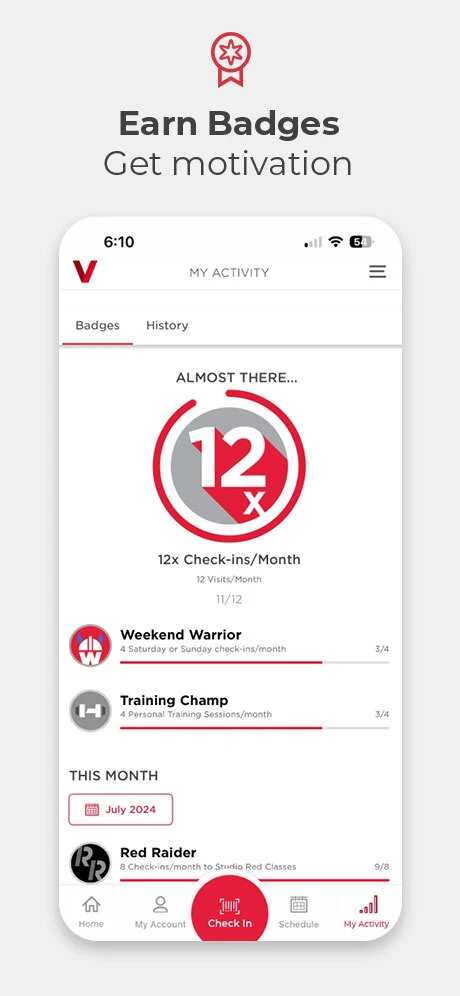
VASA Fitness is the official mobile app for members of the VASA Fitness gym network. It provides mobile access to gym entry, membership services, fitness class reservations, and KidCare scheduling. Members can check in by displaying their membership barcode at the gym entrance, eliminating the need to carry a physical membership card.
The app includes account tools for reviewing membership details, updating personal information and emergency contacts, checking payment history, and changing membership plans. Members can also submit cancellation or suspension requests through their account settings. Those who participate in group classes or use KidCare can view available sessions at their home gym and manage their bookings.

VASA Fitness clubs feature a range of workout and recovery facilities, including boutique studio classes, functional training areas, performance lifting zones, massage chairs, and steam rooms. The app's location directory provides information about members' home clubs and other VASA Fitness locations.
2. Key Features
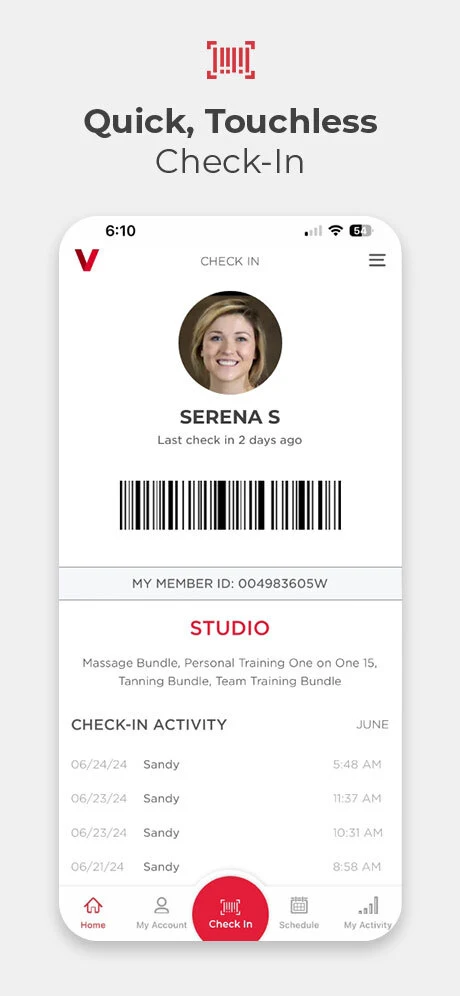
Digital Membership Barcode: Access your membership barcode for gym entry, along with your membership ID, package type, and most recent check-in date.
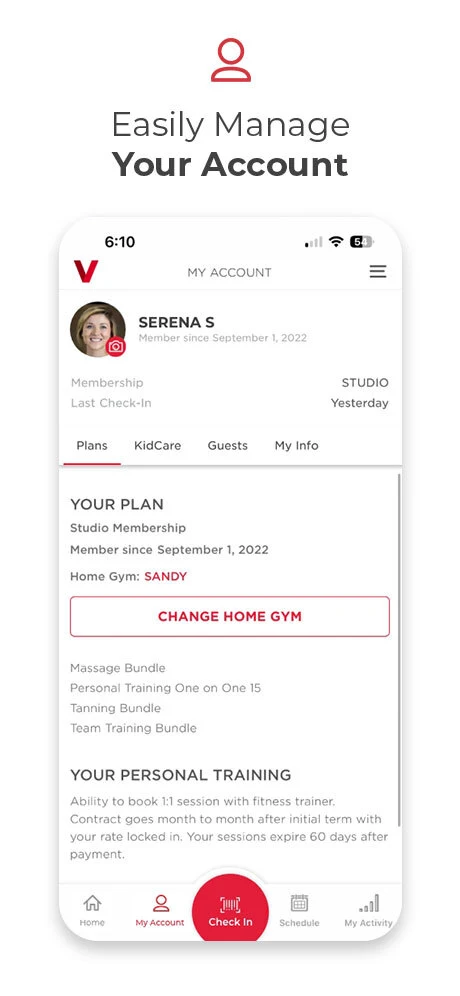
Membership Management: Review your membership package, update personal details and emergency contacts, and explore available upgrade options.
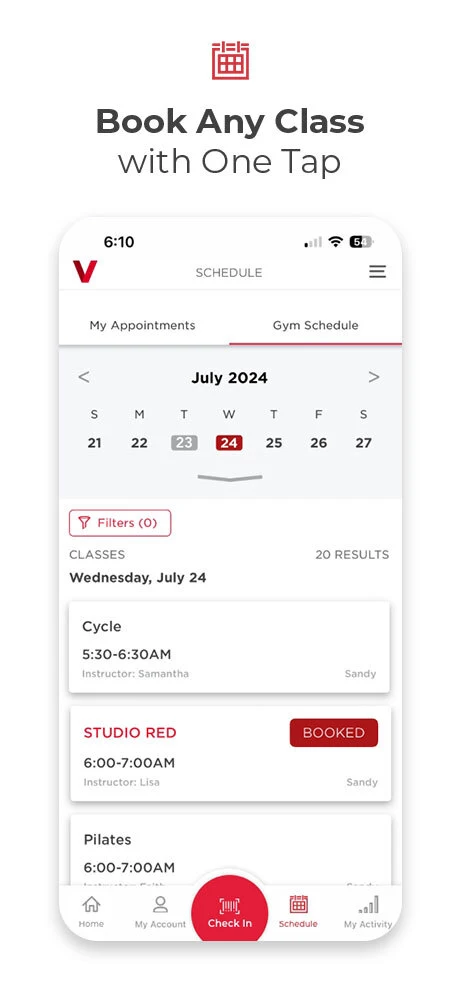
Class and KidCare Scheduling: Browse fitness class timetables and reserve childcare appointments at participating clubs.
Club Directory: View your designated home gym and search for other VASA Fitness locations.
Personal Booking Calendar: Keep track of upcoming fitness classes and KidCare reservations.
Billing Records: Access membership payment information in summary or detailed format.
Cancellation and Suspension Requests: Initiate membership cancellation or suspension through your account settings.
3. Main Functions
Gym Check-In
Open the Check-In section and display your digital membership barcode. Present it at the gym entrance to access the facilities. Your membership ID, package type, and latest check-in date are also displayed on this screen.
Account Management
Select My Account to review your membership information and make changes to your personal details or emergency contacts. You can also access membership upgrade options and review your payment history.
Fitness Class and KidCare Reservations
Go to Schedule to browse available fitness classes and KidCare appointments at your home gym. Select an available session to make a reservation. Your upcoming bookings appear in your personal calendar, where you can also manage or cancel existing appointments.

Finding Club Locations
Open the location section to view your home gym or search for other VASA Fitness clubs. This helps members find club information when visiting a different location.
Cancelling or Suspending a Membership
To submit a cancellation or suspension request, navigate to My Account and select Cancel or Suspend Package. Complete the required account verification, choose a reason, and submit the request. VASA Fitness will send an email with further information about the cancellation process.
4. Frequently Asked Questions
Q1: How do I check in at VASA Fitness using the app?
Open the Check-In section, display your membership barcode, and present it at the gym entrance. A physical membership card is not required.
Q2: Can I change my home gym through the app? Is there a fee?
Yes. Members with Gym or Studio packages can change their home gym without an additional fee. Basic package members are charged a $25 processing fee.
Q3: How can I cancel or suspend my VASA Fitness membership?
Go to My Account and select Cancel or Suspend Package. Verify your personal information and account number, select a reason, and submit your request. VASA Fitness will email you with further instructions.
Q4: How do I cancel a fitness class or KidCare appointment?
Open Schedule, locate your reservation, and select Cancel Booking. VASA Fitness recommends cancelling at least two hours before the scheduled session so another member has an opportunity to book the spot.
Q5: Can a 16-year-old use a free trial voucher without an adult?
No. Visitors aged 12–17 must be accompanied by a parent or legal guardian when using a free trial voucher. Each voucher is valid for one person and cannot be transferred to someone else.
Q6: Can I view my bills and upgrade my membership in the app?
Yes. Under My Account, select Bill Information to view charges in summary or detailed format. To change your plan, choose Membership Upgrade, select another available package, and complete the payment process.
- Version7.2.22
- UpdateNov 24, 2026
- DeveloperVASA Fitness
- CategoryHealth & Fitness
- Requires AndroidAndroid 6+
- Downloads274K+
- Package Namecom.vasafitness.members
- Signatureb423cef46d9776e83bcdbbb0ef87a935
- Available on
- ReportFlag as inappropriate
-
NameSizeDownload
-
109.01 MB
-
72.68 MB
-
72.68 MB











Helpful and courteous staff
Easy navigation for class scheduling
Quick response from tech support
Great personal training features
Ability to reserve spots in classes
Convenient access to membership details and check-ins
Clean and organized gym facilities
Fast resolution of issues through mobile support
Frequent app glitches and system errors
Inconsistent login/logout issues
Difficulty accessing schedule and classes
Issues with barcode scanning and check-ins
Limited functionality on Android devices
Frustrating guest pass management
Poor performance in booking child care appointments
Lack of user-friendly features for managing account details