
Userlytics - User testing & feedback
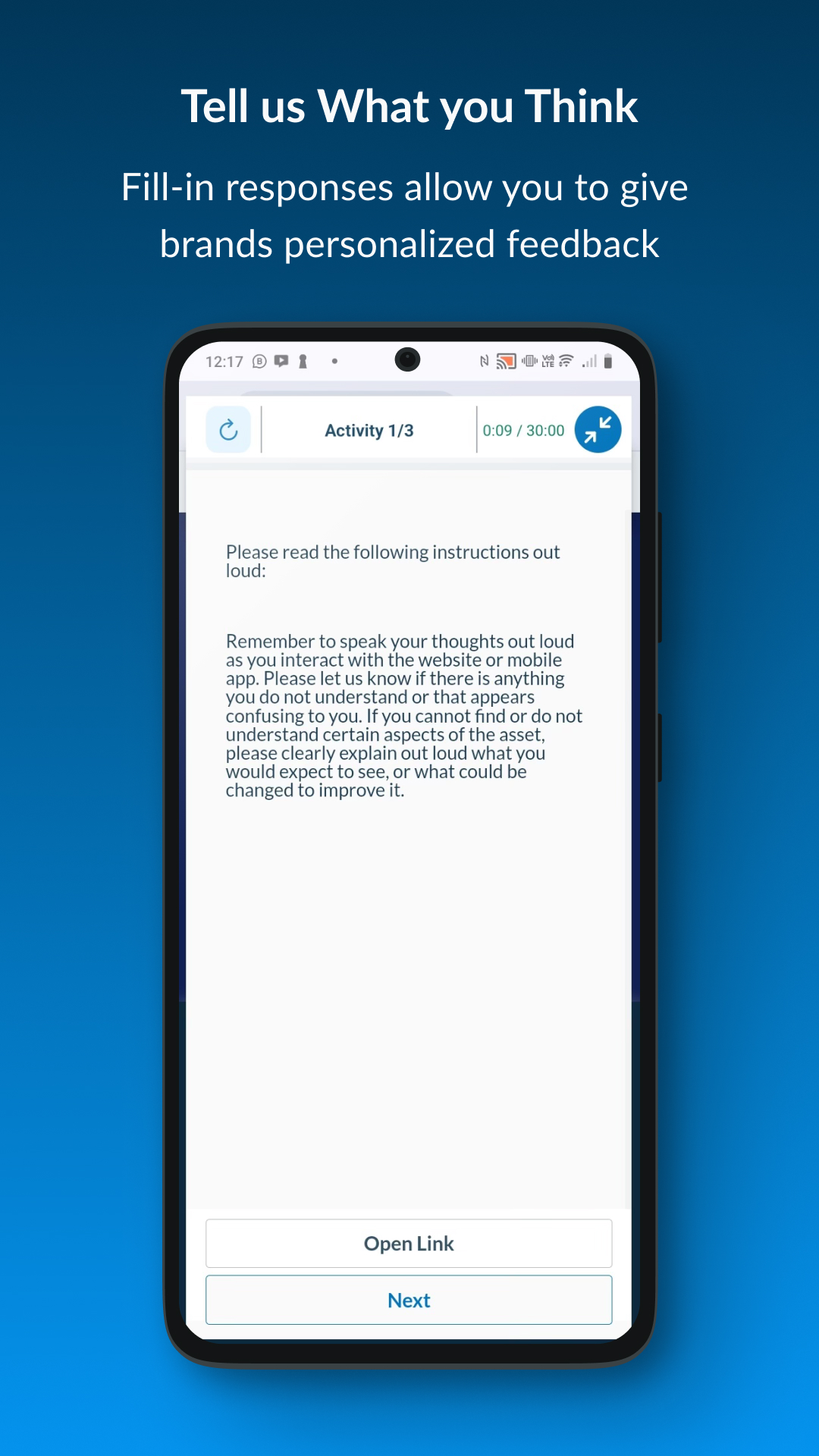
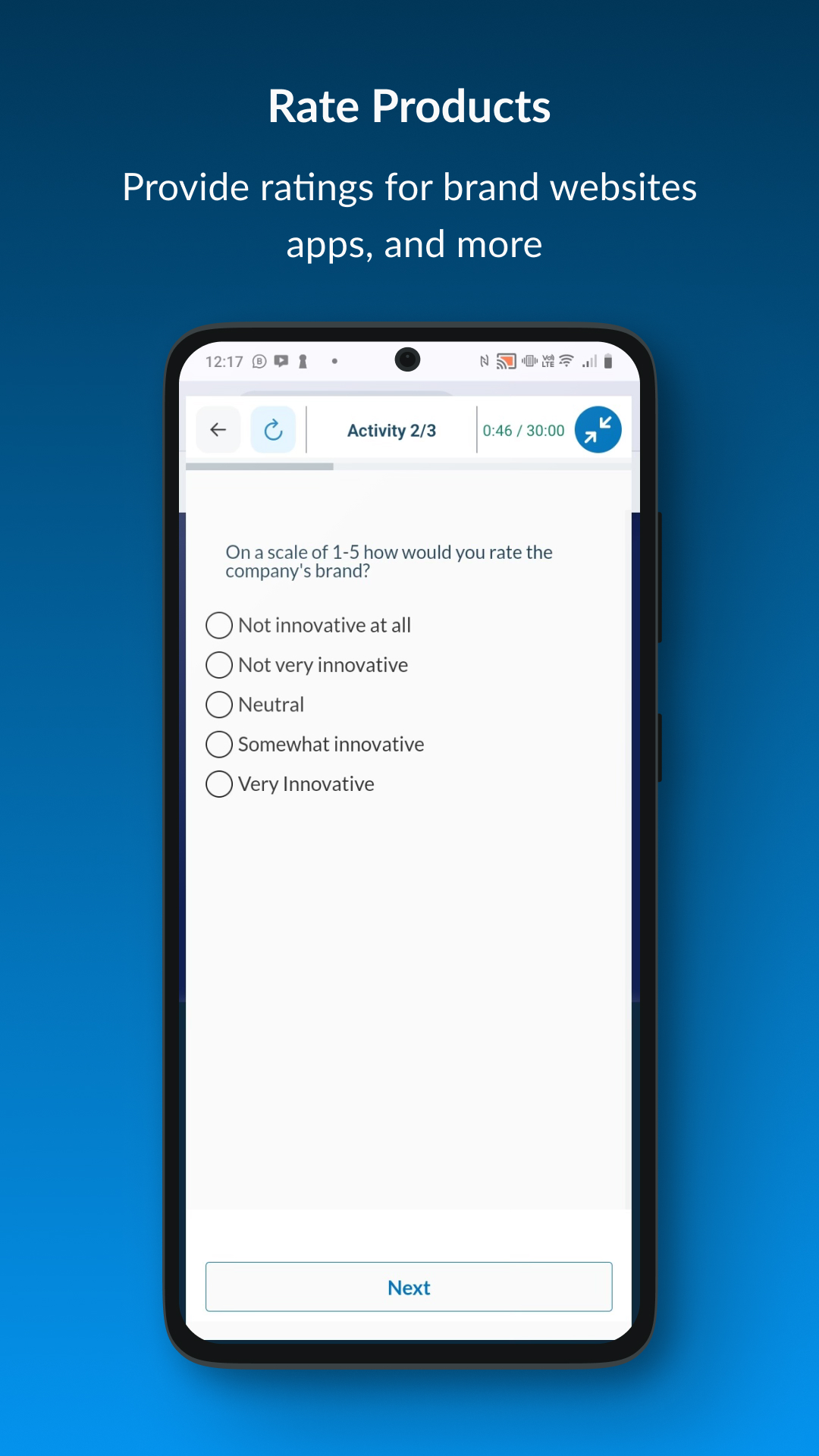
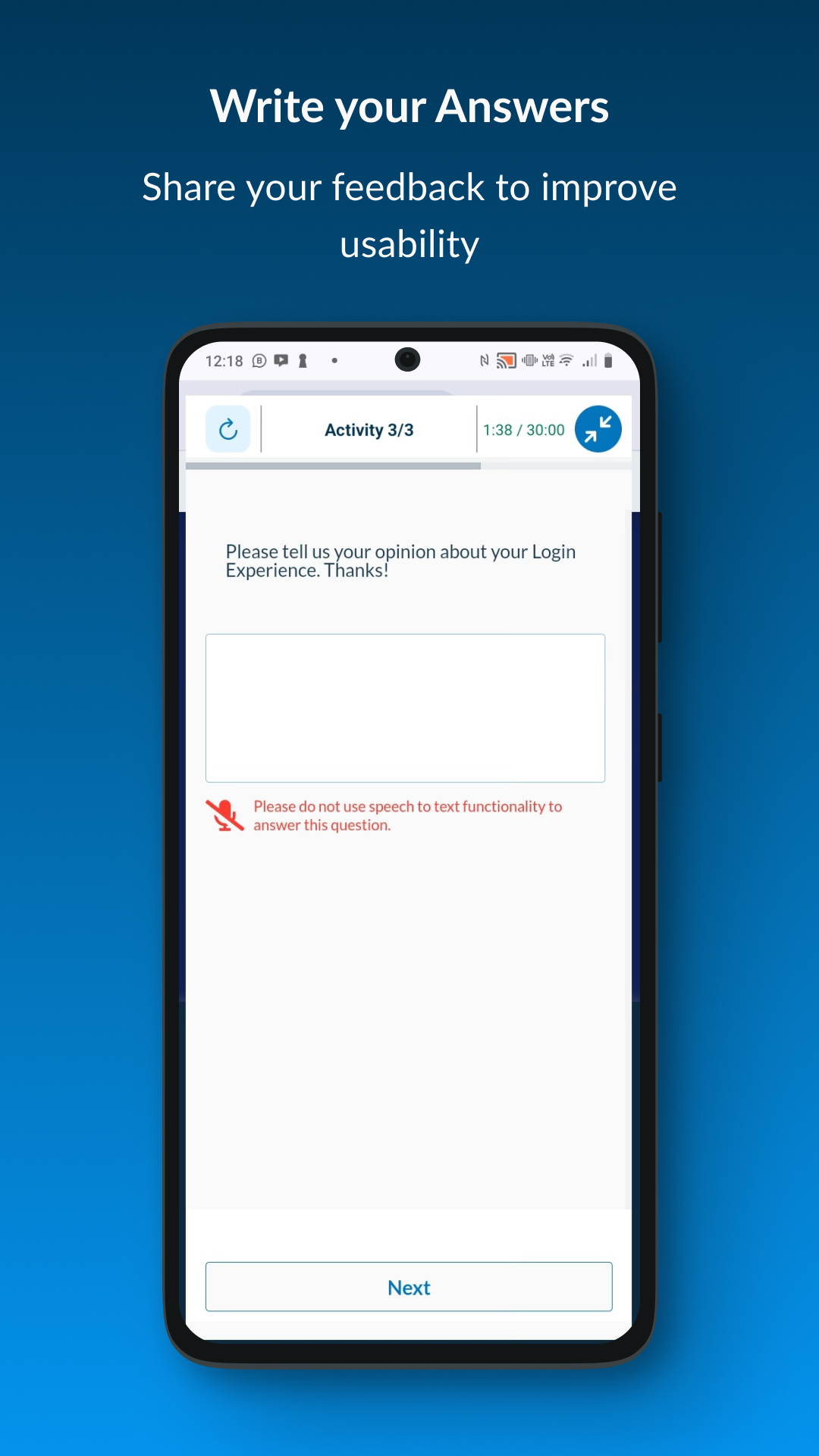
Experience websites & apps like never before! Share feedback & influence usability from the convenience of your device.

- 3.1.0 Version
- 1.6 Score
- 196K+ Downloads
- Free License
- 3+ Content Rating

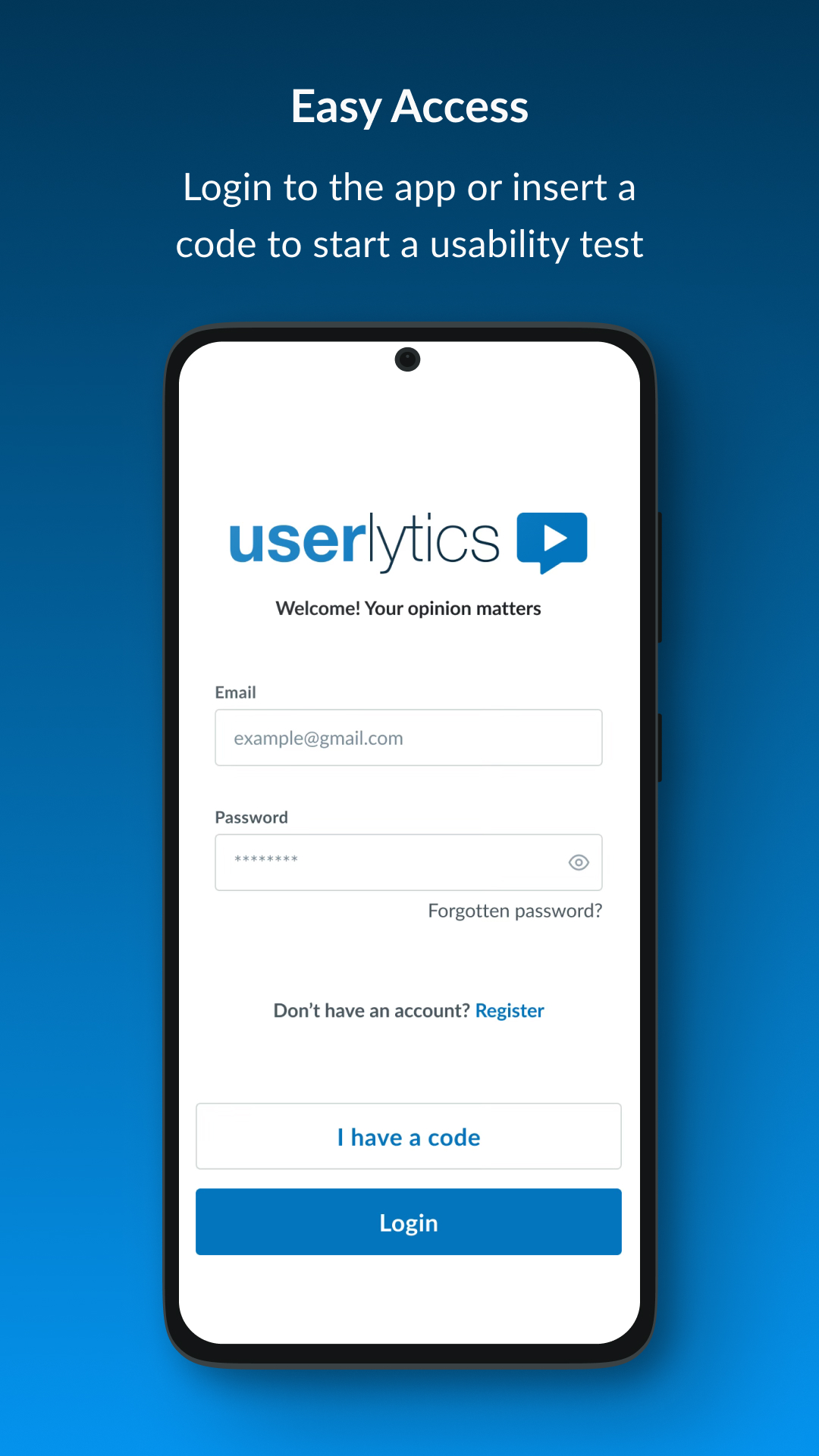
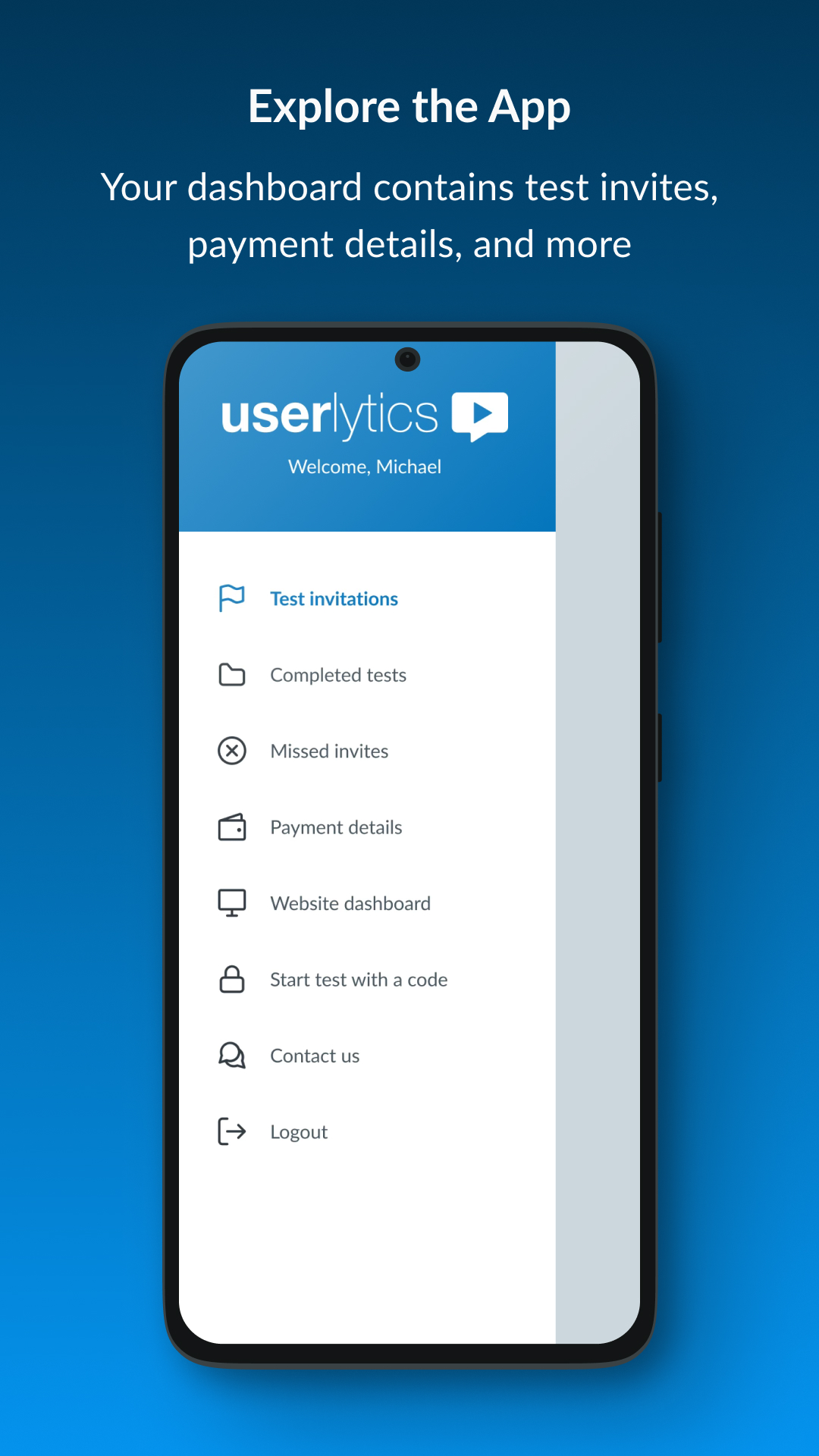
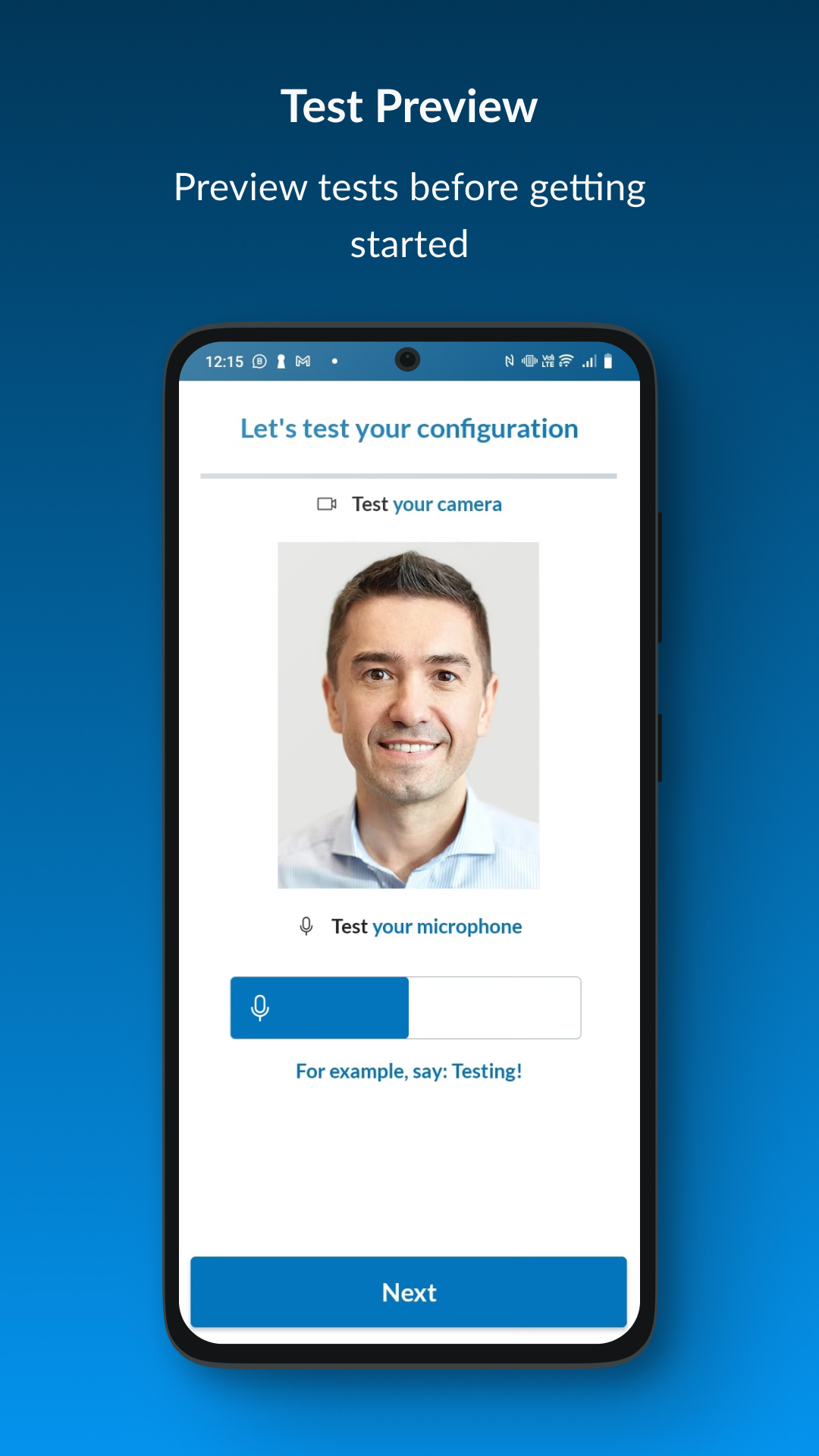
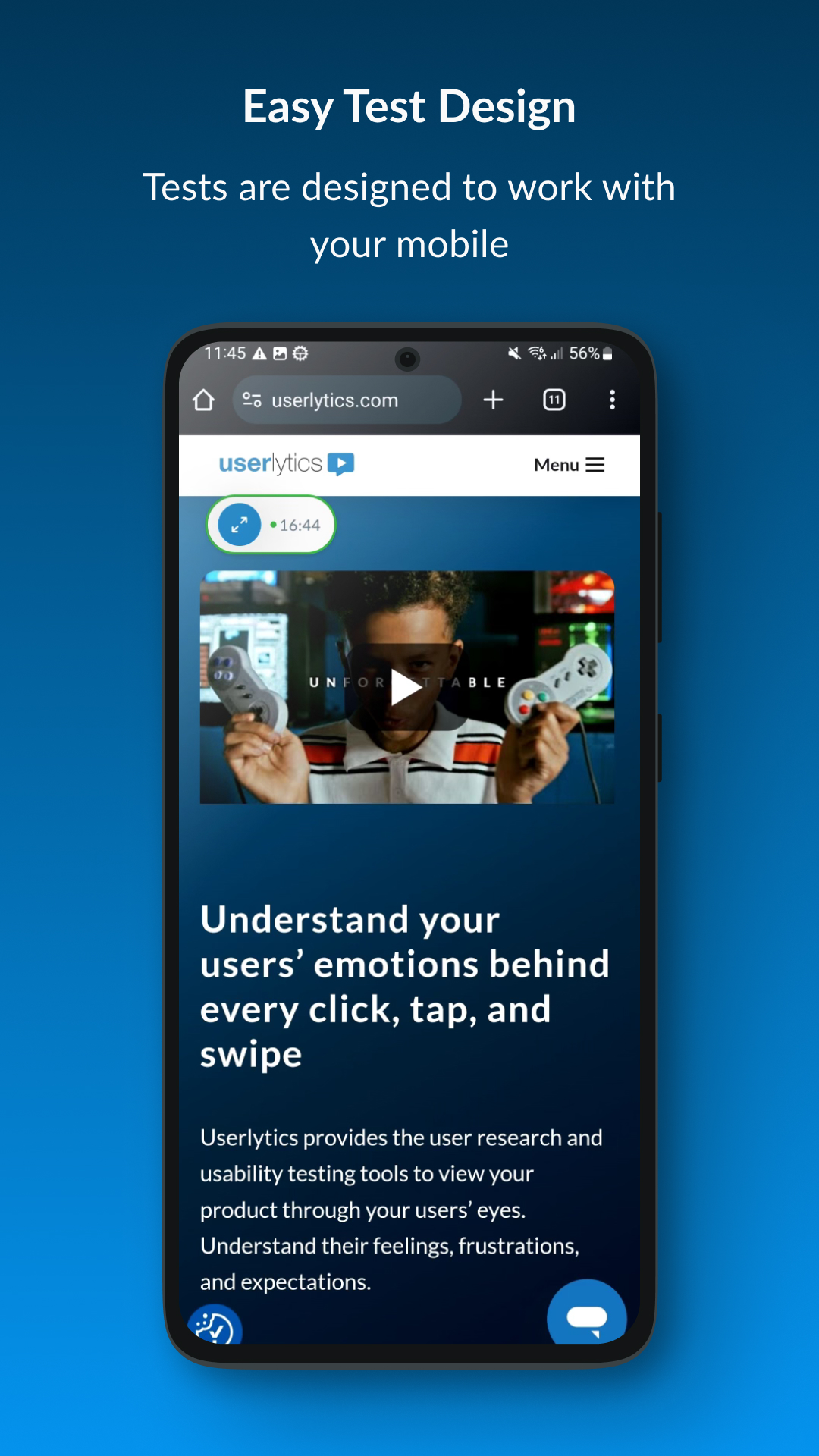
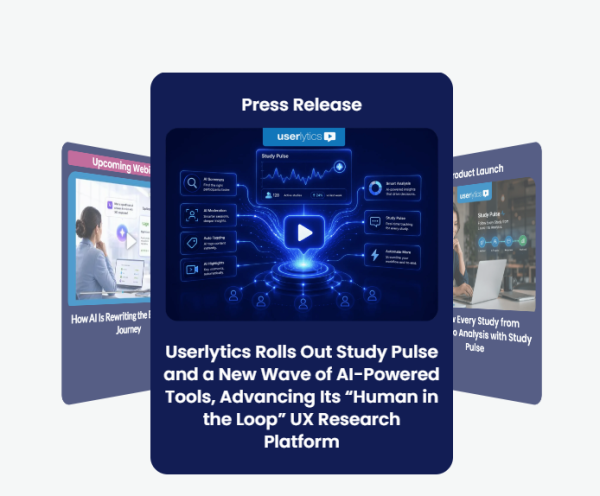
Userlytics Review: AI-Powered User Testing and UX Research Platform
What Is Userlytics?
Userlytics is a UX research platform that blends real human user testing with AI-powered analysis. It helps teams validate digital products, AI interfaces, prototypes, and mobile experiences with faster insights and more confident product decisions.

Key Features
AI-Powered Analysis
- AI Insights
- AI Annotations
- AI Transcript Translations
- AI Chart Summaries
- Sentiment Analysis
Testing Methodologies
- Mixed method testing methodologies
- Global panel
- Advanced reporting and metrics
- Mobile testing
- Prototype testing
Global Participant Panel
Userlytics gives teams access to a global participant panel for international user testing. This helps brands understand real user behavior across markets, devices, and use cases.
Enterprise Security and Flexible Pricing
Userlytics is built with enterprise security and flexible pricing plans. It supports teams that need scalable research without losing control over budget, compliance, or data protection.
Advanced Reporting and Metrics
Teams can turn research into clear product decisions with advanced reporting, benchmarking tools, and measurable UX insights.
A Research Platform That Is Always Evolving
The UX research landscape is moving fast, and so is Userlytics. Choosing Userlytics means having a user testing partner that continuously invests in what is next, whether that is updates across AI, methodologies, international panel, or best-in-class services.
- New AI capabilities shipped regularly
- Expanded benchmarking tools
- Roadmap shaped by customer feedback
- Global panel growing continuously
- Premium project management
- White-glove UX consulting services and support
FAQs
1、Who benefits from User Testing?
Brand managers, Product Managers, Advertising and Marketing Agencies, User Experience professionals, Marketers, Mobile App and Website Designers and Developers all benefit from the capability to conduct remote usability testing on their prototypes, websites, mobile apps and digital assets within the context of participants’ homes and offices.
2、What are the browser requirements to use and access all functions of Userlytics?
We recommend using Microsoft Internet Explorer 8 or higher, Mozilla Firefox 4.x or higher, Apple Safari 4.x or higher, and Google Chrome 4.x or higher.
3、What does “Paused Test” mean?
It means that the test has been completed (for now). We will keep our testers updated if there is an opening of new slots. When you receive an invitation to take one of our tests, please make sure to respond as soon as possible.
4、What Operating systems and Prototyping platforms is Userlytics compatible with?
We are compatible with all major operating systems, including Mac, Windows, iOS, and Android.
Userlytics is also compatible with most major prototyping platforms, including Figma, Invision, Proto.io, Axure, Marvel App, Justinmind, and Adobe Xd. In addition to these platforms, we are compatible with any prototyping platforms that can be tested through a link.
5、What changes do I have to make on my website or mobile App to conduct user testing?
None. You do NOT need to add snippets of code anywhere on your website. You do NOT need to insert an SDK into your Mobile App. You can conduct remote usability testing at any stage of the design and development and launch of your website, mobile app or other digital asset, with no type of intrusive modifications to your proprietary code. Full compatibility with all user experience design, prototyping and prototype delivery platforms.
6、What kind of files can be uploaded for remote user testing?
You can user test any type of file (JPG, .GIF, .PNG, PDF, HTML, JS, CSS, etc), or Mobile App (Android, iOS, Free, Paid, released, unreleased…)
If you have a proprietary file format that you are unsure of, please contact us and we will be happy to review your needs and work with you to make your remote usability test project a success.
- Version3.1.0
- UpdateSep 23, 2026
- DeveloperUserlytics Corporation
- CategoryProductivity
- Requires AndroidAndroid 9+
- Downloads196K+
- Package Namecom.userlytics.recorder
- Signature0833fa8fdf64263982644a8b4477d358
- Available on
- ReportFlag as inappropriate


















User-friendly interface and navigation
Ability to earn passive income
Clear instructions for surveys and tests
Fast customer support resolution
Good payment rates for completed tasks
Frequent test invitations for active users
Engaging and fun testing experience
Opportunity to share opinions and influence product development
Frequent app crashes and loading issues
Inconsistent payment after task completion
High rate of disqualifications for tests
Limited availability of tests based on demographic criteria
Poor responsiveness from customer support
Complexity in logging in and using the app
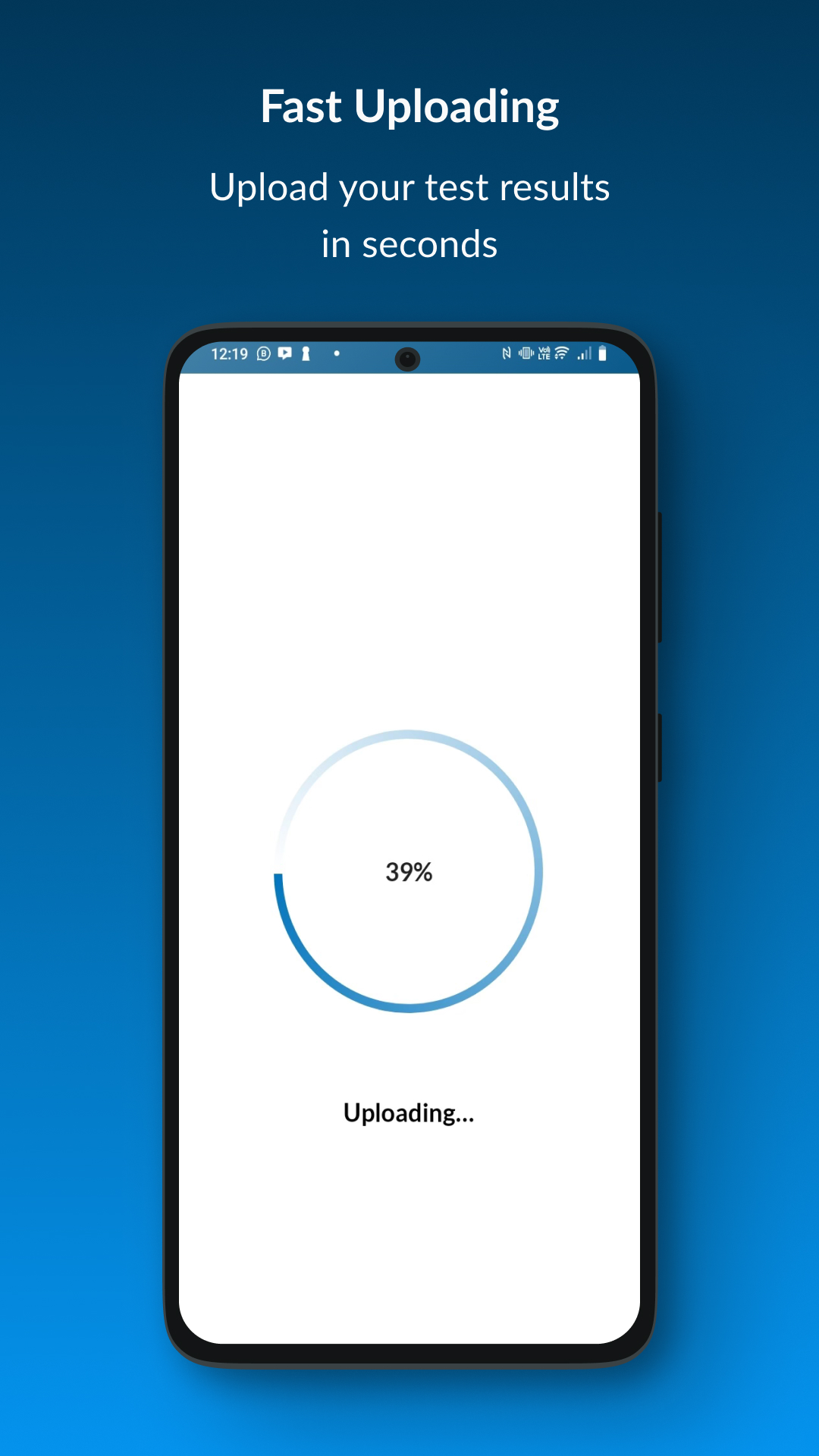
Issues with uploading test results
Overwhelming number of emails about new tests that fill up quickly