
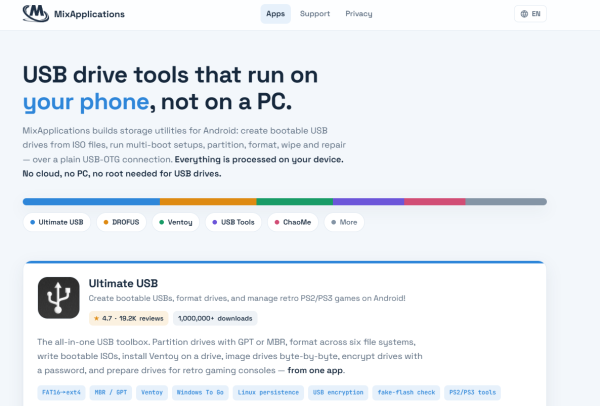
USB TOOLS (Format, WIPE...ETC) - Format & manage USBs
Easily format, backup & restore USB or SD cards with a simple interface for effortless data management!

- 8.10.0 Version
- 2.9 Score
- 672K+ Downloads
- In-app purchases License
- 3+ Content Rating

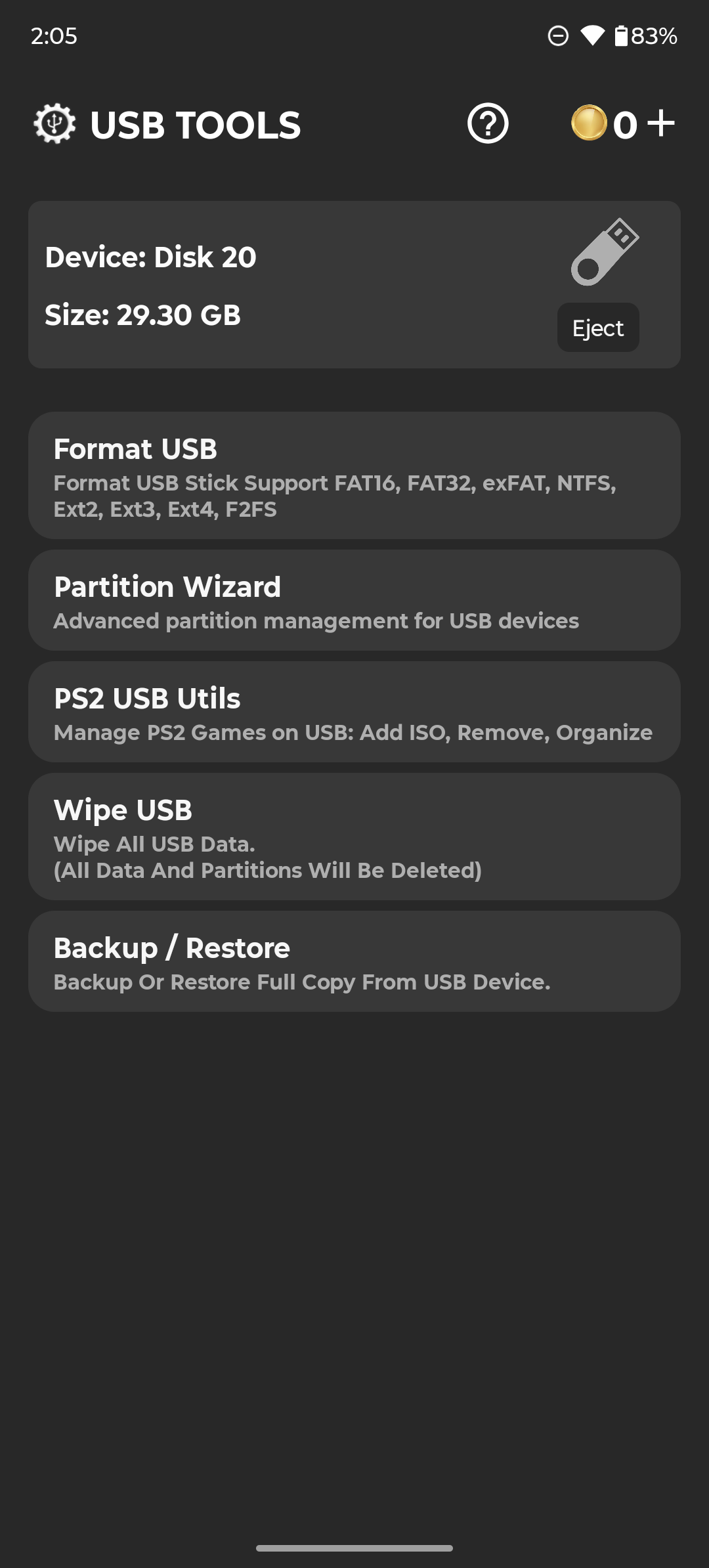
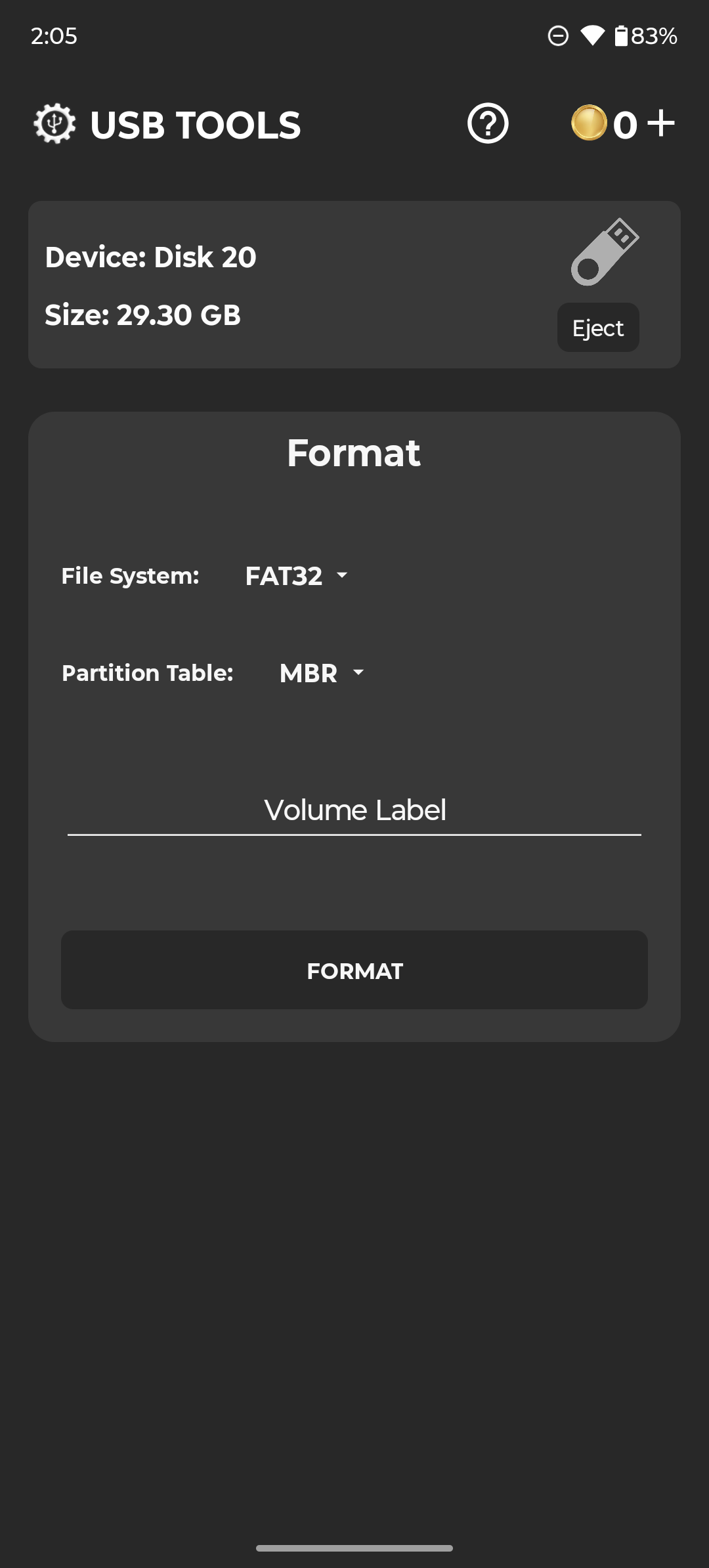
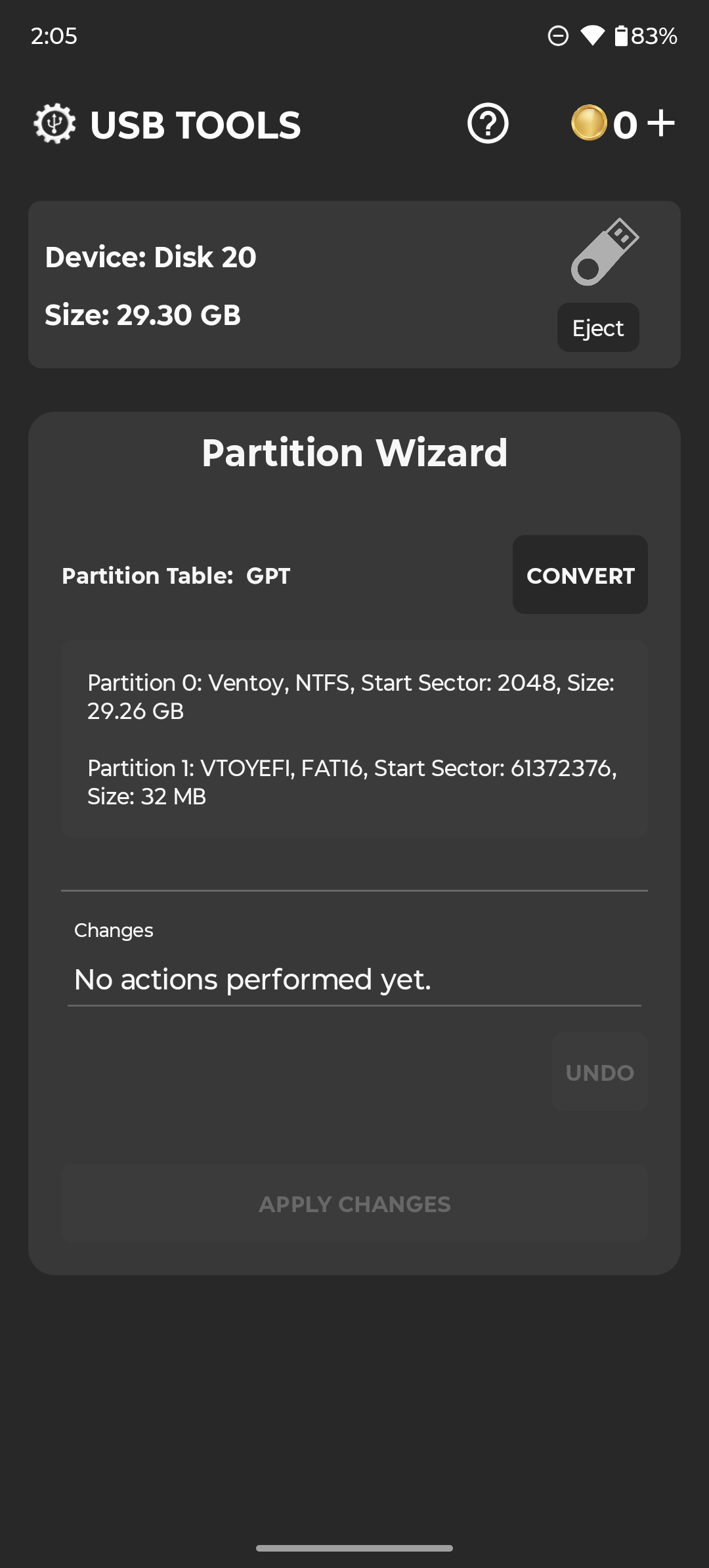
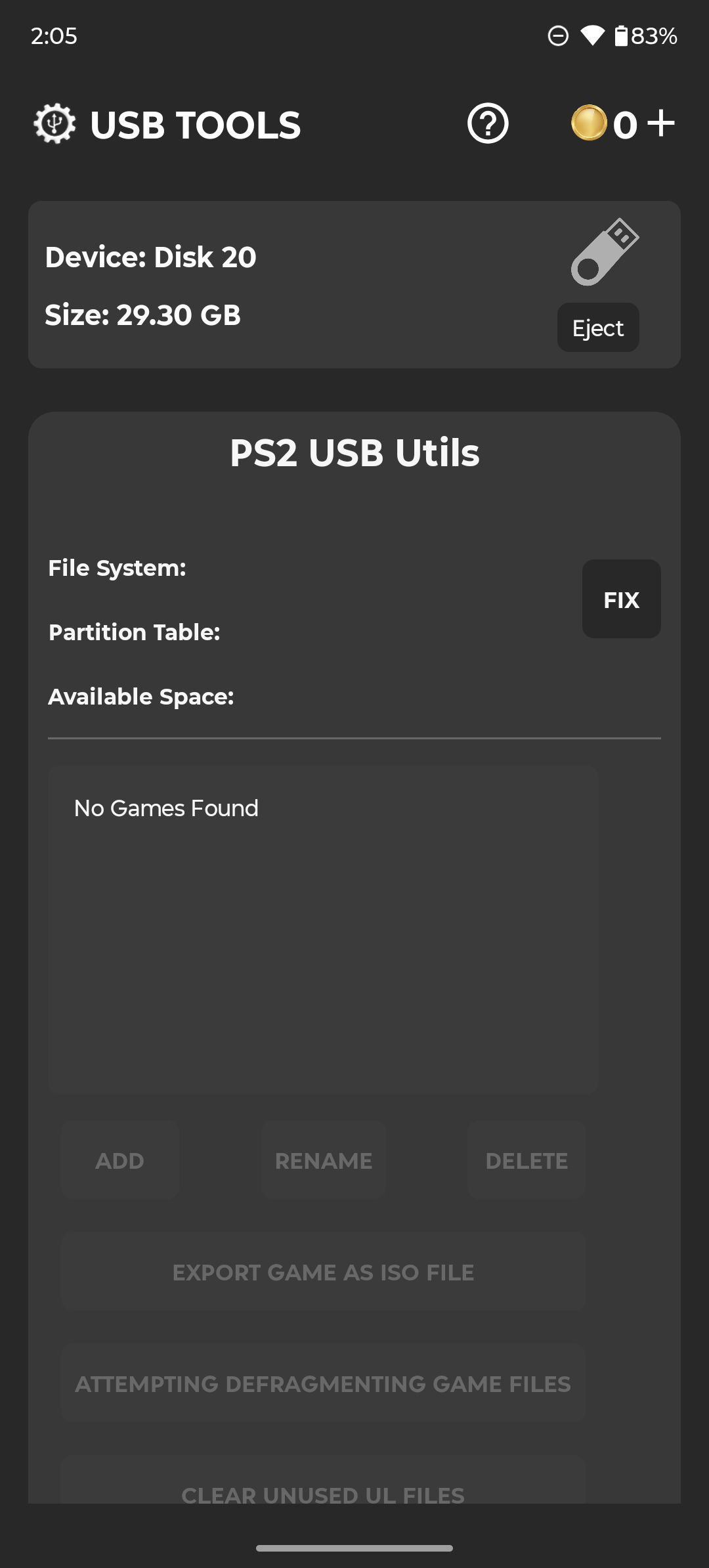
**Compatible Devices:**
- ✅ USB flash drives (OTG - No Root Necessary)
- ✅ USB SD card adapters (OTG - No Root Necessary)
- ✅ USB hard drives / SSDs (OTG - No Root Necessary)
- ✅ USB hubs (OTG - No Root Necessary)
- ✅ Internal SD card slots (Root Access Required)
USB TOOL is a straightforward application designed for formatting, backing up, restoring, wiping USB drives, or repairing corrupted USB sticks and SD cards.
PS2 tools.
Supported file formats:
FAT32
EXFAT
NTFS
EXT2,3,4
F2FS
Instructions:
⚠️ A coin system is implemented; you have the option to use the app entirely for free by watching rewarded ads to earn coins or to purchase coins. Additionally, you can opt for the pro version, which removes the coin system and advertisements. The decision is yours. ⚠️
⚠️ Disable your Adblocker to earn free coins from ads ⚠️
⚠️ Keep your phone on a stable surface during operations. ⚠️
⚠️ Make sure to select an appropriate filesystem on your phone. If not, your USB device or SD card may show as damaged or unrecognized. Should this occur, please connect it to a PC before considering leaving a negative review; it is likely to function correctly there.
Review:
This USB tool app is quite practical. It can format, back up, and repair USB drives and SD cards, and supports multiple formats such as FAT32 and NTFS. It works with external USB drives, hard drives, and card readers without root access. Root access is only required to access the phone's internal SD card.
However, there's a coin limit. To play for free, you can earn coins by watching ads. Different operations cost different amounts of coins; simple formatting costs less, while deep repair costs more. If you find this troublesome, you can buy the professional version, which offers ad-free access and unlimited coins for all functions.
A few points to note when using it: Your phone must have OTG functionality to use it; otherwise, it won't connect to external devices. Ad blocking must be turned off to watch ads and earn coins. Make sure your phone is stable during operation; shaking it can easily cause disconnections and data corruption. Choose the correct file format; otherwise, the device might not be able to read it. If it still can't read it, try connecting it to a computer; it should work fine then.
FAQs:
### 1. Can a phone without OTG functionality be used to operate USB devices?
No. Apps that operate external devices like USB flash drives and hard drives rely on the phone's OTG function. Phones without this function cannot connect to these devices and, therefore, cannot use the related functions.
### 2. When using gold coins to perform operations, do different functions require the same amount of gold coins?
Not necessarily. Basic operations (such as simple formatting) may require fewer gold coins, while complex operations (such as deep repairs and large file backups) may require more gold coins. Please refer to the prompts during operation for details.
### 3. Why do I need root permissions to operate the internal SD card?
The internal SD card is part of the phone's system storage and has system-level read, write, and management permissions. Normal permissions cannot perform advanced operations like formatting and erasing, so root permissions are required to unlock these functions.
### 4. After purchasing the Professional Edition, do all functions have unlimited access?
Yes. The Pro version removes the gold coin system and ads, allowing all functions (including formatting, backup, and repair) to be used directly without consuming additional gold coins or watching ads.
### 5. What are the effects of shaking the phone during operation?
This may cause the connection between the USB device and the phone to become unstable, disrupting operations such as formatting and backup, and even corrupting device data. Therefore, it is recommended that the phone be kept stable during operation.
### 6. Will a device formatted using the app be recognized normally on other operating systems (such as a computer)?
As long as a compatible file system (such as FAT32 or EXFAT) is selected, it should generally be recognized by the computer. If recognition fails, it may be due to the incorrect file system selection. Try reformatting.
- Version8.10.0
- UpdateSep 30, 2026
- DeveloperMixApplications
- CategoryTools
- Requires AndroidAndroid 7.0+
- Downloads672K+
- Package Namecom.mixapplications.usbtools
- Signatureeb9277633fed5d90b5ea9fdc4ca65162
- Available on
- ReportFlag as inappropriate
-
NameSizeDownload
-
85.14 MB
-
84.30 MB
-
82.20 MB













Easy to use interface
Works without a PC
Effective for formatting USB drives
Successful in fixing corrupted drives
Allows for multiple file systems (FAT32, NTFS)
Free to use with ads
Quick formatting after earning coins
Available even for large storage devices
Requires watching ads for coins
App can crash during use
Ads seen as intrusive by users
Limited functionality without purchasing
Coins sometimes not credited after watching ads
Can be frustrating for users needing immediate access
Some users experienced data loss or drive failure
May not recognize certain USB devices