
Turbo VPN - Secure & fast VPN
Protect your online privacy with lightning-fast VPN encryption.

- 4.2.9.1 Version
- 4.6 Score
- 241M+ Downloads
- In-app purchases License
- 3+ Content Rating

About Turbo VPN
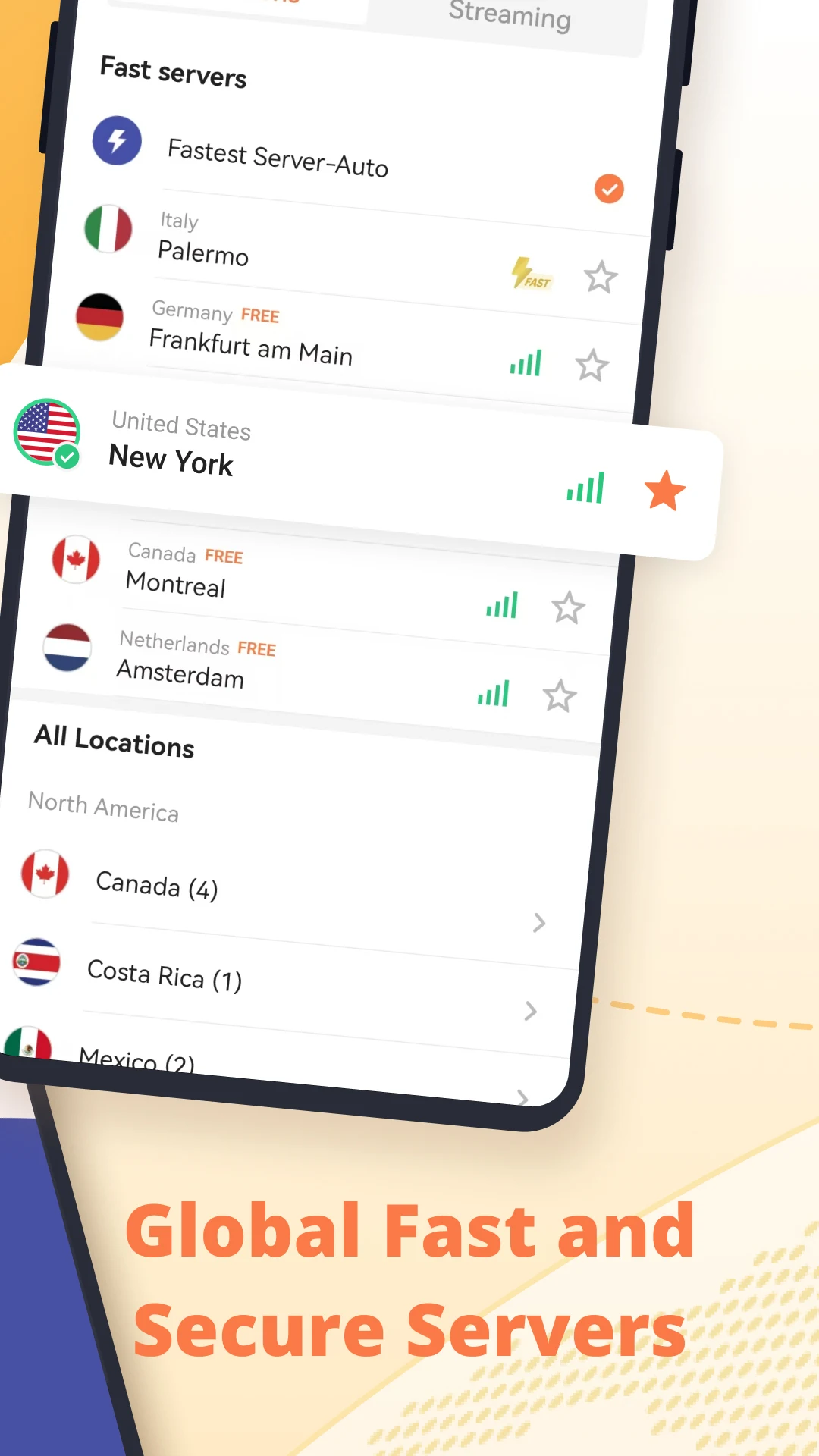
Turbo VPN is an Android VPN app that routes internet traffic through remote servers, providing an alternative connection for browsing websites, accessing online services, streaming media, and playing online games. It offers free server access alongside additional server options for different activities.
The app supports IPsec, ISSR, SSR, and OpenVPN protocols, with UDP and TCP connection modes for OpenVPN. It uses AES 128-bit encryption for data transmitted through the VPN connection and works with both Wi-Fi and mobile networks, including LTE and 3G.
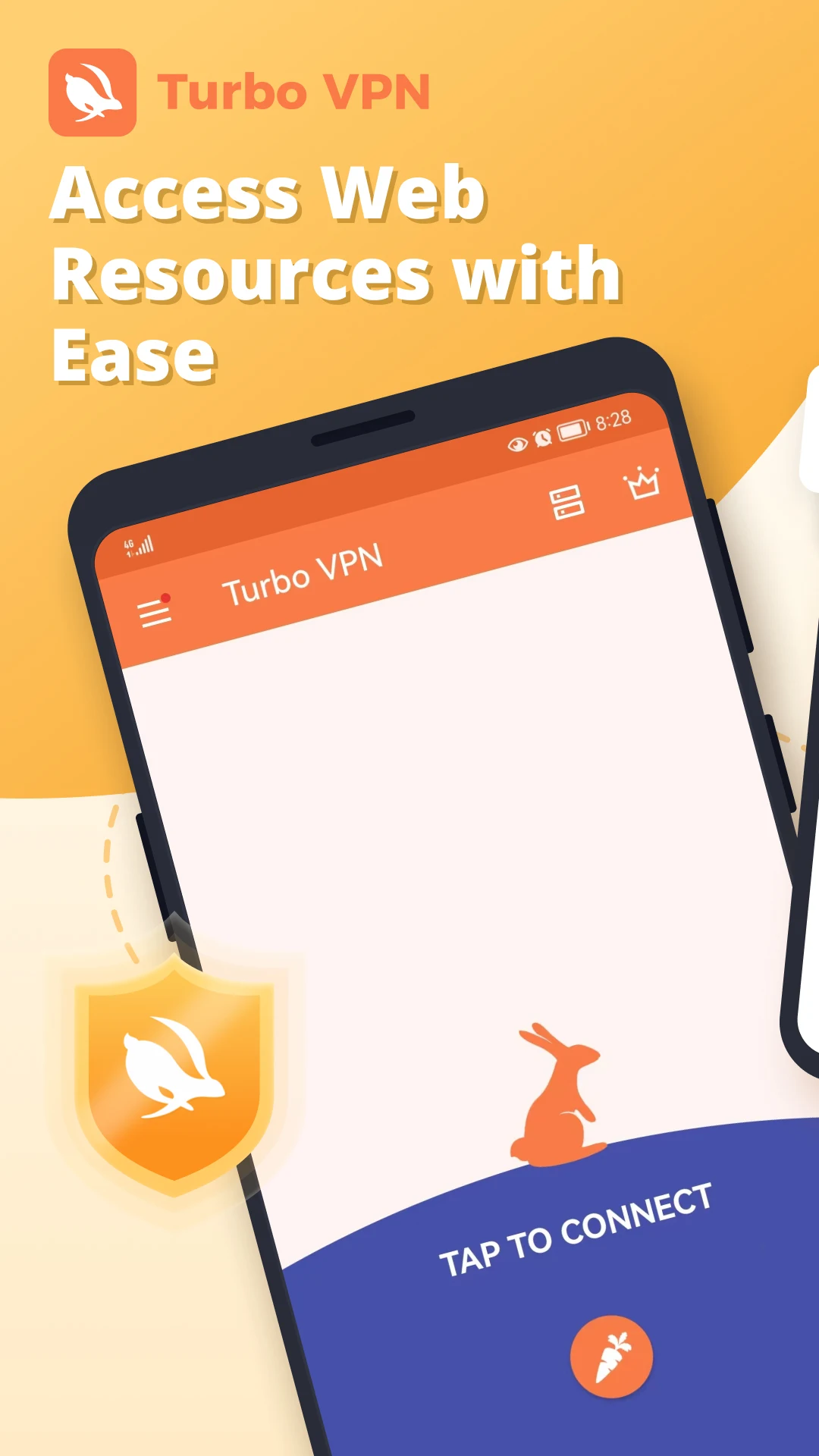
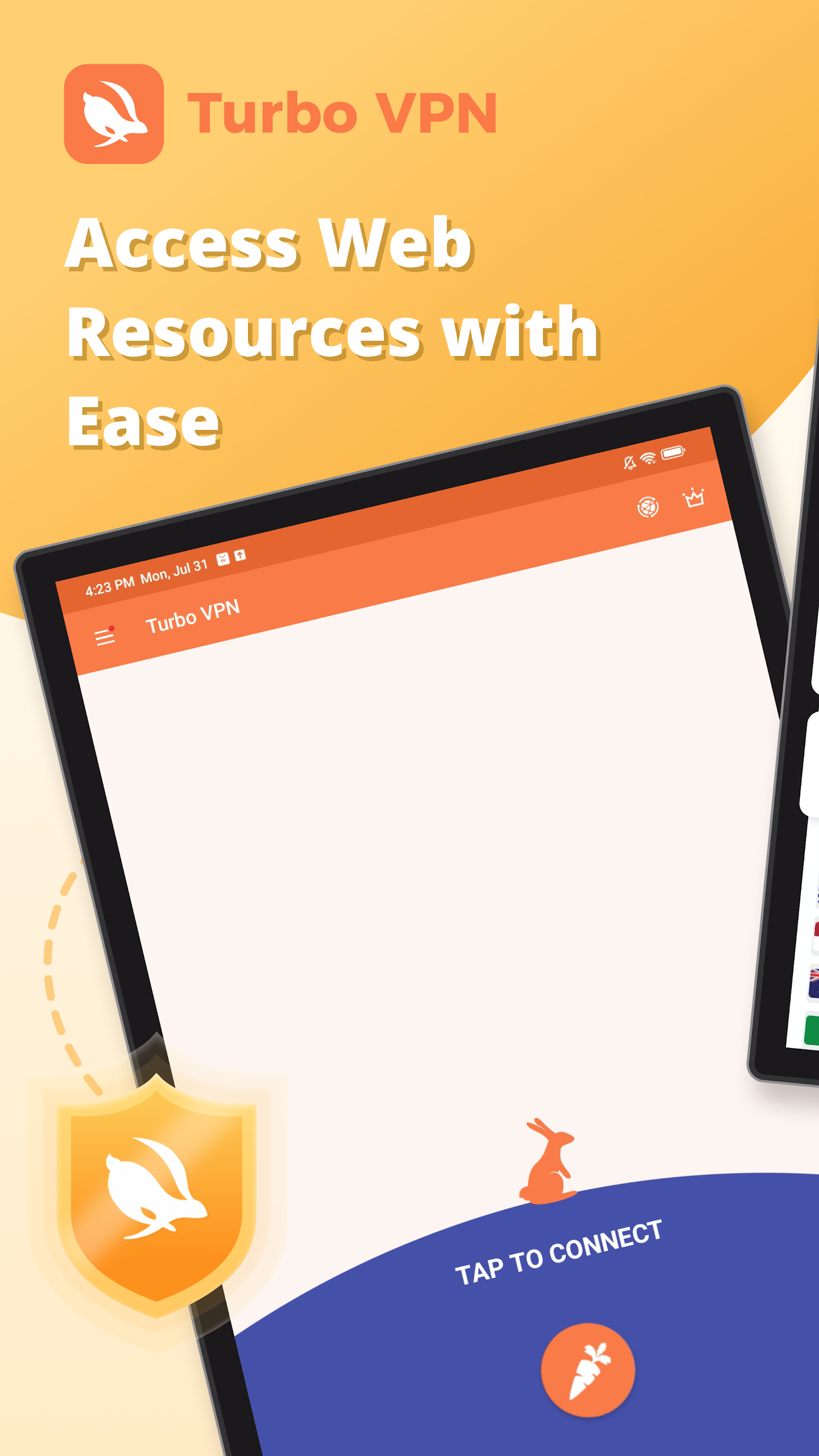
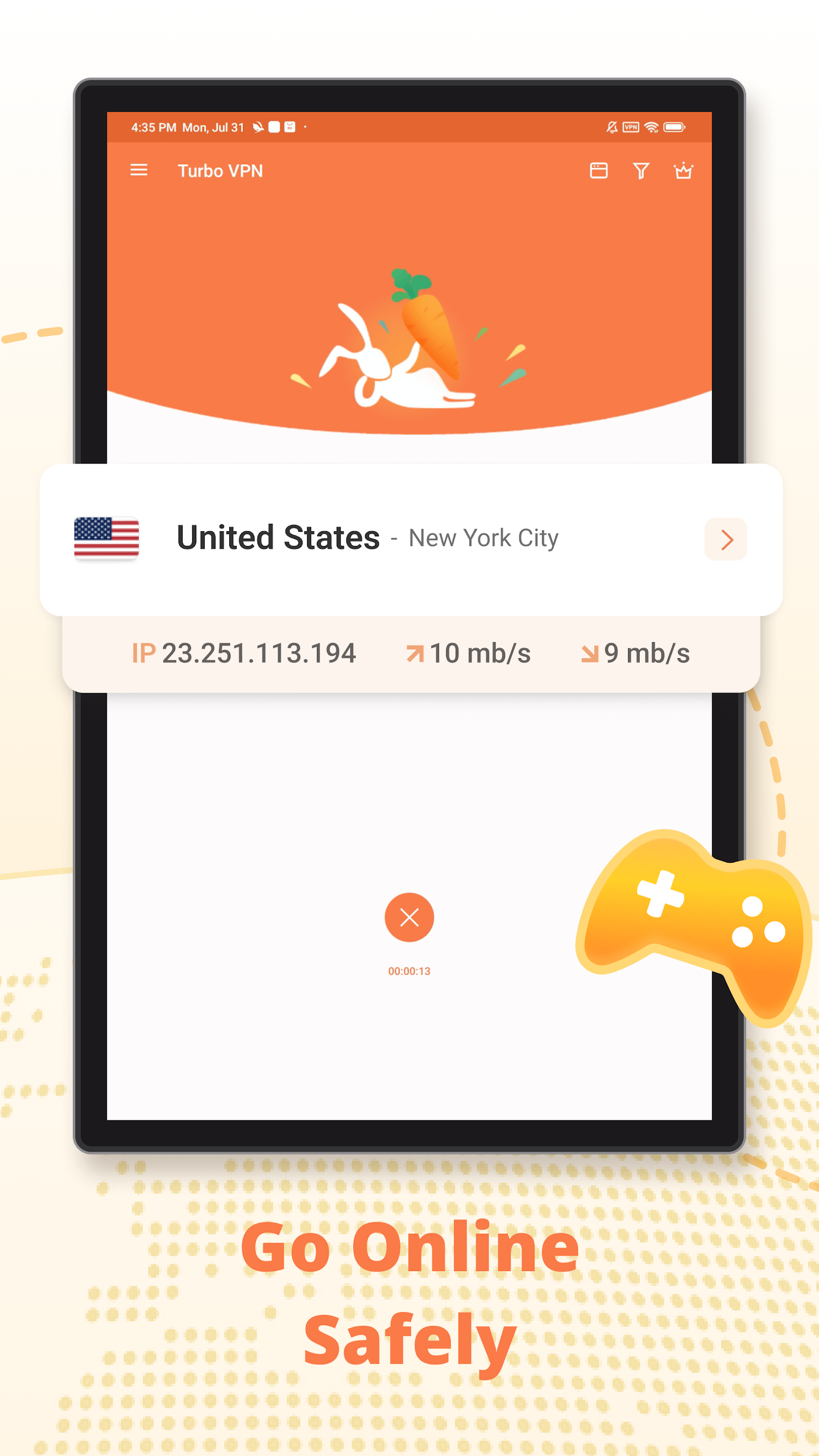
Turbo VPN features a one-tap connection control on its home screen, allowing users to establish or end a VPN session directly from the app. Account registration and sign-in options are also available.
Key Features of Turbo VPN
1. Free VPN Servers
Users can access free VPN servers without a stated data limit. Additional server options may have separate access conditions.
2. Multiple VPN Protocols
The app supports IPsec, ISSR, SSR, and OpenVPN (UDP/TCP), offering several protocol options for establishing VPN connections.
3. AES 128-Bit Encryption
AES 128-bit encryption is used to protect data transmitted through the VPN connection.
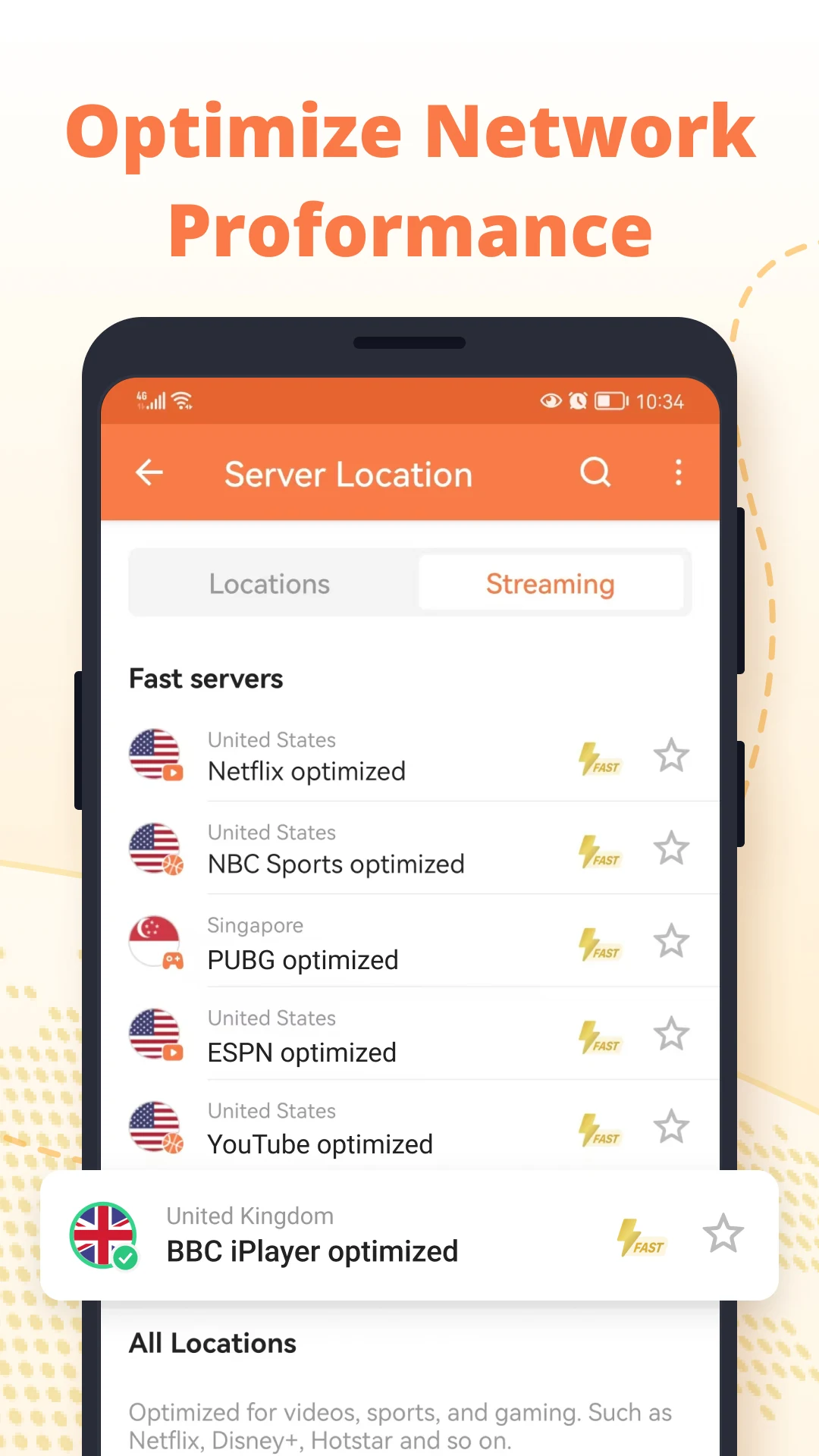
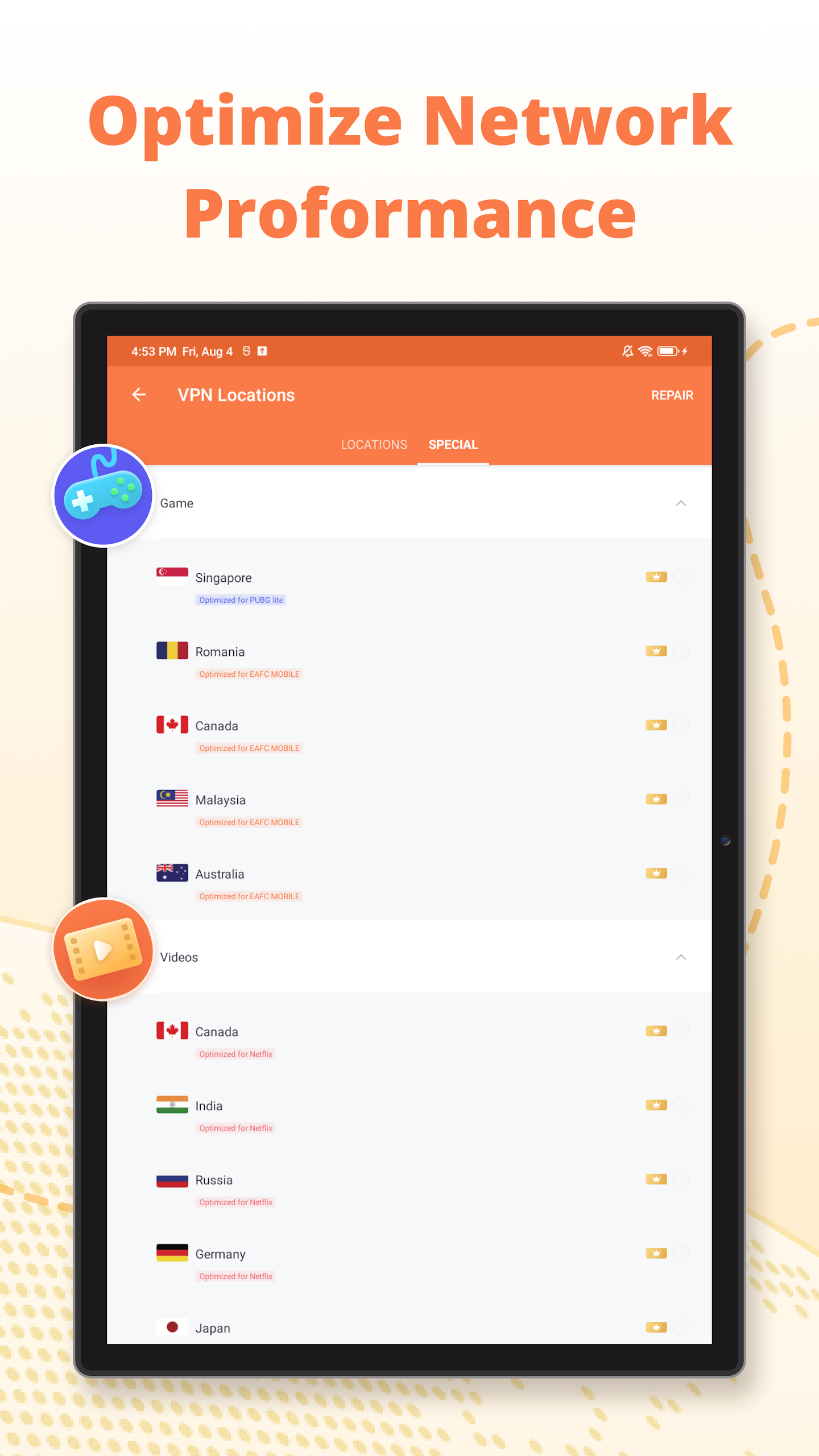
4. Streaming and Gaming Servers
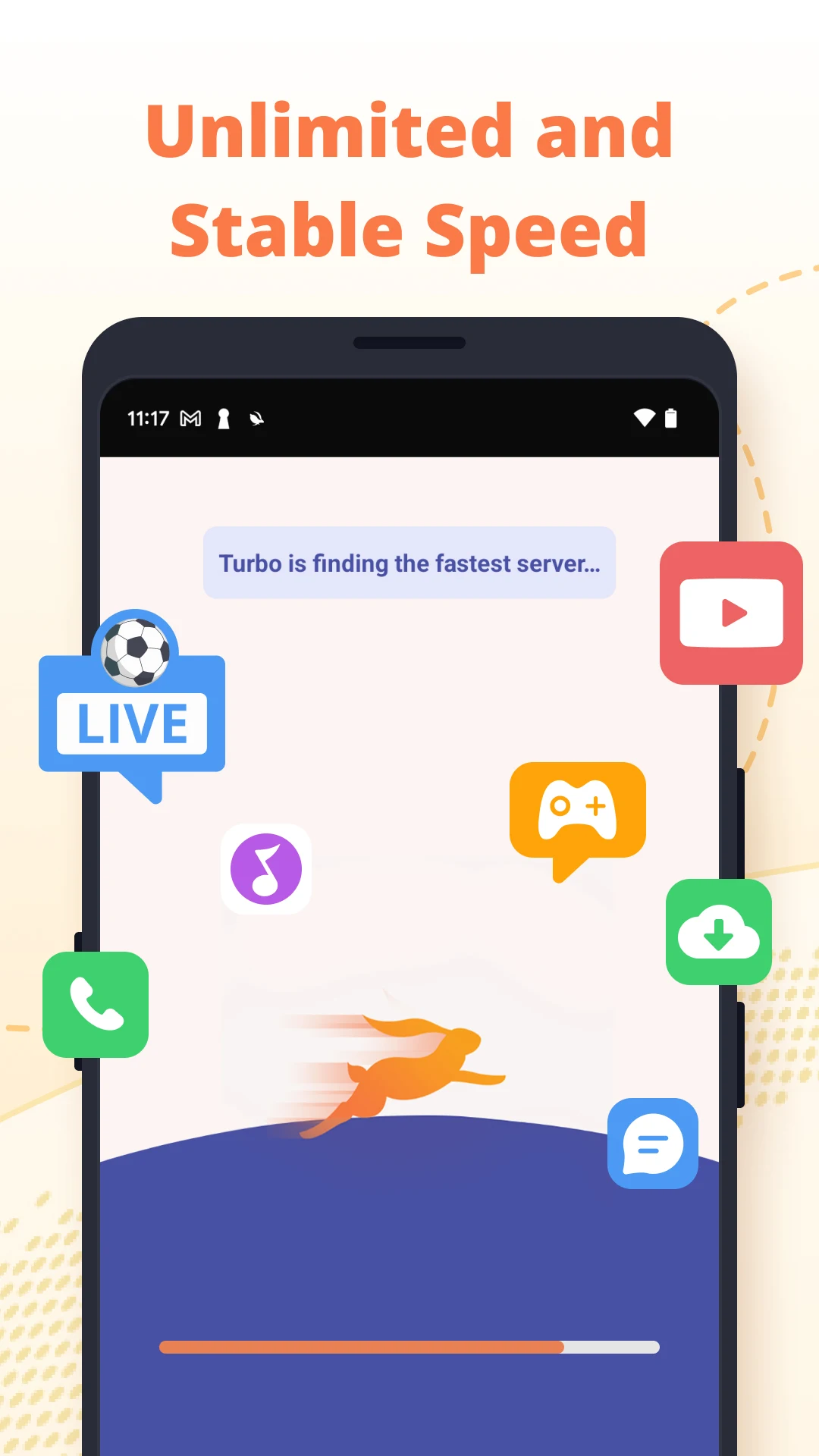
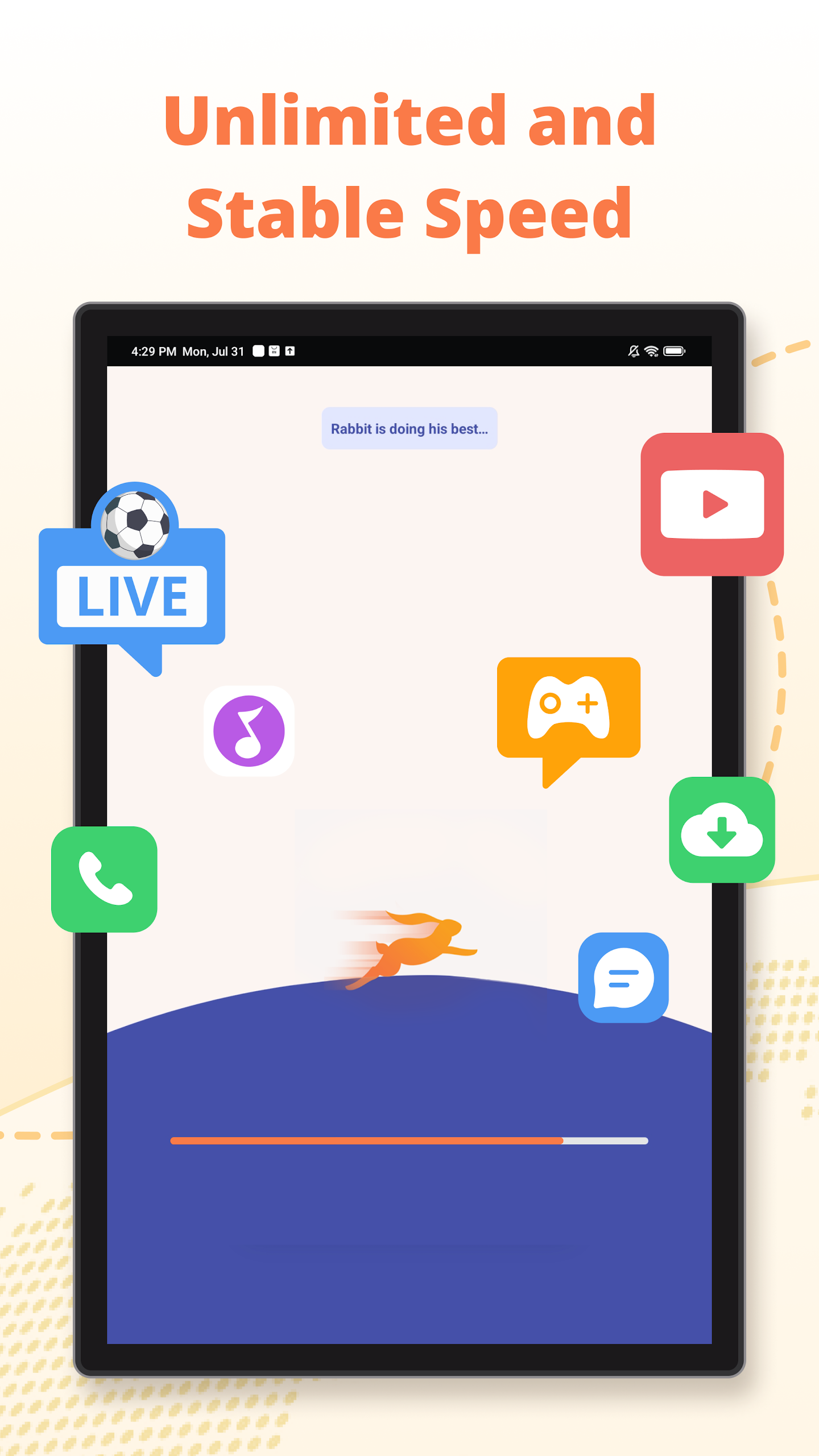
Dedicated server options are available for streaming media and online gaming. These include activities such as watching videos, following live sports, listening to music, and playing multiplayer games. Performance depends on network conditions and server availability.
5. One-Tap Connection Control
The home screen features a carrot-shaped button for connecting to or disconnecting from the VPN. Android's VPN permission must be granted before the connection can be established.
6. Wi-Fi and Mobile Network Support
Turbo VPN works over Wi-Fi and mobile data connections, including LTE and 3G, allowing users to switch between different internet networks.
How to Use Turbo VPN
Step 1: Create an Account
Open Turbo VPN, select "Sign in/Sign up," and choose "Create an account." Enter the required information and complete the registration process.
Step 2: Sign In
Use your registered email address and password to access your account.
Step 3: Connect to a VPN Server
Return to the home screen and tap the carrot-shaped connection button. When Android displays a VPN permission request, select "OK" to authorize the connection.
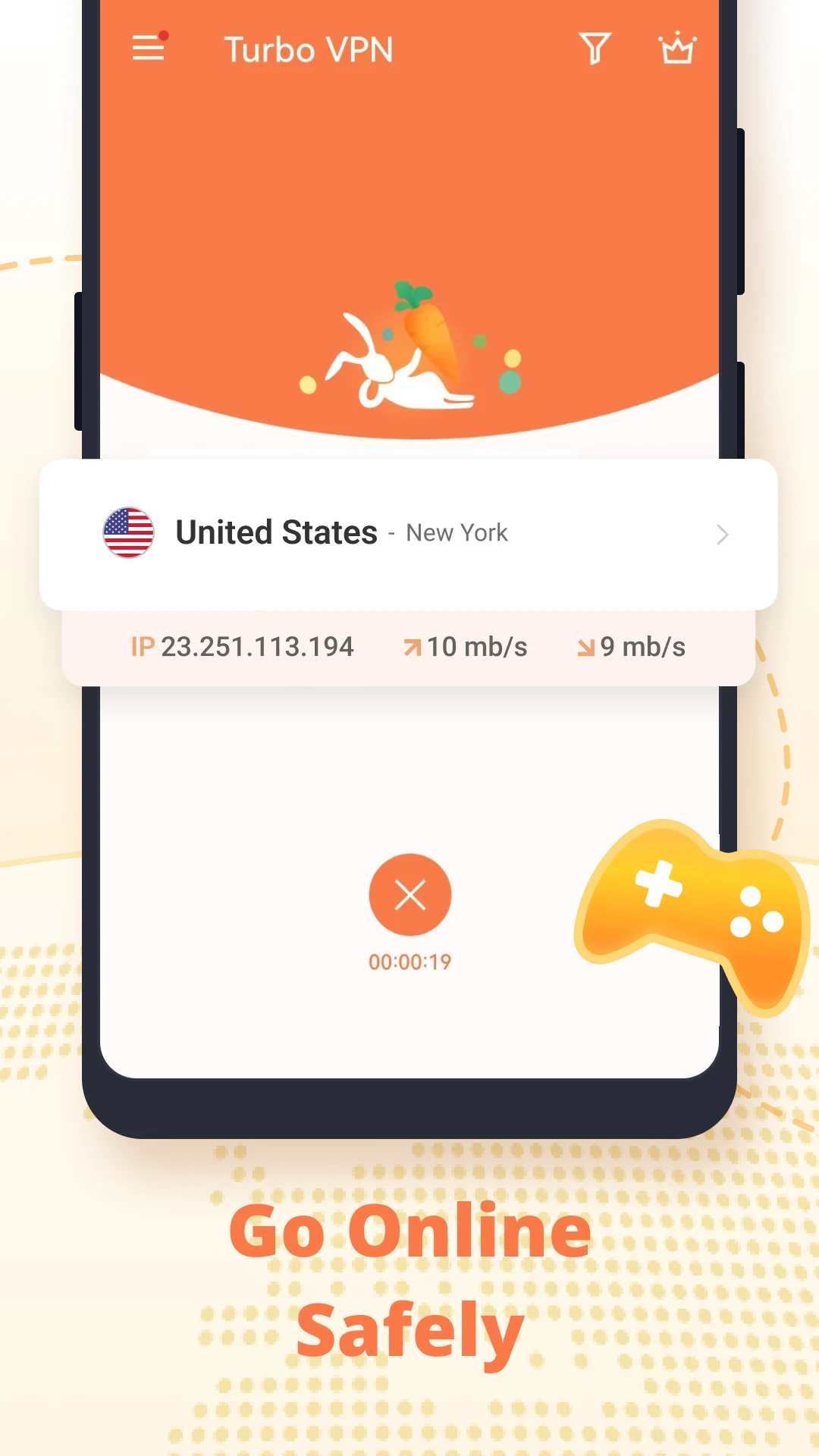
Once connected, you can continue browsing websites and using other internet-enabled apps while Turbo VPN runs in the background. Tap the connection button again when you want to disconnect.
Frequently Asked Questions
1. Is Turbo VPN free?
Yes. Turbo VPN offers free server connections without a stated data limit. Some additional servers may require separate access.
2. Which VPN protocols does Turbo VPN support?
It supports IPsec, ISSR, SSR, and OpenVPN, with UDP and TCP modes available for OpenVPN.
3. Does Turbo VPN support mobile data?
Yes. It works with Wi-Fi and mobile networks, including LTE and 3G.
4. Does Turbo VPN offer servers for streaming and gaming?
Yes. It provides dedicated server options for streaming media and online gaming. Actual connection quality and platform access depend on network conditions and server availability.
5. Do I need an account to use Turbo VPN?
The app includes registration and sign-in options. Whether an account is required may depend on the app version and the features being accessed.
6. How do I disconnect Turbo VPN?
Open the app and tap the connection button on the home screen to end the active VPN session.
- Version4.2.9.1
- UpdateNov 17, 2026
- DeveloperInnovative Connecting
- CategoryTools
- Requires AndroidAndroid 6+
- Downloads241M+
- Package Namefree.vpn.unblock.proxy.turbovpn
- Signaturec6a77019c543bbfe533356176ac829b0
- Available on
- ReportFlag as inappropriate
-
NameSizeDownload
-
43.16 MB
-
39.18 MB
-
43.00 MB










Simple free service for Amazon unblocking and low-res video streaming needs
Doesn't have the speed, platform support or privacy features