English

SuperVPN - Secure & Private browsing

Browse securely with SuperVPN: protect your online privacy and access restricted content
SuperVPN
  • 3.0.4 Version
  • 4.5 Score
  • 205M+ Downloads
  • In-app purchases License
  • 3+ Content Rating
Download Android APK (21.01 MB)
Old Versions
SuperVPN SuperVPN SuperVPN SuperVPN
CONS

60-minute limitation can be annoying

About SuperVPN

SuperVPN is an Android VPN app that routes internet traffic through remote servers in different countries. It allows users to mask their public IP addresses, encrypt network traffic, and connect to online services that may be restricted in their region.

The app offers a free service without requiring account registration or root access. It works with both Wi-Fi and mobile data connections. The free version displays advertisements, while a VIP subscription removes ads and provides improved connection speeds.

Key Features

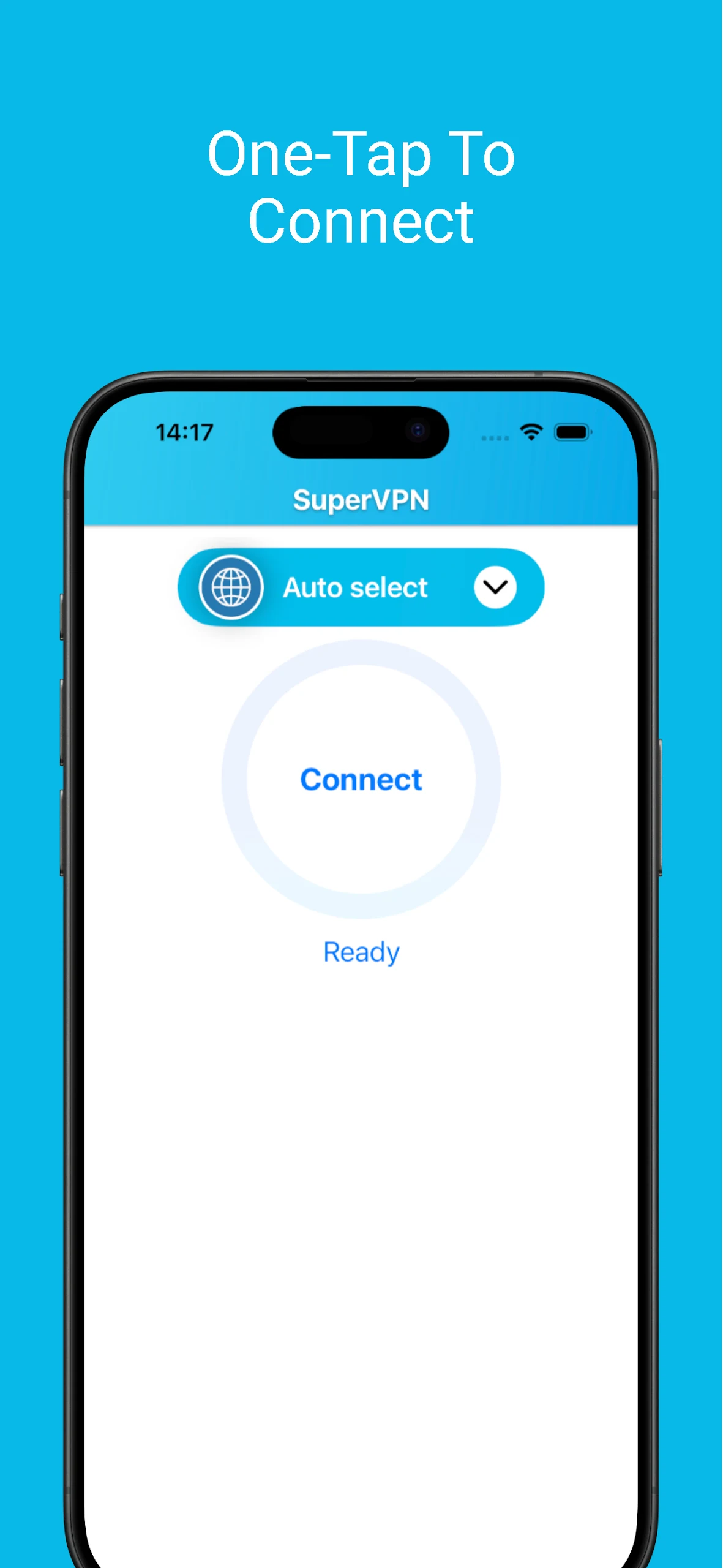
One-Tap Connection: Start or disconnect a VPN session directly from the main screen without manual configuration.

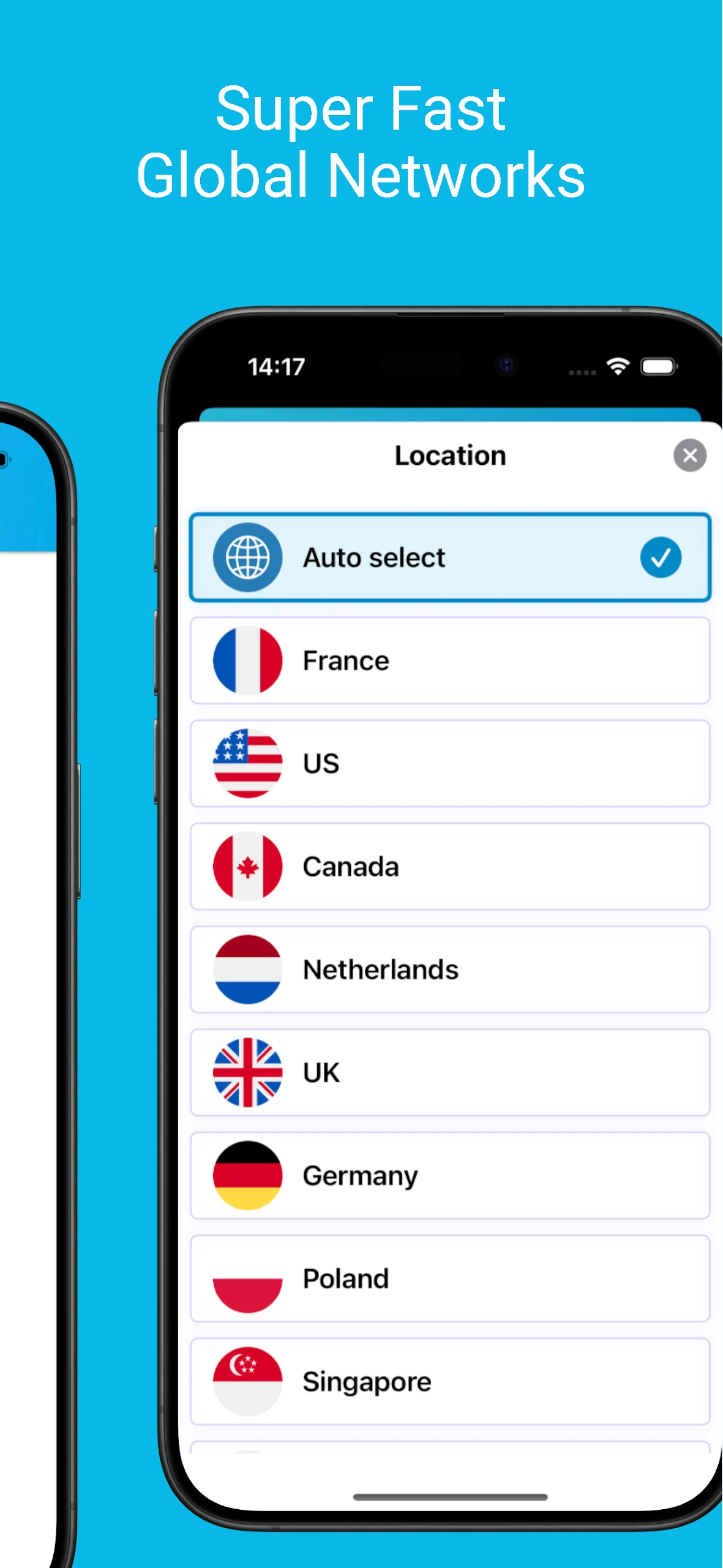
Multiple Server Locations: Connect to an automatically selected server or choose an available country from the server list.

IP Address Masking: Use the IP address assigned by the selected VPN server instead of your regular public IP address.

Traffic Encryption: Encrypt data transmitted through the VPN connection.

No Account Required: Connect without creating an account or entering login credentials.

Unlimited Free Usage: The free version has no specified bandwidth or session-time limits.

Wi-Fi and Mobile Data Support: Use the VPN over Wi-Fi and mobile networks, including 3G and 4G.

No Root Required: Run the app on a standard Android device without root access.

VIP Subscription: Remove advertisements and access improved connection speeds through a paid upgrade.

How to Use SuperVPN Fast VPN Client

Open SuperVPN and tap the main connection button to start a VPN session. When Android requests permission to establish a VPN connection, confirm the request.

The app can select a server automatically. To use a specific location, open the server list and choose an available country before connecting. Once connected, the VPN applies to your device's internet traffic.

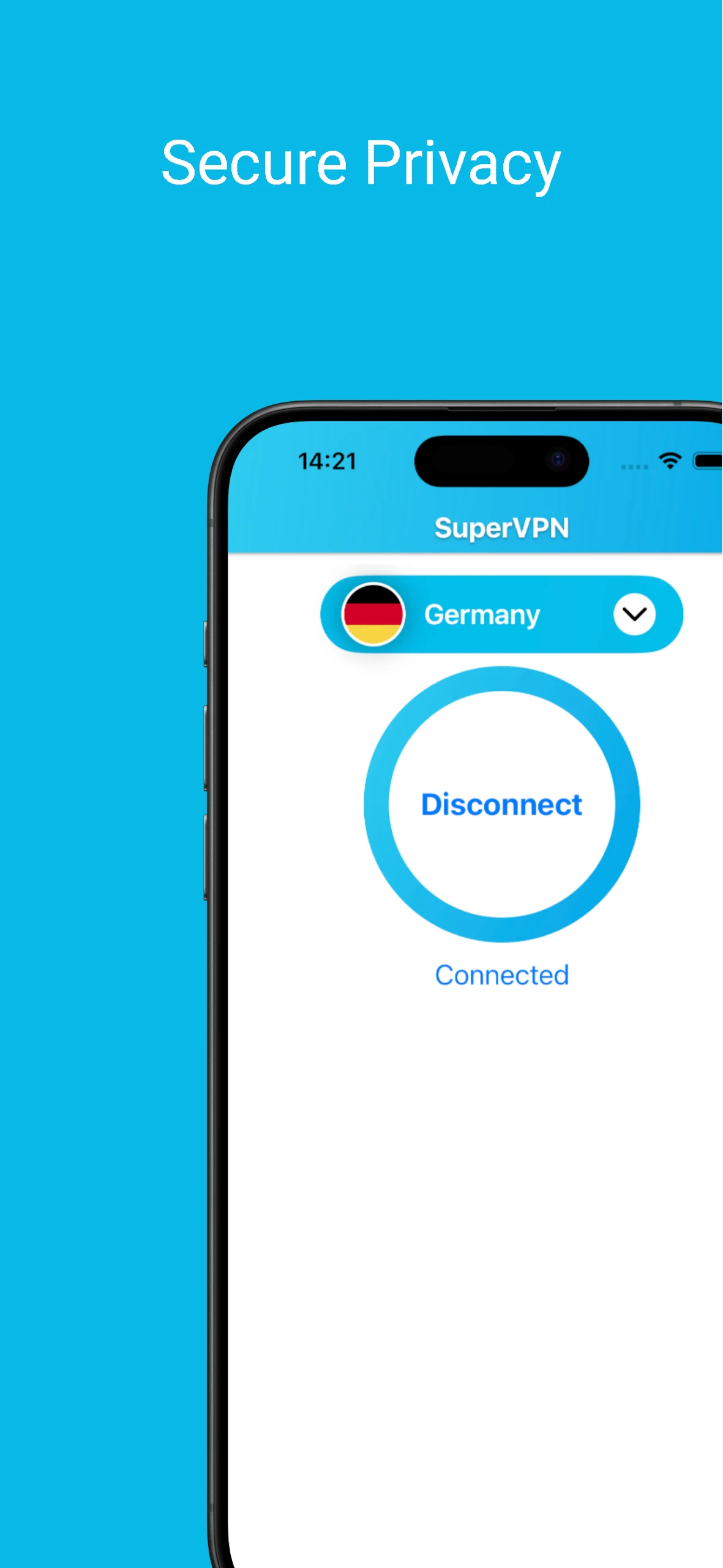
To disconnect, return to the main screen and tap the connection button again.

Frequently Asked Questions

1. Can I use SuperVPN with mobile data?

Yes. SuperVPN works with both Wi-Fi and mobile data connections, including 3G and 4G networks.

2. Does SuperVPN require root access?

No. The app runs on standard Android devices without root access.

3. Do I need to create an account before using SuperVPN?

No. You can connect to a VPN server without registering or entering account details.

4. Does SuperVPN keep browsing logs?

The app's description claims that it does not record users' browsing history or online activity. However, this claim has not been independently verified and should not be considered a confirmed no-logs guarantee. A VPN also does not prevent your browser from storing local browsing history.

5. Is SuperVPN Fast VPN Client free?

Yes. The free version has no specified bandwidth or session-time restrictions but displays advertisements. A VIP subscription removes ads and offers improved connection speeds.

6. Can I cancel my VIP subscription or request a refund?

Yes. Subscription cancellation and refund options are mentioned by the app. Cancellation procedures and refund eligibility depend on the payment platform and applicable subscription terms.

Show More
Information
  • Version3.0.4
  • UpdateNov 17, 2026
  • DeveloperSuperSoftTech
  • CategoryTools
  • Requires AndroidAndroid 6+
  • Downloads205M+
  • Package Namecom.jrzheng.supervpnfree
  • Signature92ea6c51b22d91f0c5e4e098ad353db3
  • Available on
  • ReportFlag as inappropriate
Old Versions
User Reviews
4.5 10 Reviews
5
4
3
2
1
  • Jakia Akter Munni
    Jakia Akter Munni

    This app, it's really great. The ad doesn't pop up on your screen like other apps do, it just shows below the start button and goes away quickly. I hope it stays like this, or else I'll have to change my rating.

  • Adnan khan
    Adnan khan

    The app is good, but it needs a countdown timer for people watching ads. It's not okay for someone to be left vulnerable without warning in a public place while using the app. Please fix this issue promptly.

  • Abdulazeez Adamu Buba
    Abdulazeez Adamu Buba

    They want a 5-star review? I'll give them a three. Because why not. It mostly works, but there's an ad when you start it and when you use the VPN, although it's not a big deal. Sometimes it stops working at 2.00mb of received data, that should be fixed. It works with Discord. That's good. Overall, 4 stars, deducting one for requesting a 5-star rating.

  • AXOM RAJ
    AXOM RAJ

    It works really well. Among all the ad-based VPNs I've used, this is by far the best. The price is reasonable if you decide to pay for it, and the ads are not intrusive if you choose not to. It covers all your VPN needs and offers great speed. It could use more features like internet blocking if VPN connection fails, but I'm confident that these will be added as more users realize how good this app is and support it.

  • morsalenahmad
    morsalenahmad

    I've tried many VPN's before, but most of them were a pain. This VPN, though, is really good! It hasn't given me any trouble at all. I'm quite impressed, which doesn't happen often. Good job to the creators for making an app that works as advertised. I had to uninstall and reinstall it, and now it sometimes disconnects for some reason. So, I've changed my rating from 5 stars to 4.

  • Rita sa Tudu
    Rita sa Tudu

    The VPN was working fine for me in China when it was free. But after I bought it, it kept disconnecting or showing errors when trying to connect. I had to switch to another free VPN that worked better. Interestingly, my teammate also uses the free version of this VPN and his connection is much more stable than mine. We both have Samsung Galaxy S8 phones. Save your money, don't buy it. It's not worth $5.

  • Zulqarnain Gondal
    Zulqarnain Gondal

    This free VPN is really great. I needed it for my mobile game to get rid of the stutters, and it worked perfectly. I'll keep using it for a few more days, and if it continues to work well, I'll buy it! Also, I appreciate how the ads are not annoying and don't make me wait.

  • Mohtasham Arain
    Mohtasham Arain

    I've been using this VPN for a few months and it's really great. The servers are super fast no matter where I connect. It's amazing how quick it is compared to others I've tried, which are so slow loading sites and videos. It definitely changes your IP address; I checked on "what's my IP" while connected. It's a fantastic free VPN. Even the ads aren't annoying and they disappear quickly. I totally suggest this one! I hope they continue doing a good job!

  • Huzaifa K
    Huzaifa K

    The app disconnects on its own even though I've checked the battery settings, allowed it to run in the background and have a good wifi connection. It feels like they want us to use the app more to make money from ads. Instead of making us watch an ad every hour to reconnect, they could offer better benefits for VIP membership so people would buy that.

  • Hafiz Muhammaddin
    Hafiz Muhammaddin

    I used SuperVPN for a while and I liked it a lot. It worked well without any connection issues. However, it could be faster to connect at first. The ads weren't bothersome, which was good.

Security Status
Clean

It’s extremely likely that this software program is clean.

What does this mean?

We have scanned the file and URLs associated with this software program in more than 50 of the world's leading antivirus services; no possible threat has been detected.

  • Name: SuperVPN
  • Package Name: com.jrzheng.supervpnfree
  • Signature: 92ea6c51b22d91f0c5e4e098ad353db3