
Trick marker - Truco score tracker & customize teams
Effortlessly manage truco scores, customize teams, track victory history & enjoy personalized gaming experiences.

- 2.1 Version
- 2.0 Score
- 161K+ Downloads
- Free License
- 3+ Content Rating

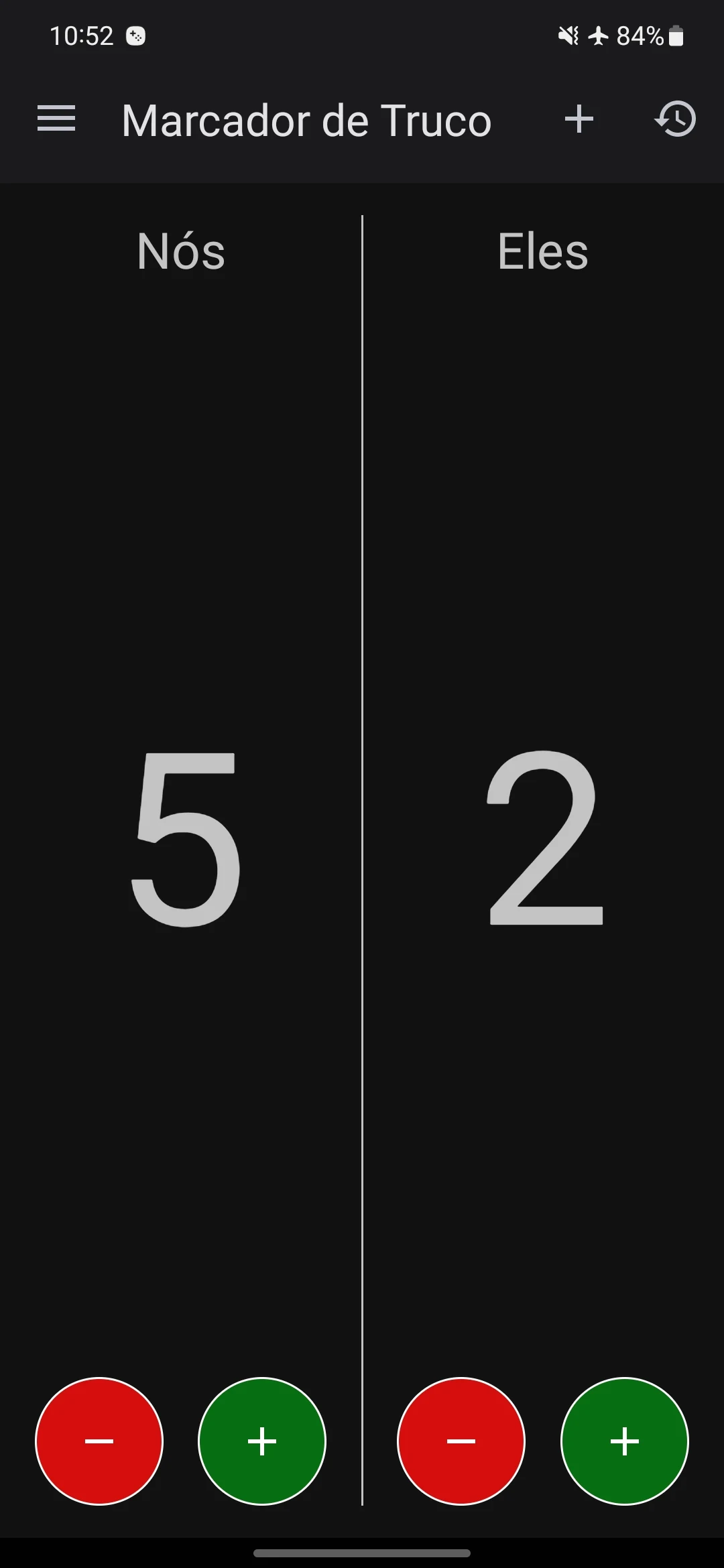
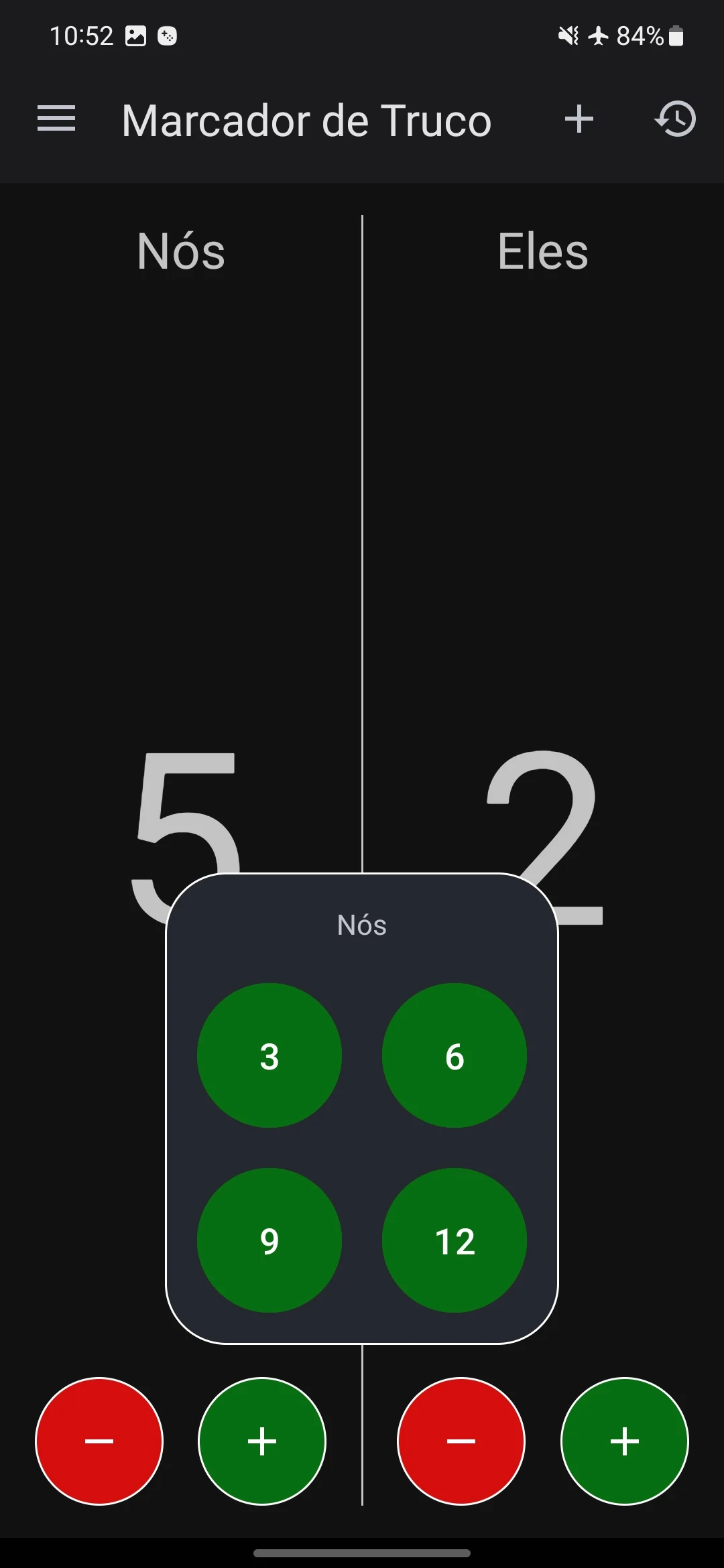
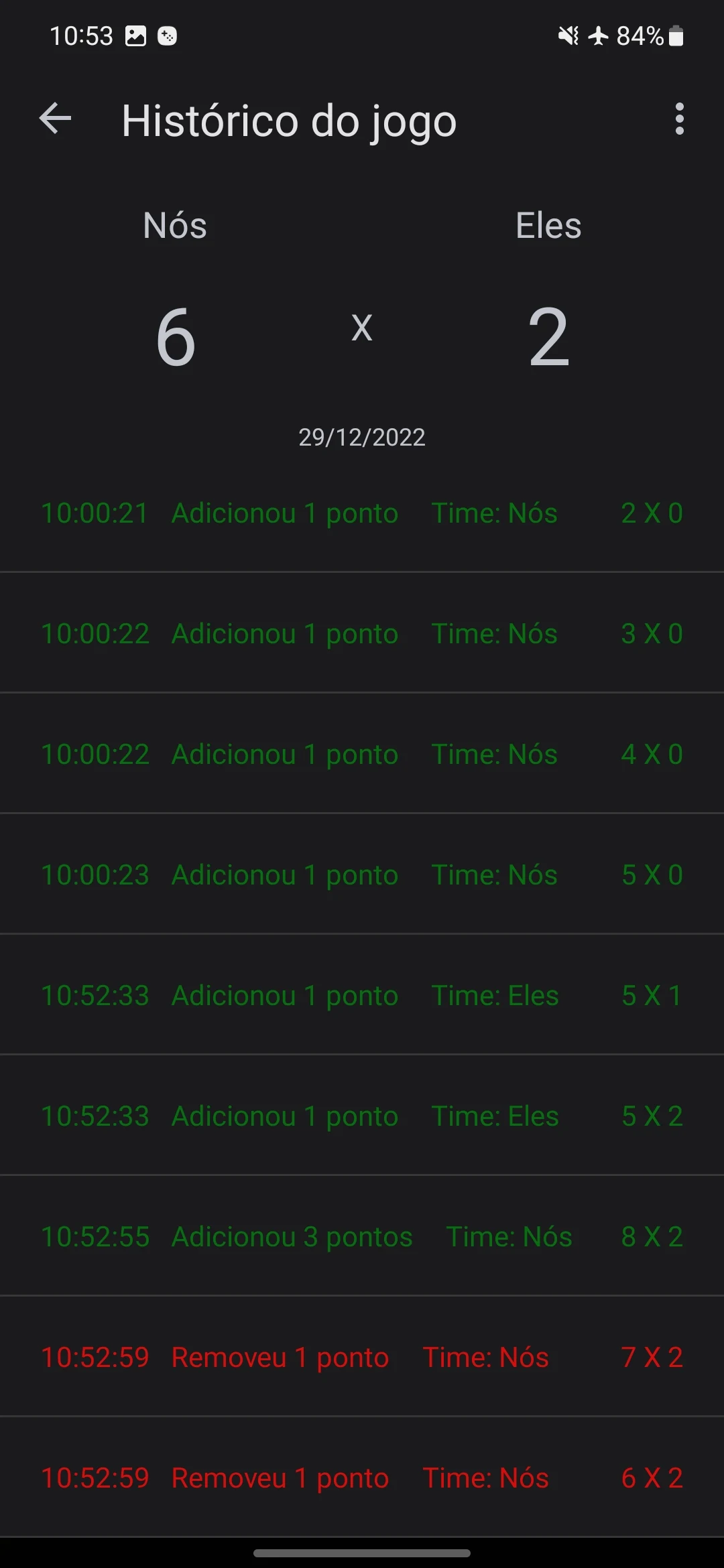
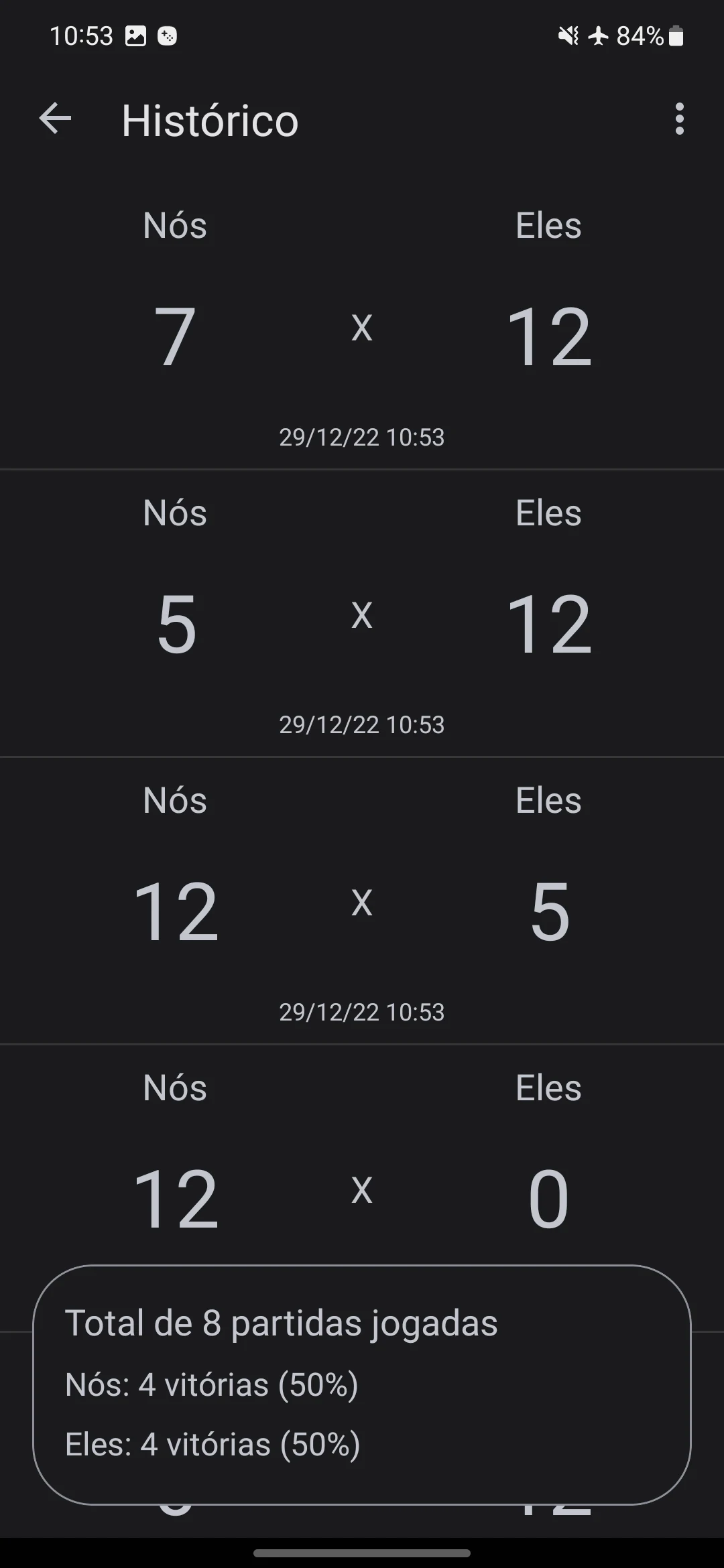
Features:
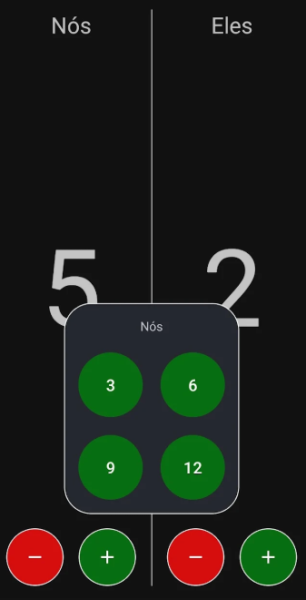
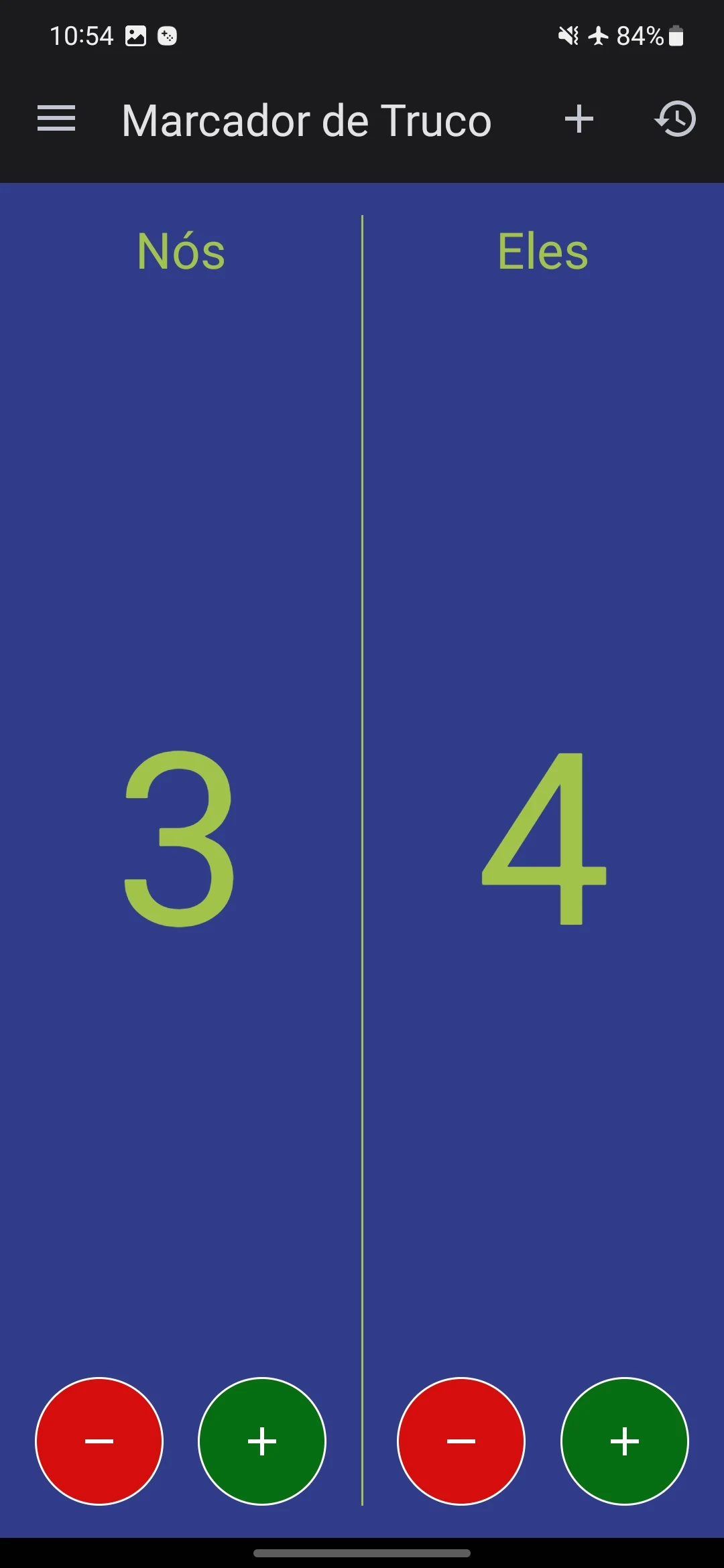
- Utilize the scoring system to oversee your truco match results with friends, allowing you to personalize team names while the app records the total games played and victories for each team.
- The application also logs the present match history as well as the cumulative score history.
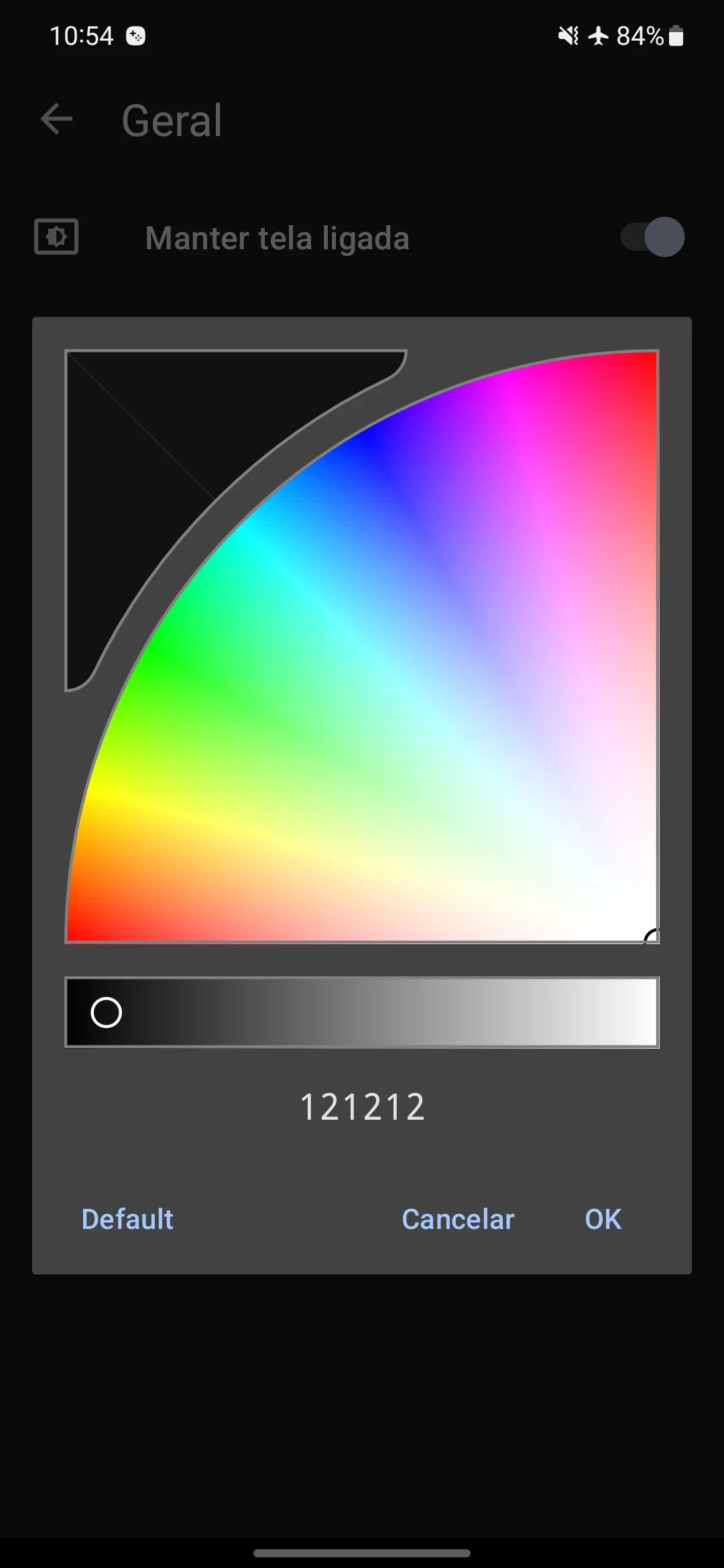
- You have the option to customize various settings, including defining the maximum score, changing the background colors and text of the game interface, and ensuring that the screen remains on, among other configurations.
User Guide:
1. **Scoring Management**
Customize team names, use the scoring system to record Truco match results, automatically calculate each team's total matches and wins, and save historical records of current matches and cumulative scores.
2. **Interface and Rule Settings**
Enter the settings interface to customize the highest score per match, adjust the interface background color and text style, and enable the always-on screen function to suit your match usage needs.
Related Questions and Answers:
- **Q**: What type of app is Trick Marker?
- **A**: Trick Marker is an app used to record and manage truco game results. It helps users view game history and record team scores.
- **Q**: How do I change the team name in Trick Marker?
- **A**: In the app's settings or team management features, there's usually an option to change the team name. Click this option and enter your desired personalized team name.
- **Q**: What game information can Trick Marker record?
- **A**: Trick Marker can record the total number of games played, each team's wins, and specific details about each game, including game time, teams played, and results.
- **Q**: Can I customize the Trick Marker game interface?
- **A**: Yes. The settings interface usually has interface customization options, such as selecting a different background color and adjusting text color and size to suit the user's visual preferences.
- **Q**: How do I set the maximum score for a game in Trick Marker?
- **A**: Enter the settings interface of the application and find the setting options related to the competition rules. There should be a function to define the maximum score. Just set the appropriate maximum score according to your needs.
- Version2.1
- UpdateOct 27, 2026
- DeveloperSoftPam
- CategoryEntertainment
- Requires AndroidAndroid 4.1+
- Downloads161K+
- Package Namebr.com.pamarcolino.marcatento
- Signature4f6cac218e433f5a1ad744542b331f6f
- Available on
- ReportFlag as inappropriate
-
NameSizeDownload
-
2.86 MB
-
2.86 MB
-
2.86 MB










Rich in features
High degree of customization
Easy to use
Relatively limited functionality
Limited application scenarios
Possible compatibility issues