
Time Until: Countdown + Widget - Event countdowns & reminders
Create exciting countdowns for any event with stunning backgrounds, customizations, & timely reminders to never miss a moment!
- 2.0.8 Version
- 4.8 Score
- 3M+ Downloads
- In-app purchases License
- 3+ Content Rating

Countdown App
1. App Overview
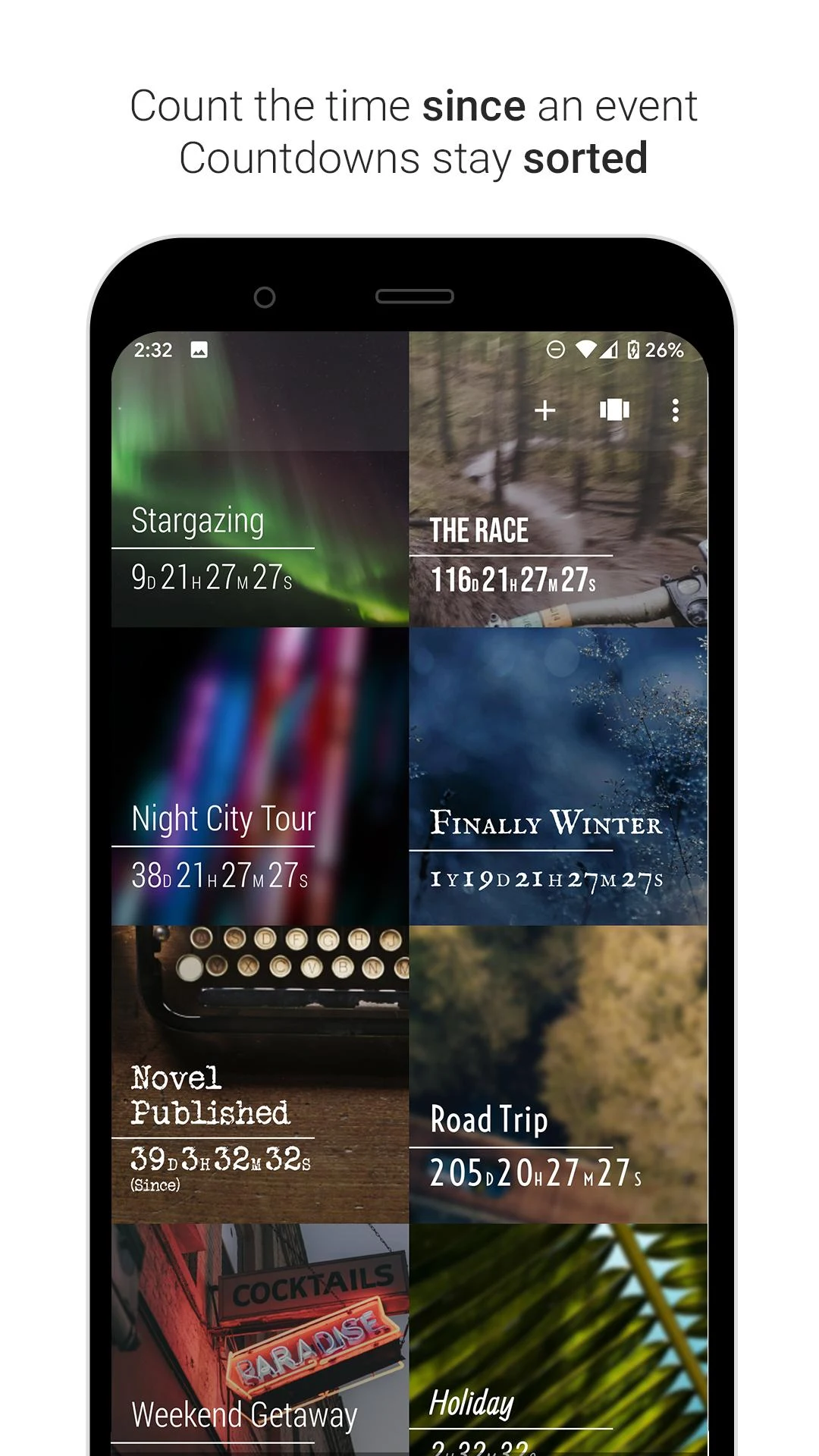
Countdown is an event-tracking app that helps users monitor upcoming occasions, important deadlines, and personal milestones. Users can create countdowns for birthdays, holidays, vacations, weddings, exams, and other significant dates, with a live display showing the time remaining. The app also supports past-event tracking, allowing users to see how much time has elapsed since a specific date.
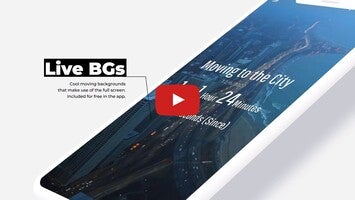
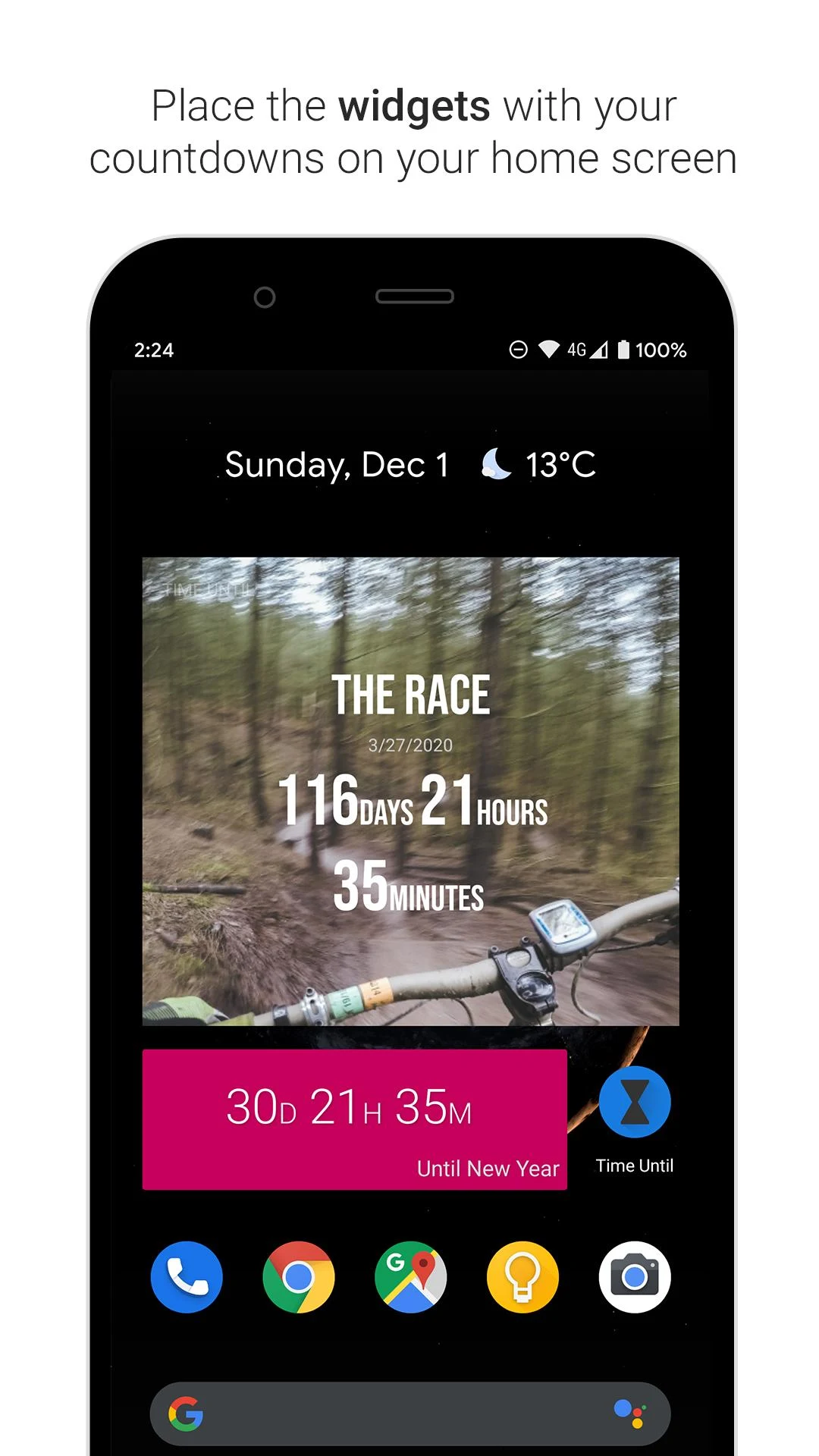
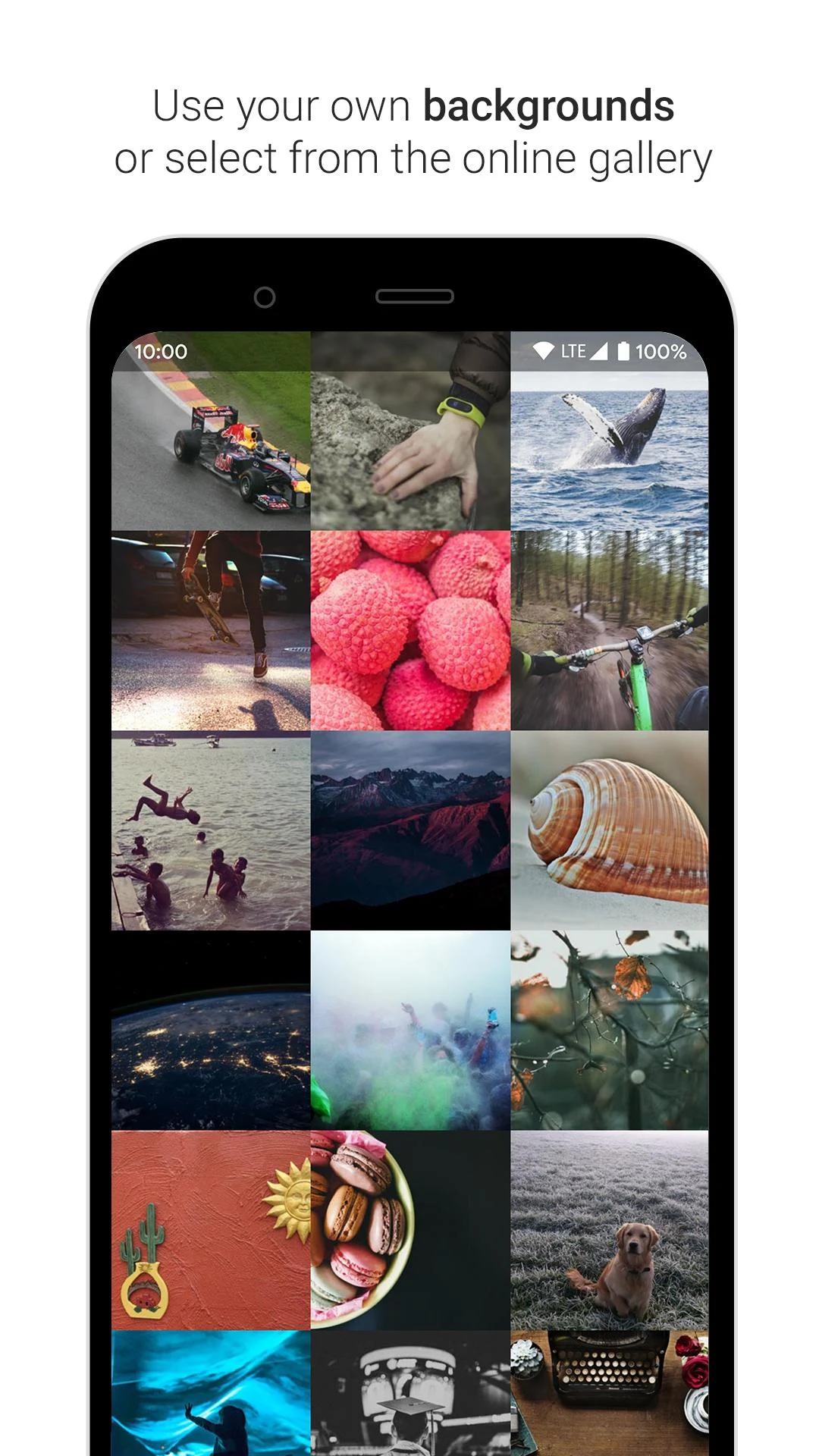
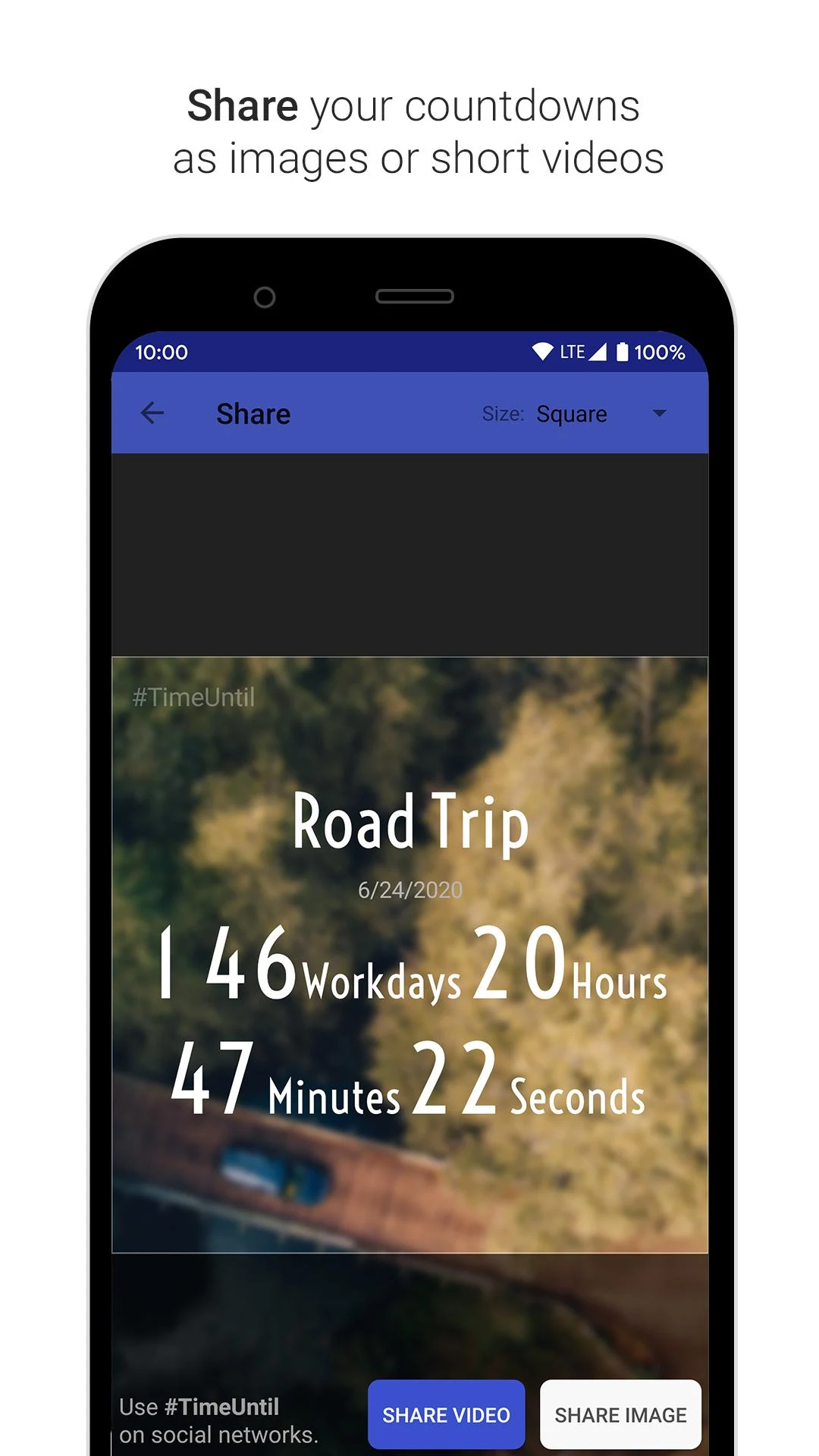
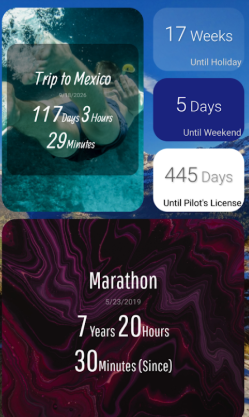
Each countdown can be personalized with images from the online gallery, photos stored on the device, or animated backgrounds. Users can adjust the displayed time units and customize the layout through the built-in editor. A chronological timeline keeps saved events organized, while two home screen widget styles provide quick access to selected countdowns without opening the app.
Additional features include recurring event settings for birthdays and anniversaries, scheduled notifications, dark mode, and full-screen countdown displays. These options make it possible to use Countdown for both one-time occasions and regularly recurring events.
The free version allows users to create up to seven countdowns. Premium removes this limit and unlocks unlimited events, additional fonts and text colors, alarm alerts, data backup, and an ad-free experience.
2. Key Features
Customizable Backgrounds: Choose images from the online gallery, upload personal photos, or apply animated backgrounds to individual events.
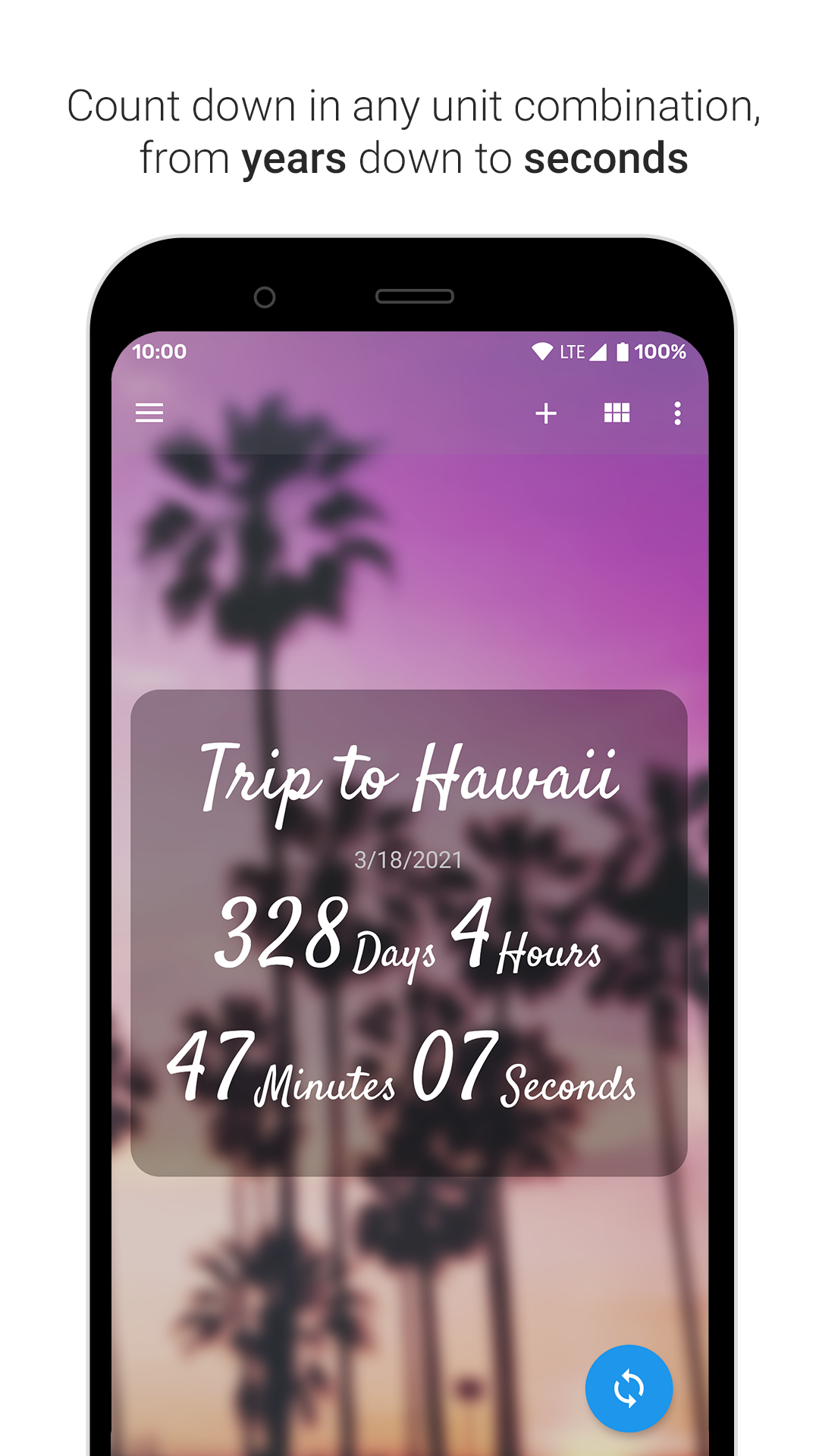
Flexible Time Formats: Display remaining or elapsed time in seconds, minutes, hours, days, weekdays, weeks, months, or years. Multiple units can be displayed simultaneously.
Future and Past Event Tracking: Create countdowns for upcoming dates or track the time elapsed since previous events.
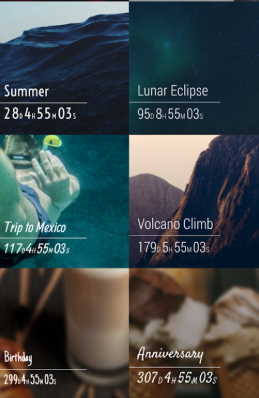
Chronological Timeline: View saved events in date order to keep upcoming occasions and milestones organized.
Recurring Events: Set birthdays, anniversaries, and other regular occasions to repeat automatically.
Scheduled Notifications: Receive advance reminders or alerts when an event reaches its scheduled date.
Home Screen Widgets: Choose between full-sized and compact widgets to view selected countdowns directly from the home screen.
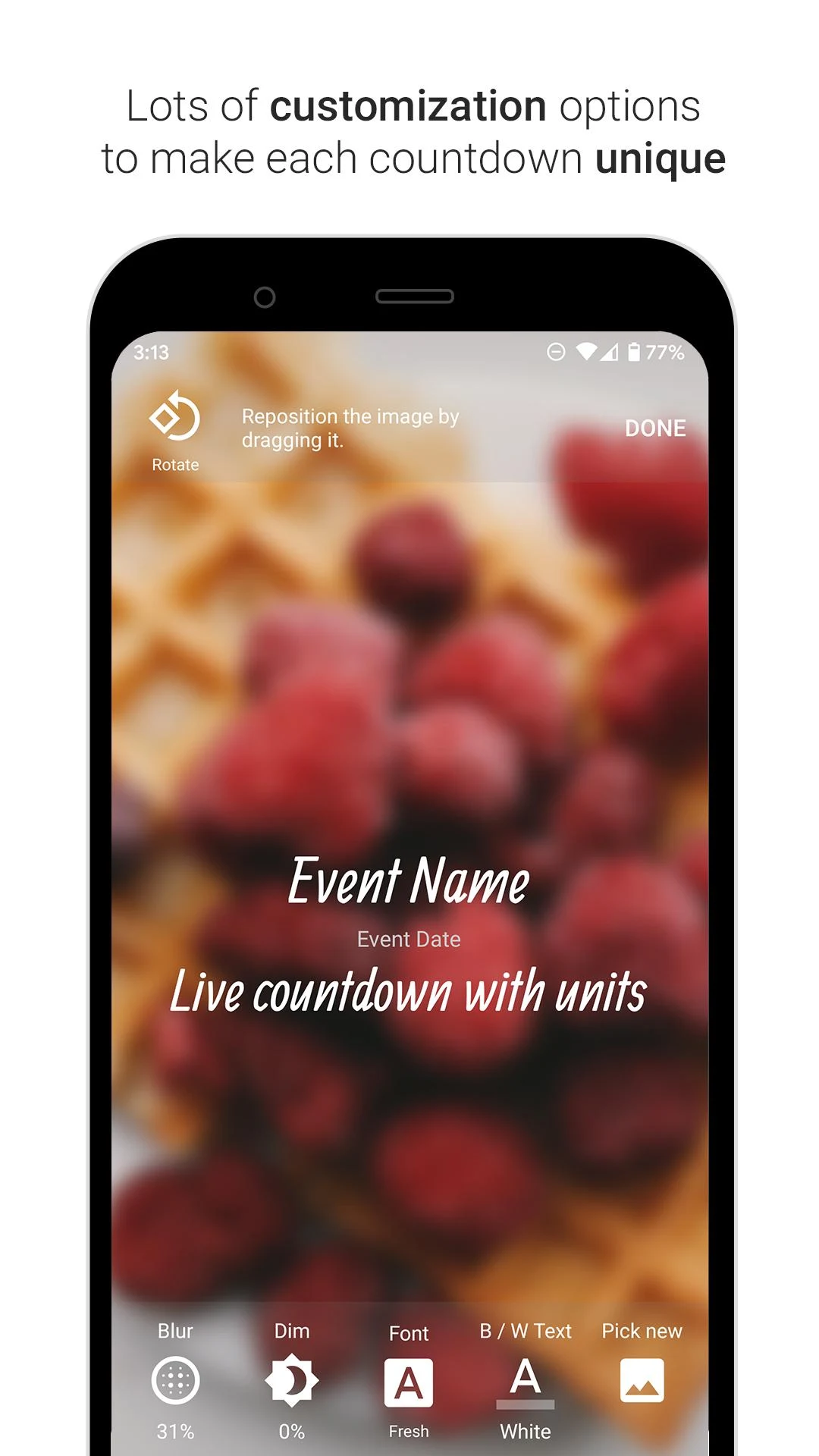
Built-in Display Editor: Adjust the appearance and layout of countdown displays using the integrated customization tools.
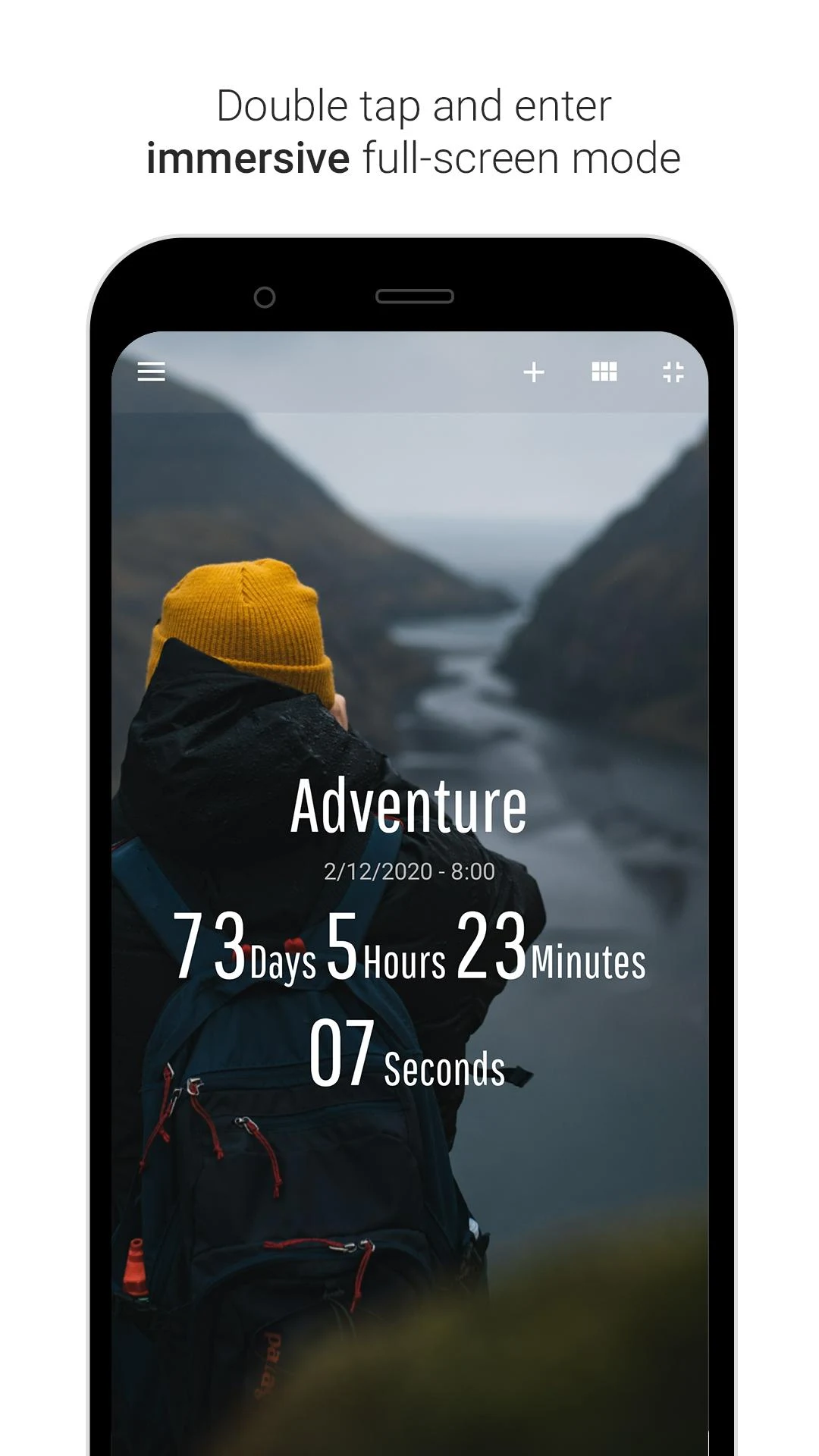
Full-Screen Display: Double-tap an event to view its countdown in full-screen mode.
Dark Mode: Switch to a darker interface for viewing countdowns in low-light environments.
3. How to Use
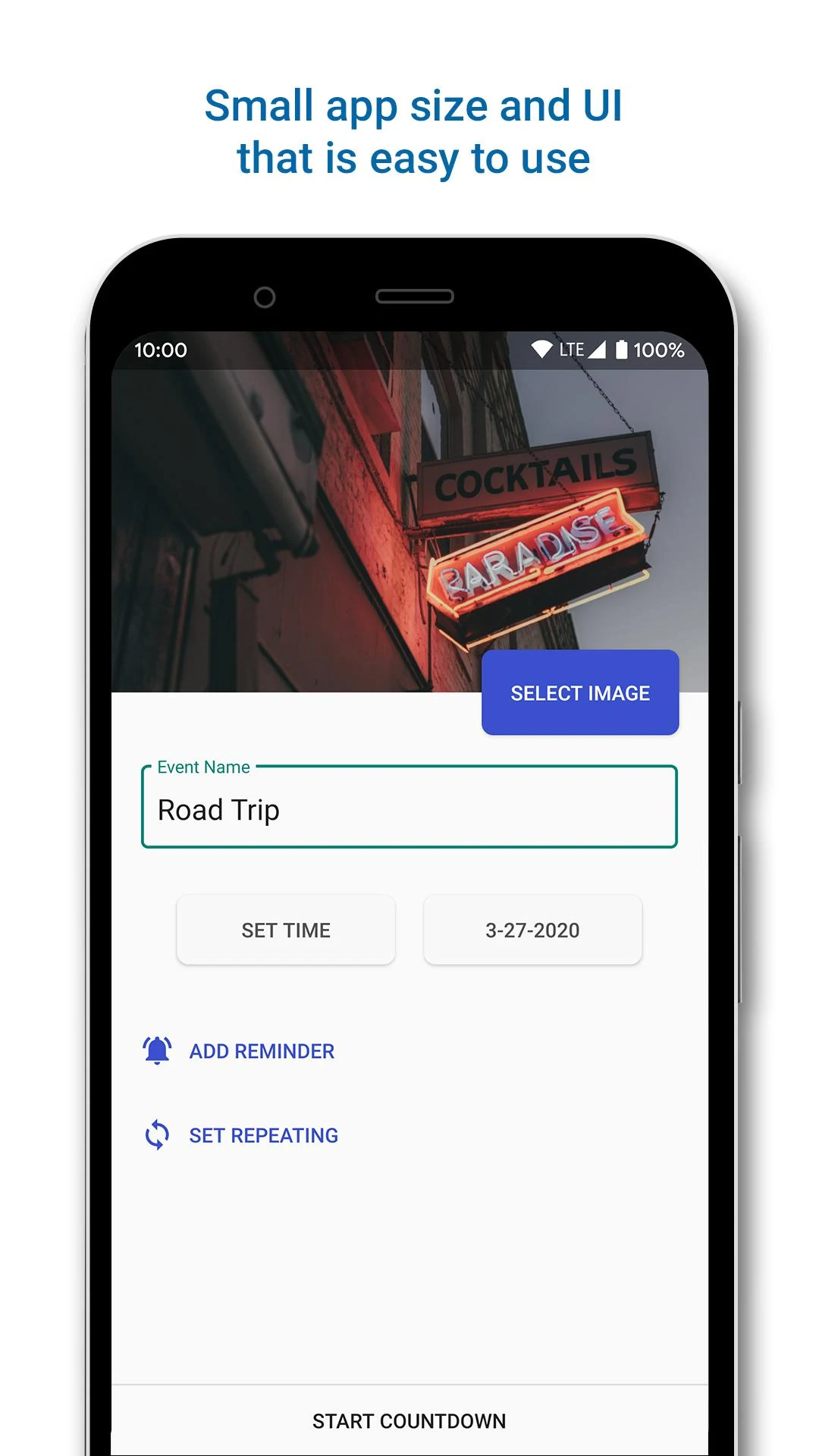
Create an Event: Open Countdown and add a new event. Choose Future Event or Past Event, then enter the event name and date.
Customize the Display: Select a background image or animation, choose the time units to display, and adjust the layout using the built-in editor.
Configure Reminders: Set advance notifications or an alert for the event date. Enable Repeat for birthdays, anniversaries, and other recurring occasions.
Add a Home Screen Widget: Choose the full-sized or compact widget and add it to your device's home screen to view selected events.
Manage Saved Events: Browse your countdowns in the chronological timeline. Double-tap an event to open its full-screen display, or switch to dark mode through the settings.
Upgrade to Premium: If you need more than seven countdowns, upgrade to access unlimited events, additional customization options, alarm alerts, data backup, and an ad-free experience.
4. Use Cases
Personal Celebrations: Count down to birthdays, weddings, anniversaries, family gatherings, and other special occasions.
Holidays and Entertainment: Track the days until Christmas, New Year's Day, festivals, concerts, and other anticipated events.
Travel Planning: Monitor departure dates for vacations, business trips, and other scheduled journeys.
Academic and Work Deadlines: Keep track of examinations, assignment submissions, project milestones, and important meetings.
Personal Goals: Record milestones such as smoke-free days, reading streaks, fitness achievements, and competition preparation.
Household and Pet Care: Track recurring tasks such as household chores, trash collection, veterinary appointments, and pet grooming.
Business Events: Monitor product launches, sales campaigns, promotional activities, and other business milestones. Countdown displays can also be shared through websites or social media.
Past Memories: Record how much time has passed since meaningful experiences, personal achievements, and memorable occasions.
5. Frequently Asked Questions
Q1: How many countdowns can I create for free?
The free version allows up to seven countdowns. A Premium subscription removes this limit and provides unlimited event creation.
Q2: Can I track events that have already happened?
Yes. Select Past Event when creating an event and enter its date. Countdown will display the time elapsed since that date.
Q3: What home screen widgets are available?
Countdown offers two widget styles: a full-sized version that follows the in-app display and a compact version that takes up less screen space. Premium also unlocks additional font and text color options.
Q4: Can I use my own photos as countdown backgrounds?
Yes. You can upload photos stored on your device and use them as backgrounds. An internet connection is required only when accessing the online image gallery.
Q5: Can I set events to repeat automatically?
Yes. Enable the Repeat option when creating an event to configure recurring countdowns. This is useful for birthdays, anniversaries, and other regularly scheduled occasions.
Q6: How can I back up my countdown data?
Data backup is a Premium feature. After upgrading, open the app settings and select the Backup option to manage your countdown data.
- Version2.0.8
- UpdateNov 09, 2026
- DeveloperHandcrafted Apps and Games
- CategoryLifestyle
- Requires AndroidAndroid 4.2+
- Downloads3M+
- Package Namecom.brunoschalch.timeuntil
- Signatureb94771404b009744ebf55aa8cae58599
- Available on
- ReportFlag as inappropriate













Intuitive interface for easy setup
Customizable widgets and themes
Reliable and user-friendly
Multiple countdowns available
Minimal ads on the free version
Tracks time elapsed since events
Allows use of personal and app gallery images
provides precise countdowns to days, hours, minutes, and seconds
Easy to edit existing countdowns
Widget fails to update without app interaction
Limited customization options for fonts and background colors
Only a few countdown reminders allowed in free version
Ads show frequently during event creation or edit
Difficulties with widget functionality on custom launchers
No response from developer for support inquiries
User wishes for direct calendar integration for countdowns
Display issues in grid view options
Can be overwhelming if too many countdowns are created