
TicTacToe - Strategic board battles
Engage in singleplayer or multiplayer modes, compete globally, and customize gameplay for an exciting strategic experience.
- 7.58 Version
- 1.2 Score
- 155K+ Downloads
- Free License
- 3+ Content Rating

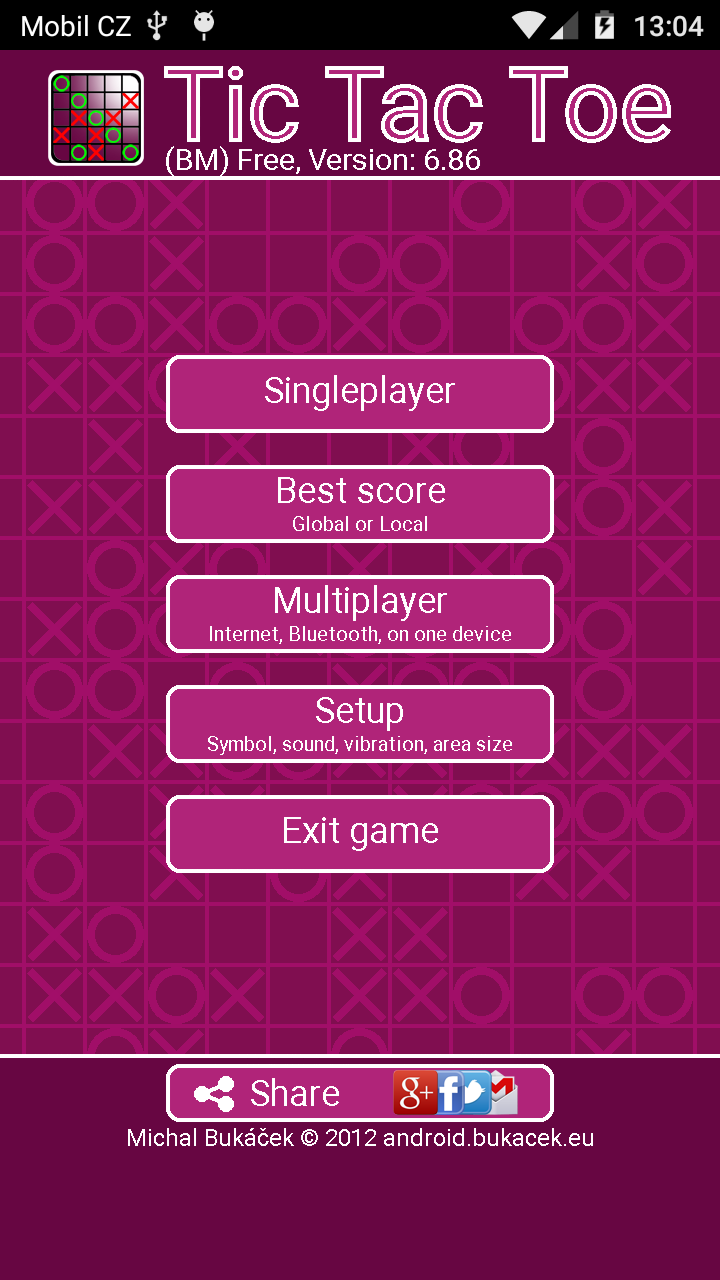
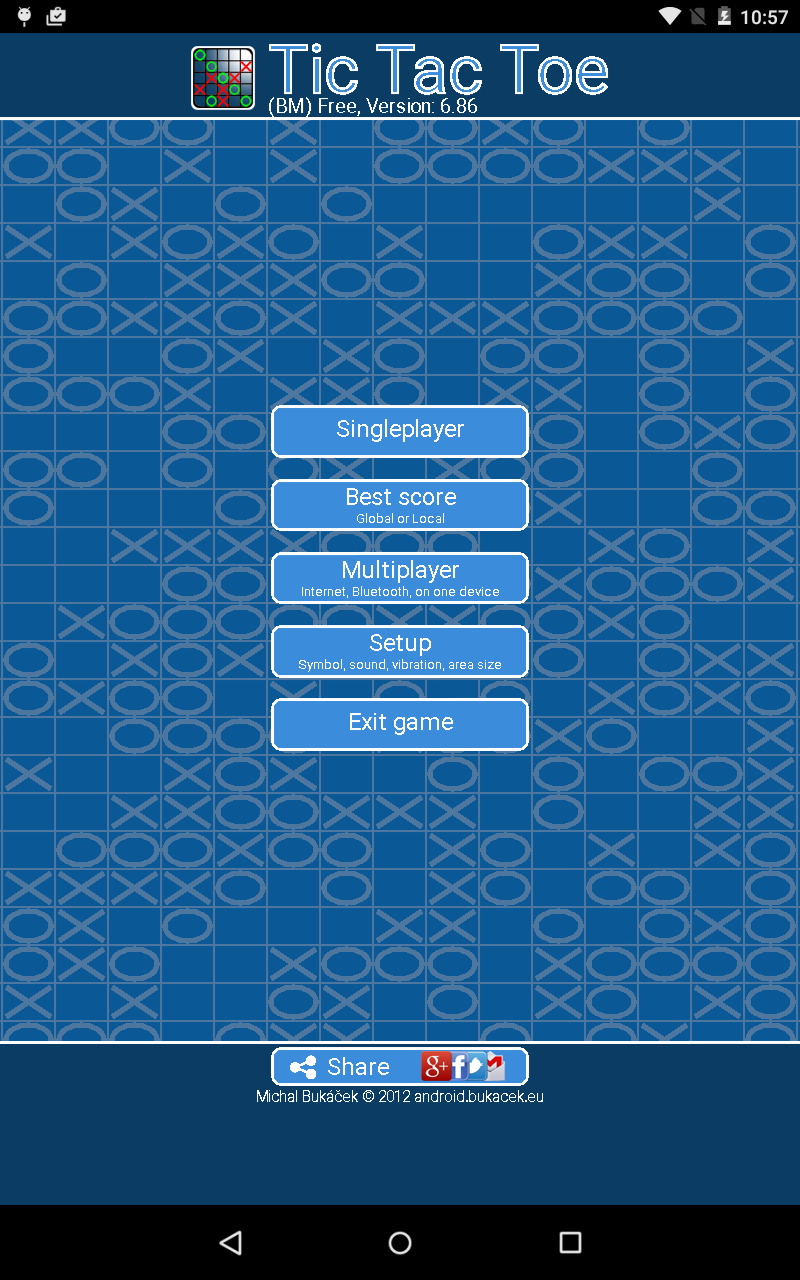
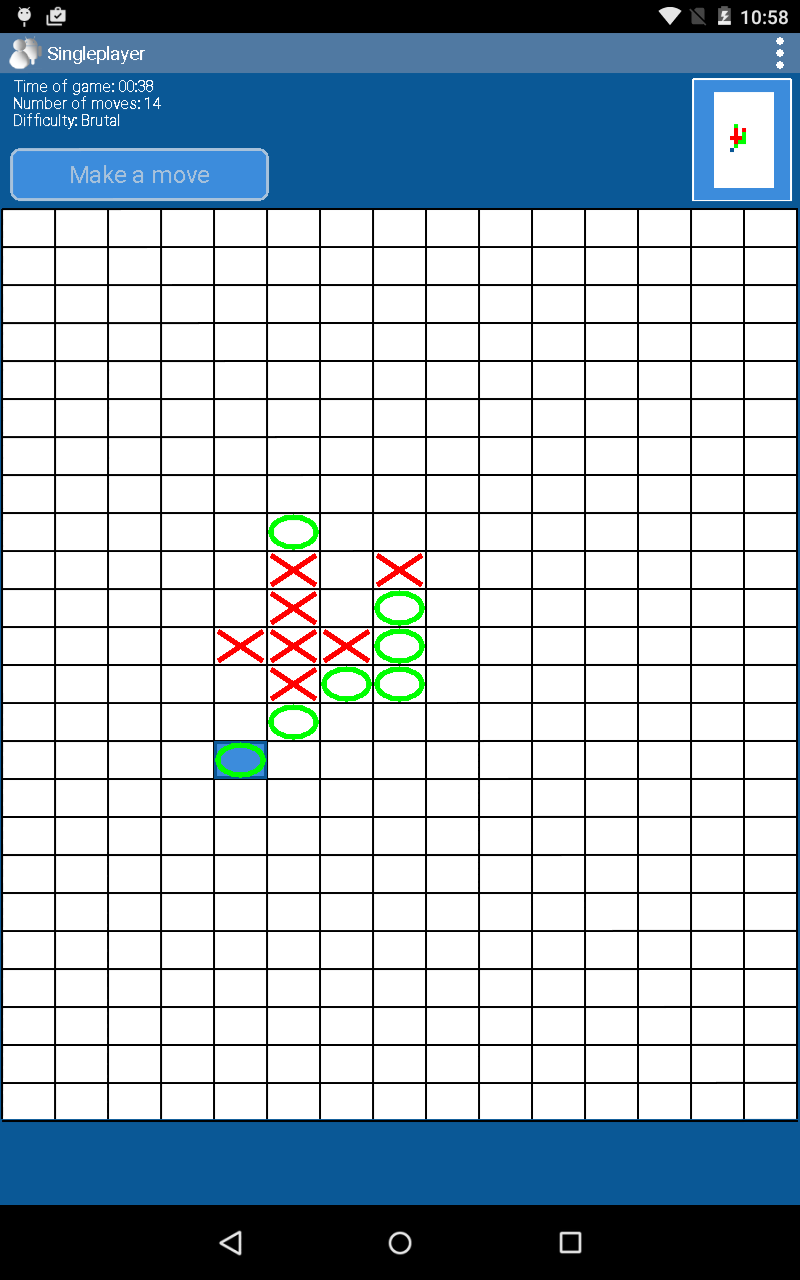
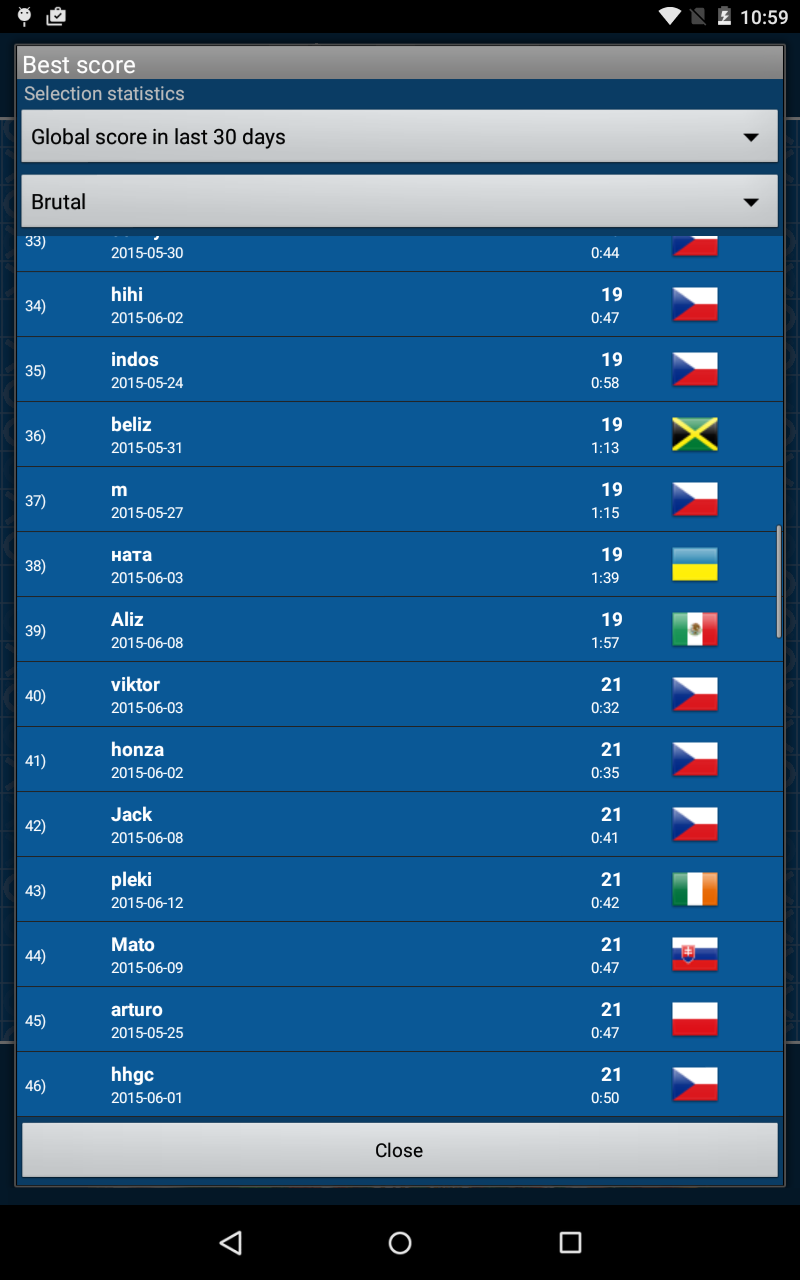
TicTacToe
1. Game Overview
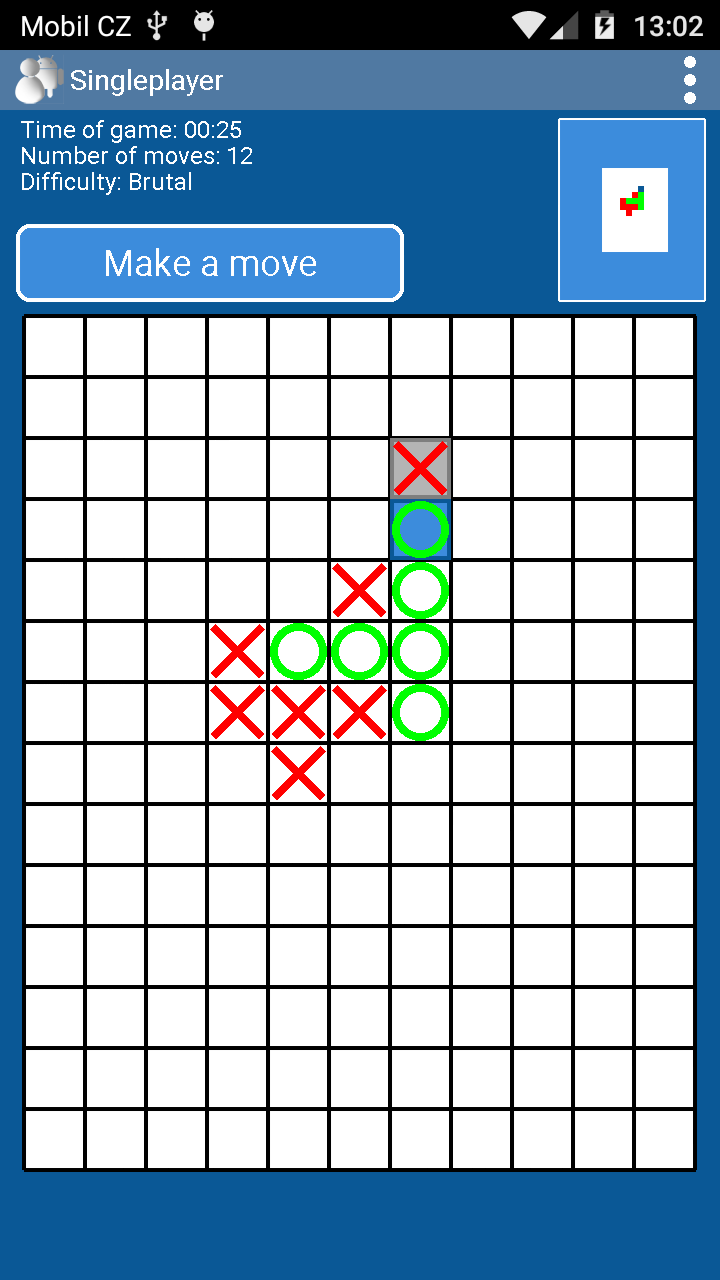
TicTacToe is a Gomoku game based on the classic five-in-a-row rules. Players compete to connect five pieces in an uninterrupted line horizontally, vertically, or diagonally while preventing their opponents from doing the same.
The game combines traditional board-game strategy with several opponent options, including computer-controlled opponents and human players. Its rules are easy to understand, but winning requires careful positioning, threat recognition, and forward planning.
2. Key Features
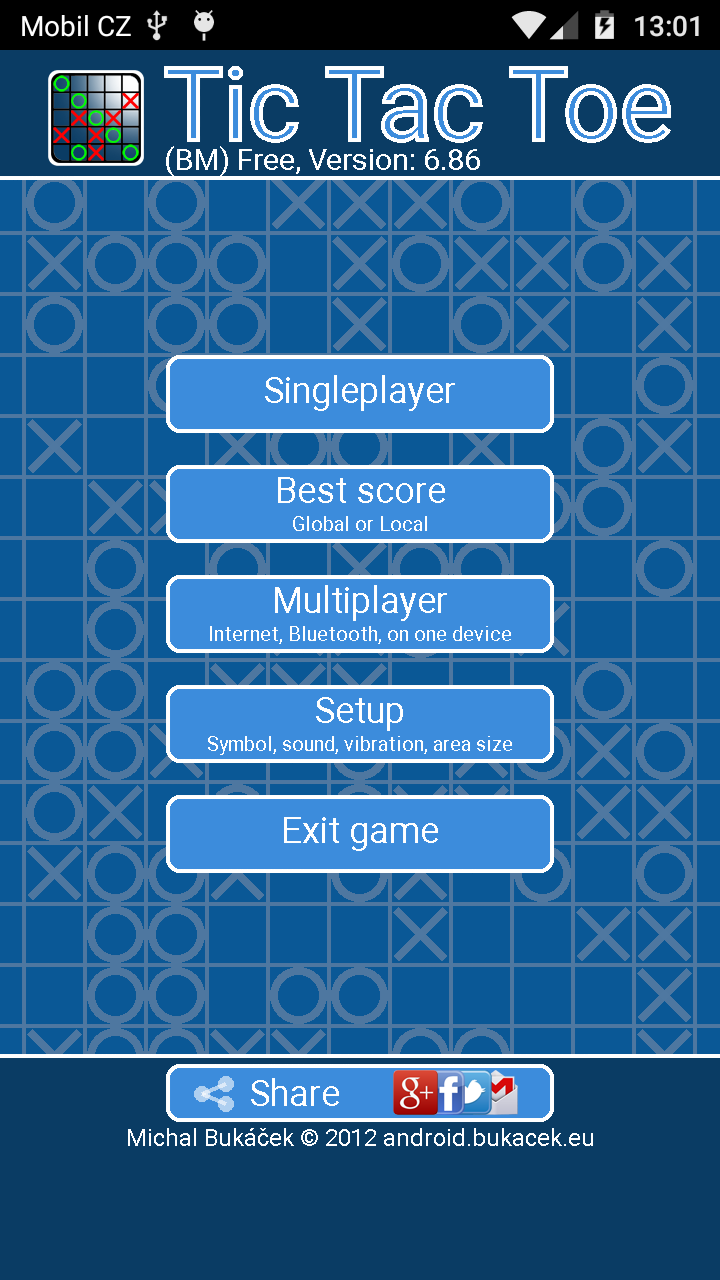
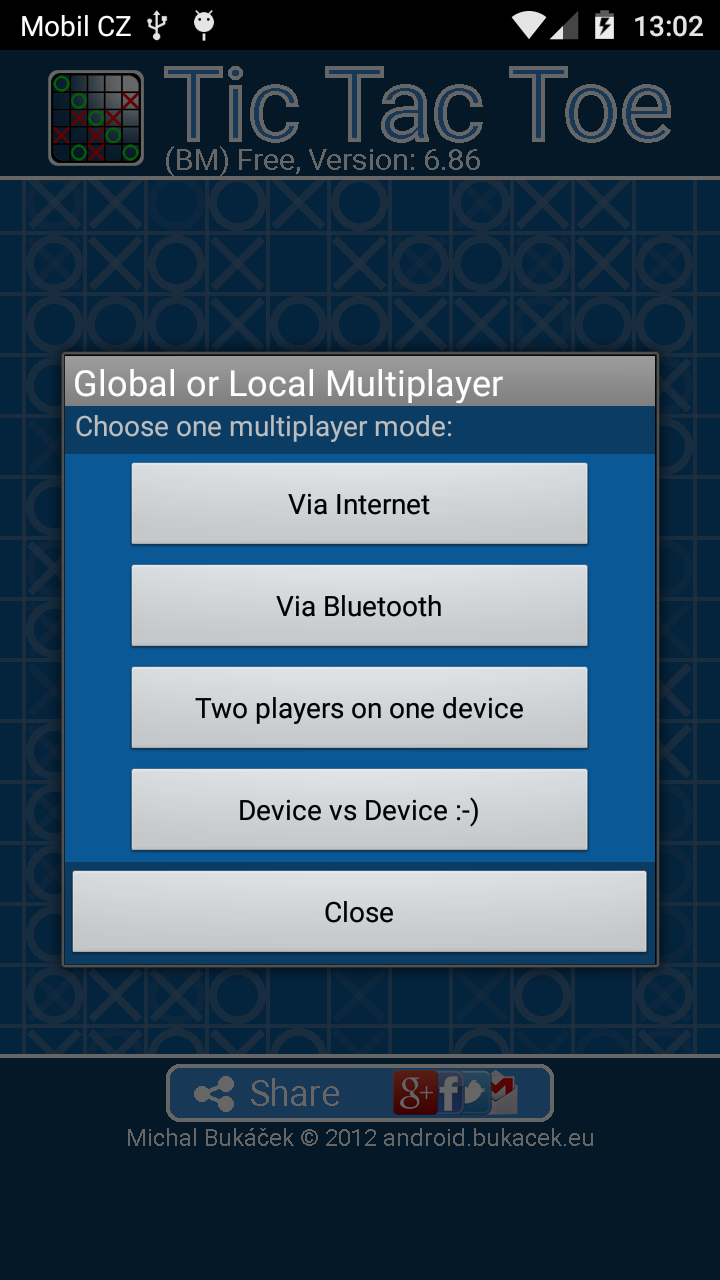
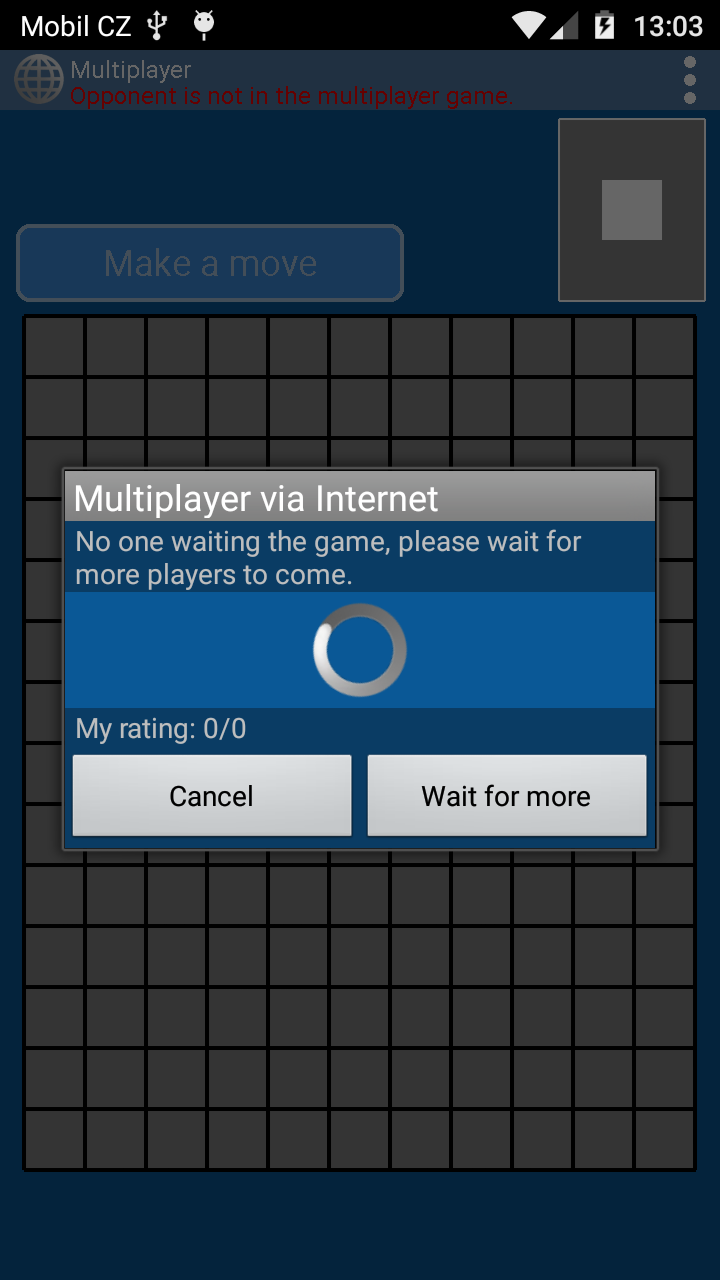
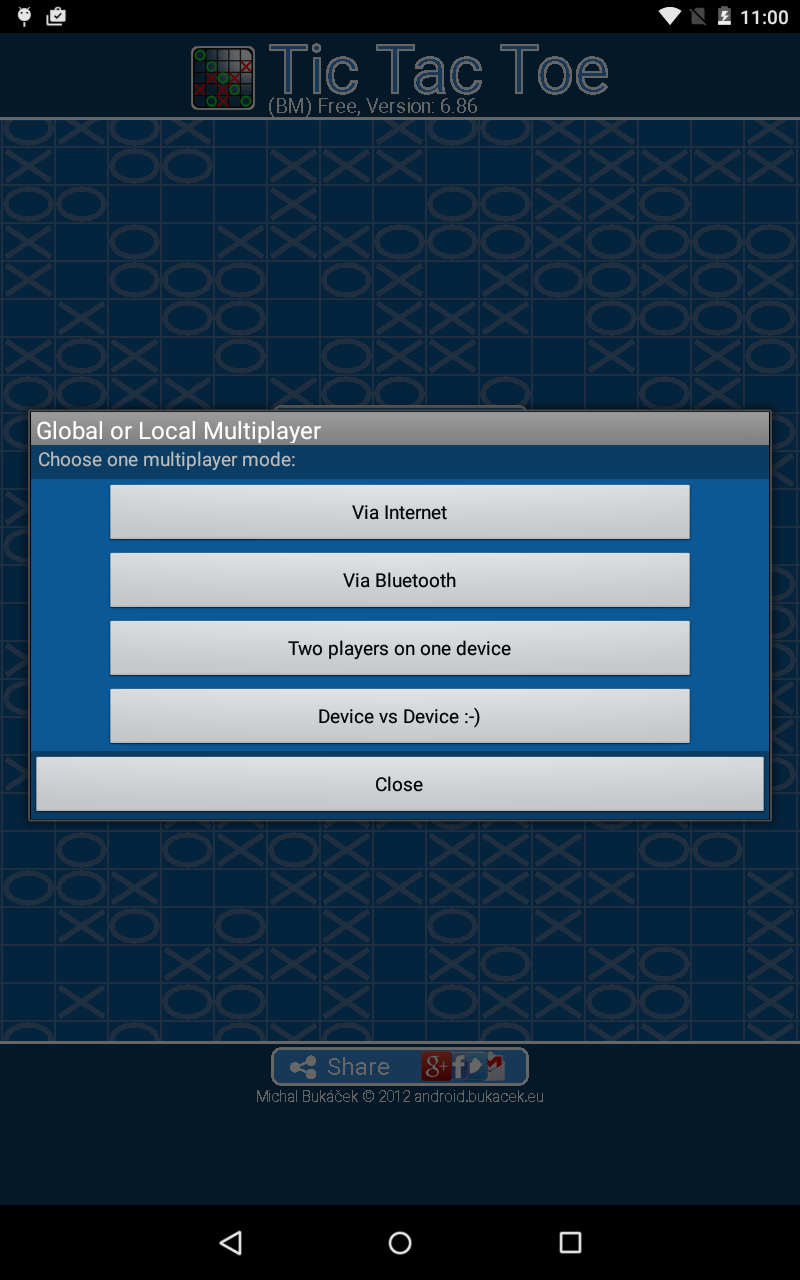
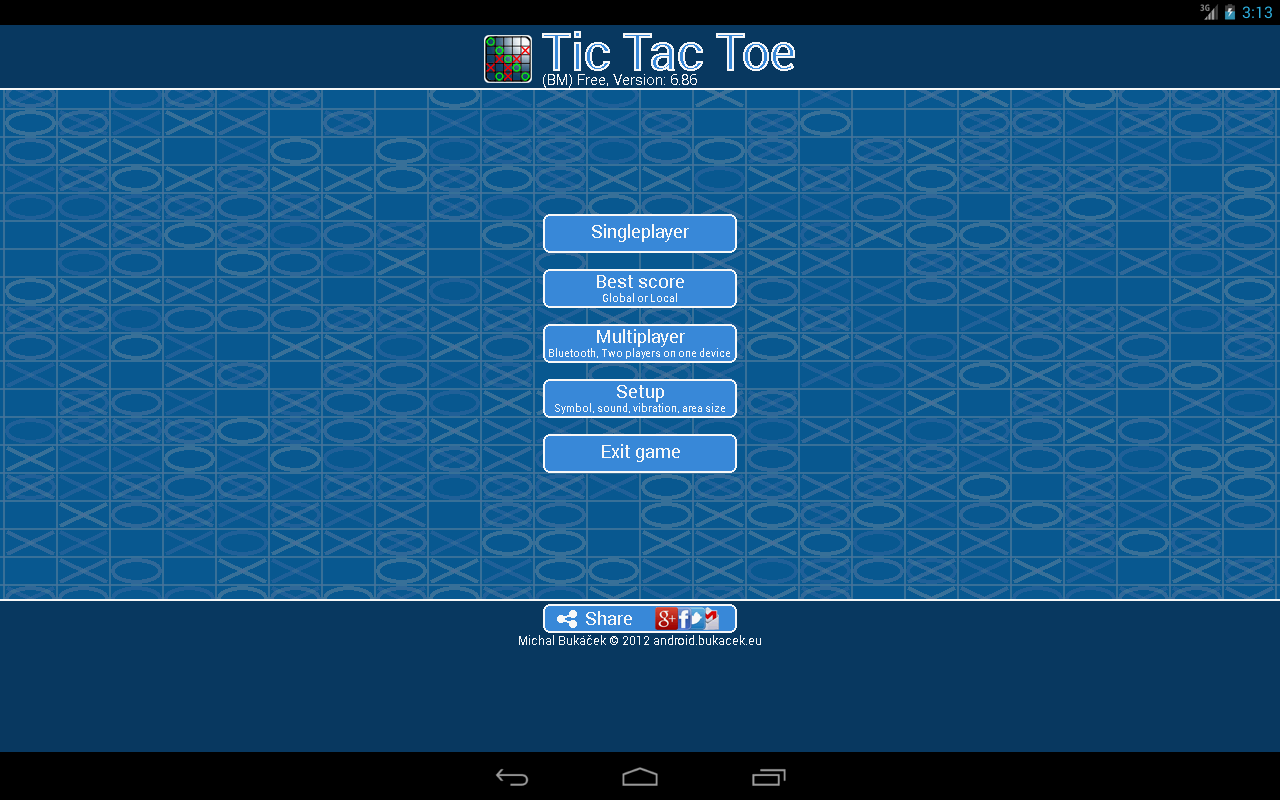
• Multiple Game Modes: Play against AI opponents, compete online, connect through Bluetooth, or share one device in local two-player mode.
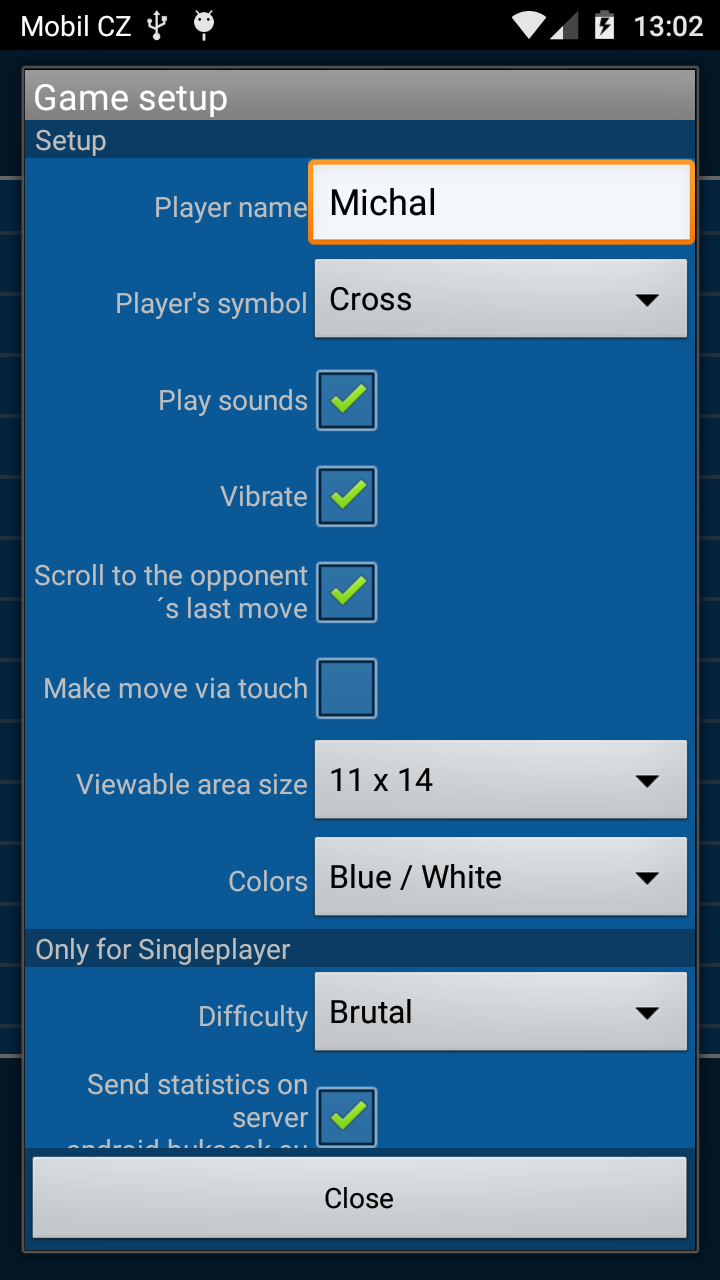
• Adjustable AI Difficulty: Choose from different difficulty levels to match your playing ability.
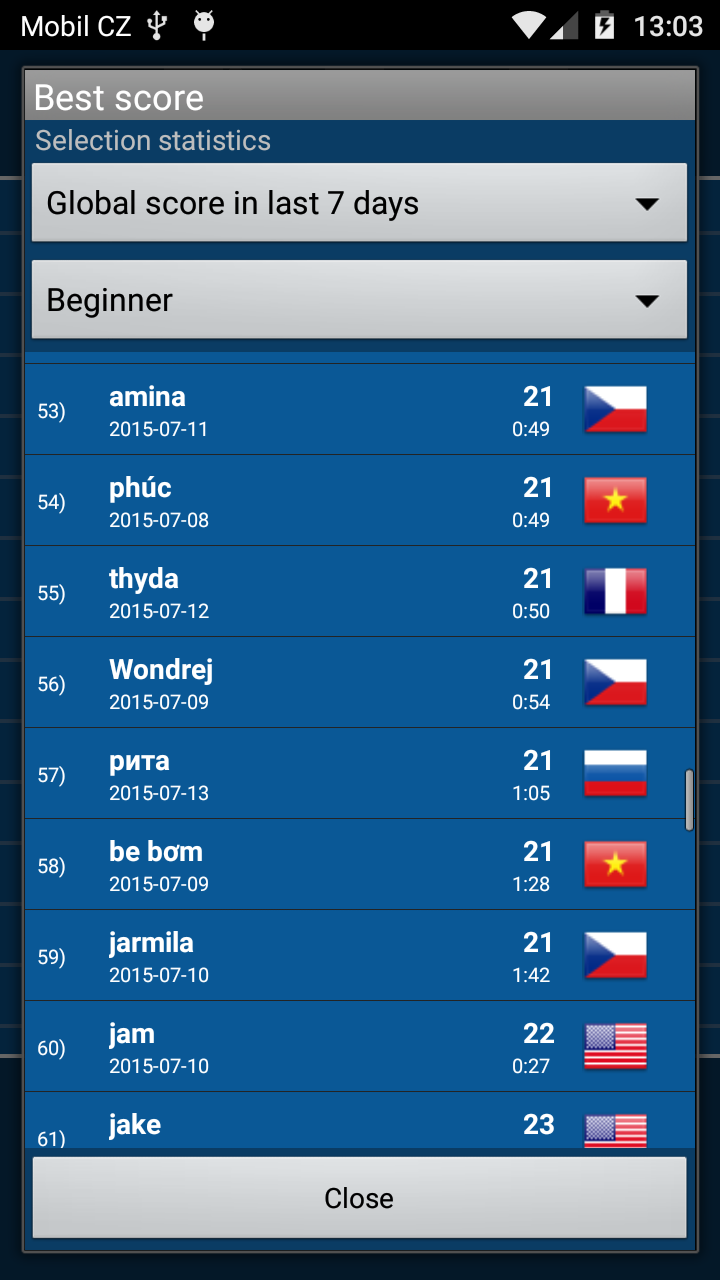
• Online Leaderboards: Compare your ranking with other players through online competitions.
• Match Statistics: Review previous results and track your performance.
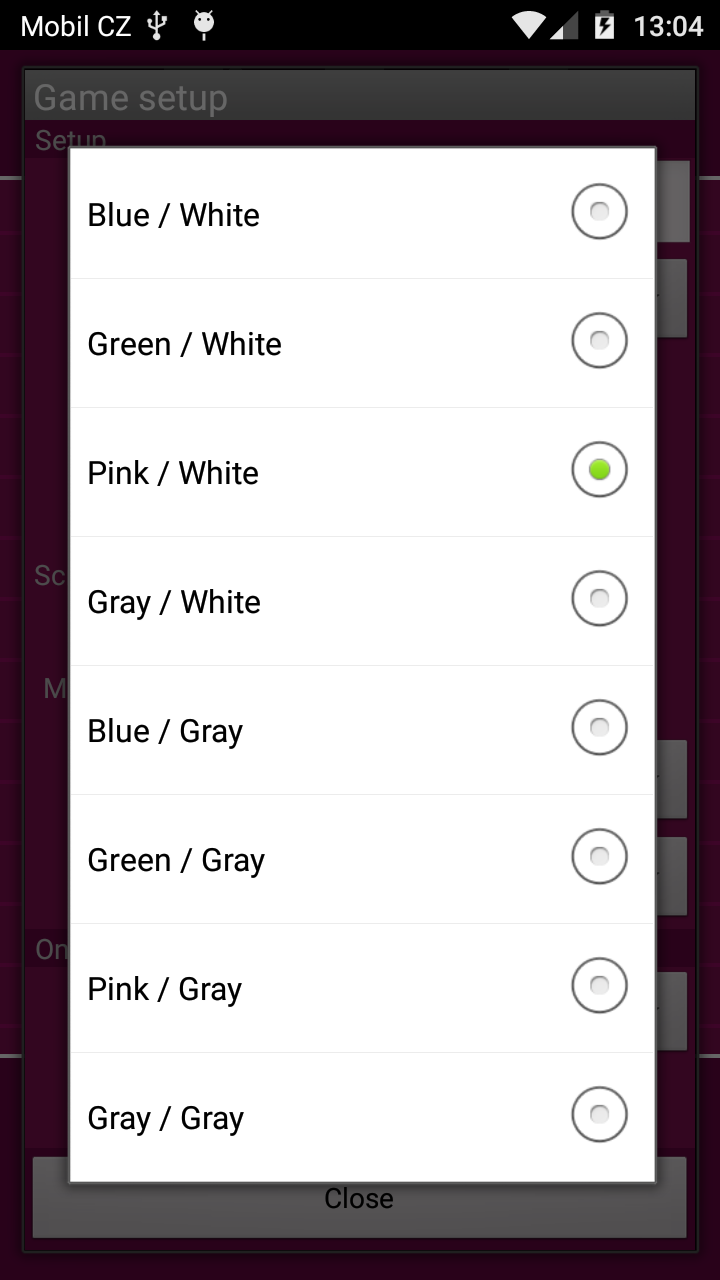
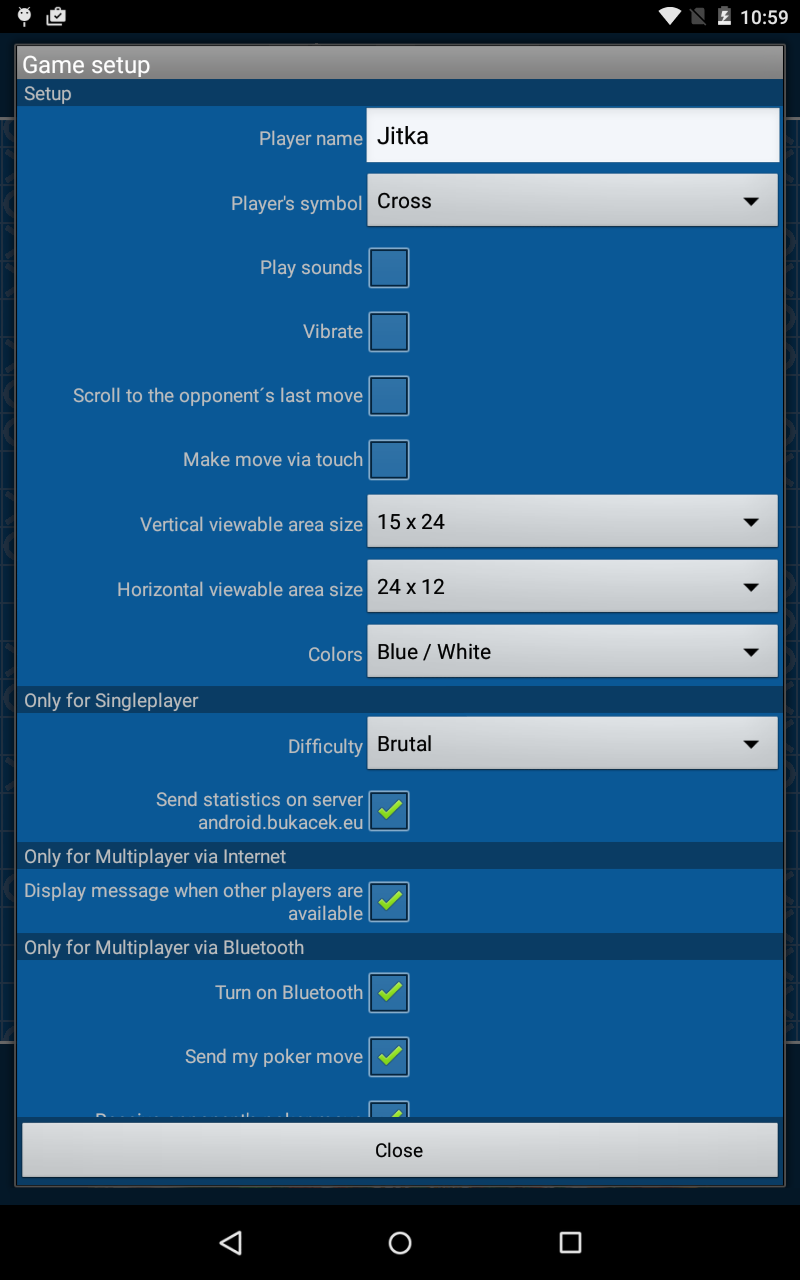
• Customizable Piece Skins: Change the visual appearance of your game pieces with available designs.
• In-Game Chat: Exchange messages with opponents during supported online matches.
3. How to Play
The objective is to connect five pieces in a continuous line before your opponent. A winning combination can form horizontally, vertically, or diagonally.
1. Select a Game Mode: Choose single-player, online multiplayer, Bluetooth, or local two-player mode.
2. Set the Difficulty: If playing against the computer, select an AI difficulty level before starting.
3. Place Your Pieces: Take turns placing one piece on an available intersection of the board.
4. Develop Your Position: Extend your lines while watching for opportunities to block your opponent's potential winning combinations.
5. Win the Match: The first player to connect five pieces in an uninterrupted line wins the round.
After a match, you can start another game or switch to a different mode.
4. Game Tips
1. Start Near the Center: Central positions offer more opportunities to extend lines in multiple directions.
2. Watch for Open Sequences: Pay attention to groups of three or four connected pieces, especially when both ends remain available.
3. Create Multiple Threats: Build patterns that could lead to winning lines in different directions, forcing your opponent to defend multiple positions.
4. Prioritize Immediate Threats: If your opponent is one move away from winning, block that line before pursuing your own attack.
5. Plan Ahead: Consider the possible responses to each move and avoid placing pieces without a clear strategic purpose.
5. Game Experience
TicTacToe retains the familiar rules of Gomoku while offering different ways to approach each match. AI opponents provide a consistent challenge for solo play, while online matches introduce competition against human players with different strategies.
The game also accommodates both connected and shared-device multiplayer. Bluetooth matches allow players to compete using separate devices, while local two-player mode places both participants on the same board.
For players interested in improving their performance over time, online rankings and match statistics provide additional competitive goals. Different piece skins offer visual customization without affecting gameplay.
6. Frequently Asked Questions
Q1: Can I play TicTacToe offline?
A: Yes. Single-player matches against AI and local two-player games are available offline. Bluetooth multiplayer is another option for nearby matches.
Q2: How can I play with a friend?
A: Select Bluetooth multiplayer to connect with someone using another device, or choose local two-player mode to play on the same device.
Q3: Can I adjust the AI difficulty?
A: Yes. Choose your preferred difficulty level before starting a single-player match.
Q4: How can I improve my leaderboard ranking?
A: Participate in online matches and aim for consistent wins. Practicing different opening moves and defensive strategies against AI opponents can also improve your performance.
Q5: What should I do if Bluetooth multiplayer cannot connect?
A: Check that Bluetooth is enabled on both devices and that they are within connection range. Make sure both players have entered Bluetooth multiplayer mode. If the connection still fails, restart the game and try again.
Q6: Can I customize the game pieces?
A: Yes. Open the game settings and select an available skin to change the appearance of your pieces.
- Version7.58
- UpdateNov 10, 2026
- DeveloperMichal Bukáček
- CategoryBoard & Casino
- Requires AndroidAndroid 5.0+
- Downloads155K+
- Package Namecz.bukacek.tictactoe_bm_free
- Signature048d17aeb935de532e0df602e9e2f546
- Available on
- ReportFlag as inappropriate
-
NameSizeDownload
-
5.23 MB
-
4.72 MB
-
1.22 MB







Diverse modes and difficulty levels
Balancing fun and strategy
Strong scene adaptability
No breakthroughs in core gameplay
Online stability depends on the environment
Limited ranking incentives