
Test My Android Phone - Test phone hardware & software
Easily evaluate your device's health by testing hardware & software features for informed purchasing decisions!
- 1.5 Version
- 1.1 Score
- 231K+ Downloads
- In-app purchases License
- 12+ Content Rating

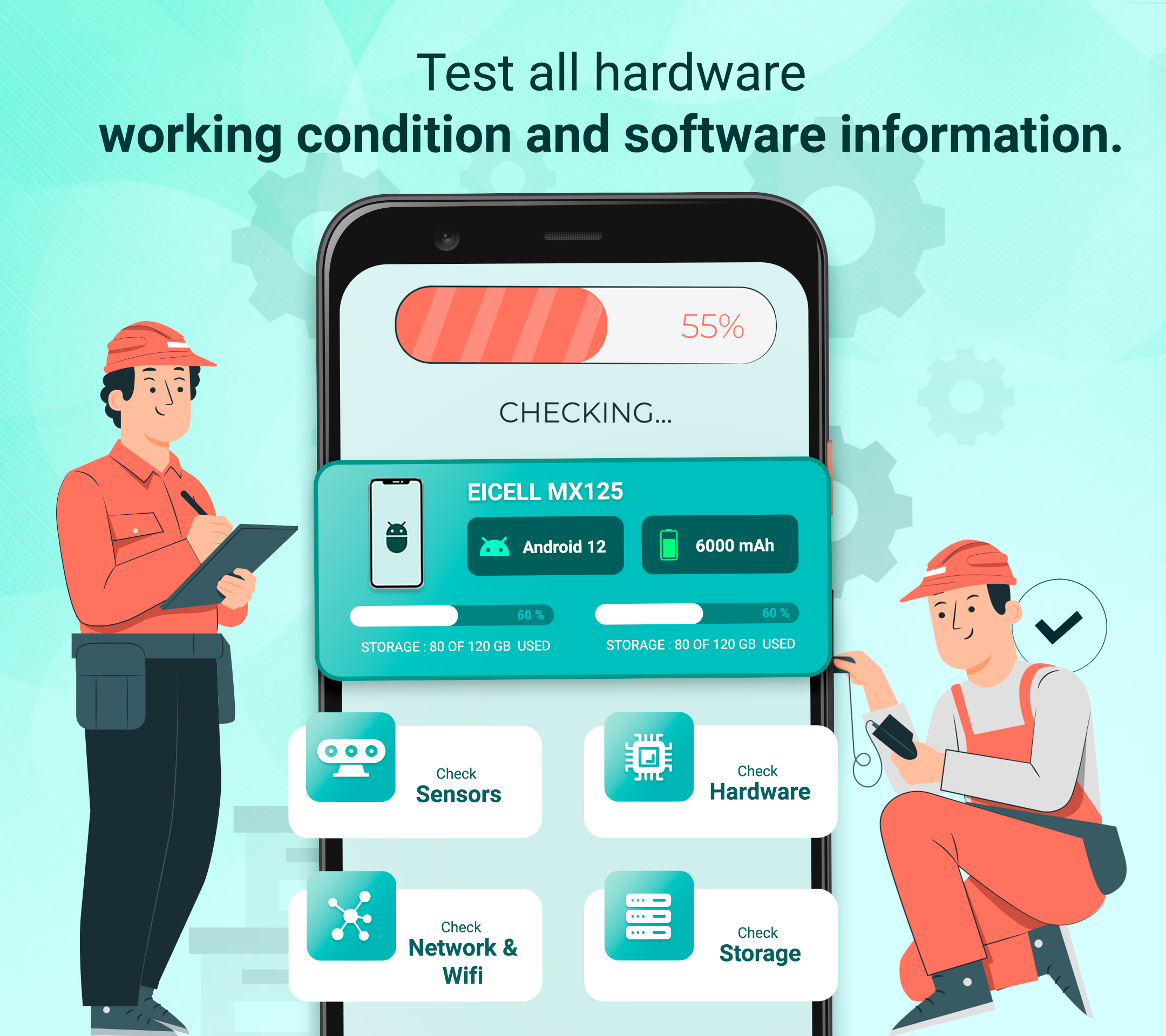
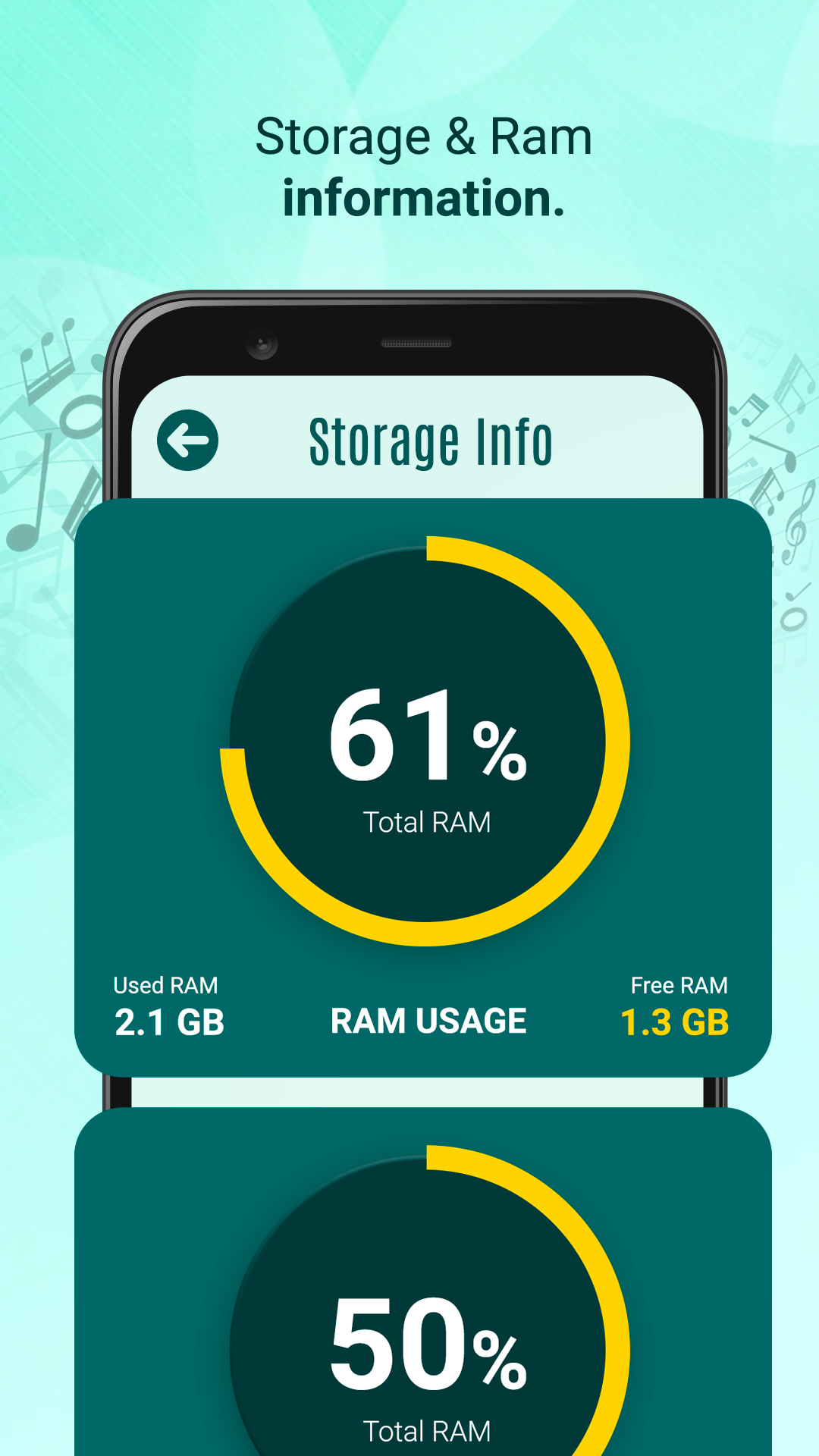
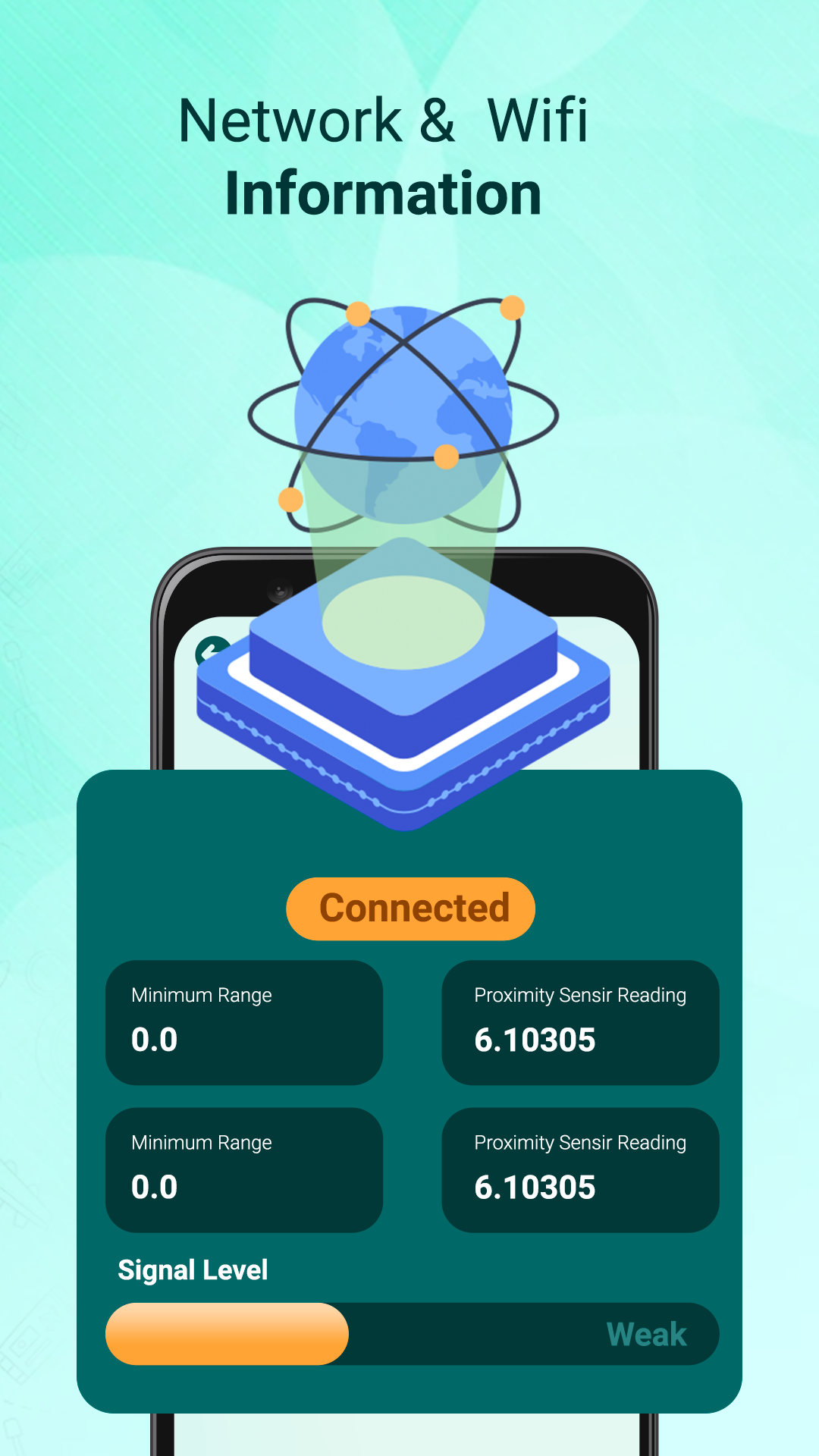
If you are considering purchasing a pre-owned phone, it is essential to evaluate the device's hardware and gather comprehensive software details.
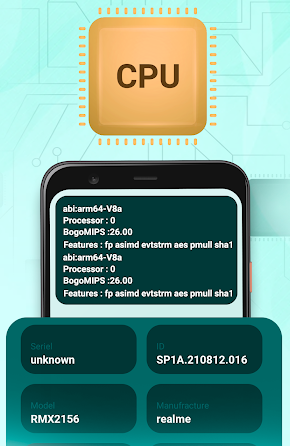
Install the "Test my android phone" application on the device to assess the functionality of all hardware components and obtain software information.
Main Features of the App and What Can Be Tested:
-- Comprehensive Software Details
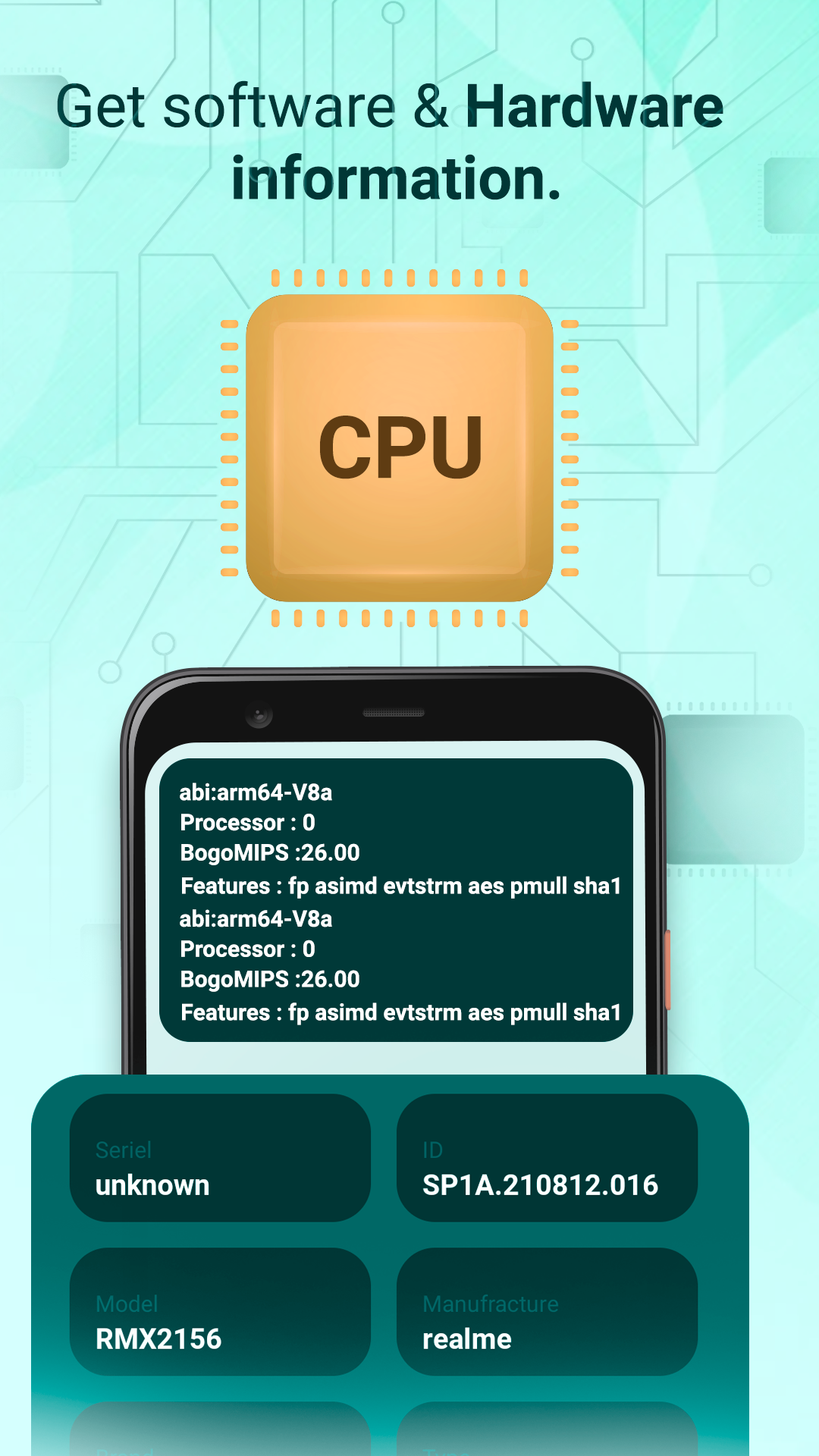
- Android Version installed on the device.
- Information about the CPU and processor.
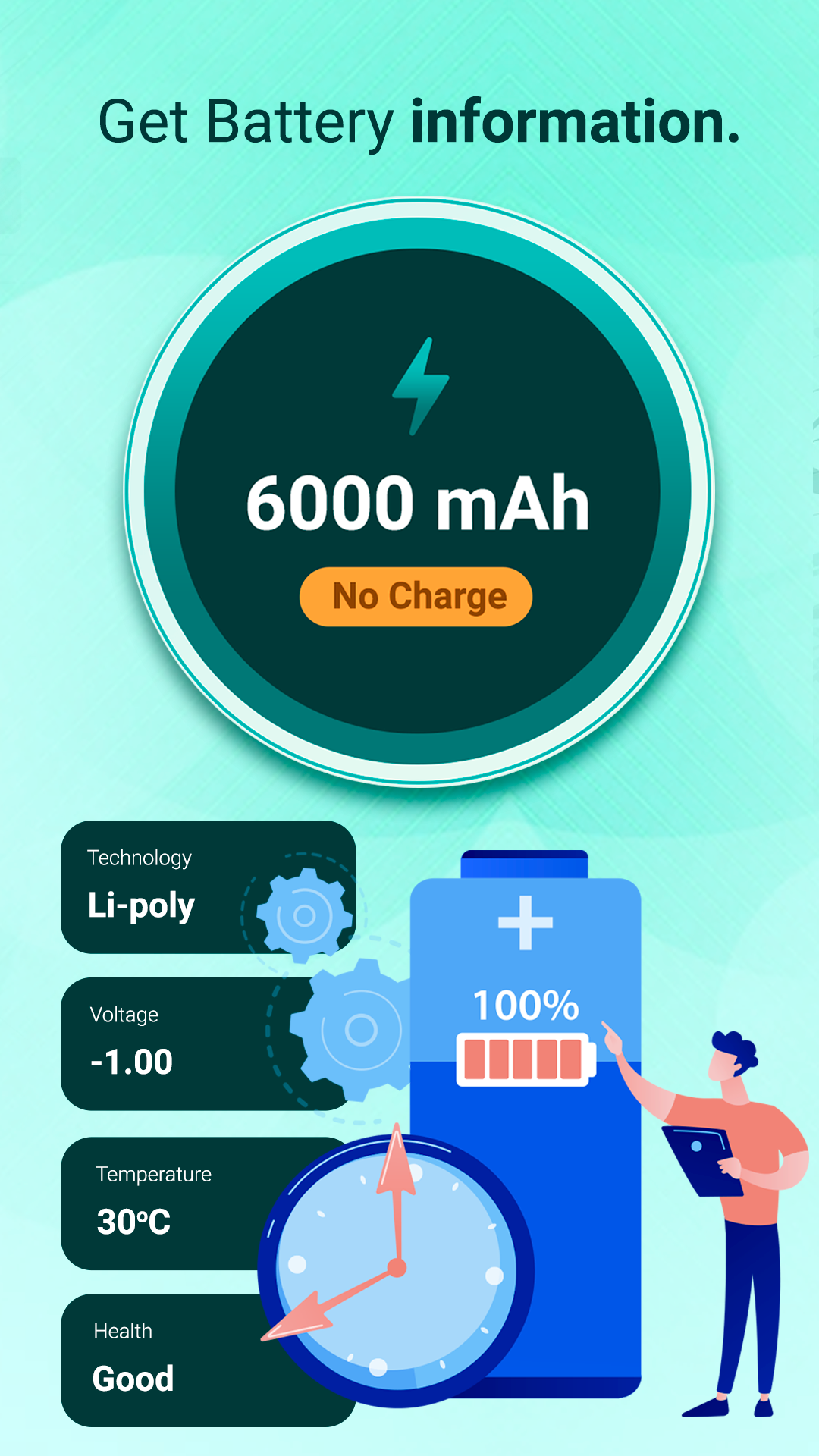
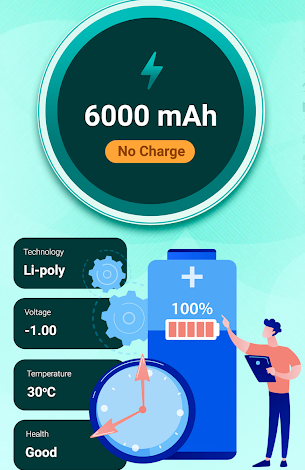
-- Battery Details: Capacity, temperature, health, etc.
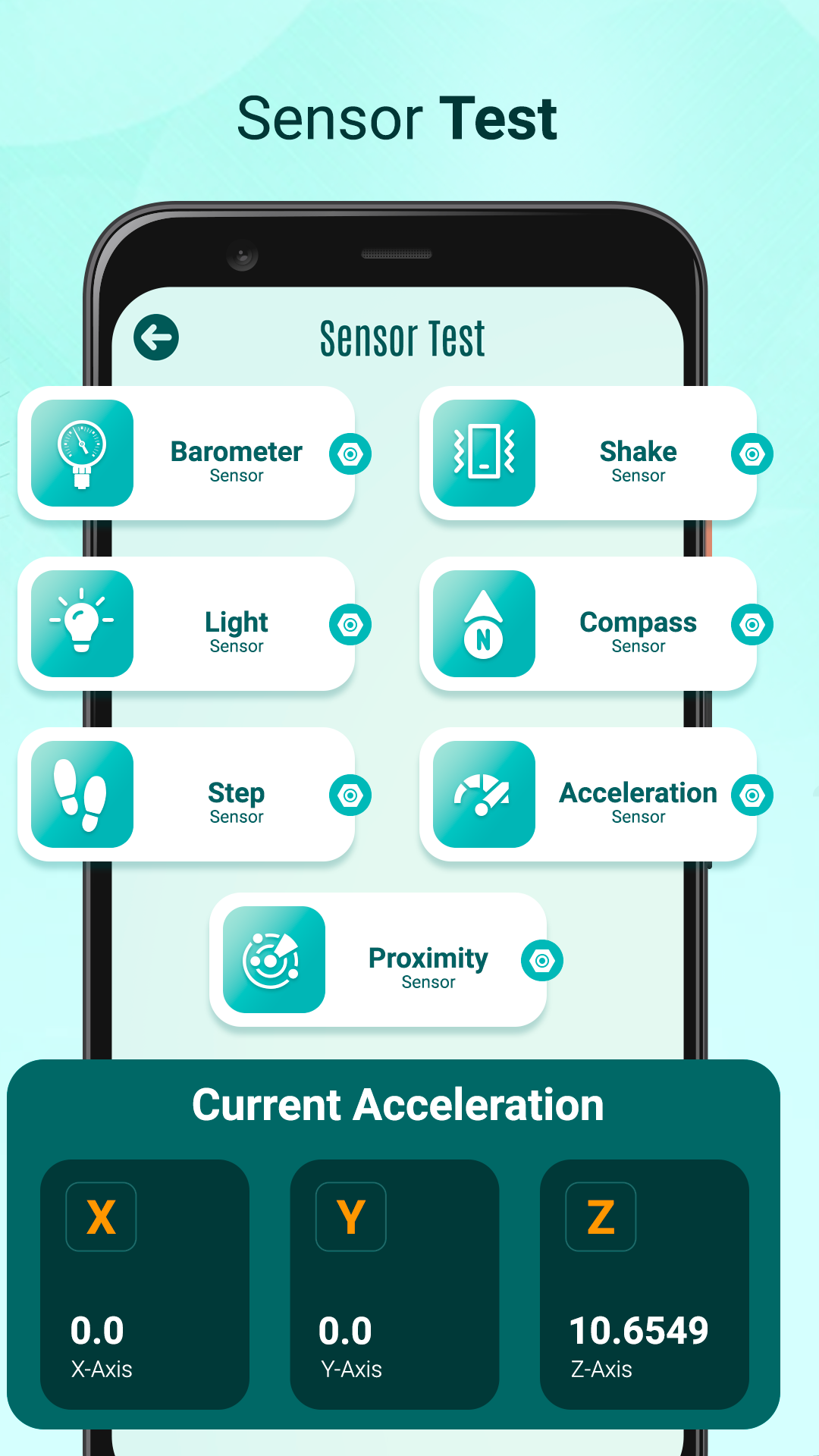
-- Sensor Testing and Details:
- Barometer Sensor.
- Light Sensor.
- Phone Shake Sensor.
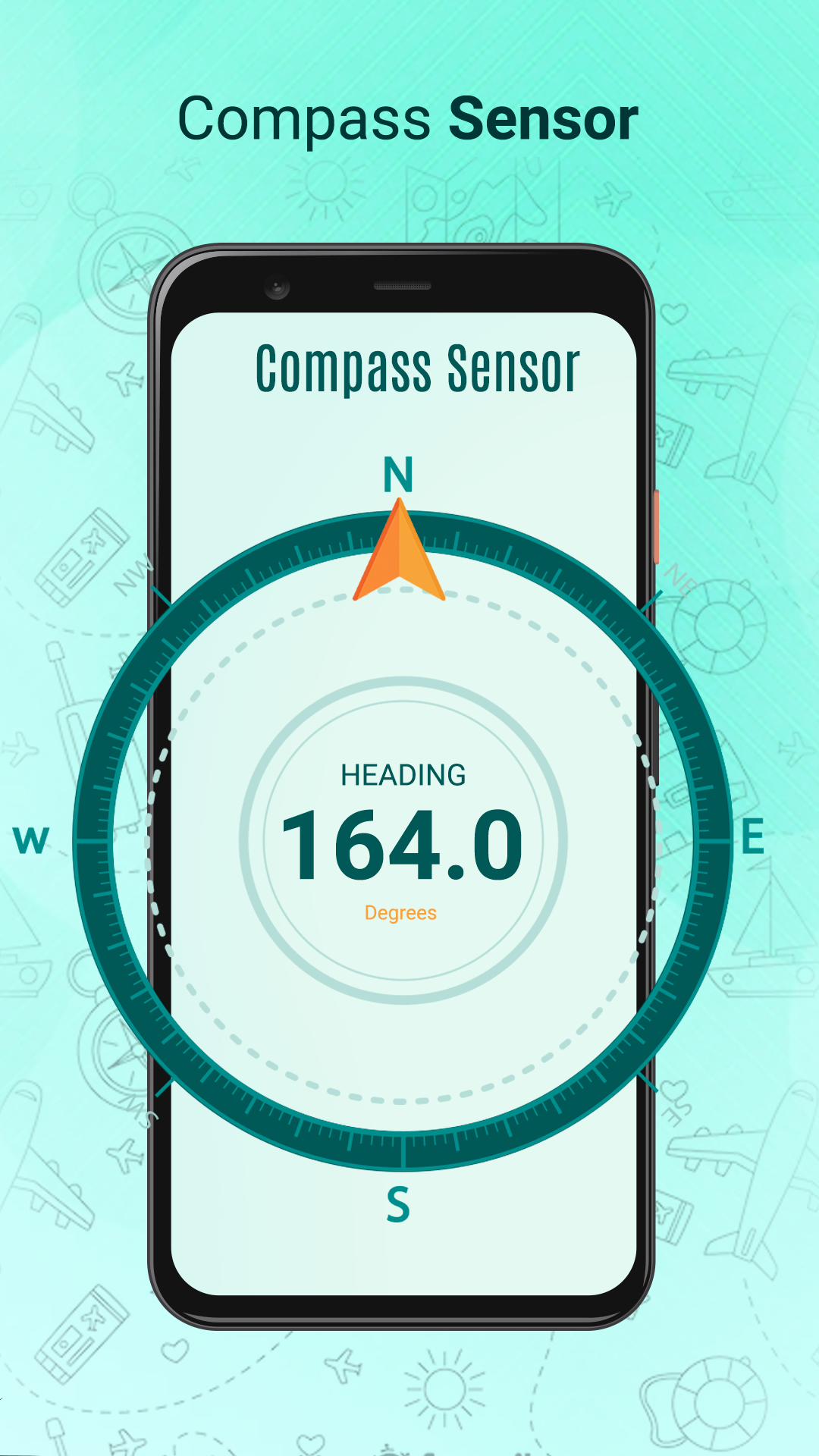
- Compass & orientation sensor.
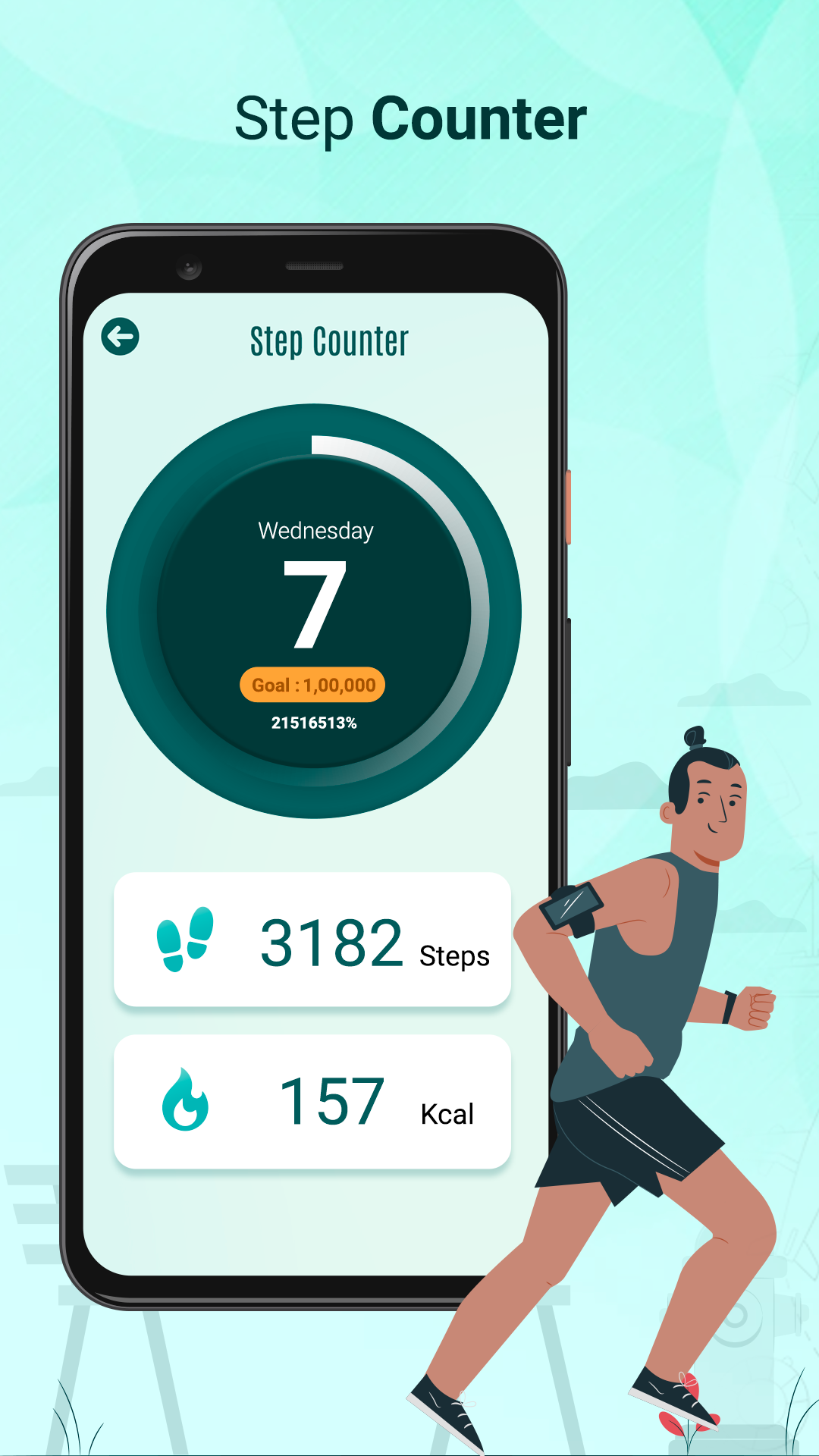
- Step counter sensor.
- Acceleration Sensor.
- Proximity Sensor.
-- Hardware Checks and Information:
- Testing of front & back cameras and associated information.
- Vibration functionality test.
- Testing of the speaker and microphone.
- Screen color display evaluation.
- Headphone jack examination.
- GPS Signal assessment.
- Flashlight functionality test.
- Fingerprint lock testing.
- Testing of physical buttons.
- Brightness adjustment evaluation.
- Network and WiFi connectivity test.
Usage Process:
1. Download and install the app from a reliable source.
2. Open the app. The interface will first display basic device information, including the Android version, CPU, and processor details.
3. Tap the green button to enter the main menu, which includes four sections: "Sensors," "Hardware," "Storage," and "Network & WiFi."
4. In the "Sensors" section, you can test the air pressure sensor, light sensor, phone vibration sensor, compass and direction sensor, pedometer sensor, accelerometer, and proximity sensor.
5. In the "Hardware" section, you can test the front and rear cameras, vibration function, speaker and microphone, screen color display, headphone jack, GPS signal, flash function, fingerprint unlocking, physical buttons, and brightness adjustment.
6. In the "Storage" section, you can view device storage data.
7. In the "Network & WiFi" section, you can test network and WiFi connection status.
Simplified Usage Instructions:
1. Download and install the "Test my android phone" app from an official and reliable source.
2. Open the app and first check basic software and hardware information such as Android version and CPU details.
3. Tap the green button to enter the main menu, then select any of the four sections: "Sensors", "Hardware", "Storage", or "Network & WiFi".
4. Complete the tests one by one in the selected section (e.g., test the camera and speaker in the "Hardware" section, or verify various sensor functions in the "Sensors" section).
5. Confirm whether the device functions normally and the parameters are authentic based on the test results.
FAQs:
1. **Q: Why do I recommend using the "Test my Android phone" app before buying a used phone? **
A: Because it helps you thoroughly check whether a used phone's hardware functions properly and provides detailed software information, helping you avoid buying devices with hardware faults (such as a broken camera or sensor) or false software information, thus reducing the risk of being scammed.
2. **Q: Can this app check a phone's software information? What exactly can it reveal? **
A: Yes, it can check the phone's installed Android version, as well as CPU and processor details such as model and performance specifications, making it easy to confirm whether the phone's specifications match the seller's description.
3. **Q: Does the sensor test in the app cover commonly used sensors on a phone? **
A: It covers most common sensors, such as the pressure sensor for measuring ambient air pressure, the light sensor for detecting light, the pedometer for counting steps, the compass, the accelerometer, and more. This allows you to comprehensively check whether all sensors are functioning properly.
4. **Q: If I'm worried about problems with the camera or speaker on a used phone, can this app detect them? **
A: Yes, in the Hardware Check section, you can specifically test the functionality and imaging of the front and rear cameras. You can also check the speaker sound output and microphone reception to ensure they are functioning properly, directly verifying the integrity of these key hardware components.
- Version1.5
- UpdateNov 02, 2026
- DeveloperCatchy Tools
- CategoryProductivity
- Requires AndroidAndroid 4.4+
- Downloads231K+
- Package Namecom.catchy.tools.testandroid
- Signatureb9ceda3480d2191f872fb7f03c044325
- Available on
- ReportFlag as inappropriate
-
NameSizeDownload
-
12.79 MB
-
12.74 MB
-
11.89 MB
















User-friendly interface
Attractive design and aesthetic appeal
Detailed information provided
Potential for specific hardware diagnostics
High-level functionality when it works properly
Excessive advertisements interrupt usage
Requests for unnecessary permissions
Non-functional features leading to frustration
Misleading advertising claims about app capabilities
Potential security risks associated with the app
Poor customer support experiences reported
Issues with app reliability and crashes
Overall lack of effectiveness compared to competitors