
Teleprompter: Floating Notes - Teleprompter on-screen
Easily display your scripts while recording videos or live streaming & enhance your performance with customizable options

- 1.0.5 Version
- 3.1 Score
- 796K+ Downloads
- In-app purchases License
- 3+ Content Rating

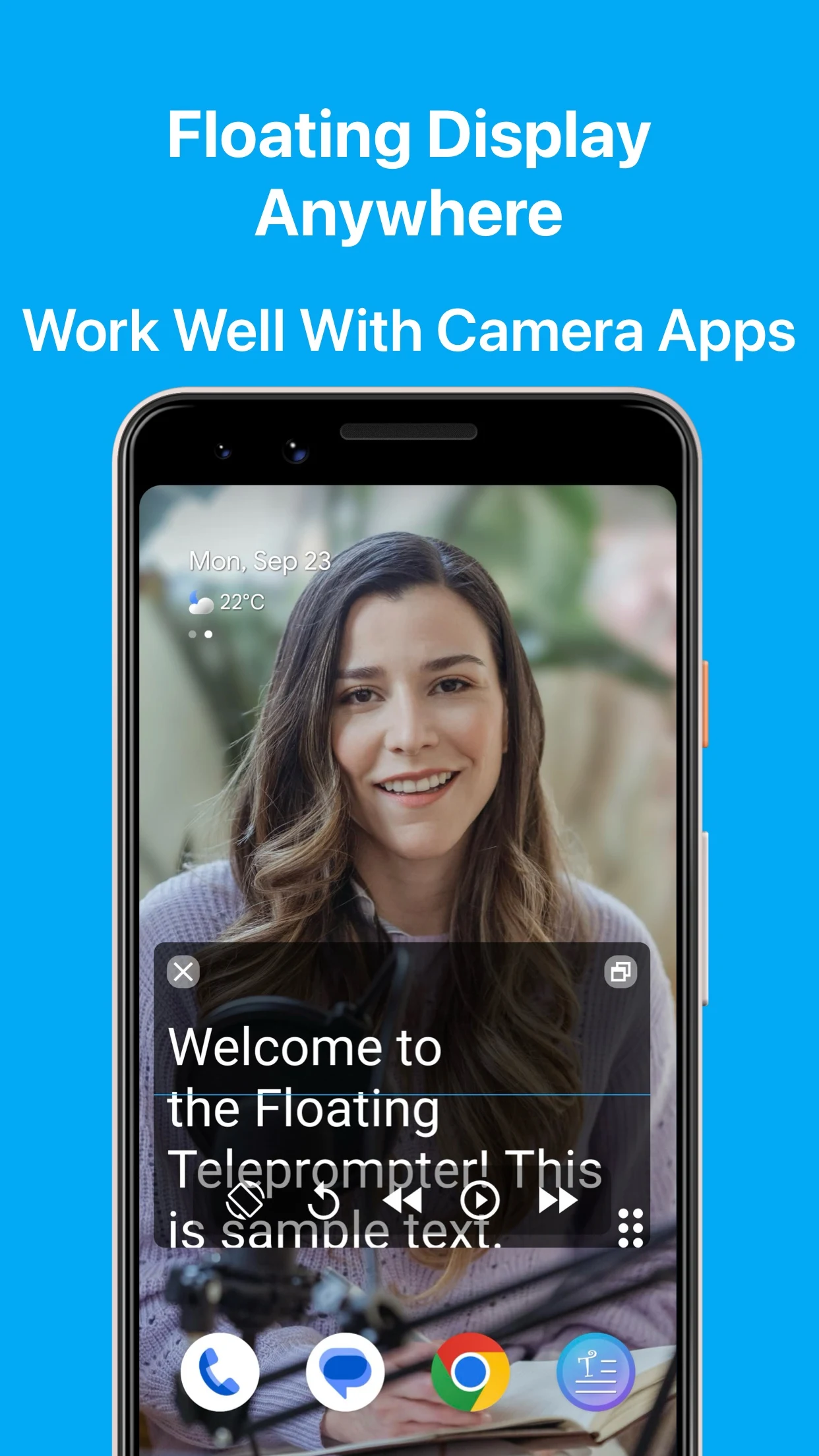
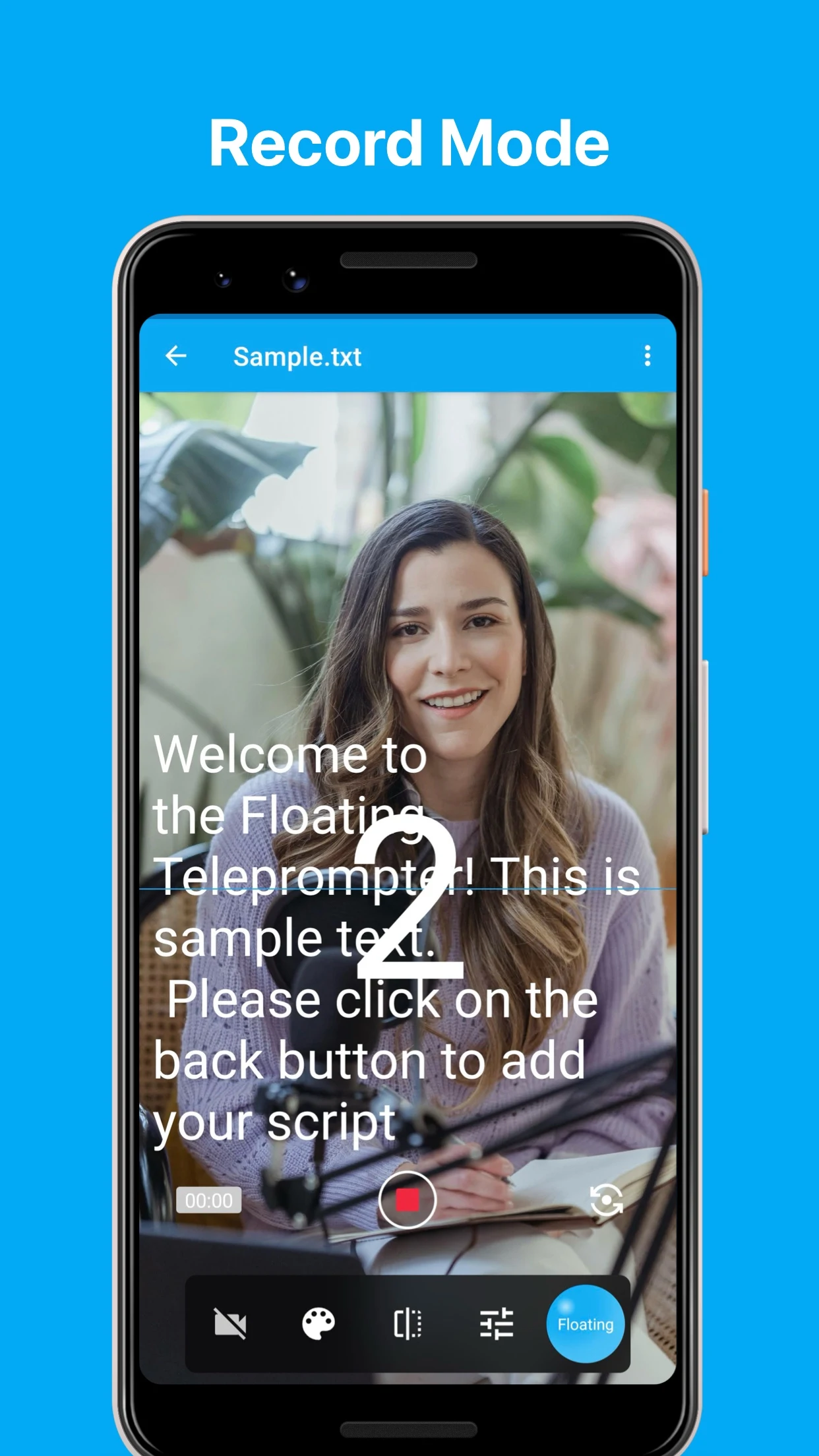
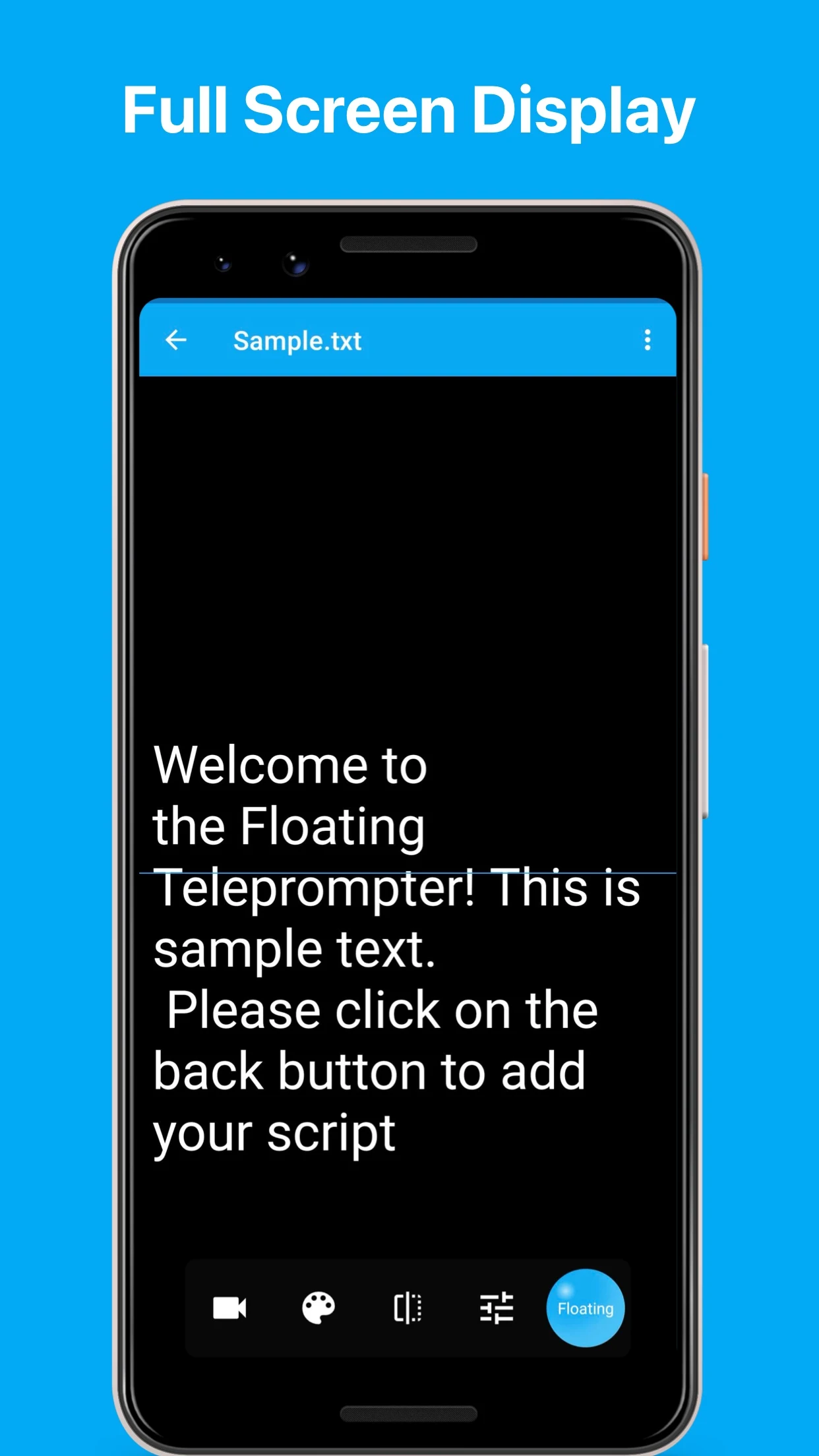
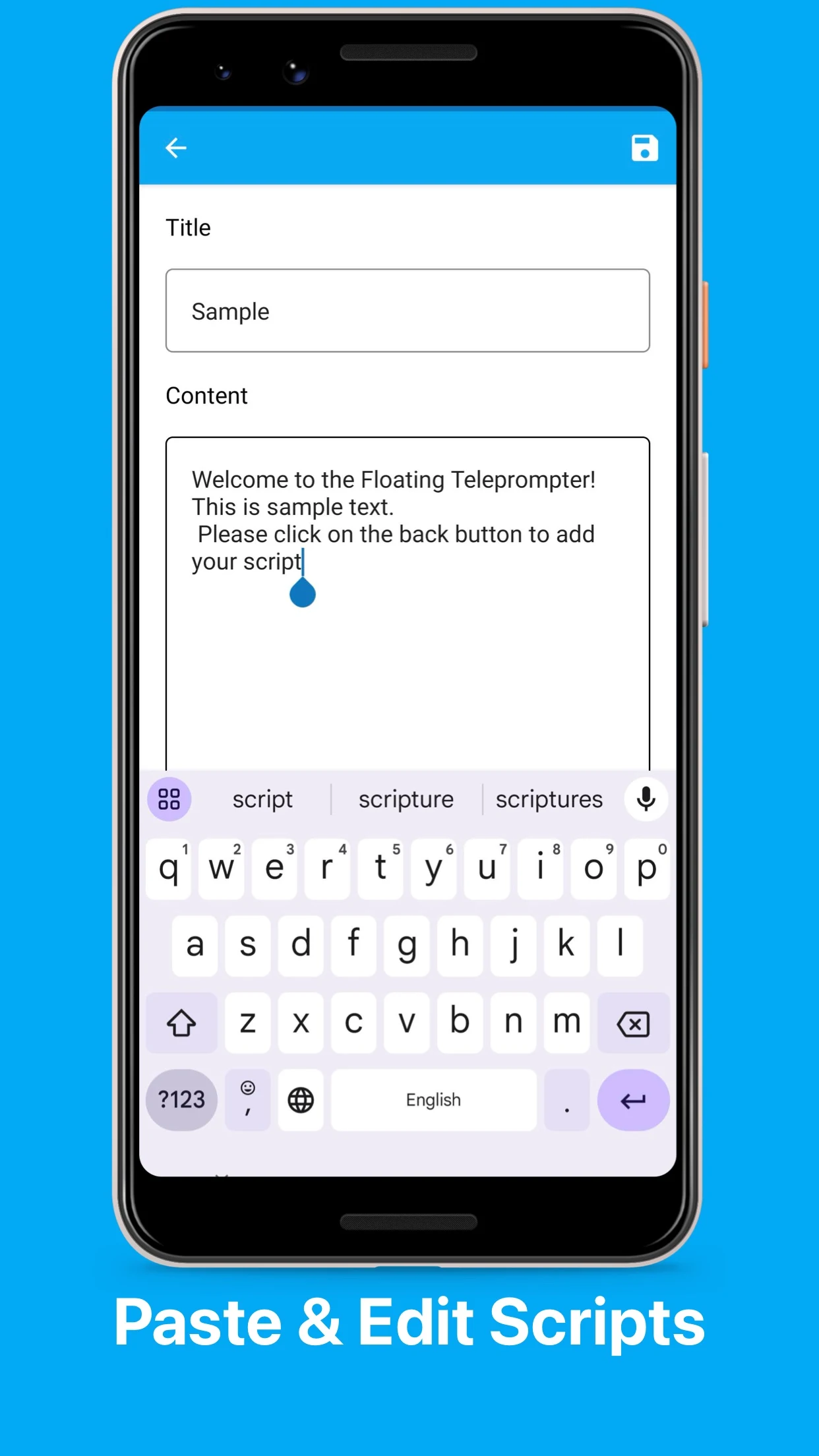
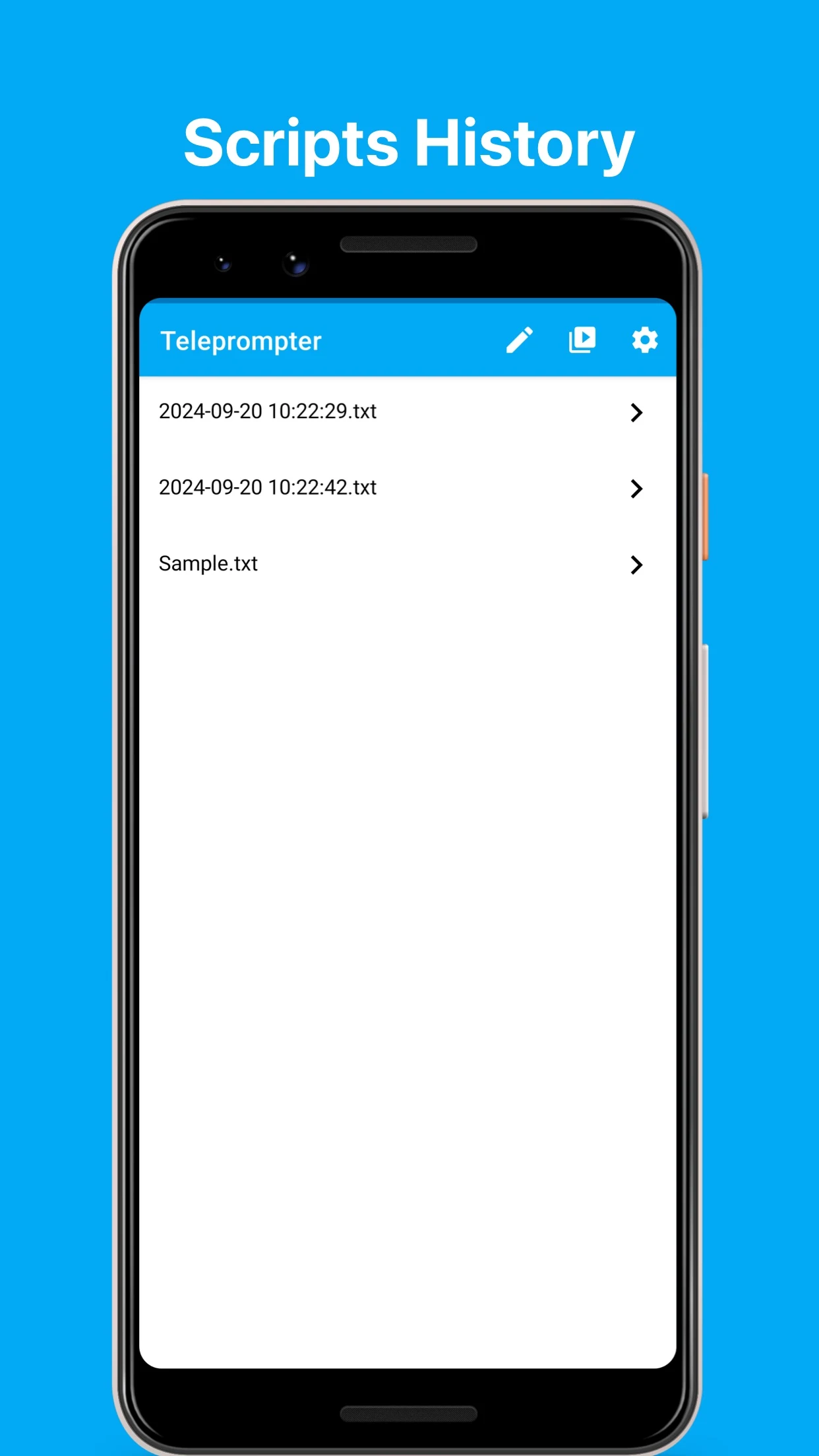
Introducing the [Floating Teleprompter], a useful tool that allows users to display scripts at the forefront of any application.
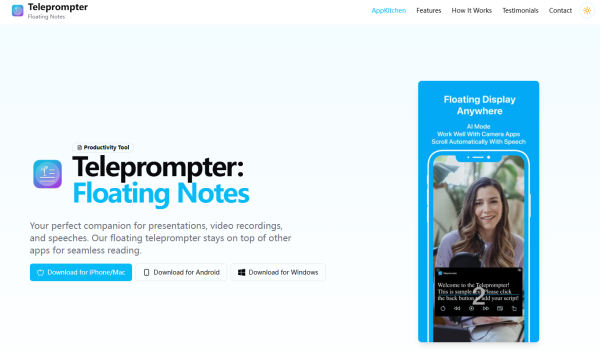
Ideal for vloggers, YouTubers, and live presenters, it combines elegance with user-friendliness.
Key Features:
# Present scripts over any application, particularly various camera software
# Show your scripts in full screen mode
# Easily copy and paste text
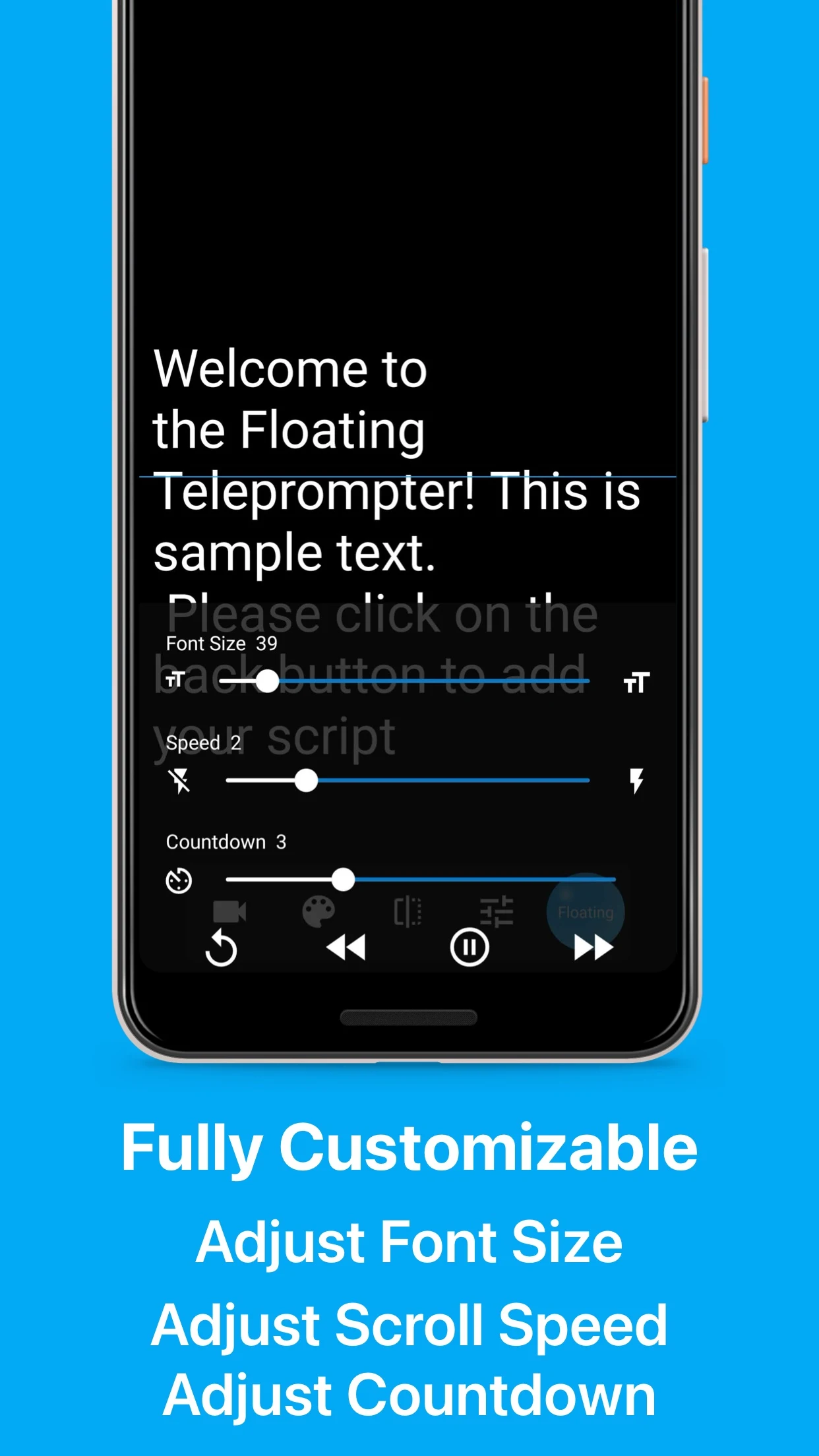
# Adjust the font size to your preference
# Modify scrolling speed as needed
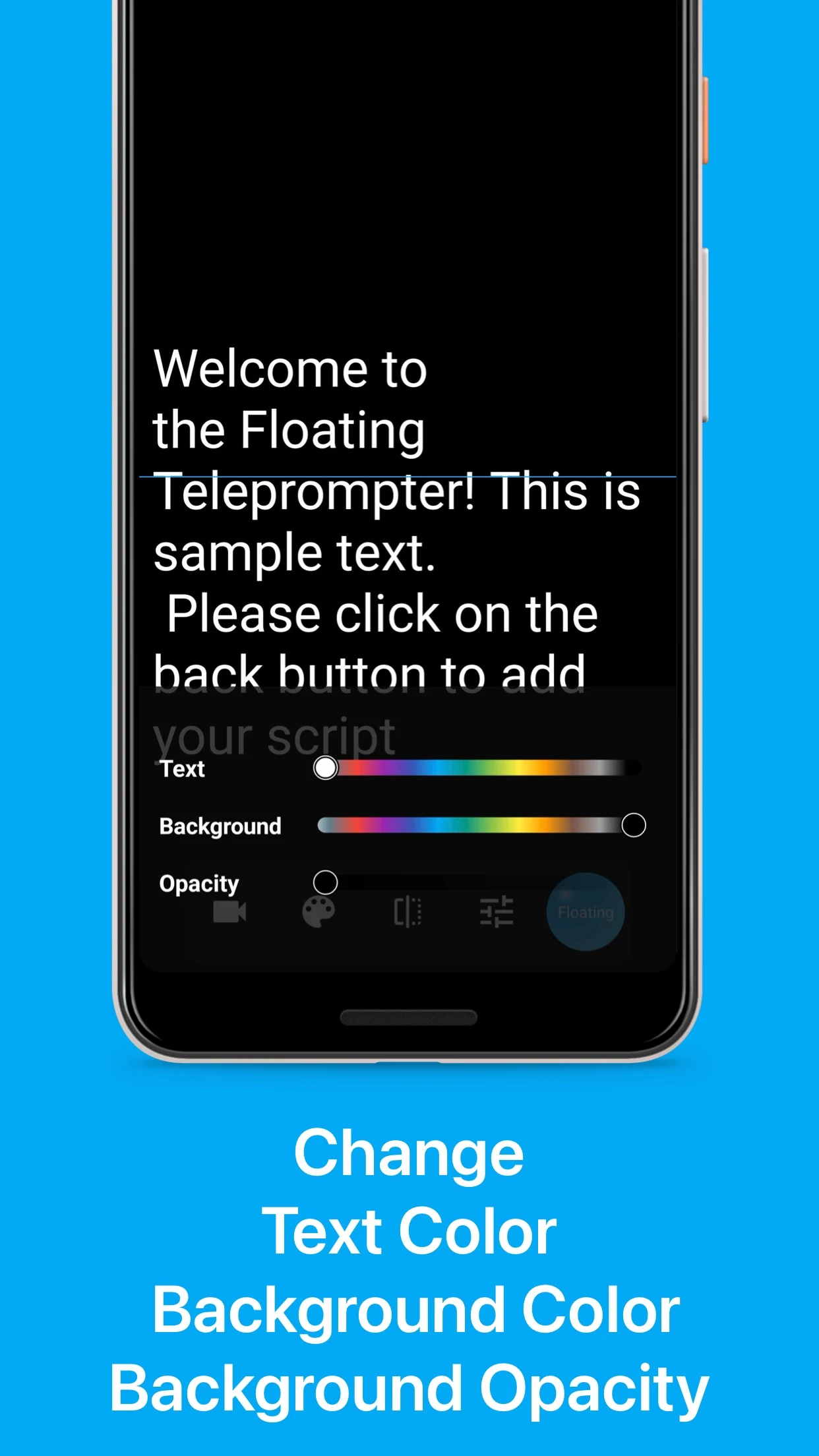
# Change font color for improved visibility
# Alter background color to enhance readability
How to Use:
1. Import Script: Copy and paste the text, or manually enter the content;
2. Display Settings: Full-screen mode is available. Adjust font size, color, and background color as needed to improve readability;
3. Function Debugging: Modify the script scrolling speed according to the speaking rhythm;
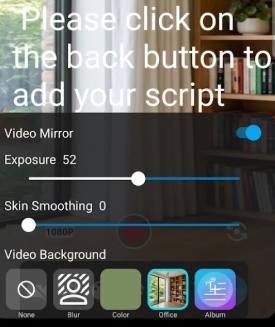
4. Enable Usage: Enable floating permissions, and the script can be displayed in front of any application (especially camera software). Adjust the display position as needed during live streaming/shooting to avoid obstructing key images.
FAQs:
1. **Q**: What type of tool is Floating Teleprompter? Who is it suitable for?
**A**: It's a floating teleprompter tool that can display a script in front of any app. It's particularly suitable for vloggers, YouTube creators, livestream hosts, and others who need to refer to a script when creating or presenting content.
2. **Q**: Can this tool display the script in the camera app?
**A**: Yes. It supports displaying the script in front of any app and is compatible with various camera apps, making it convenient for users to view the script while filming.
3. **Q**: How can I adjust the script display to improve readability?
**A**: Users can adjust the font size, font color, and background color to optimize the script display and enhance readability.
4. **Q**: Can the script scrolling speed be adjusted?
**A**: Yes. The tool supports adjusting the script scrolling speed based on actual needs to adapt to different speaking rhythms.
5. **Q**: Besides the basic teleprompter function, what other practical operations are there?
**A**: It supports full-screen script display and features convenient text copy and paste functionality, allowing users to quickly import or edit script content.
6. **Q**: Is this tool limited to specific apps?
**A**: No. It can display scripts within any app, making it widely adaptable and meeting the needs of prompting in various scenarios.
7. **Q**: When using this tool during a live stream, will the script obscure the live video?
**A**: Typically, it will not completely obscure the live video. Users can combine full-screen mode, adjust the display position (if the tool supports this feature), or optimize the script layout to optimally arrange the prompting area to avoid obstructing key footage.
- Version1.0.5
- UpdateOct 29, 2026
- DeveloperApp Kitchen
- CategoryProductivity
- Requires AndroidAndroid 5.0+
- Downloads796K+
- Package Namecom.appkitchen.teleprompter
- Signature8fe736007499045db47bc626265770b0
- Available on
- ReportFlag as inappropriate
-
NameSizeDownload
-
7.37 MB
-
5.07 MB
-
5.07 MB




















User-friendly interface, very simple to use
Works well with native camera app
Helpful for content creators
Free version available
Handy floating window function
Ability to adjust font color and opacity
Ideal for presentations and video recording
Smooth scrolling functionality
Horrible updates leading to unusable features
Countdown timer not functional
Speed settings are inconsistent, too fast even on lowest setting
No search utility for long scripts
Frequent bugs causing scripts to disappear
Inappropriate ads appearing during use
Lack of autosave feature, risking loss of work
Limited functionality when script is being scrolled
Poor customer service regarding refunds