
Punch in - Overtime, Timesheet - Time tracking & management
Effortlessly track your work hours & manage compensation with insightful reports, charts & multi-enterprise support today!
- 1.42.2 Version
- 3.2 Score
- 367K+ Downloads
- In-app purchases License
- 3+ Content Rating

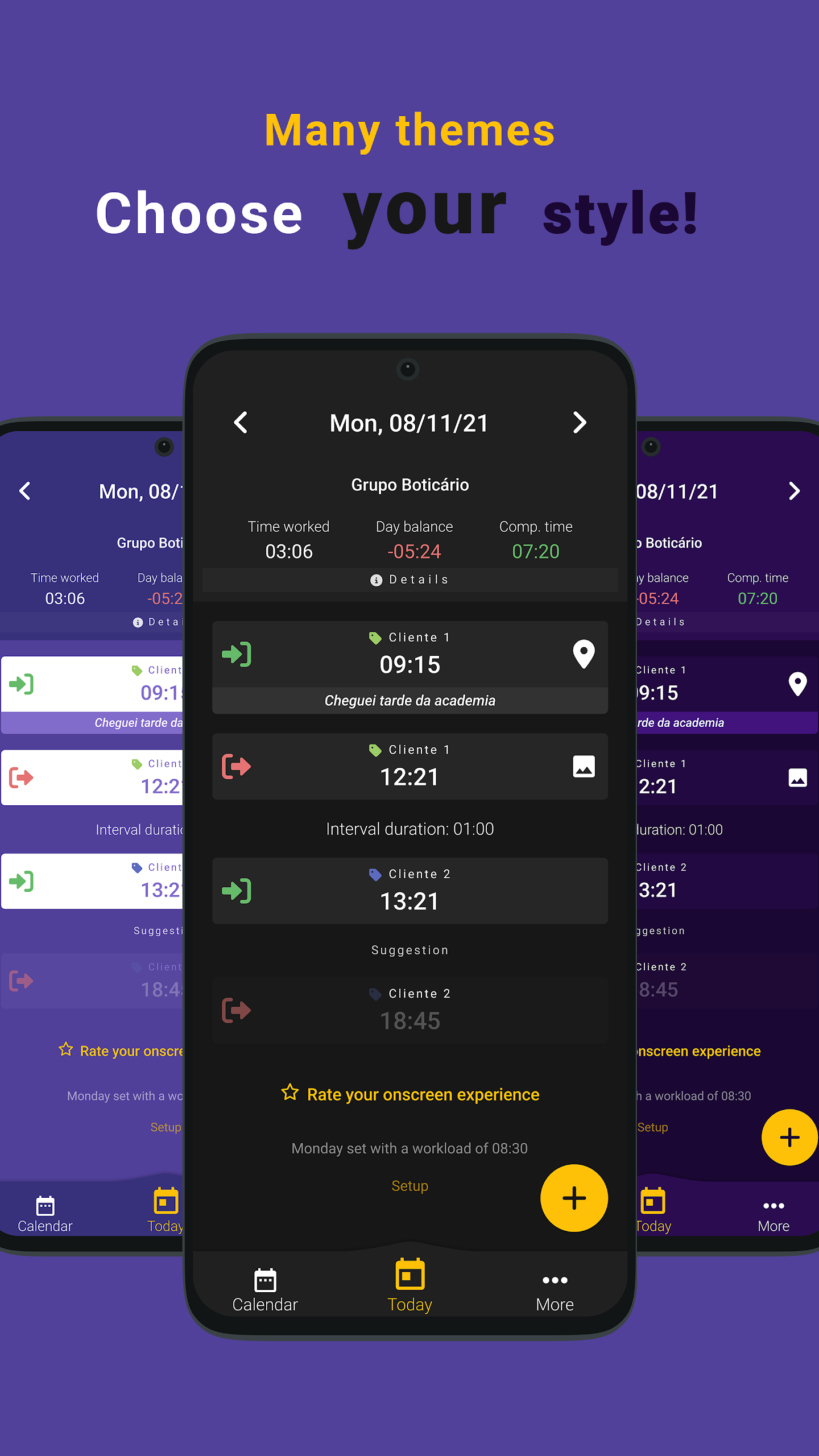
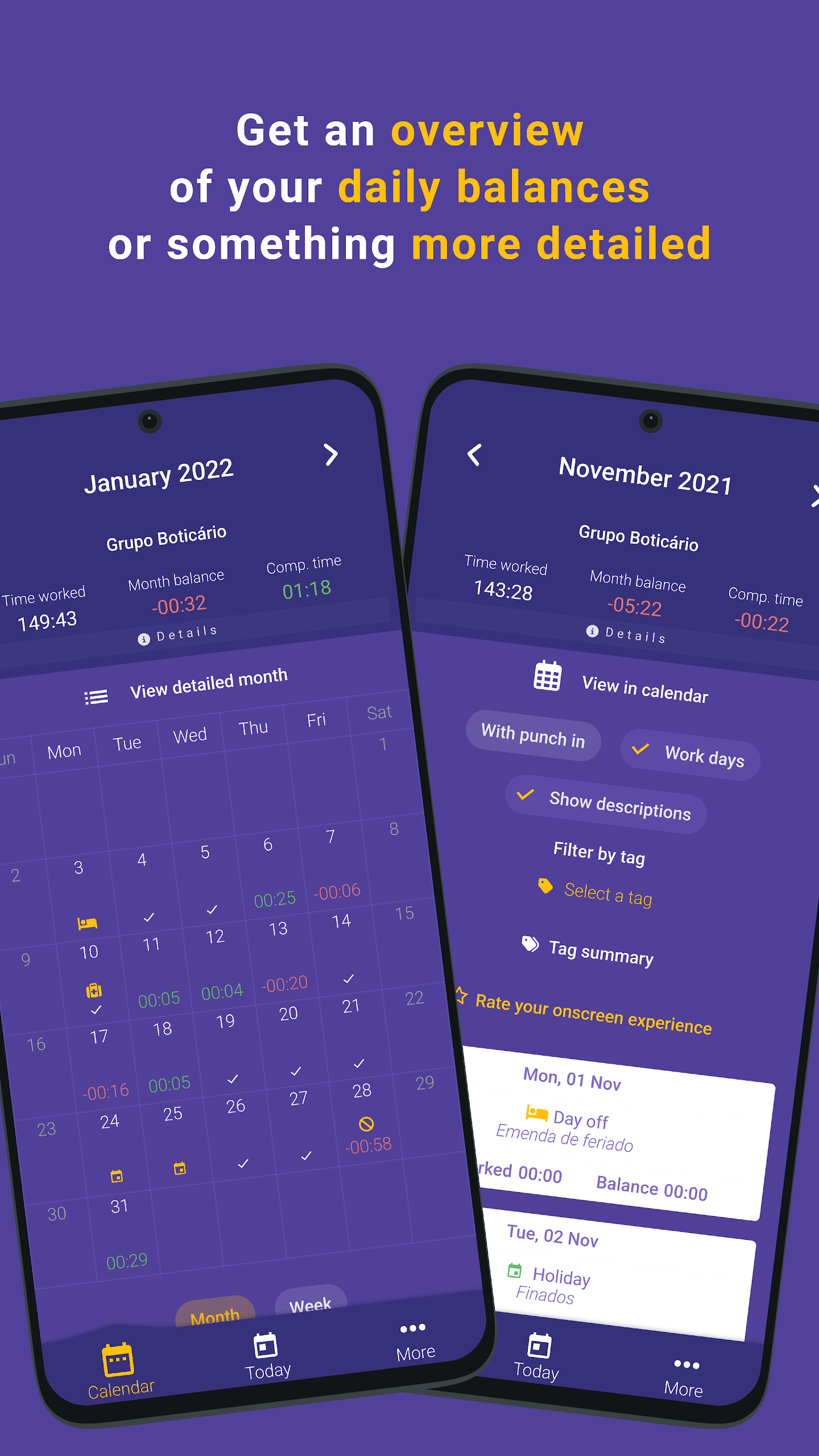
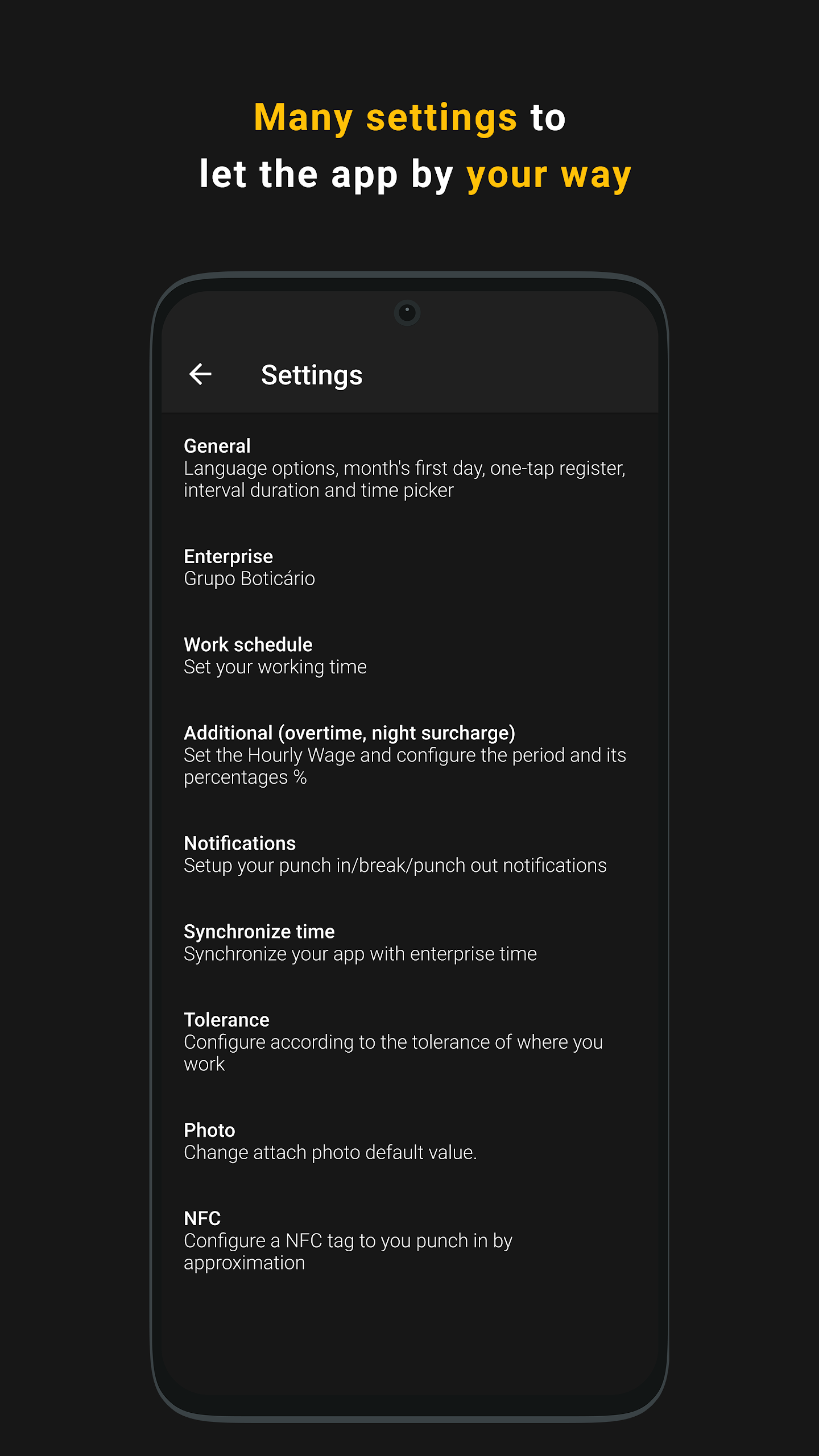
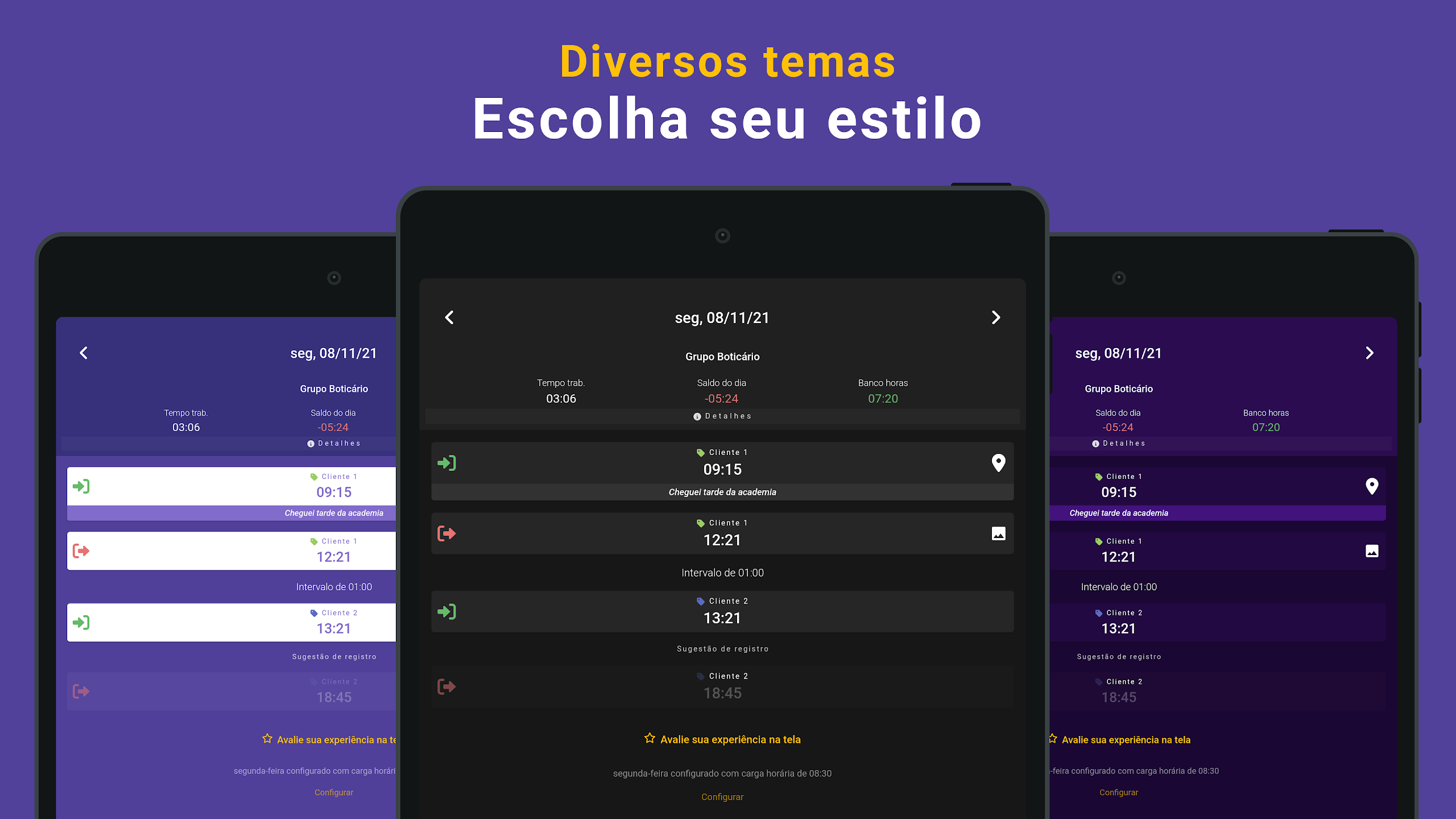
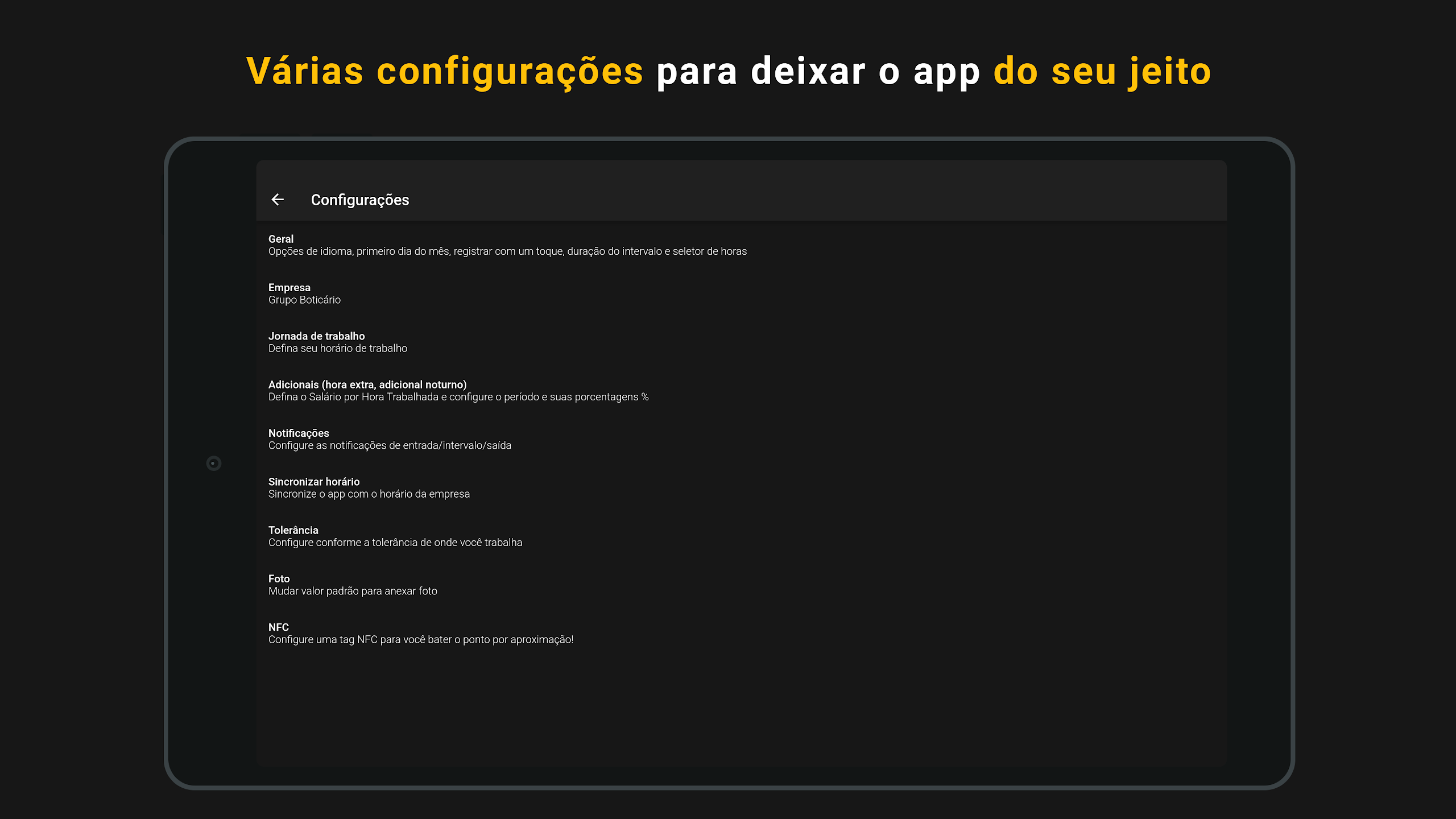
With Punch in, you can have a time tracking application on your mobile device, allowing you to effortlessly manage and oversee your compensatory hours.
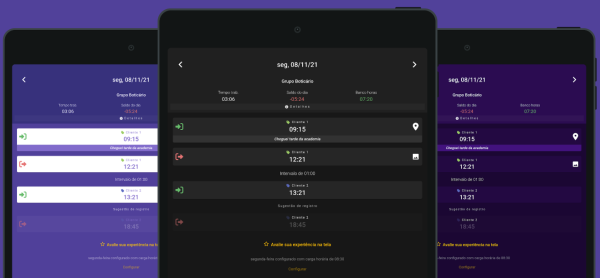
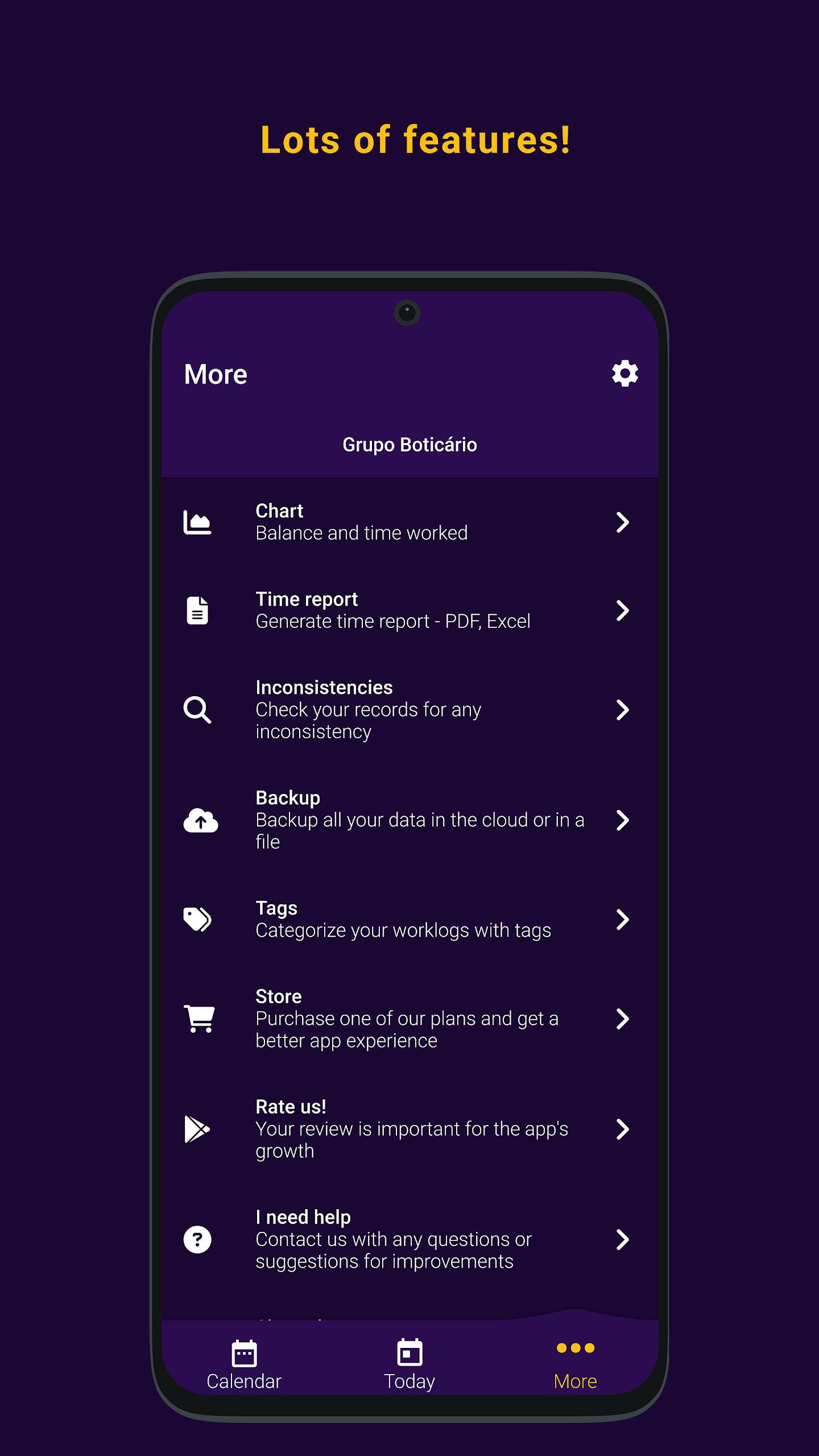
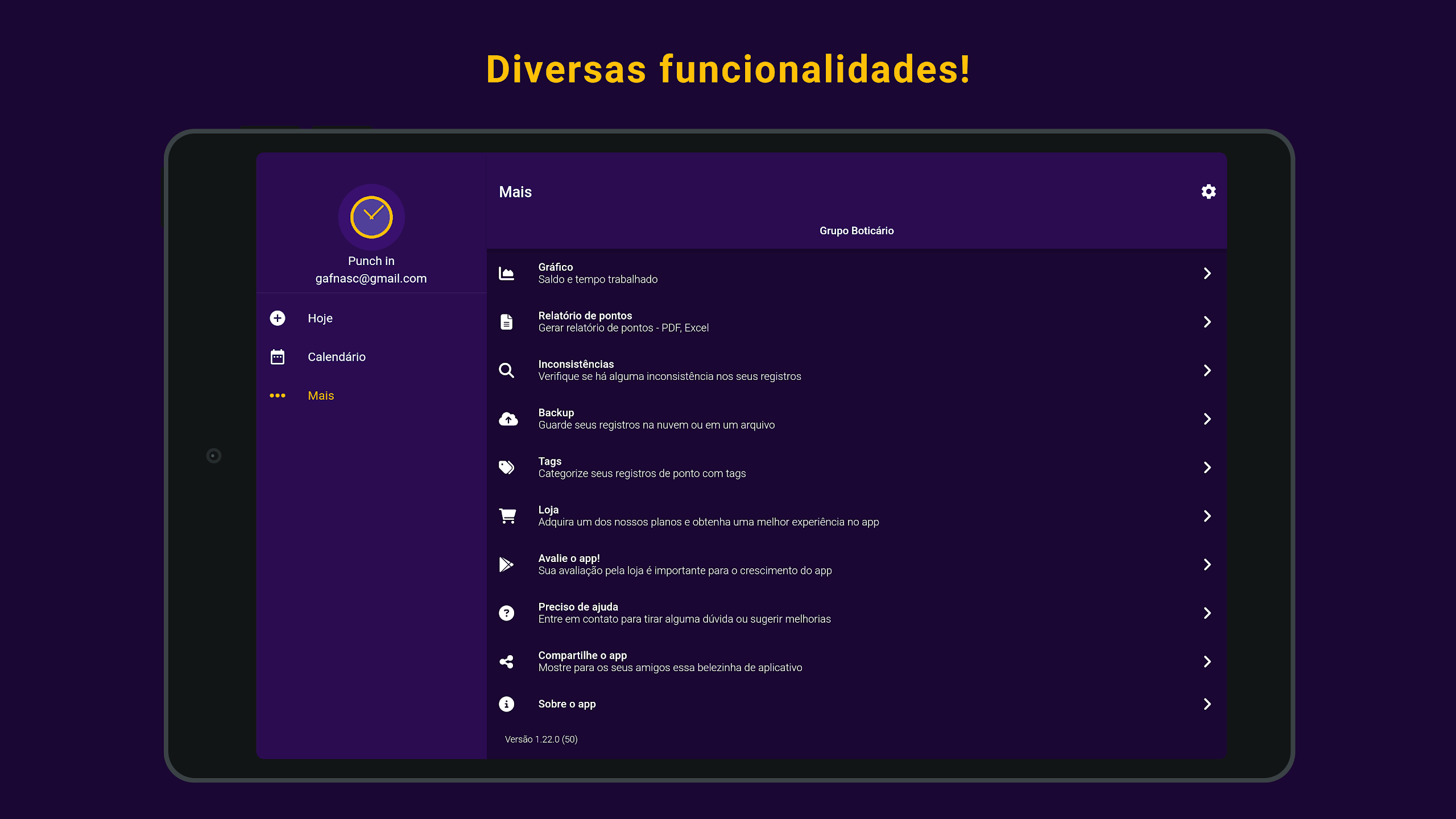
This application is equipped with numerous functionalities to give you complete oversight of the hours you’ve worked.
Features:
• Time management 🗓️
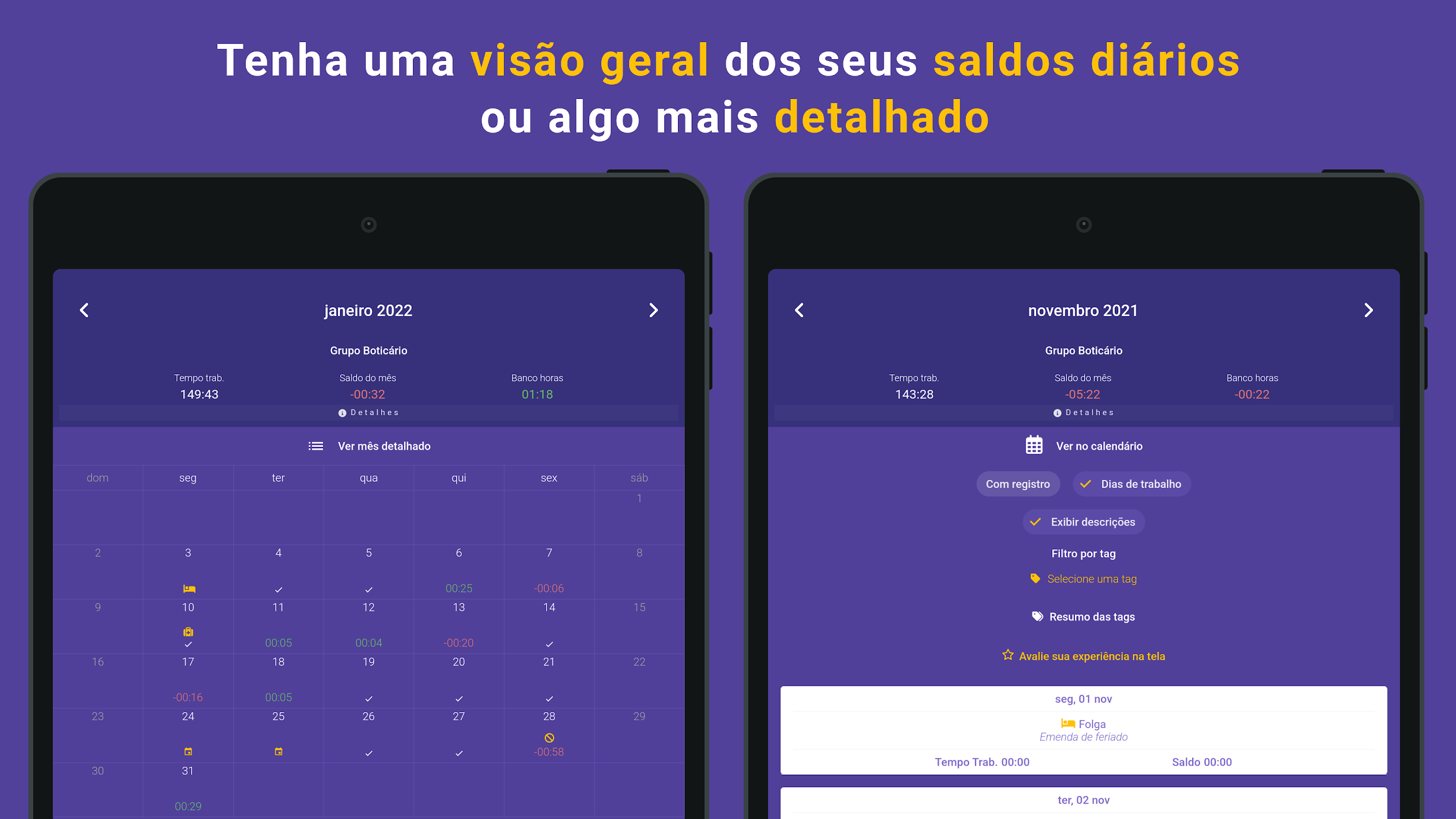
Monitor the hours worked daily, weekly, or monthly.
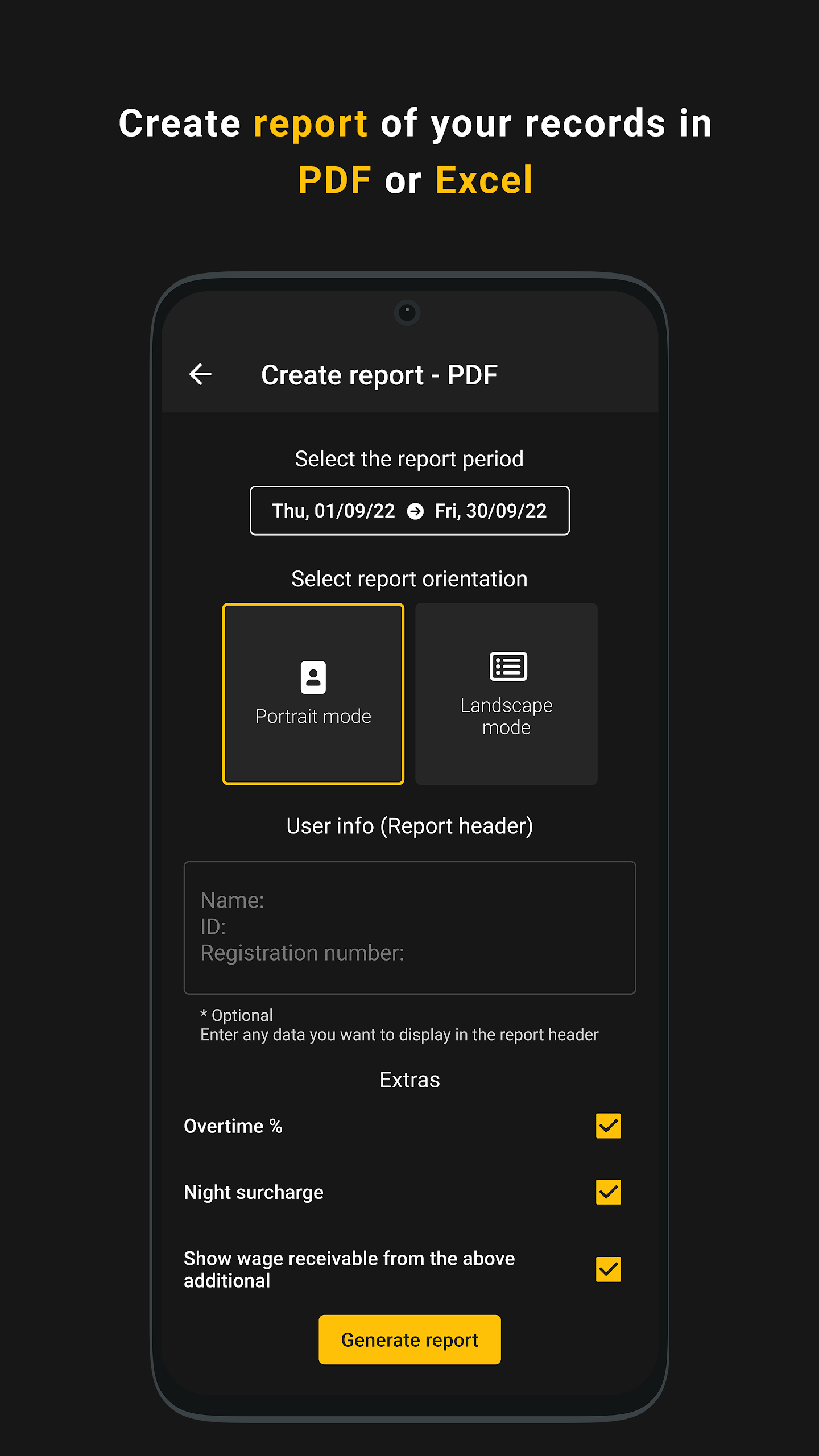
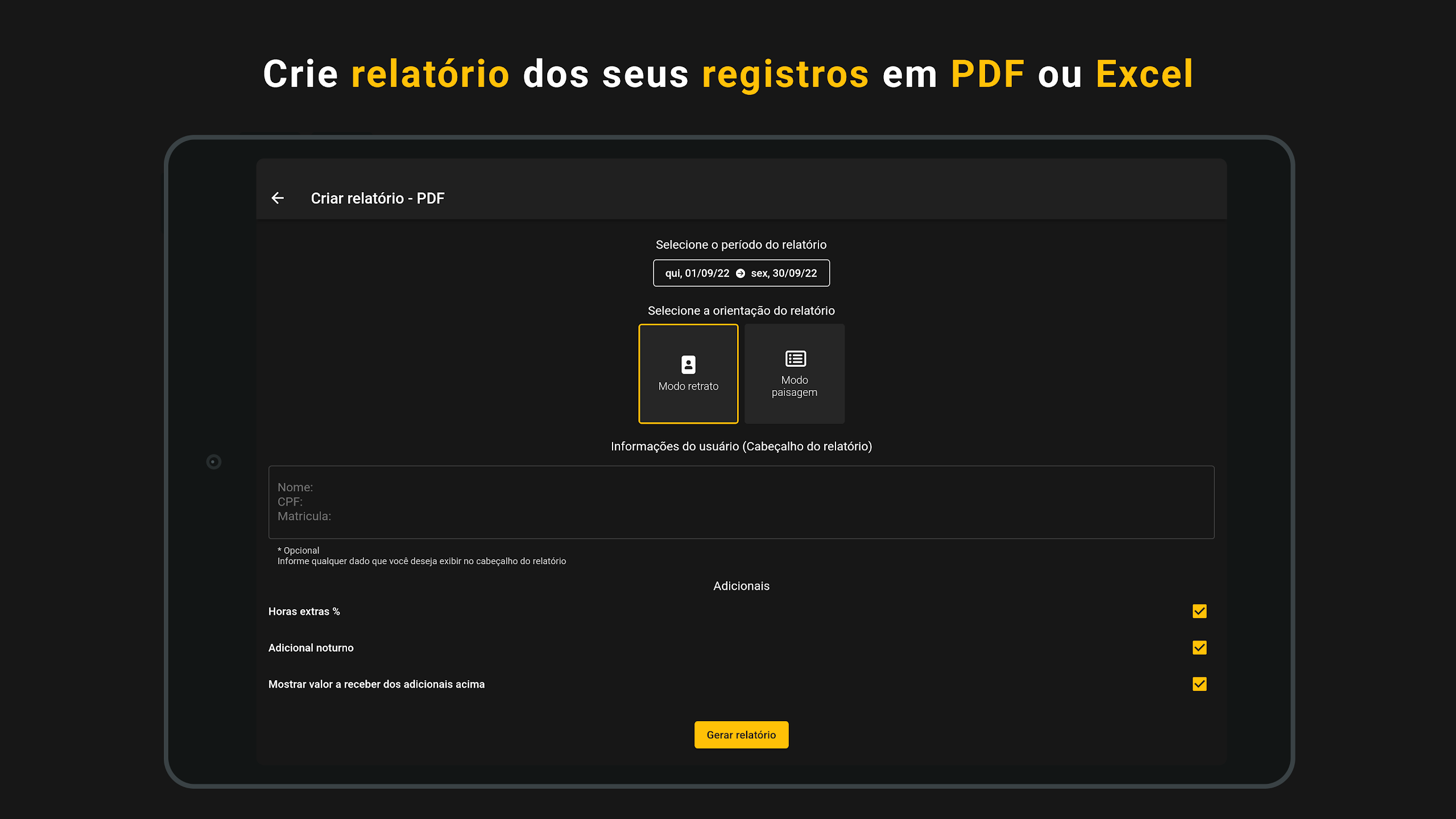
• Report (PDF / Excel) 📄
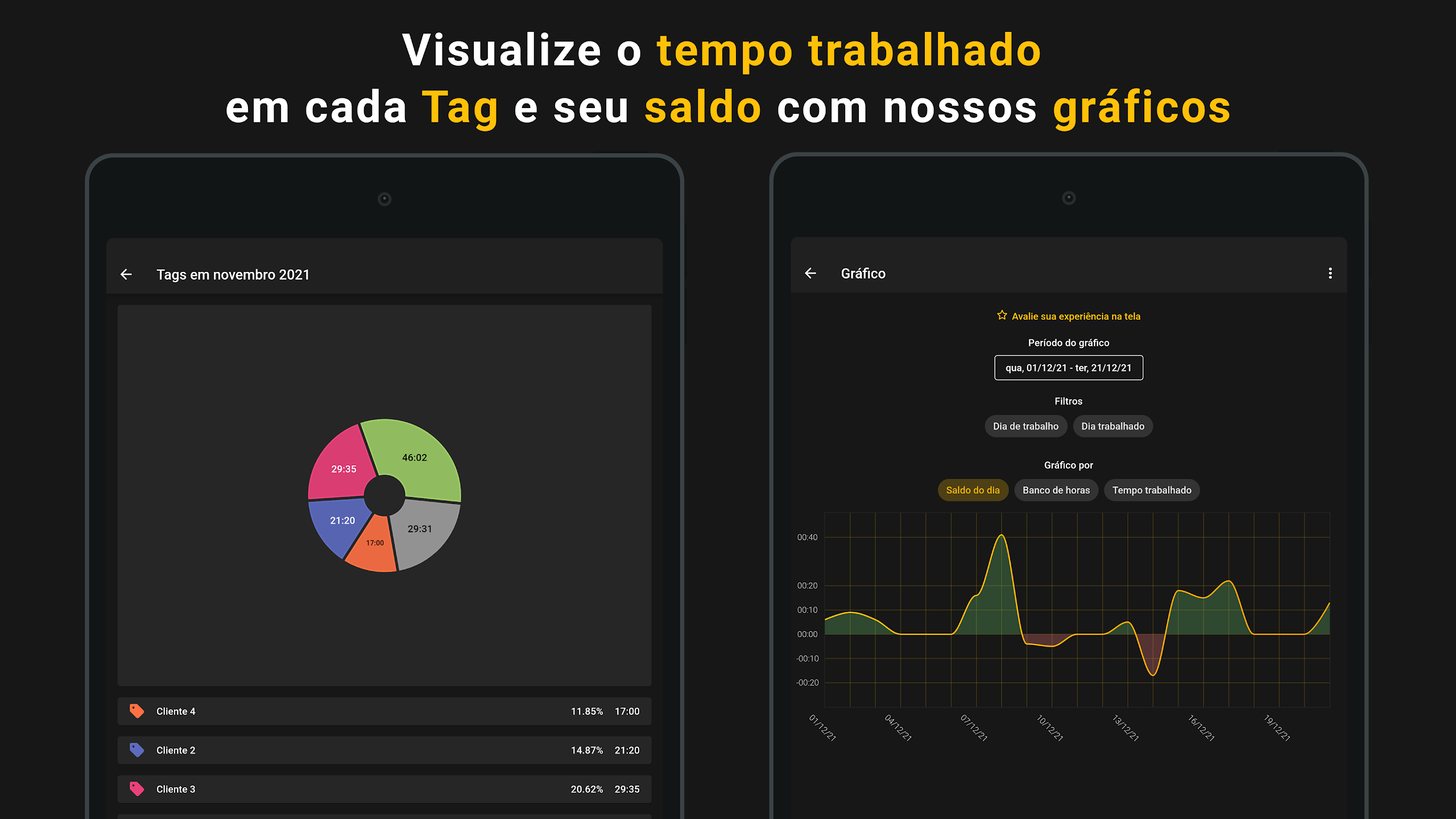
• Chart 📊
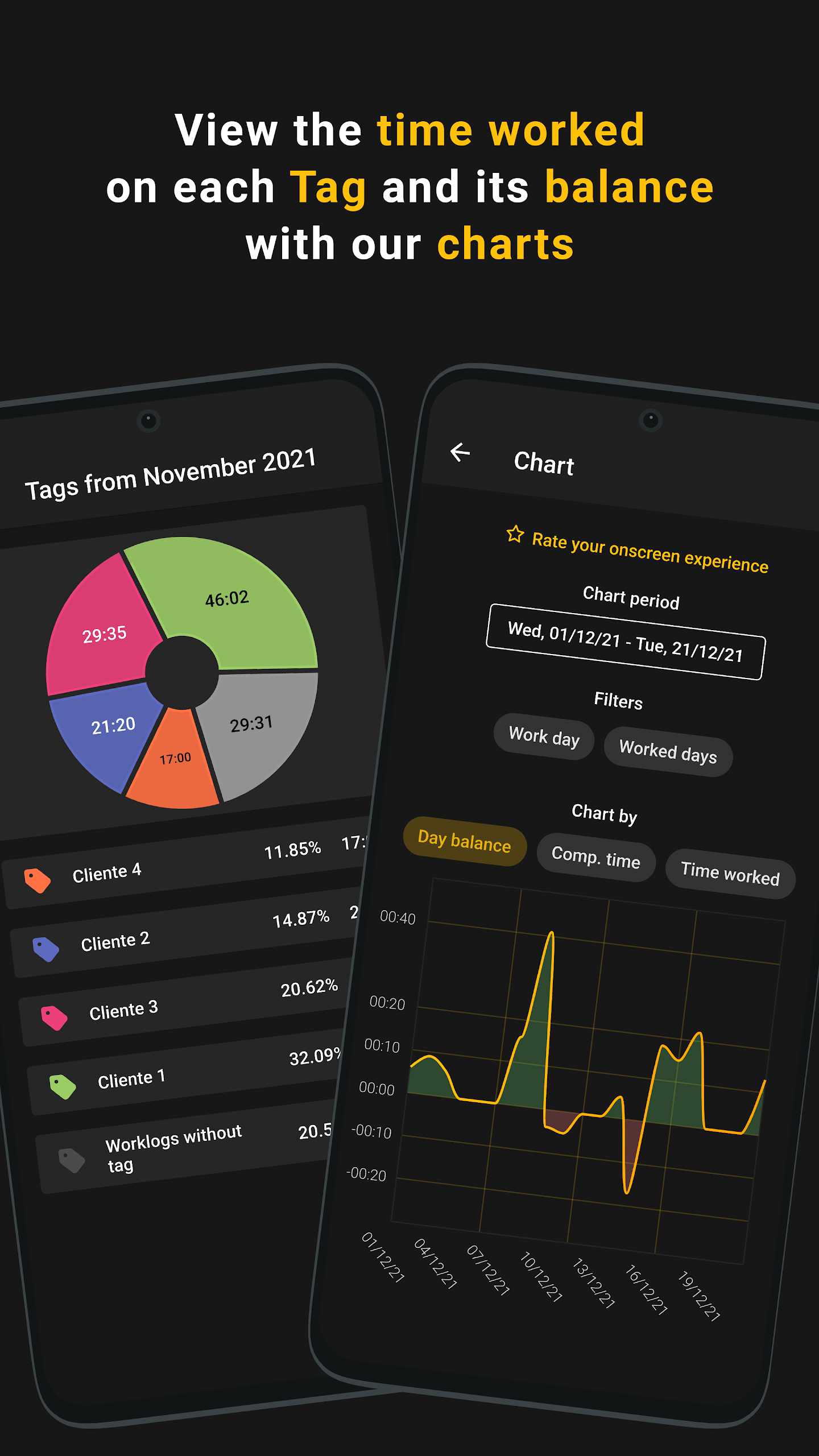
Effortlessly check your balance using our graphical representations.
You can create charts based on daily balance, total balance, or hours worked.
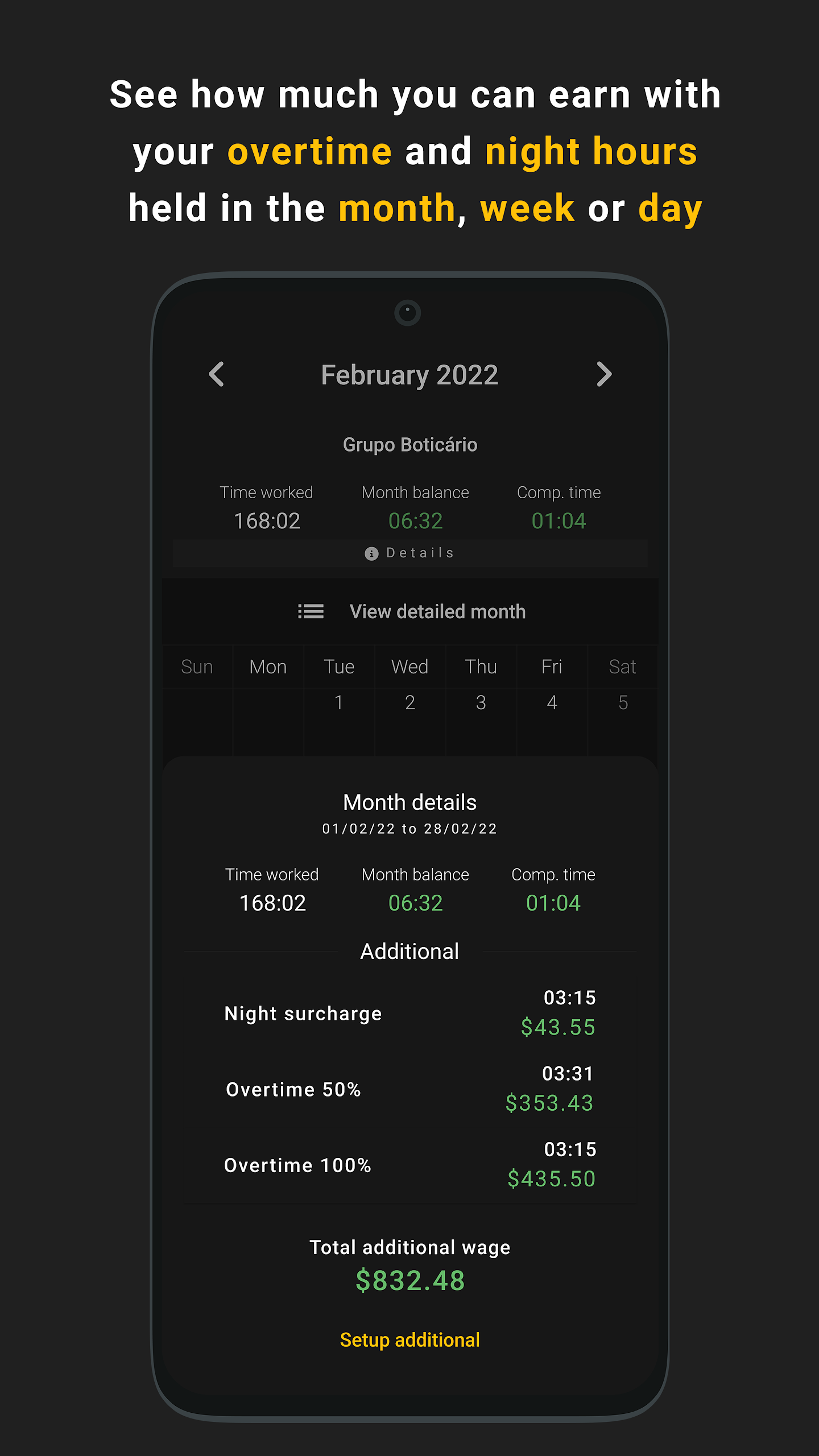
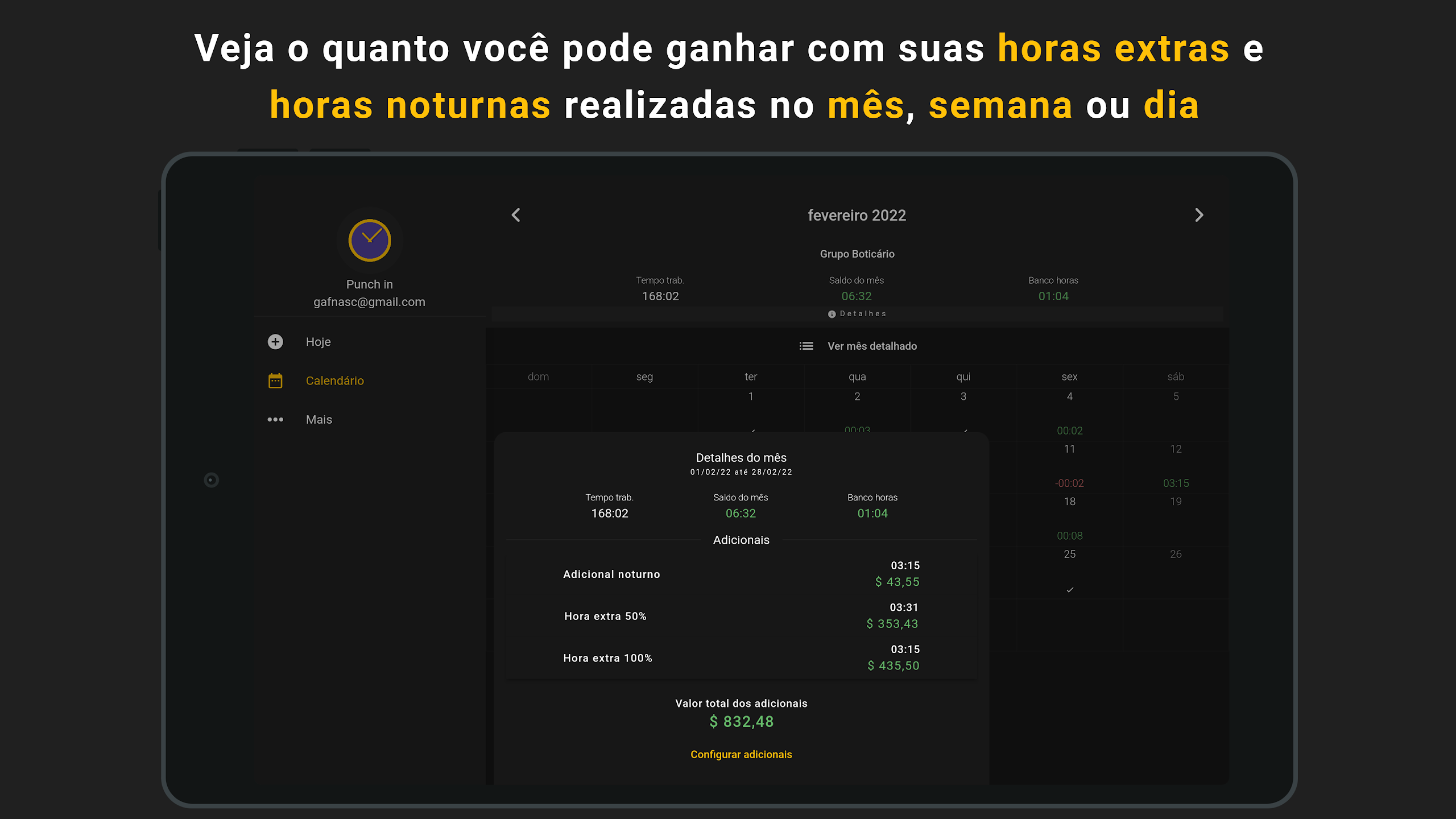
• Overtime 50% and 100% ⭐
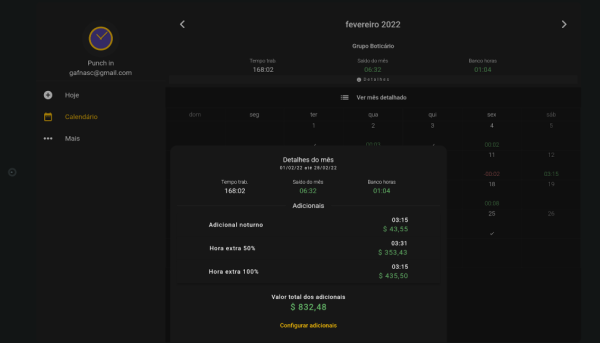
Evaluate how much overtime you’ve accumulated during the day, week, or month, with the flexibility to adjust the earning percentages for each day of the week.
• Night surcharge 🌃
Track the number of night hours worked over different periods, with options to modify both the earnings percentage and the time frame defined as night hours.
• Amount receivable from overtime (50%, 100%) and night surcharge! 💰🤑
Check the total earned for the day, week, or month and include this data in your PDF report!
• Location 🌎📍
Add your location details to the time records.
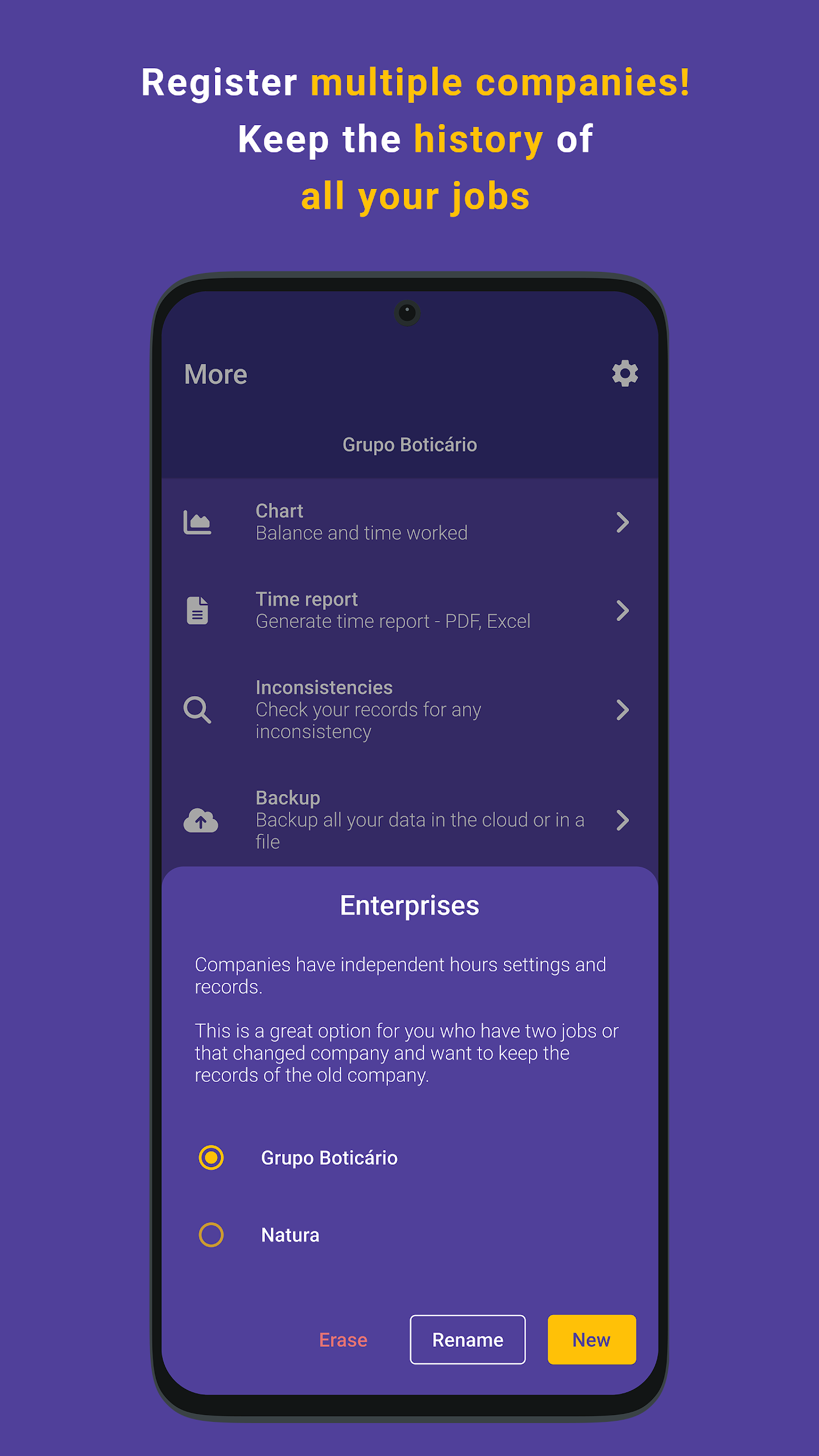
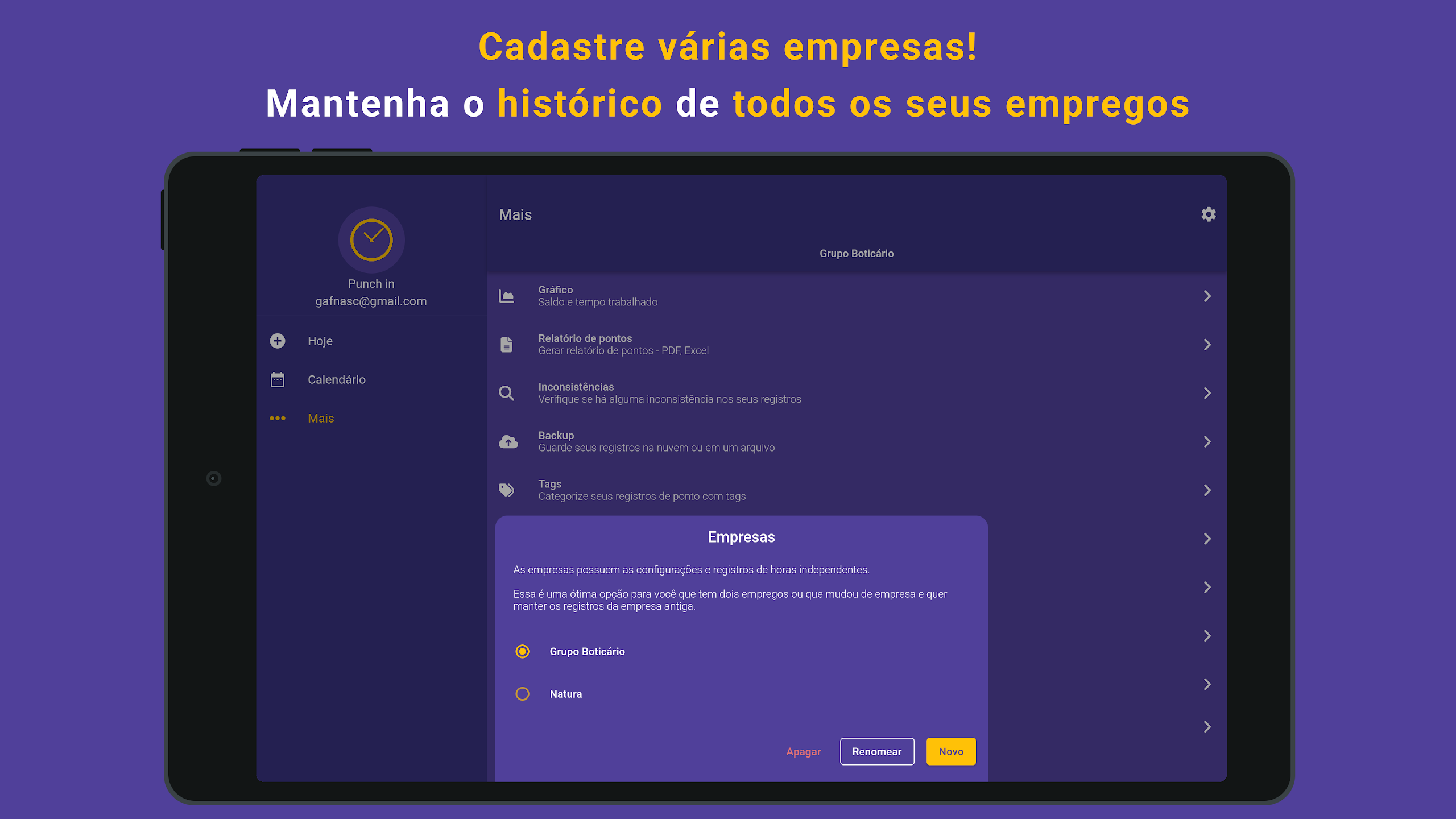
• Multi enterprise 🏢
If you have multiple jobs or have switched employers, you can register as many companies as needed in the app, with each having its own records and settings.
• Records types ✨
Punch in and document various record types such as: Absence, Day off, Vacation, Extra hours, Reset balance, and Notes. You can provide descriptions for each record.
• Photo 📸
If required, snap a picture of any receipt and attach it to a record.
• Notifications ⏰
Set up reminders within the app for when you need to punch in, customized to your preferred timing.
• Tags 🏷️
Categorize your time entries for easier access and track how many hours correspond to each category.
• Tolerance ⏱️
Adjust tolerance levels based on workload and specifically for punch in, break start, break end, and punch out times.
• Time synchronization 🕛
Align the app's time with that of your employer's clock.
• NFC 📲
Punch in using proximity by simply registering an NFC tag within the app.
• Backup 📥
Create a backup for all your entered data and preferences.
• Automatic backup ☁️
Your backups can be scheduled to occur automatically on a daily basis!
• Widgets ❤️
Add our widgets to your home screen for quick access to your time or to facilitate easier punching in.
** This app is intended solely for personal record-keeping and does not hold any tax implications **
User Guide:
1. Initial Setup: Add a company/employer → Set overtime (50%/100%), night shift hours and rates → Select decimal/thousands, precision, reminders, backup (automatic/manual).
2. Clocking In/Out: Tap "Start Work"/"Leave Work"; add location, tags, notes, and photos; quick clocking in/out via NFC/widgets.
3. Calculation & Export: View charts/reports (daily/weekly/monthly) → calculate overtime/night shift income → export to PDF/Excel; switch between multiple companies to view corresponding records.
Frequently Asked Questions:
1. **Q**: For which time periods can Punch In calculate work hours?
**A**: It supports daily, weekly, and monthly work hour statistics, and you can visualize the data using charts (such as daily balance, total balance, and work hour charts).
2. **Q**: Can I manage time records for multiple jobs?
**A**: Yes, with the "Multi-enterprise" feature, you can register multiple companies/employers, each with independent records and settings, making it suitable for users with multiple jobs or who have changed employers.
3. **Q**: Can I calculate overtime and night shift pay?
**A**: Yes, you can set a 50% or 100% overtime pay rate, customize night shift periods and pay ratios, and calculate daily, weekly, and monthly overtime and night shift payables, which can be included in PDF reports.
4. **Q**: How can I avoid forgetting to punch in?
**A**: There are two ways to do this: one is to set custom clock-in reminders in "Notifications"; the other is to add a "Widget" on your phone's desktop for quick clock-in or time checking.
5. **Q**: Will my work records be lost?
**A**: They are very unlikely to be lost. We support manual "Backup" of data and preferences, and you can also enable "Automatic backup" for daily automatic backups.
6. **Q**: Can I synchronize my clock-in time with my company's?
**A**: Yes, with the "Time synchronization" feature, I can align my app time with my employer's clock to ensure consistent time.
7. **Q**: Can I categorize my time records?
**A**: Yes, I can use the "Tags" feature to categorize time entries for easier retrieval. I can also calculate the hours worked for each category.
- Version1.42.2
- UpdateOct 28, 2026
- DeveloperMinitick
- CategoryProductivity
- Requires AndroidAndroid 5.0+
- Downloads367K+
- Package Namebr.com.minitick.punch_in
- Signature77c382a24d945d5e12a9420f898f95bd
- Available on
- ReportFlag as inappropriate
-
NameSizeDownload
-
38.21 MB
-
38.16 MB
-
37.20 MB











Comprehensive and practical features
Easy data visualization and export
Highly customizable and flexible
Guaranteed data security
Thin reminder features
Lack of team collaboration and enterprise integration capabilities
Complex functionality
May rely on network and device functionality
Lack of tax and compliance support