
Focusmeter: Pomodoro Timer - Productivity & Rest Timer
Unlock your productivity potential with customizable focus & rest timers that keep you balanced and on track.
- 1.12.1 Version
- 2.9 Score
- 233K+ Downloads
- In-app purchases License
- 3+ Content Rating

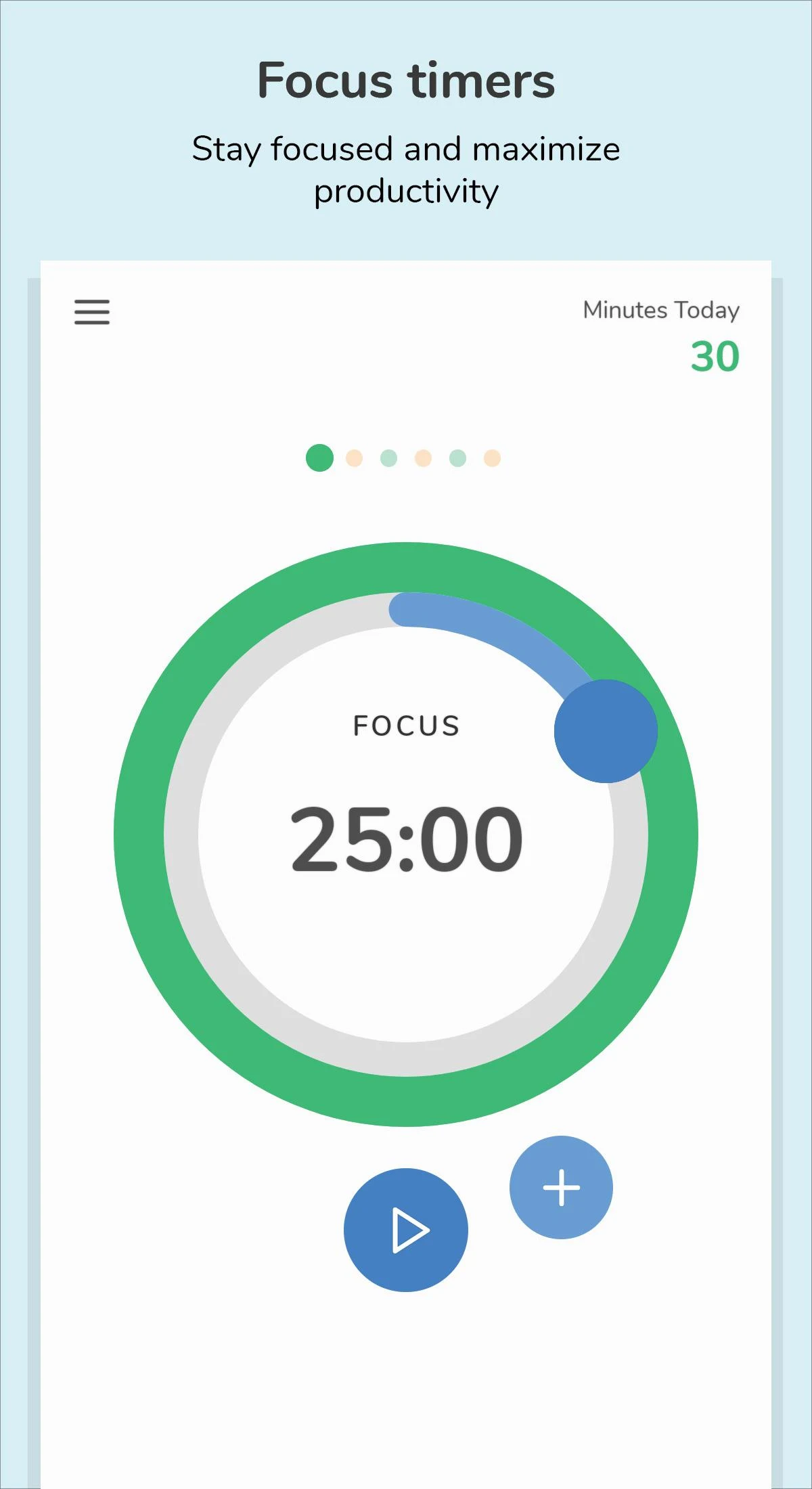
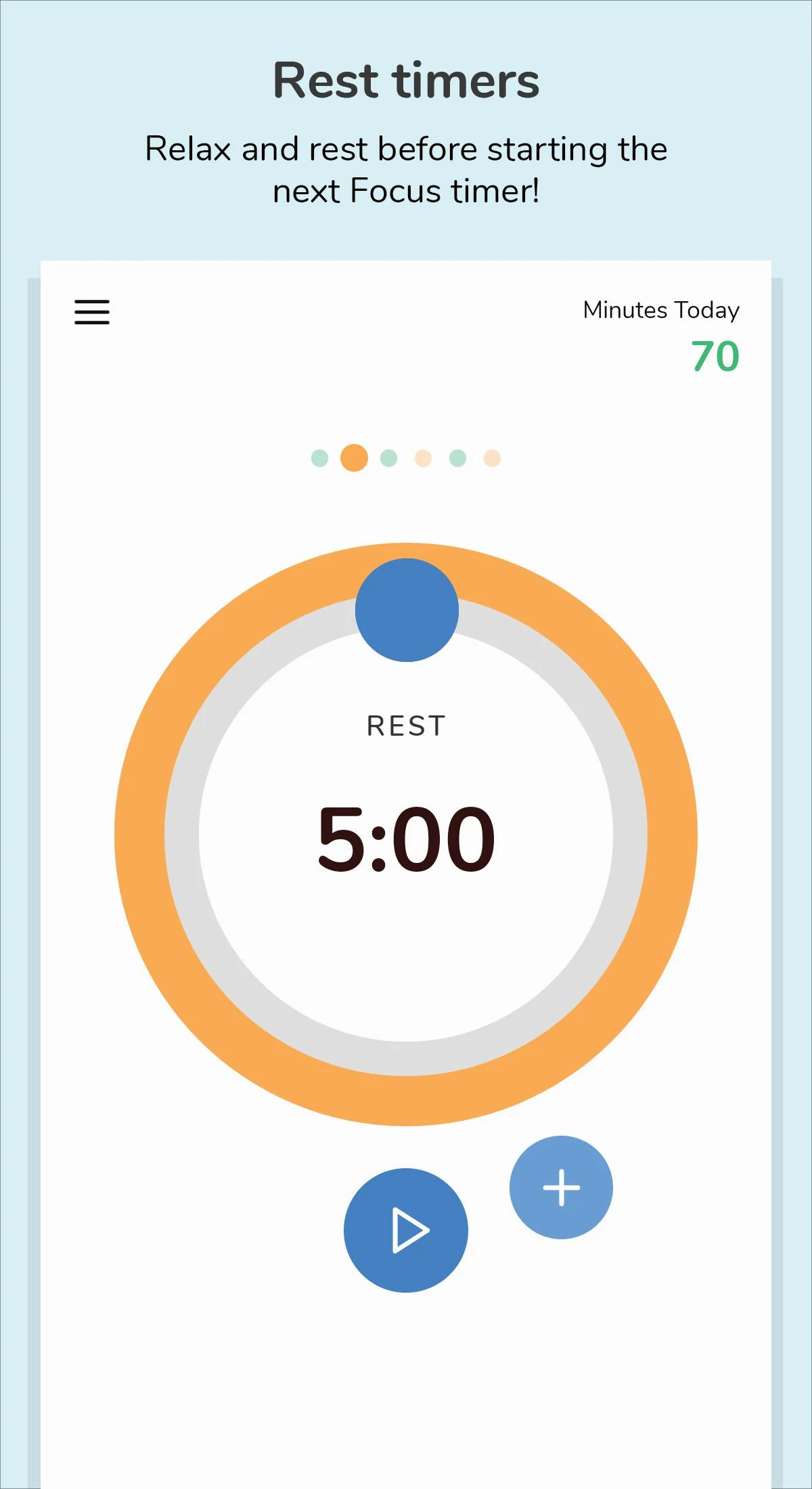
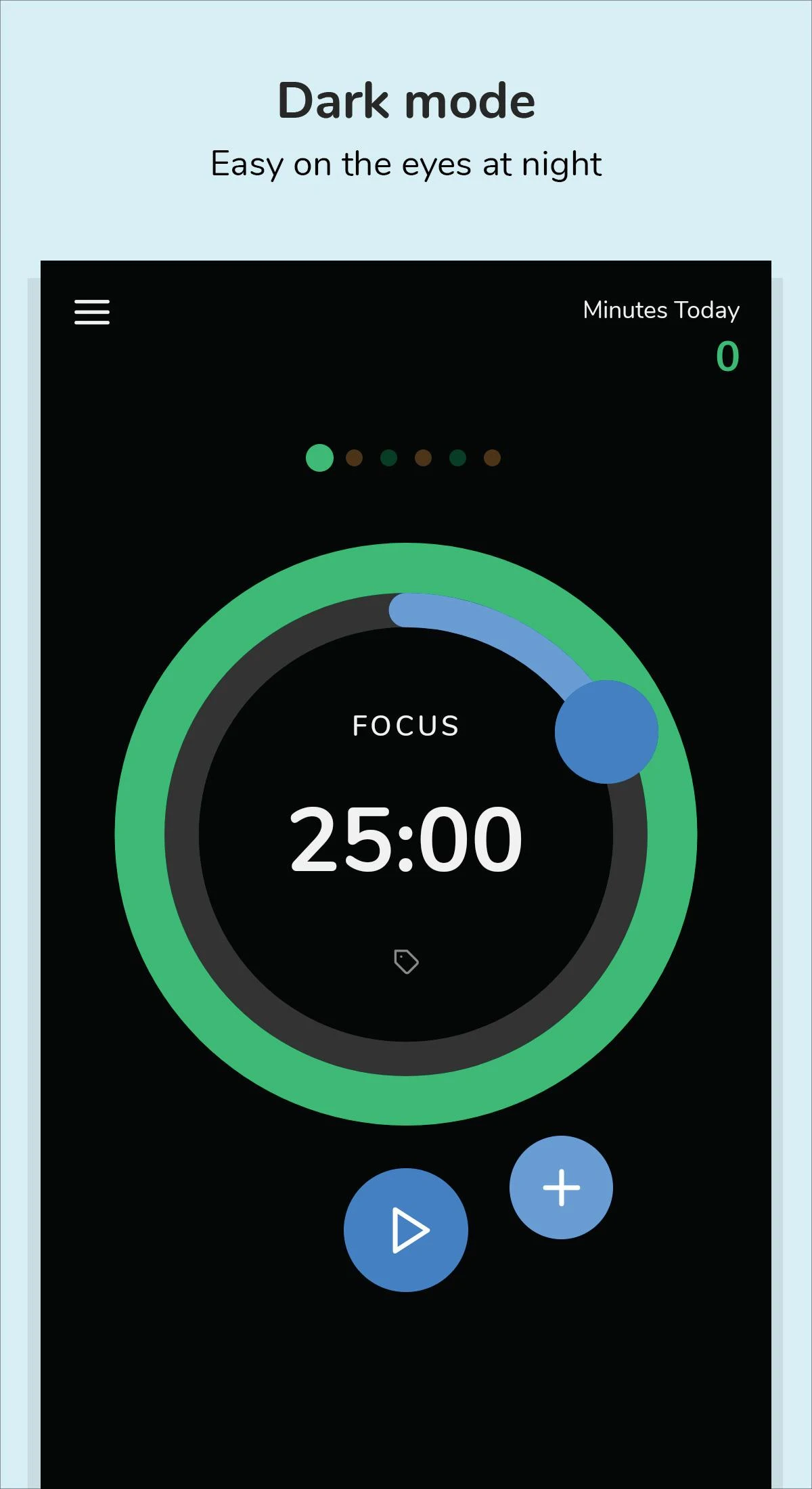
Maintaining concentration is crucial for productivity, yet taking breaks is also vital!
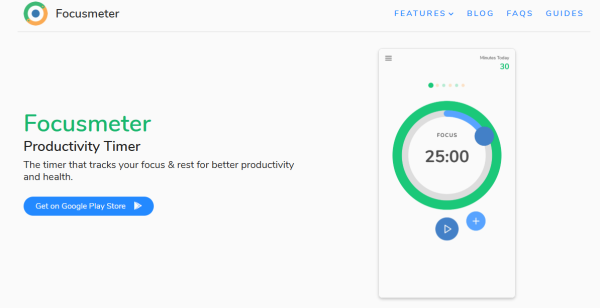
Focusmeter assists you in enhancing your productivity by creating a balance between focus and rest.
HOW IT WORKS:
1️⃣ Establish your routine: personalize the duration of your Focus and Rest timers.
2️⃣ Initiate your first Focus timer. 👨💻
3️⃣ Once your timer ends, it's time for a break. ☕
4️⃣ Begin the next Focus timer and continue being productive! 👨💻
FEATURES:
⏲ PERSONALIZE your own timers. Whether it’s Pomodoro or 52/17, tailor it to suit your needs!
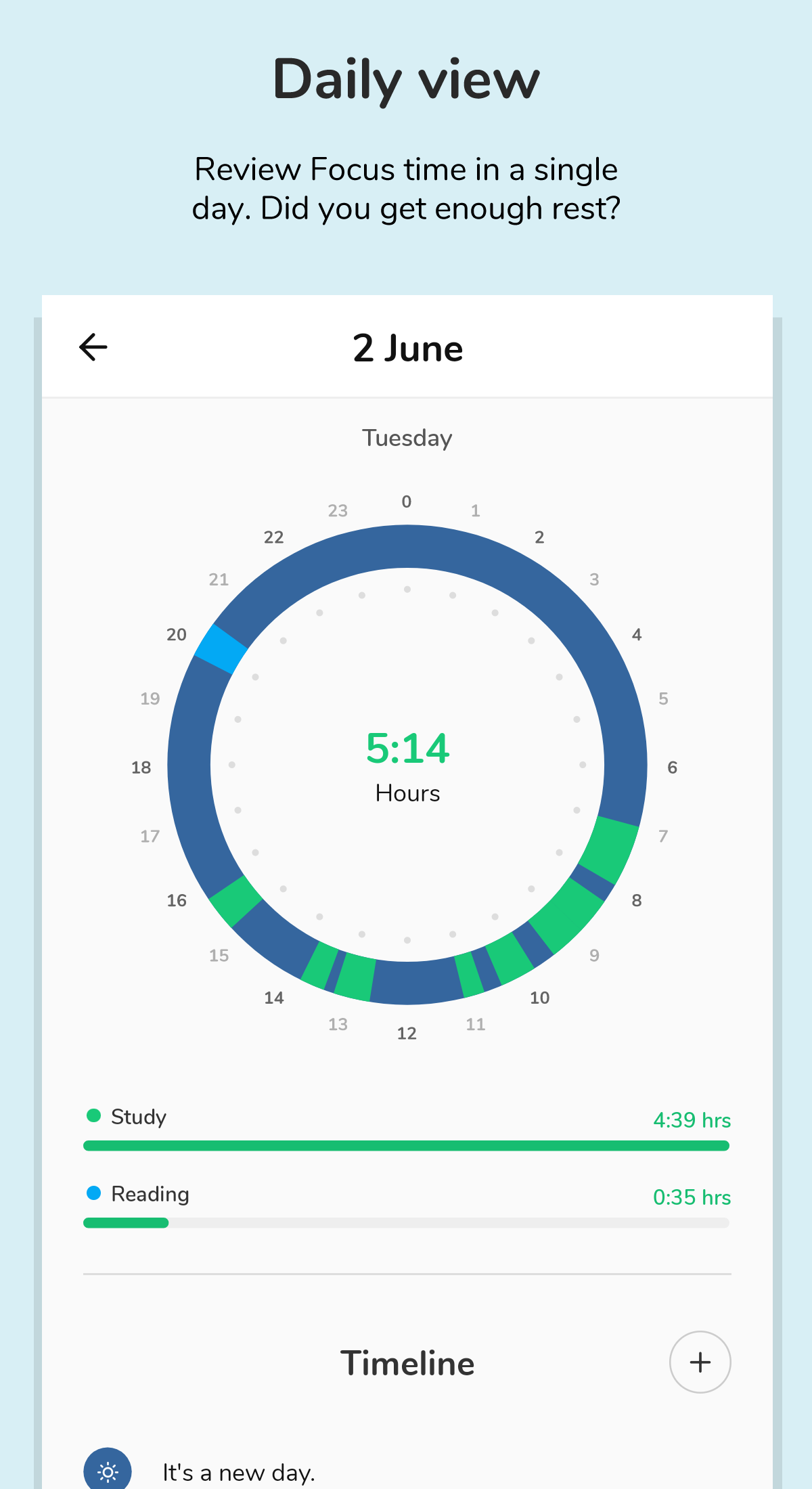
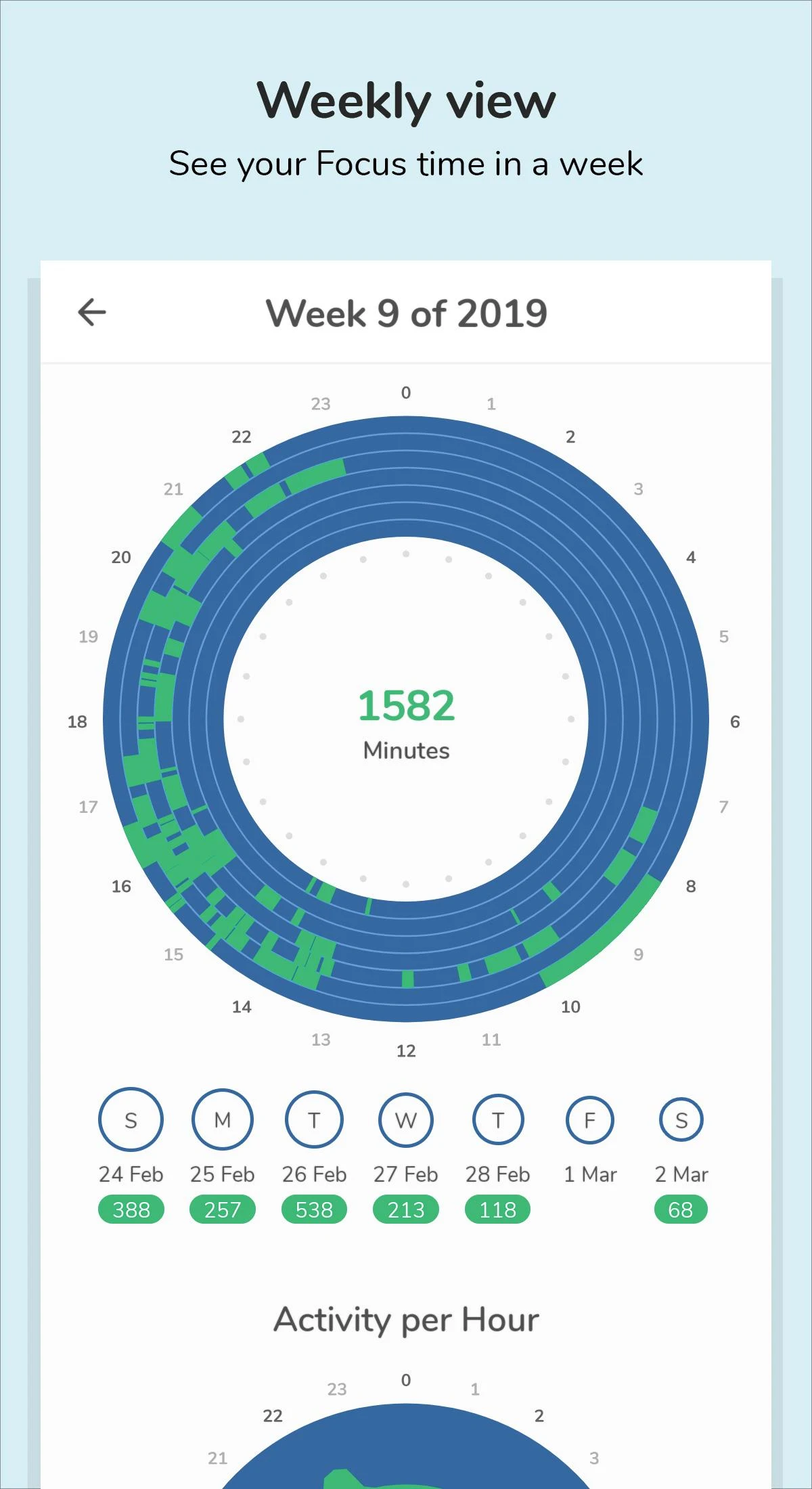
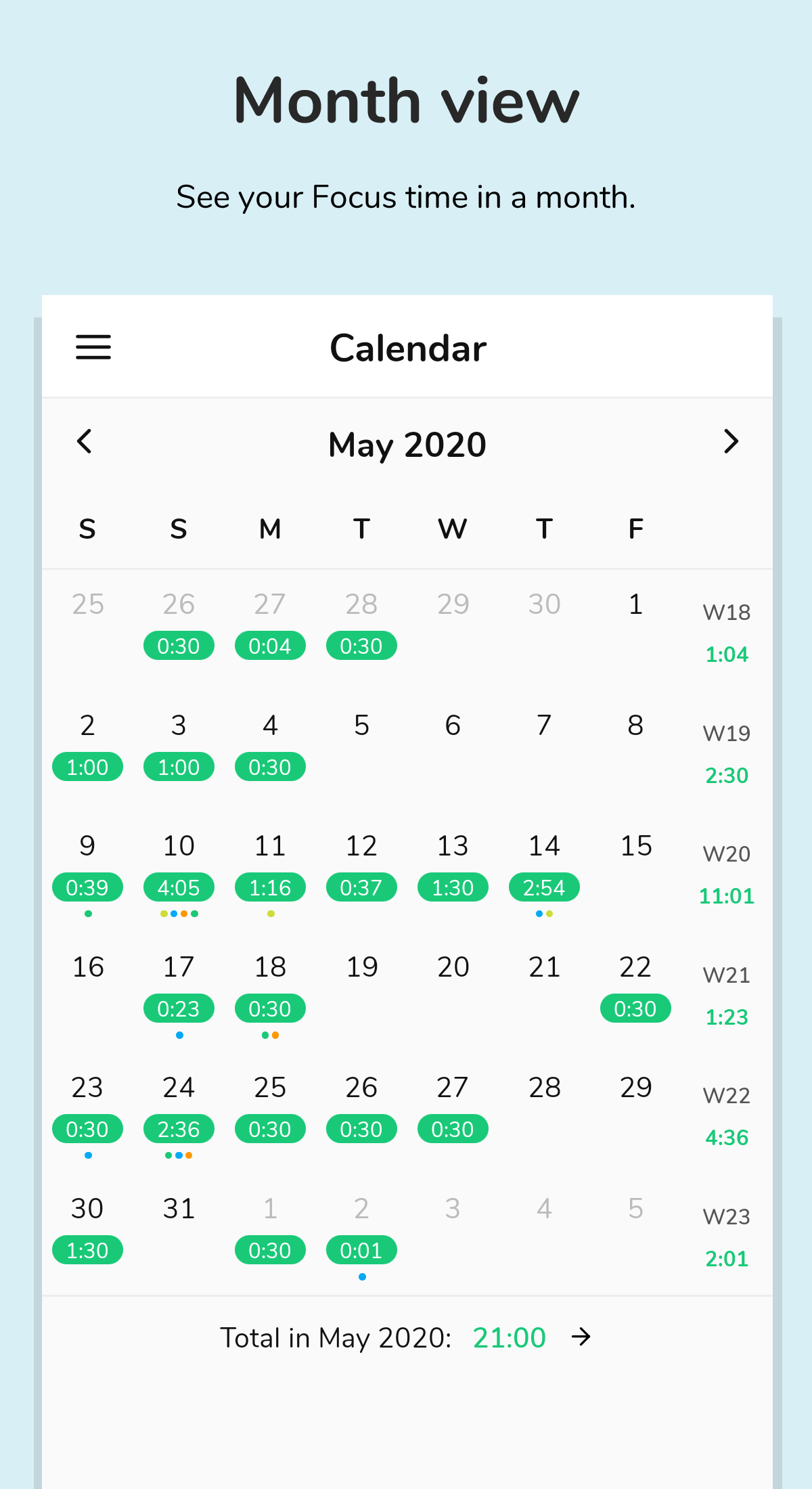
✨ REVIEW insights from your previous activities over the course of a month, week, or day. Observe how your routine has performed.
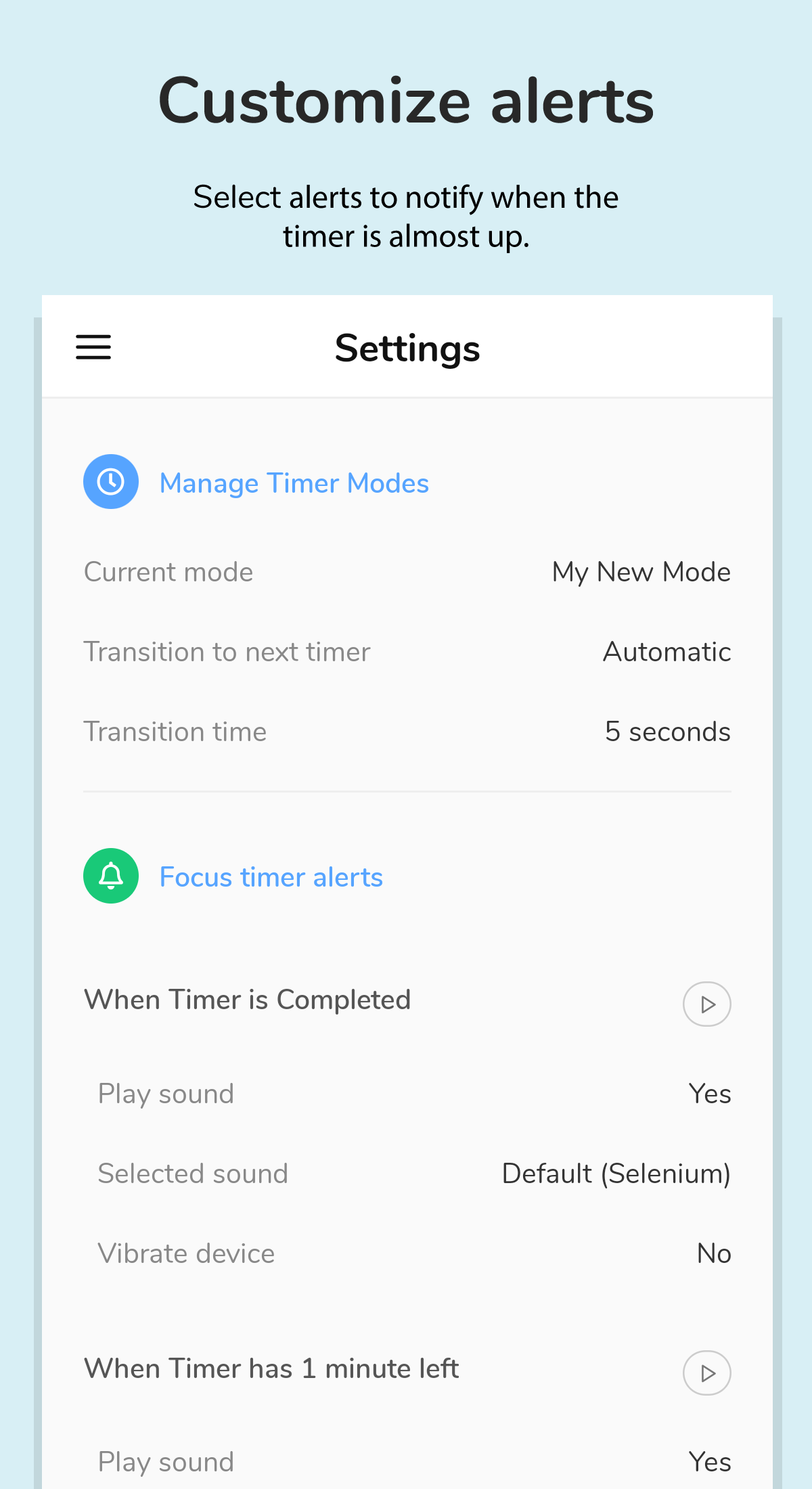
🔔 SELECT your own alerts for when Focus and Rest timers are done or nearing completion.
⏱️ SUPPORT for STOPWATCH or standard timers: both counting up and down timers available.
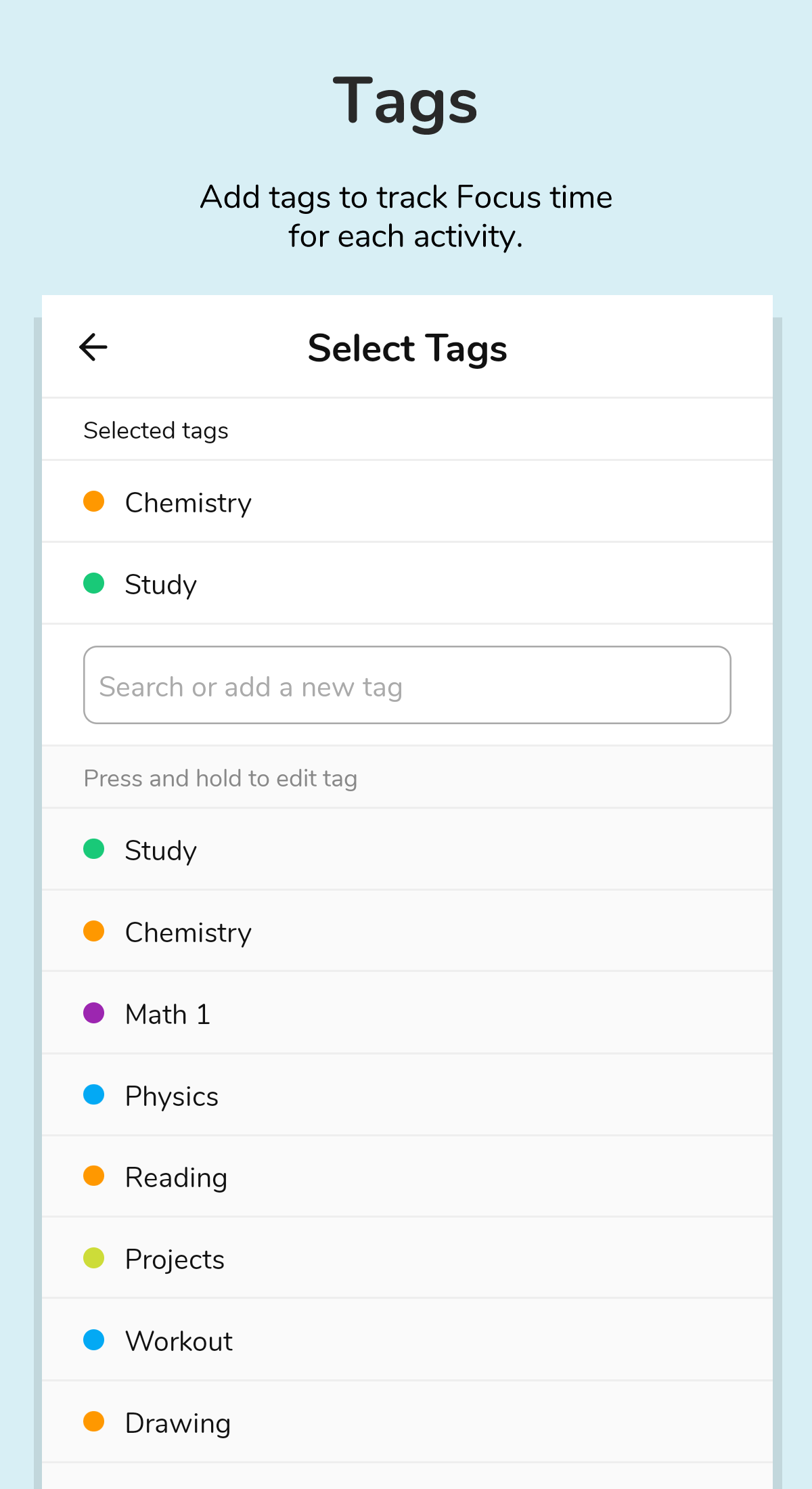
🏷️ LABEL your Focus and Rest sessions and monitor interruptions.
📈 ACCESS statistics for individual tags over time.
📝 MODIFY your timeline/activities. Ensure that your time tracking remains consistent.
✍️ Incorporate NOTES into your timers.
➕ ADD more sessions/timers whenever needed.
⏱️ MONITOR time in minutes, hours, or sessions.
🌠 AUTOMATICALLY SWITCH between focusing and resting, or do it manually if that’s your preference.
🌕 USER-FRIENDLY and clear interface.
🔄 SUPPORT for LANDSCAPE and FULLSCREEN modes.
🌙 NIGHT/DARK theme option available.
👏 RECEIVE repeated alerts for completed timers, ensuring you don't miss any notifications. Additional time can be tacked on as well.
🏃 Operates in the background. The app does not need to remain open to function.
🔕 ENABLE DO NOT DISTURB mode during timers.
📏 ACCOMMODATE long sessions lasting up to 3/4/5 hours.
🎨 SUPPORT for tagged colors.
📥 Export your records at any time in CSV or JSON format.
📎 APP SHORTCUTS to quickly initiate timers.
📁 Automatic data backup available if you have connected your Google account.
✨ Explore our PRO FEATURES ✨
📈 ENHANCED tag and date analysis
🎨 CUSTOMIZE user interface colors and expand tag color options
⏱️ Utilize the TIME MACHINE to start timers earlier or adjust durations
🌅 Custom START OF DAY settings for those who prefer late-night working
Stay tuned for exciting new features arriving soon!
Target audience:

- Individuals who need to balance focus and rest and improve work/study efficiency (e.g., working professionals, students);
- Time management enthusiasts who are accustomed to the Pomodoro Technique or custom time management modes;
- Users who need to record and analyze focus duration and track task progress;
- Individuals who prefer personalized settings (e.g., custom reminders, themes) and seek convenient time management tools.
Related Questions and Answers:
1. What is Focusmeter?
Answer: Focusmeter is a productivity app that helps users optimize time management and improve work efficiency by creating a balance between focus and rest.
2. How does Focusmeter work?
Answer: First, users can customize the duration of their focus and rest timers to suit their needs. Then, they start the first focus timer and focus on their work. When the timer ends, they take a break. When the break ends, they start the next focus timer, and so on.
3. What are the enhanced features of the PRO version of Focusmeter?
Answer: The PRO version features enhanced tagging and date analysis, customizable user interface colors and expanded tag color options, the ability to start timers early or adjust their duration using Time Machine, and the ability to set a custom start time for those who like to work late at night.
4. What operating systems does Focusmeter support?
Answer: Focusmeter supports Android.
5. Will using Focusmeter affect my use of other apps?
Answer: No, Focusmeter can run in the background without having to keep the app open, so it won't affect the normal use of other apps.
- Version1.12.1
- UpdateOct 28, 2026
- Developerzeitic.co
- CategoryProductivity
- Requires AndroidAndroid 5.0+
- Downloads233K+
- Package Nameco.zeitic.focusmeter
- Signatured58948e379382bd0796946d1dad3bfcf
- Available on
- ReportFlag as inappropriate
-
NameSizeDownload
-
31.73 MB
-
31.72 MB
-
31.72 MB



















Comprehensive and customizable features
Free version available with useful options
User-friendly interface and no clutter
Robust statistical analysis for time tracking
Simple setup with adjustable timers
No premium paywall for basic functionalities
Responsive development team addressing feedback
Effective pomodoro technique implementation
Minimalistic design appealing to users
Frequent bugs causing timer issues and crashes
Inconsistent notifications for session completion
Lack of cloud backup or account sync feature
Complicated navigation and UI glitches
Voice alarm settings not functioning properly
Manual entry adjustments prone to errors
Limited customization for certain user preferences
Difficulty in managing tags and classifications
Notifications not compatible with some devices