
Authenticator App: 2FA QR Code - Secure 2FA codes
Protect your online accounts effortlessly with instant 2FA codes generated securely on your device for ultimate safety.
- 1.0.3 Version
- 1.3 Score
- 450K+ Downloads
- In-app purchases License
- 3+ Content Rating

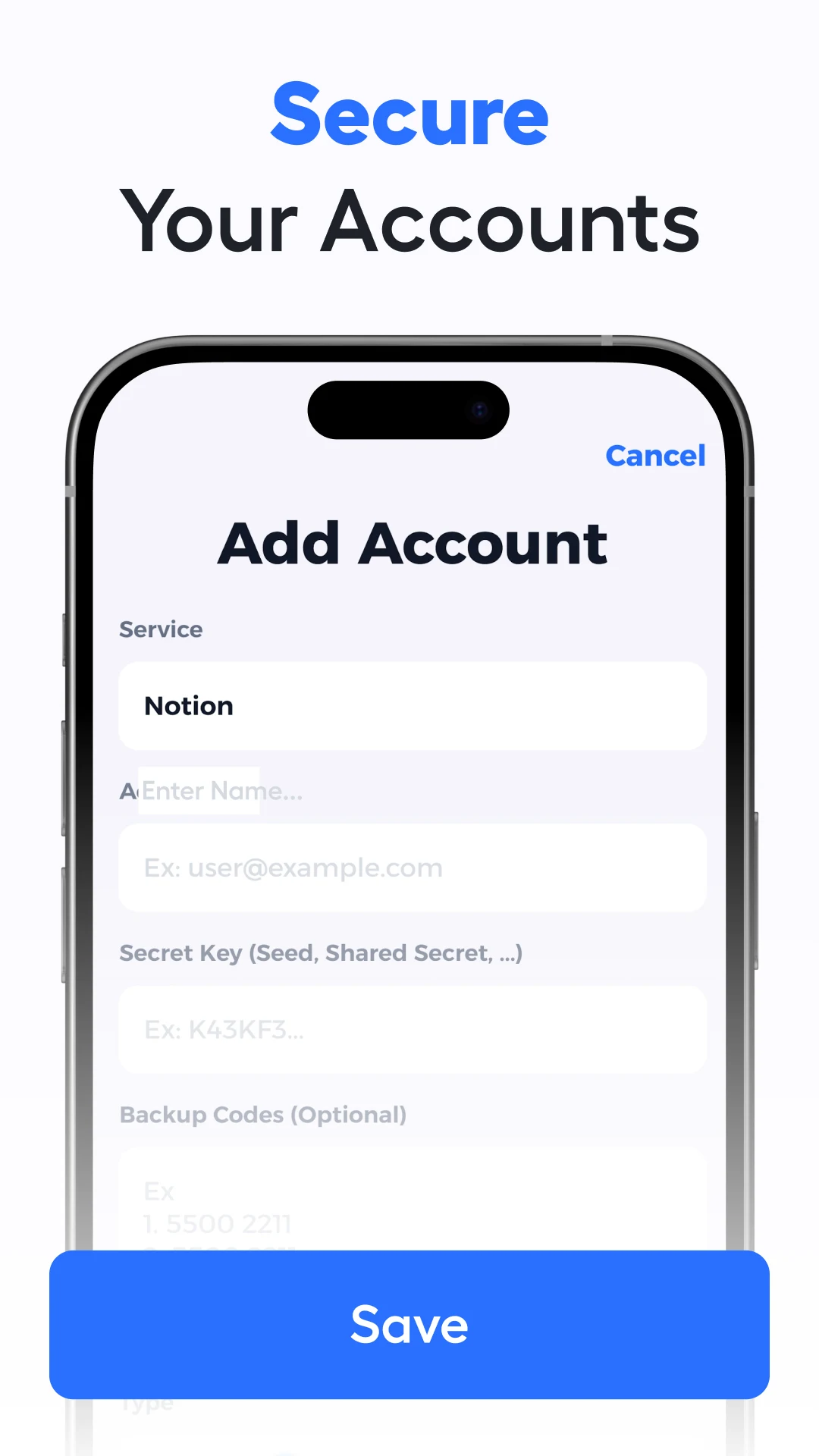
🔐 Safeguard Your Accounts with Reliable Two-Factor Authentication
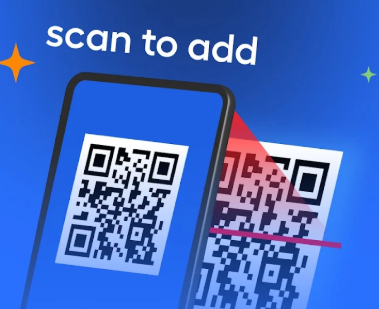
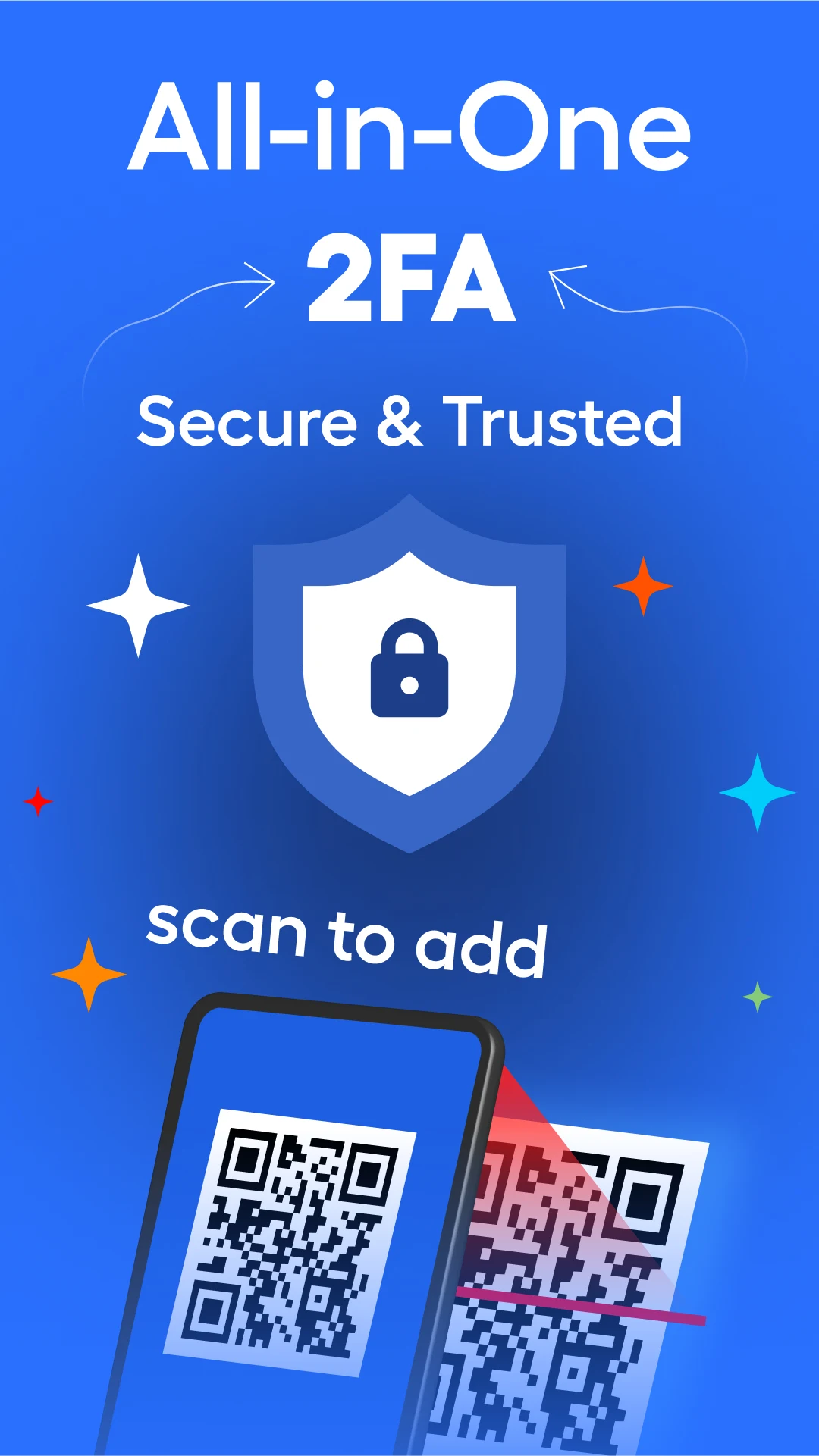
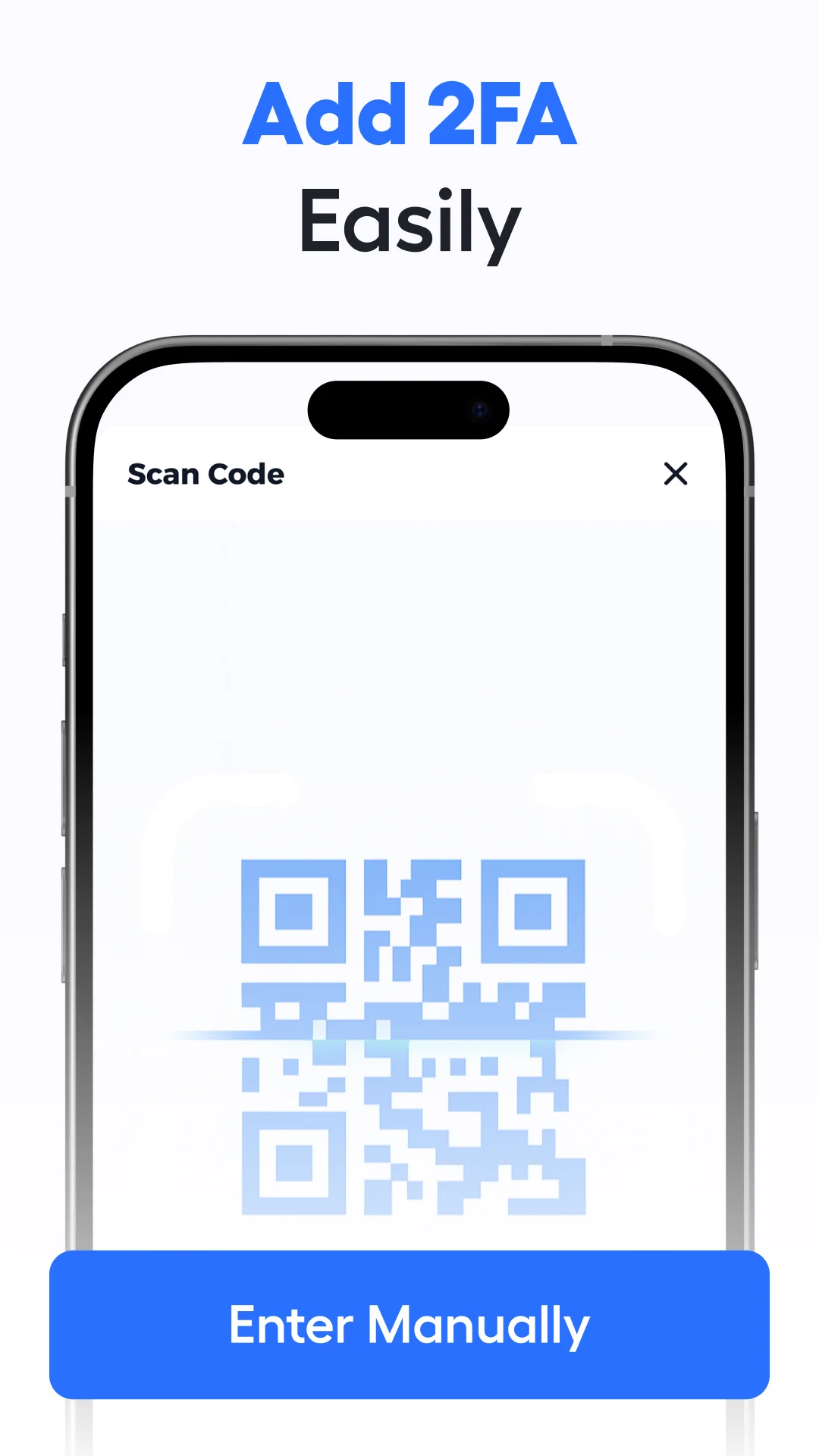
The Authenticator App enhances your online account security by incorporating an additional layer via time-based one-time passwords (TOTP). To get started, simply scan a QR code from any supported service and create secure 2FA codes right on your device.
⭐ Key Features:
- Quick and straightforward QR code scanning for setting up TOTP
- Compatible with a broad array of platforms that implement two-factor authentication
- A clean and user-friendly interface ensuring a smooth experience
💳 Subscription Details:
- This application necessitates a paid subscription to unlock premium features.
- Your subscription will automatically renew unless you deactivate auto-renew at least 24 hours prior to the conclusion of the current billing cycle.
- Charges will be applied to your Google Play account once the purchase is confirmed.
- You can manage your subscription and turn off auto-renewal at any point through your Google Play Account settings.
🔒 Privacy & Data Handling:
- No personal or account-related information is collected, stored, or shared.
- All authentication data and produced codes remain locally on your device.
- Please ensure that you securely save your recovery codes and login credentials.
📄 Legal & Support:
- This app is not associated with or endorsed by any referenced companies or services. All trademarks are the respective owners’ property.
Instructions for Use:
1. Preparation: Ensure the platform requiring 2FA supports TOTP and obtain its QR code;
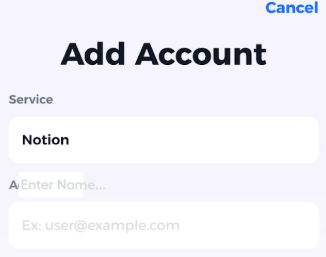
2. Setup: Open the app and scan the corresponding QR code to complete TOTP binding;
3. Usage: When logging into the platform, enter the real-time verification code generated by the app to complete the two-factor authentication;
4. Note: Premium features require a subscription (automatic renewal, can be turned off in Google Play settings). All verification data is stored locally only; please keep your recovery code and login credentials safe.
Core Questions and Answers:
1. **Q**: What is the core function of this app?
**A**: The core function is to provide two-factor authentication (2FA) for users' online accounts using a time-based one-time password (TOTP), adding an extra layer of account security.
2. **Q**: How do I set up two-factor authentication using this app?
**A**: Simply scan the QR code provided by a service that supports two-factor authentication to generate a secure 2FA verification code on your device.
3. **Q**: Does the app support a wide range of platforms?
**A**: It supports many platforms that use two-factor authentication, providing strong compatibility.
4. **Q**: Does this app require a fee?
**A**: Premium features require a paid subscription to unlock. Basic features may be free, but core value-added services require a subscription.
5. **Q**: Does the subscription automatically renew? How do I manage my subscription?
**A**: The subscription automatically renews unless auto-renew is turned off at least 24 hours before the end of the current billing period. Users can manage subscriptions and turn off auto-renewal through their Google Play account settings. Payment will be charged to their Google Play account after purchase confirmation.
6. **Q**: Does this app collect personal or account information?
**A**: We do not collect, store, or share personal or account-related information. All verification data and generated codes are stored only locally on the user's device.
7. **Q**: What privacy considerations should users be aware of when using this app?
**A**: You should keep your recovery codes and login credentials secure to prevent any information leaks that could compromise your account.
8. **Q**: Is this app affiliated with any other companies or services?
**A**: We are not affiliated with or endorse any companies or services mentioned. All trademarks are the property of their respective owners.
- Version1.0.3
- UpdateOct 29, 2026
- DeveloperWallet Assistant
- CategoryProductivity
- Requires AndroidAndroid 5.0+
- Downloads450K+
- Package Namecom.authenticator.twofactor.otp.passwordmanager.multifactor
- Signature822f8cf62193eb4227f1a8785d17a1f3
- Available on
- ReportFlag as inappropriate
-
NameSizeDownload
-
32.58 MB
-
32.58 MB















User-friendly interface when functioning properly
Potentially secure access to accounts
Offers backup options for codes (if working)
Availability of multiple features for account management
Convenience of having an authenticator on a mobile device
Difficult and confusing signup process
Aggressive upselling tactics
Inability to recover codes after losing access
Annoying advertisements disrupting user experience
Lacks proper customer support and refund options
Charges incurred without clear communication
Impersonation of trusted apps leading to connection issues
Frustrating and unreliable performance