
T800 Ultra Smartwatch App Hint - T800 Ultra Smartwatch guide & tips
Unlock the full potential of your smartwatch with expert insights, setup guides, reviews & essential tips all in one app!
- 8.0.0 Version
- 3.1 Score
- 403K+ Downloads
- Free License
- 3+ Content Rating

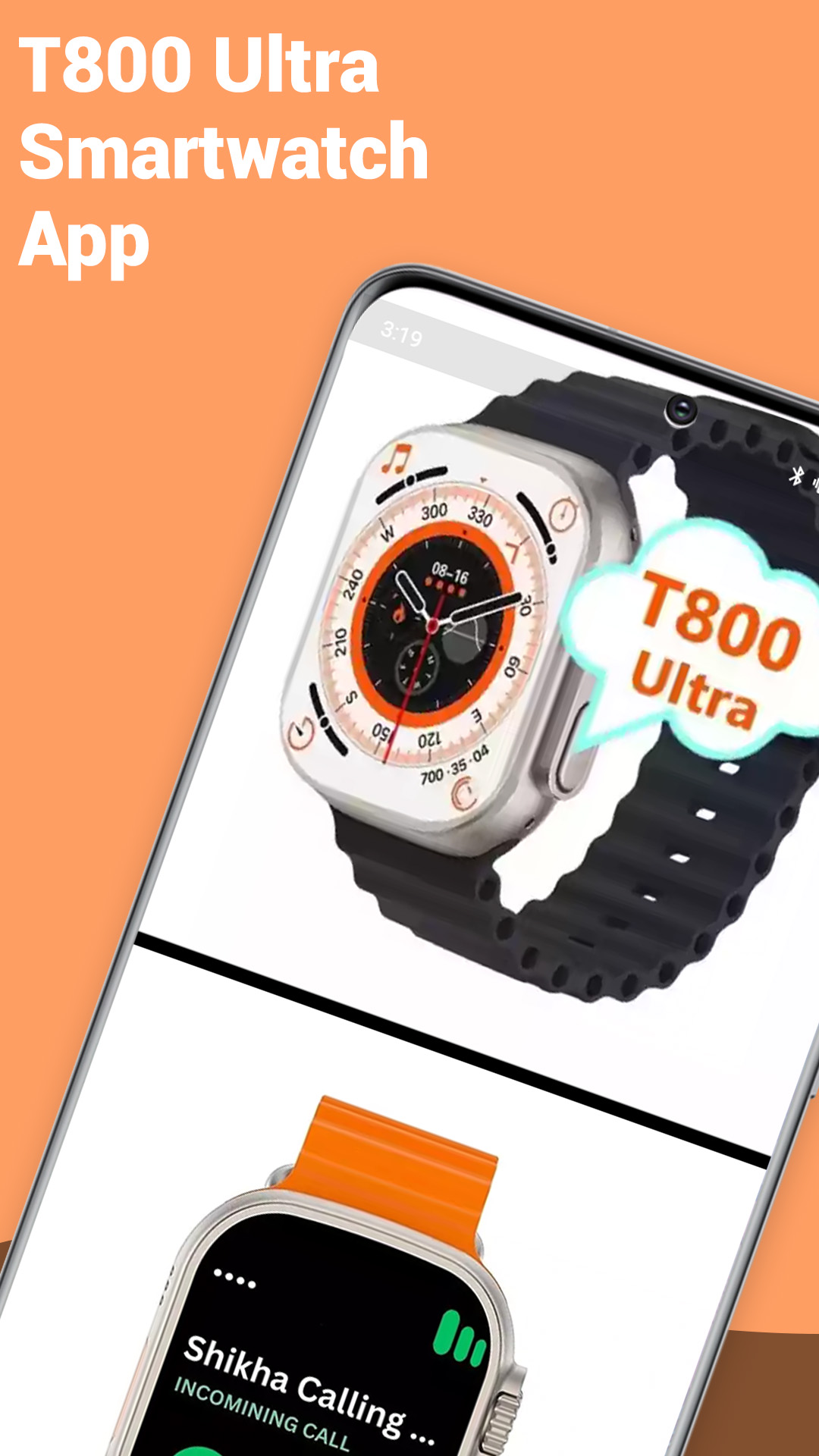
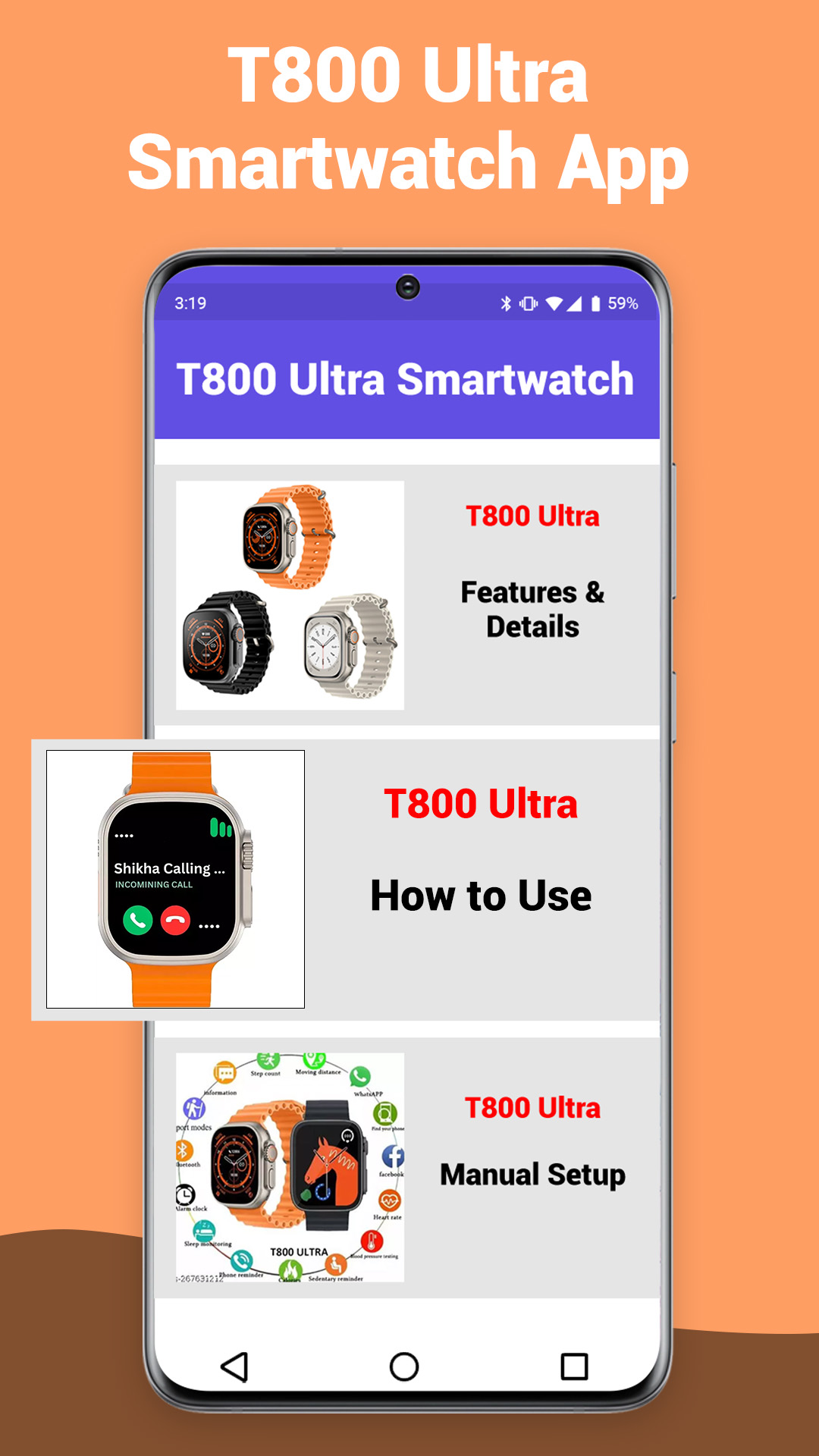
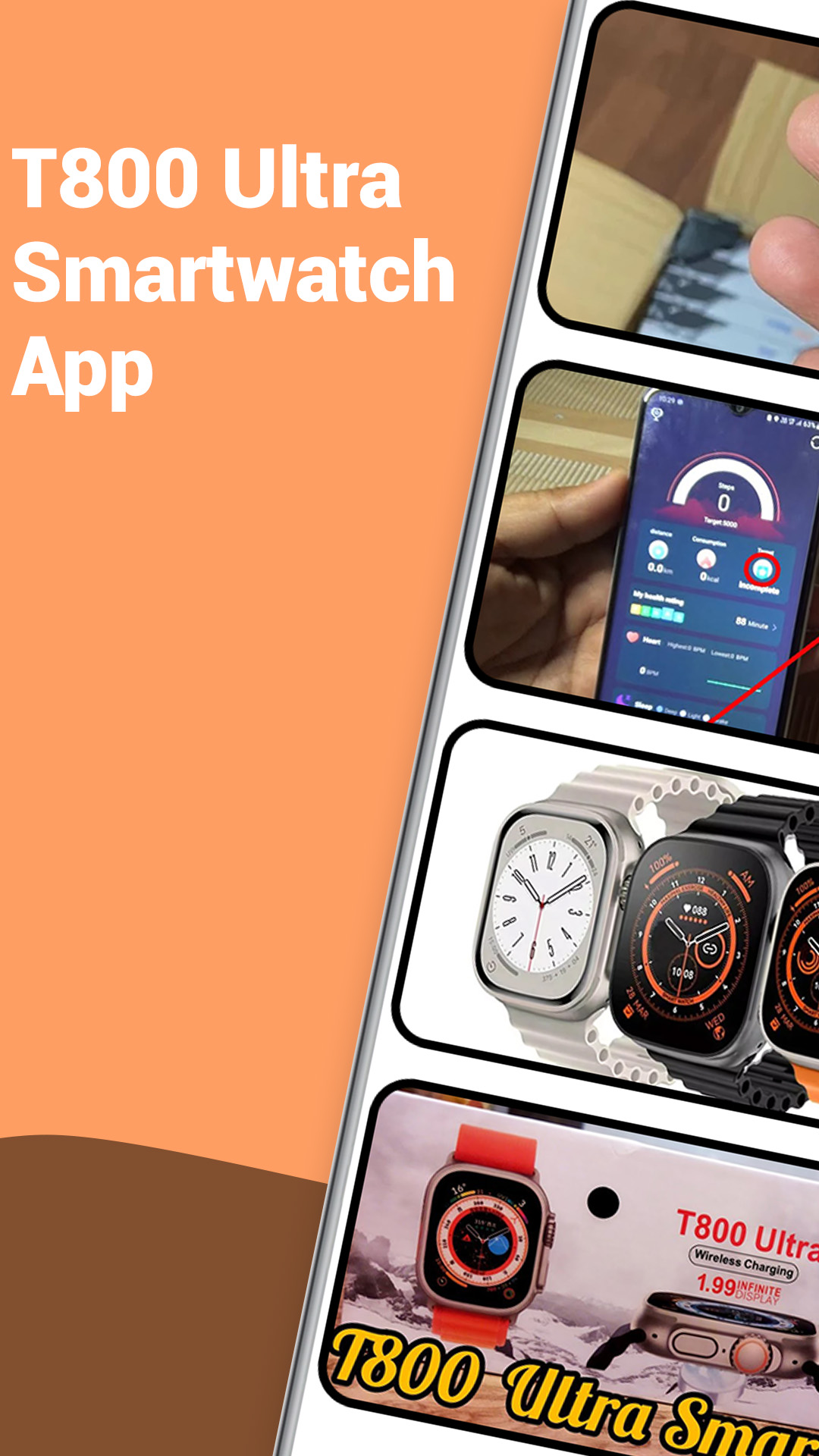
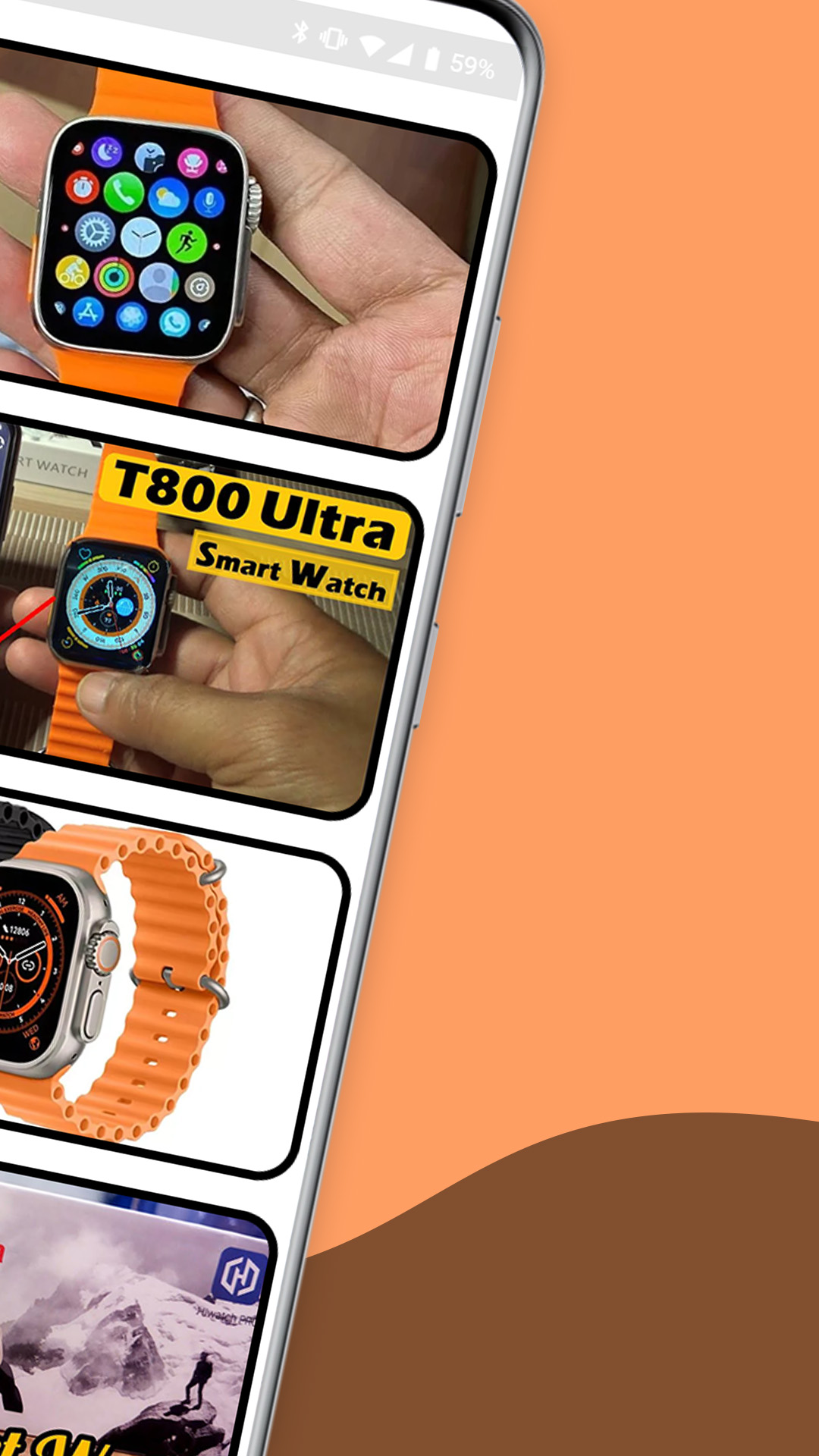
Welcome to the T800 Ultra Smartwatch Guide Application.
The T800 Ultra Smartwatch Guide serves as your resource for utilizing the T800 Ultra Smartwatch. Within this application, you will discover all the information you require about the T800 Ultra Smartwatch.
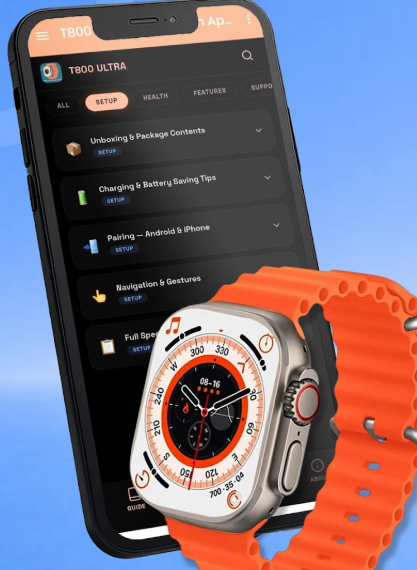
If you're looking to learn how to link the T800 Ultra Smartwatch with your mobile device
Here’s what the application includes:
- Details regarding the T800 Ultra Smartwatch
- Advantages and disadvantages of the T800 Ultra Smartwatch
- An overview of the T800 Ultra Smartwatch
- Features of the T800 Ultra Smartwatch
- Images of the T800 Ultra Smartwatch
A review and unboxing experience along with setup instructions for the T800 Ultra Smartwatch
Ultimately, there is a comprehensive guide for using the T800 Ultra Smartwatch that you can read within the app or save to your device.
Disclaimer:
This mobile application is intended as a guide. It is not an official product or part of any official offering.
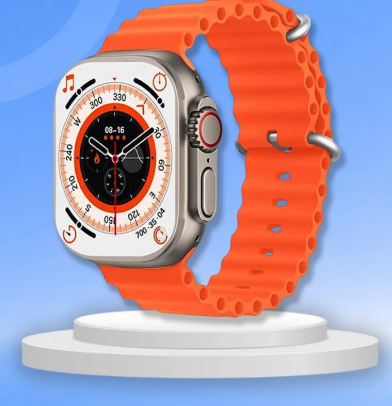
Download this guide to better understand the T800 Ultra Smartwatch Ap4. This app serves as a helpful reference for anyone using the T800 Ultra Smartwatch and is not affiliated with an official brand.
Experience Advantages:
- Comprehensive and Practical Information: Covers watch details, pros and cons, features, unboxing reviews, and setup tutorials, covering everything from basic understanding to operational details, making it especially suitable for beginners.
- Flexible Usage: Core guides can be read directly within the app and saved to your device for later offline access, eliminating the need to repeatedly search online for information.
- Clear Focus: Designed specifically for "how to use the T800 Ultra smartwatch," it focuses on practical needs like "connecting to a phone" and "understanding features," without cluttering the information.
Target Audience:
- 🔰 New users of the T800 Ultra: Need to pair, set up, and familiarize themselves with basic operations and viewing notifications/calls/sports/health data. Offline guides can be saved, eliminating the need for repeated network searches.
- 🛒 Potential buyers: Want to understand the pros and cons, appearance details, feature list, and ease of use beforehand to aid in their purchase decision.
- 📊 Sports/health users: Need to master switching sports modes, viewing and exporting heart rate/sleep data, and the daily use and calibration of related functions.
- 📱 Android/iOS phone users: Need clear instructions on phone pairing, Bluetooth connection, and troubleshooting common connection problems to resolve pairing failures and disconnections.
- 🧩 Users reliant on unofficial documentation: This app is unofficial and suitable for users who cannot find the official manual or whose official documentation is incomplete, serving as a supplementary reference; however, for key operations and security-related issues, please still verify with official information.
FAQs:
1. **Q: Can this guide app teach me how to connect my T800 Ultra smartwatch to my phone? **
A: Yes, it clearly covers how to connect the watch to my phone and provides a detailed setup tutorial. This is very useful if you're new to the watch and don't know how to pair it.
2. **Q: Does it include the pros and cons of the T800 Ultra? I want to fully understand it before deciding whether to buy it. **
A: Yes, the app specifically lists the pros and cons of the watch, helping you quickly determine if it meets your needs without having to search for reviews.
3. **Q: Can the guide be saved to my phone? I'm worried I won't be able to find the steps when I'm offline. **
A: Yes, the core watch user guide can be read directly in the app or saved to your device, making it convenient for access even when offline.
4. **Q: Is this the official guide for the T800 Ultra? Could the content be inaccurate? **
A: It's not an official app. The disclaimer clearly states that it's not affiliated with the official brand. The content may vary in accuracy, for example, new features may be introduced later than official updates. It is recommended that you refer to the official information for reference.
5. **Q: Are there images of the watch in the app? I'd like to see the details of the watch's appearance. **
A: Yes, it includes images of the T800 Ultra smartwatch to help you intuitively understand the watch's design, button layout, and other details, helping you familiarize yourself with the device.
6. **Q: Beyond the basics, can I learn advanced features of the watch? For example, how to adjust exercise modes and view health data? **
A: Yes, there is a "Function Introduction" section for the watch in the app. In addition to basic operations, it will likely cover how to use advanced features (such as exercise modes and viewing health data). Please refer to the guide for details.
- Version8.0.0
- UpdateNov 02, 2026
- DeveloperMinoo Tech Apps
- CategoryProductivity
- Requires AndroidAndroid 5.0+
- Downloads403K+
- Package Namecom.homeapps.t800ultrasmartwatchapphint
- Signature42c98519b6ec8fd81155c9755720f540
- Available on
- ReportFlag as inappropriate










Practical and comprehensive information
Flexible
Unofficial, information poses risks
Single format