
Swytch - Business numbers & employee control
Transform how your team communicates with a solution that provides work mobile numbers without extra devices or hassle.

- 3.6.2 Version
- 2.6 Score
- 213K+ Downloads
- Free License
- 3+ Content Rating

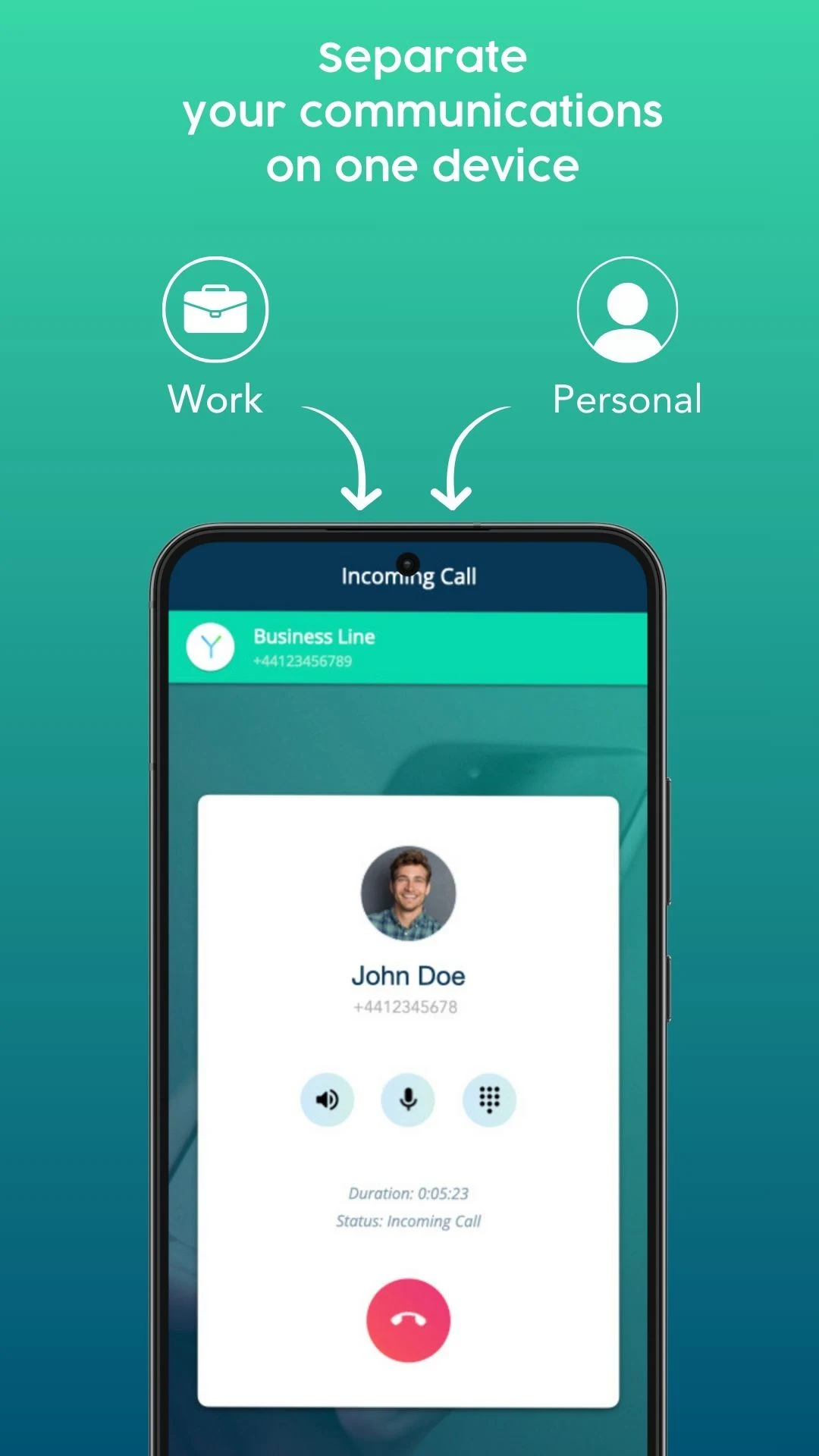
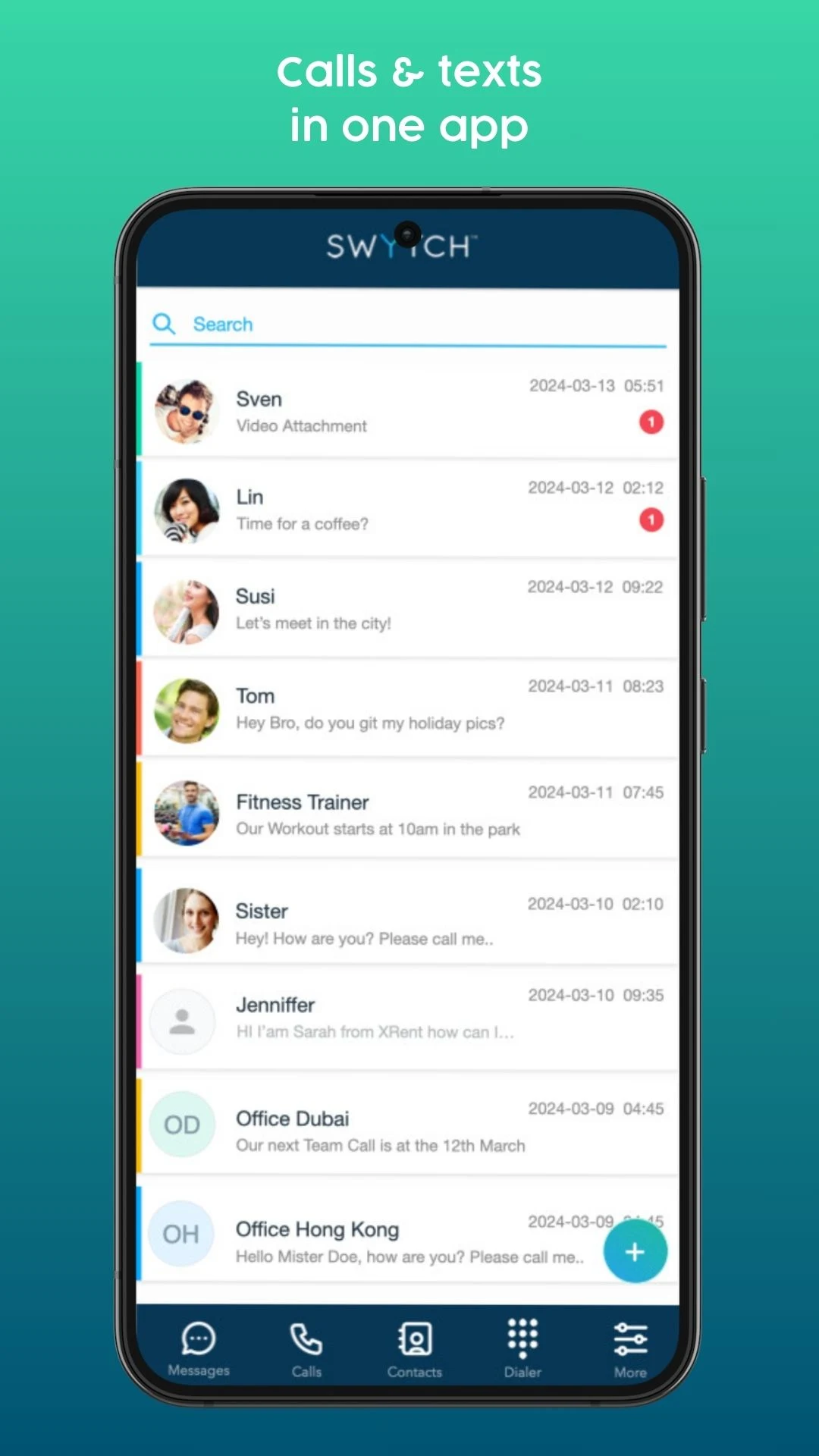
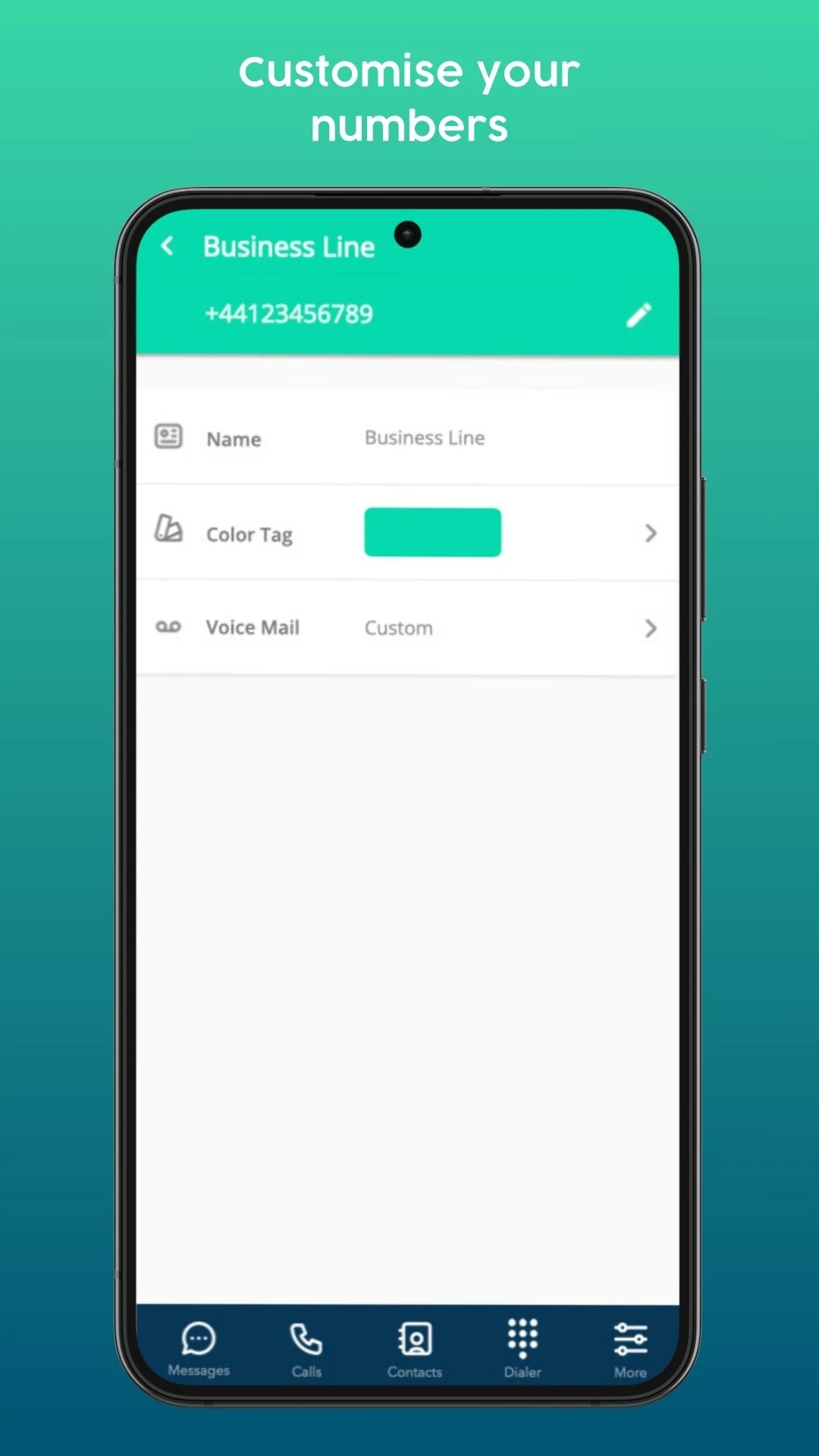
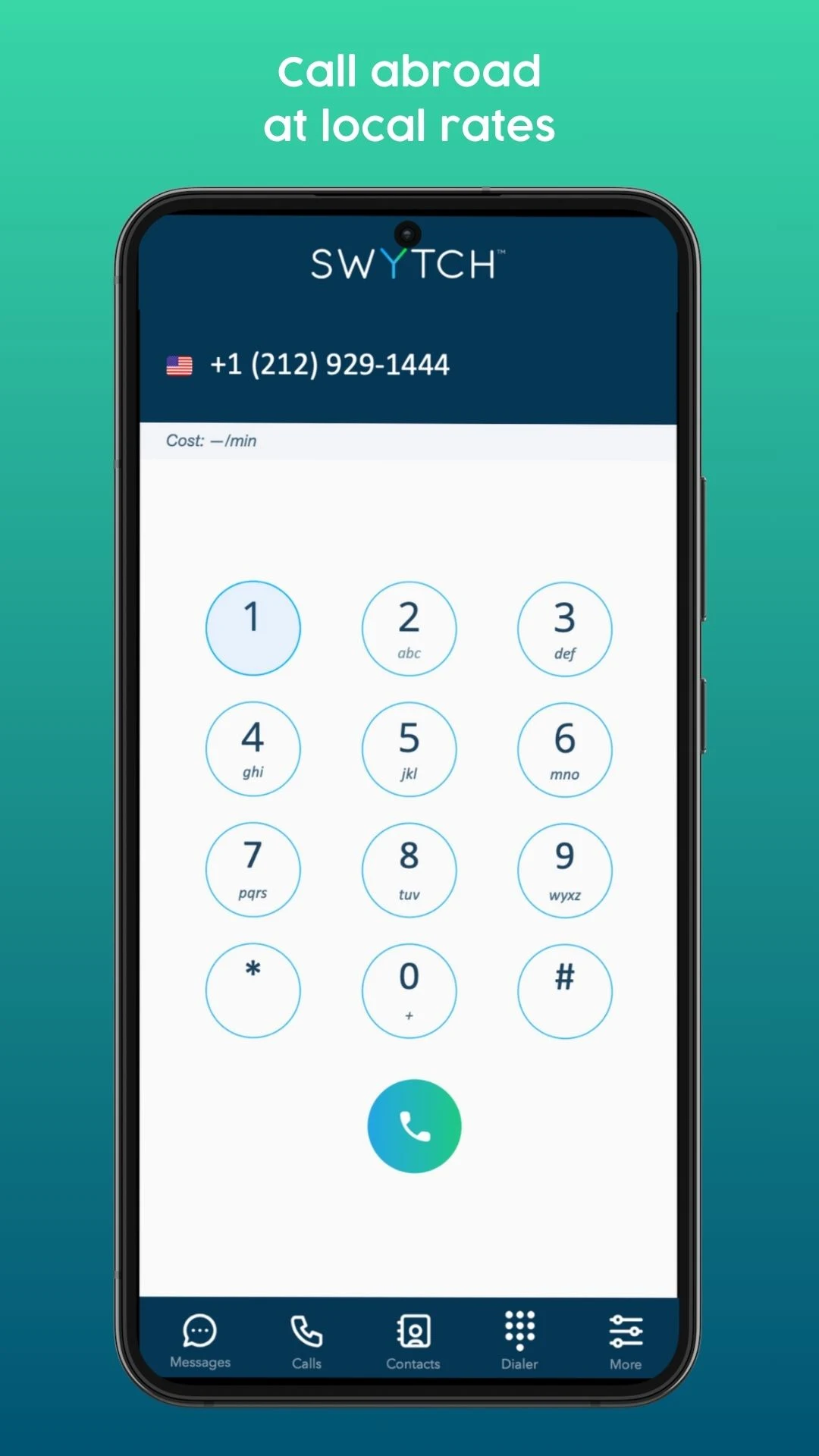
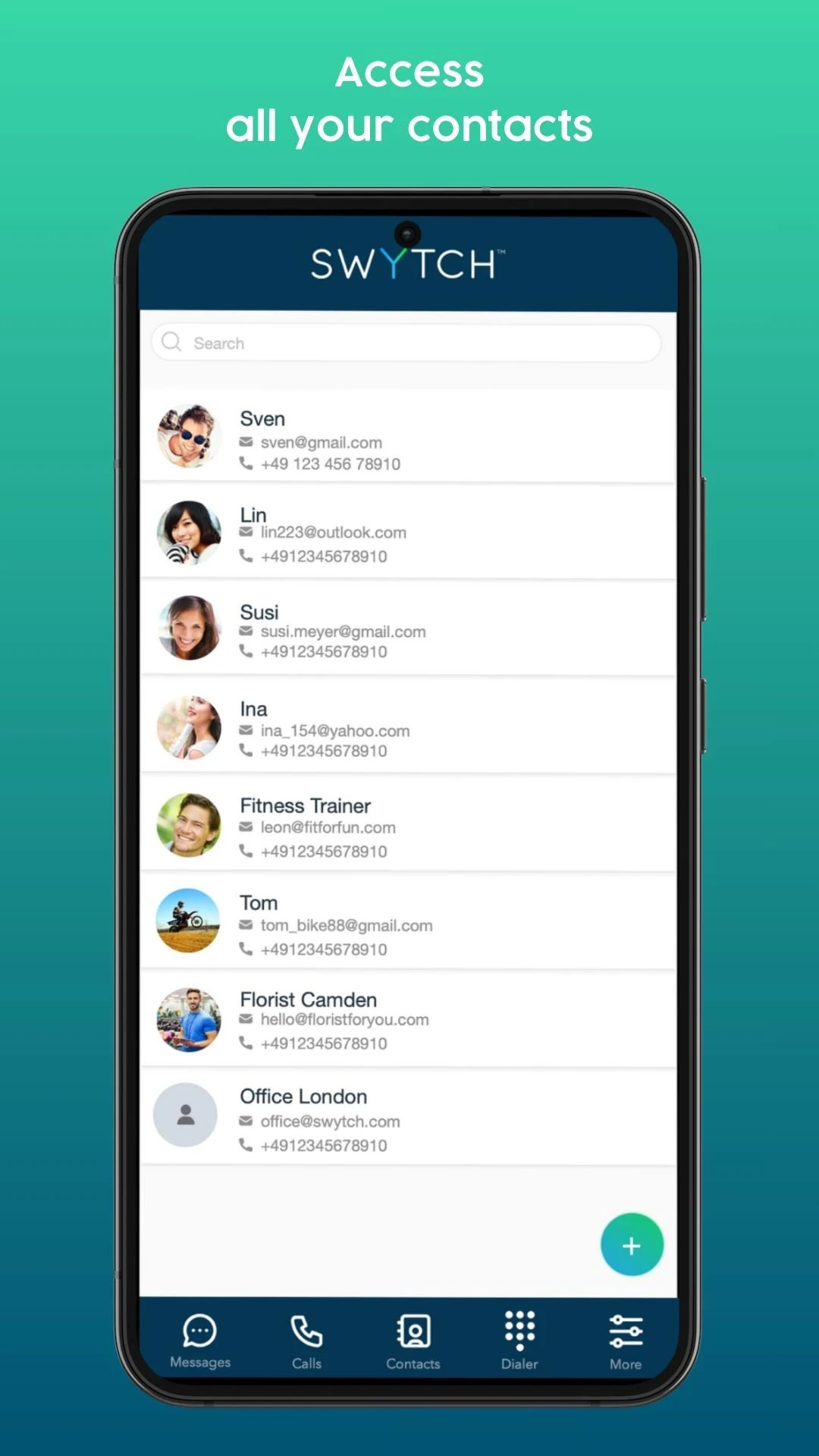
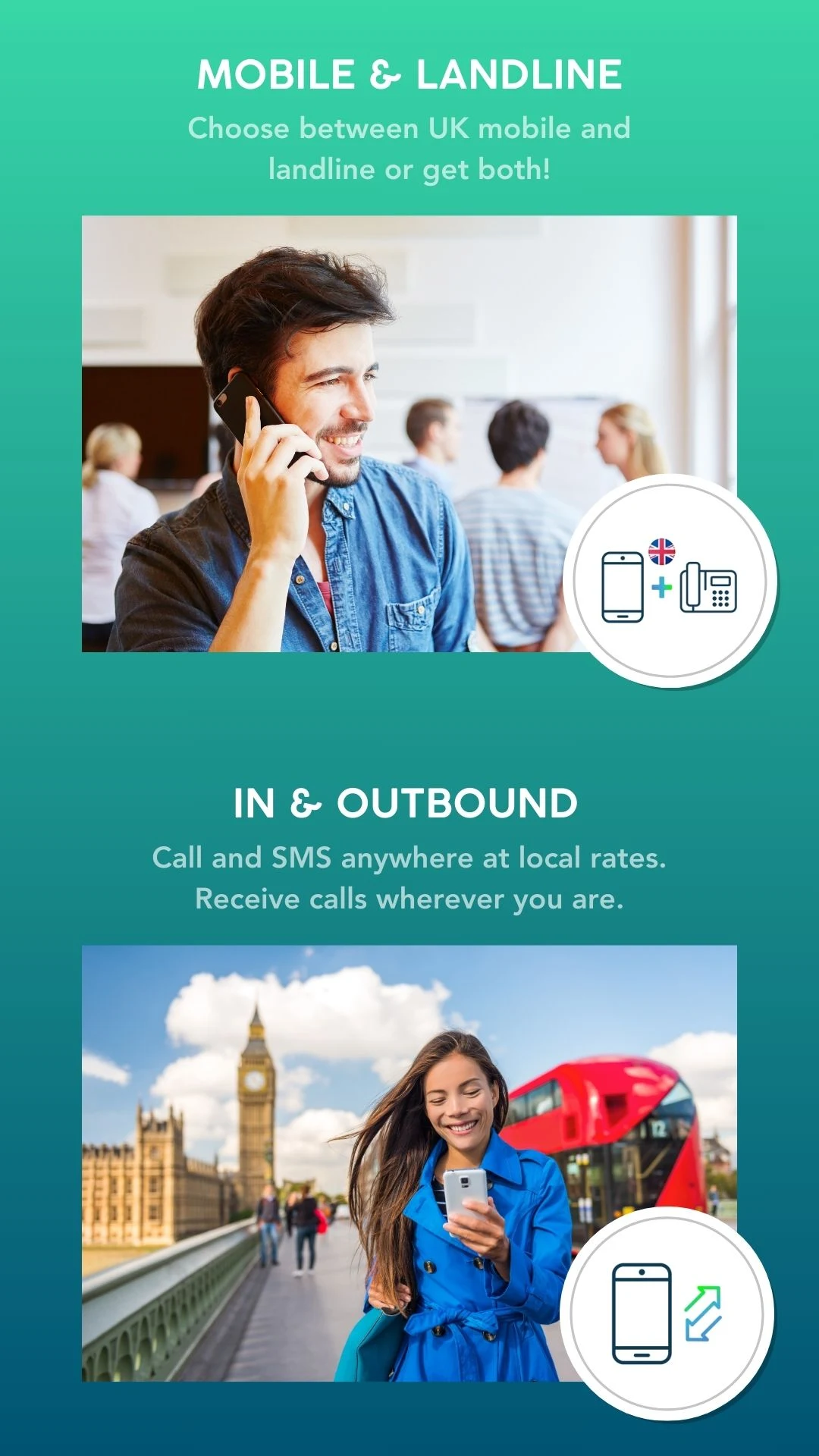
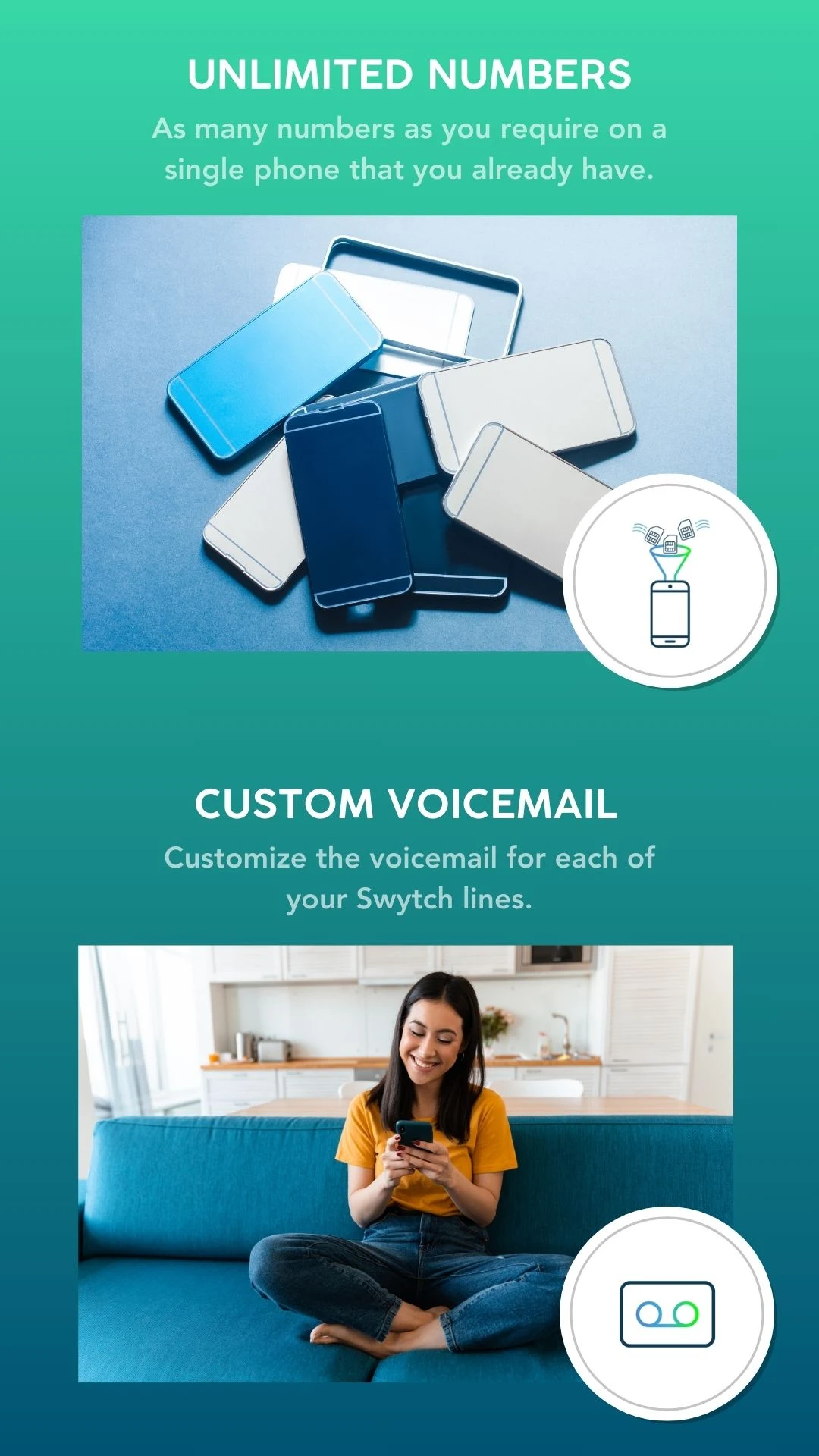
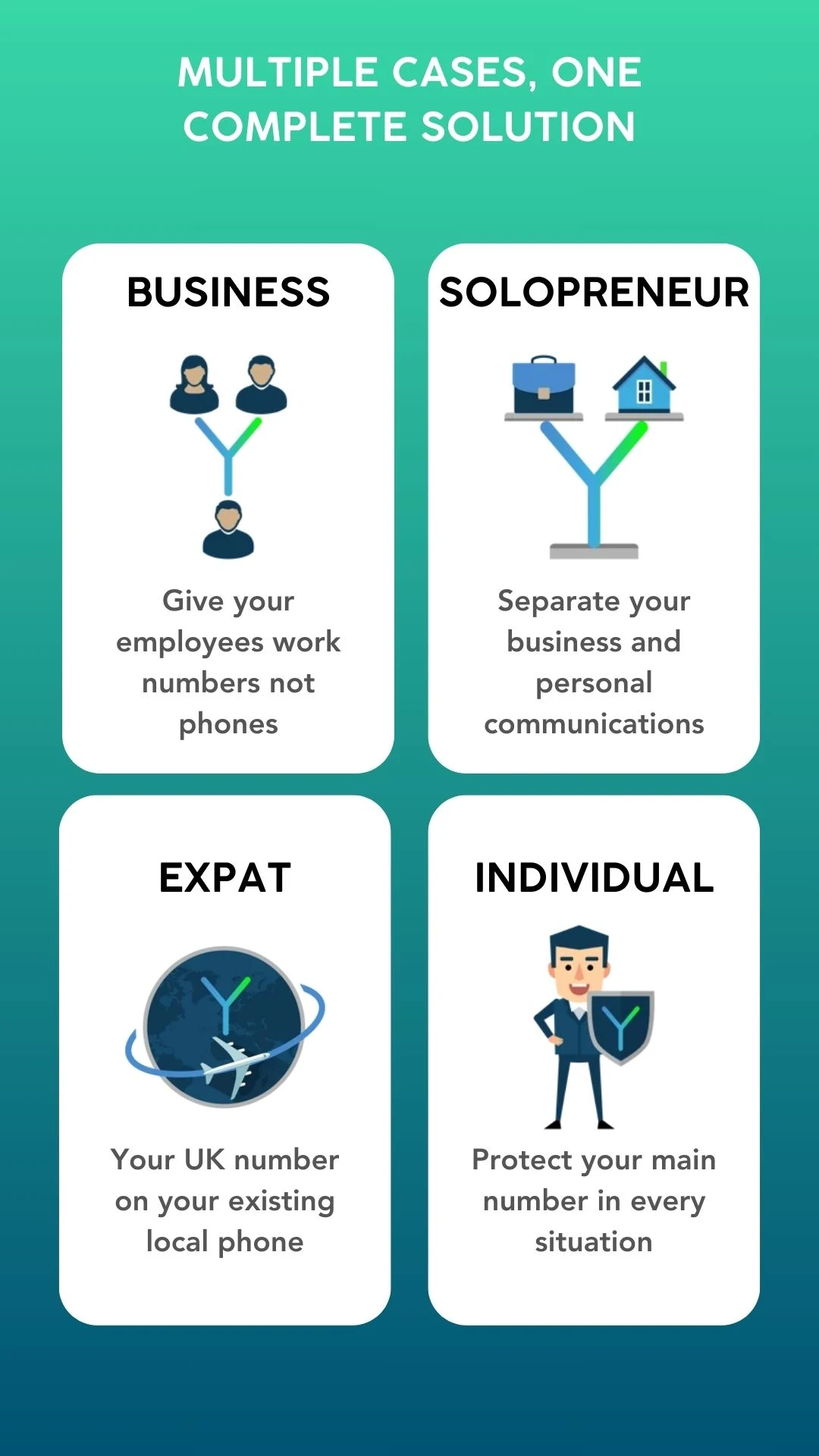
Swytch enables companies to provide their staff with work mobile numbers instead of requiring them to use work mobile phones.
FEATURE
* There’s no need to invest in costly devices that employees may not want to carry around.
* The company retains ownership and control over all the mobile numbers issued.
* Employees are not required to change their personal devices, network providers, or SIM cards.
* Managing business and personal communications on a single phone has never been more straightforward and efficient.
Please be aware that you must be a registered Swytch user to log in through the app, as registration cannot be completed within the app.
Please note :
Emergency call services (999/911/112) are not supported.
FAQ
How do I cancel my subscription?
Cancelling your subscription with Swytch is very easy and can be done at anytime. Please head to the online Dashboard and click on the 'Numbers' section in the left menu.
On the far right of the number you want to cancel, click on 'Actions' and then 'Unassign Number'.
Then click on 'Actions' again and then 'Delete Number'.
Removing the number completely from your account, will cancel the subscription for that number.
We do recommend that customers reach out to our Support team, to confirm that the number and subscription has been cancelled correctly.
Or, if you prefer, you can contact Support at support@swytch.com who will verify your identity and cancel on your behalf.
How long can I keep my number?
The new Swytch number we provide you remains yours until you either choose to stop paying or until you choose to remove the number from your account.
A Swytch number remains assigned to your account for as long as it is paid for. There is no minimum term, so you can cancel or port out a number at any time. Once a number is removed then it is returned to our UK mobile network partner and is not available to us again.
For as long as the number is on your account you can request a PAC code to port it to another network too, which, when completed, will end the subscription with Swytch for the number.
Please contact us if you need further clarification or if you have additional questions, we are happy to help.
Can I turn off the Swytch phone number?
You can turn off your number in a few ways, so you are not disturbed by incoming notifications:
1. Unassign the number from your account on the online dashboard here.
2. Sign out of your account from the Swytch app. Please note that you will not get notifications for your other Swytch numbers if you have multiple. You will see any missed communications when you sign back in to the app.
3. Disable Swytch notifications from your phone settings. Please note that you will still get badges on the Swytch app logo.
I forgot my password. How can I reset/ retrieve it?
There is no password to log into the service. It's an OTP-based sign-in designed to provide you with increased security.
Just enter your own mobile SIM number (not your Swytch one) and you receive a 6 digit One Time Password via SMS so you can login.
If you no longer have access to the mobile SIM number you registered with, we can change your registered login number to a different one you currently have access to, via the helpdesk. If you do need us to change your login number please contact us support@swytch.com. Thank you.
Best way to have WhatsApp Business and ‘personal’ Whatsapp on the same phone?

Picture this!
You own a business and you mostly run it using WhatsApp - to take orders, communicate and resolve issues.
But in the haste of starting your new venture using WhatsApp, you started using your personal number. It started off well, but somewhere 2-3 weeks into the business, you started missing some business communications because it got so mixed up and WhatsApp chat became cumbersome. You are managing somehow but yearning there was a better solution.
Now picture this another scenario!
You own a business and you did have a bit of time to prepare and decided to spend some money too. So you went ahead and got another phone with another sim card to run your business through WhatsApp. Now you have to use and maintain two phones everywhere and keep switching between devices to alternate between your personal and business communications. Again, you are managing somehow but wondering if it can be done better!
Finally, let's move to another scenario. You have one phone (iPhone or Android) with your personal WhatsApp, a separate WhatsApp Business app, plus a second mobile number that you can use for business calls/texts.
Swytch can provide you with a second mobile phone number that can make and receive calls/texts on your existing iPhone or Android device - yes, your work line on your personal phone, but separate! Not only that, but you can use the Swytch mobile number to register against your WhatsApp Business account, giving you separation on WhatsApp too.
Swytch helps separate your personal and business communications without having to use your personal number or worrying about managing two devices.
So how do you do it? It can be done in three simple steps:
Signup with Swytch on the website and get your Swytch virtual phone number (a new UK mobile number) instantly.
Download WhatsApp Business and use the Swytch number to start using all the amazing features and keep using your WhatsApp messenger with your personal number.
Download the Swytch App on your phone and start using it using the Swytch virtual number generated.
Don’t worry if you’ve already got a work number on a separate SIM, you can port it in once you’re signed up and get rid of the second phone!
So much wrapped in one Swytch app!! Don't wait up - Swytch between your business and personal seamlessly, now.
- Version3.6.2
- UpdateMar 16, 2026
- DeveloperSwytch Mobile
- CategoryBusiness
- Requires AndroidAndroid 6+
- Downloads213K+
- Package Namecom.swytch.mobile.android
- Signature00e0671337828edc8e9dd8b810d3aa7a
- Available on
- ReportFlag as inappropriate
-
NameSizeDownload
-
107.30 MB
-
50.27 MB
-
50.09 MB













Simple and easy to use interface
Excellent customer support responsiveness
Good for UK expats needing a UK mobile number
Allows calling and texting multiple phones simultaneously
Works effectively for receiving UK bank OTPs
Good value for money
No bugs or ads reported by some users
Great for maintaining privacy with a temporary number
Frequent login issues making the app unusable
Non-existent customer support for troubleshooting
Unnecessary permissions requested before usage
Poor call quality causing disconnects
Misleading app screens and advertising
Region restrictions preventing use in some areas
High charges for numbers after expiry
Issues with text delivery and notifications
Difficulties in turning off voicemail settings